Skyward's audit logs, which track every data access, modification, and configuration change across student records, grades, and financial modules, are a critical but underutilized asset. An AI integration connects directly to these logs—typically via database query, API, or syslog export—to perform continuous, automated analysis. The system monitors for unusual patterns that would be impossible to spot manually, such as a user accessing records outside their normal role-based scope, bulk downloads of sensitive data at atypical times, or a sequence of changes that could indicate grade tampering or unauthorized financial adjustments.

Integration
AI Integration with Skyward Audit Trail Analysis
A technical blueprint for using AI to monitor Skyward's audit logs, detect unusual data access patterns, automate compliance reviews, and enhance security for K-12 district IT teams.
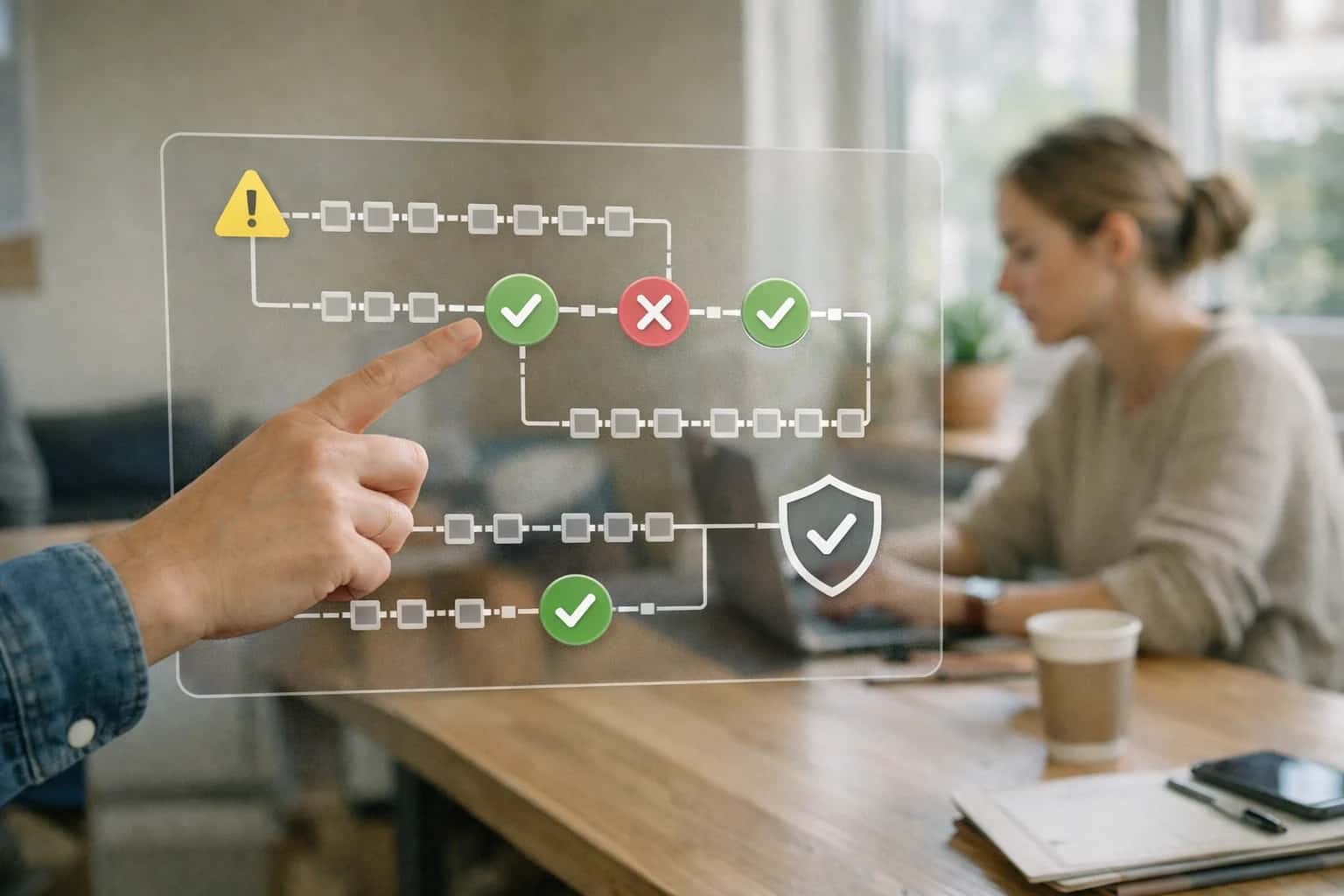
AUDIT LOG MONITORING
Where AI Fits into Skyward Security and Compliance
Integrating AI with Skyward's audit trail transforms reactive log review into proactive security and compliance assurance for district IT and data officers.
The implementation focuses on three core workflows: real-time alerting, investigation support, and compliance reporting. For real-time alerting, AI models establish a behavioral baseline for each user and role, then flag anomalies to security teams via Slack, Microsoft Teams, or a dedicated dashboard. For investigation, when an incident is reported, the AI agent can instantly query the audit trail to reconstruct a user's actions, summarize the session, and highlight related events, cutting investigation time from hours to minutes. For compliance, the system automates the assembly of evidence for audits (like FERPA or state data privacy reviews) by extracting and narrating relevant log segments, proving who accessed what data and when.
Rollout is phased, starting with the highest-risk data objects like StudentDemographics, DisciplineIncidents, and FinancialAid records. Governance is paramount: the AI's alerts and summaries are designed for a human-in-the-loop model, where a designated security officer reviews and approves all flagged incidents before any automated action is taken. This integration doesn't replace Skyward's native security; it layers intelligent oversight on top of it, giving district IT leaders a scalable way to meet growing data privacy mandates and protect student information without adding full-time analyst headcount.
AUDIT LOG SURFACES
Key Skyward Audit Log Sources for AI Integration
User Access & Login Logs
This foundational log source captures all authentication events, including successful logins, failed attempts, and session terminations. For AI-driven security monitoring, these logs are critical for detecting anomalous access patterns, such as logins from unusual geographies, outside of normal business hours, or rapid-fire failed attempts that could indicate credential stuffing.
AI models can baseline typical user behavior (role, location, time) and flag deviations for immediate review by district IT security. This is especially important for roles with elevated privileges, like district administrators or registrars, who have access to sensitive student records. Integrating with Skyward's ActivityLog or SecurityLog tables via API or direct database query allows for real-time streaming of these events into a security analytics platform.
FOR DISTRICT IT SECURITY OFFICERS
High-Value AI Use Cases for Skyward Audit Trail Analysis
Skyward's audit logs are a critical but underutilized asset for security and compliance. These AI-powered use cases turn raw log data into proactive insights, helping IT security officers detect anomalies, enforce policy, and respond to incidents faster.
01
Anomalous Data Access Detection
Continuously analyzes user access patterns in Skyward's Audit Trail module. Flags unusual behavior like after-hours logins from new locations, bulk record exports by non-admin users, or repeated access to sensitive student data (e.g., health, discipline) outside of normal workflows. Triggers real-time alerts to the security team.
Batch -> Real-time
Monitoring shift
02
Automated FERPA & Data Privacy Compliance Reviews
Automates the review of audit logs for potential FERPA violations. Uses AI to correlate access events with user roles, student record types, and legitimate educational interest. Generates weekly compliance reports highlighting high-risk access patterns for manual investigation, reducing the manual audit burden before state or federal reviews.
1 sprint
Report preparation
03
Insider Threat Investigation Triage
When investigating a potential insider threat, AI rapidly synthesizes months of audit log data for a specific user. It creates a timeline of key actions, highlights sequences that deviate from policy (e.g., viewing a record, then immediately printing/exporting it), and surfaces related events from integrated systems. This provides investigators with a focused starting point.
Hours -> Minutes
Timeline assembly
04
Role & Permission Drift Analysis
Analyzes audit logs against defined RBAC policies in Skyward to detect 'permission drift'—where users are routinely accessing functions or data outside their assigned security roles. Provides actionable recommendations to tighten role definitions or initiate re-certification workflows, ensuring the principle of least privilege is maintained.
05
Automated Incident Report Drafting
After a confirmed security incident (e.g., a breached account), AI drafts a structured incident report by extracting key events from the audit trail, summarizing the scope (which records/modules were accessed), and templating the timeline. This ensures consistent, auditable documentation for district leadership and legal counsel.
Same day
Report readiness
06
Predictive User Behavior Baselining
Builds behavioral baselines for different user groups (teachers, counselors, admins) by analyzing historical audit data. This model continuously learns normal patterns of access for grading periods, enrollment seasons, or reporting deadlines. Sharp deviations from these baselines raise earlier, more contextual alerts than static rule-based systems.
FOR DISTRICT IT SECURITY OFFICERS
Example AI-Powered Audit Monitoring Workflows
These workflows illustrate how AI agents can be integrated with Skyward's audit logs to automate security monitoring, detect anomalies, and trigger compliance actions. Each flow is designed to reduce manual review burden and provide proactive alerts for district IT security teams.
Trigger: A new audit log entry is created in Skyward for a user login or data access event outside of defined business hours (e.g., 6 PM - 6 AM, weekends).
Context Pulled: The AI agent queries the Skyward audit API for the last 24 hours of logs for the specific user. It also retrieves the user's role, typical access patterns from a historical baseline, and the specific modules/records accessed (e.g., StudentDemographics, GradebookScores).
Agent Action: A lightweight classification model evaluates the event against the user's baseline. It flags events as Routine, Suspicious, or Critical based on factors like first-time module access, volume of records viewed, and combination with other flagged behaviors.
System Update: For Suspicious or Critical events, the agent:
- Creates a ticket in the district's ITSM (e.g., ServiceNow, Jira) with all context.
- Sends a prioritized alert to the IT security officer's dashboard and via configured channel (e.g., Microsoft Teams channel).
- Optionally, triggers a temporary access review workflow in the IAM system (e.g., Okta) if configured.
Human Review Point: All Critical alerts require immediate human acknowledgment. Suspicious alerts are batched for daily review. The agent's classification accuracy is continuously tuned based on reviewer feedback.
SECURITY AND COMPLIANCE MONITORING
Implementation Architecture: Data Flow and AI Layer
A practical architecture for analyzing Skyward audit logs to detect unusual access patterns and data changes.
The integration connects to Skyward's audit trail tables (e.g., AuditLog, UserAccessLog) via its API or direct database read access (with appropriate permissions). An automated agent extracts log entries on a scheduled basis—typically every 15-60 minutes—and streams them into a secure processing pipeline. Each log event is enriched with contextual metadata, such as the user's role (District Admin, School Secretary, Teacher), the specific module accessed (Student Demographics, Grades, Discipline), and the time of access relative to normal business hours.
The core AI layer applies anomaly detection models and pattern recognition rules to the enriched log stream. Key detection scenarios include:
- Unusual Volume: A user querying an abnormally high number of student records in a short period.
- Off-Hours Access: Administrative logins from unfamiliar locations outside of standard operating hours.
- Lateral Movement: A single user accessing records across multiple schools or modules not typical for their role.
- Sensitive Data Focus: Repeated queries or exports targeting protected fields like Social Security Numbers, health information, or disciplinary notes. The AI evaluates each event against a baseline of historical activity for that user and role, scoring the anomaly risk. High-risk events are pushed to a queue for security team review within a dashboard like Splunk or a custom incident management console, with all supporting context attached.
Governance is critical. The system maintains a strict read-only connection to Skyward's audit data. All AI inferences and alerts are logged in a separate, immutable audit trail of their own for compliance. Rollout follows a phased approach: starting with a 90-day baseline learning period where the AI observes patterns without generating alerts, followed by a supervised detection phase where alerts are sent to a designated IT security officer for validation. This controlled rollout ensures the system reduces false positives and focuses on genuine threats, providing district IT leaders with a credible, automated layer of security oversight for their core SIS.
SKYWARD AUDIT TRAIL INTEGRATION
Code and Payload Examples
Python Script for Batch Analysis
This script queries Skyward's audit log API (or a replicated data warehouse), processes recent entries, and uses an LLM to flag unusual patterns. It's designed to run on a schedule via a district's existing task scheduler (e.g., cron, Airflow).
pythonimport requests import pandas as pd from openai import OpenAI from datetime import datetime, timedelta # Configuration SKYWARD_API_URL = "https://your-district.skyward.com/api/audit/v1/logs" SKYWARD_API_KEY = "YOUR_API_KEY" OPENAI_API_KEY = "YOUR_OPENAI_KEY" # Fetch last 24 hours of audit logs def fetch_audit_logs(hours=24): end_time = datetime.utcnow() start_time = end_time - timedelta(hours=hours) params = { 'startDate': start_time.isoformat() + 'Z', 'endDate': end_time.isoformat() + 'Z', 'pageSize': 1000 } headers = {'Authorization': f'Bearer {SKYWARD_API_KEY}'} response = requests.get(SKYWARD_API_URL, params=params, headers=headers) response.raise_for_status() return response.json()['data'] # Use LLM to analyze log summaries for anomalies def analyze_with_llm(log_summary_df): client = OpenAI(api_key=OPENAI_API_KEY) # Create a text summary of key metrics summary_text = f""" Audit Log Summary for Analysis: - Total Events: {len(log_summary_df)} - Top 5 Users by Event Count: {log_summary_df['userId'].value_counts().head(5).to_dict()} - Most Accessed Module: {log_summary_df['module'].mode()[0] if not log_summary_df['module'].mode().empty else 'N/A'} - Unusual Time Events (outside 7am-5pm): {len(log_summary_df[~log_summary_df['time'].between('07:00', '17:00')])} """ prompt = f"""As a security analyst, review these Skyward SIS audit log metrics. Identify any patterns that suggest unusual data access, potential policy violations, or security risks. Focus on excessive volume, access to sensitive modules (e.g., Special Education, Discipline, Grades), or activity at odd hours. Provide a concise risk assessment. {summary_text} Analysis:""" response = client.chat.completions.create( model="gpt-4o-mini", messages=[{"role": "user", "content": prompt}], temperature=0.1 ) return response.choices[0].message.content # Main execution if __name__ == "__main__": logs = fetch_audit_logs() df = pd.DataFrame(logs) if not df.empty: analysis = analyze_with_llm(df) print("AI Security Analysis:\n", analysis) # Here you would trigger an alert (email, Slack) if high risk is detected else: print("No audit logs fetched for the period.")
AI-POWERED AUDIT LOG ANALYSIS
Realistic Time Savings and Security Impact
How AI integration transforms manual audit log review into a proactive security and compliance operation for Skyward districts.
| Security & Compliance Task | Manual Process (Before AI) | AI-Assisted Process (After AI) | Impact & Notes |
|---|---|---|---|
Unusual Access Pattern Detection | Monthly manual sampling, 4-8 hours | Continuous monitoring, alerts in minutes | Proactive detection vs. reactive review; reduces dwell time for potential breaches. |
Compliance Audit Preparation | 2-3 days of log aggregation and filtering | Automated report generation in 1-2 hours | Audit-ready evidence packs created on-demand for FERPA, state data privacy reviews. |
Suspicious Data Change Investigation | Manual correlation across logs, 1-3 hours per incident | AI correlates events and suggests root cause in <15 minutes | Faster incident resolution; focuses analyst effort on containment, not search. |
Privileged User Activity Review | Quarterly spot-checks, limited coverage | Continuous, risk-scored review of all privileged actions | Shifts from periodic compliance to continuous control monitoring. |
Anomalous Login Attempt Analysis | Relies on basic system alerts, high false positives | Context-aware anomaly scoring, prioritized alert queue | Reduces alert fatigue; identifies credential stuffing or compromised account patterns. |
Data Export and Download Monitoring | Manual review of export logs, often overlooked | AI flags unusual volumes or destinations in real-time | Critical for preventing unauthorized student data exfiltration. |
Security Incident Report Drafting | Manual compilation of timelines and evidence | AI generates initial incident timeline and summary | Cuts report drafting time by 60%; ensures consistent documentation for follow-up. |
ARCHITECTING CONTROLLED AI FOR AUDIT LOGS
Governance, Permissions, and Phased Rollout
Implementing AI for Skyward audit analysis requires a security-first architecture with strict access controls and a measured deployment plan.
The integration connects to Skyward's audit log APIs, which record events like User Login, Grade Change, Student Record View, and Configuration Update. An AI agent, operating with a dedicated service account possessing the minimal Report Only and Audit Log Read permissions, ingests this data. The agent's access is scoped to specific modules (e.g., Gradebook, Student Demographics) based on the security officer's investigative domain, ensuring the principle of least privilege. All AI queries and generated insights are themselves logged to a separate, immutable audit trail, creating a verifiable chain of analysis.
A phased rollout is critical for both technical validation and user adoption. Phase 1 focuses on a single, high-value detection pattern, such as After-Hours Access from Unusual Locations for sensitive student data. The AI runs in a monitoring-only mode, flagging anomalies for human review in a dedicated dashboard without taking automated action. Phase 2 expands to correlate events across modules (e.g., a grade change followed by an immediate transcript request) and integrates alerts into the district's existing Security Information and Event Management (SIEM) platform via webhooks. Phase 3 introduces predictive alerting, where the model learns typical administrative patterns for each school or role and highlights significant deviations for proactive investigation.
Governance is managed through a cross-functional team including IT security, data privacy officers, and district administration. This team establishes the review protocols for AI-generated alerts, defines the thresholds for what constitutes a 'high-risk' pattern, and approves any expansion of the AI's analytical scope. Regular model performance reviews are conducted to check for drift and minimize false positives, ensuring the system remains a credible tool that augments, rather than overwhelms, the security team's workflow. For related architectural patterns, see our guide on AI Integration for Identity and Access Management Platforms or our foundational AI Integration for SIS Platforms.
Enabling Efficiency, Speed & Accuracy
Intelligent Analysis, Decision & Execution
We build AI systems for teams that need search across company data, workflow automation across tools, or AI features inside products and internal software.
Talk to Us
Search across company data
Give teams answers from docs, tickets, runbooks, and product data with sources and permissions.
Useful when people spend too long searching or get different answers from different systems.
Enterprise searchRAGPermissions
Read more
Automate internal workflows
Use AI to route work, draft outputs, trigger actions, and keep approvals and logs in place.
Useful when repetitive work moves across multiple tools and teams.
AI agentsWorkflow automationGovernance
Read more
Add AI to products and internal tools
Build assistants, guided actions, or decision support into the software your team or customers already use.
Useful when AI needs to be part of the product, not a separate tool.
AI integrationDecision supportModel routing
Read moreAI AUDIT TRAIL ANALYSIS
Frequently Asked Questions (FAQ)
Common technical and operational questions about implementing AI to monitor Skyward audit logs for security and compliance.
The AI system primarily analyzes structured log events from Skyward's audit trail, focusing on:
- User Access Events: Logins, logouts, failed attempts, and session durations, especially from unusual IP addresses or outside normal hours.
- Data Query and Export Events: Searches and reports run on sensitive student records (e.g., IEPs, disciplinary notes, health information). High-volume or broad queries are flagged.
- Record Modification Events: Changes to critical fields like grades, attendance codes, demographic data, and financial information. The system looks for bulk updates or modifications by non-typical users.
- Permission and Role Changes: Alterations to user roles, security groups, or access permissions within Skyward.
The AI model is trained to establish a baseline of "normal" activity per user role (e.g., teacher, counselor, registrar, admin) and then detect significant deviations from that pattern. We configure the system to pull these logs via Skyward's reporting APIs or direct database queries (where permitted) on a scheduled or real-time basis.

About the author
Prasad Kumkar
CEO & MD, Inference Systems
Prasad Kumkar is the CEO & MD of Inference Systems and writes about AI systems architecture, LLM infrastructure, model serving, evaluation, and production deployment. Over 5+ years, he has worked across computer vision models, L5 autonomous vehicle systems, and LLM research, with a focus on taking complex AI ideas into real-world engineering systems.
His work and writing cover AI systems, large language models, AI agents, multimodal systems, autonomous systems, inference optimization, RAG, evaluation, and production AI engineering.
LinkedIn
Limited slotsGet a Free AI Consultation
Partnered with leading AI, data, and software stack.





How We Work
Custom AI workflows for your Business
One-fit-all AI don't work for modern businesses. At Inferensys, we aim to understand your business & custom requirements; which we use to define most efficient agentic workflows, the data, and the tools for your business.
01
Review the use case
We understand the task, the users, and where AI can actually help.
Read more02
Pick the right approach
We define what needs search, automation, or product integration.
Read more03
Build the first useful version
We implement the part that proves the value first.
Read more04
Improve from there
We add the checks and visibility needed to keep it useful.
Read moreThe first call is a practical review of your use case and the right next step.
Talk to Us