AI integration for PowerSchool state reporting targets the data validation, narrative generation, and submission orchestration layers that sit between your live SIS database and the state's reporting portal. The core surfaces are PowerSchool's reporting tables (e.g., STUDENTS, SECTIONS, ATTENDANCE), custom admin pages for data scrubbing, and the export/upload mechanisms used by district data managers. AI agents act on extracted data sets, checking for outliers in attendance percentages, course completion flags, demographic coding, and assessment participation rates against historical patterns and state business rules.

Integration
AI Integration for PowerSchool State Reporting
Automate the preparation, validation, and submission of mandatory state student reports from PowerSchool using AI agents. Reduce manual data checking from days to hours and minimize audit risk for district data managers.
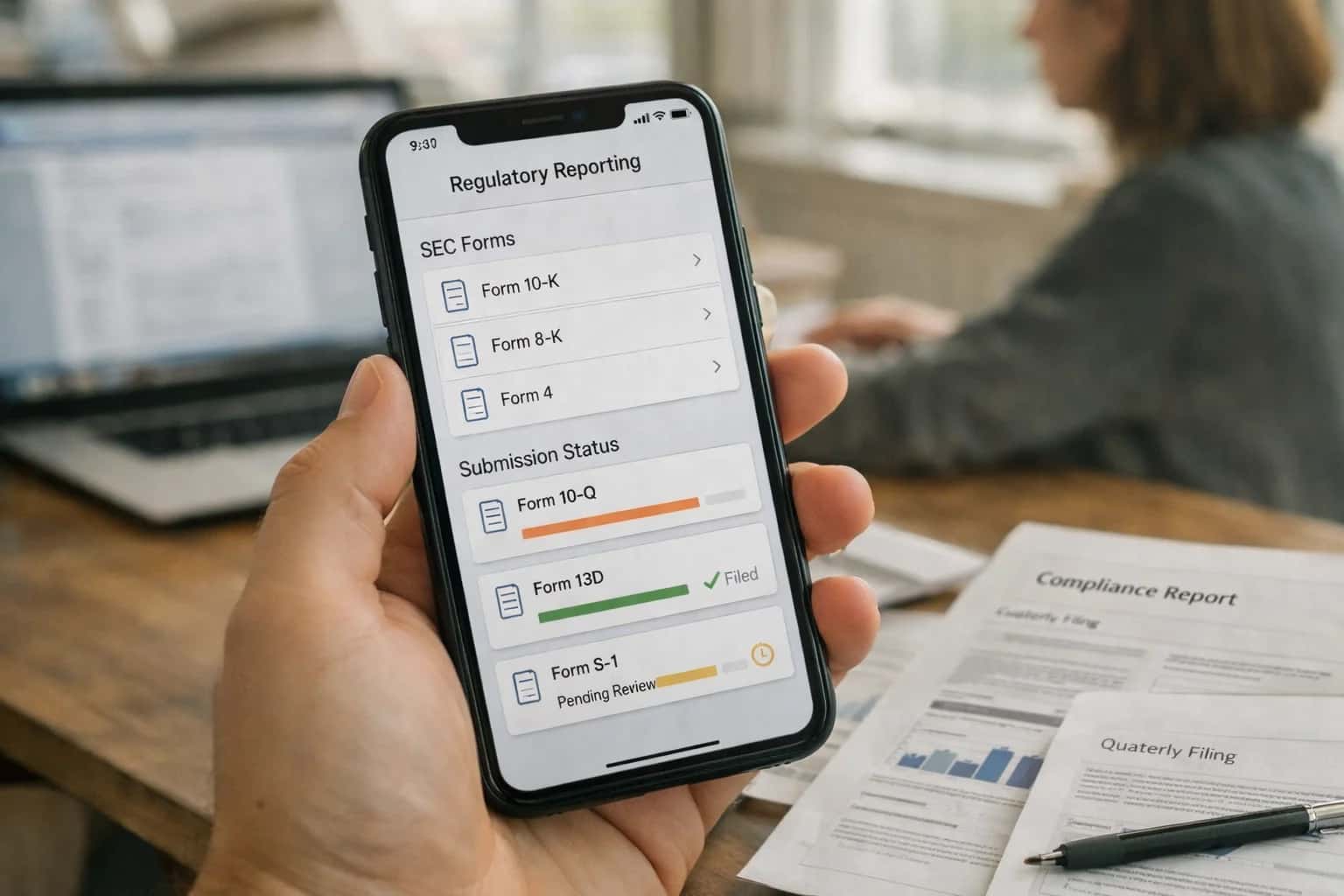
ARCHITECTURE & ROLLOUT
Where AI Fits in PowerSchool State Reporting
A technical blueprint for integrating AI into the high-stakes, compliance-critical workflow of preparing and submitting state reports from PowerSchool.
A production implementation typically involves a scheduled extraction job that pulls a snapshot of relevant records into a staging area. An AI validation layer then runs, using a combination of rule-based checks (e.g., student age vs. grade) and statistical anomaly detection (e.g., a school's chronic absenteeism rate deviating 3σ from the district norm). For narrative components—like the required explanations for data anomalies—a governed LLM drafts concise summaries, which are routed to a human-in-the-loop approval queue within a tool like PowerSchool's custom page framework or a connected workflow platform like /integrations/ai-agent-builder-workflow-platforms. Audit trails are written back to a dedicated log table in PowerSchool.
Rollout is phased, starting with read-only validation for a single report (e.g., student enrollment). Data managers review AI-generated flags and narratives alongside the traditional manual checks. After confidence is built, the workflow expands to include automated draft assembly of submission packages and, eventually, orchestrated upload via secure API connections to the state, with every step logged. Governance is critical: prompts, validation rules, and approval workflows are version-controlled in a system like /integrations/ai-governance-llmops-platforms, and access is restricted via PowerSchool's existing RBAC to ensure only authorized staff can approve AI-suggested changes or submissions.
AI-READY DATA SURFACES
PowerSchool Modules and Data Surfaces for State Reporting
Student Demographics (STUDENTS Table)
State reports require accurate, validated demographic data. This surface includes fields like student_number, lastfirst, grade_level, gender, ethnicity, race_cd, fedethnicity, dob, and entrydate. AI can be applied here to:
- Automate validation: Check for inconsistencies between date of birth and grade level, or flag mismatched race/ethnicity codes against naming conventions.
- Enrich sparse data: Use external data sources (with appropriate governance) to infer missing codes for reporting compliance.
- Monitor changes: Track historical changes to demographic fields for audit trails, using PowerSchool's
students_historicaltable to explain data drift before submission.
Integration typically involves querying the core students table and related reenrollments to build a longitudinal, submission-ready student roster.
POWERSCHOOL INTEGRATION
High-Value AI Use Cases for State Reporting
Mandatory state reporting is a high-stakes, high-effort process for district data managers. These AI integration patterns target PowerSchool's core data objects and workflows to automate preparation, reduce errors, and ensure audit-ready submissions.
01
Automated Data Validation & Anomaly Detection
AI agents continuously scan PowerSchool's Students, Sections, and Attendance tables for state reporting anomalies—like implausible attendance rates, invalid demographic codes, or missing assessment scores—flagging them for review weeks before submission deadlines. Integrates via PowerSchool's Data Export Scheduler and API.
Batch -> Real-time
Error detection
02
Narrative Report Generation for Compliance
Automatically drafts the qualitative sections of state reports (e.g., program descriptions, improvement plans) by analyzing PowerSchool data trends, Discipline incidents, and Assessment results. Uses RAG over district policy documents and prior submissions to ensure consistent language and compliance. Outputs are routed for human review in the reporting workflow.
1 sprint
Draft preparation
03
Cross-Walk & Code Translation Automation
State reporting often requires mapping local PowerSchool codes (e.g., course numbers, ethnicity categories) to state-specific schemas. An AI layer maintains and applies these complex cross-walk tables, processing exports from the U_DEF_EXT fields and Code Sets to generate pre-formatted submission files, reducing manual translation errors.
Hours -> Minutes
File translation
04
Submission Package Assembly & Audit Trail
Orchestrates the final assembly of the state reporting package. AI agents pull validated data extracts, generated narratives, and signed affidavits from defined storage locations, package them per state portal specifications, and log every action to a secure audit trail within the district's system, creating a defensible record for audits.
05
Post-Submission Discrepancy Triage
When state portals return error files or discrepancy reports, AI parses the feedback, maps issues back to specific PowerSchool records (using Student_Number, SchoolID), and suggests corrective actions. This accelerates the re-submission cycle from days to hours by pinpointing the root record instead of requiring a full file re-scan.
Days -> Hours
Re-submission cycle
06
Forecasting & Pre-Validation for Upcoming Cycles
Uses historical submission data and current-year PowerSchool trends to forecast potential compliance risks for the next reporting cycle (e.g., predicting low cohort sizes for accountability). Allows data managers to proactively clean data or adjust policies, shifting work from a reactive crunch to a managed operation.
POWERSCHOOL INTEGRATION PATTERNS
Example AI-Powered State Reporting Workflows
These concrete workflows show how AI agents and automations connect to PowerSchool's data model and APIs to handle the complexity of state reporting—from data preparation to submission and audit response.
Trigger: Nightly batch job or manual trigger by a district data manager before a submission window.
Context/Data Pulled:
- Extracts relevant student records for the reporting period from PowerSchool tables (e.g.,
Students,StudentCoreFields,Enrollment). - Pulls historical submission data for the same period from prior years.
- Retrieves state reporting rules and validation logic (stored as configuration).
Model or Agent Action:
- An AI agent runs a series of validation checks beyond basic schema:
- Temporal Logic: Flags students with implausible attendance patterns (e.g., 100% attendance while enrolled mid-year).
- Cross-field Consistency: Checks for mismatches (e.g., a Grade 12 student with an elementary school course schedule).
- Statistical Outliers: Identifies schools or subgroups with data distributions (e.g., discipline rates, program participation) that deviate significantly from district norms or prior periods.
- The agent generates a plain-English summary of anomalies, ranking them by potential audit impact.
System Update or Next Step:
- Findings are written to a dedicated
ReportingValidationLogtable linked to the student/school records. - A task is created in PowerSchool's internal task manager or an integrated system (like a ticketing platform) for the data manager, with direct links to the suspect records.
- A high-confidence, clear-cut error (e.g., a birth date in the future) can trigger an automated correction workflow with human approval required.
Human Review Point: The data manager reviews the anomaly report, investigates flagged records in PowerSchool, and makes corrections. The agent can be re-run to confirm fixes.
STATE REPORTING AUTOMATION
Implementation Architecture: Connecting AI to PowerSchool
A technical blueprint for integrating AI to automate the preparation, validation, and submission of mandatory state reports from PowerSchool.
The integration connects to PowerSchool's core reporting tables and custom report builder via its REST API and Data Export Scheduler. Key data objects include student demographics (Students), enrollment history (ReEnrollments), course schedules (CC), final grades (StoredGrades), and assessment results (TestScore). An AI agent is configured to trigger on a schedule (e.g., nightly, weekly) to extract the required subset of records, transforming raw PowerSchool data into the state's prescribed XML or flat-file format. This agent uses a retrieval-augmented generation (RAG) system grounded in the latest state reporting manuals and district-specific business rules to ensure field-level accuracy.
The workflow includes critical validation loops before submission. The AI performs anomaly detection—flagging outliers like sudden enrollment drops in a grade or implausible assessment score distributions—and cross-field validation against historical submissions. For errors or missing data, the system can generate targeted queries back into PowerSchool or create tickets in the district's help desk system (e.g., Jira Service Management) for data manager review. Approved files are then submitted via the state's submission portal API, with a full audit trail logging each extraction, validation step, change, and submission status back to a dedicated AI_Reporting_Audit custom table within PowerSchool.
Rollout is phased, starting with a single, high-volume report (e.g., student enrollment SIS-4010). Governance is managed through a human-in-the-loop approval step in the initial cycles, where the data manager reviews the AI-generated file and validation report in a dashboard before authorizing submission. This architecture reduces manual compilation from days to hours, minimizes audit risk from transposition errors, and allows district data teams to shift from reactive data wrestling to proactive data quality management. For a broader view of AI patterns across SIS platforms, see our guide on AI Integration for Student Information Systems.
AI-ASSISTED STATE REPORTING WORKFLOWS
Code and Payload Examples
Extracting and Cleansing Student Records
Before submission, AI can pre-validate student data against state rules. This Python example uses PowerSchool's ws API to fetch student records, then calls an AI service to flag inconsistencies in residency, demographic, or program enrollment data that commonly cause audit failures.
pythonimport requests import json # Fetch student cohort for state reporting ps_api_url = "https://yourdistrict.powerschool.com/ws/v1/student" params = { 'school_number': 100, 'expansions': 'demographics,enrollment,addresses', 'pagesize': 50 } headers = {'Authorization': 'Bearer YOUR_PS_TOKEN'} cohort_data = requests.get(ps_api_url, params=params, headers=headers).json() # Send to AI validation service validation_payload = { "student_records": cohort_data['students'], "state_ruleset": "CA_DOE_2025", "validation_focus": ["residency_proofs", "program_flags", "ethnicity_codes"] } ai_response = requests.post( 'https://api.inferencesystems.com/v1/validate/state-reporting', json=validation_payload, headers={'X-API-Key': 'YOUR_AI_KEY'} ) # Process validation results issues = ai_response.json().get('validation_issues', []) for issue in issues: print(f"Student {issue['student_id']}: {issue['field']} - {issue['error']}")
The AI service returns specific field-level errors with suggested corrections, allowing batch fixes before the official extract.
AI-ASSISTED STATE REPORTING
Realistic Time Savings and Operational Impact
How AI integration transforms the manual, high-risk process of preparing and submitting mandatory state reports from PowerSchool.
| Process Step | Manual Workflow | AI-Assisted Workflow | Key Impact & Notes |
|---|---|---|---|
Data Validation & Error Checking | Manual cross-checking across spreadsheets and screens; 2-3 days per submission cycle | Automated anomaly detection and rule-based validation; 2-4 hours | Reduces audit risk by catching inconsistencies (e.g., duplicate IDs, invalid codes) before submission |
Report Assembly & Formatting | Manual extraction, pivot tables, and template population; 1-2 days | Automated data aggregation and format conversion; 30-60 minutes | Ensures strict adherence to state-specific layout and file format requirements |
Submission Package Review | Sequential review by 2-3 staff members; next-day turnaround | AI-generated summary of changes and risk flags with collaborative review; same-day | Maintains human oversight while focusing reviewer attention on high-priority exceptions |
Error Resolution & Re-submission | Manual investigation of rejection files; 1-2 days to correct and resubmit | AI-assisted root cause analysis and suggested corrections; 2-4 hours | Minimizes penalty windows by accelerating the correction cycle after state feedback |
Audit Trail Documentation | Manual logging of changes and justifications in separate documents | Automated, immutable log of all data transformations and user approvals | Creates a defensible compliance record, simplifying internal and external audits |
New Report Onboarding | Researching new state requirements and building manual processes; 2-4 weeks | AI-assisted mapping of new data elements to PowerSchool fields; 1 week | Reduces the burden of adapting to annual changes in state reporting mandates |
PRODUCTION ARCHITECTURE FOR STATE REPORTING
Governance, Security, and Phased Rollout
A controlled, audit-first approach to deploying AI for PowerSchool state reporting, ensuring data integrity and compliance.
A production AI integration for PowerSchool state reporting is built on a read-only, event-driven architecture. The system connects via PowerSchool's APIs to pull student records, attendance, assessment, and demographic data into a secure processing environment—never writing AI-generated content directly back to the SIS. Data flows are governed by role-based access controls (RBAC), ensuring the AI only accesses the specific PowerSchool tables (e.g., STUDENTS, ATTENDANCE, STUDENTTESTSCORE) required for the target state report. All data movements are logged with full audit trails, linking each AI-generated validation or suggestion back to the source record and user session.
Implementation follows a three-phase rollout to manage risk and build user trust. Phase 1 focuses on pre-submission error detection: an AI agent runs nightly, comparing extracted PowerSchool data against state reporting rules (e.g., CTEDS, CALPADS) to flag inconsistencies in student course codes, attendance hours, or assessment formats, presenting findings in a separate dashboard for district data managers to review. Phase 2 introduces automated narrative generation: the system drafts explanatory notes for data anomalies and populates required comment fields, but all output requires manual approval before inclusion in the submission file. Phase 3 enables predictive compliance: the AI learns from past audit feedback and submission cycles to proactively suggest corrective data entry in PowerSchool weeks before the reporting window opens.
Security is enforced through zero data persistence for sensitive PII outside the secured environment. AI models operate on anonymized or pseudonymized data where possible, and all prompts and outputs are stored in an encrypted audit log. A human-in-the-loop gate is mandatory for final submission; the AI prepares and validates, but a credentialed district officer must review and authorize the final report package. This governance model turns a high-risk, manual process into a reproducible, documented workflow, reducing audit exposure while giving district leaders full visibility and control. For related architectural patterns, see our guide on AI Integration for SIS Data Warehousing.
Enabling Efficiency, Speed & Accuracy
Intelligent Analysis, Decision & Execution
We build AI systems for teams that need search across company data, workflow automation across tools, or AI features inside products and internal software.
Talk to Us
Search across company data
Give teams answers from docs, tickets, runbooks, and product data with sources and permissions.
Useful when people spend too long searching or get different answers from different systems.
Enterprise searchRAGPermissions
Read more
Automate internal workflows
Use AI to route work, draft outputs, trigger actions, and keep approvals and logs in place.
Useful when repetitive work moves across multiple tools and teams.
AI agentsWorkflow automationGovernance
Read more
Add AI to products and internal tools
Build assistants, guided actions, or decision support into the software your team or customers already use.
Useful when AI needs to be part of the product, not a separate tool.
AI integrationDecision supportModel routing
Read moreIMPLEMENTATION AND WORKFLOW
Frequently Asked Questions
Common technical and operational questions for integrating AI into PowerSchool's state reporting workflows, focusing on data preparation, validation, submission, and audit readiness.
An AI agent automates the pre-submission audit by cross-referencing extracted PowerSchool data against state reporting rules. The workflow is:
- Trigger: A scheduled job runs after the district's monthly or annual data freeze in PowerSchool.
- Context Pulled: The agent queries the relevant PowerSchool tables (e.g.,
Students,Enrollments,Courses,Attendance) via API or direct DB connection (with appropriate safeguards). - Agent Action: The AI model, grounded in the state's reporting manual (loaded as context), checks for:
- Format Inconsistencies: Dates, ID formats, code values.
- Logical Errors: A student marked as graduated but enrolled in a future term.
- Missing Required Fields: Null values in mandatory columns.
- Threshold Violations: Attendance rates below compliance minimums.
- System Update: The agent generates a validation report with specific record IDs, error types, and suggested corrections, posting it as a comment in the associated reporting task in your project management tool (e.g., Jira, Asana) or sending it via email to the data manager.
- Human Review Point: The data manager reviews the flagged items. The agent can suggest SQL snippets or manual steps in PowerSchool to correct common issues.

About the author
Prasad Kumkar
CEO & MD, Inference Systems
Prasad Kumkar is the CEO & MD of Inference Systems and writes about AI systems architecture, LLM infrastructure, model serving, evaluation, and production deployment. Over 5+ years, he has worked across computer vision models, L5 autonomous vehicle systems, and LLM research, with a focus on taking complex AI ideas into real-world engineering systems.
His work and writing cover AI systems, large language models, AI agents, multimodal systems, autonomous systems, inference optimization, RAG, evaluation, and production AI engineering.
LinkedIn
Limited slotsGet a Free AI Consultation
Partnered with leading AI, data, and software stack.





How We Work
Custom AI workflows for your Business
One-fit-all AI don't work for modern businesses. At Inferensys, we aim to understand your business & custom requirements; which we use to define most efficient agentic workflows, the data, and the tools for your business.
01
Review the use case
We understand the task, the users, and where AI can actually help.
Read more02
Pick the right approach
We define what needs search, automation, or product integration.
Read more03
Build the first useful version
We implement the part that proves the value first.
Read more04
Improve from there
We add the checks and visibility needed to keep it useful.
Read moreThe first call is a practical review of your use case and the right next step.
Talk to Us