AI integration targets specific surfaces within platforms like Tyler Munis, SAP S/4HANA Public Sector, Workday Adaptive Planning, and Infor CloudSuite Public Sector. Key connection points include the budget preparation module for narrative drafting, the general ledger for historical spend analysis, the revenue management module for forecasting inputs, and the capital project register for long-term planning. AI agents can be triggered via platform-native webhooks or scheduled jobs to perform tasks like pulling economic indicator data via API, analyzing departmental budget submissions for inconsistencies, or generating plain-language explanations for variance reports.

Integration
AI Integration with Government Budgeting Systems
A technical blueprint for embedding AI into government budgeting platforms like Tyler Munis, SAP Public Sector, and Workday Adaptive Planning to automate forecasting, generate narratives, and build citizen-facing simulators.
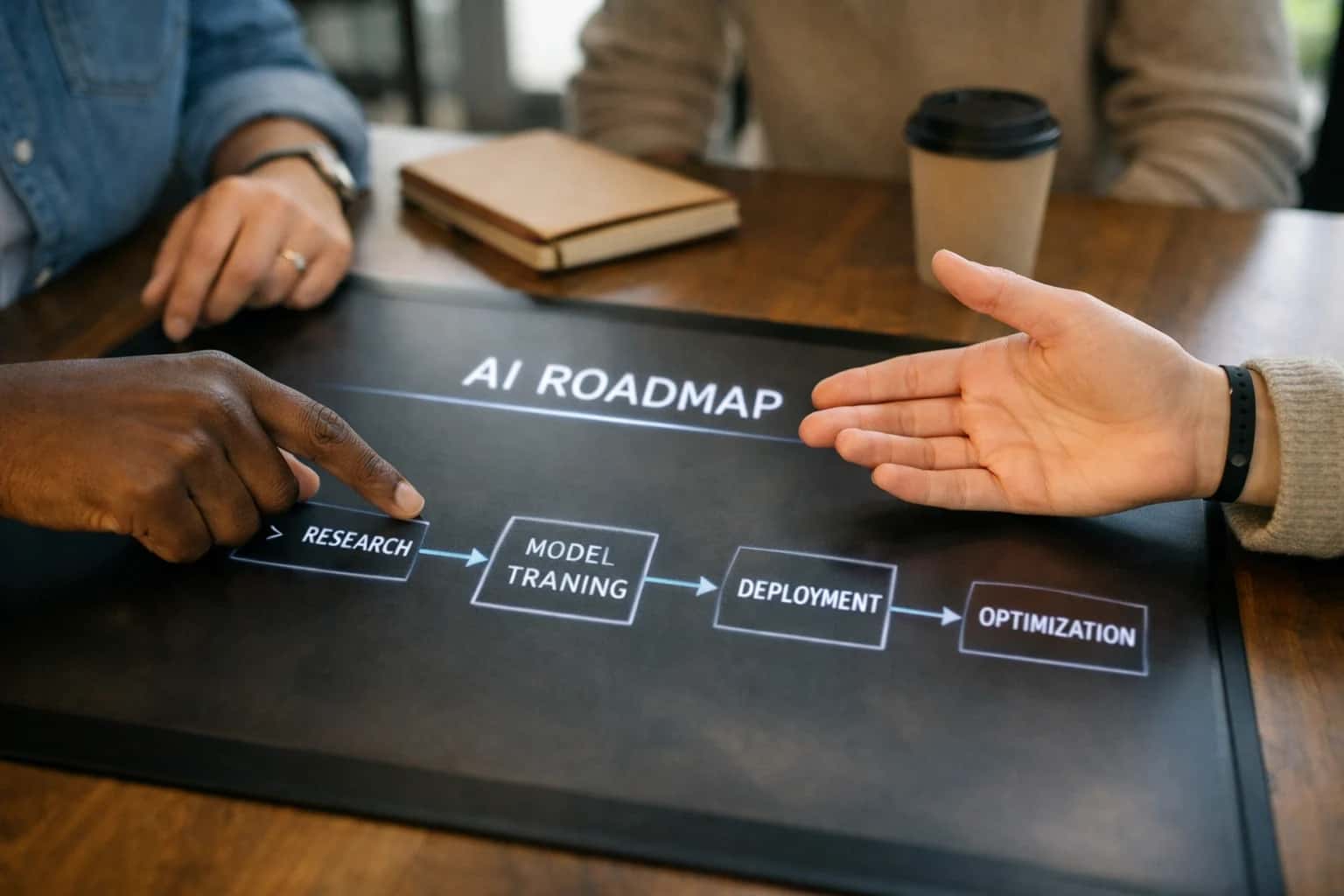
ARCHITECTURE & ROLLOUT
Where AI Fits in the Public Sector Budget Cycle
A practical blueprint for embedding AI agents and copilots into government budgeting software to automate forecasting, analysis, and narrative generation.
Implementation follows a phased, workflow-specific approach. A common starting point is revenue forecasting augmentation, where an AI model consumes internal historical data from the ERP's GL and external data (e.g., local employment figures) to generate probabilistic forecasts that budget officers can review and adjust within the system. Another high-impact pattern is performance-based budget narrative generation, where an AI agent analyzes KPI data from performance management systems and prior-year outcomes to draft initial narrative justifications for budget requests, saving analysts days of manual compilation. For citizen engagement, a budget simulator chatbot can be integrated with the public-facing website, using a read-only API connection to the budget system to answer questions about proposed allocations and model trade-offs.
Rollout requires careful governance. AI outputs, especially financial forecasts, should be treated as decision-support inputs, not autonomous decisions. Implement a human-in-the-loop approval step within the existing budget workflow (e.g., a dedicated 'AI Review' task in Workday). All AI-generated content and recommendations must be audit-logged alongside the user who approved them. Start with a pilot on a single fund or department, using the platform's built-in security roles to control access. A successful integration uses the budgeting system's existing APIs and extension frameworks—like SAP BTP, Workday Extend, or Infor OS—to ensure upgrades are compatible and data governance policies are enforced.
For a deeper look at integrating AI with the specific financial modules of these platforms, see our guide on AI Integration for Fund Accounting Software. To understand the predictive models that power these forecasts, review our architecture for AI Integration with AI for Government Budget Forecasting.
WHERE AI CONNECTS TO THE BUDGETING WORKFLOW
Primary Integration Surfaces in Government Budgeting Systems
Connecting to the Budget Drafting Workflow
AI integrates at the point where budget narratives, justifications, and performance-based budgeting documents are created. This surface typically involves:
- Document Drafting Modules: AI agents can be triggered within the budgeting platform's document editor to generate draft narratives for department requests, using historical data and strategic priorities.
- Data-to-Text Pipelines: Connect AI to the platform's reporting APIs to pull financial and performance data, then automatically synthesize it into coherent budget justification sections.
- Collaboration & Review Streams: Integrate with commenting and workflow tools to provide real-time suggestions, answer analyst questions, and summarize feedback from multiple reviewers.
This integration reduces the manual drafting burden from weeks to days, ensures consistency with policy language, and helps articulate the impact of budget requests more effectively.
INTEGRATION PATTERNS
High-Value AI Use Cases for Public Sector Budgeting
Integrating AI with government budgeting systems like Tyler Munis, SAP Public Sector, and Workday Adaptive Planning automates manual analysis, improves forecast accuracy, and creates more transparent, data-driven budget narratives. These patterns connect directly to fund accounting modules, planning tools, and citizen portals.
01
Automated Revenue Forecasting
Integrate AI models with general ledger and tax systems to analyze historical trends, economic indicators, and permit activity. Models generate probabilistic revenue forecasts for property tax, sales tax, and fees, automatically updating budget worksheets in Workday Adaptive Planning or SAP Analytics Cloud.
Days -> Hours
Forecast cycle
02
Expenditure Anomaly & Variance Analysis
Connect AI monitors to the ERP's journal entry and commitment tracking APIs. Models run continuously against actuals vs. budget, flagging unusual spending patterns, potential overspends, or coding errors for review in the budget officer's workflow queue, reducing manual month-end scrutiny.
Batch -> Real-time
Monitoring
03
Performance-Based Budget Narrative Generation
Use AI to synthesize data from financial systems, performance stat platforms, and prior year narratives. For each department or program, an agent drafts a context-aware budget justification, linking requested funds to strategic outcomes and past performance, ready for human editing in Word or the budget module.
1 sprint
Drafting time
04
Citizen-Facing Budget Simulator & Q&A
Deploy a secure, RAG-powered chatbot integrated with the published budget book (PDFs), capital plan data, and FAQ knowledge base. Citizens can ask questions in plain language ("How much is allocated for parks?") or use a simulator to see the impact of hypothetical changes, powered by APIs from the budgeting and planning platform.
24/7
Availability
05
Grant Fund Monitoring & Compliance
Integrate AI with grant management and fund accounting modules (e.g., Workday Grants, SAP GM). Agents track expenditures against grant terms, automatically check for allowability, and draft compliance status reports, ensuring funds are used appropriately and reducing audit risk.
Proactive
Compliance
06
Capital Planning Scenario Modeling
Connect AI to capital asset registers and project portfolios. Using condition assessments, lifecycle costs, and funding constraints, models generate and score multiple multi-year capital investment scenarios. Results feed directly into capital planning software or PPM tools for executive review.
Weeks -> Days
Scenario analysis
PRACTICAL IMPLEMENTATION PATTERNS
Example AI-Augmented Budgeting Workflows
These workflows illustrate how AI agents and copilots can be integrated into government budgeting systems like Tyler Munis, SAP S/4HANA Public Sector, or Workday Adaptive Planning to automate manual analysis, generate narrative, and improve forecast accuracy.
Trigger: Monthly close process completes in the ERP, posting final revenue figures to the general ledger.
Context/Data Pulled: The AI agent is triggered via webhook or scheduled job. It queries:
- Actual revenue by fund, department, and revenue source from the last 3-5 years.
- Current fiscal year budget and forecast data from the planning module.
- External data via API: local economic indicators (unemployment, building permits), weather data (for utility revenue), or state aid disbursement schedules.
Model/Agent Action: A time-series forecasting model (like Prophet or an LLM-based analyzer) compares actuals to forecast. The LLM component generates a narrative summary, identifying:
- Top 3 variances (e.g., "Sales tax revenue 15% below forecast due to lower-than-expected Q2 retail activity").
- Likely causes based on historical patterns and external data.
- Impact on year-end projections.
System Update/Next Step: The agent creates a draft memo in the document management system (e.g., Tyler Content Manager) and posts an alert with key findings to the relevant budget manager's dashboard in the ERP or BI tool. It also suggests an updated forecast for manager review and adjustment.
Human Review Point: The budget manager reviews the analysis, adjusts the forecast in the planning system if needed, and approves the memo for distribution to department heads.
FROM FORECAST TO FUNDS
Implementation Architecture: Data Flow & Integration Patterns
A production-ready blueprint for integrating AI agents with government budgeting systems like Tyler Munis, SAP Public Sector, and Workday Adaptive Planning.
A robust AI integration for government budgeting connects to three primary data surfaces: the General Ledger and Chart of Accounts for historical spend, the Budget Development Module for proposed allocations, and external Economic and Revenue Data Feeds. The core pattern involves a secure orchestration layer—often a dedicated microservice or leveraging the platform's own extensibility framework like SAP BTP, Workday Extend, or Infor OS—that pulls multi-year transaction data, merges it with demographic and economic indicators, and calls AI models for forecasting and narrative generation. Processed outputs, such as revenue projections or variance explanations, are written back as structured data to budget worksheets or as draft narratives to the system's document management layer for final review and approval.
Key integration workflows include: Automated Revenue Forecasting where AI models analyze historical tax receipts, permit fees, and economic data to generate and populate multi-scenario forecasts. Expenditure Analysis & Anomaly Detection where AI continuously monitors encumbrances and expenditures against budget lines, flagging outliers for analyst review via system alerts. Performance-Based Budgeting Support where AI cross-references departmental KPIs with budget requests to draft narrative justifications, linking proposed funds to expected outcomes. Citizen-Facing Budget Simulator where a public chatbot, powered by a secured API layer, answers questions about the proposed budget and models the impact of allocation changes using approved, sanitized data sets.
Governance is paramount. All AI-generated recommendations or drafts must flow through existing budget calendar workflows and RBAC-controlled approval chains within the core ERP. Implement a human-in-the-loop pattern where AI outputs are tagged as drafts and require a budget officer's review and sign-off before any system of record is updated. Maintain a full audit trail linking AI-generated content to the source data and model version used. Rollout typically starts with a single, high-impact use case—such as sales tax forecasting—within a pilot department, using the established integration pattern to demonstrate value and refine governance before scaling to other funds or processes.
GOVERNMENT BUDGETING INTEGRATION PATTERNS
Code & Payload Examples for Key Interactions
Pulling External Data for Forecast Models
AI-enhanced revenue forecasting requires blending internal historical data with external economic indicators. This example shows a Python service calling a budget system API, enriching the data with a public API, and sending a structured payload to an LLM for narrative generation. The result is written back to the budgeting platform's scenario module.
pythonimport requests import pandas as pd from inference_client import InferenceClient # 1. Fetch internal revenue data from ERP (e.g., Tyler Munis, SAP) erp_api_url = "https://api.erp.gov/budget/v2/revenues" erp_payload = { "fiscal_year": "2025", "fund_codes": ["001", "101"], "api_key": ERP_API_KEY } historical_data = requests.get(erp_api_url, params=erp_payload).json() # 2. Enrich with external economic data (e.g., BEA, Fed) external_api_url = "https://api.economic-data.gov/indicators" external_payload = { "series": ["GDP", "UNRATE", "HOUST"], "years": 5 } economic_indicators = requests.get(external_api_url, params=external_payload).json() # 3. Construct prompt for LLM analysis client = InferenceClient(api_key=INFERENCE_API_KEY) prompt = f""" Analyze the following government revenue data and economic indicators. Generate a 3-paragraph forecast narrative for the Budget Director. Focus on risks and opportunities for property tax and sales tax. Historical Revenue: {historical_data} Economic Indicators: {economic_indicators} """ forecast_narrative = client.chat.completions.create( model="gpt-4o", messages=[{"role": "user", "content": prompt}] ) # 4. Post results to budget scenario module scenario_api_url = "https://api.budget.gov/scenarios/2025-Q3-forecast" requests.post(scenario_api_url, json={ "narrative": forecast_narrative.choices[0].message.content, "confidence_score": 0.82, "data_sources": ["ERP_GL", "BEA_GDP"] })
AI FOR PUBLIC SECTOR BUDGETING
Realistic Time Savings and Operational Impact
How AI integration transforms manual, time-intensive budgeting tasks into assisted, data-driven workflows, focusing on realistic efficiency gains for finance teams.
| Budgeting Workflow | Traditional Process | AI-Assisted Process | Key Impact & Notes |
|---|---|---|---|
Revenue Forecasting Analysis | 2-3 days manual data collation and spreadsheet modeling | Same-day scenario generation with automated data pulls | Enables rapid response to economic shifts; analyst reviews AI-generated models |
Expenditure Narrative Drafting | Manual writing for each department/line item (5-8 hours each) | Assisted drafting with data context (1-2 hours each) | Preserves analyst oversight while reducing drafting fatigue; ensures consistency |
Citizen Budget Simulator Updates | Quarterly manual updates to web tool inputs and assumptions | Monthly or ad-hoc updates triggered by new forecast data | Improves public transparency and engagement with near-real-time data |
Performance-Based Budgeting Alignment | Manual review of department KPIs against proposed budgets | Flagged misalignments and suggested reallocations for review | Shifts focus from finding issues to evaluating AI-generated recommendations |
Variance Analysis & Explanation | Post-close manual investigation of top variances (next-day) | Pre-close anomaly detection with draft explanations (same-day) | Proactive management; finance prepares explanations before questions arise |
Capital Project Budget Integration | Manual reconciliation of project timelines with multi-year budgets | Automated alerts for schedule-budget conflicts and funding gaps | Reduces risk of oversights in complex, multi-departmental planning |
Budget Document Consolidation & Review | Manual compilation from department submissions, chasing missing data | Automated completeness checks, version tracking, and change summaries | Cuts consolidation time significantly; review focuses on substance over format |
ARCHITECTING FOR PUBLIC SECTOR COMPLIANCE
Governance, Security, and Phased Rollout
Implementing AI in government budgeting requires a governance-first approach, designed for auditability, data sovereignty, and controlled user adoption.
AI agents interacting with systems like Tyler Munis, SAP Public Sector, or Workday Adaptive Planning must operate within strict RBAC (Role-Based Access Control) frameworks. This means mapping AI tool permissions to existing user roles—a budget analyst's AI copilot should only access the same funds, projects, and historical data the human user can. All AI-generated recommendations, such as a forecast adjustment or a narrative for a performance-based budget, must be logged as a system-generated suggestion with a clear audit trail linking to the source data and prompting logic, satisfying GAAP and GASB requirements for transparent financial reporting.
A phased rollout is critical for managing risk and building institutional trust. A typical implementation starts with a read-only pilot, such as an AI agent that analyzes historical expenditure data in the ERP to surface variance explanations without making any system writes. Phase two introduces assistive writing, where AI drafts budget justification narratives in Word or PDF formats for manager review before manual upload. The final phase enables controlled transactions, where an AI can propose a budget transfer or a journal entry within a sandbox environment, requiring explicit human approval via the existing workflow in the financial system before posting.
Security is paramount, especially when integrating external LLM APIs. A recommended pattern is to deploy a secure orchestration layer (often on-premises or in a government cloud) that acts as a intermediary. This layer handles prompt enrichment with context from the budgeting system, strips out any PII or sensitive data before calling the model API, and logs all inputs and outputs. This ensures citizen data never leaves the authorized environment, models are grounded in authoritative fiscal data to reduce hallucinations, and all AI activity is monitored for drift or unexpected behavior, aligning with CJIS, FISMA, or state-specific data policies.
Continuous governance involves establishing a cross-functional oversight committee—spanning finance, IT, and internal audit—to review the AI's outputs, update prompting guidelines based on new budgetary directives, and manage the model lifecycle. This structured, incremental approach de-risks the integration, demonstrates tangible value at each step, and builds the operational and cultural foundation needed for AI to become a trusted tool in the public financial management process.
Enabling Efficiency, Speed & Accuracy
Intelligent Analysis, Decision & Execution
We build AI systems for teams that need search across company data, workflow automation across tools, or AI features inside products and internal software.
Talk to Us
Search across company data
Give teams answers from docs, tickets, runbooks, and product data with sources and permissions.
Useful when people spend too long searching or get different answers from different systems.
Enterprise searchRAGPermissions
Read more
Automate internal workflows
Use AI to route work, draft outputs, trigger actions, and keep approvals and logs in place.
Useful when repetitive work moves across multiple tools and teams.
AI agentsWorkflow automationGovernance
Read more
Add AI to products and internal tools
Build assistants, guided actions, or decision support into the software your team or customers already use.
Useful when AI needs to be part of the product, not a separate tool.
AI integrationDecision supportModel routing
Read moreIMPLEMENTATION AND GOVERNANCE
Frequently Asked Questions (FAQ)
Practical questions for public sector technology leaders planning AI integration with budgeting systems like Tyler Munis, SAP Public Sector, Workday Adaptive Planning, or Infor CloudSuite.
A secure integration follows a zero-trust, API-first pattern, never allowing direct model access to production databases.
Typical Architecture:
- Orchestration Layer: A secure middleware service (often deployed in your government cloud) acts as the broker.
- API Gateway: All requests pass through a gateway (e.g., Kong, Apigee) enforcing authentication, rate limiting, and audit logging.
- Data Virtualization: The orchestration layer calls your budgeting system's REST or SOAP APIs (e.g., Workday's Web Services, SAP's OData APIs, Tyler's Open Data APIs) to fetch specific data on-demand.
- Context Enrichment & Prompt Assembly: Retrieved data (e.g., prior year actuals, current budget lines) is formatted into a structured prompt for the AI model.
- Secure Model Call: The prompt is sent to your chosen AI endpoint (e.g., Azure OpenAI, AWS Bedrock, a private GPT instance).
- Response Validation & System Update: The AI's output (e.g., a forecast, a narrative) is validated against business rules before being written back via the same APIs or presented to a user for approval.
Key Security Controls:
- Service principals/API keys with least-privilege access scoped to specific data objects.
- All data in transit is encrypted (TLS 1.3).
- Prompt and completion logging for audit trails, with PII/PHI filtering before logging.
- Integration with your Identity and Access Management (IAM) platform for role-based access control (RBAC).

About the author
Prasad Kumkar
CEO & MD, Inference Systems
Prasad Kumkar is the CEO & MD of Inference Systems and writes about AI systems architecture, LLM infrastructure, model serving, evaluation, and production deployment. Over 5+ years, he has worked across computer vision models, L5 autonomous vehicle systems, and LLM research, with a focus on taking complex AI ideas into real-world engineering systems.
His work and writing cover AI systems, large language models, AI agents, multimodal systems, autonomous systems, inference optimization, RAG, evaluation, and production AI engineering.
LinkedIn
Limited slotsGet a Free AI Consultation
Partnered with leading AI, data, and software stack.





How We Work
Custom AI workflows for your Business
One-fit-all AI don't work for modern businesses. At Inferensys, we aim to understand your business & custom requirements; which we use to define most efficient agentic workflows, the data, and the tools for your business.
01
Review the use case
We understand the task, the users, and where AI can actually help.
Read more02
Pick the right approach
We define what needs search, automation, or product integration.
Read more03
Build the first useful version
We implement the part that proves the value first.
Read more04
Improve from there
We add the checks and visibility needed to keep it useful.
Read moreThe first call is a practical review of your use case and the right next step.
Talk to Us