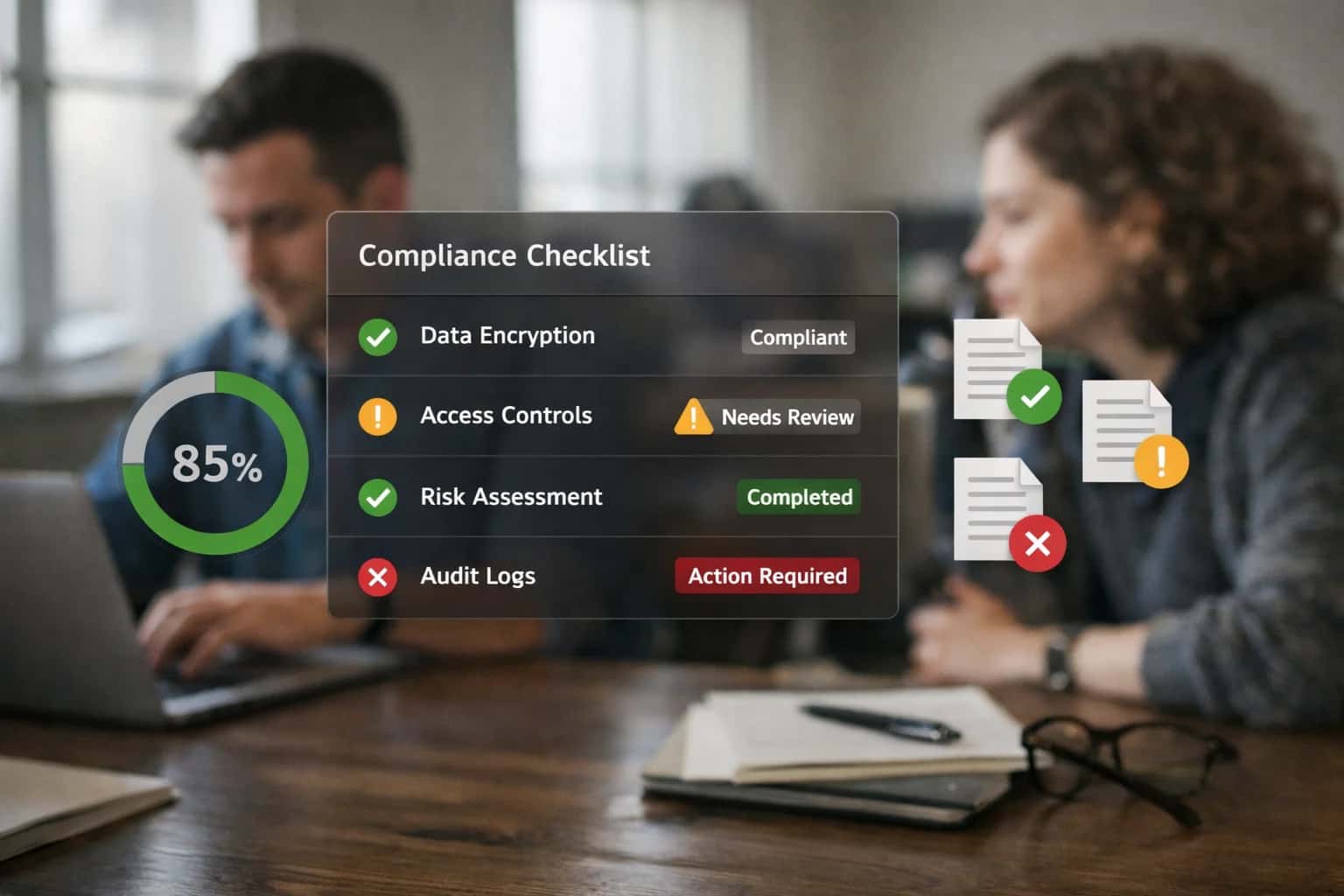
AI integration connects to Procare's staff data model—primarily the Employee Records, Training & Credentials, and Time & Attendance modules—to create intelligent workflows. This involves using Procare's APIs or webhooks to trigger AI agents when a staff record is updated, a training deadline approaches, or timesheets are submitted. For example, an AI agent can monitor the certification_expiry_date field, automatically source approved renewal courses, and assign them to the employee's training plan, updating Procare's Compliance Dashboard.

Integration
AI Integration for Procare Staff Management
Automate credential tracking, training compliance, performance review scheduling, and payroll hour validation by integrating AI with Procare's HR and staff modules. Reduce administrative burden and improve compliance.
ARCHITECTURE AND IMPLEMENTATION
Where AI Fits into Procare's Staff Management Workflows
Integrating AI into Procare's HR and staff modules automates credential tracking, training compliance, performance review scheduling, and payroll validation.
Implementation centers on building a middleware service that subscribes to Procare events and orchestrates AI tasks. A common pattern is:
- Event Ingestion: A webhook listens for new
timesheet_submittedevents from Procare. - AI Processing: An agent validates hours against scheduled shifts and center ratios, flagging discrepancies for manager review.
- Action & Sync: Approved corrections or alerts are pushed back into Procare via the
PATCH /employees/{id}/payrollAPI, and a notification is logged in the Staff Communication feed. This reduces manual payroll review from hours to minutes.
Rollout requires a phased approach, starting with read-only data analysis (e.g., credential gap reporting) before enabling write-back actions. Governance is critical: all AI-generated recommendations should route through Procare's existing Approval Workflows, and an audit trail must be maintained in a separate log, linking Procare's staff_id to each AI action. This ensures compliance and allows for human-in-the-loop oversight, especially for sensitive tasks like performance review scheduling or payroll adjustments.
AI FOR STAFF MANAGEMENT
Key Procare Modules and APIs for AI Integration
Core Staff Data for AI Context
The Staff and Employee modules in Procare contain the foundational records for credential tracking, role assignment, and compliance. AI agents need secure, read-only access to these objects to verify qualifications and manage workflows.
Key API surfaces include:
- Employee Records API: Retrieve staff profiles, including hire date, position, and assigned classrooms.
- Credential & Certification Endpoints: Access expiration dates for First Aid/CPR, background checks, and state-mandated training hours.
- Role & Permission Objects: Understand staff permissions for system access, which dictates what automated tasks an AI agent can perform on their behalf.
Integrating here allows AI to automate compliance alerts, validate staff-to-child ratios in real-time, and ensure only qualified personnel are scheduled for specific rooms or activities.
INTEGRATION OPPORTUNITIES
High-Value AI Use Cases for Procare Staff Management
Integrate AI directly into Procare's HR and staff modules to automate compliance, reduce administrative burden, and empower center directors with data-driven insights for their teams.
01
Automated Credential & Training Compliance
AI agents monitor Procare's Staff Records for expiring certifications (CPR, First Aid, state-mandated training). The system automatically flags upcoming renewals, routes reminders via Procare's messaging, and can even suggest approved training sessions based on staff location and schedule. This reduces manual tracking and keeps the center audit-ready.
Batch -> Real-time
Compliance monitoring
02
Intelligent Performance Review Scheduling
An AI workflow analyzes Staff Attendance, Observation Logs, and Incident Reports within Procare to recommend optimal review timing. It syncs with director and staff calendars, drafts agenda points based on recent performance data, and auto-populates Procare's review forms, turning a quarterly administrative task into a continuous, data-informed process.
1 sprint
Setup time
03
Payroll Hour Validation & Anomaly Detection
Connect AI to Procare's Time Clock and Schedule modules. The system cross-references scheduled shifts against actual punches, flags potential errors (early clock-ins, missed breaks), and detects unusual patterns that may indicate time theft or staffing gaps. It generates exception reports for director review before payroll export, ensuring accuracy.
04
Staffing Ratio Guardian & Coverage Alerts
Using real-time data from Procare's Attendance and Room Management modules, an AI agent continuously calculates staff-to-child ratios. It predicts potential violations based on scheduled breaks or absences and proactively suggests coverage solutions—like reassigning floating staff—sending alerts directly to directors via Procare or integrated tools like Slack.
Hours -> Minutes
Violation response
05
Onboarding & Document Intake Automation
AI-powered OCR processes scanned employment forms, I-9s, and background checks submitted to Procare. It extracts key data to pre-fill Staff Profile fields, routes documents for e-signature, and flags incomplete packets for HR follow-up. This streamlines hiring, reduces data entry errors, and creates a searchable digital file for each employee.
06
Skills Inventory & Professional Development Matching
An AI system builds a dynamic skills database by parsing staff bios, completed training, and past role assignments in Procare. It then matches staff strengths to center needs—like identifying bilingual staff for family communications or staff with STEM experience for curriculum support—enabling smarter role assignments and personalized development plans.
PROCARE STAFF MANAGEMENT
Example AI Automation Workflows
These workflows illustrate how AI can automate manual, repetitive tasks within Procare's staff management modules, freeing up directors for strategic leadership and improving compliance.
Trigger: A scheduled daily job checks the Staff table in Procare, specifically the certifications and training_records related fields.
Context/Data Pulled: The system extracts staff member IDs, certification names, expiration dates, and associated document file paths or URLs from Procare's database.
Model/Agent Action: An AI agent compares expiration dates against the current date and a configurable warning window (e.g., 60, 30 days). For expiring credentials, it:
- Identifies the correct renewal authority and required steps by querying an internal knowledge base of state and organizational policies.
- Generates a personalized email to the staff member with renewal instructions, deadlines, and links to necessary forms.
- Creates a task for the center director in Procare's task management module, tagged with the staff member and priority level.
System Update/Next Step: The agent logs all actions (email sent, task created) in a dedicated audit table. It updates the staff member's record with a "Renewal Initiated" status flag.
Human Review Point: The director reviews the generated task. Upon staff submission of renewal proof, the director uploads the new document to Procare, triggering the agent to update the expiration date and clear the alert.
PRODUCTION-READY INTEGRATION
Implementation Architecture: Data Flow and Guardrails
A secure, phased approach to embedding AI into Procare's staff management modules.
The integration connects to Procare's Staff API and HR Module surfaces to read and write key data objects: Employee records, Credential expiration dates, Training completion logs, TimeCard entries, and PerformanceReview schedules. An orchestration layer—often a lightweight middleware service or serverless function—polls for events (e.g., a credential nearing expiry) or listens for webhooks, then invokes configured AI workflows. For instance, a daily batch job can extract staff records, pass them to an LLM for compliance gap analysis, and post actionable alerts back to Procare as tasks or notifications.
Data flows through a strict guardrail pipeline before any write-back. All AI-generated outputs—like a suggested performance review date or a flagged payroll discrepancy—are validated against business rules (e.g., minimum review intervals, labor laws) and can be routed to a human-in-the-loop approval queue via Procare's workflow tools. Audit logs capture the original data, the AI prompt, the generated output, and the final action taken, ensuring full traceability for licensing audits. This pattern keeps the AI as an assistive layer, not an autonomous actor, maintaining director oversight.
Rollout is typically phased: start with read-only reporting (e.g., AI-generated summaries of credential status across centers), then progress to assistive alerts (e.g., automated reminders for overdue training), and finally to controlled automation (e.g., AI-drafted performance review templates populated with objective data). Each phase includes role-based access control (RBAC) alignment, ensuring only authorized managers receive AI insights or can approve AI-suggested actions. This measured approach minimizes disruption while delivering incremental value, such as reducing manual credential tracking from hours to minutes per week and cutting payroll validation errors.
PROCARE STAFF MANAGEMENT
Code and Payload Examples
Automating Expiration Tracking and Alerts
AI can monitor Procare's staff records for expiring credentials (CPR, First Aid, state licenses) and training requirements. By processing the Staff object's custom date fields and linked documents, an AI agent can trigger personalized nudges via email or Procare's internal messaging, and even suggest relevant training modules.
Example Python Webhook Handler: This function listens for Procare webhooks on staff record updates, extracts credential dates, and calls an LLM to draft a context-aware reminder for the director.
pythonimport json from datetime import datetime def handle_procare_webhook(payload): """Process Procare staff update to check credential compliance.""" staff_id = payload['data']['StaffID'] staff_name = payload['data']['FirstName'] + ' ' + payload['data']['LastName'] # Extract credential dates from custom fields cpr_expiry = datetime.fromisoformat(payload['data']['CustomFields']['CPR_Expiration']) today = datetime.now() if (cpr_expiry - today).days <= 30: # Call LLM to generate reminder reminder_prompt = f"Draft a professional reminder for {staff_name} about their expiring CPR certification on {cpr_expiry.strftime('%m/%d/%Y')}. Include a link to our approved renewal course." ai_reminder = llm_client.generate(reminder_prompt) # Log action and trigger Procare task via API log_compliance_event(staff_id, 'CPR', cpr_expiry, ai_reminder) procare_api.create_task( assigned_to='Director', title=f'Credential Follow-up: {staff_name}', description=ai_reminder )
AI FOR STAFF MANAGEMENT
Realistic Time Savings and Operational Impact
How AI integration reduces administrative overhead and improves compliance within Procare's staff modules.
| Staff Management Task | Before AI Integration | After AI Integration | Implementation Notes |
|---|---|---|---|
Credential & Training Expiration Tracking | Manual spreadsheet review, weekly checks | Automated alerts 30/60/90 days out, dashboard summary | Connects to Procare's staff profile and document storage APIs |
Performance Review Scheduling & Prep | Calendar coordination, manual data pull from multiple reports | Automated scheduling based on hire dates, pre-filled review templates | Leverages Procare's staff records and calendar APIs; HR finalizes |
Payroll Hour Validation & Anomaly Detection | Manual cross-check of timesheets against attendance logs | Flagged exceptions for overtime, missed punches, ratio conflicts | Analyzes Procare attendance data against scheduled shifts; human approval required |
Staff-to-Child Ratio Compliance Monitoring | Reactive checks after manual room counts | Real-time alerts for impending or active violations | Integrates Procare's real-time attendance feed with room capacity data |
New Hire Onboarding Document Collection | Email reminders, manual follow-up for missing forms | Automated reminder sequences, centralized document status dashboard | Uses Procare's family/staff portal APIs for secure uploads |
Mandated Training Assignment & Completion | Manual assignment based on role, spreadsheet tracking | Role-based auto-assignment, completion tracking with manager alerts | Links to Procare's staff roles and custom field APIs for tracking |
Incident Report Logging & Initial Triage | Paper forms or basic digital entry, delayed review | Structured digital entry with AI-suggested categorization and routing | Extends Procare's incident reporting features; ensures timely supervisor review |
PRODUCTION-READY IMPLEMENTATION
Governance, Security, and Phased Rollout
A secure, controlled approach to integrating AI into Procare's staff management workflows.
Integrating AI into Procare's staff modules requires careful handling of sensitive HR data, including credentials, payroll hours, and performance reviews. Our architecture treats Procare as the system of record, with AI agents operating through secure API calls and webhooks. All AI-generated outputs—like compliance alerts or review summaries—are written back to Procare as audit-logged notes or tasks, ensuring a single source of truth and full traceability for directors and compliance officers.
We implement a phased rollout, typically starting with read-only use cases like automated credential expiration tracking and training gap analysis. This allows staff to verify AI accuracy without disrupting core processes. Subsequent phases introduce assistive automation, such as drafting performance review summaries based on Procare activity logs or flagging payroll hour anomalies for manager review. Each phase includes defined human-in-the-loop approval steps and role-based access controls (RBAC) aligned with Procare's existing permission sets.
Security is managed through zero data retention policies for the AI service, encrypted data in transit, and strict scope limiting of API tokens to only the necessary Procare endpoints (e.g., Staff, TrainingRecords, TimeCards). A pilot group of administrators validates outputs before organization-wide enablement. This controlled approach minimizes risk while demonstrating tangible time savings—reducing manual credential audits from hours to minutes and providing same-day visibility into staffing compliance gaps.
Enabling Efficiency, Speed & Accuracy
Intelligent Analysis, Decision & Execution
We build AI systems for teams that need search across company data, workflow automation across tools, or AI features inside products and internal software.
Talk to Us
Search across company data
Give teams answers from docs, tickets, runbooks, and product data with sources and permissions.
Useful when people spend too long searching or get different answers from different systems.
Enterprise searchRAGPermissions
Read more
Automate internal workflows
Use AI to route work, draft outputs, trigger actions, and keep approvals and logs in place.
Useful when repetitive work moves across multiple tools and teams.
AI agentsWorkflow automationGovernance
Read more
Add AI to products and internal tools
Build assistants, guided actions, or decision support into the software your team or customers already use.
Useful when AI needs to be part of the product, not a separate tool.
AI integrationDecision supportModel routing
Read moreIMPLEMENTATION AND OPERATIONS
Frequently Asked Questions
Common questions from center directors and IT leads about integrating AI into Procare's staff management modules for credential tracking, training, and payroll workflows.
AI integrations with Procare operate through secure, API-based service accounts with granular permissions.
Typical Security Model:
- Dedicated Service Account: A non-human service account is created in Procare with permissions scoped only to the necessary modules (e.g.,
Staff,HR Documents,Time & Attendance). - API Key Authentication: The AI system authenticates using this account's API key, passed via HTTPS headers.
- Field-Level Security: Permissions are set to
readfor most fields andwriteonly for specific, approved surfaces likeTraining StatusorCredential Expiry Date. - Audit Trail: All AI-initiated updates append a system note to the staff record (e.g., "Credential status updated via AI audit on [date]").
This ensures the AI acts as a controlled assistant, not a super-user, and all actions are traceable back to the integration service.

About the author
Prasad Kumkar
CEO & MD, Inference Systems
Prasad Kumkar is the CEO & MD of Inference Systems and writes about AI systems architecture, LLM infrastructure, model serving, evaluation, and production deployment. Over 5+ years, he has worked across computer vision models, L5 autonomous vehicle systems, and LLM research, with a focus on taking complex AI ideas into real-world engineering systems.
His work and writing cover AI systems, large language models, AI agents, multimodal systems, autonomous systems, inference optimization, RAG, evaluation, and production AI engineering.
LinkedIn
Limited slotsGet a Free AI Consultation
Partnered with leading AI, data, and software stack.





How We Work
Custom AI workflows for your Business
One-fit-all AI don't work for modern businesses. At Inferensys, we aim to understand your business & custom requirements; which we use to define most efficient agentic workflows, the data, and the tools for your business.
01
Review the use case
We understand the task, the users, and where AI can actually help.
Read more02
Pick the right approach
We define what needs search, automation, or product integration.
Read more03
Build the first useful version
We implement the part that proves the value first.
Read more04
Improve from there
We add the checks and visibility needed to keep it useful.
Read moreThe first call is a practical review of your use case and the right next step.
Talk to Us