AI integration targets specific functional surfaces within your childcare management platform's health and safety modules. This typically involves connecting to APIs and webhooks for incident reports, medication logs, allergy tracking, drill scheduling, and inventory checklists (e.g., first-aid kits, fire extinguishers). The integration acts as a co-pilot, monitoring these data streams in real-time to automate logging, flag anomalies like missing temperature checks, and schedule recurring safety tasks—freeing staff from manual clipboard audits and reducing the risk of human oversight in critical compliance areas.

Integration
AI Integration for Health and Safety Audit AI
A technical guide to embedding AI into Brightwheel, Procare, Kangarootime, and Famly for automating safety drill scheduling, first-aid kit inventory checks, and audit log analysis to reduce manual compliance work.
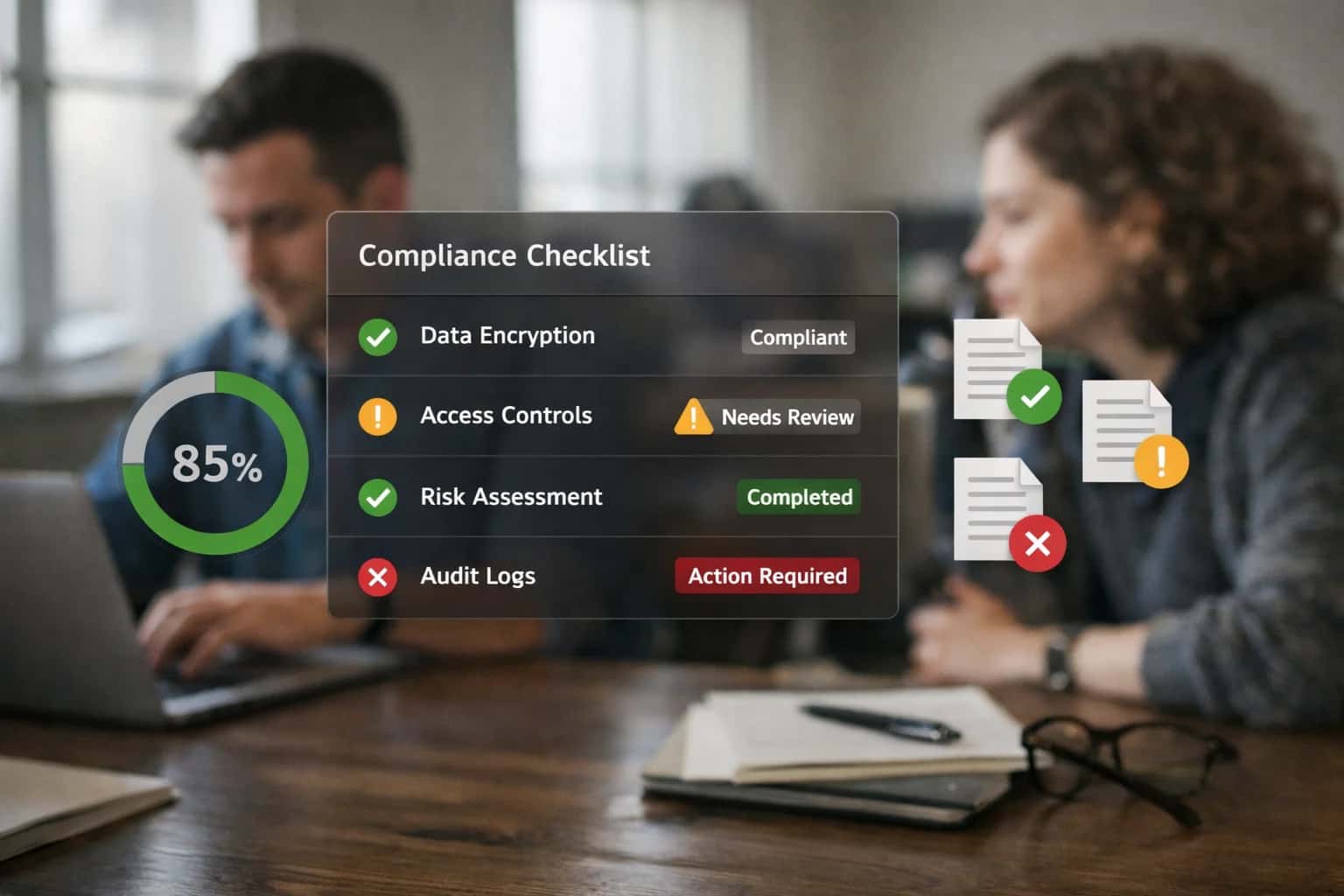
ARCHITECTURE AND ROLLOUT
Where AI Fits into Childcare Health and Safety Operations
A practical guide to integrating AI for automating safety audits, compliance logging, and incident workflows within platforms like Procare, Brightwheel, and Kangarootime.
Implementation follows a phased rollout, starting with a single high-impact workflow. A common first step is automating safety drill documentation. An AI agent can be triggered by a calendar event in the platform, generate a drill checklist, prompt staff for completion via the mobile app, compile evidence (e.g., photos, timestamps), and auto-file the compliant report to the required module and audit trail. Subsequent phases add intelligence to inventory management, using computer vision via staff smartphones to verify first-aid kit stock levels against a predefined manifest, or to incident triage, where NLP analyzes free-text incident reports to auto-categorize severity and route notifications to the correct director or regulatory contact.
Governance is built into the workflow. Every AI-generated action or recommendation should create an audit log within the native platform, preserving a human-in-the-loop for critical approvals. For example, an AI suggestion to order replacement smoke detector batteries creates a purchase requisition task for a manager's review in Procare or Kangarootime. This ensures center policies and regulatory discretion are maintained while automating the 80% of routine safety operations that are procedural. Rollout requires mapping AI actions to existing staff roles and permissions (RBAC) in your software to prevent permission creep and maintain clear accountability.
WHERE AI CONNECTS TO COMPLIANCE WORKFLOWS
Health and Safety Touchpoints in Childcare Platforms
Automating Compliance Evidence Collection
Health and safety audits require meticulous documentation. AI can connect to platform audit logs—tracking fire drills, equipment checks, and sanitation rounds—to automate evidence compilation. Instead of manual log reviews, an AI agent can:
- Parse structured logs from modules like Kangarootime's
Safety Checksor Procare'sCompliance Tracker. - Identify gaps or anomalies in scheduled vs. completed inspections.
- Generate audit-ready summaries with timestamps, staff signatures, and photographic evidence pulled from linked media APIs.
- Trigger corrective action workflows by creating tasks in the platform's task management system when a check is missed or fails.
This turns a reactive, paper-heavy process into a proactive, digital evidence trail, reducing prep time for licensing visits from days to hours.
CHILDCARE AND DAYCARE MANAGEMENT
High-Value AI Use Cases for Safety and Compliance
AI integration transforms manual, reactive safety tasks into proactive, automated workflows. By connecting to platforms like Brightwheel, Procare, Kangarootime, and Famly, AI can monitor compliance, schedule critical checks, and analyze audit data to reduce risk and administrative burden.
01
Automated Safety Drill Scheduling & Documentation
AI analyzes center calendars, staff schedules, and past drill logs to automatically schedule mandatory drills (fire, earthquake, lockdown) at optimal times, avoiding nap or meal periods. It generates drill checklists, logs participant counts, and compiles compliance reports for licensing reviews via the platform's event and reporting APIs.
Manual → Automated
Compliance tracking
02
Smart Inventory Audits for First-Aid & Safety Kits
AI agents monitor expiration dates and stock levels of first-aid supplies, epinephrine pens, and emergency kits by integrating with inventory modules or staff check-in logs. It triggers automatic reorder requests to designated staff and logs all checks for audit trails, ensuring kits are always inspection-ready.
Monthly → Real-time
Stock visibility
03
Incident Report Triage & Trend Analysis
When a staff member files an incident report (e.g., minor injury, allergy exposure), AI immediately classifies severity, routes alerts to the correct director or nurse, and suggests follow-up actions based on policy. It analyzes historical reports to surface patterns (e.g., frequent incidents in a specific playground area) for preventive action.
Hours -> Minutes
Alert routing
04
Proactive Ratio Compliance Monitoring
AI connects to real-time attendance feeds and room management APIs to continuously calculate staff-to-child ratios. It predicts potential violations before they occur (e.g., based on scheduled staff breaks) and sends proactive alerts to directors with coverage suggestions, maintaining strict licensing compliance.
Reactive → Predictive
Compliance mode
05
Health Log Analysis for Symptom Clusters
AI processes daily health logs (temperature checks, medication administered, symptom notes) to identify potential illness clusters across classrooms or centers. It alerts directors to patterns that may indicate contagious outbreaks, enabling swift communication to parents and enhanced sanitation protocols.
Batch → Real-time
Health intelligence
06
Regulatory Document & Policy RAG for Staff
Implements a Retrieval-Augmented Generation (RAG) system connected to the center's digital policy manuals, state licensing regulations, and emergency procedures. Staff can ask natural language questions (e.g., "What's the procedure for a bee sting allergy?") via a chat interface and get accurate, sourced answers, ensuring consistent policy adherence. Learn more about our approach to RAG for enterprise knowledge.
1 sprint
Typical implementation
PRODUCTION BLUEPRINTS
Example AI-Powered Safety Workflows
These workflows illustrate how AI agents can automate critical health and safety compliance tasks by integrating directly with your childcare management platform's APIs, audit logs, and scheduling modules.
Trigger: A scheduled monthly review or a new regulatory update ingested by the system.
Context Pulled: The AI agent queries the platform's calendar API for the last fire, earthquake, and lockdown drill dates per classroom. It also retrieves staff rosters and child attendance records for the planned drill day.
Agent Action:
- Identifies the next optimal date/time that meets licensing frequency requirements and minimizes disruption.
- Generates a drill schedule and assigns roles (e.g., who checks bathrooms, who takes the roster).
- Drafts a pre-drill notification email/message for parents via the platform's communication API.
- Creates a digital drill log template with fields for time-to-evacuate, notes, and follow-up items.
System Update: The scheduled drill, notification, and log template are created as events and tasks within the management platform (e.g., in Procare's calendar or Kangarootime's task module). Post-drill, staff complete the log via mobile app, and the AI archives it with compliance tags.
Human Review Point: The center director approves the final schedule and notification before it's sent. The completed drill log is flagged for director review if the recorded evacuation time exceeds the center's standard.
AUTOMATED COMPLIANCE WORKFLOWS
Implementation Architecture: Data Flow and System Design
A production-ready blueprint for integrating AI into health and safety audit workflows within platforms like Brightwheel, Procare, Kangarootime, and Famly.
The integration architecture connects to the childcare platform's core data model—specifically the Health Logs, Incident Reports, Staff Certification Records, and Facility Checklists modules—via secure REST APIs and webhook event streams. An AI orchestration layer subscribes to events like safety_check_scheduled, incident_reported, or inventory_low to trigger automated workflows. For example, when a scheduled fire drill is logged, the system can automatically generate a post-drill analysis, populate required fields in the platform's audit log, and assign follow-up tasks to staff, all while maintaining a complete audit trail within the original system.
Key implementation patterns include:
- Scheduling & Reminder Automation: Using the platform's calendar APIs, the AI agent schedules recurring safety drills and inventory checks (e.g., first-aid kits, fire extinguishers), factoring in staff availability and regulatory frequency requirements.
- Document Intelligence & Log Analysis: When a staff member uploads a safety inspection photo or PDF, a vision/OCR model extracts data (e.g., expiry dates, gauge readings) to populate digital checklists and flag discrepancies.
- Predictive Compliance Monitoring: By analyzing historical audit logs and incident reports, the system identifies patterns (e.g., frequent medication errors in a specific room) and generates proactive alerts for directors, suggesting corrective actions before a licensing visit.
Rollout is phased, starting with read-only data ingestion to train models on center-specific terminology and compliance rules, followed by piloting automated drill scheduling and report generation in a single location. Governance is critical: all AI-generated actions (e.g., assigning a corrective task) should route through an approval queue in the childcare platform's native workflow engine, ensuring a human-in-the-loop for safety-critical decisions. This design ensures the AI augments—rather than replaces—the platform's existing compliance surfaces, making audits faster and reducing the risk of human oversight.
IMPLEMENTATION PATTERNS
Code and Payload Examples
Automating Safety Calendar Workflows
AI agents can ingest licensing requirements and center calendars to automatically schedule mandatory drills (fire, earthquake, lockdown) and recurring safety audits. The system calls the platform's calendar API to create events, assigns staff roles, and triggers reminder sequences.
Example Payload for Creating a Drill Event:
jsonPOST /api/v1/events { "title": "Monthly Fire Drill - Toddler Room", "type": "safety_drill", "room_id": "room_abc123", "assigned_staff_ids": ["staff_789", "staff_456"], "required_documentation": ["evacuation_time_log", "headcount_sheet"], "pre_drill_reminder_days": [7, 1], "post_drill_task": "upload_drill_report" }
The AI monitors completion by checking for uploaded reports or staff sign-offs, escalating incomplete items to directors.
HEALTH AND SAFETY AUDIT WORKFLOWS
Realistic Time Savings and Operational Impact
How AI integration reduces manual effort, improves compliance, and shifts staff focus from administrative logging to proactive safety management.
| Workflow / Task | Before AI (Manual Process) | After AI (AI-Assisted) | Implementation Notes |
|---|---|---|---|
Safety Drill Scheduling & Logging | Calendar review, manual entry, email reminders | AI auto-schedules based on regulations, logs completion, sends confirmations | Integrates with center calendar; human confirms drill execution |
First-Aid Kit & Safety Supply Inventory | Monthly manual checks, spreadsheet updates, reorder emails | AI tracks usage via logs/IoT, predicts restock dates, generates purchase lists | Requires initial barcode/QR setup; alerts for critical low stock |
Incident Report Triage & Routing | Director reviews all reports, determines severity, manually notifies staff | AI scores severity, routes to correct personnel, flags patterns | Human-in-the-loop for high-severity incidents; reduces director triage time |
Compliance Audit Preparation | Days of manual document gathering, checklist verification | AI auto-compiles logs, flags gaps, generates pre-audit packet | Connects to digital forms, attendance, and drill modules; 80% document prep automated |
Health Log Review (Medication, Allergies) | Daily manual review of paper/digital logs for anomalies | AI monitors entries, alerts for missed doses or allergy exposure risks | Reads from Kangarootime/Procare health modules; reduces oversight burden |
Regulatory Change Monitoring | Quarterly manual review of state licensing websites | AI scans for updates, summarizes changes, flags impacted center procedures | Provides summary memos; director approves any policy updates |
Safety Drill Effectiveness Analysis | Annual manual review of drill times and feedback | AI analyzes drill completion times, participant feedback, suggests optimizations | Post-drill survey integration; insights for continuous improvement |
IMPLEMENTING AI FOR REGULATED WORKFLOWS
Governance, Security, and Phased Rollout
Deploying AI for health and safety audits requires a controlled, phased approach that prioritizes data security, compliance, and staff trust.
A production integration for health and safety audit AI must be built with data isolation and role-based access controls (RBAC) at its core. This means connecting to your management platform's APIs (like Brightwheel's Health Logs or Procare's Incident Reporting modules) to pull audit data—such as drill logs, first-aid kit inventory checks, and compliance incident reports—into a secure, isolated processing environment. All AI processing should occur within your own cloud tenant or a private Inference Systems deployment, ensuring child and staff PII, along with sensitive compliance findings, never leaves your controlled environment. Audit trails must log every AI-generated action, such as a suggested drill schedule or an inventory alert, back to the source record in your childcare software for full traceability.
Rollout follows a phased, human-in-the-loop model. Phase 1 focuses on AI as an assistant: the system analyzes past audit logs from your platform to surface patterns (e.g., recurring missed medication checks) and generates draft schedules for monthly fire drills, but requires director approval before any action is taken in the live system. Phase 2 introduces conditional automation: the AI can auto-log completed safety drills or low-stock alerts for first-aid supplies via platform webhooks, but flags any anomaly (like a failed drill or a severe incident report) for immediate human review. Phase 3 enables predictive operations, where the AI forecasts compliance risks based on historical data and staff schedules, prompting pre-emptive actions like ordering supplies or scheduling extra training.
Governance is maintained through a weekly review cycle where directors validate AI-generated audit summaries and exception reports. This ensures the AI's recommendations align with center policy and state licensing regulations (e.g., Title 22 or equivalent). The system should be designed for continuous feedback, allowing staff to flag incorrect AI suggestions directly within the familiar interface of Brightwheel, Procare, or Kangarootime, which then retrains the underlying models. This approach minimizes disruption, builds institutional trust, and creates a clear path from assisted intelligence to automated, reliable safety operations. For related architectural patterns, see our guide on AI Integration for Childcare Compliance Automation.
Enabling Efficiency, Speed & Accuracy
Intelligent Analysis, Decision & Execution
We build AI systems for teams that need search across company data, workflow automation across tools, or AI features inside products and internal software.
Talk to Us
Search across company data
Give teams answers from docs, tickets, runbooks, and product data with sources and permissions.
Useful when people spend too long searching or get different answers from different systems.
Enterprise searchRAGPermissions
Read more
Automate internal workflows
Use AI to route work, draft outputs, trigger actions, and keep approvals and logs in place.
Useful when repetitive work moves across multiple tools and teams.
AI agentsWorkflow automationGovernance
Read more
Add AI to products and internal tools
Build assistants, guided actions, or decision support into the software your team or customers already use.
Useful when AI needs to be part of the product, not a separate tool.
AI integrationDecision supportModel routing
Read moreHEALTH AND SAFETY AUDIT AI
Frequently Asked Questions
Practical questions about implementing AI to automate safety drills, inventory checks, and compliance audits in childcare management platforms like Brightwheel, Procare, Kangarootime, and Famly.
This workflow uses AI to manage mandatory safety drills (fire, lockdown, earthquake) by integrating with your platform's calendar and attendance modules.
- Trigger: A scheduled cron job or a platform webhook (e.g., start of month) initiates the workflow.
- Context Pulled: The AI agent checks the center's calendar for blackout dates, reviews past drill completion logs, and pulls current room occupancy and staff schedules from the platform's API.
- AI Action: The LLM analyzes the data to propose 2-3 optimal times for the drill that minimize disruption, ensure required staff are present, and comply with regulatory frequency (e.g., monthly fire drills). It drafts a notification for staff and parents.
- System Update: The proposed drill time is created as an event in the platform's calendar. Post-drill, teachers can log completion via a quick form; AI can transcribe voice notes into the official log.
- Human Review: The center director approves the scheduled time before notifications are sent. Drill logs are flagged for director review if any anomalies (e.g., incomplete evacuation time) are detected.
This automates a recurring administrative task, ensures consistent documentation for licensing audits, and can integrate with /integrations/childcare-and-daycare-management-platforms/ai-integration-for-procare-attendance-workflows for real-time headcount verification.

About the author
Prasad Kumkar
CEO & MD, Inference Systems
Prasad Kumkar is the CEO & MD of Inference Systems and writes about AI systems architecture, LLM infrastructure, model serving, evaluation, and production deployment. Over 5+ years, he has worked across computer vision models, L5 autonomous vehicle systems, and LLM research, with a focus on taking complex AI ideas into real-world engineering systems.
His work and writing cover AI systems, large language models, AI agents, multimodal systems, autonomous systems, inference optimization, RAG, evaluation, and production AI engineering.
LinkedIn
Limited slotsGet a Free AI Consultation
Partnered with leading AI, data, and software stack.





How We Work
Custom AI workflows for your Business
One-fit-all AI don't work for modern businesses. At Inferensys, we aim to understand your business & custom requirements; which we use to define most efficient agentic workflows, the data, and the tools for your business.
01
Review the use case
We understand the task, the users, and where AI can actually help.
Read more02
Pick the right approach
We define what needs search, automation, or product integration.
Read more03
Build the first useful version
We implement the part that proves the value first.
Read more04
Improve from there
We add the checks and visibility needed to keep it useful.
Read moreThe first call is a practical review of your use case and the right next step.
Talk to Us