Dynamic power scaling is the core technique for extending battery life in wearables and IoT devices. It moves beyond static power modes by creating a feedback loop where the system's performance state—voltage, frequency, and peripheral activation—is dynamically adjusted based on the real-time demands of the AI inference queue. This requires monitoring task urgency and predicting workload intensity to maximize sleep time, only ramping performance when necessary. You will learn to design state machines that integrate with OS power management frameworks like DVFS (Dynamic Voltage and Frequency Scaling).

Guide
How to Implement Dynamic Power Scaling Based on AI Workload
A step-by-step technical guide to building an intelligent power manager that adjusts processor voltage, frequency, and peripheral states in real-time based on AI task demands, dramatically extending battery life for wearables and IoT devices.
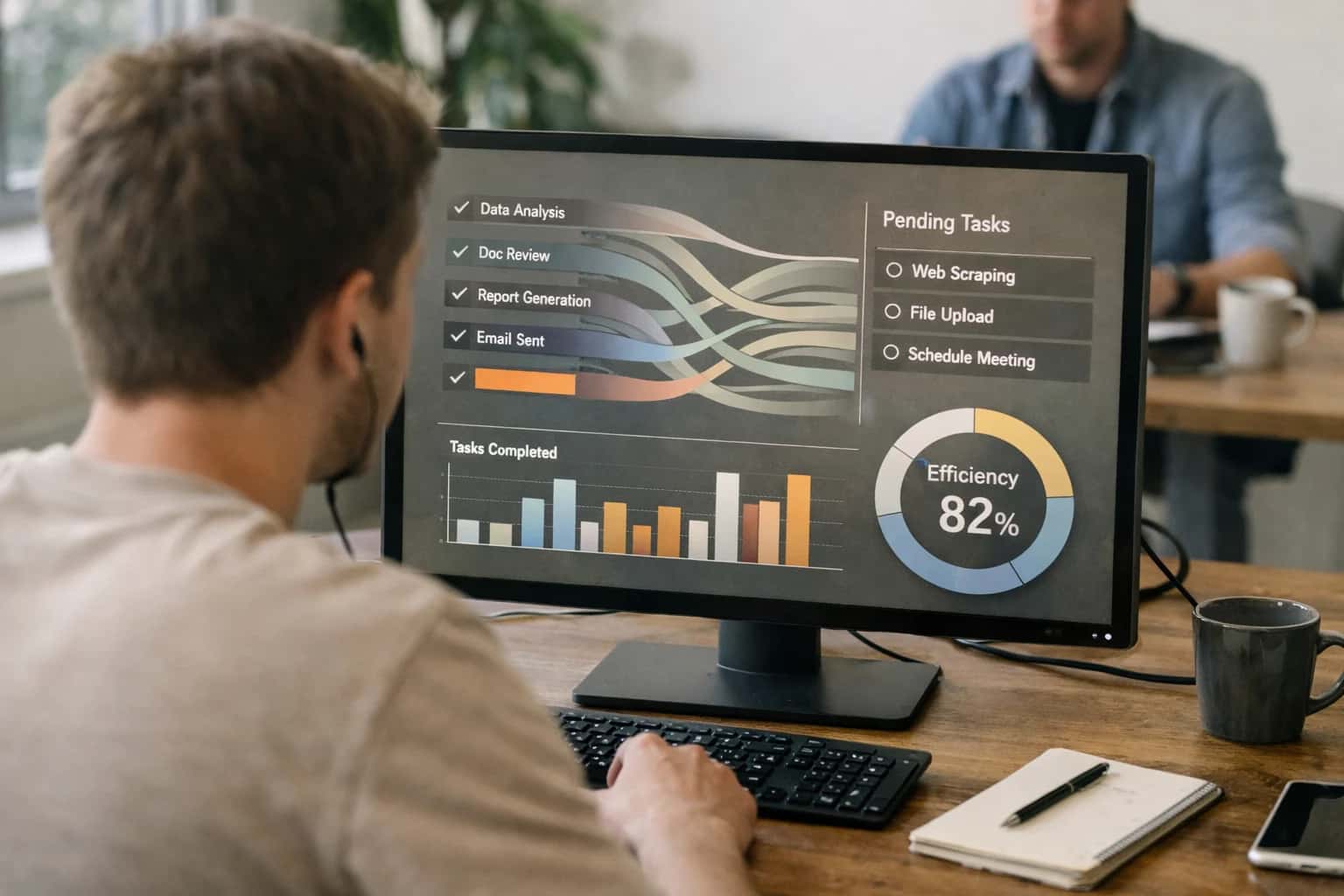
This guide details how to build an intelligent power manager that adjusts processor voltage, frequency, and peripheral states in response to real-time AI task demands.
Implementation begins by instrumenting your application to profile the latency and compute intensity of different AI tasks, such as continuous sensor analysis versus periodic classification. You then build a power governor that uses this profile data to predict upcoming demands and preemptively scale hardware resources. Key steps include defining performance states, implementing prediction algorithms, and rigorously testing to ensure stability. This approach directly connects to our guides on How to Select Hardware for Ultra-Low-Power AI Deployment and How to Balance Model Accuracy vs. Power Consumption.
IMPLEMENTATION GUIDE
Key Concepts: How Dynamic Power Scaling Works
Dynamic power scaling intelligently adjusts a device's operating state to match real-time AI workload demands, a foundational technique for extending battery life in wearables and IoT.
01
Workload Monitoring & Prediction
The system's intelligence begins by monitoring the inference queue and analyzing sensor data patterns. It predicts upcoming workload intensity using simple heuristics or lightweight ML models. For example, a health monitor might predict a period of high activity (and thus higher sensor sampling needs) based on time of day or user motion. This prediction informs the pre-scaling of processor performance.
02
Processor DVFS Control
Dynamic Voltage and Frequency Scaling (DVFS) is the primary hardware mechanism. The power manager adjusts the CPU/accelerator's clock speed and operating voltage in real-time.
- High Load: Ramps to peak frequency for complex model layers.
- Idle/Simple Tasks: Drops to the lowest sustainable frequency, as power consumption scales with the square of the voltage (
P ∝ V² f). Integration is done via the OS power framework (e.g., Linux cpufreq) or direct MCU register control.
03
Peripheral & Sensor State Management
Power is wasted by idle components. A state machine manages peripheral power domains (e.g., IMU, Bluetooth, GPS).
- Active Sensing: Powers the relevant sensor only during its sampling window.
- Duty Cycling: Turns off radios and high-power sensors between scheduled tasks.
- Wake-on-Event: Uses low-power interrupt lines to wake the main processor only when necessary, connecting to concepts like designing for real-time anomaly detection.
06
Metrics & Validation
Success is measured by inferences-per-joule and total sleep time percentage. Validate your implementation using:
- Energy profiling tools (e.g., Joulescope, Power Profiler Kit II).
- Benchmarking under synthetic and real-world workload traces.
- Stress testing with variable battery levels to ensure the state machine never enters a unrecoverable low-power state during critical operations.
FOUNDATION
Step 1: Define Your Power-Performance States
The first step in implementing dynamic power scaling is to explicitly define the discrete operating modes, or **Power-Performance States (P-States)**, your system can enter. This creates the foundation for an intelligent power manager.
A Power-Performance State (P-State) is a predefined hardware configuration that balances processing capability with energy draw. For an AI workload manager, you must define states like: Deep Sleep (sensors off, RAM retained), Idle Sensing (low-power sensor sampling), Light Inference (MCU running a quantized model), and Peak Performance (max CPU/accelerator frequency). Each state specifies a combination of CPU voltage/frequency, peripheral power, and memory state. This explicit mapping is your control surface.
Define states based on your AI workload characterization. Profile tasks like continuous heart-rate monitoring (Idle Sensing), sporadic voice-command detection (Light Inference), and complex fall-detection analysis (Peak Performance). Assign each task type to a P-State. This creates the logic for your state machine: the system transitions to a higher-power state only when the incoming workload matches its defined capability, otherwise it remains in the lowest viable state to conserve energy.
PLATFORM COMPARISON
Hardware Support for Dynamic Power Scaling
Comparison of key hardware features across common platforms for implementing AI-driven dynamic voltage and frequency scaling (DVFS).
| Feature / Metric | High-Performance MCU (e.g., STM32H7) | Ultra-Low-Power MCU (e.g., ESP32-S3) | Dedicated AI Accelerator (e.g., Syntiant NDP120) |
|---|---|---|---|
Fine-Grained DVFS Control | |||
Multiple Independent Power Domains | |||
Hardware Performance Counters | |||
Peak Inference Efficiency (Inferences/Joule) | 500 | 5000 | 25000 |
Peripheral State Gating (Auto Sleep) | |||
On-Chip Power Management Unit (PMU) | |||
Software API for Real-Time Frequency Scaling | |||
Typical Active Power for AI Workload | 50-100 mW | 5-20 mW | < 2 mW |
Enabling Efficiency, Speed & Accuracy
Intelligent Analysis, Decision & Execution
We build AI systems for teams that need search across company data, workflow automation across tools, or AI features inside products and internal software.
Talk to Us
Search across company data
Give teams answers from docs, tickets, runbooks, and product data with sources and permissions.
Useful when people spend too long searching or get different answers from different systems.
Enterprise searchRAGPermissions
Read more
Automate internal workflows
Use AI to route work, draft outputs, trigger actions, and keep approvals and logs in place.
Useful when repetitive work moves across multiple tools and teams.
AI agentsWorkflow automationGovernance
Read more
Add AI to products and internal tools
Build assistants, guided actions, or decision support into the software your team or customers already use.
Useful when AI needs to be part of the product, not a separate tool.
AI integrationDecision supportModel routing
Read moreDYNAMIC POWER SCALING
Common Mistakes
Implementing dynamic power scaling for AI workloads is critical for battery life, but developers often stumble on the same pitfalls. This section addresses the most frequent errors and provides clear solutions.
This happens when the performance state transition (e.g., raising CPU frequency) is triggered after a high-priority AI task is already queued. The system must wait for the voltage/frequency ramp-up, causing a stall.
Solution: Implement predictive scaling. Monitor the inference queue depth or use a simple workload predictor. If you detect a pattern (e.g., a motion sensor trigger is always followed by a vision model), initiate the performance ramp before the heavy task arrives. Integrate with your OS's CPUFreq governor or use a custom driver to set the performance state proactively.

About the author
Prasad Kumkar
CEO & MD, Inference Systems
Prasad Kumkar is the CEO & MD of Inference Systems and writes about AI systems architecture, LLM infrastructure, model serving, evaluation, and production deployment. Over 5+ years, he has worked across computer vision models, L5 autonomous vehicle systems, and LLM research, with a focus on taking complex AI ideas into real-world engineering systems.
His work and writing cover AI systems, large language models, AI agents, multimodal systems, autonomous systems, inference optimization, RAG, evaluation, and production AI engineering.
LinkedIn
Limited slotsGet a Free AI Consultation
Partnered with leading AI, data, and software stack.





How We Work
Custom AI workflows for your Business
One-fit-all AI don't work for modern businesses. At Inferensys, we aim to understand your business & custom requirements; which we use to define most efficient agentic workflows, the data, and the tools for your business.
01
Review the use case
We understand the task, the users, and where AI can actually help.
Read more02
Pick the right approach
We define what needs search, automation, or product integration.
Read more03
Build the first useful version
We implement the part that proves the value first.
Read more04
Improve from there
We add the checks and visibility needed to keep it useful.
Read moreThe first call is a practical review of your use case and the right next step.
Talk to Us