Retail execution workflows are inherently multi-system. A failed compliance audit in Repsly may need to trigger a vendor claim in SAP Ariba, schedule a corrective task in Zipline, update an account record in Salesforce, and generate an exception report in Power BI. Traditional point-to-point integrations create brittle, linear automations that fail when exceptions arise. AI orchestration introduces intelligent agents that can manage these cross-platform sequences, handle conditional logic, and escalate to human review when needed. The core integration surfaces are the webhook and REST API endpoints of your retail execution platform, which become triggers for an orchestration engine that coordinates actions across your ERP, CRM, and other operational systems.

Integration
AI Integration for Retail Workflow Orchestration
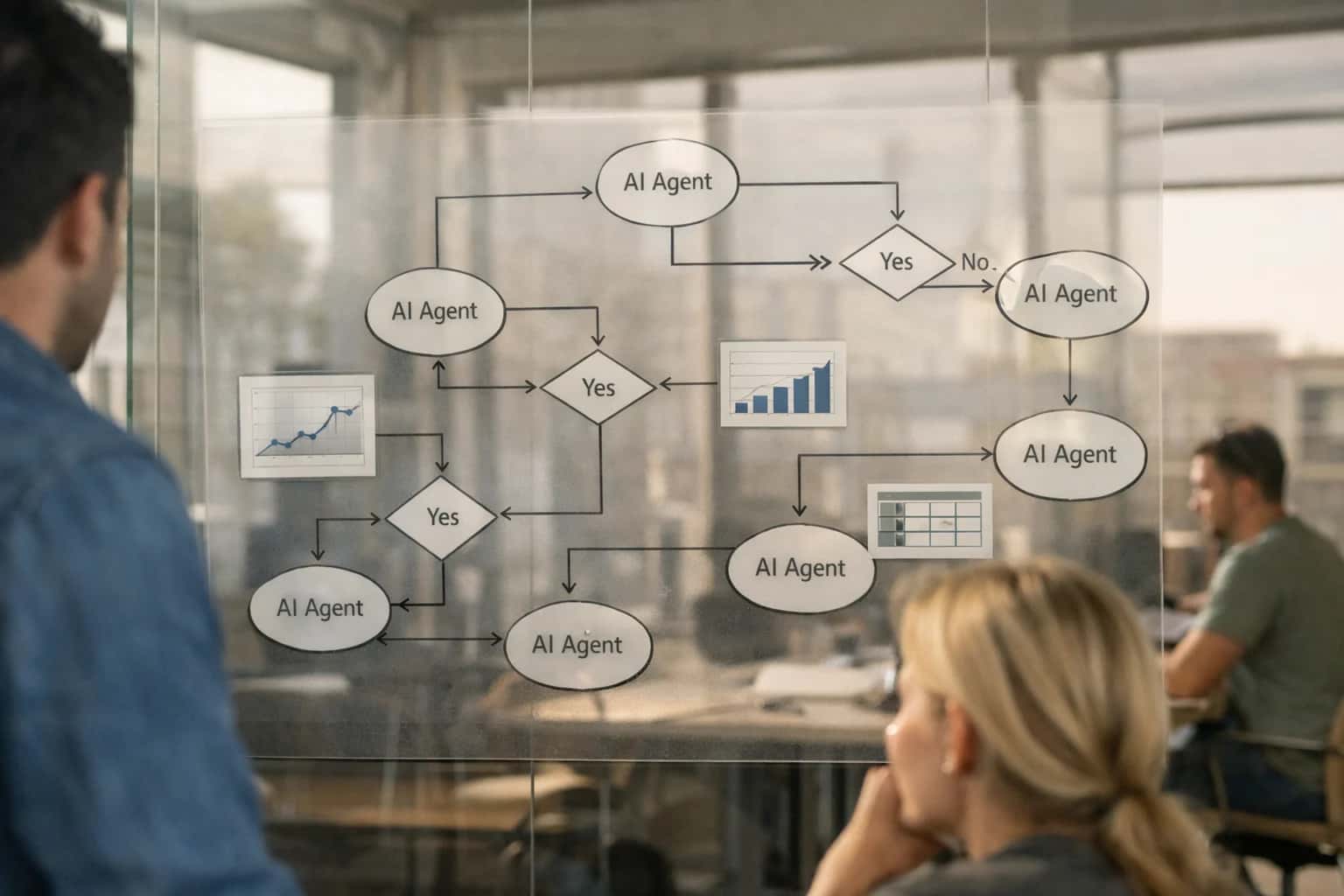
Where AI Orchestration Fits in Retail Execution
A practical guide to orchestrating multi-step retail processes across platforms like Repsly, Zipline, and YOOBIC using AI agents.
Implementation centers on defining the agent's toolset and decision framework. For a vendor claim workflow, the agent's tools might include: calling the Repsly API to fetch audit details and images, using an LLM to analyze evidence and draft a claim rationale, querying the ERP for the vendor contract and purchase order, submitting the claim via the procure-to-pay platform's API, and finally creating a follow-up task in YOOBIC. The agent operates within a governed loop: it executes steps, evaluates outcomes (e.g., "claim submission successful"), and proceeds to the next defined action or pauses for human approval based on confidence scores or monetary thresholds. This moves processes from manual, day-long coordination to same-hour resolution.
Rollout requires a phased, use-case-led approach. Start with a single high-volume, rule-based workflow like automated task creation from audit failures. Instrument the agent with detailed audit logs and traceability back to source records in the retail platform. This builds trust and provides a blueprint. Then, expand to more complex, conditional orchestrations like promotional compliance analysis that triggers restocking orders in the WMS and adjusts labor forecasts in the workforce management system. Governance is critical: establish RBAC for agent-initiated actions and implement a human-in-the-loop review step for high-stakes transactions. The goal isn't full autonomy, but significant acceleration of the 80% of routine cross-system workflows that currently drain operational bandwidth.
Orchestration Touchpoints in Retail Execution Platforms
From Exception Detection to Corrective Action
AI agents can orchestrate multi-step processes triggered by audit results. For example, a failed food safety audit in YOOBIC can automatically:
- Generate a detailed incident summary and root-cause analysis.
- Create a corrective action task in Repsly for the store manager.
- Open a vendor claim ticket in SAP Ariba if the issue is supplier-related.
- Schedule a follow-up verification audit in the platform's calendar.
This moves compliance from a manual, document-heavy process to an automated, closed-loop system. The agent acts as the workflow conductor, using platform webhooks to trigger steps and APIs to update statuses, ensuring accountability and traceability across systems.
High-Value Orchestration Use Cases
AI agents can orchestrate complex, multi-step processes that span your retail execution platform and connected systems like ERP, CRM, and workforce management. This moves workflows from manual, sequential steps to automated, intelligent coordination.
Automated Vendor Claim & Reconciliation
Orchestrates a multi-system workflow triggered by a failed compliance audit in Repsly or YOOBIC. An AI agent analyzes photo evidence, cross-references the promotion contract in a CLM system, validates the claim against ERP purchase orders, and initiates a debit memo or credit request—all without manual data entry or email chains.
Predictive Task Routing & Labor Optimization
An AI orchestrator analyzes incoming audit exceptions, store traffic forecasts, and real-time staff availability from a workforce management system. It dynamically assigns and prioritizes corrective tasks in Zipline or Movista, optimizing for travel time, skill level, and SLA, ensuring the right person addresses the highest-impact issue first.
Cross-Platform Compliance Escalation
For critical failures (e.g., food safety), an AI agent orchestrates a mandatory escalation path. It creates a high-priority incident in a connected EHS platform like Cority, notifies regional leadership via Microsoft Teams, updates the account record in Salesforce CRM, and logs all actions back to the original audit trail in the retail execution platform for full traceability.
Intelligent New Product Launch Coordination
Orchestrates the end-to-end launch process. Upon a launch trigger from a PLM system, the agent generates store-specific task lists in the retail execution platform, schedules associate training modules in the LMS, monitors early execution via audit data, and synthesizes a launch health dashboard for BI tools—closing the loop between planning and in-store execution.
Proactive Maintenance & Inventory Replenishment
An AI agent acts as a central orchestrator between field data and back-office systems. It analyzes audit photos for out-of-stocks or equipment issues in Movista, checks real-time inventory levels in the ERP/WMS, and automatically generates a purchase requisition in Coupa or a work order in a CMMS like Fiix—transforming observational data into actionable backend workflows.
Unified Performance Coaching Workflow
Orchestrates a closed-loop coaching cycle. The agent analyzes a rep's performance trends across Repsly audits and Zipline task completion, recommends personalized coaching topics from a knowledge base, schedules a review session in the manager's calendar, and, post-meeting, creates follow-up development tasks—tying field data directly to people development.
Example AI-Orchestrated Workflows
These workflows illustrate how AI agents can orchestrate processes that span your retail execution platform and connected systems like ERP, CRM, and vendor portals. Each pattern is designed to reduce manual handoffs, accelerate resolution, and create a closed-loop system for retail operations.
Trigger: A store audit in Repsly or YOOBIC is scored below the compliance threshold for a specific vendor's planogram.
AI Agent Actions:
- Context Retrieval: The agent pulls the audit details, including photos, notes, store ID, auditor, and the specific failed SKUs/conditions.
- Evidence Synthesis: Using computer vision/NLP, it generates a concise summary: "Planogram compliance for Vendor A's energy drink display at Store #4521 scored 65%. Photo shows 4 of 8 facings missing and incorrect pricing."
- System Query: It checks the connected ERP (e.g., SAP) for recent deliveries of the missing SKUs to that store to rule out a supply issue.
- Workflow Initiation: The agent drafts a structured claim in the vendor's portal or creates a task in the CRM (e.g., Salesforce) for the sales rep, attaching the evidence summary and referencing the relevant contract clause for compliance penalties.
- Notification & Logging: It posts a comment in the original audit in the retail execution platform with a link to the initiated claim and notifies the district manager via Zipline.
Human Review Point: The drafted claim or CRM task is sent to the vendor manager or sales rep for final review and submission, ensuring control.
Implementation Architecture: The Orchestration Layer
A practical blueprint for using AI agents to coordinate multi-step processes across retail execution platforms and enterprise systems.
An AI orchestration layer acts as a central nervous system for retail operations, connecting platforms like Repsly, Zipline, YOOBIC, and Movista to back-office systems such as ERP (SAP, NetSuite), CRM (Salesforce), and vendor portals. This layer uses AI agents to interpret events—like a failed compliance audit or a low-stock photo—and execute predefined workflows. For example, an agent can trigger a vendor claim process by extracting evidence from a Repsly audit, drafting a claim in Coupa, and logging the action in a ServiceNow ticket, all without manual intervention.
Implementation involves deploying lightweight agent controllers that subscribe to platform webhooks (e.g., audit.completed, task.overdue). Upon receiving an event, the controller evaluates the payload against business rules, calls the appropriate LLM for reasoning and document generation, and then uses API connectors to execute steps in sequence. Critical design patterns include state management (tracking multi-day processes like promotional rollouts), human-in-the-loop approvals for high-value actions, and comprehensive audit logs linking every AI decision back to the source retail data.
Rollout should start with a single, high-volume workflow—such as automated follow-up task creation from audit exceptions—within one platform region. Governance is paramount: establish RBAC for agent permissions, implement prompt versioning and evaluation to control output quality, and set up real-time monitoring dashboards to track agent success rates and exception volumes. This approach moves retail operations from reactive, manual coordination to proactive, system-led execution, reducing process cycle times from days to hours while maintaining full oversight.
Code & Payload Examples
From Failed Audit to Vendor Claim
This workflow is triggered when an AI analysis of a store audit in Repsly or YOOBIC flags a critical compliance failure attributed to a vendor (e.g., incorrect planogram, missing promotional material). The agent orchestrates a multi-step process across systems.
Example Trigger Payload (from Retail Execution Platform Webhook):
json{ "event_type": "audit_completed", "audit_id": "AUD-2024-78910", "store_id": "STORE-4567", "vendor_code": "VND-ACME", "score": 65, "critical_findings": [ { "category": "planogram_compliance", "description": "ACME Product X missing from designated shelf location.", "image_url": "https://cdn.repsly.com/audits/img123.jpg" } ], "timestamp": "2024-05-15T14:30:00Z" }
The agent receives this payload, validates the vendor attribution, and initiates the claim process.
Plausible Time Savings & Operational Impact
How AI agents connecting retail execution platforms to ERP, CRM, and other systems can compress multi-step operational cycles.
| Workflow / Process | Before AI Orchestration | After AI Orchestration | Key Notes |
|---|---|---|---|
Failed Compliance Audit → Vendor Claim | Manual review, email to vendor, spreadsheet tracking (2-3 days) | Automated claim draft, system routing, status sync (Same day) | AI analyzes audit evidence, drafts claim, triggers workflow in PRM/ERP |
Planogram Exception → Corrective Task & Reorder | Manager review, manual task creation, separate inventory check (4-8 hours) | Automated task assignment & suggested PO in connected ERP (1 hour) | AI correlates shelf image with inventory data, suggests restock quantity |
Field Visit Summary → CRM Activity & Follow-up | Rep manual entry, sales ops review for lead scoring (Next day follow-up) | Auto-summarized visit, enriched account record, suggested next step (Real-time) | LLM extracts insights, updates Salesforce/HubSpot, triggers sales cadence |
Promotional Execution Check → Trade Spend Reconciliation | Monthly manual audit, spreadsheet reconciliation with finance (Weeks to close) | Daily compliance scoring, automated variance flagging for review (Days to close) | AI compares audit data to promotion contracts, flags discrepancies for AP |
Safety Incident Report → Corrective Work Order | Phone call/email to facilities, manual work order entry (4-24 hour response) | Automated classification, priority routing to CMMS, SMS alert (1-2 hour response) | NLP classifies incident, creates ticket in Fiix/UpKeep, notifies assigned tech |
New Product Launch Ramp-Up Tracking | Regional manager manual calls, spreadsheet consolidation (Weekly updates) | AI aggregates store-level execution data, predicts full ramp date (Daily dashboard) | Analyzes task completion & first audit scores across platforms, highlights lagging stores |
Employee Survey Analysis → Training Assignment | Quarterly manual reading, subjective theme identification (Weeks to action) | Real-time sentiment & theme extraction, auto-assigns LMS module (Days to action) | AI processes open-text feedback from platform, maps gaps to Docebo/Cornerstone courses |
Governance, Security & Phased Rollout
A practical blueprint for deploying AI agents across retail operations with enterprise-grade controls.
Orchestrating workflows across Repsly, Zipline, YOOBIC, and Movista requires a clear data and execution perimeter. We architect integrations that treat these platforms as systems of record, using their webhooks and REST APIs as the primary trigger and update mechanism. For example, an AI agent triggered by a failed compliance audit in YOOBIC will read the audit payload, call external systems (ERP for vendor contracts, CRM for account details), generate a recommended action, and write the resulting task or claim request back to the originating platform—all within a secured, audited pipeline. This ensures the retail execution platform remains the single source of truth for field operations.
Security is enforced at multiple layers: API keys and OAuth tokens are managed via a secrets vault, never hard-coded. All AI model calls (e.g., for analyzing audit notes or generating claim drafts) are routed through a gateway that enforces data anonymization, stripping PII from field notes before processing. A dedicated audit log tracks every agent invocation, recording the source platform event, the data sent to the AI, the response, and the resulting action taken in any connected system. This is critical for compliance in regulated sectors like grocery (food safety) or pharmacy.
A phased rollout mitigates risk and proves value. Phase 1 typically automates a single, high-volume workflow—like triaging maintenance requests from store audits—within one platform (e.g., Movista). This validates the integration pattern and builds trust. Phase 2 expands to cross-platform orchestration, such as triggering a NetSuite vendor claim process from a Repsly stock-out audit. Phase 3 introduces predictive agents, using historical execution data to forecast compliance risks or suggest pre-emptive tasks. Each phase includes a defined human-in-the-loop checkpoint, where managers review AI-generated actions before they are auto-executed, gradually increasing automation as confidence grows.
Governance is operational, not theoretical. We establish a clear RBAC (Role-Based Access Control) model aligned with your retail ops structure: store managers might trigger agents for task generation, while district managers approve cross-system workflows. Performance is monitored via dashboards that track agent accuracy, workflow completion rates, and time-to-resolution improvements. This controlled, iterative approach ensures AI augments your team's efforts without introducing unmanaged complexity or risk into critical retail operations. For teams building custom solutions, see our guide on AI Integration for Retail Execution Platform APIs.
Enabling Efficiency, Speed & Accuracy
Intelligent Analysis, Decision & Execution
We build AI systems for teams that need search across company data, workflow automation across tools, or AI features inside products and internal software.
Talk to Us
Search across company data
Give teams answers from docs, tickets, runbooks, and product data with sources and permissions.
Useful when people spend too long searching or get different answers from different systems.

Automate internal workflows
Use AI to route work, draft outputs, trigger actions, and keep approvals and logs in place.
Useful when repetitive work moves across multiple tools and teams.

Add AI to products and internal tools
Build assistants, guided actions, or decision support into the software your team or customers already use.
Useful when AI needs to be part of the product, not a separate tool.
FAQ: AI Orchestration for Retail Workflows
Practical questions for technical and operational leaders planning AI-driven workflow automation across retail execution platforms and connected systems.
Start with a single, high-impact, low-risk workflow to validate the integration pattern before scaling.
Recommended sequencing:
- Phase 1: Read-Only Analysis. Begin with AI analyzing completed store audit data in platforms like Repsly or YOOBIC to generate compliance summaries and root-cause reports. This has no operational risk.
- Phase 2: Internal Notification. Progress to having the AI agent create and assign follow-up tasks within the retail execution platform (e.g., in Movista or Zipline) for manager review before sending.
- Phase 3: Cross-System Triggers. Once trusted, enable the agent to trigger workflows in connected systems, such as creating a vendor claim ticket in your ERP (NetSuite/SAP) when a failed compliance audit is linked to a specific supplier.
- Phase 4: Proactive Guidance. Finally, deploy AI agents that provide real-time, context-aware guidance to field reps in Zipline based on store history and live KPIs.
Always instrument each phase with clear success metrics (e.g., time-to-insight, task completion rate) and human-in-the-loop checkpoints.

About the author
Prasad Kumkar
CEO & MD, Inference Systems
Prasad Kumkar is the CEO & MD of Inference Systems and writes about AI systems architecture, LLM infrastructure, model serving, evaluation, and production deployment. Over 5+ years, he has worked across computer vision models, L5 autonomous vehicle systems, and LLM research, with a focus on taking complex AI ideas into real-world engineering systems.
His work and writing cover AI systems, large language models, AI agents, multimodal systems, autonomous systems, inference optimization, RAG, evaluation, and production AI engineering.
Partnered with leading AI, data, and software stack.





How We Work
Custom AI workflows for your Business
One-fit-all AI don't work for modern businesses. At Inferensys, we aim to understand your business & custom requirements; which we use to define most efficient agentic workflows, the data, and the tools for your business.
01
Review the use case
We understand the task, the users, and where AI can actually help.
Read more02
Pick the right approach
We define what needs search, automation, or product integration.
Read more03
Build the first useful version
We implement the part that proves the value first.
Read more04
Improve from there
We add the checks and visibility needed to keep it useful.
Read moreThe first call is a practical review of your use case and the right next step.
Talk to Us