When RPA bots (UiPath, Automation Anywhere, Blue Prism) execute processes across ERP, CRM, and financial systems, they interact with sensitive customer, employee, and financial data. An AI-integrated governance layer acts as a policy engine, intercepting bot workflows to perform real-time checks. Before a bot reads a customer record from Salesforce or writes an invoice to SAP, it calls a governance API (from platforms like Collibra or OneTrust) to verify: Is this data subject to GDPR right-to-erasure? Does this field contain PII requiring masking? Is this transaction part of a legal hold? The AI component classifies the data context and evaluates it against active policies, returning a proceed, mask, or block signal to the RPA orchestrator.

Integration
AI Integration for Data Governance Platforms and RPA
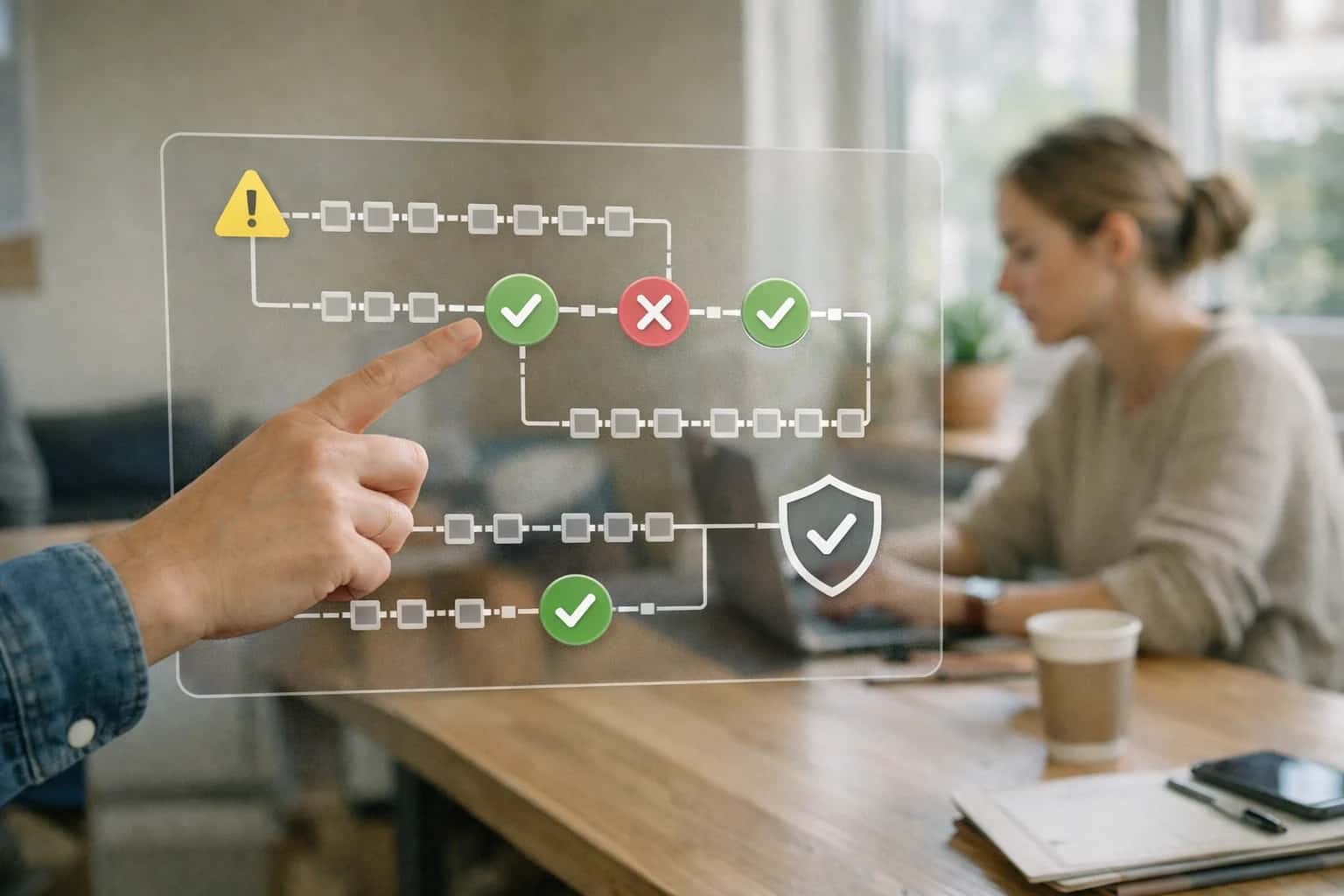
Where AI Bridges RPA Automation and Data Governance
Integrate AI-driven data governance with RPA platforms to automate policy checks, govern bot-accessed data, and generate intelligent audit logs.
Implementation involves embedding governance calls into RPA workflows as reusable components. For a procurement bot, the sequence might be: 1) Bot extracts supplier data from a PDF invoice, 2) Calls the AI-augmented governance service with the extracted text, 3) Service classifies data (e.g., bank_account_number, tax_id), checks against data retention policies, and returns a redacted payload if needed, 4) Bot proceeds with the approved data to update the Coupa or SAP Ariba record. The AI model, trained on your specific data taxonomy, improves classification accuracy over time, reducing false positives that would stall automation. All decisions are logged back to the governance platform, creating a searchable audit trail linking bot sessions to policy actions.
Rollout requires tight coordination between automation COEs, data governance teams, and security. Start with a pilot on a single, high-volume RPA process (e.g., employee onboarding in Workday or invoice processing in NetSuite). Use the AI layer to generate plain-language summaries of bot data interactions for weekly reviews, highlighting policy violations or suggesting new rules—like flagging bots accessing data outside normal business hours. This integrated approach turns RPA from a compliance blind spot into a governed, auditable layer of enterprise operations, enabling scale without increasing data risk. For related architectural patterns, see our guides on /integrations/data-governance-and-privacy-platforms/ai-integration-with-policy-aware-access-platforms-and-iam and /integrations/robotic-process-automation-platforms.
Integration Touchpoints: Governance Platforms and RPA Tools
Enforcing Data Policies on RPA Workflows
Integrate AI-driven governance platforms like Collibra or OneTrust with RPA tools (UiPath, Automation Anywhere) to enforce data access policies in real-time. Before a bot executes a task that reads or writes data, it can call a governance API to check if the target dataset is approved for automation use, contains sensitive information requiring masking, or is under legal hold.
This prevents RPA from inadvertently violating GDPR, CCPA, or internal data handling rules. For example, a bot designed to extract customer records for a billing process can be dynamically instructed to redact Social Security Numbers if the governance policy flags the data as highly sensitive. The integration acts as a policy decision point, returning a simple allow, deny, or mask instruction to the RPA orchestrator.
High-Value Use Cases for AI-Governed RPA
Integrating AI-driven data governance platforms (Collibra, OneTrust, BigID) with RPA tools (UiPath, Automation Anywhere) creates a feedback loop where bots act on governed data and governance is enforced by bots. This prevents RPA from becoming a compliance blind spot and turns automation into a policy enforcement layer.
Policy-Aware Bot Orchestration
Before executing a transaction, an RPA bot calls the governance platform's API to check the data classification and active privacy policies for the target record. This prevents bots from processing restricted data (e.g., GDPR-right-to-be-forgotten records) and logs the policy check for audit. Workflow: Bot → Governance API → Proceed/Stop decision.
Automated Data Subject Request (DSAR) Fulfillment
When a DSAR is logged in OneTrust, an RPA bot is triggered to execute the discovery and action across operational systems (ERP, CRM). The bot uses the governance platform's discovered data map to locate all instances of the individual's data, performs redaction or deletion per policy, and logs each action back to the privacy case. Workflow: OneTrust case → RPA job queue → Multi-system execution → Audit log.
Intelligent Data Masking for RPA Development
When building RPA processes that handle sensitive data, developers use a governance-integrated bot to generate synthetic or masked test data. The bot queries BigID or Collibra for real data schemas and classification, then applies appropriate masking rules (e.g., tokenization for PII) to create compliant datasets for bot testing and training, avoiding exposure of live sensitive data.
RPA Audit Log Enrichment & Lineage
RPA bots are configured to log not just their actions, but the data identifiers and classifications of the records they touch. These enriched logs are sent to a governance platform like Collibra, which builds a downstream data lineage map showing how automation impacts data. This provides traceability from source system to bot-modified report for SOX, HIPAA, or GDPR audits.
Dynamic Access for Attended Bots
For attended RPA (where a human triggers the bot), the bot session dynamically queries the governance platform for the user's context-aware data entitlements. A finance user running a reconciliation bot may see full data, while a contractor running the same bot sees masked values. Policies from Immuta or Privacera are enforced in real-time, centralizing control outside the bot logic.
Automated Policy Exception Handling
When an RPA bot encounters a policy block (e.g., tries to email a document classified as 'Internal Only'), instead of failing, it creates a structured exception ticket in ServiceNow. The ticket includes the data context, policy ID, and bot session details. An AI agent can then triage the ticket, suggest a policy override or alternative workflow, and route it for steward approval—closing the governance loop.
Example AI-Governed RPA Workflows
These workflows illustrate how AI-driven data governance platforms (like Collibra, OneTrust, or BigID) can actively govern and enhance RPA bot operations. By integrating governance checks into the automation lifecycle, you ensure bots only access compliant data and that their actions are logged, classified, and auditable.
Trigger: An RPA bot (e.g., UiPath robot) initiates a task requiring access to a customer database or document repository.
Workflow:
- Before the bot queries the data source, it calls a governance platform API (e.g., Collibra's Policy Manager or OneTrust's Data Mapping) with the target data identifier and the bot's service account context.
- An AI agent evaluates the request against active data policies, considering:
- Data classification (e.g., PII, PCI, Confidential).
- Purpose of use (e.g., "invoice processing" vs. "marketing analysis").
- Jurisdictional rules (e.g., GDPR, CCPA).
- The agent returns a go/no-go decision with an enforcement instruction (e.g., "Access granted," "Access denied," or "Proceed with field-level masking").
- The bot proceeds only if permitted, applying any required redactions on the fly. The access request and decision are logged to the governance platform's audit trail, linked to the bot's run ID.
Impact: Prevents unauthorized data processing by automation, ensuring compliance is baked into the bot's logic.
Implementation Architecture: Data Flow and APIs
A practical blueprint for connecting AI-driven data governance platforms with RPA tools to enforce policies, automate audits, and secure bot-accessed data.
The integration connects a governance platform like Collibra or OneTrust to an RPA orchestrator like UiPath Orchestrator or Automation Anywhere Control Room via REST APIs and webhooks. Core data flows include: 1) Policy Pre-Check: Before a bot executes, its target data source and intended action are sent to the governance platform's API (POST /api/v1/policy/evaluate). The AI engine classifies the data sensitivity in real-time and returns a policy_decision (allow, deny, mask) and required audit log payload. 2) Dynamic Credentialing: Approved workflows receive a just-in-time access token from the governance platform's privileged access management module, scoped to the specific data objects and masked fields defined by policy.
For high-value use cases, the AI layer adds intelligent exception handling. For example, an RPA bot processing vendor invoices extracts data via OCR. The payload is sent to a governance platform's AI service for sensitive data detection (e.g., bank account numbers). If detected, the AI service can: Redact the field before logging, Route the transaction to a human-in-the-loop queue in the RPA platform, or Enrich the audit log with a plain-language explanation of the policy applied ("Field 'bank_account' masked per PCI DSS policy P-202"). This transforms robotic logs from simple timestamps into explainable audit trails for compliance.
Rollout requires a phased approach: start with read-only bot workflows to establish the policy evaluation pattern, then progress to masked write operations. Governance is managed through a unified policy decision point in the governance platform, ensuring all RPA activities—whether attended or unattended—are evaluated against the same AI-classified data catalog. This architecture prevents policy drift, provides a single pane for compliance reporting across human and digital workers, and allows data stewards to update classification rules without redeploying hundreds of bots.
Code and Payload Examples
Enforcing Governance Policies in RPA Workflows
Before an RPA bot accesses a system, it should query the data governance platform to verify the data classification and permissible actions. This pattern uses a pre-execution API call to a platform like Collibra or OneTrust to retrieve the policy context for a given data asset.
pythonimport requests # Example: Check policy before RPA bot accesses a customer record def check_data_policy(asset_id, bot_context): governance_api_url = "https://api.collibra.com/rest/2.0/assets/{asset_id}/policy-status" headers = { "Authorization": "Bearer YOUR_API_TOKEN", "Content-Type": "application/json" } payload = { "access_context": { "user_role": "rpa_bot", "bot_id": bot_context["id"], "intended_action": "read", "target_system": "SAP_ERP" } } response = requests.get(governance_api_url, headers=headers, json=payload) policy_status = response.json() if policy_status.get("access_granted"): return {"proceed": True, "constraints": policy_status.get("constraints")} else: return {"proceed": False, "reason": policy_status.get("denial_reason")} # RPA bot logic bot_context = {"id": "uipath_bot_finance_01"} policy_check = check_data_policy("customer_data_asset_123", bot_context) if policy_check["proceed"]: # Execute the bot's data retrieval step pass else: # Log denial and trigger a human review workflow pass
Realistic Time Savings and Operational Impact
How AI integration between data governance platforms (e.g., Collibra, OneTrust) and RPA tools (e.g., UiPath, Automation Anywhere) changes key operational metrics for automation teams.
| Process | Before AI Integration | After AI Integration | Key Notes |
|---|---|---|---|
RPA Bot Data Access Approval | Manual review of data classification and policies (2-4 hours per bot) | AI-assisted policy check and risk scoring (15-30 minutes) | Governance team reviews AI-generated risk summary; approval stays in loop |
Sensitive Data Discovery in RPA Sources | Periodic manual scans or static rule-based discovery (days to weeks) | Continuous, AI-augmented discovery of PII/PHI in bot-accessed files/databases | Reduces risk of non-compliant automation; findings fed back to governance catalog |
RPA Audit Log Generation & Review | Manual compilation and narrative writing for compliance audits (1-2 days per audit) | AI-generated audit summaries with policy alignment notes (1-2 hours) | Summarizes bot actions, data touched, and policy adherence for auditor packages |
Exception Handling in Data-Intensive Bots | Manual triage and routing of unstructured document exceptions (30+ minutes per case) | AI pre-classification and routing of exceptions based on content (5-10 minutes) | Bot passes exception to AI for context; human handles complex cases only |
Policy Update Propagation to Bot Logic | Manual identification of impacted bots and script updates (next sprint/cycle) | AI-driven impact analysis and change notification for relevant automations (same day) | Governance platform flags policy changes; RPA COE reviews AI-suggested bot list |
RPA Development Data Profiling | Developer manually profiles target system data schema and sensitivity | AI suggests data classifications and potential policy constraints during design | Shifts governance left; reduces rework in bot certification phase |
Quarterly Access Review for Bot Service Accounts | Manual entitlement review across multiple systems (1-2 weeks per review) | AI-generated entitlement report with anomaly highlighting (2-3 days) | Focuses reviewer attention on high-risk or unusual access patterns |
Governance and Phased Rollout Strategy
A practical blueprint for integrating AI with data governance platforms and RPA tools, focusing on controlled deployment and policy enforcement.
Integrating AI with platforms like Collibra or OneTrust and RPA tools like UiPath requires a governance-first architecture. Start by mapping the data objects and workflows: in the governance platform, this includes data assets, business terms, policies, and stewardship tasks; in the RPA tool, it's the process definitions, bot credentials, and execution logs. The integration typically uses the governance platform's REST API and webhook capabilities to feed policy context and classification results into the RPA orchestrator. This allows bots to check data usage policies in real-time before accessing sensitive records, and to automatically log their data interactions back to the governance platform for lineage and audit.
A phased rollout minimizes risk and builds trust. Phase 1 (Pilot): Implement AI-driven classification for a single, high-volume RPA process, such as invoice processing in UiPath. Use the governance platform (e.g., BigID) to classify incoming vendor documents, tag them with sensitivity (e.g., PII, PCI), and push tags to the RPA queue. The bot is configured to apply different handling rules—like redaction or secure routing—based on the tag. Phase 2 (Scale): Expand to govern bot-accessed data across multiple processes, integrating policy checks from OneTrust for privacy compliance (e.g., GDPR data subject rights automation). Implement an audit log bridge that sends bot activity metadata to the governance platform, creating a unified trail. Phase 3 (Optimize): Introduce an AI agent layer that monitors bot executions, suggests policy updates based on anomaly detection (e.g., unusual data access patterns), and automates the generation of RPA compliance reports for auditors.
Governance is critical for maintaining control. Establish a cross-functional review board with members from data governance, privacy, security, and automation teams to approve new AI-enhanced bot workflows. Use the governance platform's RBAC and workflow engine to manage approval steps for policy changes. All AI inferences, such as data sensitivity classifications or policy violation flags, should be logged with confidence scores and be subject to human-in-the-loop review for high-risk decisions. This creates a defensible audit trail and allows for continuous model refinement. Finally, integrate monitoring to track key metrics like policy check latency, bot exception rates due to governance rules, and reduction in manual data classification efforts, providing clear ROI for the integrated system.
Enabling Efficiency, Speed & Accuracy
Intelligent Analysis, Decision & Execution
We build AI systems for teams that need search across company data, workflow automation across tools, or AI features inside products and internal software.
Talk to Us
Search across company data
Give teams answers from docs, tickets, runbooks, and product data with sources and permissions.
Useful when people spend too long searching or get different answers from different systems.

Automate internal workflows
Use AI to route work, draft outputs, trigger actions, and keep approvals and logs in place.
Useful when repetitive work moves across multiple tools and teams.

Add AI to products and internal tools
Build assistants, guided actions, or decision support into the software your team or customers already use.
Useful when AI needs to be part of the product, not a separate tool.
Frequently Asked Questions
Practical questions for teams integrating AI-driven data governance (Collibra, OneTrust, BigID) with Robotic Process Automation (UiPath, Automation Anywhere) to govern bot-accessed data, automate policy checks, and generate intelligent audit logs.
Integrate your RPA platform's execution logs or API with your data governance platform's classification engine. A typical workflow:
- Trigger: An RPA bot initiates a task that accesses a database, API, or file share.
- Context Pull: Before or during execution, the bot's target data source and intended action (read, write, modify) are sent to the governance platform via a secure API call.
- Policy Check: The governance platform's AI engine (e.g., BigID's discovery scan, Collibra's policy engine) evaluates the request against data classification, privacy policies (GDPR, CCPA), and user entitlements.
- System Update: The governance platform returns a policy decision (allow, deny, mask) and logs the access attempt. The RPA bot proceeds, halts, or modifies its action (e.g., applies dynamic masking) based on the response.
- Audit Trail: A rich, context-aware log is written to both the RPA platform's audit log and the governance platform's lineage system, creating a unified audit trail of
bot → data → policy outcome.
This prevents bots from inadvertently processing unclassified sensitive data or violating data residency rules.

About the author
Prasad Kumkar
CEO & MD, Inference Systems
Prasad Kumkar is the CEO & MD of Inference Systems and writes about AI systems architecture, LLM infrastructure, model serving, evaluation, and production deployment. Over 5+ years, he has worked across computer vision models, L5 autonomous vehicle systems, and LLM research, with a focus on taking complex AI ideas into real-world engineering systems.
His work and writing cover AI systems, large language models, AI agents, multimodal systems, autonomous systems, inference optimization, RAG, evaluation, and production AI engineering.
Partnered with leading AI, data, and software stack.





How We Work
Custom AI workflows for your Business
One-fit-all AI don't work for modern businesses. At Inferensys, we aim to understand your business & custom requirements; which we use to define most efficient agentic workflows, the data, and the tools for your business.
01
Review the use case
We understand the task, the users, and where AI can actually help.
Read more02
Pick the right approach
We define what needs search, automation, or product integration.
Read more03
Build the first useful version
We implement the part that proves the value first.
Read more04
Improve from there
We add the checks and visibility needed to keep it useful.
Read moreThe first call is a practical review of your use case and the right next step.
Talk to Us