
Inferensys

Integration

AI Integration for ezyVet Mobile Access

Add AI-powered voice notes, patient summaries, and task prioritization to ezyVet's mobile app to save vets and staff time during rounds, consults, and on-site visits.
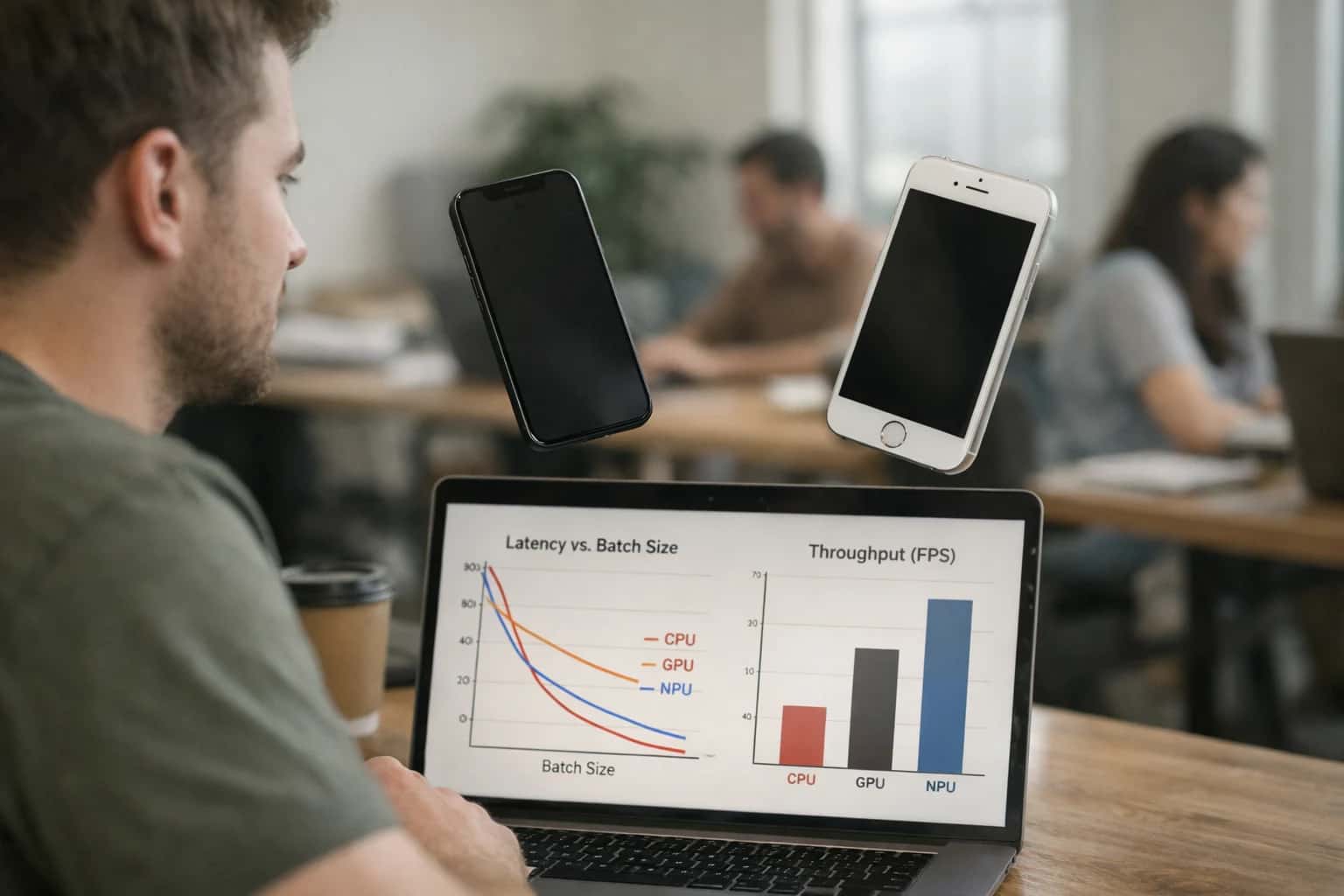
Developer testing AI inference on mobile phone in hand, laptop with optimization code visible, casual tech review moment.
ARCHITECTURE FOR VETERINARIANS ON THE GO

Where AI Fits into ezyVet's Mobile Workflow

Integrating AI directly into ezyVet's mobile app transforms point-of-care efficiency by automating documentation, surfacing insights, and prioritizing tasks.

The mobile workflow for a veterinarian or technician revolves around rapid access to patient data and efficient capture of clinical events. AI integration surfaces at three key touchpoints within ezyVet's mobile interface:

  • Voice-to-Clinical Note Entry: Dictate exam findings directly into the mobile app's note field, where an AI agent transcribes, structures the narrative into a SOAP format, and suggests relevant diagnostic or procedure codes from the patient's record for one-tap addition.
  • On-Demand Patient Summaries: From any patient screen, trigger an AI-generated snapshot that synthesizes the last visit summary, current medications, pending lab results, and flagged alerts—delivering a concise briefing without navigating multiple modules.
  • Intelligent Task Queue: The mobile dashboard's task list is powered by AI prioritization, weighing factors like patient acuity, scheduled follow-ups, and unacknowledged lab alerts to surface the most clinically urgent actions first.


Implementation hinges on ezyVet's REST API and a secure, event-driven middleware layer. A typical architecture involves:

  1. Event Capture: Mobile app interactions (e.g., opening a patient record, completing a service) trigger webhook events.
  2. Context Assembly: A middleware service calls ezyVet's API to fetch the full clinical context—patient history, current visit details, and related records—then packages it for the AI model.
  3. AI Processing & Return: A purpose-built LLM agent (e.g., for summarization or coding) processes the request. The structured output is returned via API to either auto-populate mobile fields or present as a smart overlay for staff review and approval.
  4. Audit Trail: All AI-generated content is written back to ezyVet with a clear audit flag (source: "AI-assisted draft") and linked to the initiating user, maintaining a compliant record. This pattern keeps the mobile experience fast and contextual, moving documentation time from minutes to seconds per patient and reducing the cognitive load of switching between records during rounds or farm calls.

Rollout requires a phased, role-based approach. Start with a pilot group of veterinarians for voice-enabled note entry, where the impact on after-hours charting is most acute. Governance is critical: all AI-generated codes and note drafts must require a veterinarian's review and signature within the mobile app before locking the record. This human-in-the-loop design ensures clinical responsibility while capturing the efficiency gain. For mobile technicians, prioritize the intelligent task queue and patient summary features to streamline patient setup and handoffs. By embedding AI directly into the existing mobile workflow, the integration feels like a natural extension of ezyVet, not a separate tool to learn.

EZYVET MOBILE ACCESS

Key Mobile Surfaces for AI Integration

Voice-to-Text Clinical Documentation

The mobile patient encounter is the primary surface for AI. Veterinarians can use voice-enabled AI assistants to draft SOAP notes directly within the ezyVet mobile app. This integration listens to the clinician's verbal exam findings, transcribes them in real-time, and structures the output into the Subjective, Objective, Assessment, and Plan sections.

Key Integration Points:

  • ezyVet Medical Records API: The AI-generated draft note is posted as a new MedicalRecordEntry object, tagged as a draft for review.
  • Mobile Audio Stream: The app captures audio, streams it to a secure transcription service, and passes the text to an LLM for structuring.
  • Clinical Code Suggestions: Based on the assessment, the AI can suggest relevant diagnostic and procedure codes (CPT/ICD-10) for billing, which appear as selectable options before finalizing the record.

This reduces documentation time from 5-10 minutes per patient to under 60 seconds of review, allowing vets to focus on care during farm calls or in busy clinic settings.

EZYVET MOBILE ACCESS

High-Value AI Use Cases for Mobile Teams

For veterinarians and technicians on the move, AI integration transforms ezyVet's mobile app from a data viewer into an intelligent clinical assistant. These use cases focus on reducing friction, capturing data at the point of care, and enabling faster, more informed decisions.

01

Voice-to-SOAP Note Drafting

Dictate exam findings and treatment notes via mobile device microphone. AI transcribes and structures a draft SOAP note directly into the ezyVet patient record, using context from the appointment type and patient history. Clinicians review and sign off in seconds instead of typing later.

15 min -> 2 min
Note entry time
02

On-Demand Patient Data Summaries

Tap a button in the mobile app to get an AI-generated, one-paragraph summary of the patient's recent visits, active medications, and known allergies. Eliminates scrolling through tabs during consults in exam rooms or barn calls, providing instant context.

Instant Context
For urgent cases
03

Mobile Task Prioritization & Routing

AI analyzes incoming tasks (lab results, client messages, refill requests) and surfaces the most urgent or time-sensitive items at the top of the mobile task list. It can also suggest routing—like sending a complex billing question directly to the practice manager.

04

In-Field Prescription & Dosage Guidance

While writing a prescription on mobile, AI cross-references the patient's weight, species, and current medications to suggest appropriate dosages and flag potential interactions. Integrates with ezyVet's pharmacy module to check inventory in real-time.

Reduce Errors
Dosage safety
05

Mobile Image Analysis Triage

Upload wound or lesion photos directly from a mobile device. AI provides a preliminary description and tags for urgency (e.g., 'possible infection', 'monitor'). Creates a structured clinical note attachment and flags the record for follow-up, streamlining documentation.

06

Offline-Capable Client Communication Drafts

In areas with poor connectivity, draft personalized client update messages (SMS/email) based on the just-completed treatment. AI uses local cached data to generate drafts. Messages sync and send automatically when back online, ensuring timely follow-up.

No Delay
Rural farm visits
FOR VETERINARIANS AND TECHNICIANS

Example AI-Enhanced Mobile Workflows

These workflows demonstrate how AI can transform ezyVet's mobile app from a simple data viewer into an active clinical and operational assistant. Each flow connects to ezyVet's APIs to pull context, uses AI to analyze or generate content, and updates records or triggers next steps.

Trigger: A veterinarian taps a 'Start Voice Note' button within a patient's record in the ezyVet mobile app.

Context Pulled: The app fetches the patient's signalment (species, breed, age), current problem list, and last vital signs from ezyVet's API.

AI Action: The veterinarian narrates their exam findings, assessment, and plan. A speech-to-text service transcribes the audio, and an LLM structured for veterinary medicine formats the raw text into a draft SOAP note, pulling forward relevant historical data (e.g., "Patient's chronic renal values are stable").

System Update: The draft note is presented in the mobile app for review and edit. Upon approval, it is posted via API to the patient's medical record in ezyVet, tagged with the clinician's ID and timestamp.

Human Review Point: The veterinarian must review, edit if needed, and sign the AI-generated draft before it becomes a permanent part of the record. The system logs all edits for auditability.

MOBILE-FIRST VETERINARY WORKFLOWS

Implementation Architecture: Connecting AI to ezyVet Mobile

A technical blueprint for integrating AI agents and copilots directly into ezyVet's mobile interface to support vets and staff in the field.

Integrating AI with ezyVet Mobile focuses on three functional surfaces: the clinical note composer, the patient record viewer, and the task/queue dashboard. The architecture typically involves a secure middleware layer that intercepts user actions (like voice dictation or a record open event) via ezyVet's API or a companion mobile SDK, processes the request through an AI service (e.g., for summarization or generation), and returns structured data (draft notes, patient summaries, prioritized lists) back into the mobile UI. Key data objects include the Patient, ClinicalNote, Appointment, and Task. The AI service needs read access to the patient's full record—including past notes, lab results, and prescriptions—to provide context-aware support.

For a production rollout, we implement a phased, event-driven architecture. For example, a voice-enabled note entry feature would capture audio on the device, stream it to a secure transcription service, and then use an LLM to structure the text into a SOAP note format, pre-populating the Subjective, Objective, Assessment, and Plan fields in ezyVet's note editor. Another common pattern is an on-demand patient summary agent: when a vet opens a record on mobile, a background call fetches the last 12 months of data, and an AI generates a one-paragraph summary highlighting active issues, recent lab anomalies, and current medications, displayed in a collapsible panel. This reduces scrolling and searching during farm calls or house visits.

Governance is critical for mobile clinical workflows. All AI-generated content must be clearly marked as a draft for review, requiring a vet's sign-off before saving to the permanent record. Audit trails must log the source of AI-generated content, the model version used, and the reviewing clinician. Implement role-based access controls (RBAC) so that AI features like mobile task prioritization are available to technicians and managers, while clinical note support is restricted to licensed veterinarians. Rollout should begin with a pilot group in a single location, measuring impact on time-per-note, mobile session length, and user satisfaction before scaling. For a deeper look at core integration patterns for veterinary platforms, see our guide on AI Integration for Veterinary Practice Management Platforms.

MOBILE INTEGRATION PATTERNS

Code and Payload Examples

Voice-to-Clinical Note via ezyVet API

Integrate a mobile voice interface that captures a veterinarian's spoken exam findings, transcribes them, and structures the output into a draft SOAP note within ezyVet. The workflow calls the ezyVet API to create or update a patient's clinical record.

Example Payload to ezyVet POST /api/ClinicalNote:

json
{
  "patientId": 12345,
  "appointmentId": 67890,
  "authorId": 555,
  "noteType": "ProgressNote",
  "content": "S: Owner reports patient lethargic for 24h, reduced appetite. O: T=102.5°F, HR=120, mild gingivitis noted. A: Suspect mild stomatitis vs. systemic infection. P: Started Clavamox 62.5mg BID x10d, recheck in 10 days.",
  "isDraft": true
}

This payload is generated after AI processes the voice input, extracts key findings, and formats them into a structured clinical note. The isDraft flag allows the vet to review before finalizing.

AI-ENHANCED MOBILE WORKFLOWS

Realistic Time Savings and Operational Impact

How AI integration for ezyVet mobile access reduces manual effort and improves clinical efficiency for vets and staff on the go.

Mobile WorkflowBefore AIAfter AINotes

Clinical Note Entry

Manual typing or dictation post-visit

Voice-to-text with auto-structuring

Reduces documentation time from 5-10 minutes to 1-2 minutes per note

Patient Data Review

Scrolling through full record on small screen

AI-generated one-paragraph summary

Provides critical context in 15 seconds instead of 2-3 minutes

Task Prioritization

Manual review of all assigned tasks

AI-sorted list by urgency & location

Focuses staff on highest-impact actions first

Client Communication

Typing messages or call notes manually

Draft responses from voice command

Cuts message creation time from 3 minutes to 30 seconds

Medication Lookup

Searching formulary or calling pharmacy

Voice query for dosing & interactions

Answers common questions in under 10 seconds

Follow-up Scheduling

Checking calendar & calling front desk

Voice command to propose next slots

Completes scheduling in 1 minute instead of 3-5

Billing Code Capture

Remembering codes or checking notes later

Real-time code suggestion from voice note

Reduces coding errors and post-visit cleanup

ARCHITECTING FOR MOBILE CLINICAL WORKFLOWS

Governance, Security, and Phased Rollout

Deploying AI for ezyVet mobile access requires a security-first architecture and a phased rollout that prioritizes clinical safety and user adoption.

Mobile AI features like voice-to-note entry and on-the-go patient summaries must integrate with ezyVet's core APIs—such as the Patient, Consultation, and Clinical Note endpoints—while enforcing strict data governance. This means implementing role-based access control (RBAC) that respects ezyVet's existing user permissions, ensuring a veterinarian can only access records for their current caseload. All AI-generated content, like draft SOAP notes, should be written to a staging area with a mandatory clinician review and sign-off step before being committed as a permanent record, maintaining a clear audit trail.

A phased rollout is critical for clinical settings. Start with a pilot group using non-critical, assistive features like mobile task prioritization, which surfaces the day's appointments and pending actions without altering clinical data. This builds trust and surfaces workflow issues. Phase two introduces voice-enabled note entry for routine follow-ups or vaccine visits, where the clinical risk is lower. The final phase expands to on-demand patient data summarization for complex cases, ensuring the AI's retrieval from ezyVet's medical record is accurate and contextually relevant before supporting high-stakes decisions.

Security extends to the mobile device itself. The integration should not store sensitive PHI locally. Instead, AI processing should occur in a secure cloud environment, with the mobile app acting as a thin client. All communications must be encrypted, and sessions should timeout aggressively. By designing with these governance guardrails and a cautious rollout, practices can safely unlock mobile productivity gains—turning tablet time into structured clinical notes and giving vets instant access to patient history—without compromising compliance or care quality.

IMPLEMENTATION AND WORKFLOW DETAILS

Frequently Asked Questions

Practical questions for veterinary practice managers and IT leads planning AI integration with ezyVet's mobile platform. Focused on security, rollout, and real-world workflow automation.

AI integrations connect via ezyVet's REST API using OAuth 2.0 or API keys, following the principle of least privilege. Implementation typically involves:

  • Service Account Context: A dedicated integration service account with scoped permissions (e.g., Patient:Read, ClinicalNote:Write, Task:ReadWrite).
  • Data Flow: Mobile app events (e.g., voice recording complete, task status change) trigger webhooks to a secure endpoint. The AI service processes the payload, calls the LLM, and returns structured data (like a draft note) via API to update the ezyVet record.
  • Security Layer: All data in transit is encrypted (TLS 1.3). PII/PHI is never stored in the AI provider's training datasets when using compliant endpoints like Azure OpenAI or private Anthropic deployments. Audit logs track all API calls by the service account.

This pattern ensures the AI acts as a controlled extension of the mobile user's permissions.

Prasad Kumkar

About the author

Prasad Kumkar

CEO & MD, Inference Systems

Prasad Kumkar is the CEO & MD of Inference Systems and writes about AI systems architecture, LLM infrastructure, model serving, evaluation, and production deployment. Over 5+ years, he has worked across computer vision models, L5 autonomous vehicle systems, and LLM research, with a focus on taking complex AI ideas into real-world engineering systems.

His work and writing cover AI systems, large language models, AI agents, multimodal systems, autonomous systems, inference optimization, RAG, evaluation, and production AI engineering.


