An effective AI integration starts not at the application layer, but in the data pipeline. Your SIS operational database (e.g., Ellucian Banner's BANPROD, PowerSchool's central schema) is optimized for transactions, not analytics. The first architectural move is to establish a dedicated, high-fidelity data warehouse or lakehouse that serves as the single source of truth for AI models and agents. This involves real-time or batch ingestion of core entities: student demographics (SPAIDEN in Banner), academic records (SGASTDN, SFRSTCR), financial aid (RRAWRD), and engagement data. The goal is to create a unified, time-series enabled feature store where each student record is enriched, resolved, and ready for model consumption.

Integration
AI Integration for SIS Data Warehousing
Architect AI-ready data pipelines and lakes from SIS operational databases. Focus on real-time ingestion, entity resolution, and feature store creation for analytics and ML teams in higher ed and K-12.
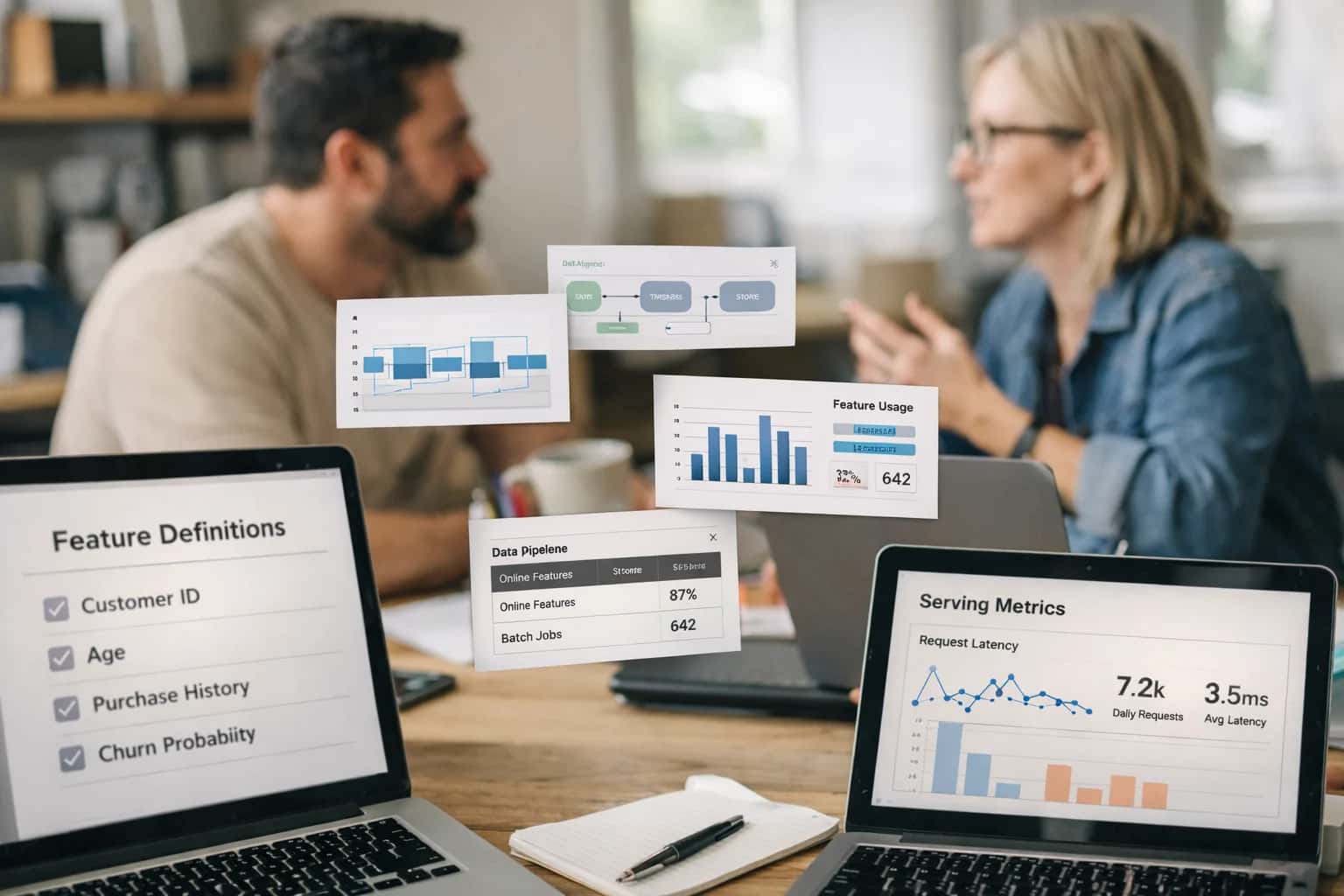
ARCHITECTURE FOR AI-READY STUDENT DATA
Where AI Fits in SIS Data Warehousing
Building an AI-ready data warehouse from your SIS is the foundational step for enabling predictive analytics, intelligent agents, and automated workflows across campus.
Within this warehouse, AI fits into three key layers: 1) Ingestion & Entity Resolution, where AI assists in matching and merging records from disparate sources (LMS, housing, campus card) to a single student profile; 2) Feature Engineering, where automated pipelines create predictive features (e.g., attendance_trend_30d, gpa_momentum, engagement_score) from raw SIS tables; and 3) Model Serving, where the warehouse acts as the inference point, feeding real-time student vectors to retention models, recommendation engines, or chatbot context windows. For example, an early-alert system consumes a daily snapshot of engineered features from the warehouse to score dropout risk, rather than querying the live SIS database.
Governance and rollout are critical. Implement strict RBAC and audit trails at the warehouse level to control which AI agents or models can access sensitive student data. Use the warehouse's schema to enforce data contracts—ensuring that the predicted_retention_risk column consumed by an advisor copilot is always generated by the approved model version. Start by warehousing a single high-impact domain, like academic performance, to power a pilot use case such as a proactive advising agent. This proves the architecture before scaling to financial, health, or conduct data, where privacy and compliance requirements are more stringent.
ARCHITECTING AI-READY DATA PIPELINES
SIS Data Sources and Ingestion Points
Primary SIS Data Stores
The foundation for any AI pipeline is the SIS's operational database. For platforms like Ellucian Banner, this is the Banner database with key tables like SPAIDEN (person identification), SGASTDN (student term data), and SFAREGS (registration). In PowerSchool, the focus is on tables for Students, Sections, Attendance, and GradebookScores. Skyward and Blackbaud SIS have similar core schemas for student demographics, enrollment, and academic records.
AI ingestion must be real-time or near-real-time to power live agents and alerts. This is achieved via:
- Change Data Capture (CDC) streams from database transaction logs.
- API webhooks for key events (e.g., grade posted, attendance marked).
- Direct, secure API calls to REST or SOAP endpoints for on-demand data retrieval.
The goal is to create a live mirror of student state, ensuring AI models and agents operate on current information, not stale snapshots.
DATA WAREHOUSING & ANALYTICS
High-Value AI Use Cases Powered by SIS Data
Transform your SIS data lake from a passive archive into an active intelligence engine. These use cases leverage structured pipelines, entity resolution, and feature stores to power predictive models and operational agents.
01
Real-Time Feature Store for Predictive Models
Build a low-latency feature store from SIS operational data (grades, attendance, engagement) to serve live ML models for dropout prediction or course success scoring. Pipeline architecture includes CDC streams from the SIS database, entity resolution across student IDs, and point-in-time correct feature serving.
Batch -> Real-time
Model refresh
02
Unified Student 360 for Cross-System Analytics
Create a golden record for each student by resolving and merging data from the SIS, LMS, and campus card systems within the data warehouse. Enables holistic dashboards and analysis of academic performance, co-curricular engagement, and resource utilization without manual joins.
1 sprint
POC timeline
03
Automated Data Quality & Anomaly Detection
Deploy AI agents to monitor incoming SIS data feeds (e.g., nightly extracts) for schema drift, outlier values, and missing required fields. Triggers alerts to data stewards and can auto-correct common issues like date format mismatches or invalid course codes before models consume the data.
Same day
Issue detection
04
Governed Semantic Layer for Self-Service
Layer a natural language query engine on top of the warehoused SIS data, with RBAC and row-level security inherited from the source system. Allows institutional researchers and department heads to ask questions like 'show me fall retention by college' without writing SQL, with audit trails.
05
Historical Data Synthesis for Model Training
Use the longitudinal data in the warehouse to generate synthetic but statistically representative student records for training robust ML models where real data is sparse (e.g., for rare program outcomes) or to protect privacy while preserving cohort patterns for research.
06
Compliance Reporting Automation
Automate the assembly and validation of complex state/federal reports (IPEDS, Title IV) by orchestrating queries, transformations, and cross-walks against the canonical SIS data warehouse. AI validates totals, checks business rules, and generates narrative summaries, reducing manual audit risk.
Hours -> Minutes
Report assembly
SIS TO FEATURE STORE
Example AI Data Pipeline Workflows
These workflows illustrate how to architect AI-ready data pipelines from SIS operational databases to a production feature store. Each flow is designed for real-time ingestion, entity resolution, and feature creation to serve downstream analytics and ML models.
Trigger: A webhook from the SIS (e.g., Banner's sgastdn update, PowerSchool API event) fires on events like login, grade posting, or advisor note creation.
Context/Data Pulled: The pipeline ingests the raw event payload and enriches it with:
- Student master record (demographics, program, GPA)
- Recent activity timeline (last 7 days of logins, assignment submissions, LMS accesses)
- Calendar context (academic term week, holiday flag)
Model or Agent Action: A lightweight scoring model (or heuristic) calculates a real-time engagement score and anomaly flag. For example:
python# Pseudocode for feature calculation if event_type == 'grade_posted' and grade < 2.0: engagement_delta = -0.15 elif event_type == 'advisor_meeting_logged': engagement_delta = +0.10 current_score = get_last_score(student_id) + engagement_delta anomaly = (current_score < threshold) and (engagement_delta < -0.2)
System Update or Next Step: The computed features (engagement_score, anomaly_flag, event_vector) are written to the feature store (e.g., Feast, Tecton) with a student_id and timestamp key. A downstream alerting service subscribes to the anomaly_flag stream to trigger a case in a student success platform.
Human Review Point: The scoring model's weights and anomaly thresholds are reviewed bi-weekly by the institutional research team against actual student outcomes to prevent drift.
BUILDING AI-READY DATA INFRASTRUCTURE
Implementation Architecture: From SIS to AI Serving Layer
A practical blueprint for creating a governed, real-time data pipeline from your SIS operational database to a production AI serving layer.
The foundation of any impactful SIS AI integration is a reliable data pipeline. This starts with identifying and extracting key entities from your SIS's operational database—whether it's Ellucian Banner's SGASTDN (student term data), PowerSchool's students and studentcorefields tables, or Blackbaud SIS's Student and Enrollment objects. The goal is to move beyond nightly batch ETL. Instead, implement change data capture (CDC) or webhook listeners on critical tables to stream updates—like new grades, attendance marks, or enrollment status changes—into a staging area. This real-time flow is essential for AI agents that need current context, such as a chatbot answering a parent's question about today's absence or an early alert system triggering an intervention.
From the staging layer, data flows into a feature store—a dedicated repository for cleaned, transformed, and versioned data ready for AI consumption. This is where entity resolution happens: linking a student's ID across the SIS, LMS, and cafeteria system to create a unified profile. The feature store generates and serves features like attendance_rate_last_30_days, gpa_trend, or days_since_last_advisor_contact. For retrieval-augmented generation (RAG) use cases, relevant documents (IEPs, advisor notes, application essays) are processed, chunked, and indexed into a vector database like Pinecone or Weaviate alongside their metadata (student ID, date, document type). This creates the 'long-term memory' for AI copilots and Q&A systems.
The AI serving layer sits atop this prepared data. It hosts the models, agents, and APIs. A common pattern is a microservice that, given a student ID and a query (e.g., "summarize this student's risk factors"), retrieves relevant structured features from the feature store and unstructured context from the vector store, constructs a prompt, calls an LLM (like GPT-4 or a fine-tuned open model), and returns a grounded response. Crucially, this layer must enforce governance and audit trails. Every AI-generated insight or action should be logged with the source data used, the prompt, and the model version, creating a lineage back to the original SIS records for compliance and debugging. Rollout typically starts with a single high-impact workflow—like automated comment generation for report cards—using a human-in-the-loop review step before scaling to more autonomous agents.
SIS DATA WAREHOUSING
Code and Configuration Examples
Streaming SIS Changes to a Feature Store
Real-time ingestion from SIS operational databases (like Banner's SPAIDEN, PowerSchool's Students table) requires capturing CDC events. Use a change data capture tool or database triggers to publish events to a message queue (e.g., Apache Kafka, AWS Kinesis). A downstream service processes these events, performs lightweight entity resolution, and writes to a feature store (e.g., Feast, Tecton) for immediate model consumption.
Example Python Consumer for Banner CDC Events:
pythonimport json from confluent_kafka import Consumer conf = {'bootstrap.servers': 'kafka-broker:9092', 'group.id': 'sis-feature-ingest', 'auto.offset.reset': 'earliest'} consumer = Consumer(conf) consumer.subscribe(['banner.student.updates']) while True: msg = consumer.poll(1.0) if msg is None: continue if msg.error(): print(f"Consumer error: {msg.error()}") continue record = json.loads(msg.value().decode('utf-8')) student_id = record['pidm'] # Transform and write to feature store feature_store.write_feature( entity='student', entity_id=student_id, features={'gpa': record['gpa'], 'enrollment_status': record['status']} )
AI-ENABLED DATA PIPELINES VS. MANUAL PROCESSES
Realistic Time Savings and Operational Impact
This table compares typical manual efforts for SIS data warehousing tasks against an AI-integrated approach, highlighting where time is saved and operational quality improves for analytics and ML teams.
| Data Pipeline Task | Before AI Integration | After AI Integration | Key Impact Notes |
|---|---|---|---|
Entity Resolution (Student Records) | Manual SQL joins & review, 2-4 hours per source | Automated matching & conflict resolution, <30 minutes | Reduces merge/purge errors; creates golden records for ML features |
Schema Mapping for New Data Source | Analyst-driven mapping, 1-2 days of effort | AI-assisted schema inference & mapping suggestions, 2-4 hours | Accelerates onboarding of new apps (LMS, surveys) into the warehouse |
Data Quality Anomaly Detection | Scheduled SQL scripts & manual review, next-day alerts | Real-time monitoring & classification, same-hour alerts | Proactive flagging of enrollment outliers or grade entry errors |
Unstructured Text Processing (Advisor Notes) | Manual sampling or keyword searches, limited coverage | Automated NLP for sentiment & topic extraction, full corpus | Enables retention models using qualitative data previously unused |
Feature Engineering for Predictive Models | Data scientist builds one-off SQL features, weeks per model | AI-assisted feature generation & cataloging, days per model | Accelerates model development; promotes reusable feature store |
Pipeline Failure Triage & Recovery | Manual log review & root cause analysis, 2-8 hours downtime | AI-driven log analysis & suggested remediation, <1 hour MTTR | Minimizes analytics blackout periods during critical reporting cycles |
Documentation & Lineage Updates | Spreadsheet or wiki updates, often outdated | Automated pipeline annotation & change detection, always current | Improves governance and trust in data for accreditation & reporting |
ARCHITECTING FOR PRODUCTION
Governance, Security, and Phased Rollout
A secure, governed approach to building an AI-ready data warehouse from your SIS operational databases.
Production AI integration with an SIS data warehouse requires a layered security model. This starts with role-based access control (RBAC) at the warehouse layer (e.g., Snowflake, BigQuery, Databricks), ensuring ML engineers and data scientists only access de-identified, aggregated, or purpose-specific datasets. Real-time ingestion pipelines from the SIS (Banner, PowerSchool, Skyward) should use service accounts with minimal necessary privileges, logging all data extracts to an immutable audit trail. Sensitive PII and protected student records must be tokenized or pseudonymized in the landing zone before feature engineering, with clear data lineage mapping back to source SIS objects like SPAIDEN, SGASTDN, or Students tables.
Governance is enforced through automated data quality checks and model validation gates. As transformed data flows from the raw ingestion zone to the curated feature store, schema validation and anomaly detection (e.g., unexpected enrollment spikes, null grade values) trigger alerts. For predictive models consuming this data—like retention risk or course success scoring—a model registry tracks versioning, performance drift against holdout sets, and the specific SIS data snapshot used for training. All AI-generated insights (e.g., student segmentations, predicted outcomes) written back to operational systems require a human review queue or advisor approval workflow before being visible in student profiles or triggering interventions.
A phased rollout mitigates risk and demonstrates value. Phase 1 establishes the foundational pipeline: batch extraction of historical academic terms, creation of a single source of truth for student entities, and development of a few high-value features (e.g., GPA trend, credit completion rate). This powers a read-only analytics dashboard for institutional research. Phase 2 introduces real-time or daily syncs for current-term data and deploys a first predictive model in a pilot program with a limited advisor group. Phase 3 operationalizes the feedback loop, enabling advisors to confirm or override model predictions via a connected Student Success Platform and retraining the model on this new signal. Each phase includes security reviews, FERPA compliance checks, and stakeholder training for the new data products.
Enabling Efficiency, Speed & Accuracy
Intelligent Analysis, Decision & Execution
We build AI systems for teams that need search across company data, workflow automation across tools, or AI features inside products and internal software.
Talk to Us
Search across company data
Give teams answers from docs, tickets, runbooks, and product data with sources and permissions.
Useful when people spend too long searching or get different answers from different systems.
Enterprise searchRAGPermissions
Read more
Automate internal workflows
Use AI to route work, draft outputs, trigger actions, and keep approvals and logs in place.
Useful when repetitive work moves across multiple tools and teams.
AI agentsWorkflow automationGovernance
Read more
Add AI to products and internal tools
Build assistants, guided actions, or decision support into the software your team or customers already use.
Useful when AI needs to be part of the product, not a separate tool.
AI integrationDecision supportModel routing
Read moreIMPLEMENTATION AND ARCHITECTURE
Frequently Asked Questions
Technical questions for data engineering and analytics teams planning AI-ready data pipelines from SIS operational databases.
A production architecture for real-time AI feature ingestion from an SIS like Banner or PowerSchool involves several key layers:
- Change Data Capture (CDC): Configure CDC on the SIS operational database (e.g., Oracle for Banner, PostgreSQL for PowerSchool) to capture inserts, updates, and deletes. Tools like Debezium or platform-native CDC are used.
- Streaming Layer: Events are published to a durable message queue (e.g., Apache Kafka, AWS Kinesis). This decouples the SIS from downstream consumers.
- Stream Processing: A stream processor (e.g., Apache Flink, Spark Structured Streaming) enriches and transforms the raw change events. This step handles:
- Entity Resolution: Linking a student's
SPRIDENrecord in Banner to theirSGASTDNacademic record andSFRSTCRcourse registration. - Feature Engineering: Calculating rolling aggregates (e.g., GPA over last 2 terms, attendance rate last 30 days).
- PII Handling: Applying masking or tokenization for sensitive fields before the analytics layer.
- Entity Resolution: Linking a student's
- Feature Store Sink: Processed, real-time feature vectors are written to a dedicated feature store (e.g., Feast, Tecton). This serves as the single source of truth for model training and low-latency inference.
- Batch Backfill Pipeline: A separate Airflow or Dagster pipeline periodically snapshots full SIS tables to the data lake (e.g., S3, Delta Lake) for model retraining and historical analysis.
The AI models or agents then query the feature store via its serving API, ensuring they use consistent, point-in-time correct data.

About the author
Prasad Kumkar
CEO & MD, Inference Systems
Prasad Kumkar is the CEO & MD of Inference Systems and writes about AI systems architecture, LLM infrastructure, model serving, evaluation, and production deployment. Over 5+ years, he has worked across computer vision models, L5 autonomous vehicle systems, and LLM research, with a focus on taking complex AI ideas into real-world engineering systems.
His work and writing cover AI systems, large language models, AI agents, multimodal systems, autonomous systems, inference optimization, RAG, evaluation, and production AI engineering.
LinkedIn
Limited slotsGet a Free AI Consultation
Partnered with leading AI, data, and software stack.





How We Work
Custom AI workflows for your Business
One-fit-all AI don't work for modern businesses. At Inferensys, we aim to understand your business & custom requirements; which we use to define most efficient agentic workflows, the data, and the tools for your business.
01
Review the use case
We understand the task, the users, and where AI can actually help.
Read more02
Pick the right approach
We define what needs search, automation, or product integration.
Read more03
Build the first useful version
We implement the part that proves the value first.
Read more04
Improve from there
We add the checks and visibility needed to keep it useful.
Read moreThe first call is a practical review of your use case and the right next step.
Talk to Us