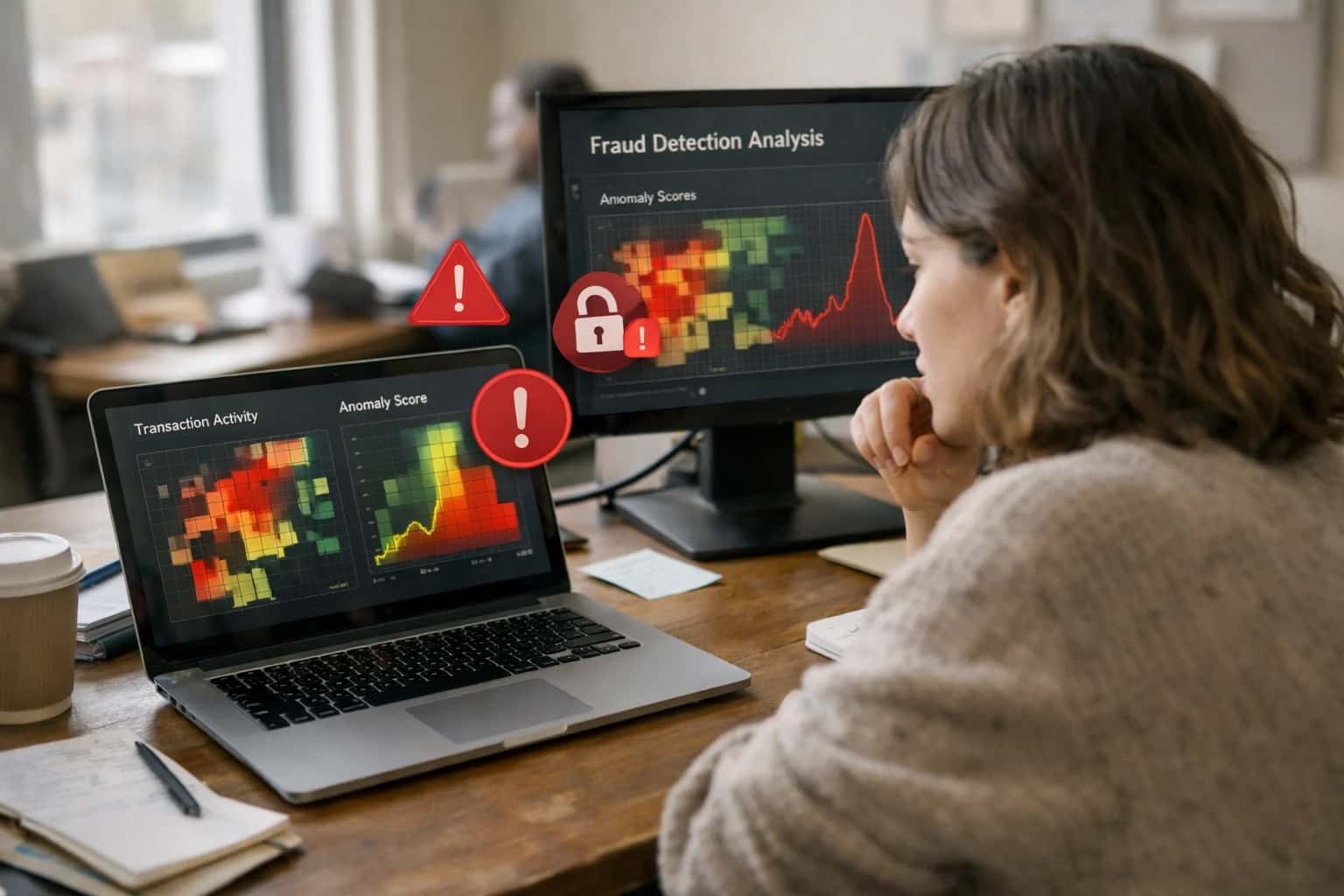
AI integration targets three primary data surfaces within Microsoft Sentinel's container security workflow: the ContainerLog and ContainerInventory tables (via the Azure Monitor Agent or Container Insights), Azure Kubernetes Service (AKS) audit logs, and security findings from Defender for Cloud. The AI layer acts as a real-time analytics engine, processing this stream to establish dynamic behavioral baselines for pods, namespaces, and service accounts. Instead of relying solely on static rules, it learns normal patterns of kubectl command frequency, container image pulls from specific registries, and expected network egress, flagging deviations like a sudden spike in kubectl exec commands or a container attempting to mine cryptocurrency.

Integration
AI Integration for Microsoft Sentinel Container Security
Enhance Microsoft Sentinel's container security capabilities with AI-driven behavior analysis, cryptojacking detection, and configuration validation for AKS and Arc-enabled Kubernetes clusters.
ARCHITECTURE AND IMPLEMENTATION
Where AI Fits into Microsoft Sentinel Container Security
Integrating AI into Microsoft Sentinel for container security transforms raw telemetry into prioritized, actionable intelligence for AKS, Arc-enabled Kubernetes, and hybrid clusters.
Implementation typically involves deploying a dedicated Azure Machine Learning endpoint or a secure Azure Container Instance running inference models. This service subscribes to a Log Analytics Workspace via the Data Collector API or an Event Hub streaming Sentinel logs. Key workflows include: 1) Cryptojacking Detection by analyzing container CPU/memory telemetry against known mining patterns and correlating with outbound connections to mining pool IPs; 2) Misconfiguration Identification by parsing kubectl apply events and YAML from audit logs to check for non-compliant specs (e.g., privileged containers, missing network policies) against a policy library; and 3) Lateral Movement Prediction by modeling pod-to-pod communication graphs to identify anomalous new connections suggesting compromise spread. The output is written back to Sentinel as custom security alerts with enriched context, ready to trigger automation rules or populate incident timelines.
Rollout requires a phased approach, starting with a read-only monitoring mode for a subset of non-critical development clusters to tune model sensitivity and reduce false positives. Governance is critical: all AI-generated alerts must include an explainability payload (e.g., "flagged due to 500% increase in cat /proc/cpuinfo calls from baseline") and be routed through a human review queue before any automated containment actions (like pod kill) are enabled. This integration matters because it shifts the SOC from manually sifting through thousands of container log lines to investigating a handful of high-fidelity, context-rich incidents, reducing mean time to detect (MTTD) for runtime threats from hours to minutes and hardening the cloud-native attack surface proactively.
CONTAINER SECURITY
Key Integration Surfaces in Microsoft Sentinel
Container Log Analytics
Integrate AI directly with the ContainerLog table in Microsoft Sentinel's Log Analytics workspace. This surface ingests stdout/stderr logs from AKS, Arc-enabled Kubernetes, and other container orchestrators via the Azure Monitor Agent or Container Insights.
Key AI use cases include:
- Behavioral Baselining: Use unsupervised learning on log patterns to establish a normal operational profile for each pod/deployment. AI models can flag deviations, such as unexpected command execution or new outbound connections, which may indicate cryptojacking or lateral movement.
- Anomaly Detection in Application Logs: Parse unstructured application logs to detect anomalies in error rates, latency spikes, or authentication patterns that could signal a compromise of the containerized application itself.
- Log Reduction & Summarization: Apply NLP to condense high-volume, verbose container logs into concise security summaries for analyst review, tagging entries with security relevance scores.
Implementation typically involves a Logic App or Azure Function triggered by new log data, calling an AI service (like Azure OpenAI) for analysis, and writing results back as custom logs or appending to existing records for correlation.
MICROSOFT SENTINEL INTEGRATION
High-Value AI Use Cases for Container Security
Enhance detection and response for Azure Kubernetes Service (AKS) and Arc-enabled Kubernetes by integrating AI directly into Microsoft Sentinel workflows. Move beyond static rules to baseline normal behavior, detect novel threats, and automate investigation steps.
01
Cryptojacking & Resource Abuse Detection
Use AI to analyze container resource metrics (CPU, memory, network) ingested into Sentinel via the Azure Monitor agent. Model establishes per-namespace/pod baselines and flags anomalous spikes indicative of crypto-mining malware, even when attackers use rootkit techniques to hide from host-level monitoring. Workflow: AI anomaly alert triggers a Sentinel automation rule to snapshot pod YAML and running processes via the AKS API for immediate forensic capture.
Batch -> Real-time
Detection shift
02
Misconfiguration & Compliance Drift
Continuously assess AKS cluster configurations and pod security contexts against internal policy and frameworks like CIS. AI correlates Azure Policy findings, Kubernetes audit logs, and image registry data in Sentinel to identify risky drift—such as a newly deployed pod with privileged: true or hostPath mounts. Workflow: AI generates a Sentinel incident with a tailored KQL query to show all pods with the misconfiguration and suggests a remediation playbook.
1 sprint
Manual review saved
03
Lateral Movement & Pod-to-Pod Anomaly
Apply behavioral analytics to Kubernetes network policy logs and flow data (via Calico, Cilium, or Azure Network Policy Manager). AI learns normal east-west communication patterns and detects anomalous pod-to-pod connections that may indicate lateral movement post-compromise, such as a frontend pod suddenly querying a backend database pod it never contacted before.
04
Image Vulnerability & Runtime Correlation
Enrich vulnerability scan reports (from Trivy, Grype, or Azure Defender) within Sentinel using AI to prioritize risks. AI correlates static image vulnerabilities with runtime observations—like whether the vulnerable library is actually loaded or the pod is internet-facing—to suppress noise and highlight exploitable conditions. Workflow: AI auto-creates a high-severity incident only when a critical CVE is present in an active, exposed workload.
05
Automated Incident Triage & Entity Enrichment
When a container-related alert fires in Sentinel (e.g., from Defender for Cloud), an AI agent automatically enriches the incident. It pulls the pod's deployment history, associated service account permissions, and network policies from the Kubernetes API, then synthesizes a narrative summary for the SOC analyst. This cuts initial investigation from 20+ minutes of manual API queries to seconds.
20min -> <1min
Triage time
06
Hunting for Covert Persistence Mechanisms
Augment threat hunting in Sentinel with AI-generated hypotheses for container persistence. AI analyzes audit logs for suspicious kubectl commands, CronJob creations, mutating webhook configurations, or updates to etcd backups. It suggests targeted KQL hunting queries to uncover techniques like backdoor containers deployed as DaemonSets or compromised service accounts with cluster-admin bindings.
CONTAINER SECURITY AUTOMATION
Example AI-Enhanced Workflows
These workflows illustrate how AI agents can be integrated with Microsoft Sentinel's container security data to automate detection, investigation, and response for AKS and Arc-enabled Kubernetes clusters. Each flow connects to specific Sentinel tables, watchlists, and automation rules.
Trigger: A new alert is generated in the SecurityAlert table with a AlertName containing "Unusual container CPU usage" or a similar cryptojacking indicator from Microsoft Defender for Cloud.
Context/Data Pulled:
- The AI agent queries the
ContainerLogtable for the specificContainerIdandPodNamefrom the alert. - It retrieves the pod's YAML specification and resource requests/limits from the
KubeEventstable or the connected Azure Resource Graph. - It checks the
Watchlistfor known cryptomining pool domains/IPs and cross-references the container's recent network connections from theVMConnectionorAzureDiagnostics(for AKS) tables.
Model or Agent Action:
- A local anomaly detection model (or a call to an LLM with a structured prompt) analyzes the CPU usage pattern, container image provenance, and network calls. It generates a confidence score and a brief narrative (e.g., "High confidence of XMRig execution based on CPU pattern and connection to pool.prohash.net").
System Update or Next Step:
- The agent updates the original Sentinel incident with the AI-generated narrative and confidence score.
- If confidence exceeds a pre-defined threshold (e.g., 85%), it triggers a Sentinel Automation Rule that runs a Logic App playbook.
- The playbook, via the Kubernetes API, cordons the affected node and evicts the malicious pod.
- A new incident is automatically created in the connected IT Service Management (ITSM) platform (e.g., ServiceNow) for the infrastructure team to rebuild the node.
Human Review Point: The threshold for autonomous containment is set by SOC policy. All actions are logged in the AzureActivity table and appended to the incident for audit. A senior analyst reviews the automated action within 1 hour.
CONTAINER SECURITY WORKFLOW AUTOMATION
Implementation Architecture: How It's Wired
A production-ready integration connects Microsoft Sentinel's container security data to AI models for behavior analysis, anomaly detection, and automated enrichment.
The integration is anchored at the Microsoft Sentinel Log Analytics workspace, where container security logs from Azure Kubernetes Service (AKS), Azure Arc-enabled Kubernetes, and container registries are already aggregated. The core workflow begins with a Scheduled Analytics Rule or a Hunting Query that identifies a baseline set of container-related events—such as pod creation, image pulls, network policy changes, and process executions from the ContainerLog, ContainerInventory, and KubeEvents tables. This curated data stream is sent via Azure Logic Apps or an Azure Function to an inference endpoint, which can be a hosted model in Azure Machine Learning, a fine-tuned model via Azure OpenAI Service, or a custom container scoring endpoint.
The AI model performs two primary functions: behavioral baselining and real-time anomaly scoring. For baselining, the model analyzes historical pod activity over a rolling window (e.g., 7-14 days) to establish normal patterns for CPU/memory usage, network egress destinations, and common process trees within specific namespaces or workload types. For real-time detection, each new container event is evaluated against this baseline and external threat intelligence (e.g., known malicious image hashes, cryptomining domains). High-confidence anomalies—such as a pod suddenly executing curl to a crypto-pool domain or a privileged container mounting the host filesystem unexpectedly—trigger the creation of a Microsoft Sentinel Incident or the enrichment of an existing alert. The incident is automatically populated with the AI-generated narrative, a confidence score, and recommended investigative KQL queries targeting related KubeAudit logs.
Governance and rollout are managed through Azure Policy and Sentinel Automation Rules. A pilot deployment typically starts in a single non-production AKS cluster, with AI inferences logged to a dedicated AIAuditLogs custom table for validation and model drift detection. Automation Rules control the incident creation threshold (e.g., only create incidents for anomalies with >85% confidence) and can auto-assign incidents to a dedicated container security team. The integration is designed for zero-trust principles, using Managed Identities for secure access between Azure services and storing sensitive model keys in Azure Key Vault. For ongoing operations, a feedback loop is established where analyst actions on incidents (true/false positive classifications) are sent back to retrain or fine-tune the underlying models, improving accuracy over time.
AI-ENHANCED CONTAINER SECURITY WORKFLOWS
Code and Payload Examples
Detecting Cryptojacking with KQL and AI
To identify anomalous container resource consumption indicative of cryptojacking, you first need to baseline normal pod behavior. This involves querying Azure Monitor logs for AKS container insights, then using an AI model to flag deviations.
A typical workflow uses a scheduled analytics rule in Microsoft Sentinel. The KQL query retrieves Perf data for CPU and memory usage, joins it with KubePodInventory for context, and calculates rolling averages. The results are sent to an Azure Machine Learning endpoint for anomaly scoring.
kql// KQL query to prepare data for AI anomaly scoring let timeRange = 1h; let baselineData = Perf | where TimeGenerated > ago(7d) | where ObjectName == "K8SContainer" and CounterName in ("cpuUsageNanoCores", "memoryWorkingSetBytes") | join kind=inner (KubePodInventory | where TimeGenerated > ago(7d) | project ContainerID, PodName, Namespace, ClusterName) on ContainerID | make-series avgCpu=avg(CounterValue) default=0 on TimeGenerated from ago(7d) to now() step 1h by PodName, Namespace, ClusterName; // The 'baselineData' series is sent as a JSON payload to an AML endpoint for scoring.
The AI model returns a risk score and reason (e.g., "CPU usage 450% above baseline for pod miner-x in default namespace"). High-scoring anomalies create a Sentinel incident enriched with pod metadata and recommended actions like pod isolation.
AI-ENHANCED CONTAINER SECURITY
Realistic Time Savings and Operational Impact
How AI integration for Microsoft Sentinel container security changes detection, investigation, and response workflows for AKS and Arc-enabled Kubernetes clusters.
| Metric | Before AI | After AI | Notes |
|---|---|---|---|
Cryptojacking detection | Manual review of CPU spikes | Automated anomaly alerts | AI baselines per namespace, flags deviations >2 standard deviations |
Misconfiguration identification | Periodic script runs or manual audits | Continuous posture monitoring | Scans cluster configs against best practices, prioritizes by exploitability |
Alert triage for container events | Review 100+ raw alerts per day | Prioritized, summarized incidents | AI clusters related alerts, provides root-cause hypothesis |
Incident evidence collection | Manual KQL queries across multiple tables | Automated timeline generation | AI assembles pod logs, K8s audit events, and network flows into a single narrative |
Threat hunting hypothesis | Analyst-driven based on IOCs | AI-suggested behavioral patterns | Models peer group behavior, surfaces clusters with anomalous outbound traffic |
Response playbook execution | Manual step-by-step runbook | Conditionally automated containment | For high-confidence cryptojacking, AI can suggest scaling deployment to zero |
Compliance evidence gathering | Manual report generation for audits | Automated control mapping and sampling | AI maps Sentinel alerts to CIS K8s benchmarks, exports evidence for specific controls |
ARCHITECTING FOR CONTROL AND ADOPTION
Governance and Phased Rollout Considerations
Integrating AI into Microsoft Sentinel for container security requires a structured approach to manage risk, validate efficacy, and ensure operational readiness.
Start with a read-only, detection-only phase focused on a single, high-value AKS cluster or Arc-enabled Kubernetes environment. Configure the integration to analyze container logs, K8s audit logs, and Azure Monitor container insights, but restrict AI-driven actions to generating Sentinel incidents with enriched context—not automated response. Key initial use cases should include cryptojacking pattern detection and baseline deviation alerts for container behavior. This phase validates the AI's accuracy against known good activity and existing SOC workflows without introducing operational disruption.
Governance is critical for container environments. Implement role-based access control (RBAC) for the AI service principal, scoping permissions to specific Log Analytics workspaces and resource groups. Ensure all AI-generated insights and actions are logged to a dedicated Sentinel table for a complete audit trail. Use Azure Policy to enforce that any AI-suggested configuration changes (e.g., to pod security policies or network policies) require manual review and approval via a change management ticket before application. This maintains the separation of duties between security analysis and infrastructure modification.
For phased rollout, progress from detection to guided response. After validating detection fidelity over 4-6 weeks, enable AI to suggest Sentinel automation rule triggers or Logic App playbooks for containment, such as recommending a pod quarantine. These actions should be gated behind a manual approval step in the Sentinel incident interface. Finally, for mature deployments, consider conditional autonomous response for high-confidence, high-velocity threats (e.g., automatically isolating a pod exhibiting known ransomware behavior), but only within a pre-defined blast radius policy that excludes production-critical namespaces. Continuous monitoring of the AI's false positive rate and tuning of its behavioral models against your specific container workloads is essential for long-term success.
Enabling Efficiency, Speed & Accuracy
Intelligent Analysis, Decision & Execution
We build AI systems for teams that need search across company data, workflow automation across tools, or AI features inside products and internal software.
Talk to Us
Search across company data
Give teams answers from docs, tickets, runbooks, and product data with sources and permissions.
Useful when people spend too long searching or get different answers from different systems.
Enterprise searchRAGPermissions
Read more
Automate internal workflows
Use AI to route work, draft outputs, trigger actions, and keep approvals and logs in place.
Useful when repetitive work moves across multiple tools and teams.
AI agentsWorkflow automationGovernance
Read more
Add AI to products and internal tools
Build assistants, guided actions, or decision support into the software your team or customers already use.
Useful when AI needs to be part of the product, not a separate tool.
AI integrationDecision supportModel routing
Read moreAI INTEGRATION FOR MICROSOFT SENTINEL CONTAINER SECURITY
Frequently Asked Questions
Practical questions for security teams evaluating AI to enhance container threat detection, cryptojacking response, and Kubernetes posture management within Microsoft Sentinel.
AI integrates by analyzing the specific log schemas and entities Microsoft Sentinel ingests for container workloads. The primary data sources are:
- Azure Kubernetes Service (AKS) Diagnostics Logs:
kube-audit,kube-audit-admin,guard. - Azure Arc-enabled Kubernetes Data: Logs from
azure-arcclusters forwarded via the AMA agent. - Container Registry Logs: Activity from Azure Container Registry (ACR).
- Microsoft Defender for Cloud Alerts: CSPM and Defender for Containers findings.
An AI agent or workflow typically:
- Queries the
ContainerLog,ContainerInventory, andContainerImageInventorytables via the Log Analytics API. - Enriches raw log entries with context from the
KubePodInventoryandKubeNodeInventorytables to understand pod-to-node mappings. - Processes this data through a model to establish behavioral baselines for pods, namespaces, and service accounts.
- Creates or updates custom
SecurityAlertorSecurityEventrecords in the Sentinel workspace for AI-detected anomalies, ensuring they flow into the standard incident queue.
The integration is built using Azure Logic Apps, Azure Functions, or a custom connector that calls the Sentinel API, ensuring all AI-generated alerts maintain full audit trails and respect Sentinel's RBAC.

About the author
Prasad Kumkar
CEO & MD, Inference Systems
Prasad Kumkar is the CEO & MD of Inference Systems and writes about AI systems architecture, LLM infrastructure, model serving, evaluation, and production deployment. Over 5+ years, he has worked across computer vision models, L5 autonomous vehicle systems, and LLM research, with a focus on taking complex AI ideas into real-world engineering systems.
His work and writing cover AI systems, large language models, AI agents, multimodal systems, autonomous systems, inference optimization, RAG, evaluation, and production AI engineering.
LinkedIn
Limited slotsGet a Free AI Consultation
Partnered with leading AI, data, and software stack.





How We Work
Custom AI workflows for your Business
One-fit-all AI don't work for modern businesses. At Inferensys, we aim to understand your business & custom requirements; which we use to define most efficient agentic workflows, the data, and the tools for your business.
01
Review the use case
We understand the task, the users, and where AI can actually help.
Read more02
Pick the right approach
We define what needs search, automation, or product integration.
Read more03
Build the first useful version
We implement the part that proves the value first.
Read more04
Improve from there
We add the checks and visibility needed to keep it useful.
Read moreThe first call is a practical review of your use case and the right next step.
Talk to Us