Generative AI integration for Microsoft Sentinel targets specific, high-friction points in the incident lifecycle. The primary surfaces are the Incident entity, Comments timeline, Entities tab (users, hosts, IPs), and connected Log Analytics workspace data. AI can be triggered via Automation Rules on incident creation or update, via Logic Apps for scheduled enrichment, or through a custom connector for analyst-initiated actions within the Sentinel UI. The goal is to augment, not replace, the analyst's judgment by providing synthesized context and draft narratives.

Integration
AI Integration for Generative AI for Microsoft Sentinel Incidents
Use generative AI to automatically populate Microsoft Sentinel incident description fields, generate root cause hypotheses, and create post-mortem documentation from incident timelines and comments.
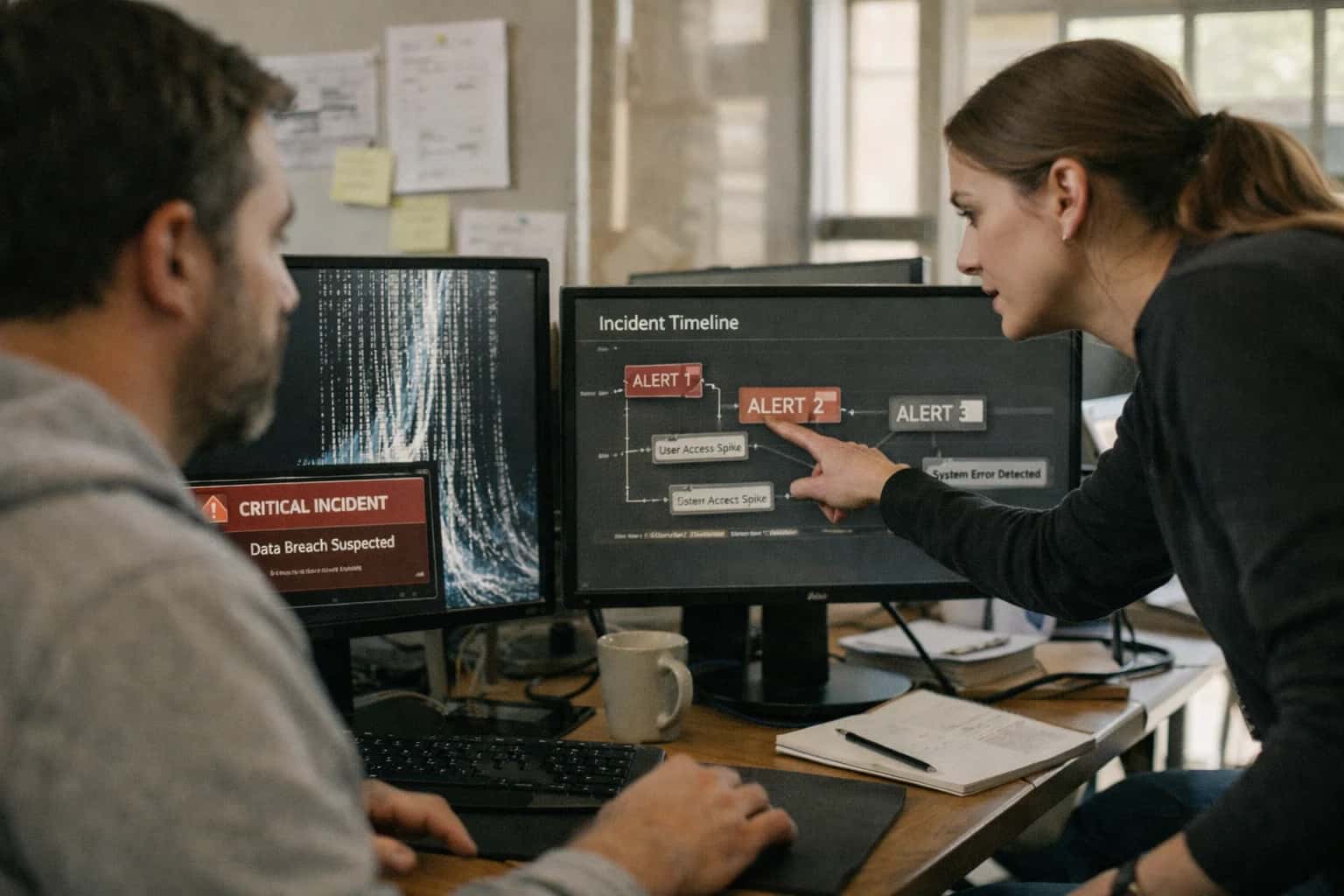
ARCHITECTURE AND ROLLOUT
Where Generative AI Fits in the Microsoft Sentinel Incident Lifecycle
A practical guide to embedding generative AI into the core stages of a Microsoft Sentinel incident, from triage to closure.
Implementation typically involves a secure API layer (like an Azure Function or containerized service) that calls your chosen LLM. This service ingests the incident's raw data—alert names, descriptions, entity details, and related raw log snippets fetched via KQL—and structures it into a prompt. High-value outputs include: an executive summary for the incident description field, a list of investigative hypotheses ranked by likelihood for the comments, a root-cause narrative based on the event timeline, and a draft post-mortem section populated with actions taken. Governance is critical; all AI-generated content should be clearly marked, stored in the incident's audit trail, and require analyst review and approval before finalizing any official documentation.
Rollout should be phased, starting with low-risk, high-volume incident types (e.g., automated false positives or common malware alerts) to build trust in the AI's output. Use Sentinel Watchlists or incident tags to control which incidents are processed. Establish a feedback loop where analysts can rate the usefulness of AI-generated content; this data can be used to fine-tune prompts and improve the system. The integration's value is measured in reduced Mean Time to Acknowledge (MTTA) and Mean Time to Resolve (MTTR), as analysts spend less time manually collating data and more time on critical investigation and response steps. For a deeper dive on automating these workflows, see our guide on Microsoft Sentinel SOAR Automation.
INCIDENT LIFECYCLE AUTOMATION
Key Integration Points in Microsoft Sentinel
Incident Creation & Triage
AI integration begins when Microsoft Sentinel creates an incident from analytics rules or entity behavior analytics. At this point, a generative AI model can be triggered via Logic App or Azure Function to perform immediate enrichment.
Key Actions:
- Automated Description Generation: Synthesize the incident's title, related alerts, and entity data (IPs, users, hosts) into a concise, actionable narrative for the analyst queue.
- Hypothesis Generation: Analyze the sequence and type of alerts to propose 2-3 likely root causes or attacker tactics (e.g., "Likely credential stuffing leading to lateral movement").
- Severity Calibration: Cross-reference entity data (e.g., host tags, user roles) with the alert logic to suggest adjusting the incident severity based on business context.
This pre-processing reduces manual data assembly from minutes to seconds, allowing Tier 1 analysts to understand the "why" behind the alert immediately.
INCIDENT RESPONSE AUTOMATION
High-Value Use Cases for Generative AI in Sentinel
Generative AI can transform Microsoft Sentinel from a passive alerting system into an active investigation partner. These use cases focus on automating the manual, time-consuming tasks that slow down SOC analysts, allowing them to focus on strategic threat hunting and response.
01
Automated Incident Summarization
At incident creation, an AI agent analyzes all related alerts, entities (hosts, users, IPs), and raw log snippets to generate a concise, plain-language summary. This replaces the manual process of clicking through tabs to understand scope, providing analysts with immediate context and reducing triage time from 15-30 minutes to seconds.
15-30 min -> <1 min
Triage time reduction
02
Root Cause Hypothesis Generation
For complex incidents involving multiple alerts, the AI reviews the incident timeline, entity relationships, and MITRE ATT&CK mappings to generate 2-3 likely attack narratives and root causes. This guides the investigation, helping analysts avoid dead ends and prioritize evidence collection, such as checking specific host logs or user sessions first.
1 sprint
Accelerated investigation learning
03
Dynamic Playbook Recommendation
Instead of static runbooks, AI evaluates the unique context of each incident—including entity criticality, attack stage, and affected business units—to recommend the most relevant Sentinel SOAR playbook or manual investigation steps. This ensures response actions are tailored to the actual risk, not just the alert type.
Batch -> Context-aware
Response guidance
04
Post-Incident Report Drafting
Upon incident closure, AI synthesizes the entire investigation—timeline, analyst comments, actions taken, and final resolution—into a structured post-mortem report draft. This automates a tedious, often-skipped compliance task, ensuring consistent documentation for audits and lessons-learned sessions. The draft is sent to the incident owner for review and finalization.
Hours -> Minutes
Report generation
05
Intelligent Incident Assignment & Escalation
AI analyzes the skills, current workload, and historical performance of SOC analysts to recommend optimal incident assignment. For high-severity incidents, it can monitor comment activity and time-to-acknowledge, automatically suggesting escalation to a lead if engagement lags, ensuring critical threats never stall in the queue.
Same day
Improved SLA adherence
06
Natural Language Hunting Query Builder
Analysts describe a hunt idea in plain English (e.g., 'find users who logged in after hours from a new country and then accessed sensitive SharePoint sites'). The AI translates this into a valid, optimized Kusto Query Language (KQL) query ready to run in Sentinel's hunting interface, lowering the barrier for proactive threat detection.
Specialist -> Generalist
Skill democratization
MICROSOFT SENTINEL
Example AI-Driven Incident Workflows
These workflows demonstrate how generative AI can be integrated into the Microsoft Sentinel incident lifecycle, from creation to closure, to automate manual tasks, accelerate analysis, and improve documentation.
Trigger: A new Microsoft Sentinel incident is created from an analytics rule or manual entry.
Context Pulled: The workflow retrieves the incident's raw alert data, related entities (IPs, users, hosts), and the last 24 hours of relevant raw log entries from the incident's timeline via the Microsoft Sentinel API.
AI Action: A prompt-engineered LLM (e.g., GPT-4) is called with this structured context. The model is instructed to:
- Summarize the key events in a concise, chronological narrative.
- Populate the incident's
Descriptionfield with this summary. - Generate 2-3 plausible root cause hypotheses based on the MITRE ATT&CK framework.
- Suggest the next 2-3 investigative steps for an analyst.
System Update: The generated summary is written to the incident's Description field. The hypotheses and suggested steps are appended to the incident Comments as a formatted note, tagged with [AI-Generated].
Human Review Point: The SOC analyst reviews the AI-generated summary and hypotheses upon opening the incident, using them as a starting point for their investigation. They can accept, edit, or discard the AI's input.
PRODUCTION-READY INTEGRATION PATTERNS
Implementation Architecture: Data Flow and Guardrails
A secure, governed architecture for connecting generative AI to Microsoft Sentinel's incident lifecycle.
A production integration for generative AI in Microsoft Sentinel follows a serverless, event-driven pattern. The core flow is triggered by the Microsoft.SecurityInsights/incidents Azure Event Grid event for Microsoft.SecurityInsights/IncidentCreated or Microsoft.SecurityInsights/IncidentUpdated. This event payload, containing the incident ID and resource ID, is routed to an Azure Function or Logic App. The function first calls the Sentinel API to fetch the full incident object, including its related alerts, entities, and comments from the IncidentComments table. This structured data, along with relevant log context from the SecurityAlert and SecurityEvent tables queried via Log Analytics, is formatted into a prompt context for the LLM.
The AI service—hosted on Azure OpenAI Service for data residency and private networking—processes this context to generate outputs like a hypothesis for root cause or a draft post-mortem narrative. Critical guardrails are applied at this stage: prompt injection defenses sanitize user-input fields from comments, output validation checks for hallucinated entities or actions not present in the source logs, and all LLM interactions are logged to a dedicated AIAuditLogs table in the same Sentinel workspace for traceability. The generated text is then posted back to the incident via the Sentinel API as a new IncidentComment or used to update the incident's Description field, with the AI's contribution clearly tagged (e.g., [AI-Generated Hypothesis]).
Rollout and governance are managed through Azure Policy and Sentinel's own automation rules. Initial deployments should use a human-in-the-loop approval step, where the AI's output is posted to a dedicated 'AI Drafts' incident comment that requires analyst approval before being promoted to the official description. Automation rules can control which incidents trigger AI processing based on severity, tactics, or analyst assignment to prevent cost overruns and irrelevant automation. Finally, continuous evaluation is built by comparing AI-generated summaries against later analyst-authored summaries in closed incidents, feeding this back into prompt tuning. This architecture ensures the AI augments the SOC workflow without creating ungoverned actions or breaking the investigative audit trail.
IMPLEMENTATION PATTERNS
Code and Payload Examples
Automating Incident Narratives
When a new incident is created in Microsoft Sentinel, an Azure Logic App or Function can be triggered to call an LLM API, synthesizing the raw alerts, entities, and timeline into a coherent summary. This payload includes the incident ID, related alerts, and entity details (like hostnames, IPs, users). The LLM is prompted to produce a concise, factual description suitable for an analyst's first review.
Example Payload to LLM API:
json{ "incident_id": "INC-2024-001", "severity": "Medium", "alerts": [ { "alert_name": "Multiple Failed Logins", "entities": ["user:jsmith", "host:workstation-01"] }, { "alert_name": "Suspicious PowerShell Execution", "entities": ["host:workstation-01", "process:powershell.exe"] } ], "primary_entity": "host:workstation-01", "task": "Generate a 2-3 sentence incident description for SOC analysts, focusing on sequence and potential impact." }
The generated description is then posted back to the Sentinel incident via the Incidents - Update API, populating the description field.
AI-ENHANCED INCIDENT HANDLING
Realistic Time Savings and Operational Impact
How generative AI integration for Microsoft Sentinel transforms manual, reactive incident documentation into a proactive, analyst-assist workflow.
| Workflow Stage | Before AI Integration | After AI Integration | Key Impact & Notes |
|---|---|---|---|
Incident Description Population | Manual entry by Tier 1 analyst (5-15 mins per incident) | AI auto-generates draft from alerts, entities, and logs (1-2 mins review) | Reduces manual data entry, ensures consistent narrative structure from the start. |
Root Cause Hypothesis Generation | Analyst manually reviews timeline and logs to form theories (10-30 mins) | AI analyzes correlated events and comments to suggest 2-3 probable causes (2-5 mins review) | Accelerates investigation direction, surfaces connections analysts might miss under pressure. |
Post-Mortem / Closure Documentation | Manual compilation of timeline, actions, and lessons learned (30-60 mins) | AI drafts comprehensive summary from incident timeline, comments, and resolved actions (5-10 mins edit) | Turns a burdensome administrative task into an editing exercise, freeing analysts for proactive work. |
Stakeholder Communication Drafting | Analyst or lead writes update emails for management (15-20 mins) | AI generates first-pass executive summary and technical update from incident data (3-5 mins review) | Ensures timely, consistent communications and reduces context-switching for senior analysts. |
Knowledge Article Creation | Manual process after incident closure, often deprioritized | AI proposes new Sentinel analytics rules or hunting queries based on incident patterns | Closes the feedback loop from detection to defense, institutionalizing lessons learned. |
Mean Time to Acknowledge (MTTA) | Varies based on analyst availability and queue depth | AI provides immediate context, enabling faster, more informed initial triage | Reduces time spent orienting to a new incident, especially during off-hours or high volume. |
Analyst Cognitive Load | High: Juggling data synthesis, documentation, and investigation concurrently | Reduced: AI handles initial synthesis, allowing focus on validation, decision-making, and response | Improves job satisfaction, reduces burnout, and increases capacity for complex threat hunting. |
ARCHITECTING CONTROLLED AI FOR SECURITY OPERATIONS
Governance, Security, and Phased Rollout
Implementing generative AI for Microsoft Sentinel incidents requires a security-first architecture that prioritizes data governance, model safety, and incremental value delivery.
A production integration must treat the AI as a privileged component within your SOC's data flow. This means implementing strict role-based access controls (RBAC) on who can trigger AI actions, maintaining a full audit trail of all prompts, generated content, and model calls, and ensuring all AI-generated incident hypotheses and summaries are clearly watermarked as such within the Sentinel incident timeline. Data sent to external LLM APIs (e.g., OpenAI, Azure OpenAI) should be scrubbed of sensitive PII or confidential data through a pre-processing layer, and responses should be validated for hallucination or incorrect guidance before being committed to the incident record.
We recommend a phased rollout to build trust and operationalize the integration safely:
- Phase 1: Analyst-in-the-Loop (Read-Only). Deploy the AI to generate draft incident descriptions and root-cause hypotheses, but require explicit analyst review and approval before any text is saved to the Sentinel incident. This phase focuses on validation and tuning prompts for your environment.
- Phase 2: Assisted Workflow (Contextual Actions). Enable the AI to automatically populate low-risk fields and suggest related hunting queries or KQL based on the incident's entities. Implement approval gates for any AI-suggested automation steps, like adding entities to a watchlist.
- Phase 3: Conditional Automation (Governed Write-Back). For high-confidence, repeatable patterns (e.g., populating standard post-mortem templates), allow the AI to write directly to the incident and related artifacts, governed by pre-defined rules and anomaly detection on its own outputs to catch drift.
Security is paramount. The integration should use managed identities for Azure services, store all secrets in Azure Key Vault, and ensure all traffic between Sentinel, your orchestration layer (like an Azure Logic App or Function), and the LLM endpoint is encrypted. Consider implementing a gateway pattern to centralize logging, rate-limiting, and cost management for all AI calls. Furthermore, establish a regular review cycle with your SOC team to audit the AI's contributions, retrain prompts based on feedback, and update data handling policies, ensuring the system evolves as a trusted partner in your security operations. For related architectural patterns, see our guide on AI Governance for Security Platforms.
Enabling Efficiency, Speed & Accuracy
Intelligent Analysis, Decision & Execution
We build AI systems for teams that need search across company data, workflow automation across tools, or AI features inside products and internal software.
Talk to Us
Search across company data
Give teams answers from docs, tickets, runbooks, and product data with sources and permissions.
Useful when people spend too long searching or get different answers from different systems.
Enterprise searchRAGPermissions
Read more
Automate internal workflows
Use AI to route work, draft outputs, trigger actions, and keep approvals and logs in place.
Useful when repetitive work moves across multiple tools and teams.
AI agentsWorkflow automationGovernance
Read more
Add AI to products and internal tools
Build assistants, guided actions, or decision support into the software your team or customers already use.
Useful when AI needs to be part of the product, not a separate tool.
AI integrationDecision supportModel routing
Read moreIMPLEMENTATION
Frequently Asked Questions
Practical questions for architects and SOC leaders planning to integrate generative AI into Microsoft Sentinel incident workflows.
The connection is typically architected as a secure, serverless workflow triggered by Azure Logic Apps or an Azure Function, acting as a middleware layer.
- Trigger: An Azure Monitor alert, a Sentinel Automation Rule, or a webhook from a Sentinel incident update initiates the workflow.
- Data Context: The function securely pulls only the necessary incident context (alert names, entities, comments, related hunting bookmarks) via the Microsoft Sentinel REST API using a managed identity or service principal with least-privilege access (e.g.,
Sentinel Responderrole). - Secure Payload: The function strips any sensitive PII or credentials (using pre-processing logic or Azure AI Language for redaction) before sending a sanitized context payload to the LLM endpoint.
- LLM Call: The call is made to your chosen model endpoint (e.g., Azure OpenAI, a fine-tuned model in Azure Machine Learning) over a private endpoint/VNet injection for enhanced security.
- Audit Trail: All calls are logged to a dedicated Log Analytics workspace for audit, including timestamps, incident IDs, token counts, and cost attribution.
This pattern keeps your data within the Azure trust boundary and provides full governance over the data flow.

About the author
Prasad Kumkar
CEO & MD, Inference Systems
Prasad Kumkar is the CEO & MD of Inference Systems and writes about AI systems architecture, LLM infrastructure, model serving, evaluation, and production deployment. Over 5+ years, he has worked across computer vision models, L5 autonomous vehicle systems, and LLM research, with a focus on taking complex AI ideas into real-world engineering systems.
His work and writing cover AI systems, large language models, AI agents, multimodal systems, autonomous systems, inference optimization, RAG, evaluation, and production AI engineering.
LinkedIn
Limited slotsGet a Free AI Consultation
Partnered with leading AI, data, and software stack.





How We Work
Custom AI workflows for your Business
One-fit-all AI don't work for modern businesses. At Inferensys, we aim to understand your business & custom requirements; which we use to define most efficient agentic workflows, the data, and the tools for your business.
01
Review the use case
We understand the task, the users, and where AI can actually help.
Read more02
Pick the right approach
We define what needs search, automation, or product integration.
Read more03
Build the first useful version
We implement the part that proves the value first.
Read more04
Improve from there
We add the checks and visibility needed to keep it useful.
Read moreThe first call is a practical review of your use case and the right next step.
Talk to Us