AI integration connects to Cority's audit log data—typically accessed via its AuditTrail API or underlying database tables—to monitor user actions on critical objects like Incident, ActionItem, RiskAssessment, Permit, and ChemicalInventory. The system ingests these structured logs (user, timestamp, action, record ID, field changes) and applies anomaly detection models to flag patterns such as: bulk data deletions outside maintenance windows, unusual login times or geographies for specific roles, or frequent overrides of required fields like Incident.Severity or ActionItem.DueDate. This creates a real-time, AI-powered layer of data integrity monitoring on top of Cority's native change logging.

Integration
AI Integration for Cority Audit Trail
Add AI to your Cority EHS platform to automatically analyze system audit trails for anomalous user behavior, ensure data integrity, and automate parts of compliance audits.
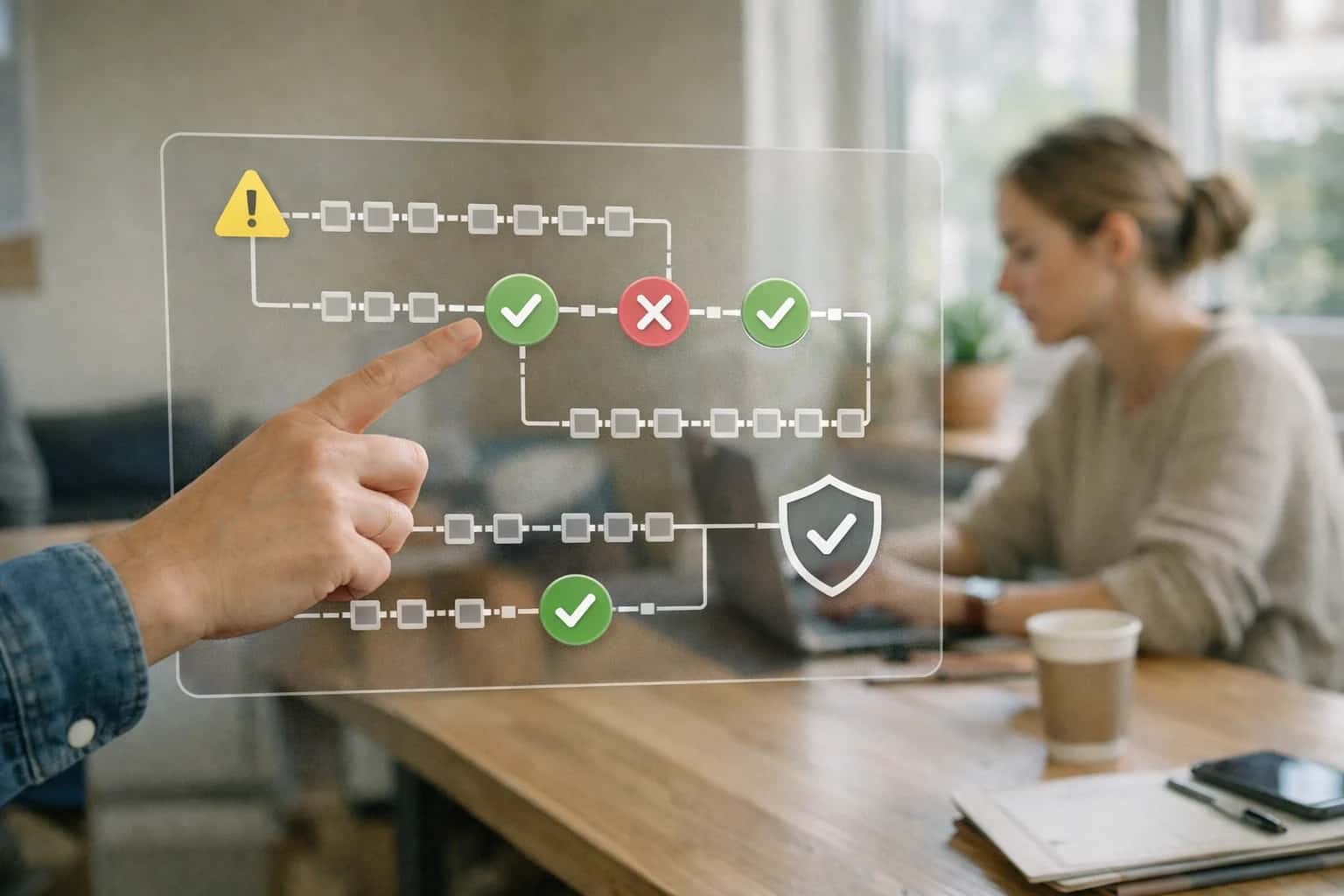
ARCHITECTURE AND GOVERNANCE
Where AI Fits in Cority Audit Trail Management
Integrating AI into Cority's audit trail transforms a compliance record into an active risk detection and workflow automation layer.
For compliance audit support, AI agents can be triggered on a schedule or via webhook to analyze the audit trail for a specific period or record set. They automatically generate pre-audit readiness reports that summarize all changes to key compliance records, highlight any anomalies detected, and draft narrative explanations for auditors. This reduces manual evidence gathering from days to hours. Implementation typically involves a lightweight middleware service that polls the AuditTrail API, enriches logs with user role context from Cority's User module, runs detection logic, and posts findings back into Cority as ActionItem records for the EHS or IT team to review. Governance is maintained by keeping the AI's role as an assistant—it flags and drafts, but a human with the ComplianceManager or SystemAdmin role must review and confirm findings before any official action.
Rollout should start with a pilot on a single, high-risk module like Incident management, where data integrity is paramount. Configure the AI to monitor for changes to rootCause or correctiveActions post-investigation closure. This focused use case demonstrates value, establishes trust in the AI's alerts (precision over recall), and defines the operational workflow for the security or compliance team. Over time, the integration can expand to cover financial controls in WasteManagement (tracking disposal costs) or environmental reporting in Emissions. The key is to maintain a clear audit trail of the AI's own actions—every AI-generated alert or report must itself be logged as a system action within Cority, creating a closed loop for accountability. For related architectural patterns, see our guides on AI Governance for EHS Platforms and Automated Compliance Reporting.
WHERE TO CONNECT AI FOR ANOMALY DETECTION AND COMPLIANCE AUTOMATION
Key Audit Trail Touchpoints in Cority for AI Integration
Monitoring Login and Access Patterns
Cority's audit trail logs all user authentication events, role changes, and permission modifications. AI integration here focuses on detecting anomalous access patterns that could indicate compromised credentials or unauthorized privilege escalation.
Key data points for AI analysis:
- Login timestamps, IP addresses, and user agents outside of normal working hours or geographies.
- Bulk data exports or report generation by users not typically performing those functions.
- Rapid succession of role or permission changes within the system.
An AI agent can be configured to consume these logs in real-time, apply behavioral baselines for each user role (e.g., EHS Manager, Site Supervisor, Read-Only Auditor), and trigger alerts in a connected ITSM platform like ServiceNow when deviations exceed a risk threshold. This moves security monitoring from periodic review to continuous, intelligent oversight.
AUDIT INTEGRITY & COMPLIANCE AUTOMATION
High-Value AI Use Cases for Cority Audit Trails
Cority's audit trail is a critical source of truth for compliance, security, and operational integrity. These AI integrations analyze user and system activity logs to automate oversight, detect risks, and accelerate audit preparation.
01
Anomalous User Behavior Detection
Continuously analyzes audit log patterns (logins, data exports, record modifications) to flag unusual activity—like after-hours bulk downloads or privilege escalation attempts—that may indicate insider risk or compromised credentials. Triggers automated alerts to security or compliance teams.
Batch -> Real-time
Monitoring cadence
02
Automated Data Integrity Verification
Cross-references audit trail entries with master data and transactional records (e.g., incident reports, permit modifications) to identify discrepancies, missing approvals, or unauthorized overrides. Generates reconciliation reports for data stewards, ensuring records match the logged activity.
Hours -> Minutes
Reconciliation time
03
AI-Powered Audit Evidence Compilation
For internal or external audits, AI parses the audit trail to automatically compile evidence packages for specific controls (e.g., SOX-404, ISO 45001). It extracts relevant log sequences, user attestations, and change histories, reducing manual evidence gathering from days to hours.
1 sprint
Time saved per audit
04
Predictive Audit Scheduling & Scoping
Analyzes historical audit findings, compliance incidents, and audit trail anomaly rates to predict high-risk areas (specific sites, modules, or user groups). Outputs a data-driven, risk-based audit plan and scope for the EHS or internal audit team.
Same day
Plan generation
05
Automated Segregation of Duties (SoD) Review
Maps user roles and permissions from Cority against audit trail activity to detect potential SoD violations (e.g., a user who creates a vendor and approves an invoice). Flags conflicts for review and generates remediation tickets in the GRC or IT service management system.
Batch -> Continuous
Review model
06
Audit Trail Summarization for Management Review
Generates executive-friendly summaries of audit trail activity, highlighting key metrics like modification volumes, top users by activity, and compliance adherence rates. Delivers narrative insights for management review boards, replacing raw log dumps with actionable intelligence.
Hours -> Minutes
Report creation
CORITY AUDIT TRAIL INTEGRATION PATTERNS
Example AI-Powered Audit Trail Workflows
These workflows demonstrate how AI agents can be integrated with Cority's audit trail data to automate compliance monitoring, detect anomalous user behavior, and ensure data integrity. Each pattern connects to specific Cority objects and surfaces, triggering automated actions or alerts.
Trigger: A new UserLogin or DataAccess event is written to the Cority audit trail table.
Context/Data Pulled: The AI agent queries the last 90 days of login/access events for the user, their role, and their typical work hours/locations from the User and AuditTrail objects. It also pulls the sensitivity level of the accessed records (e.g., incident investigations, chemical inventories).
Model or Agent Action: A lightweight anomaly detection model (or a rules-based LLM classifier) evaluates the event against the user's historical baseline and role-based access norms. It flags events such as:
- Logins from unusual geographies or IP blocks.
- Bulk data exports of sensitive records outside of normal reporting cycles.
- Access to modules or functions highly atypical for the user's job code.
System Update or Next Step: If an anomaly score exceeds a configured threshold, the agent creates a high-priority Action Item in Cority's Action Tracking module, assigned to the IT Security or Compliance team. It also posts a contextual alert to a designated Microsoft Teams channel or ServiceNow ticket via webhook, including the user, timestamp, record ID, and anomaly reason.
Human Review Point: All generated alerts are tagged for mandatory review. The action item remains open until a human investigator marks it as reviewed, with notes added directly in Cority.
AUTOMATED ANOMALY DETECTION AND COMPLIANCE AUDIT SUPPORT
Implementation Architecture: Data Flow & Integration Patterns
A practical architecture for integrating AI into Cority's audit trail to detect anomalous user behavior and automate compliance evidence gathering.
The integration connects to Cority's audit log API or underlying database tables (e.g., AuditLog, UserActivity) to stream user actions—such as record modifications, deletions, report exports, and permission changes—into a secure processing queue. An AI agent, typically deployed as a containerized service, consumes this stream, applying a combination of rule-based heuristics (e.g., after-hours access from unrecognized IPs) and statistical anomaly detection models trained on historical patterns of legitimate user activity. For each flagged event, the agent enriches the raw log with a risk score, a contextual explanation (e.g., "User X modified 50+ incident records outside their typical department scope"), and a link to the affected Cority objects.
High-confidence anomalies are automatically written back to Cority as investigation records or audit findings, triggering predefined workflows for security or compliance review. For proactive audit support, a separate RAG (Retrieval-Augmented Generation) pipeline indexes months of audit trail data into a vector store. Auditors can then use a natural language interface (e.g., a chat copilot within Cority or a separate dashboard) to ask questions like "Show all data exports by contractors in Q3" or "Summarize changes to the chemical inventory master list last week." The system retrieves relevant log entries and generates a concise, evidence-backed narrative, drastically reducing manual log sifting.
Governance is critical. The AI system operates with read-only access to production logs by default, and any automated findings are created in a pending review state, requiring human approval before escalating. All AI-generated outputs are themselves logged in a dedicated audit trail within the AI system, maintaining a clear chain of custody for compliance evidence. Rollout typically starts with a pilot on a single, high-risk module (e.g., Incident Management or Corrective Actions) to tune detection models and validate business value before expanding to the full EHS suite.
CORITY AUDIT TRAIL
Code & Payload Examples for Common Integration Tasks
Detecting Suspicious User Activity
This workflow uses a scheduled job to fetch recent login and action logs from Cority's audit API, then passes them to an LLM for pattern analysis. The goal is to flag anomalies like after-hours access from unusual locations or bulk data exports by non-admin users.
Key integration points:
- Cority API Endpoint:
/api/v1/audit/logswith filters foreventType,userId, andtimestamp. - AI Task: Classify session risk (low, medium, high) based on behavioral context.
- Output: Creates a
Follow-Uptask in Cority's Action Tracking module for the EHS or IT security team to review.
python# Example: Fetch logs and call LLM for risk scoring import requests from inference_client import InferenceClient # 1. Get last 24 hours of user session logs cority_response = requests.get( 'https://your-instance.cority.com/api/v1/audit/logs', headers={'Authorization': 'Bearer YOUR_API_TOKEN'}, params={'hours': 24, 'eventCategory': 'USER_SESSION'} ) session_logs = cority_response.json()['data'] # 2. Prepare context for LLM analysis log_context = '\n'.join([ f"User {log['user']} at {log['timestamp']}: {log['action']} from IP {log['ipAddress']}" for log in session_logs[:50] # Sample recent logs ]) # 3. Call AI service for anomaly detection client = InferenceClient(api_key='YOUR_AI_KEY') analysis = client.chat.completions.create( model="gpt-4", messages=[ {"role": "system", "content": "You are a security analyst. Review these user session logs and identify any anomalous patterns that suggest unauthorized access or policy violation. Return a JSON with 'risk_level' and 'reason'."}, {"role": "user", "content": log_context} ] ) # 4. Parse result and create follow-up if high risk risk_assessment = json.loads(analysis.choices[0].message.content) if risk_assessment['risk_level'] == 'high': # Create action item in Cority requests.post('https://your-instance.cority.com/api/v1/actions', json={'title': 'Review Suspicious User Activity', 'description': risk_assessment['reason'], 'priority': 'High', 'assignedTo': 'EHS-Security'})
AI-ENHANCED AUDIT TRAIL ANALYSIS
Realistic Time Savings & Operational Impact
This table illustrates the operational impact of integrating AI to analyze Cority's system audit trails, focusing on detecting anomalous user behavior and automating compliance evidence collection.
| Workflow / Task | Manual Process | AI-Assisted Process | Key Notes |
|---|---|---|---|
Anomalous behavior detection | Ad-hoc review by IT/Security | Automated daily anomaly scoring | AI flags high-risk sessions for human review |
Compliance audit evidence prep | Days of manual log filtering & sampling | Hours for validation & report generation | AI pre-filters logs by user, date, and action type |
Data integrity verification | Manual spot-checks on critical transactions | Continuous monitoring with weekly integrity reports | AI correlates audit events with data change records |
User access review (SoD) | Quarterly manual spreadsheet analysis | Monthly automated conflict reports | AI maps user permissions to roles, flags violations |
Incident investigation support | Manual timeline reconstruction from logs | Automated event sequence & actor summary | Reduces initial investigation time by 60-70% |
Regulatory report generation (e.g., SOX) | Manual compilation and narrative writing | Assisted data aggregation and draft narratives | Human auditor finalizes and attests |
Audit trail retention compliance | Manual review of archive completeness | Automated policy checks & gap alerts | Ensures logs meet legal hold and retention rules |
AUDITABLE, CONTROLLED, AND ITERATIVE
Governance, Security & Phased Rollout
Implementing AI on your Cority audit trail requires a secure, governed approach that builds trust and delivers value incrementally.
A production integration connects to Cority's audit log APIs or database, typically via a secure service account with read-only access to AuditTrail, User, and Object tables. The AI agent operates as a background service, analyzing log entries for patterns like after-hours bulk data exports, permission escalation sequences, or access to sensitive modules (e.g., incident investigations, chemical inventories). All AI inferences are written to a dedicated AI_Finding custom object in Cority, creating a transparent, auditable chain from raw log to flagged anomaly, complete with confidence scores and supporting evidence snippets.
Security is paramount. The AI service should never store raw audit logs; it processes streams in memory or a transient queue. All calls to LLM APIs (like OpenAI or Anthropic) should be routed through a secure gateway with strict data loss prevention (DLP) policies to redact or mask any PII or sensitive operational data before leaving your network. Access to the AI findings and configuration is controlled via Cority's native Role-Based Access Control (RBAC), ensuring only authorized EHS, IT security, or internal audit roles can view or act on alerts.
We recommend a phased rollout. Phase 1 focuses on detection-only for a single, high-value anomaly type (e.g., privileged user activity outside normal workflows) in a non-production Cority environment. Phase 2 adds automated, low-risk workflows, such as generating a draft Investigation record in Cority for security team review. Phase 3 expands to predictive analytics, correlating user behavior with audit schedules to recommend focus areas. Each phase includes defined success metrics (e.g., reduction in manual log review time, false-positive rate) and a formal change control process through your Cority administration team.
Enabling Efficiency, Speed & Accuracy
Intelligent Analysis, Decision & Execution
We build AI systems for teams that need search across company data, workflow automation across tools, or AI features inside products and internal software.
Talk to Us
Search across company data
Give teams answers from docs, tickets, runbooks, and product data with sources and permissions.
Useful when people spend too long searching or get different answers from different systems.
Enterprise searchRAGPermissions
Read more
Automate internal workflows
Use AI to route work, draft outputs, trigger actions, and keep approvals and logs in place.
Useful when repetitive work moves across multiple tools and teams.
AI agentsWorkflow automationGovernance
Read more
Add AI to products and internal tools
Build assistants, guided actions, or decision support into the software your team or customers already use.
Useful when AI needs to be part of the product, not a separate tool.
AI integrationDecision supportModel routing
Read moreCORITY AUDIT TRAIL INTEGRATION
Frequently Asked Questions (Technical & Commercial)
Practical questions for teams evaluating AI integration to analyze Cority audit logs for security, compliance, and operational integrity.
The AI integration typically consumes the system audit trail, which logs user and system actions. Key data objects include:
- User Activity Logs:
UserID,Timestamp,Action(Create, Read, Update, Delete, Login, Logout),ObjectType(e.g.,Incident,Chemical,AuditFinding,TrainingRecord),ObjectID,FieldChanged,OldValue,NewValue. - API Call Logs: Endpoint, payload size, response code, and originating IP/system.
- Permission Change Logs: Modifications to roles, profiles, and sharing rules.
- Bulk Data Operation Logs: Data imports/exports, mass updates, and report generation.
Implementation Note: The integration uses a secure, read-only service account with access to the cority_audit_log table or via the Cority Audit Trail API. Data is streamed or batched to a secure processing layer where Personally Identifiable Information (PII) is masked before AI analysis.

About the author
Prasad Kumkar
CEO & MD, Inference Systems
Prasad Kumkar is the CEO & MD of Inference Systems and writes about AI systems architecture, LLM infrastructure, model serving, evaluation, and production deployment. Over 5+ years, he has worked across computer vision models, L5 autonomous vehicle systems, and LLM research, with a focus on taking complex AI ideas into real-world engineering systems.
His work and writing cover AI systems, large language models, AI agents, multimodal systems, autonomous systems, inference optimization, RAG, evaluation, and production AI engineering.
LinkedIn
Limited slotsGet a Free AI Consultation
Partnered with leading AI, data, and software stack.





How We Work
Custom AI workflows for your Business
One-fit-all AI don't work for modern businesses. At Inferensys, we aim to understand your business & custom requirements; which we use to define most efficient agentic workflows, the data, and the tools for your business.
01
Review the use case
We understand the task, the users, and where AI can actually help.
Read more02
Pick the right approach
We define what needs search, automation, or product integration.
Read more03
Build the first useful version
We implement the part that proves the value first.
Read more04
Improve from there
We add the checks and visibility needed to keep it useful.
Read moreThe first call is a practical review of your use case and the right next step.
Talk to Us