AI integration targets three core surfaces within the ERP financial reporting framework: the General Ledger (GL) and sub-ledger modules, the consolidation and reporting engine, and the attached document management repository. The primary workflow begins post-close, where AI agents are triggered via ERP-native events (e.g., a closed period flag in SAP S/4HANA's ACDOCA table, a NetSuite Financial Period closure) or scheduled tasks. These agents pull finalized trial balances, variance analyses, and prior period comparatives via OData or REST APIs (like Oracle Cloud ERP's Financials REST API for GLBalances). The AI's first role is to assemble the raw data packets needed for specific report sections—Management's Discussion & Analysis (MD&A), footnotes, and board summaries—transforming API payloads into structured context for the LLM.

Integration
Financial Reporting Automation with AI for ERP
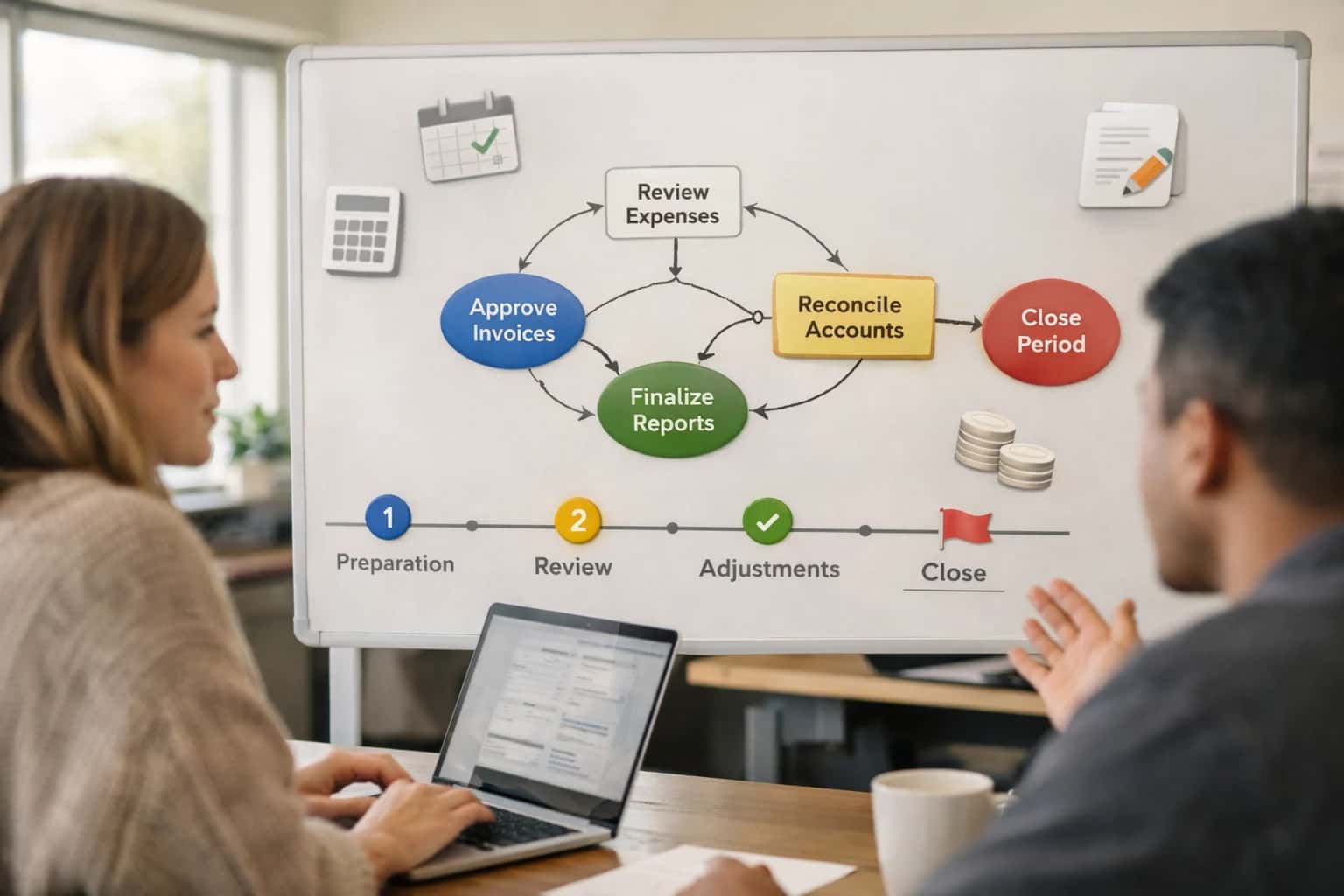
Where AI Fits into the Financial Reporting Workflow
A practical blueprint for embedding AI agents into the ERP financial close and reporting cycle to automate narrative generation, data assembly, and compliance checks.
The high-value automation occurs in narrative generation and consistency checking. Using a Retrieval-Augmented Generation (RAG) pattern grounded in the company's chart of accounts, prior reports, and accounting policy wikis, the AI drafts explanatory narratives for material variances (e.g., 'Q3 revenue declined 5% primarily due to lower volume in the EMEA region, offset partially by a 2% price increase'). It simultaneously runs cross-statement validation, ensuring figures in the cash flow statement derived from ERP Cash Management modules reconcile with the balance sheet Cash account. This is not a black-box process; each output is tagged with source line items (e.g., GL Account 4110 - Sales, EMEA) and confidence scores, routing low-confidence items or exceptional variances to the Financial Reporting Manager via the ERP's workflow inbox (like a Workflow Task in Infor) for review and approval before draft publication.
Governance and rollout follow a phased, control-centric model. A pilot typically starts with the automated drafting of the MD&A section for an internal monthly management pack, using a sandbox ERP environment. This allows the controllership team to validate outputs against manual drafts, refining prompts and data filters. Key technical safeguards include: maintaining a full audit trail of all AI-generated content and source data in a separate Audit Log object; implementing role-based access control (RBAC) so only authorized users can trigger or approve AI-generated report sections; and establishing a human-in-the-loop checkpoint before any draft is shared externally. Successful scaling involves connecting the AI output to the final report assembly tool (e.g., Workiva, Microsoft Word templates) via secure APIs, creating a closed-loop from ERP data to formatted, compliant narrative.
ERP Platform Integration Surfaces for Reporting
Core Financial Data Surfaces
The General Ledger (GL) is the primary integration point for AI-driven financial reporting. Key surfaces include:
- Chart of Accounts (COA) and Period Balances: Access via standard APIs (e.g., SAP OData
GLAccountBalance, NetSuiteGLImpact). AI uses this data to generate variance explanations and draft Management Discussion & Analysis (MD&A) narratives. - Journal Entry Headers and Lines: AI can review high-volume postings for anomalies, propose period-end accruals, and automate the creation of supporting documentation for audit trails.
- Consolidation and Intercompany Data: Integration with elimination and consolidation modules allows AI to trace intercompany mismatches, suggest balancing entries, and automate sections of the consolidated financial statement footnotes.
Implementation typically involves a scheduled data pipeline from the GL to a vector store, enabling semantic search over account histories and automated commentary generation.
High-Value Use Cases for AI in Financial Reporting
For finance teams on SAP, Oracle, NetSuite, or Infor, AI integration transforms manual, periodic reporting into a continuous, insight-driven process. These patterns connect directly to your ERP's GL, sub-ledger, and consolidation modules.
Automated MD&A Narrative Generation
AI agents query the ERP's general ledger and sub-ledger APIs (e.g., SAP OData, NetSuite SuiteTalk) to pull trial balances, variance reports, and KPIs. Using this structured data, they generate draft Management Discussion & Analysis narratives for quarterly filings, highlighting key drivers behind revenue changes, margin shifts, and cash flow movements. The output is formatted for review in Word or directly within the ERP's reporting workbench.
Intelligent Account Reconciliation
Targets high-volume reconciliations like bank statements, credit cards, and intercompany transactions. An AI workflow ingests external statement files, maps them to ERP GL accounts via learned rules, performs fuzzy matching on amounts and dates, and flags exceptions with proposed explanations (e.g., 'timing difference', 'missing invoice'). Approved adjustments can be posted back as journal entries via the ERP's journal API. Integrates with modules like SAP Bank Communication Management or Oracle Cash Management.
Continuous Close & Task Orchestration
Instead of a manual checklist, an AI agent monitors the close progress in real-time. It pulls task status from the ERP's project management module (e.g., SAP PS, NetSuite SuiteProjects), analyzes dependencies between tasks (e.g., 'sub-ledger close must complete before consolidation'), and proactively alerts responsible accountants via email or Teams if a task is late or a preceding journal entry fails validation. It can also prioritize the task queue based on historical duration data.
Anomaly Detection in Journal Entries
A model trained on historical ERP journal entries (via data export or direct DB link) runs in near real-time on newly posted entries. It flags unusual patterns—such as round-dollar amounts in expense accounts, entries posted by users outside their typical cost centers, or debits/credits that deviate from monthly averages—for controller review. Alerts are routed through the ERP's workflow engine or a separate audit log.
Dynamic Financial Report Assembly
For internal reporting packs, AI assembles data from multiple ERP modules (GL, AR, AP, Projects) and external sources into pre-formatted Excel or Power BI templates. It goes beyond simple data dumps by applying business logic (e.g., calculating days sales outstanding, identifying top 10 customers by profitability) and adding contextual commentary on trends. The process is triggered on a schedule or by a closing milestone in the ERP.
XBRL Tagging & Compliance Support
Assists in the tedious process of tagging financial statement line items with the correct XBRL taxonomy elements for SEC or ESMA filings. The AI reads the chart of accounts and financial statement labels from the ERP, suggests appropriate tags based on historical mappings and regulatory guidelines, and highlights areas of ambiguity for accountant review. This reduces manual lookups and improves tagging consistency.
Example AI-Powered Reporting Workflows
These workflows illustrate how generative AI integrates directly with ERP financial modules to automate the assembly, analysis, and narrative generation for quarterly and annual reports, moving from manual consolidation to intelligent, governed automation.
Trigger: Financial close is completed in the ERP General Ledger.
Context Pulled: The AI agent calls the ERP's reporting APIs (e.g., SAP BAPI, NetSuite SuiteAnalytics, Oracle BI Publisher) to retrieve finalized financial statements (P&L, Balance Sheet, Cash Flow) for the period, along with prior period comparatives and plan/forecast data.
Agent Action: A configured LLM analyzes the variance drivers—such as revenue by segment, margin changes, and significant expense lines—against plan and prior periods. It drafts a coherent Management Discussion & Analysis (MD&A) section, grounding all statements in the retrieved figures.
System Update: The draft narrative is saved as a rich-text document attached to the financial report record in the ERP's document management system (e.g., SAP DMS, Oracle Content). It includes inline citations to the source data points.
Human Review Point: The draft is routed via a pre-configured workflow to the Director of Financial Reporting and CFO for review and editing within the ERP's collaboration interface. All edits are tracked, and the final version is version-controlled.
Implementation Architecture: Data Flow & System Design
A practical blueprint for integrating AI into the ERP financial reporting workflow, connecting data extraction, narrative generation, and compliance checks.
The architecture begins by connecting to the ERP's General Ledger, Sub-ledgers (AR/AP), and Consolidation modules via native APIs—such as SAP's OData services, NetSuite's SuiteTalk REST APIs, or Oracle's Financials REST APIs. A scheduled extraction job pulls trial balances, transactional details, and prior-period statements into a staging layer. This raw financial data is then enriched with metadata from the Chart of Accounts and Master Data (legal entities, cost centers) to provide context for the AI. The system is designed to handle the high volume and complex hierarchies typical of period-end, ensuring data lineage is preserved for auditability.
Core AI processing occurs in a middleware layer where the enriched data is analyzed. A Retrieval-Augmented Generation (RAG) system grounds the LLM in the company's specific accounting policies, past disclosures, and regulatory frameworks (e.g., GAAP/IFRS checklists) stored in a vector database. The AI agent then executes a multi-step workflow: it first identifies material variances and trends, drafts the Management Discussion & Analysis (MD&A) narrative, and assembles numerical statements (Income Statement, Balance Sheet, Cash Flow). It cross-references figures across statements to ensure arithmetic consistency and flags any discrepancies for human review before any data is written back to the ERP's reporting module or a connected disclosure management platform like Workiva.
Governance and rollout are critical. The implementation uses a human-in-the-loop approval workflow, where draft narratives and assembled reports are routed via the ERP's existing audit trail and role-based access control (RBAC) to designated reviewers—typically the Corporate Controller, CFO, or external auditors. Changes are tracked, and final versions are published to the ERP's reporting repository or filed electronically. A phased rollout starts with automating the Note Disclosures for a single entity or business unit, proving accuracy and control, before scaling to consolidated global reporting. This approach reduces manual assembly from days to hours while maintaining the rigorous control required for financial compliance.
Code & Payload Examples
Fetching Trial Balance Data for Narrative Generation
To generate a Management Discussion & Analysis (MD&A) narrative, the AI first needs structured financial data. This example uses a REST API call to the ERP's General Ledger module to retrieve a summarized trial balance for a given period. The payload specifies the company, ledger, period end date, and the level of detail (e.g., by natural account).
pythonimport requests # ERP API endpoint for GL data (e.g., NetSuite RESTlet, SAP OData) url = "https://your-erp-instance/api/GL/trialBalance" headers = { "Authorization": "Bearer <ERP_API_TOKEN>", "Content-Type": "application/json" } payload = { "company": "100", "ledger": "ACTUAL", "periodEnd": "2024-03-31", "summaryLevel": "ACCOUNT", # Or "SEGMENT" for dimensional reporting "includeZeroBalance": False } response = requests.post(url, json=payload, headers=headers) gl_data = response.json() # gl_data contains list of accounts with balances, prior period comparatives
This data structure is then passed to an LLM prompt along with prior period figures and external context (e.g., market events) to draft explanatory narratives.
Realistic Time Savings & Operational Impact
This table illustrates the tangible operational impact of integrating AI into the quarterly and annual financial reporting workflow within your ERP system (SAP, NetSuite, Oracle, Infor).
| Process Step | Before AI Integration | After AI Integration | Key Notes & Governance |
|---|---|---|---|
Data Collection & Validation | Manual export from multiple modules, spreadsheet consolidation | Automated data pulls via ERP APIs, AI validates cross-statement consistency | Human review of flagged anomalies; audit trail of all data sources |
MD&A Narrative Drafting | Manual drafting from financials, 8-16 hours per report | AI generates first draft from structured data and prior reports in 1-2 hours | Finance team edits and approves; AI learns from feedback for style consistency |
Note Disclosure Preparation | Manual reference to accounting standards and prior periods | AI suggests relevant disclosures based on transaction patterns and standards | Accountant reviews and finalizes; AI ensures regulatory compliance flags |
Report Assembly & Formatting | Manual copy-paste into Word/PDF templates, version control issues | AI populates pre-approved templates, maintains a single version of truth | Final layout and branding check by team; automated versioning in ECM |
Internal Review & Commentary | Sequential email reviews, manual comment consolidation | AI-powered collaborative platform summarizes changes and tracks open items | Streamlines stakeholder feedback; clear audit trail of all revisions |
Variance Analysis & Explanation | Manual calculation of YoY/QoQ changes, investigative time to find root causes | AI automatically highlights material variances and proposes causal factors | Analyst confirms or corrects explanations; AI improves with historical data |
Final Quality Assurance & Submission | Manual pre-submission checklist, risk of human error in final figures | AI runs automated checks for formula integrity, rounding errors, and compliance | Controller signs off; AI provides a readiness score and exception report |
Governance, Security & Phased Rollout
A production-ready AI integration for financial reporting requires deliberate governance, embedded security, and a phased rollout to manage risk and build trust.
Architecture & Data Governance: A secure integration connects to your ERP's financial modules—like the General Ledger (GL), Sub-ledgers (AR/AP), and Consolidation systems—via authenticated APIs (e.g., OData for SAP, SuiteTalk for NetSuite). AI agents operate with strict role-based access, only reading the transaction and master data necessary for a specific report (e.g., Q3 P&L). All AI-generated content, such as Management Discussion & Analysis (MD&A) narratives, is stored as a new object or attachment within the ERP or a linked system, creating a full audit trail that ties the output back to the source data and the prompting logic used.
Security & Compliance Controls: The implementation enforces your existing financial controls. AI-suggested journal entries or report notes are routed through the same approval workflows (e.g., manager, controller) as manual entries. For sensitive data, processing can be configured for on-premises or VPC-deployed models. All prompts, model calls, and data retrievals are logged to a secure audit log, enabling compliance reviews for SOX, GDPR, or other regulations. This ensures the AI acts as a governed assistant, not an autonomous actor outside the financial control framework.
Phased Rollout Strategy: We recommend a crawl-walk-run approach to de-risk adoption and demonstrate value. Phase 1 (Pilot): Automate the assembly of a single, complex report appendix (e.g., Segment Reporting) within a sandbox environment, focusing on data pulling and formatting. Phase 2 (Expand): Introduce AI-generated narrative for the MD&A section of a quarterly report, with a human-in-the-loop review and edit step before finalization. Phase 3 (Scale): Roll out automated variance analysis and anomaly detection across all standard financial statements, integrating directly into the official close and reporting workflow for the core finance team.
Enabling Efficiency, Speed & Accuracy
Intelligent Analysis, Decision & Execution
We build AI systems for teams that need search across company data, workflow automation across tools, or AI features inside products and internal software.
Talk to Us
Search across company data
Give teams answers from docs, tickets, runbooks, and product data with sources and permissions.
Useful when people spend too long searching or get different answers from different systems.

Automate internal workflows
Use AI to route work, draft outputs, trigger actions, and keep approvals and logs in place.
Useful when repetitive work moves across multiple tools and teams.

Add AI to products and internal tools
Build assistants, guided actions, or decision support into the software your team or customers already use.
Useful when AI needs to be part of the product, not a separate tool.
Frequently Asked Questions (FAQ)
Practical questions for finance leaders and IT architects planning to integrate AI into their ERP financial reporting workflows.
AI integrates directly with your ERP's data and process layers via secure APIs and event hooks. A typical architecture involves:
- Data Access: Connecting to the ERP's reporting databases, data warehouses (like SAP BW/4HANA, Oracle Analytics Cloud), or directly to transactional tables via OData/REST APIs (e.g., NetSuite SuiteTalk, SAP S/4HANA OData) to pull trial balances, sub-ledger details, and master data.
- Orchestration Layer: A middleware service (often deployed in your cloud) receives triggers—such as a "Close Period" event—and orchestrates the AI workflow. It calls the LLM, manages context, and handles tool use.
- AI Agent Actions: The AI agent, with appropriate grounding in your chart of accounts and reporting policies, can:
- Query the ERP for specific GL account variances.
- Draft narrative sections (MD&A, footnotes) based on structured data.
- Compare current-period figures to prior periods/budgets and flag anomalies.
- System Updates & Human Review: Drafts and analyses are pushed to a collaboration platform (e.g., Microsoft 365, Workiva) or back into the ERP as a draft report attachment. A mandatory human review and approval step is configured before any final posting or publication.
Security is maintained through service accounts with role-based access control (RBAC) scoped strictly to read-only financial data and write access only to designated draft repositories.

About the author
Prasad Kumkar
CEO & MD, Inference Systems
Prasad Kumkar is the CEO & MD of Inference Systems and writes about AI systems architecture, LLM infrastructure, model serving, evaluation, and production deployment. Over 5+ years, he has worked across computer vision models, L5 autonomous vehicle systems, and LLM research, with a focus on taking complex AI ideas into real-world engineering systems.
His work and writing cover AI systems, large language models, AI agents, multimodal systems, autonomous systems, inference optimization, RAG, evaluation, and production AI engineering.
Partnered with leading AI, data, and software stack.





How We Work
Custom AI workflows for your Business
One-fit-all AI don't work for modern businesses. At Inferensys, we aim to understand your business & custom requirements; which we use to define most efficient agentic workflows, the data, and the tools for your business.
01
Review the use case
We understand the task, the users, and where AI can actually help.
Read more02
Pick the right approach
We define what needs search, automation, or product integration.
Read more03
Build the first useful version
We implement the part that proves the value first.
Read more04
Improve from there
We add the checks and visibility needed to keep it useful.
Read moreThe first call is a practical review of your use case and the right next step.
Talk to Us