
Inferensys

Integration

AI Integration for Automated Summarization of Long-Form Documents

Add AI-powered summarization to enterprise content management platforms to turn lengthy reports, transcripts, and manuals into actionable insights, accelerating review and decision-making.
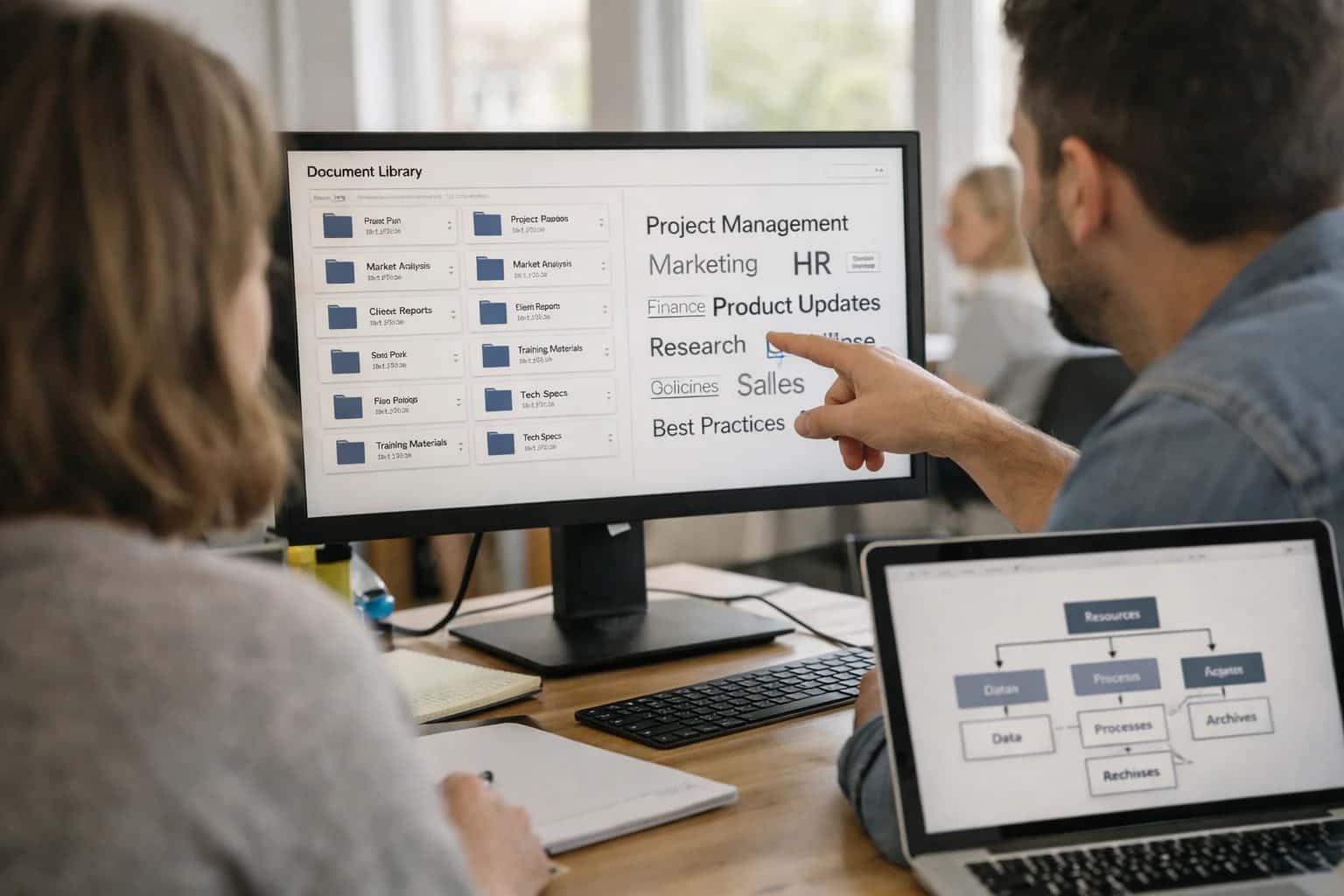
Knowledge manager reviewing enterprise knowledge management system on laptop, document library visible, casual office.
ARCHITECTURE BLUEPRINT

Where AI Summarization Fits in Your ECM Stack

A practical guide to integrating AI summarization into OpenText, Hyland, Laserfiche, SharePoint, and Box workflows for faster insight extraction.

AI summarization acts as a processing layer between your document ingestion pipeline and end-user interfaces. It connects at key integration points:

  • Capture/Ingestion APIs: Summarize inbound documents (e.g., scanned reports, email attachments) immediately upon entry into the repository, storing the summary as a searchable metadata field.
  • Workflow Decision Nodes: Inject summarization into Laserfiche Workflow or Hyland OnBase processes to auto-route lengthy documents (like audit findings or project plans) based on extracted key points.
  • Event-Driven Webhooks: Use Box webhooks or SharePoint event receivers to trigger summarization when a new version of a long-form manual or transcript is uploaded, keeping summaries current.
  • Search Indexing Pipeline: Integrate with the search crawler (e.g., SharePoint Search, OpenText Content Server indexing) to generate and store semantic summaries, enhancing relevance for natural language queries.


Implementation typically involves a serverless function or containerized service that:

  1. Listens for events or polls a queue from your ECM platform.
  2. Retrieves the document via REST API (e.g., OpenText Content Server OTDS, Box API, SharePoint Graph API).
  3. Processes the text through an LLM (like GPT-4 or Claude) with a prompt engineered for your document types—technical manuals require different instructions than legal transcripts or financial reports.
  4. Posts the structured summary back to the document's metadata or a linked object (e.g., a Summary field in OpenText Extended ECM, a custom property in SharePoint, a Box metadata template).
  5. Logs the operation for audit and model performance tracking. This pattern keeps the core ECM system unchanged while adding intelligence at the edges, avoiding costly customizations.

Governance and rollout require careful planning. Start with a pilot in a non-critical, high-volume area like summarizing internal meeting transcripts in SharePoint or vendor contract exhibits in Box. Implement human-in-the-loop review for the first 1000 summaries to tune prompts and validate quality. Use your ECM's native RBAC and audit trails to control who can trigger summarization and view AI-generated content. For regulated industries, ensure the summarization service runs in your compliant cloud tenant or on-premises, and that summaries are flagged as AI-generated in the document history. A phased approach—automating summaries for internal research before customer-facing documents—de-risks the integration and builds organizational trust in the AI layer.

WHERE TO CONNECT AI FOR AUTOMATED SUMMARIZATION

Integration Surfaces Across Major ECM Platforms

AI Summarization at the Point of Capture

Integrate AI summarization directly into the document ingestion pipeline of your ECM platform. This surface is ideal for processing incoming reports, transcripts, and lengthy manuals as they are uploaded, scanned, or received via email.

Key Integration Points:

  • Capture/Scanning Workflows: Inject an AI call after OCR but before final storage. In platforms like Hyland OnBase or Laserfiche, this can be a step in a Quick Fields or Brainware capture process.
  • Email Ingestions: For systems like OpenText RightFax or Box, use a webhook or API trigger on new file arrival to process and attach a summary as metadata.
  • Batch Upload APIs: Use the platform's REST API (e.g., Box API, SharePoint Graph API) to submit documents for summarization in bulk during migration or consolidation projects.

Impact: Creates a searchable summary field immediately, enabling faster triage and routing without requiring users to open the full document.

ENTERPRISE CONTENT MANAGEMENT

High-Value Use Cases for AI Document Summarization

Integrate AI summarization directly into your ECM workflows to extract key insights from reports, transcripts, and manuals, enabling faster decision-making and reducing manual review time.

01

Regulatory & Audit Report Synthesis

Automatically summarize lengthy compliance reports, audit findings, and regulatory submissions stored in OpenText Content Suite or Hyland OnBase. AI extracts key findings, non-conformities, and action items, enabling compliance officers to review hours of documentation in minutes and prepare response briefs faster.

Hours -> Minutes
Review time
02

Contract & Legal Document Briefing

Process high-volume contract portfolios in iManage or NetDocuments. AI generates executive summaries highlighting key clauses, obligations, risks, and termination dates. Integrates with CLM platforms to auto-populate summary fields, giving legal teams instant overviews for renewal decisions and risk assessments.

Same day
Portfolio review
03

Customer Service Case Triage

Summarize complex customer correspondence, complaint letters, and support transcripts attached to cases in ServiceNow or Salesforce. AI identifies the core issue, sentiment, and requested resolution, auto-populating case notes. This reduces manual triage for agents and cuts case handling time by prioritizing based on content severity.

Batch -> Real-time
Triage speed
04

Research & Technical Manual Digestion

Connect AI to SharePoint research libraries or Box folders containing lengthy technical manuals, academic papers, or product specifications. Generate structured summaries with key methodologies, results, and specifications. Enables R&D and engineering teams to quickly assess relevance without reading hundreds of pages.

1 sprint
Research acceleration
05

Meeting & Interview Transcript Analysis

Ingest Zoom or Teams meeting transcripts from Microsoft 365 or audio files in Box. AI produces concise summaries with decisions, action items (assigned to individuals), and key discussion points. Outputs sync to SharePoint Lists or project tasks in Asana, turning conversations into structured, actionable records.

Real-time
Post-meeting
06

Financial Report & Earnings Call Summarization

Automate the extraction of key metrics, management commentary, and risk disclosures from quarterly reports, SEC filings, and earnings call transcripts in Workiva or document repositories. AI generates bullet-point briefs for executives and investors, enabling faster market analysis and competitive intelligence.

Hours -> Minutes
Insight generation
IMPLEMENTATION PATTERNS

Example Summarization Workflows and Automation Triggers

Practical examples of how to trigger AI summarization from within enterprise content management platforms, moving from manual review to automated insight generation.

Trigger: A new weekly operations report PDF is uploaded to a designated Incoming-Reports folder in SharePoint Online or Box.

Context Pulled: The system reads the new document's text and extracts metadata (uploader's department, date, filename). It also retrieves the previous week's summary from a Summaries list for comparison.

Agent Action: A summarization agent is invoked via a secure API call (e.g., to Azure OpenAI). The prompt instructs the model to:

  1. Extract key performance indicators (KPIs), trends, and risks.
  2. Compare findings to the prior week's summary.
  3. Format the output with sections for Highlights, Areas Needing Attention, and Next Week's Focus.

System Update: The generated summary is:

  • Saved as a new item in the Summaries list with links to the source document.
  • A formatted notification email is sent to the department head and VP, with the summary in the body and a link to the full report.
  • The source document is automatically moved to an Archived-Reports library.

Human Review Point: The summary includes a footer: "AI-generated summary. Please review for accuracy. Flag concerns via the 'Feedback' button linked to this item."

FROM INGESTION TO INSIGHT

Implementation Architecture: Data Flow and Integration Patterns

A production-ready architecture for injecting AI summarization into your ECM platform's document lifecycle.

The integration typically connects at the document processing pipeline of your ECM platform (e.g., OpenText Content Server's ingestion service, Laserfiche's Quick Fields, or a SharePoint library event handler). When a long-form document like a PDF report, transcript, or manual is uploaded or scanned, the system triggers an event. This event, captured via a webhook or API call, passes the document's binary data or a secure link to a dedicated AI processing service. This service uses an LLM (like GPT-4 or Claude) via a secure, governed API connection to generate a structured summary, extracting key sections, decisions, action items, and conclusions.

The generated summary and extracted metadata are then written back to the ECM platform, populating custom metadata fields, a summary text field, or a linked summary document. This enables immediate utility: users can see the summary in search results previews, list views, or document property panels without opening the full file. For workflow automation, the summary content can be used to intelligently route the document—for example, a technical manual with 'safety' keywords highlighted by the AI can be auto-routed to the compliance team's queue in Hyland OnBase. The architecture is designed to be asynchronous and queued to handle batch processing during off-peak hours, ensuring no impact on user-facing system performance.

Governance is critical. The implementation should include an audit trail logging all summarization requests, the model version used, and the user/process that triggered it. For sensitive documents, a human-in-the-loop approval step can be configured where summaries are drafted but require a reviewer's sign-off before being committed to the record. Rollout follows a phased approach: start with a pilot document type (e.g., project reports), validate summary accuracy and usefulness with a super-user group, then expand to other content classes. This pattern turns static document repositories into active knowledge bases, reducing review time for audit preparation, due diligence, and research from hours to minutes.

IMPLEMENTATION PATTERNS

Code and Payload Examples for Key Integration Points

Triggering AI on Document Upload

Integrate summarization into the document ingestion pipeline. When a user uploads a long report or transcript to SharePoint, Box, or OpenText, a webhook triggers an AI service. This pattern ensures summaries are generated in near real-time, making insights available immediately.

Example Webhook Payload (Box Event):

json
{
  "type": "FILE.UPLOADED",
  "source": {
    "id": "123456789",
    "type": "file",
    "name": "Q4_Fiscal_Report.pdf"
  },
  "triggered_by": {
    "id": "987654321",
    "type": "user"
  }
}

A serverless function (e.g., Azure Function, AWS Lambda) receives this event, retrieves the file via the platform's API, extracts text, calls an LLM for summarization, and writes the summary back as metadata or a companion text file.

AUTOMATED SUMMARIZATION FOR LONG-FORM DOCUMENTS

Realistic Time Savings and Operational Impact

This table illustrates the practical impact of integrating AI summarization into an Enterprise Content Management (ECM) workflow, showing how it transforms manual review processes into assisted, insight-driven operations.

Workflow StageBefore AIAfter AIImplementation Notes

Initial Document Review

30-60 minutes per report

2-3 minute summary generation

AI provides a draft summary; human review for accuracy is still required.

Executive Briefing Prep

Manual extraction of key points

Automated highlight of risks, actions, and recommendations

Summaries are structured to align with stakeholder needs (e.g., financial, operational).

Compliance & Audit Evidence Gathering

Manual search across multiple documents

Semantic search with summarized findings

AI can surface relevant sections from manuals or transcripts for evidence packages.

Knowledge Worker Onboarding

Read full historical project docs (days)

Review curated summaries of past projects (hours)

Accelerates time-to-productivity for new team members accessing legacy content.

Cross-Departmental Communication

Share full documents; recipients scan for relevance

Share targeted summaries; recipients request full doc if needed

Reduces information overload and clarifies action owners from complex reports.

Meeting Preparation

Pre-read of lengthy transcripts or manuals

Pre-read of AI-generated meeting briefs

Ensures participants are aligned on key discussion points from pre-meeting materials.

Regulatory Change Impact Analysis

Manual comparison of new regulations to internal docs

AI-assisted diff analysis highlighting affected sections

Summarization focuses on changes and potential gaps in current policies or procedures.

ARCHITECTING FOR SCALE AND CONTROL

Governance, Security, and Phased Rollout

A production-ready summarization integration is built on a secure, observable pipeline with a deliberate rollout strategy.

A governed summarization pipeline typically connects to your ECM platform's event system or API layer. For OpenText Content Server or Laserfiche, this might be a scheduled job or a webhook listener that processes documents added to a monitored folder or library. For SharePoint Online, this is often a Microsoft Graph-triggered Azure Function. The core architecture includes: a secure queue (like Azure Service Bus or AWS SQS) to manage workload, an abstraction layer that calls your chosen LLM (OpenAI, Azure OpenAI, Anthropic, or a private model), and a post-processing step that writes the summary back to the document's metadata—such as a custom property in SharePoint, a metadata field in OnBase, or a note in Laserfiche—while logging the operation to a dedicated audit table.

Security is paramount. The integration must operate under a service account with least-privilege access, scoped only to the necessary document libraries or repositories. All documents and summaries should be processed within your cloud tenant or data center; no customer data should pass through third-party systems unless explicitly contracted. For highly sensitive content, you can implement a human-in-the-loop approval step where summaries are drafted automatically but require a quick review by a knowledge worker before being committed to the record. This balances automation with control, especially for legal, financial, or medical documents.

A phased rollout mitigates risk and builds confidence. Start with a pilot group and a low-risk document type, such as internal meeting transcripts or publicly available reports. Monitor accuracy, user feedback, and system performance. Phase two expands to more users and more complex documents, like lengthy project reports or vendor manuals. The final phase enables enterprise-wide automation for high-volume workflows, such as summarizing all incoming regulatory updates or research papers. Throughout, maintain clear metrics: reduction in manual review time, user adoption rates, and summary quality scores. This measured approach ensures the integration delivers value without disrupting critical operations.

IMPLEMENTATION BLUEPRINT

Frequently Asked Questions on AI Document Summarization

Practical questions for architects and ECM administrators planning AI summarization for reports, transcripts, and manuals in OpenText, Hyland, Laserfiche, SharePoint, and Box.

The primary pattern is to keep documents behind your firewall and send only text chunks to the AI model via a secure API gateway. Here's a typical architecture:

  1. Trigger: A new document is ingested or a summarization request is made via a workflow or user action.
  2. Extraction: A lightweight integration service (e.g., a microservice or Azure Function) uses the ECM's API (OpenText Content Server API, Laserfiche REST API, SharePoint CSOM/Graph) to extract text. For scanned PDFs, OCR is performed.
  3. Chunking & Dispatch: The service chunks the text for model context limits, adds a system prompt for summarization style, and sends it to your chosen LLM endpoint (e.g., Azure OpenAI, private Anthropic cluster).
  4. Security: All calls are authenticated. No raw documents leave your network; only sanitized text strings are transmitted. Consider using a private endpoint for your cloud LLM.
  5. Storage: The generated summary is written back to the document's metadata (e.g., a custom AI_Summary field) or stored as a linked summary note, maintaining the audit trail.

For air-gapped environments, deploy a smaller open-weight model (like Llama 3) within the secure zone.

Prasad Kumkar

About the author

Prasad Kumkar

CEO & MD, Inference Systems

Prasad Kumkar is the CEO & MD of Inference Systems and writes about AI systems architecture, LLM infrastructure, model serving, evaluation, and production deployment. Over 5+ years, he has worked across computer vision models, L5 autonomous vehicle systems, and LLM research, with a focus on taking complex AI ideas into real-world engineering systems.

His work and writing cover AI systems, large language models, AI agents, multimodal systems, autonomous systems, inference optimization, RAG, evaluation, and production AI engineering.


