Kangarootime's real-time data feeds—from its Attendance module, Room Management surfaces, and Health & Safety logs—generate a high volume of events. Not all alerts require the same level or type of response. A simple late pick-up notification differs from a critical staff-to-child ratio violation. Manually monitoring these streams is inefficient and prone to human error, especially during peak hours. An AI integration acts as a smart filter and router, analyzing event payloads from Kangarootime's webhooks or APIs to determine severity, context, and the appropriate Slack channel (e.g., #directors-office, #room-3-staff, #emergency-response).

Integration
AI Integration for Kangarootime and Slack Integration AI
Connect Kangarootime's real-time alerts to Slack with AI that routes critical notifications (staff ratios, check-in exceptions, safety incidents) to the right channels and staff members, reducing response time and manual coordination.
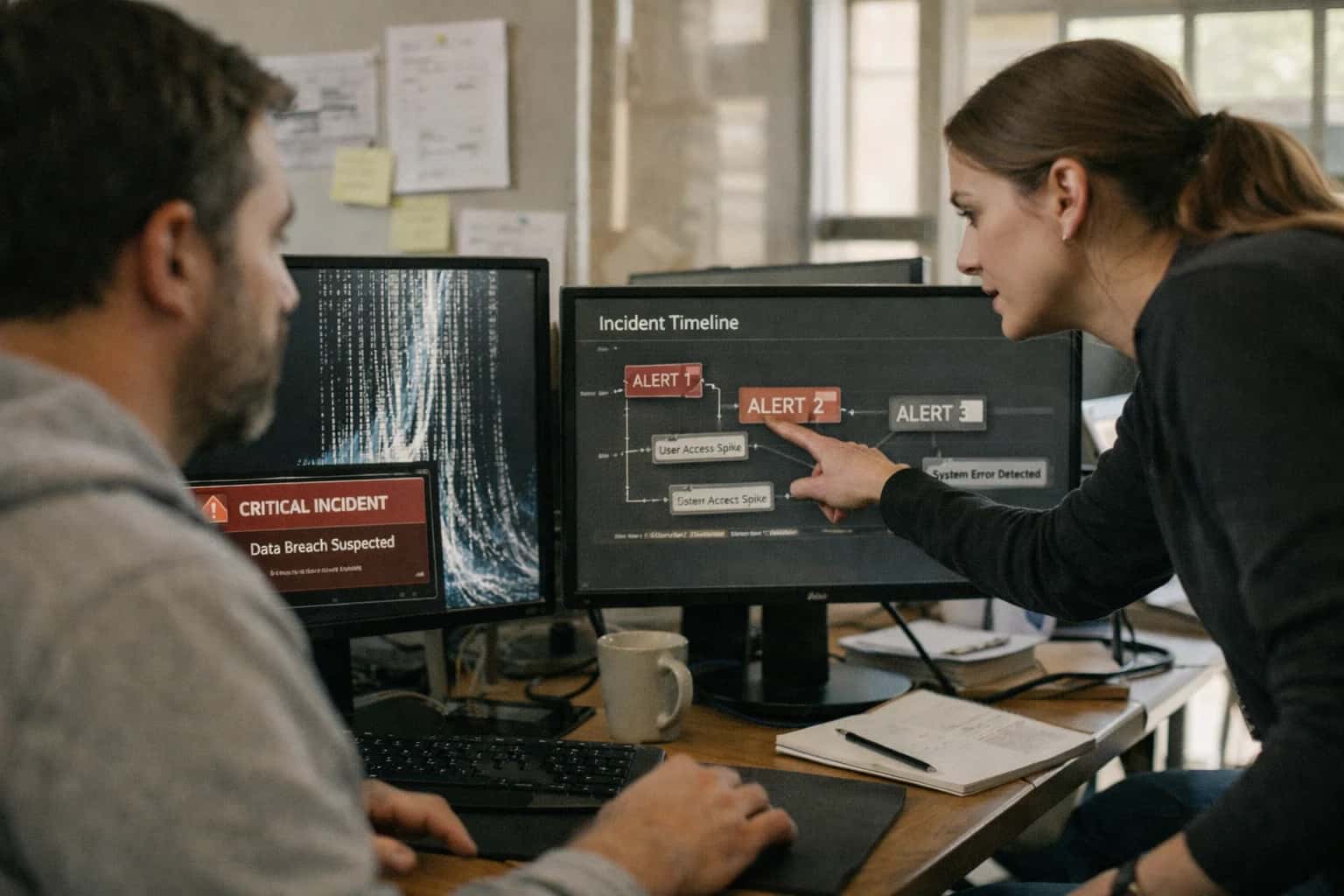
REAL-TIME OPERATIONS AUTOMATION
AI-Powered Alert Routing Between Kangarootime and Slack
Deploy AI to intelligently triage and route critical Kangarootime alerts to the right staff channels in Slack, reducing response time for ratio violations, check-in exceptions, and safety incidents.
Implementation involves deploying a lightweight service that subscribes to Kangarootime webhook events. For each event (e.g., a child check-in with a fever flag, a room exceeding its ratio threshold), the AI agent evaluates the payload against defined rules and learned patterns. It enriches the event with context—such as which staff are currently assigned to the room or the child's allergy list—and then crafts a structured Slack message. The routing logic can be based on role-based access control (RBAC), time of day, or incident type. For example, a medication log alert is routed to the #health-coordinator channel with dosage details, while a potential ratio violation is sent to #floor-manager with a prompt to reallocate staff, pulling live availability data from Kangarootime's Staff Scheduling API.
Rollout should start with a pilot on non-critical alerts to tune the AI's classification accuracy, using human-in-the-loop review for the first few weeks. Governance is critical: all routed messages must include an audit trail linking back to the source Kangarootime record ID, and there should be a clear escalation path back to the Kangarootime UI for manual override. This integration reduces operational noise, ensures compliance-critical issues are never missed, and allows directors to focus on intervention rather than monitoring. For related architectural patterns, see our guide on AI Integration for Childcare Compliance Automation and AI Integration for Center Management Software.
ARCHITECTURAL BLUEPRINT
Where AI Connects: Kangarootime Event Sources and Slack Destinations
Critical Event Streams for AI Routing
Kangarootime's API and webhook infrastructure exposes real-time events that serve as the primary triggers for AI-driven Slack alerts. The most actionable streams for safety and compliance include:
- Attendance Exceptions: Real-time webhooks for late check-ins, unexpected absences, or early pick-ups that violate scheduled windows.
- Ratio Violations: Events fired when a room's staff-to-child ratio falls below state-mandated thresholds, calculated from live check-in data.
- Health & Safety Incidents: Logs for medication administration, allergy alerts, temperature checks, or injury reports that require immediate staff awareness.
- Billing Exceptions: Events for failed payments, past-due invoices, or subsidy claim errors that impact center revenue.
Each event payload contains contextual data (child ID, room, staff member, timestamp) essential for the AI to assess urgency and determine the appropriate Slack destination.
KANGAROOTIME AND SLACK
High-Value Use Cases for AI Alert Routing
Integrate AI with Kangarootime's real-time APIs and Slack to intelligently route critical center alerts. This reduces noise, accelerates response, and ensures the right staff are notified in the right channel for immediate action.
01
Real-Time Ratio Violation Triage
AI monitors Kangarootime's attendance and room management APIs for real-time staff-to-child ratio breaches. Instead of a blanket alert, the AI determines the severity, identifies available staff via the scheduling module, and routes a targeted Slack message to the #director-office or #floater-staff channel with a coverage suggestion.
Batch -> Real-time
Response mode
02
Check-In/Out Exception Handling
Automatically triage attendance exceptions like late check-ins, unauthorized early pickups, or missing guardian verification. The AI evaluates the child's schedule and family notes, then routes a prioritized Slack alert—either to the classroom's channel for verification or to the front desk channel for immediate intervention.
Same day
Issue resolution
03
Health & Safety Incident Escalation
When a health log (e.g., medication, allergy, temperature) is entered in Kangarootime, AI classifies the severity. Minor logs are noted; critical incidents (e.g., high fever, allergic reaction) trigger an immediate, formatted Slack alert to the #health-safety channel with child details, action taken, and a prompt for director acknowledgment.
Minutes
Critical alerting
04
Maintenance & Facility Alert Routing
Connect Kangarootime's task management or custom forms for maintenance requests. AI reads the submission (e.g., "broken lock on playground gate"), assesses urgency based on keywords and location, and routes it to the appropriate Slack channel: #facility-urgent for safety issues or #facility-general for routine repairs.
1 sprint
Workflow automation
05
Billing & Payment Exception Notifications
Monitor Kangarootime's billing webhooks for failed payments, declined cards, or unusual account credits. AI determines if it's a first-time issue or a chronic pattern, then routes a tailored Slack message to the #billing-admin channel with the family name, amount, and recommended action (e.g., send automated reminder vs. personal call).
Hours -> Minutes
AR follow-up
06
Multi-Center Alert Consolidation
For chains or franchises, AI aggregates similar alerts from multiple Kangarootime instances (e.g., ratio warnings across several centers). It deduplicates, identifies regional patterns, and posts a consolidated daily or weekly summary to a leadership Slack channel (#regional-ops), highlighting trends that require systemic intervention rather than one-off fixes.
Batch -> Insight
Operational view
PRODUCTION IMPLEMENTATION PATTERNS
Example AI Alert Workflows: From Kangarootime Event to Slack Action
These concrete workflows illustrate how Inference Systems wires Kangarootime's real-time event streams to Slack channels using AI for intelligent triage, summarization, and action routing. Each pattern is built on Kangarootime's webhooks, a central AI orchestration layer, and Slack's Block Kit API.
Trigger: Kangarootime's room_attendance_change webhook fires when a child checks in/out or a staff member's shift status changes.
Context Pulled: The AI agent immediately queries Kangarootime's API for:
- Current count of
checked_in_childrenandactive_staffin the affected room. - Room-specific ratio requirements (e.g., infant room: 1:4).
- List of
available_staff(on-site but not in the room) from the schedule.
AI Agent Action: A small, deterministic model evaluates:
- Is the room out of compliance?
- For how long? (checks timestamp of last compliant state).
- Who are the nearest available staff to reassign?
The agent generates a structured Slack message using Block Kit, sent to the #ratio-alerts channel:
- Priority Badge:
🔴 CRITICALor🟡 WARNING. - Summary: "Infant Room (Butterflies) is at 3 children with 0 staff (1:4 required). Violation started 2 min ago."
- Action Buttons:
Acknowledge,Reassign Staff(which opens a modal with available staff list). - Deep Link: Direct link to the Kangarootime room dashboard.
Human Review Point: The Acknowledge button requires a staff member to click, logging their name and time. If unacknowledged for 5 minutes, the alert escalates to the Director's private Slack channel via a follow-up webhook.
REAL-TIME ALERT ORCHESTRATION
Implementation Architecture: Data Flow, APIs, and AI Layer
A production-ready architecture for connecting Kangarootime's operational data to Slack channels using AI for intelligent routing and escalation.
The integration is built on Kangarootime's webhook events and REST API. Critical events—such as a staff_to_child_ratio_violation, a late_check_in, or a medication_log_required alert—are pushed in real-time to a secure ingestion endpoint. This endpoint validates the payload, enriches it with contextual data from Kangarootime's API (e.g., room details, staff on duty, child information), and places the event into a processing queue. The AI layer acts as an intelligent router, analyzing each event to determine the appropriate Slack channel and escalation path based on pre-configured rules and learned patterns.
The core AI logic involves a classification model that evaluates:
- Severity: Is this a safety-critical ratio violation or a routine check-in exception?
- Location: Which classroom or center does this affect?
- Staff Role: Which staff members (lead teacher, director, floater) are currently responsible and available per Kangarootime's schedule?
- Time Sensitivity: Does this require immediate action (e.g., a child left unattended) or is it informational (e.g., a meal log reminder)?
Based on this analysis, the system constructs a formatted Slack message with actionable details and uses the Slack API's
chat.postMessageto post it to a designated channel (e.g.,#directors-alerts,#room-3-notifications). For high-severity issues, it can tag specific user groups or trigger an automated follow-up workflow in Kangarootime, such as logging a corrective action.
Governance is managed through a central configuration dashboard that maps Kangarootime event types to Slack channels, defines on-call schedules, and sets escalation timeouts. All routing decisions are logged with an audit trail, linking the Kangarootime event ID to the Slack message timestamp. Rollout typically starts with a pilot on non-critical alerts (e.g., daily_report_pending) in a single Slack channel, followed by phased enablement of safety and compliance alerts across center locations. This architecture ensures critical operational signals are never missed in the noise of general team communication, moving response times from periodic checks to immediate, context-aware notifications.
ARCHITECTURE PATTERNS
Code and Configuration Examples
Handling Kangarootime Webhooks
Kangarootime can send real-time webhook events for critical incidents like ratio violations or check-in exceptions. Your integration endpoint receives a JSON payload, which an AI agent analyzes to determine severity, context, and the appropriate Slack channel for routing.
python# Example Flask endpoint for Kangarootime webhook from flask import Flask, request import requests import json app = Flask(__name__) @app.route('/kangarootime-webhook', methods=['POST']) def handle_webhook(): data = request.json event_type = data.get('event_type') # e.g., 'ratio_violation', 'late_check_in' center_id = data.get('center_id') room_name = data.get('room_name') details = data.get('details', {}) # Call AI service to analyze and route ai_response = call_ai_routing_agent(event_type, center_id, room_name, details) target_slack_channel = ai_response.get('slack_channel') message_priority = ai_response.get('priority') # Post formatted alert to Slack slack_payload = { 'channel': target_slack_channel, 'text': f"*{event_type.replace('_', ' ').title()}* in {room_name}", 'blocks': [ { "type": "section", "text": { "type": "mrkdwn", "text": f"⚠️ *Alert from Kangarootime*\n*Type:* {event_type}\n*Room:* {room_name}\n*Details:* {json.dumps(details, indent=2)}" } } ] } requests.post(SLACK_WEBHOOK_URL, json=slack_payload) return {'status': 'processed'}, 200
This pattern ensures immediate, intelligent routing of operational alerts from Kangarootime to the right team in Slack.
KANGAROOTIME ALERT ROUTING TO SLACK
Realistic Time Savings and Operational Impact
How AI integration transforms manual alert monitoring into automated, intelligent routing, reducing response times and improving center compliance.
| Metric | Before AI | After AI | Notes |
|---|---|---|---|
Ratio Violation Detection | Manual spot checks and periodic report review | Real-time API monitoring with instant alert generation | AI continuously analyzes attendance data against room capacity rules |
Alert Triage & Routing | Director receives all alerts, must manually assess and message staff | AI classifies severity and routes to appropriate Slack channel (e.g., #ratio-violations, #front-desk) | Routes based on room, staff role, and time of day; critical alerts can @mention |
Staff Response Time | 30+ minutes to next check-in or email review | 2-5 minutes for channel notification | Slack push notifications ensure immediate visibility for on-floor staff |
Exception Documentation | Manual entry into incident log after resolution | Automated log entry with alert context and resolution timestamp | AI appends Slack thread permalink to the Kangarootime record for audit trail |
Follow-up & Compliance | Ad-hoc review of weekly violation reports | Automated daily summary report posted to #director-channel | Highlights patterns (e.g., frequent violations in Toddler Room at 4 PM) for process improvement |
Operational Overhead | 1-2 hours daily for director on alert monitoring and communication | 10-15 minutes daily for review of automated summaries | Frees director for strategic tasks and direct staff support |
Rollout & Configuration | Custom scripting per center, fragile to API changes | Pilot: 2-3 weeks for workflow mapping and channel setup | Uses Kangarootime's webhooks and Slack's incoming webhooks/API for resilient integration |
ARCHITECTING FOR TRUST AND CONTROL
Governance, Security, and Phased Rollout
A secure, phased implementation ensures AI enhances safety workflows without disrupting center operations.
Integrating AI with Kangarootime and Slack for critical alerts requires a security-first architecture. The AI agent operates as a middleware service, never storing sensitive child or family PII. It connects to Kangarootime's webhooks and APIs using OAuth 2.0 and service accounts with scoped permissions—typically read-only access to attendance, room, and staff modules. Alert payloads are processed in-memory, with the AI determining routing logic (e.g., ratio_violation → #directors-slack, late_pickup → #front-desk-slack). All actions are logged with a unique correlation ID back to the source Kangarootime event for a complete audit trail.
Rollout follows a three-phase approach to build confidence and refine logic. Phase 1 (Monitoring): The AI system runs in a shadow mode for 2-4 weeks, consuming Kangarootime events and generating proposed Slack alerts, but not posting them. This creates a validation dataset to tune alert accuracy and routing rules. Phase 2 (Controlled Pilot): Alerts are enabled for a single classroom or a trusted staff group in Slack. Human-in-the-loop approval can be added via Slack modals for critical alerts before they are broadcast. Phase 3 (Full Scale): The system is activated center-wide, with automated escalation paths and integration into on-call schedules via Slack. Center directors retain the ability to pause all AI-generated alerts via a simple dashboard control.
Governance is maintained through regular reviews of the AI's alert log and false-positive rates. The system is designed for explainability: each Slack alert includes a brief rationale (e.g., 'Alert triggered: Room 3 has 8 children with 1 staff, exceeding 1:7 ratio'). This builds staff trust and allows for continuous tuning. For a deeper look at building secure, event-driven automations, see our guide on API and Webhook Integration Patterns.
Enabling Efficiency, Speed & Accuracy
Intelligent Analysis, Decision & Execution
We build AI systems for teams that need search across company data, workflow automation across tools, or AI features inside products and internal software.
Talk to Us
Search across company data
Give teams answers from docs, tickets, runbooks, and product data with sources and permissions.
Useful when people spend too long searching or get different answers from different systems.
Enterprise searchRAGPermissions
Read more
Automate internal workflows
Use AI to route work, draft outputs, trigger actions, and keep approvals and logs in place.
Useful when repetitive work moves across multiple tools and teams.
AI agentsWorkflow automationGovernance
Read more
Add AI to products and internal tools
Build assistants, guided actions, or decision support into the software your team or customers already use.
Useful when AI needs to be part of the product, not a separate tool.
AI integrationDecision supportModel routing
Read moreKANGAROOTIME AND SLACK INTEGRATION AI
Frequently Asked Questions
Common questions about implementing AI to route critical Kangarootime alerts to the right Slack channels, automating staff communication and improving response times.
The integration listens for specific webhook events from Kangarootime's API. Key triggers include:
- Attendance Exceptions: Late check-ins, unauthorized early check-outs, or children marked absent without prior notice.
- Staff-to-Child Ratio Violations: Real-time alerts when a room's ratio falls below state licensing requirements.
- Health & Safety Incidents: Logs for medication administration, allergy exposures, or temperature checks that require immediate attention.
- Check-in/Check-out Failures: System errors or failed biometric/QR code scans that need manual review.
An AI agent evaluates each event's context (e.g., room, severity, time of day) to determine the appropriate Slack channel and message format, moving beyond simple if-then routing.

About the author
Prasad Kumkar
CEO & MD, Inference Systems
Prasad Kumkar is the CEO & MD of Inference Systems and writes about AI systems architecture, LLM infrastructure, model serving, evaluation, and production deployment. Over 5+ years, he has worked across computer vision models, L5 autonomous vehicle systems, and LLM research, with a focus on taking complex AI ideas into real-world engineering systems.
His work and writing cover AI systems, large language models, AI agents, multimodal systems, autonomous systems, inference optimization, RAG, evaluation, and production AI engineering.
LinkedIn
Limited slotsGet a Free AI Consultation
Partnered with leading AI, data, and software stack.





How We Work
Custom AI workflows for your Business
One-fit-all AI don't work for modern businesses. At Inferensys, we aim to understand your business & custom requirements; which we use to define most efficient agentic workflows, the data, and the tools for your business.
01
Review the use case
We understand the task, the users, and where AI can actually help.
Read more02
Pick the right approach
We define what needs search, automation, or product integration.
Read more03
Build the first useful version
We implement the part that proves the value first.
Read more04
Improve from there
We add the checks and visibility needed to keep it useful.
Read moreThe first call is a practical review of your use case and the right next step.
Talk to Us