AI integration for campground guest support connects Zendesk's Support Suite to the reservation and guest data in your core property management platform (PMS) like Staylist, Campspot, or ResNexus. The integration focuses on three key surfaces: the ticket intake API (for creating structured tickets from PMS alerts), the agent workspace (for providing AI-generated summaries and next-best-actions), and the Answer Bot or Flow Builder (for automating common guest inquiries). By linking Zendesk to the PMS API, the AI can instantly access guest context—reservation ID, site number, arrival date, past communications, and any flagged issues—allowing it to triage, summarize, and even resolve tickets without requiring the agent to manually search across systems.

Integration
Campground Integration with Zendesk Support AI
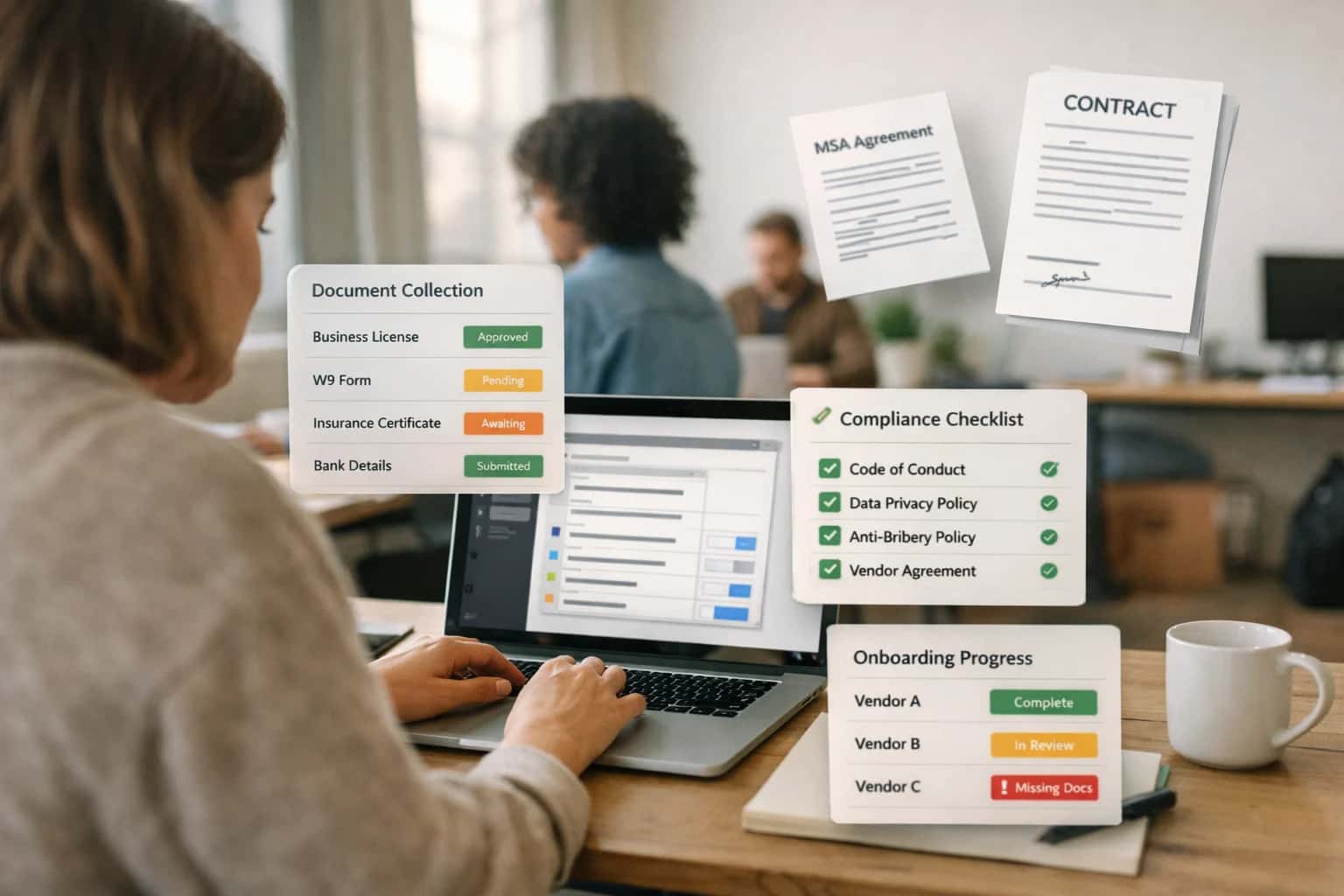
Where AI Fits in Campground Guest Support
A practical blueprint for connecting Zendesk's AI to Staylist, Campspot, and ResNexus to automate guest issue resolution and improve support operations.
High-value use cases include intelligent ticket triage, where AI reads an incoming email or web form submission, matches it to the active reservation in Staylist, and routes it to the correct queue (e.g., 'Billing', 'Maintenance', 'Pre-Arrival'). Another is automated resolution workflows; for common questions like "What's my site number?" or "Can I check in early?", an AI agent can query the Campspot API, retrieve the answer, and respond directly via Zendesk, closing the ticket automatically. For more complex issues, AI provides agent copilots: when a support agent opens a ticket, a sidebar displays an AI-generated summary of the guest's stay history from ResNexus and suggests resolution scripts based on similar past tickets, cutting handle time from minutes to seconds.
A production rollout starts with a read-only API connection from Zendesk to your campground PMS to pull guest records. Initial AI models are trained on 6-12 months of historical ticket data, tagged with outcomes, to learn campground-specific language (e.g., "full hookups," "dump station"). Governance is critical: set up audit logs for all AI-generated actions and implement a human-in-the-loop approval step for any AI-suggested reservation modifications (like refunds or site changes) before they are executed via the PMS API. This phased approach lets you start with low-risk automation (FAQ responses) and scale to predictive workflows (flagging guests likely to post negative reviews based on support ticket sentiment) while maintaining control over the guest experience.
Key Integration Points: Zendesk + Campground Platforms
Intelligent Ticket Classification
Connect Zendesk to the reservation APIs of Campspot, ResNexus, or Staylist to automatically enrich incoming support tickets with guest context. An AI agent can analyze the ticket's initial message and cross-reference it with the guest's booking data (e.g., arrival date, site type, booked activities) to predict the issue category and urgency.
Key Workflow:
- Ingest new Zendesk tickets via webhook.
- Query the campground platform's guest API using the requester's email.
- Use an LLM to classify the ticket (e.g.,
pre-arrival question,billing issue,maintenance request). - Apply Zendesk tags, set priority, and route to the correct group (e.g.,
Front Desk,Maintenance,Billing).
This reduces manual triage time and ensures urgent site-specific issues (like a broken water hookup) are flagged immediately.
High-Value Use Cases for Campground Support AI
Integrating Zendesk AI with your campground management platform (Campspot, ResNexus, Staylist, Campground Master) creates a unified guest support hub. These patterns show where AI can automate triage, accelerate resolution, and improve satisfaction by leveraging reservation context and operational data.
Intelligent Ticket Triage & Routing
AI analyzes incoming support requests (email, chat, web form) against Staylist reservation data and Campspot guest history to automatically categorize urgency, predict issue type (billing, booking, amenity), and route to the correct agent or auto-responder. Reduces manual sorting and speeds first response.
Context-Aware Automated Responses
For common pre-arrival questions (check-in time, pet policies, cancellation), an AI agent fetches the guest's specific reservation details from ResNexus and campsite rules from Campground Master to generate personalized, accurate replies. Deflects routine inquiries without agent involvement.
Satisfaction & Churn Risk Prediction
AI monitors support ticket sentiment, resolution time, and guest stay data (length, spend, past issues) to predict CSAT scores and flag high-risk guests before they leave a negative review. Triggers proactive outreach or service recovery workflows in Zendesk.
Multi-Platform Knowledge Retrieval
AI-powered search connects Zendesk Guide to fragmented knowledge sources: Campspot help articles, ResNexus operator manuals, Campground Master SOPs. Agents get unified answers to complex operational questions (e.g., 'How to process a group refund?') in one interface.
Post-Interaction Workflow Automation
After a support case closes, AI automatically triggers follow-up actions in the campground platform: update guest notes in Staylist, schedule a maintenance task in Campground Master, or apply a loyalty credit in ResNexus. Ensures resolution is reflected across systems.
Agent Copilot for Complex Cases
During live chat or ticket updates, an AI sidebar provides agents with a consolidated guest profile (reservation status, payment history, past interactions) and suggests next-best-actions or response templates based on similar resolved cases. Reduces handle time for escalated issues.
Example AI-Powered Support Workflows
These workflows illustrate how AI agents, connected to Staylist reservation data, can automate high-volume support tasks, predict guest satisfaction, and escalate complex issues to human agents with full context.
Trigger: A guest submits a ticket via Zendesk Support with keywords like "change dates," "modify booking," or "site swap."
Context Pulled: The AI agent uses the guest's email or confirmation number from the ticket to call the Staylist API and retrieve:
- Current reservation details (dates, site type, rate)
- Property-specific modification policies and fees
- Real-time site availability for the requested new dates
Agent Action: The AI analyzes the request against Staylist's rules and availability. It then:
- Calculates any rate differences or change fees.
- Drafts a clear, policy-based response outlining options.
- If a simple swap is available, it can generate a secure payment link for any fee difference via the Staylist API.
System Update: The agent posts the drafted response and available actions directly into the Zendesk ticket. If the guest confirms via a provided link, the agent can call the Staylist API to execute the change and post a confirmation note.
Human Review Point: The workflow is designed for policy-based changes. It automatically escalates to a human agent if:
- The request requires manager approval (e.g., inside cancellation penalty).
- No suitable sites are available.
- The guest's communication indicates high frustration sentiment.
Implementation Architecture: Data Flow & APIs
A production-ready blueprint for wiring Staylist reservation data into Zendesk's AI-powered support workflows.
The integration connects two primary data streams. First, Staylist reservation and guest profile data is synced to Zendesk via webhooks or a scheduled API sync, creating or updating Zendesk user and organization records. Key objects include the reservation ID, site type, arrival/departure dates, guest contact info, and any special requests or notes. This provides the AI agent with immediate context about the guest's current or upcoming stay. Second, Zendesk ticket and conversation data is enriched with this reservation context, allowing the AI to understand if an issue is about a future booking, an active stay, or a past visit, which fundamentally changes the resolution path.
Implementation centers on Zendesk's Sunshine Conversations API for bot orchestration and the Support API for ticket management. A middleware layer (often an Azure Function or AWS Lambda) listens for Staylist webhooks (e.g., reservation.created, reservation.updated) and maps the payload to Zendesk. For AI responses, the system uses Zendesk's Answer Bot or a custom LLM agent configured with triggers based on ticket fields. For example, a ticket tagged with staylist-reservation and pre-arrival can be routed to an AI flow that pulls the guest's reservation details to answer policy questions or suggest modifications.
Rollout should be phased, starting with low-risk, high-volume intents like cancellation policy FAQs, pet policy verification, and amenity hour requests. Governance is critical: all AI-suggested actions that modify a Staylist reservation (like a date change) should require a human-in-the-loop approval via a Zendesk trigger that creates a task for an agent. Audit trails are maintained by logging all AI-initiated API calls to Staylist back to the Zendesk ticket. This architecture ensures the AI agent acts as a knowledgeable front-line responder, not an autonomous system, keeping operations safe and compliant. For related patterns, see our guides on AI-Powered Guest Support for Campground Platforms and Campground Integration with Intercom AI.
Code & Payload Examples
Intelligent Triage with Reservation Context
When a ticket is created in Zendesk, an AI agent can analyze the incoming message and cross-reference the guest's Staylist reservation ID. This allows for immediate priority scoring and routing.
Example Payload for AI Analysis:
json{ "ticket_id": "ZD-12345", "requester_email": "[email protected]", "subject": "Check-in time question", "body": "Our flight arrives early. Can we check in before 3 PM?", "custom_fields": { "reservation_id": "STAY-789ABC", "campground_id": "CG-101" } }
The AI agent calls the Staylist API with the reservation_id to fetch the arrival date, site type, and booking value. It then determines if this is a high-priority (arriving today) or standard inquiry, and can automatically assign the ticket to the 'Front Desk' group with a suggested SLA.
Realistic Time Savings & Operational Impact
How AI integration transforms guest support workflows by connecting Zendesk to reservation data from Staylist, Campspot, and ResNexus.
| Metric | Before AI | After AI | Notes |
|---|---|---|---|
Initial ticket triage & routing | Manual review of guest record | Automated routing based on reservation status & issue type | Agent sees pre-filled guest context, reducing lookup time |
Common policy & FAQ resolution | Agent searches knowledge base or asks supervisor | AI suggests or auto-responds with accurate, contextual answers | Human review optional for high-confidence answers |
Check-in/Check-out procedure questions | Agent references multiple systems or PDF guides | AI provides step-by-step guidance using live reservation data | Integrates with Staylist/Campspot API for real-time site status |
Modification or cancellation request handling | Manual verification of policy, rates, and inventory | AI calculates fees, checks availability, and drafts agent response | Agent approves and sends; reduces errors and back-and-forth |
Sentiment analysis & escalation flagging | Relies on agent perception during busy periods | AI scores ticket sentiment and urgency, flags for supervisor review | Proactive management of at-risk guest experiences |
Post-interaction summary & tagging | Manual note entry and category selection | AI auto-generates summary and applies accurate tags | Ensures consistent data for reporting and future interactions |
Knowledge base article gap identification | Periodic manual audits based on ticket volume | AI analyzes unresolved tickets to suggest new article topics | Continuous improvement of self-service resources |
Governance, Security & Phased Rollout
A secure, governed approach to connecting Zendesk AI with your campground management platform.
Integrating Zendesk's AI capabilities with your campground platform (Staylist, Campspot, ResNexus, or Campground Master) requires a clear data flow and security model. The typical architecture uses a secure middleware layer (often a cloud function or containerized service) that acts as a bridge. This layer calls the campground platform's API to fetch reservation context—like guest name, site number, arrival date, and past issues—using OAuth 2.0 or API keys stored in a secrets manager. It then enriches and formats this data into a prompt context for Zendesk's AI models, which analyze the ticket and generate a suggested response, satisfaction score, or routing recommendation. All data exchanges should be encrypted in transit, and the middleware should enforce strict role-based access controls (RBAC) to ensure only authorized agents and workflows can trigger AI actions on specific guest records.
A phased rollout is critical for managing risk and measuring impact. Start with a pilot phase in a single support queue (e.g., "Pre-Arrival Questions") where the AI acts as a copilot, suggesting responses to agents without auto-publishing. This allows you to tune prompts, validate accuracy against your campground's specific policies (like pet rules or cancellation fees), and build trust with your team. Next, move to limited automation for high-volume, low-risk intents—like sending automated check-in instructions pulled from Staylist—with a mandatory human-in-the-loop approval for the first 100 cases. Finally, scale to full automation for defined workflows, such as auto-closing tickets where the AI's confidence score exceeds 95% and the suggested resolution matches a known solution from your Zendesk Guide knowledge base.
Governance is built on auditability and continuous evaluation. Every AI-generated suggestion and automated action must be logged with a traceable ID back to the original ticket, the source reservation data, and the specific model version used. Implement a weekly review workflow where supervisors sample AI-handled tickets to check for drift in response quality or emerging edge cases (e.g., group booking complexities). Use Zendesk's built-in AI training features to correct misclassifications, and establish a clear escalation path to human agents for tickets flagged with low confidence or high emotional sentiment. This controlled approach ensures the integration enhances guest support without compromising the personal touch crucial to outdoor hospitality.
Enabling Efficiency, Speed & Accuracy
Intelligent Analysis, Decision & Execution
We build AI systems for teams that need search across company data, workflow automation across tools, or AI features inside products and internal software.
Talk to Us
Search across company data
Give teams answers from docs, tickets, runbooks, and product data with sources and permissions.
Useful when people spend too long searching or get different answers from different systems.

Automate internal workflows
Use AI to route work, draft outputs, trigger actions, and keep approvals and logs in place.
Useful when repetitive work moves across multiple tools and teams.

Add AI to products and internal tools
Build assistants, guided actions, or decision support into the software your team or customers already use.
Useful when AI needs to be part of the product, not a separate tool.
Frequently Asked Questions
Common technical and operational questions about integrating Zendesk's AI capabilities with Staylist, Campspot, and ResNexus to automate campground guest support.
When a guest email or webform submission creates a Zendesk ticket, the AI agent executes a workflow:
- Trigger: New ticket created in Zendesk with guest email or name.
- Context Pull: Agent calls the Staylist API (e.g.,
GET /api/v1/reservations) with the guest identifier to search for active or upcoming reservations. - Data Enrichment: The agent retrieves key reservation details: site number, check-in/out dates, booked add-ons (like firewood or RV hookup), party size, and any special notes.
- System Update: The agent appends this structured context as a private internal note to the Zendesk ticket using the Zendesk API. It can also auto-tag the ticket (e.g.,
staylist_reservation,pre_arrival). - Agent Action: With this context, the AI can immediately answer questions like "Can I check in early?" or "Did I pay for an extra vehicle?" without asking the guest for their confirmation number.

About the author
Prasad Kumkar
CEO & MD, Inference Systems
Prasad Kumkar is the CEO & MD of Inference Systems and writes about AI systems architecture, LLM infrastructure, model serving, evaluation, and production deployment. Over 5+ years, he has worked across computer vision models, L5 autonomous vehicle systems, and LLM research, with a focus on taking complex AI ideas into real-world engineering systems.
His work and writing cover AI systems, large language models, AI agents, multimodal systems, autonomous systems, inference optimization, RAG, evaluation, and production AI engineering.
Partnered with leading AI, data, and software stack.





How We Work
Custom AI workflows for your Business
One-fit-all AI don't work for modern businesses. At Inferensys, we aim to understand your business & custom requirements; which we use to define most efficient agentic workflows, the data, and the tools for your business.
01
Review the use case
We understand the task, the users, and where AI can actually help.
Read more02
Pick the right approach
We define what needs search, automation, or product integration.
Read more03
Build the first useful version
We implement the part that proves the value first.
Read more04
Improve from there
We add the checks and visibility needed to keep it useful.
Read moreThe first call is a practical review of your use case and the right next step.
Talk to Us