The integration connects at the iMIS General Ledger (GL) data layer, typically via the iMIS API or a scheduled data extract to a secure processing environment. The core AI agent is triggered on a monthly close cadence, ingesting key tables like GL_ACCOUNT, GL_TRANSACTION, and FISCAL_PERIOD. It doesn't replace iMIS; it acts as a co-pilot for the finance team, automating the interpretation and narrative generation that currently consumes hours of manual analysis. The first workflow to automate is the monthly board financial package: the AI compares actuals to budget, flags variances exceeding a configured threshold (e.g., >10% or >$5k), and drafts explanatory notes by correlating transactions with iMIS event or membership module data.

Integration
AI Integration with iMIS for Financial Reporting Automation
Automate monthly financial statements, variance analysis, and audit committee narratives directly from iMIS GL data. Reduce manual reporting time from days to hours with AI-powered financial intelligence.
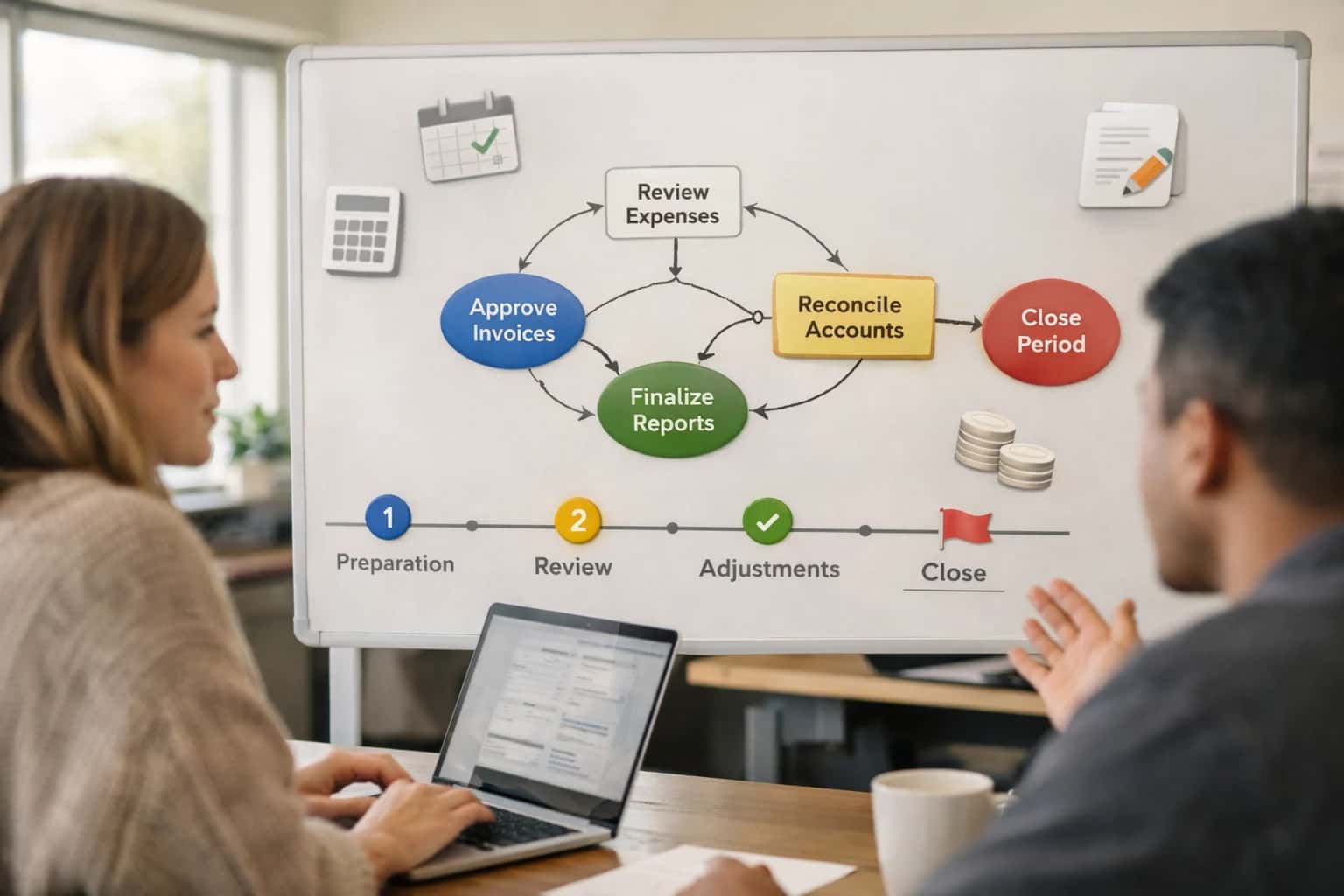
ARCHITECTURE & ROLLOUT
Where AI Fits in iMIS Financial Operations
A practical blueprint for automating financial reporting and variance analysis by integrating AI directly with iMIS GL data and workflows.
Implementation involves a secure middleware layer that hosts the AI logic. Here, retrieved iMIS data is processed through a series of governed prompts and analysis steps: 1) Data Validation & Anomaly Detection – the AI checks for missing journals or unusual postings before analysis. 2) Variance Explanation – using a Retrieval-Augmented Generation (RAG) approach, the system grounds its explanations in historical commentary and policy documents. 3) Narrative Drafting – a final agent structures findings into a consistent format (Executive Summary, Revenue Analysis, Expense Highlights) ready for finance manager review. All outputs are logged back to a dedicated AI_AUDIT_LOG custom table in iMIS for traceability and iterative improvement.
Rollout should be phased, starting with a single fund or department to validate logic and build trust. The AI's draft reports are never sent automatically; they enter an iMIS workflow queue for review, edit, and approval by the Director of Finance before being attached to the official board package. This human-in-the-loop governance is critical for accuracy and control. Over time, the system can expand to automate draft narratives for audit committee reports, pulling evidence of controls from iMIS document management, or generating preliminary answers to auditor inquiries, turning a reactive, document-heavy process into a proactive, insight-driven operation. For a deeper dive into automating other core financial workflows, see our guide on [/integrations/association-management-platforms/ai-integration-with-imis-for-dues-processing](AI Integration with iMIS for Dues Processing).
FINANCIAL REPORTING AUTOMATION
Key iMIS Modules & Data Surfaces for AI Integration
The Core Financial Data Layer
The iMIS General Ledger (GL) and its Chart of Accounts (COA) form the foundational data surface for AI-driven financial reporting. This includes transaction journals, account balances, and detailed posting histories.
An AI integration connects here to:
- Automate Variance Explanations: Compare actuals to budget by GL account, using LLMs to generate plain-English explanations for significant deviations (e.g., "Dues revenue is 15% below forecast due to lower-than-expected renewals in the Western region").
- Classify Unusual Transactions: Apply AI models to flag and categorize non-standard journal entries for audit review.
- Enrich Reporting Context: Pull in related metadata (department codes, fund designations, project IDs) to provide richer narrative context in automated reports.
Implementation typically involves querying the GL_Journal, GL_Account, and GL_Budget tables via iMIS REST API or direct SQL access, then feeding structured data into a prompt orchestration layer.
FINANCIAL REPORTING AUTOMATION
High-Value AI Use Cases for iMIS Finance
Transform iMIS from a system of record into an intelligent financial operations hub. These AI integration patterns automate manual reporting, explain variances, and generate narrative insights directly from your GL data, empowering finance teams to focus on strategic analysis.
01
Automated Board & Committee Reporting
AI agents query the iMIS GL and event modules to auto-generate monthly financial packages. They pull actuals vs. budget, calculate key ratios (e.g., dues reliance), and draft narrative summaries highlighting significant variances for the audit or finance committee. Workflow: Scheduled job triggers post-close, fetches data via iMIS API, generates markdown report, routes for human review in SharePoint, and logs version in iMIS document management.
Days -> Hours
Report preparation
02
Intelligent Variance Explanation & Anomaly Detection
Instead of manually hunting for discrepancies, an AI layer monitors iMIS GL postings in near-real-time. It flags unusual journal entries, unexpected revenue shortfalls (e.g., from a specific chapter), or spending spikes against budget lines. The system provides a plain-English hypothesis ("Q3 dues revenue 15% below forecast; correlated with lower renewal rate in Region B").
Proactive Alerts
Instead of monthly review
03
Narrative Drafting for Audit & Compliance
AI assists in preparing for annual audits by synthesizing transaction samples, control documentation, and prior year notes from iMIS. It can draft sections of the management representation letter, summarize changes in accounting policies tracked in iMIS, and prepare a coherent summary of revenue recognition processes for event and membership income.
1 Sprint
Audit prep acceleration
04
Cash Flow Forecasting & Dues Modeling
Integrates AI with iMIS AR and membership data to project cash flow. The model considers renewal timing, historical payment patterns by member segment, and event deposit schedules. It generates rolling forecasts and scenario analyses (e.g., impact of a 5% dues increase or a 10% drop in conference attendance) directly within iMIS reporting tools.
Batch -> Real-time
Forecast updates
05
Automated Reconciliation Support
AI agents handle the tedious first pass of bank and credit card reconciliations. They fetch transaction feeds, match them to iMIS AR/AP records and event registrations, and flag unmatched items for staff review. For dues payments, the agent can suggest proper member account application based on payment references, reducing misapplied cash.
Hours -> Minutes
Initial reconciliation
06
Dynamic Management Dashboard Commentary
Powers iMIS executive dashboards with AI-generated insights. Instead of static charts, the dashboard includes auto-written commentary explaining weekly/monthly trends: "Sponsorship revenue is tracking 22% ahead of plan, driven by strong Q1 exhibit sales. Membership dues are on target, but new member acquisition cost has increased 8%."
Same-day Insights
For leadership reviews
FOR iMIS FINANCE TEAMS
Example AI-Powered Financial Reporting Workflows
These workflows demonstrate how AI agents can automate the consolidation, analysis, and narrative generation for association financial reports, directly within your iMIS GL and reporting modules.
Trigger: Scheduled job runs on the 3rd business day after month-end.
Data Pulled: AI agent queries the iMIS General Ledger via API for the closed period, extracting trial balance data, prior period comparatives, and budget figures. It also retrieves relevant membership and event revenue summaries from auxiliary iMIS tables.
Agent Action: The agent structures the data into a standard P&L, Balance Sheet, and Cash Flow statement. It uses a large language model (LLM) with a financial reporting prompt to:
- Calculate key variances (actual vs. budget, actual vs. prior year).
- Identify and flag variances exceeding a pre-defined threshold (e.g., >10% or >$5,000).
- Draft a concise executive summary highlighting major revenue and expense drivers.
System Update: The generated statements (in CSV/Excel) and narrative summary (in markdown) are posted to a designated iMIS Document Storage folder, tagged with the period. An alert is posted to the iMIS activity feed of the Finance Director with a link to the documents.
Human Review Point: The Finance Director reviews the AI-generated statements and commentary, makes any necessary adjustments in the source document, and then approves the package for distribution to the board committee via the iMIS board portal.
FROM GENERAL LEDGER TO NARRATIVE REPORT
Implementation Architecture: Data Flow & System Boundaries
A secure, governed pipeline to transform iMIS GL data into automated financial commentary for audit committees and leadership.
The integration connects at the iMIS General Ledger (GL) module and Financial Reporting surfaces. Core data objects include GL_ACCOUNT, JOURNAL_ENTRY, FISCAL_PERIOD, and BUDGET. The architecture uses a scheduled extraction job (via iMIS REST API or direct database query with appropriate permissions) to pull trial balances, actuals vs. budget variances, and prior-period comparisons. This raw financial data is staged in a secure intermediate layer—often a cloud data warehouse or a dedicated vector store—where it is structured, enriched with account metadata, and prepared for AI processing. This boundary ensures the live iMIS database is not queried directly by AI models, preserving system performance and audit integrity.
In the processing layer, an AI agent workflow is triggered post-data load. It executes a series of governed steps: first, a data validation agent checks for anomalies or missing segments. Next, a analysis agent, powered by a language model with financial reasoning capabilities, processes the structured data. It identifies significant variances (e.g., "Revenue in Program X is 15% under budget"), trends across periods, and potential causes based on predefined rules and historical context. Finally, a narrative generation agent drafts cohesive paragraphs for the income statement, balance sheet, and cash flow, adhering to a standardized template and tone approved by the finance team. All agent actions are logged with inputs and outputs for a full audit trail.
The generated narrative and supporting data points are then pushed back into iMIS via API to populate custom objects like AUTO_REPORT or attached as PDFs to relevant Financial Period records. For governance, the system includes a human-in-the-loop review step before final publication. A designated finance manager receives a notification within iMIS to review, edit, and approve the AI-generated draft. Only upon approval are reports released to the board portal or distributed. This closed-loop architecture keeps sensitive data within controlled boundaries, automates the heavy lifting of monthly commentary, and provides the finance team with a scalable, auditable process for financial reporting. For related architectural patterns, see our guides on /integrations/accounting-and-finance-platforms/ai-integration-for-financial-close-workflows and /integrations/business-intelligence-and-analytics-platforms/ai-for-executive-reporting.
AI-ENHANCED FINANCIAL WORKFLOWS
Code & Payload Examples
Querying iMIS GL for AI Analysis
Before AI can generate reports, it needs structured data from iMIS General Ledger (GL) tables. A scheduled job extracts transaction-level data, often joining IMIS_GL_Detail with IMIS_GL_Header and member/event dimension tables. The payload is enriched with contextual metadata (e.g., event name, member tier) before being sent to the AI processing pipeline.
Example Python Payload for Extraction:
python# Pseudocode for iMIS GL data extraction import pyodbc import json def fetch_gl_data_for_period(start_date, end_date): conn = pyodbc.connect(CONN_STRING) cursor = conn.cursor() query = """ SELECT gld.GL_Account, gld.Debit, gld.Credit, glh.Post_Date, m.MEMBER_TYPE, e.EVENT_NAME FROM IMIS_GL_Detail gld JOIN IMIS_GL_Header glh ON gld.GL_Header_ID = glh.ID LEFT JOIN IMIS_Member m ON glh.Member_ID = m.ID LEFT JOIN IMIS_Event e ON glh.Event_ID = e.ID WHERE glh.Post_Date BETWEEN ? AND ? AND glh.Post_Status = 'P' """ cursor.execute(query, (start_date, end_date)) rows = cursor.fetchall() # Structure for AI processing payload = { "period": f"{start_date} to {end_date}", "transactions": [ { "account": row.GL_Account, "amount": row.Debit - row.Credit, "date": row.Post_Date.isoformat(), "context": { "member_type": row.MEMBER_TYPE, "event_name": row.EVENT_NAME } } for row in rows ] } return json.dumps(payload)
This structured payload is sent via secure API to the AI service for variance detection and narrative generation.
AI-POWERED FINANCIAL REPORTING
Realistic Time Savings & Business Impact
How AI integration transforms the monthly financial close and reporting cycle for iMIS finance teams.
| Process | Before AI | After AI | Implementation Notes |
|---|---|---|---|
GL Data Consolidation & Validation | Manual export, cross-tabulation in Excel (4-6 hours) | Automated data extraction and anomaly flagging (30 minutes) | AI agent queries iMIS GL tables via API, flags mismatched totals for review |
Monthly P&L & Balance Sheet Generation | Template population, manual formatting (3-5 hours) | Auto-generated statements with narrative summaries (1 hour) | AI drafts reports in Word/PDF, finance team reviews and approves |
Variance Analysis & Commentary | Manual comparison to budget/forecast, writing explanations (2-3 hours) | AI identifies key variances >5%, drafts explanatory notes (15 minutes) | Human edits AI-generated notes for board-level nuance and tone |
Audit Committee Report Drafting | Compiling data, writing executive summary (6-8 hours) | AI assembles data sections, drafts narrative from prior reports (2 hours) | Finance director refines draft, adds strategic context before submission |
Journal Entry Review for Month-End | Manual scan of 100+ entries for errors (2 hours) | AI scans entries, flags unusual amounts or missing descriptions (20 minutes) | AI provides a summary report of flagged items for accountant review |
Ad-Hoc Financial Inquiry Response | Manual data lookup and analysis for board/staff questions (1-2 hours per request) | AI answers natural language questions using RAG on iMIS data (5-10 minutes) | AI cites source GL accounts and dates; final answer validated by controller |
CONTROLLED AUTOMATION FOR FINANCE TEAMS
Governance, Security & Phased Rollout
A secure, phased implementation ensures AI augments your iMIS financial controls without disrupting audit readiness.
Production integrations connect to iMIS via its REST API or a dedicated database connection, pulling General Ledger (GL) data, chart of accounts, and member revenue streams (dues, events, sponsorships). AI agents run in a secure Inference Systems environment, processing this data to generate draft Profit & Loss statements, Balance Sheets, and variance explanations against budget. All generated outputs are written back to iMIS as draft documents in a designated AI_Review folder within the document management module, never directly to live reports, maintaining a clear audit trail.
A phased rollout typically starts with a single reporting module—such as monthly chapter-level P&L—for a pilot group of finance managers. The AI is configured with your specific account groupings, narrative templates, and approval workflows. In this controlled phase, the system flags transactions requiring manual review (e.g., large, unusual journal entries) and provides a confidence score for its explanations. This allows your team to validate accuracy, refine prompts, and establish trust in the automation before scaling.
Governance is enforced through role-based access controls (RBAC) aligned with iMIS security groups, ensuring only authorized finance staff can trigger or approve AI-generated reports. All AI activity is logged within iMIS, recording the source data snapshot, prompts used, and user who approved the final output. This creates a compliant chain of custody for audit committees, demonstrating that AI is a controlled tool for drafting, not an autonomous agent making financial decisions. For related architectural patterns, see our guide on AI Integration for iMIS Association Analytics.
Enabling Efficiency, Speed & Accuracy
Intelligent Analysis, Decision & Execution
We build AI systems for teams that need search across company data, workflow automation across tools, or AI features inside products and internal software.
Talk to Us
Search across company data
Give teams answers from docs, tickets, runbooks, and product data with sources and permissions.
Useful when people spend too long searching or get different answers from different systems.
Enterprise searchRAGPermissions
Read more
Automate internal workflows
Use AI to route work, draft outputs, trigger actions, and keep approvals and logs in place.
Useful when repetitive work moves across multiple tools and teams.
AI agentsWorkflow automationGovernance
Read more
Add AI to products and internal tools
Build assistants, guided actions, or decision support into the software your team or customers already use.
Useful when AI needs to be part of the product, not a separate tool.
AI integrationDecision supportModel routing
Read moreAI INTEGRATION FOR FINANCIAL REPORTING
Frequently Asked Questions
Practical questions for finance teams and IT leaders planning to automate financial statement generation and variance analysis within iMIS using AI.
The integration connects via iMIS's REST API or a direct database connection (for on-premise deployments) to access General Ledger tables, chart of accounts, and transaction journals.
Key considerations:
- API Service Account: Create a dedicated iMIS API user with read-only access to financial modules (e.g.,
GL_ACCOUNT,GL_JOURNAL). - Data Scope: The AI agent is typically scoped to specific fiscal periods, fund accounts, or departments to limit data exposure.
- Security: All queries are logged, and data is encrypted in transit. For cloud-hosted AI services, data is processed in a secure, isolated tenant and never used for training.
- RBAC Sync: The AI's output permissions can mirror iMIS user roles, ensuring a board member only sees finalized reports, while a staff accountant can access draft working papers.
This setup ensures the AI has the necessary, auditable access without compromising sensitive financial data.

About the author
Prasad Kumkar
CEO & MD, Inference Systems
Prasad Kumkar is the CEO & MD of Inference Systems and writes about AI systems architecture, LLM infrastructure, model serving, evaluation, and production deployment. Over 5+ years, he has worked across computer vision models, L5 autonomous vehicle systems, and LLM research, with a focus on taking complex AI ideas into real-world engineering systems.
His work and writing cover AI systems, large language models, AI agents, multimodal systems, autonomous systems, inference optimization, RAG, evaluation, and production AI engineering.
LinkedIn
Limited slotsGet a Free AI Consultation
Partnered with leading AI, data, and software stack.





How We Work
Custom AI workflows for your Business
One-fit-all AI don't work for modern businesses. At Inferensys, we aim to understand your business & custom requirements; which we use to define most efficient agentic workflows, the data, and the tools for your business.
01
Review the use case
We understand the task, the users, and where AI can actually help.
Read more02
Pick the right approach
We define what needs search, automation, or product integration.
Read more03
Build the first useful version
We implement the part that proves the value first.
Read more04
Improve from there
We add the checks and visibility needed to keep it useful.
Read moreThe first call is a practical review of your use case and the right next step.
Talk to Us