An AI Content Transparency Dashboard centralizes governance data to combat the 'AI slop' crisis. It tracks critical metrics like content volume, quality scores, hallucination rates, and human-in-the-loop intervention frequency. By integrating data from sources like LangSmith for tracing and custom APIs, it provides a single source of truth for content teams and executives, enabling proactive management of AI-assisted workflows. This visibility is the first step in a robust AI content governance roadmap.

Guide
Launching an AI Content Transparency Dashboard
A technical guide to building an executive dashboard that visualizes key AI content governance metrics like volume, quality scores, hallucination rates, and human-in-the-loop intervention frequency.
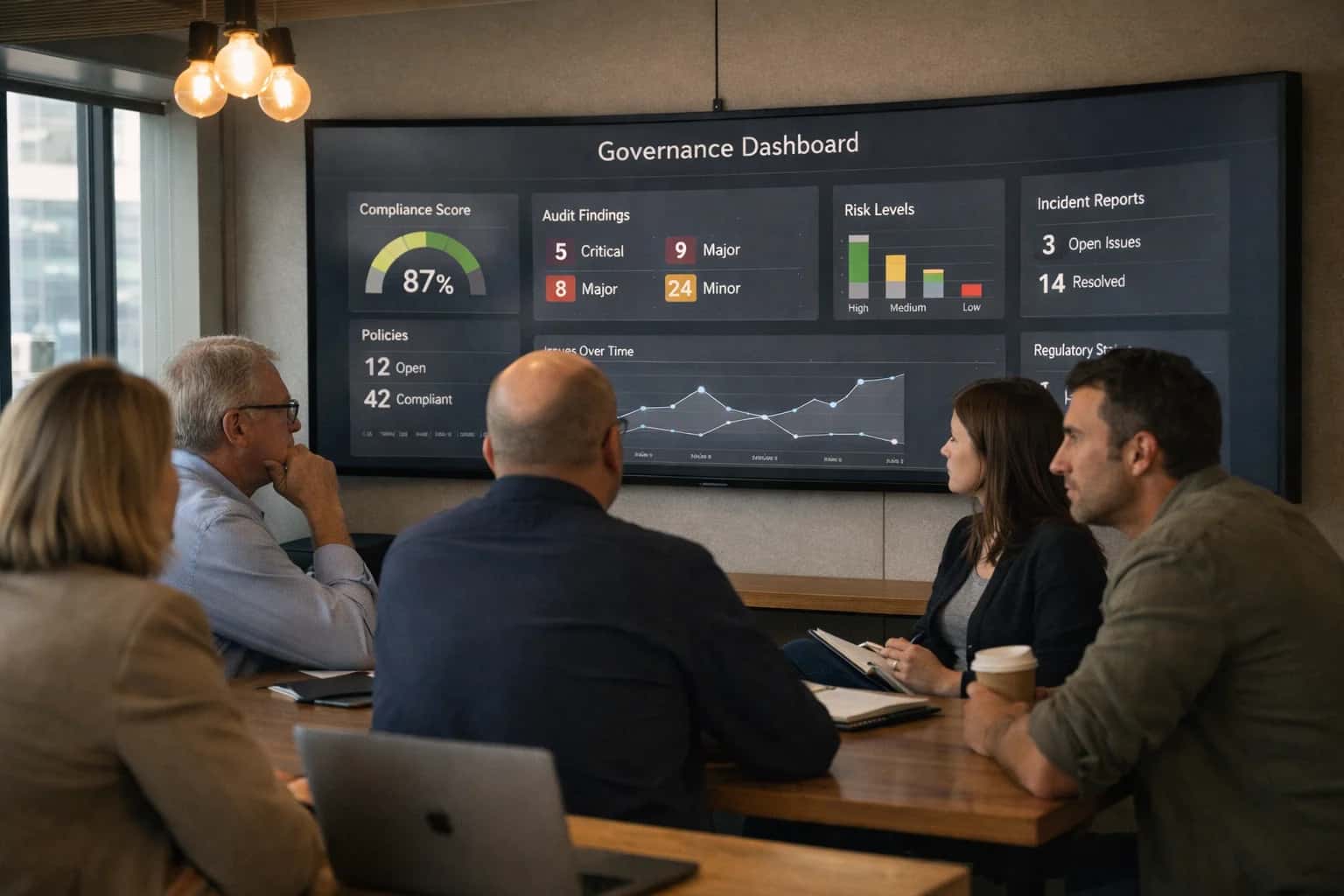
An AI Content Transparency Dashboard is an executive-level tool that visualizes key governance metrics, providing real-time oversight of AI-generated content volume, quality, and risk.
To build this dashboard, you'll define key performance indicators (KPIs) aligned with business goals, such as reduction in factual errors or editorial review time. The technical implementation involves aggregating logs from your content generation pipelines and visualizing trends with tools like Grafana or custom React applications. This operationalizes the principles from guides on setting up an AI content quality assurance program and provides the data backbone for continuous improvement.
YOUR TRANSPARENCY DASHBOARD
Key Metrics to Track
An effective dashboard visualizes the health of your AI content pipeline. Track these six categories to ensure quality, control risk, and demonstrate ROI.
01
Content Volume & Velocity
Monitor the scale and pace of AI-generated content to manage capacity and identify automation opportunities.
- Total Pieces Generated: Aggregate count across all channels.
- Generation Rate: Pieces per hour/day/week. A sudden spike may indicate an unmonitored automation loop.
- Channel Distribution: Volume by platform (e.g., blog, social, support). Use this to allocate human review resources effectively.
02
Quality & Accuracy Scores
Quantify content effectiveness beyond simple grammar checks. Implement automated scoring systems.
- Factual Consistency Score: Percentage of claims verified against your knowledge base or trusted external sources using Agentic RAG.
- Readability & Style Score: Alignment with brand guidelines, measured by tools like Acrolinx.
- Human Quality Rating: Average score from sampled human reviews (e.g., 1-5 scale). This is your ground-truth metric.
06
Operational & Cost Efficiency
Connect AI content activity to business outcomes and resource utilization.
- Cost Per Piece: Compute and licensing costs divided by output volume. Track to justify ROI.
- Content-Assisted Revenue: Revenue attributed to touchpoints with AI-generated content (e.g., support answers leading to sales).
- Editorial Time Saved: Reduction in human hours spent on drafting and initial editing. This quantifies team augmentation.
FOUNDATION
Step 1: Design the Data Model and Ingestion Pipeline
The dashboard's utility depends entirely on the quality and structure of its underlying data. This step defines what you will track and how you will collect it.
Start by defining the core entities and metrics your dashboard will visualize. Key entities include ContentPiece, ModelRun, and HumanReview. Essential metrics are AI-generated content volume, hallucination rate, quality score, and human-in-the-loop intervention frequency. This data model must support drill-downs by team, model, and content type. Use a schema-first approach with tools like Prisma or SQLAlchemy to ensure consistency across your AI Content Governance Roadmap.
Build the ingestion pipeline to collect data from disparate sources. Use a message broker like Apache Kafka or AWS Kinesis to stream logs from your LLM orchestration layer (e.g., LangSmith or Langfuse). Create connectors to pull quality scores from automated checks and intervention flags from your Human-in-the-Loop (HITL) Governance Systems. The pipeline must validate, transform, and load data into a time-series database like TimescaleDB or a data warehouse like Snowflake for analysis.
DASHBOARD DATA SOURCES
Tool Integration Matrix
Comparison of data source options for feeding real-time metrics into an AI Content Transparency Dashboard.
| Data Source / Metric | LangSmith / LangChain | Custom API (Internal) | Third-Party AI Moderation API |
|---|---|---|---|
Prompt/Completion Logging | |||
Hallucination Rate Detection | |||
Human-in-the-Loop Intervention Logs | |||
Content Quality Score (Automated) | |||
Real-Time Latency | < 100 ms | 200-500 ms | 300-1000 ms |
Cost per 1M Tokens | $10-25 | $0 (Infra Only) | $50-200 |
Custom Metric Support | |||
Immutable Audit Trail |
STEP 4
Implement Real-Time Alerting and Anomaly Detection
This step transforms your dashboard from a passive reporting tool into an active governance system. You will configure automated alerts for critical events and deploy models to detect anomalous content patterns before they escalate.
Real-time alerting requires defining clear trigger conditions based on your governance metrics. For example, you might set an alert for when the hallucination rate exceeds 5% or when human-in-the-loop intervention frequency drops below a set threshold. Implement these using a workflow orchestrator like Apache Airflow or a serverless function (AWS Lambda, Google Cloud Functions) that polls your data warehouse and sends notifications via Slack, Microsoft Teams, or PagerDuty. This ensures your team is immediately aware of governance breaches.
Anomaly detection moves beyond static thresholds by using statistical or ML models to identify unusual patterns. Implement a simple z-score analysis on time-series metrics like content volume or quality scores to flag deviations. For more complex patterns, use an Isolation Forest or Autoencoder model trained on historical data. Integrate these detections back into your alerting system and your AI Content Governance Roadmap to drive continuous policy refinement. This proactive layer is essential for managing the dynamic risks of AI-generated content.
Enabling Efficiency, Speed & Accuracy
Intelligent Analysis, Decision & Execution
We build AI systems for teams that need search across company data, workflow automation across tools, or AI features inside products and internal software.
Talk to Us
Search across company data
Give teams answers from docs, tickets, runbooks, and product data with sources and permissions.
Useful when people spend too long searching or get different answers from different systems.
Enterprise searchRAGPermissions
Read more
Automate internal workflows
Use AI to route work, draft outputs, trigger actions, and keep approvals and logs in place.
Useful when repetitive work moves across multiple tools and teams.
AI agentsWorkflow automationGovernance
Read more
Add AI to products and internal tools
Build assistants, guided actions, or decision support into the software your team or customers already use.
Useful when AI needs to be part of the product, not a separate tool.
AI integrationDecision supportModel routing
Read moreTROUBLESHOOTING
Common Mistakes
Building an AI Content Transparency Dashboard is critical for governance, but developers often stumble on data integration, metric definition, and real-time performance. This guide addresses the most frequent technical pitfalls and their solutions.
This happens when you query batch-processed logs instead of streaming real-time inference events. AI content generation is a continuous stream; dashboards need live data.
Fix:
- Integrate directly with inference APIs (e.g., OpenAI, Anthropic) using webhooks to capture events as they happen.
- Use a streaming data pipeline (e.g., Apache Kafka, AWS Kinesis) to ingest logs from tools like LangSmith or custom agents.
- Store data in a time-series database like TimescaleDB or InfluxDB for efficient real-time queries.
- Avoid relying solely on daily CSV exports from your CMS, which introduces lag.

About the author
Prasad Kumkar
CEO & MD, Inference Systems
Prasad Kumkar is the CEO & MD of Inference Systems and writes about AI systems architecture, LLM infrastructure, model serving, evaluation, and production deployment. Over 5+ years, he has worked across computer vision models, L5 autonomous vehicle systems, and LLM research, with a focus on taking complex AI ideas into real-world engineering systems.
His work and writing cover AI systems, large language models, AI agents, multimodal systems, autonomous systems, inference optimization, RAG, evaluation, and production AI engineering.
LinkedIn
Limited slotsGet a Free AI Consultation
Partnered with leading AI, data, and software stack.





How We Work
Custom AI workflows for your Business
One-fit-all AI don't work for modern businesses. At Inferensys, we aim to understand your business & custom requirements; which we use to define most efficient agentic workflows, the data, and the tools for your business.
01
Review the use case
We understand the task, the users, and where AI can actually help.
Read more02
Pick the right approach
We define what needs search, automation, or product integration.
Read more03
Build the first useful version
We implement the part that proves the value first.
Read more04
Improve from there
We add the checks and visibility needed to keep it useful.
Read moreThe first call is a practical review of your use case and the right next step.
Talk to Us