Over-the-air (OTA) updates are a critical capability for maintaining and improving edge AI fleets deployed in wearables and IoT. This process involves securely transmitting new model binaries to devices, verifying their integrity, and activating them without physical access. Unlike standard software updates, OTA for AI must respect severe power budgets and bandwidth constraints, often using delta update strategies to transmit only the changed portions of a model. This minimizes radio-on time and data transfer, which are primary drains on battery life in ultra-low-power systems.

Guide
How to Implement Over-the-Air Updates for Edge AI Models
A developer guide to building a secure, power-efficient OTA update pipeline for deploying AI models to a fleet of battery-constrained edge devices.
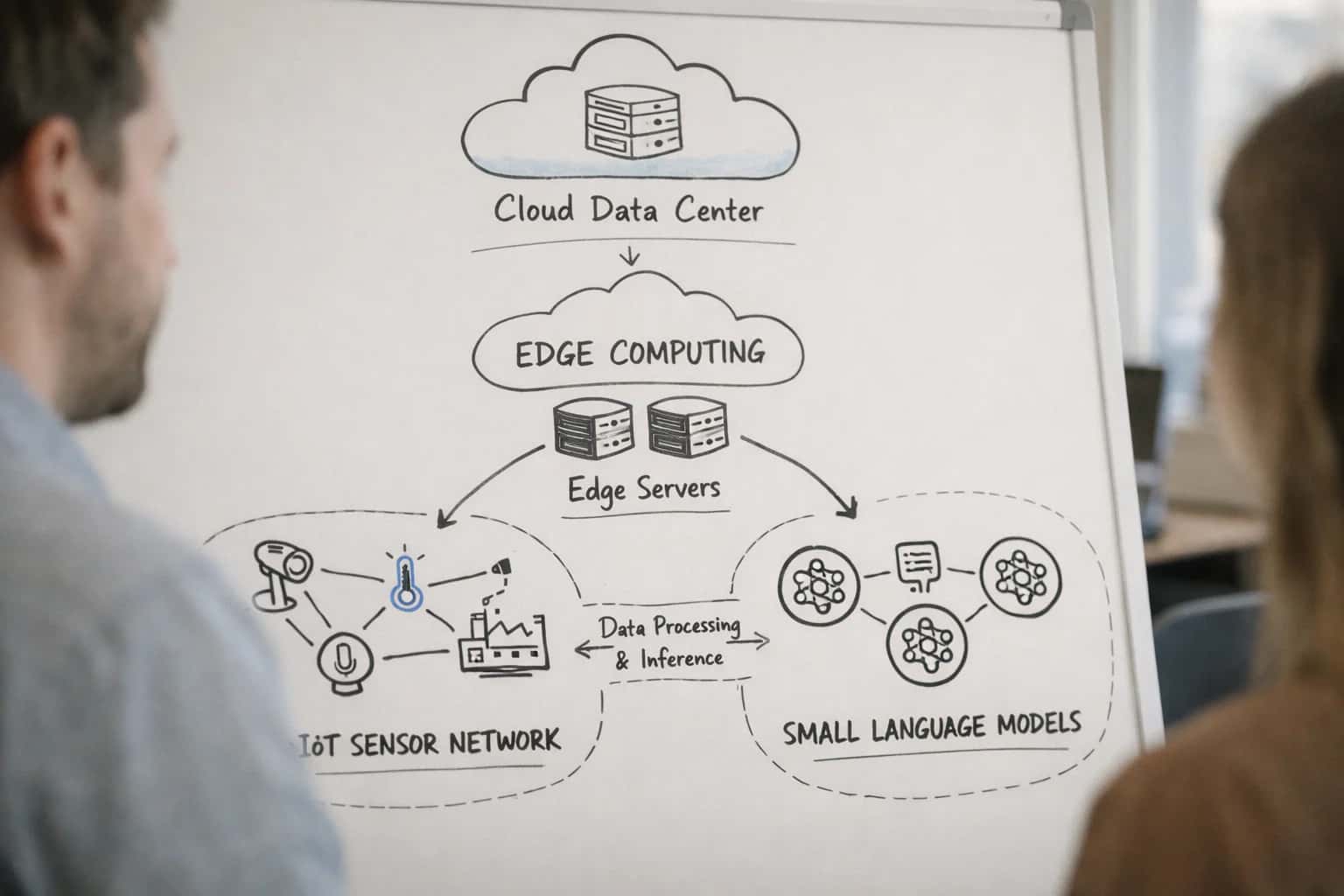
This guide explains how to securely deploy new AI models to a fleet of constrained devices without physical access.
A robust OTA pipeline requires three core components: a secure delivery mechanism, a failsafe rollback strategy, and cryptographic verification. You must design the system to handle intermittent connectivity and ensure the device can always revert to a known-good state if an update fails. This connects directly to broader model lifecycle management and is a prerequisite for implementing techniques like federated learning. The following steps will guide you through architecting this system, from creating minimal update packages to designing the on-device update agent.
FOUNDATIONAL KNOWLEDGE
Key Concepts for Edge OTA
Securely updating AI models on constrained devices requires a specialized approach. Master these core concepts to build a reliable, efficient OTA pipeline.
01
Delta Updates
A delta update transmits only the differences between the old and new model, not the entire file. This is critical for minimizing bandwidth and power consumption on cellular or LPWAN networks.
- How it works: Tools like
bsdiffor model-specific diffing algorithms generate a patch file. - Real Example: A 10MB model update can be reduced to a 200KB patch, cutting transmission time and radio-on energy by 95%.
- Implementation: Integrate a patching library into your device firmware to apply the delta and reconstruct the new model binary.
02
Cryptographic Verification
Every update must be cryptographically signed and verified on-device to ensure integrity and authenticity. This prevents malicious or corrupted models from being installed.
- Core Process: The build server signs the model hash with a private key. The device verifies the signature using a pre-provisioned public key before installation.
- Best Practice: Use hardware-backed secure elements (e.g., TrustZone on ARM MCUs) to store keys and perform verification, protecting against physical attacks.
- Failure Mode: If verification fails, the device must reject the update and trigger an alert to the management console.
03
Atomic Updates & Rollback
An atomic update ensures the device is never left in a broken state. A rollback mechanism allows reverting to a known-good version if the new model fails.
- A/B Partitioning: Maintain two separate storage partitions for the model. The device boots from partition A, receives an update to partition B, validates it, then switches the boot pointer.
- Health Checks: After an update, run a suite of diagnostic inferences. If checks fail, automatically revert the boot pointer to the previous partition.
- This is a core component of robust model lifecycle management.
04
Power-Aware Deployment Scheduling
OTA operations must respect the device's power budget. Blindly pushing updates can drain batteries and cause failures.
- Strategy: Schedule updates for periods of high battery charge and external power, or when the device is idle.
- Dynamic Logic: Implement a client that reports battery state and network conditions to the OTA server. The server should only initiate transfers when conditions are favorable.
- Connection to Dynamic Power Scaling: Coordinate the update process with the device's power management system to temporarily boost CPU/radio performance only during the transfer window.
05
Progressive Rollouts & Canary Testing
Deploy updates gradually to a subset of devices before a full fleet rollout. This mitigates risk by catching issues early.
- Canary Group: Select 1-5% of devices (e.g., by serial number) to receive the update first. Monitor their health metrics closely.
- Progressive Phases: Increase the rollout percentage (e.g., 25%, 50%, 100%) over hours or days, pausing if error rates spike.
- Monitoring: Track device stability, inference accuracy, and power consumption post-update. Automated rollback triggers should be configured for the canary phase.
06
Update Server & Device Client
The OTA system requires two core software components: a cloud-based management server and a lightweight device client.
- Server Responsibilities: Host model binaries/deltas, manage device groups, orchestrate progressive rollouts, and log update status.
- Client Responsibilities: Poll for updates, download files, verify signatures, apply updates atomically, and report success/failure.
- Protocols: Use efficient, secure protocols like HTTPS or MQTT with TLS. For extremely constrained devices, consider CoAP.
- This architecture is a prerequisite for managing a hybrid cloud-edge AI system.
FOUNDATION
Step 1: Architect the Update Pipeline
A robust update pipeline is the central nervous system for deploying new AI models to your fleet. This step defines the core components and data flow that ensure secure, reliable, and efficient over-the-air (OTA) updates.
The pipeline orchestrates the model lifecycle from your development environment to the edge device. It consists of a model registry for versioned artifacts, a distribution service to manage deployment campaigns, and a device client that pulls updates. The architecture must enforce cryptographic verification of model integrity and support delta updates to minimize bandwidth, a critical consideration for constrained IoT networks. This design directly supports the broader goal of model lifecycle management.
Start by defining the update protocol. Use HTTPS with mutual TLS for secure communication. Implement a lightweight manifest file on the device that contains the current model version and device capabilities. The server compares this against the latest compatible model, calculates a binary diff if using delta updates, and initiates a transfer. The device client must verify the update's digital signature before installation and report success or failure back to the distribution service for monitoring.
PROTOCOL SELECTION
OTA Framework Comparison
A comparison of core protocols and frameworks for delivering model updates to constrained edge devices, focusing on bandwidth efficiency, security, and operational overhead.
| Feature / Metric | HTTP(S) Pull | MQTT with Custom Payloads | Dedicated OTA Framework (e.g., Mender, balena) |
|---|---|---|---|
Update Payload Type | Full model binary | Delta patches or full binary | Delta patches (A/B streaming) |
Bandwidth Efficiency | Low | Medium | High (< 10% of full size) |
Built-in Cryptographic Verification | |||
Rollback Mechanism | Manual | Custom implementation required | Automatic (dual partition) |
Client Power Overhead | High (active radio time) | Medium (persistent connection) | Low (optimized sync) |
Server-Side Management Dashboard | |||
Fleet Health Monitoring | |||
Typical Update Latency | Seconds to minutes | < 5 seconds | < 2 seconds |
Enabling Efficiency, Speed & Accuracy
Intelligent Analysis, Decision & Execution
We build AI systems for teams that need search across company data, workflow automation across tools, or AI features inside products and internal software.
Talk to Us
Search across company data
Give teams answers from docs, tickets, runbooks, and product data with sources and permissions.
Useful when people spend too long searching or get different answers from different systems.
Enterprise searchRAGPermissions
Read more
Automate internal workflows
Use AI to route work, draft outputs, trigger actions, and keep approvals and logs in place.
Useful when repetitive work moves across multiple tools and teams.
AI agentsWorkflow automationGovernance
Read more
Add AI to products and internal tools
Build assistants, guided actions, or decision support into the software your team or customers already use.
Useful when AI needs to be part of the product, not a separate tool.
AI integrationDecision supportModel routing
Read moreOTA UPDATES
Common Mistakes
Deploying new AI models to a fleet of edge devices is a high-stakes operation. These common mistakes can lead to bricked devices, corrupted models, and broken trust. Avoid these pitfalls to build a reliable, secure update pipeline.
Updates fail on low-power devices due to interrupted downloads and insufficient storage. Devices with unreliable cellular or Wi-Fi connections may lose power mid-transfer, corrupting the update file. Furthermore, constrained devices often lack space for both the old and new model, leading to failed installations.
How to fix it:
- Implement resumable downloads using HTTP range requests or a custom protocol with checkpoints.
- Design a dual-partition scheme (A/B) where the new model is written to an inactive partition, allowing a safe rollback if the update fails. This is a core concept in model lifecycle management.
- Always verify the device's battery level and storage capacity before initiating a download.

About the author
Prasad Kumkar
CEO & MD, Inference Systems
Prasad Kumkar is the CEO & MD of Inference Systems and writes about AI systems architecture, LLM infrastructure, model serving, evaluation, and production deployment. Over 5+ years, he has worked across computer vision models, L5 autonomous vehicle systems, and LLM research, with a focus on taking complex AI ideas into real-world engineering systems.
His work and writing cover AI systems, large language models, AI agents, multimodal systems, autonomous systems, inference optimization, RAG, evaluation, and production AI engineering.
LinkedIn
Limited slotsGet a Free AI Consultation
Partnered with leading AI, data, and software stack.





How We Work
Custom AI workflows for your Business
One-fit-all AI don't work for modern businesses. At Inferensys, we aim to understand your business & custom requirements; which we use to define most efficient agentic workflows, the data, and the tools for your business.
01
Review the use case
We understand the task, the users, and where AI can actually help.
Read more02
Pick the right approach
We define what needs search, automation, or product integration.
Read more03
Build the first useful version
We implement the part that proves the value first.
Read more04
Improve from there
We add the checks and visibility needed to keep it useful.
Read moreThe first call is a practical review of your use case and the right next step.
Talk to Us