A Continuous Efficiency Monitoring Dashboard is the central nervous system for Green AI initiatives. It provides real-time visibility into key performance indicators like Carbon per Inference, GPU Utilization, and Energy-to-Solution (E2S) metrics across your entire AI fleet. This operationalizes sustainability by moving from periodic audits to constant observation, allowing teams to detect efficiency regressions immediately. The core components are data collection from cloud APIs and inference endpoints, a time-series database for storage, and a visualization layer for analysis and alerting.

Guide
How to Set Up a Continuous Efficiency Monitoring Dashboard
Build a real-time dashboard to track AI energy consumption, carbon emissions, and computational efficiency. This guide provides code and steps to integrate Prometheus, cloud APIs, and Grafana for proactive Green AI optimization.
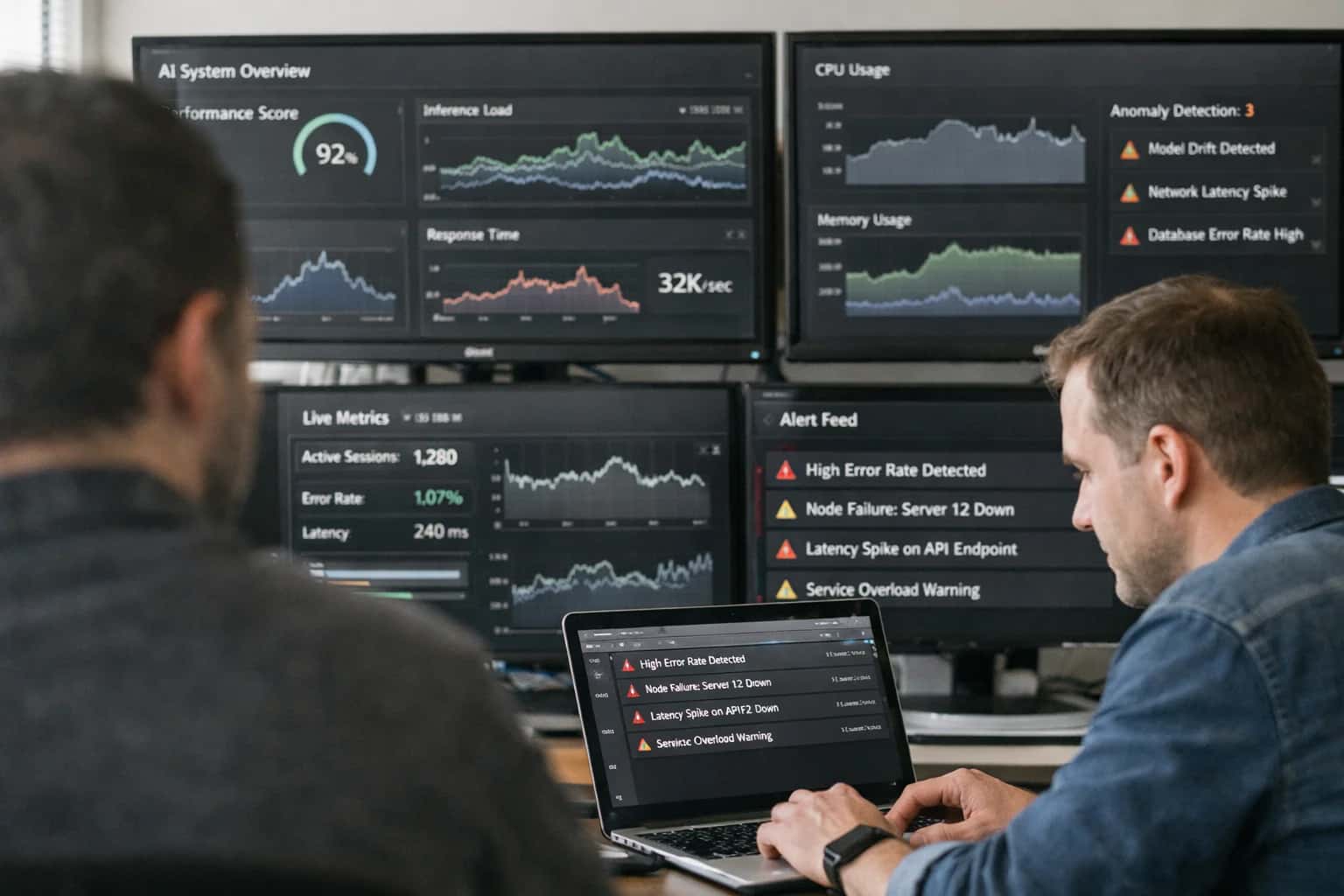
Operationalizing Green AI requires real-time visibility into the energy and computational footprint of your AI workloads. This guide provides a practical, step-by-step tutorial for building a dashboard that tracks key efficiency metrics, enabling proactive optimization.
You will build this dashboard by integrating three core technologies. First, instrument your inference services with Prometheus to export custom efficiency metrics. Second, pull carbon and power data from provider APIs like AWS CloudWatch or GCP Carbon Footprint. Third, unify these streams in Grafana to create actionable visualizations and alerts. This setup, detailed in our guide on How to Implement Energy-to-Solution Metrics in AI Projects, creates a feedback loop for sustainable MLOps.
GREEN AI DASHBOARD
Key Efficiency Metrics to Monitor
To operationalize Green AI, you must track the right signals. This dashboard focuses on metrics that directly measure computational efficiency and environmental impact, enabling data-driven optimization.
01
Energy-to-Solution (E2S)
The holistic efficiency metric that measures the total computational energy required to achieve a business outcome. It moves beyond accuracy to evaluate the true cost of an AI solution.
- Calculate as: (Total Energy Consumed) / (Number of Successful Task Completions).
- Track across: Model training, inference, and data processing pipelines.
- Use for: Comparing architectural choices and justifying optimizations that reduce overall energy expenditure.
02
Carbon per Inference
A direct measure of the operational carbon footprint for each prediction your model makes. It's essential for understanding the scaling impact of your AI services.
- Derived from: Cloud provider carbon data (e.g., AWS Customer Carbon Footprint Tool, GCP Carbon Footprint) and real-time power draw.
- Formula: (Inference Power Draw (kW) * Grid Carbon Intensity (gCO2e/kWh)) / (Inferences per second).
- Actionable Insight: Identifies high-cost endpoints for targeted optimization or model replacement.
03
Model Efficiency Ratio
A performance-per-watt metric that benchmarks your model against a baseline. It answers: How much capability do you get for each joule of energy?
- Common Ratios: Tokens-per-second-per-watt (for LLMs), Frames-per-second-per-watt (for CV), or Accuracy-per-watt.
- Requires: Standardized benchmarking using tools like MLPerf Inference under controlled power monitoring.
- Critical for: Selecting between model variants and proving the value of techniques like quantization and pruning.
04
GPU/CPU Utilization vs. Power Draw
Monitor the relationship between hardware activity and energy consumption. Low utilization with high power draw indicates waste.
- Key Tools: NVIDIA DCGM for GPU metrics, Intel PCM for CPU, and Prometheus for aggregation.
- Ideal State: High, stable utilization with linear, predictable power scaling.
- Triggers Alerts: For idle resources, memory bottlenecks, or inefficient kernel operations that burn power without doing useful work.
05
Inference Latency & Throughput
User-facing performance metrics that have a direct correlation with energy use. Optimizing for efficiency often improves these metrics.
- Latency: End-to-end time for a single prediction. High latency can indicate inefficient model architecture or data pipelines.
- Throughput: Predictions per second at a given power level. The goal is to maximize throughput-per-watt.
- Monitor Trends: Use Grafana to visualize regressions that signal bloated models or infrastructure drift.
06
Data Center PUE & Grid Carbon Intensity
Infrastructure-level metrics that contextualize your workload's efficiency. You can't manage what you don't measure at the facility level.
- Power Usage Effectiveness (PUE): Total facility energy / IT equipment energy. A lower PUE (closer to 1.0) means less overhead for cooling and power distribution.
- Grid Carbon Intensity: Grams of CO2 per kWh of electricity consumed. Integrating this via APIs allows for time-shifting workloads to periods of higher renewable energy availability.
- Strategic Impact: Informs decisions about edge deployment and cloud region selection for sustainability.
FOUNDATION
Step 1: Define Your Efficiency Metrics and KPIs
Before building a dashboard, you must define what 'efficiency' means for your AI workloads. This step establishes the measurable signals that will drive optimization and alerting.
Effective monitoring starts with quantifiable goals. Move beyond generic compute usage to define Energy-to-Solution (E2S) metrics that tie computational cost directly to business value. For inference, track Carbon per Inference (CPI) and Watts per Query. For training, measure Energy per Epoch and Total Carbon per Model. These KPIs create a baseline for your Green AI governance framework and make efficiency a first-class performance dimension.
Select KPIs that are actionable and align with your infrastructure. Integrate cloud provider APIs (e.g., AWS Cost and Usage Report, GCP Carbon Footprint) for energy attribution. For on-premise or edge deployments, instrument hardware with tools like Prometheus Node Exporter and IPMI. Document your chosen metrics, their calculation method, and target thresholds. This clarity ensures your dashboard provides direct insights, not just data noise.
CORE DASHBOARD COMPONENTS
Monitoring Tool Comparison
A comparison of tools for collecting and visualizing the key efficiency metrics required for a Green AI dashboard.
| Metric / Feature | Prometheus + Grafana | Cloud Provider Native (AWS/GCP) | Specialized Green AI Tools |
|---|---|---|---|
Power Draw Monitoring | |||
Carbon Footprint Estimation | Via external exporter | ||
Real-time Metric Collection | |||
Energy-to-Solution (E2S) KPI Tracking | Custom dashboard required | Limited native support | |
Inference Cost per Query | Custom calculation | Integrated with cost data | |
Hardware Utilization (GPU/CPU) | |||
Model Efficiency Ratio Tracking | Custom dashboard required | ||
Alerting on Efficiency Regressions | |||
Integration Complexity | High (requires full stack setup) | Low (built-in APIs) | Medium (focused SDKs) |
Enabling Efficiency, Speed & Accuracy
Intelligent Analysis, Decision & Execution
We build AI systems for teams that need search across company data, workflow automation across tools, or AI features inside products and internal software.
Talk to Us
Search across company data
Give teams answers from docs, tickets, runbooks, and product data with sources and permissions.
Useful when people spend too long searching or get different answers from different systems.
Enterprise searchRAGPermissions
Read more
Automate internal workflows
Use AI to route work, draft outputs, trigger actions, and keep approvals and logs in place.
Useful when repetitive work moves across multiple tools and teams.
AI agentsWorkflow automationGovernance
Read more
Add AI to products and internal tools
Build assistants, guided actions, or decision support into the software your team or customers already use.
Useful when AI needs to be part of the product, not a separate tool.
AI integrationDecision supportModel routing
Read moreEFFICIENCY DASHBOARD
Common Mistakes
Building a dashboard to monitor AI efficiency is essential for operationalizing Green AI. Avoid these common pitfalls that lead to inaccurate data, misleading visuals, and missed optimization opportunities.
This typically means you're only monitoring direct compute power, not the carbon intensity of the energy source. Cloud provider APIs like AWS Customer Carbon Footprint Tool or GCP Carbon Footprint report emissions, not just energy use. You must multiply energy consumption (kWh) by the time-varying regional grid emission factor (gCO2e/kWh). Without this conversion, you're missing the true environmental impact. Always integrate a carbon accounting library like CodeCarbon to handle this calculation automatically, pulling real-time grid data for accuracy.
Common Fix:
- Query cloud provider sustainability APIs for location-based emission factors.
- Use the formula:
Carbon Emissions = Energy (kWh) * Grid Emission Factor. - Implement this in your data pipeline before visualization.

About the author
Prasad Kumkar
CEO & MD, Inference Systems
Prasad Kumkar is the CEO & MD of Inference Systems and writes about AI systems architecture, LLM infrastructure, model serving, evaluation, and production deployment. Over 5+ years, he has worked across computer vision models, L5 autonomous vehicle systems, and LLM research, with a focus on taking complex AI ideas into real-world engineering systems.
His work and writing cover AI systems, large language models, AI agents, multimodal systems, autonomous systems, inference optimization, RAG, evaluation, and production AI engineering.
LinkedIn
Limited slotsGet a Free AI Consultation
Partnered with leading AI, data, and software stack.





How We Work
Custom AI workflows for your Business
One-fit-all AI don't work for modern businesses. At Inferensys, we aim to understand your business & custom requirements; which we use to define most efficient agentic workflows, the data, and the tools for your business.
01
Review the use case
We understand the task, the users, and where AI can actually help.
Read more02
Pick the right approach
We define what needs search, automation, or product integration.
Read more03
Build the first useful version
We implement the part that proves the value first.
Read more04
Improve from there
We add the checks and visibility needed to keep it useful.
Read moreThe first call is a practical review of your use case and the right next step.
Talk to Us