Selecting an AI model based on energy efficiency requires shifting from a pure accuracy mindset to a holistic Energy-to-Solution evaluation. You must analyze the model's operational energy profile, which is determined by its architecture, parameter count, and hardware compatibility. Start by interpreting model cards for efficiency metadata and using standardized benchmarking suites like MLPerf to compare power draw under controlled conditions. This data forms the foundation of a sustainable selection process.

Guide
How to Select AI Models Based on Energy Efficiency
A systematic, technical guide for developers and engineering leads to evaluate and select AI models based on their operational energy profile, not just benchmark accuracy. You'll learn to interpret efficiency metadata, run controlled power tests, and build a decision matrix that factors in inference cost, latency, and carbon emissions for your specific hardware.
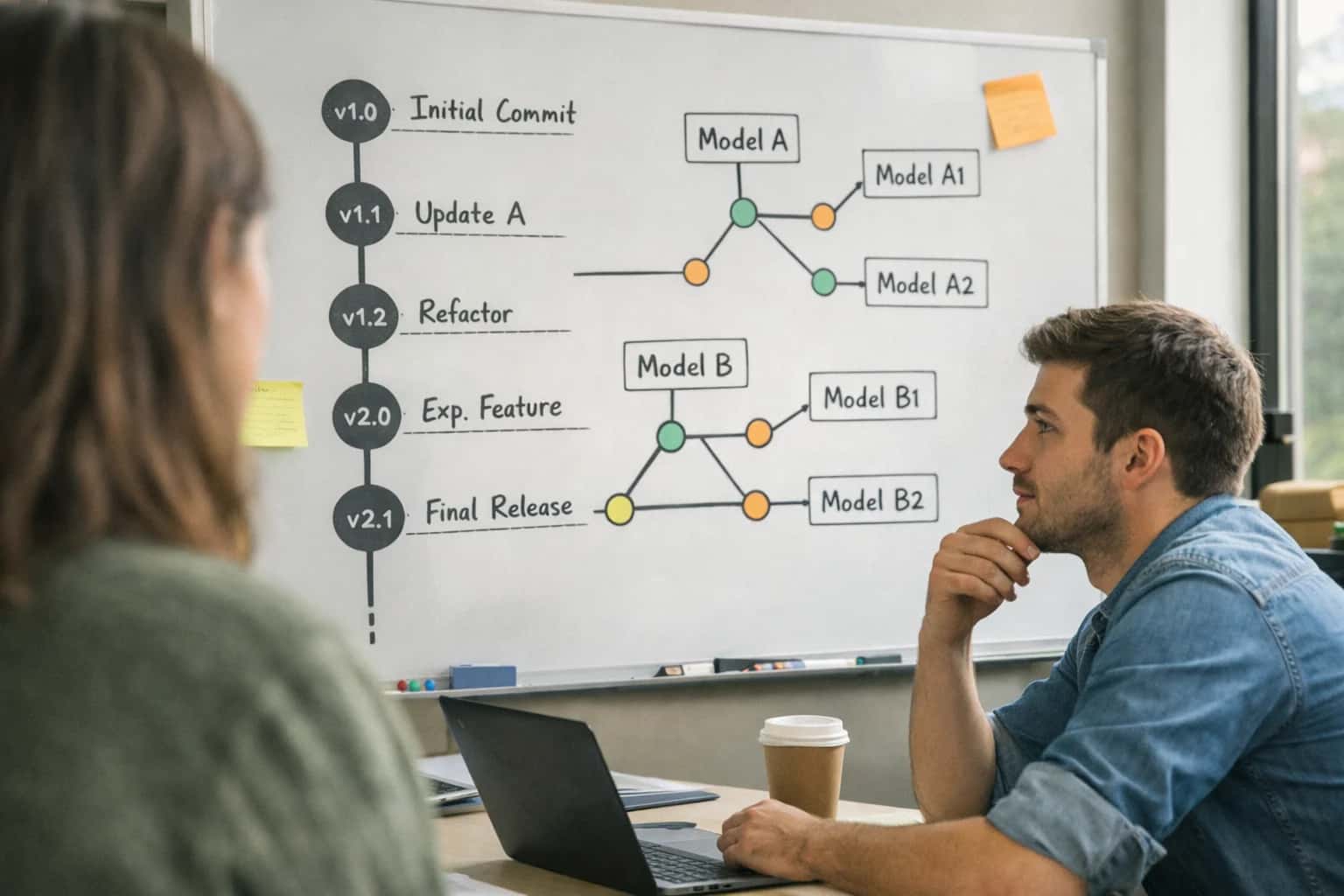
This guide provides a systematic, data-driven process for selecting AI models that optimize for operational energy consumption and carbon emissions, not just benchmark accuracy.
To make a final decision, build a decision matrix that weights factors like inference cost, latency, and estimated carbon emissions for your specific deployment hardware. Run controlled power-draw tests using tools like NVIDIA DCGM or Intel PCM to gather real-world data. This practical approach, detailed in our guide on How to Implement Energy-to-Solution Metrics in AI Projects, ensures you select a model that balances performance with environmental responsibility and operational cost.
FOUNDATIONAL KNOWLEDGE
Key Efficiency Concepts
Master these core concepts to make informed, energy-conscious decisions when selecting and deploying AI models. This framework prioritizes Energy-to-Solution over raw accuracy.
01
Energy-to-Solution (E2S)
Energy-to-Solution is the primary metric for Green AI. It measures the total computational energy required to achieve a specific business outcome, not just to train a model. This holistic view forces trade-offs between model size, inference speed, and accuracy.
- Calculate as: (Energy per Inference) × (Number of Inferences to Solve Task).
- A smaller, slightly less accurate model that solves the problem faster often has a superior E2S than a massive, slower model.
- Guides architectural choices toward frugal AI and efficient hardware.
02
Model Cards & Efficiency Metadata
A model card is a documentation standard that should include efficiency metadata. When selecting a model, look for these key data points:
- FLOPs (Floating Point Operations): Estimates computational cost.
- Parameter Count: A proxy for model size and memory footprint.
- Reported Latency/Throughput: Performance on reference hardware (e.g., NVIDIA A100).
- Power Draw Estimates: If available from the publisher.
- Use this data to compare models within a performance tier. A model with lower FLOPs and similar accuracy is typically more energy-efficient.
03
Controlled Power-Draw Testing
Benchmark scores are theoretical. To understand real-world efficiency, you must measure actual power consumption during inference on your target hardware.
- Tools: Use NVIDIA DCGM for GPU power profiling or Intel PCM for CPU monitoring.
- Methodology: Run a standardized inference workload (e.g., 1000 queries) and log average power (Watts) and time (seconds). Energy (Joules) = Power × Time.
- This reveals inefficiencies not captured in FLOPs, such as memory bandwidth bottlenecks or idle power overhead. It's the definitive test for your deployment environment.
04
The Efficiency Decision Matrix
A systematic framework for model selection that balances multiple constraints. Create a weighted scorecard with factors like:
- Inference Cost (cloud $/hour)
- Latency SLA (milliseconds)
- Carbon Emissions (gCO2eq per inference)
- Accuracy Threshold (minimum acceptable score)
- Score candidate models against these criteria. This moves the decision from "which model is most accurate?" to "which model delivers the required performance most efficiently?" It formalizes the trade-offs essential for sustainable AI.
06
Hardware-Software Co-Design
Efficiency is not just about the model. It's the product of the model architecture, the inference engine (like TensorRT or ONNX Runtime), and the underlying hardware (CPU, GPU, TPU, edge accelerator).
- Select models compatible with hardware-specific optimizations (e.g., Tensor Cores on NVIDIA GPUs).
- Use frameworks that support quantization (INT8/FP16) and kernel fusion to reduce operations.
- The most efficient model on paper can be inefficient if deployed on mismatched software or hardware. Always test the full stack.
FOUNDATIONAL ANALYSIS
Step 1: Define Your Efficiency Requirements and Constraints
Before selecting a model, you must establish a clear, quantifiable definition of 'efficiency' for your specific deployment context. This step moves you from vague goals to measurable engineering targets.
Efficiency is not a single metric but a multi-objective optimization problem defined by your operational reality. Start by quantifying your Service Level Objectives (SLOs) for latency, throughput, and accuracy. Then, identify your hard constraints: available hardware (e.g., a single T4 GPU or an ARM-based edge device), power budget (watts), and cooling capacity. This creates your solution space where any candidate model must operate. Tools like NVIDIA DCGM or Intel PCM can profile power draw on your target hardware to establish baselines.
Translate these constraints into selection criteria. For a real-time API, your primary metric may be throughput-per-watt. For a batch process, it could be total energy-to-solution. Use these criteria to filter model candidates from hubs like Hugging Face, prioritizing those with published model cards containing efficiency metadata (e.g., FLOPs, parameter count). This disciplined upfront analysis prevents costly mismatches between model capability and deployment environment, a core tenet of our guide on How to Architect AI Systems for Computational Efficiency.
EVALUATION FRAMEWORK
Model Efficiency Comparison Matrix
A side-by-side comparison of model selection criteria based on energy-to-solution metrics, not just accuracy. Use this matrix to evaluate trade-offs between performance, cost, and environmental impact for your specific hardware.
| Key Efficiency Metric | Large Foundational Model (e.g., GPT-4) | Medium-Sized Domain Model (e.g., Llama 3 70B) | Task-Specific Small Language Model (SLM) (e.g., Phi-3 Mini) |
|---|---|---|---|
Typical Parameter Count |
| 7B - 70B | < 4B |
Inference Energy per 1k Tokens (est.) |
| 50-200 Wh | < 10 Wh |
Minimum Viable Hardware | High-End Server Cluster (A100/H100) | Single High-End GPU (A100/H100) | Consumer GPU or High-End CPU (RTX 4090, Xeon) |
Latency per Token (ms) on Target HW | 100-500 ms | 20-100 ms | < 20 ms |
Carbon per 1M Inferences (kg CO₂e) |
| 5-20 kg | < 1 kg |
Quantization & Pruning Readiness | Limited (FP16/INT8) | High (GPTQ, AWQ, INT4) | Very High (Extreme INT4, INT2) |
Edge Deployment Viability | |||
Primary Use Case | General reasoning, complex creative tasks | Balanced performance for broad enterprise tasks | Specialized, high-throughput tasks (classification, extraction) |
GUIDE
Step 4: Build and Score a Weighted Decision Matrix
Transform qualitative trade-offs into a quantitative, defensible model selection. This step operationalizes your efficiency criteria into a concrete scoring system.
A weighted decision matrix quantifies the trade-off between energy efficiency, accuracy, and cost. First, define your criteria (e.g., Watts per Inference, p99 Latency, Model Accuracy) and assign each a weight based on business priority (e.g., Efficiency: 40%, Latency: 30%, Accuracy: 30%). Score each candidate model (e.g., Llama-3-8B, Phi-3-mini) from 1-5 on each criterion using data from your benchmarks and tools like MLPerf or NVIDIA DCGM. This creates an objective framework for comparison.
Calculate the final score for each model by multiplying its criterion score by the assigned weight and summing the results. The model with the highest weighted score represents the optimal balance for your specific constraints. Document the rationale for weights and scores to create an auditable record. This matrix moves the decision from intuition to data, directly supporting Green AI governance and ensuring energy-to-solution is a first-class requirement.
Enabling Efficiency, Speed & Accuracy
Intelligent Analysis, Decision & Execution
We build AI systems for teams that need search across company data, workflow automation across tools, or AI features inside products and internal software.
Talk to Us
Search across company data
Give teams answers from docs, tickets, runbooks, and product data with sources and permissions.
Useful when people spend too long searching or get different answers from different systems.
Enterprise searchRAGPermissions
Read more
Automate internal workflows
Use AI to route work, draft outputs, trigger actions, and keep approvals and logs in place.
Useful when repetitive work moves across multiple tools and teams.
AI agentsWorkflow automationGovernance
Read more
Add AI to products and internal tools
Build assistants, guided actions, or decision support into the software your team or customers already use.
Useful when AI needs to be part of the product, not a separate tool.
AI integrationDecision supportModel routing
Read moreGREEN AI
Common Mistakes
Avoid these frequent errors when selecting AI models based on energy efficiency. Missteps here lead to inflated operational costs, unnecessary carbon emissions, and performance bottlenecks.
The most common error is comparing FLOPS (Floating Point Operations) or parameter counts in isolation. These are theoretical peak metrics that ignore real-world hardware behavior and data movement costs.
Energy efficiency is determined by the interaction of three factors:
- Algorithmic Complexity: The model's architecture and operations.
- Hardware Utilization: How well the model's operations map to the GPU/CPU's cores and memory bandwidth.
- Software Stack: The efficiency of the inference engine (e.g., TensorRT, ONNX Runtime).
Always benchmark with real inference latency and power draw on your target hardware using tools like NVIDIA DCGM or Intel PCM. A model with higher FLOPS can be more efficient if it better utilizes the hardware.

About the author
Prasad Kumkar
CEO & MD, Inference Systems
Prasad Kumkar is the CEO & MD of Inference Systems and writes about AI systems architecture, LLM infrastructure, model serving, evaluation, and production deployment. Over 5+ years, he has worked across computer vision models, L5 autonomous vehicle systems, and LLM research, with a focus on taking complex AI ideas into real-world engineering systems.
His work and writing cover AI systems, large language models, AI agents, multimodal systems, autonomous systems, inference optimization, RAG, evaluation, and production AI engineering.
LinkedIn
Limited slotsGet a Free AI Consultation
Partnered with leading AI, data, and software stack.





How We Work
Custom AI workflows for your Business
One-fit-all AI don't work for modern businesses. At Inferensys, we aim to understand your business & custom requirements; which we use to define most efficient agentic workflows, the data, and the tools for your business.
01
Review the use case
We understand the task, the users, and where AI can actually help.
Read more02
Pick the right approach
We define what needs search, automation, or product integration.
Read more03
Build the first useful version
We implement the part that proves the value first.
Read more04
Improve from there
We add the checks and visibility needed to keep it useful.
Read moreThe first call is a practical review of your use case and the right next step.
Talk to Us