Benchmarking audio AI models requires moving beyond simple accuracy scores to measure real-world performance. You must evaluate latency, memory footprint, and power consumption on your target hardware, whether it's a smartphone DSP or an industrial edge device. This framework uses standardized tools like MLPerf Tiny and custom datasets to create reproducible, actionable benchmarks that guide model selection and optimization for production. Understanding these metrics is the first step toward building efficient, deployable audio intelligence systems.

Guide
Setting Up a Benchmarking Framework for Audio AI Models
A systematic guide to evaluating audio AI models on production-critical metrics like latency, memory footprint, and power consumption. Learn to use MLPerf Tiny, design custom datasets, and automate reporting for model selection.
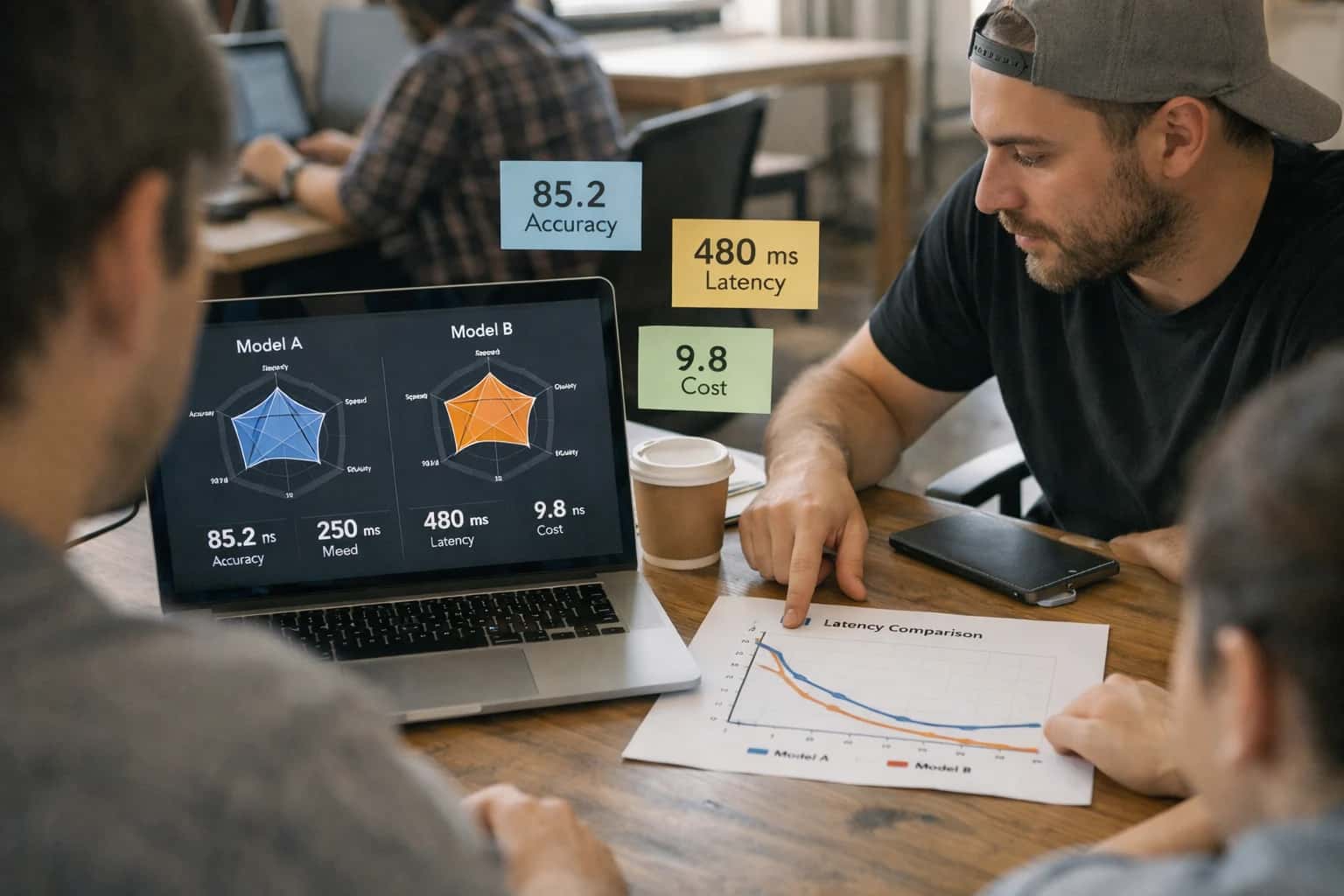
A systematic guide to evaluating audio AI models beyond basic accuracy, focusing on production-critical metrics like latency, power, and memory.
Start by defining your key performance indicators (KPIs) based on your application's constraints, such as real-time response needs or battery life. Then, instrument your models to collect these metrics during inference, automating the process with scripts to ensure consistency. Finally, analyze the results to identify bottlenecks—like excessive model size causing high memory usage—and iterate. This data-driven approach is essential for model lifecycle management and ensures your audio AI meets both technical and business requirements.
FRAMEWORK FOUNDATIONS
Key Concepts in Audio AI Benchmarking
A systematic benchmarking framework moves beyond simple accuracy to evaluate audio AI models on the metrics that matter for production: latency, efficiency, and robustness.
01
Define Your Evaluation Metrics
Accuracy is insufficient for production audio AI. Your benchmark must measure:
- Latency: End-to-end inference time, critical for real-time applications.
- Memory Footprint: RAM consumption on target hardware (e.g., mobile DSPs).
- Power Consumption: Energy use per inference, essential for battery-powered devices.
- Robustness: Performance under noisy conditions, varying sample rates, or adversarial inputs. Start by aligning these metrics with your specific business and user experience requirements.
03
Build a Custom, Domain-Specific Dataset
Off-the-shelf datasets (e.g., AudioSet) lack the nuance of your specific use case. To benchmark effectively:
- Record or source audio that matches your target environment's acoustics and noise profile.
- Synthesize data using tools like Pyroomacoustics to simulate edge cases.
- Annotate meticulously using platforms like Label Studio. A high-quality, custom dataset is the single biggest factor in creating a meaningful benchmark.
04
Automate the Benchmarking Pipeline
Manual testing is error-prone and not reproducible. Automate your entire workflow:
- Data Loading & Preprocessing: Standardize audio format, sample rate, and length.
- Model Inference: Run models on target hardware (cloud GPU, edge device) using a serving framework like NVIDIA Triton.
- Metric Calculation: Automatically compute all defined metrics (latency, accuracy, memory).
- Report Generation: Use scripts to output results to dashboards (Grafana) or documents. Tools like Weights & Biases can track experiments and compare runs.
05
Profile on Target Hardware
A model's performance in the cloud does not predict its behavior on an edge device. You must profile directly on your deployment target (e.g., Raspberry Pi, smartphone, custom DSP). Use profiling tools like:
- PyTorch Profiler or TensorFlow Profiler to identify computational bottlenecks.
- Perf for Linux-based systems to analyze CPU/GPU usage.
- EnergyTrace for TI MSP430 or similar for power measurement. This step reveals the true trade-offs between model complexity and hardware constraints.
06
Establish a Continuous Benchmarking Loop
Benchmarking is not a one-time event. Integrate it into your MLOps pipeline to catch regressions and guide optimization. For every model update:
- Run the full benchmark suite against the new version.
- Compare results to a known baseline (the previous champion model).
- Automatically flag significant regressions in latency or accuracy. This creates a feedback loop for continuous improvement and ensures deployed models meet SLAs. Learn more about managing the full model lifecycle in our guide on MLOps for agentic systems.
FOUNDATION
Step 1: Define Your Performance Metrics and Targets
Before writing a single line of benchmark code, you must establish what 'performance' means for your specific audio AI application. This step translates business goals into measurable, technical criteria.
Performance for audio AI extends far beyond simple accuracy. You must define a multi-dimensional benchmark that includes inference latency, memory footprint, power consumption, and computational cost (e.g., FLOPs). For example, a real-time noise cancellation model requires sub-20ms latency, while a predictive maintenance system on a battery-powered sensor prioritizes ultra-low power. Start by mapping your application's deployment constraints—edge device, cloud, or hybrid—to these core metrics.
Next, set quantitative targets for each metric. Use industry standards like MLPerf Tiny for baseline comparisons on edge hardware. For domain-specific tasks, such as anomaly detection in machinery, define custom targets based on pilot data. Document these targets as Service Level Objectives (SLOs) in your MLOps pipeline. This creates a clear, shared framework for evaluating model candidates and guides your optimization efforts in later stages of the benchmarking framework.
FRAMEWORK SELECTION
Benchmarking Tool Comparison
A feature and capability comparison of popular tools for benchmarking audio AI models on target hardware.
| Metric / Feature | MLPerf Tiny | Inference Systems Bench | Custom Scripts |
|---|---|---|---|
Standardized Audio Tasks | |||
Latency Measurement | |||
Power Consumption Profiling | |||
Memory Footprint Analysis | |||
Automated Reporting | |||
Hardware-in-the-Loop Support | |||
Ease of Custom Dataset Integration | |||
Community & Ecosystem | Large | Growing | None |
FRAMEWORK COMPLETION
Step 5: Automate Reporting and Visualization
This final step transforms raw benchmark data into actionable insights through automated dashboards and reports, enabling data-driven decisions for model selection and optimization.
Automated reporting is the first principles output of your benchmarking framework. It converts metrics like latency, memory footprint, and power consumption into standardized, shareable formats. Use tools like MLflow or Weights & Biases to log results from each run. Then, script the generation of PDF reports and interactive dashboards using Plotly and Grafana. This creates a single source of truth for comparing model performance across different hardware targets, such as edge devices versus cloud instances.
Visualization must answer the core question: which model delivers the best trade-off for production? Automate the creation of comparison charts—like accuracy vs. latency scatter plots—and executive summaries. Integrate this pipeline into your CI/CD system so every model commit triggers a benchmark and updates the report. This closes the loop on reproducible evaluation, providing clear, visual guidance for engineering leads making deployment decisions. For related concepts, see our guide on Edge Inference and Distributed Computing Grids and the fundamentals of MLOps and Model Lifecycle Management for Agents.
Enabling Efficiency, Speed & Accuracy
Intelligent Analysis, Decision & Execution
We build AI systems for teams that need search across company data, workflow automation across tools, or AI features inside products and internal software.
Talk to Us
Search across company data
Give teams answers from docs, tickets, runbooks, and product data with sources and permissions.
Useful when people spend too long searching or get different answers from different systems.
Enterprise searchRAGPermissions
Read more
Automate internal workflows
Use AI to route work, draft outputs, trigger actions, and keep approvals and logs in place.
Useful when repetitive work moves across multiple tools and teams.
AI agentsWorkflow automationGovernance
Read more
Add AI to products and internal tools
Build assistants, guided actions, or decision support into the software your team or customers already use.
Useful when AI needs to be part of the product, not a separate tool.
AI integrationDecision supportModel routing
Read moreAUDIO AI BENCHMARKING
Common Mistakes
Benchmarking audio AI models is more than measuring accuracy. Developers often stumble on hardware-specific metrics, dataset design, and automation, leading to misleading results and poor production decisions. This guide addresses the most frequent pitfalls.
You are likely benchmarking only the model's forward pass, ignoring the system-level pipeline. Audio processing involves feature extraction (e.g., computing MFCCs or spectrograms), data movement, and model inference, all of which are hardware-dependent.
Common Mistake: Using a synthetic tensor as input, which bypasses the real computational cost of your audio preprocessing code.
How to Fix:
- Profile the entire pipeline. Use tools like
py-spyfor Python or NVIDIA Nsight Systems for GPU workloads. - Benchmark on your target hardware. Latency and power consumption on a high-end GPU server are meaningless for an embedded DSP.
- Use real audio streams. Feed actual PCM data through your full preprocessing chain during measurement.
- Reference our guide on How to Architect a Low-Latency Audio Reasoning Engine for pipeline optimization techniques.

About the author
Prasad Kumkar
CEO & MD, Inference Systems
Prasad Kumkar is the CEO & MD of Inference Systems and writes about AI systems architecture, LLM infrastructure, model serving, evaluation, and production deployment. Over 5+ years, he has worked across computer vision models, L5 autonomous vehicle systems, and LLM research, with a focus on taking complex AI ideas into real-world engineering systems.
His work and writing cover AI systems, large language models, AI agents, multimodal systems, autonomous systems, inference optimization, RAG, evaluation, and production AI engineering.
LinkedIn
Limited slotsGet a Free AI Consultation
Partnered with leading AI, data, and software stack.





How We Work
Custom AI workflows for your Business
One-fit-all AI don't work for modern businesses. At Inferensys, we aim to understand your business & custom requirements; which we use to define most efficient agentic workflows, the data, and the tools for your business.
01
Review the use case
We understand the task, the users, and where AI can actually help.
Read more02
Pick the right approach
We define what needs search, automation, or product integration.
Read more03
Build the first useful version
We implement the part that proves the value first.
Read more04
Improve from there
We add the checks and visibility needed to keep it useful.
Read moreThe first call is a practical review of your use case and the right next step.
Talk to Us