Canary deployment is a risk-mitigation strategy for releasing new software versions by initially routing a small, controlled percentage of production traffic—the "canary"—to the updated instance while the majority continues using the stable version. This allows for real-time validation of performance, stability, and correctness in the live environment before committing to a full rollout. It is a foundational practice within fault-tolerant agent design, enabling self-healing software systems to detect and contain failures early.

Glossary
Canary Deployment
A deployment strategy where a new version of an application is released to a small subset of users or servers first, allowing for performance and stability validation before a full rollout.
FAULT-TOLERANT AGENT DESIGN
What is Canary Deployment?
A core deployment strategy in resilient software architecture, enabling safe, incremental releases.
The strategy derives its name from the historical use of canaries in coal mines to detect toxic gases. In technical practice, it functions as a proactive health check and automated root cause analysis mechanism. If error rates or latency spikes are detected in the canary group, traffic is instantly redirected back to the stable version, implementing an agentic rollback strategy. This minimizes blast radius and is often orchestrated alongside feature flagging and blue-green deployments for granular control.
FAULT-TOLERANT AGENT DESIGN
Key Characteristics of Canary Deployment
Canary deployment is a controlled release strategy that incrementally exposes a new software version to a small, representative subset of users or infrastructure to validate performance and stability before a full rollout.
01
Progressive Traffic Exposure
The core mechanism involves routing a small, controlled percentage of live user traffic (e.g., 1%, 5%) to the new canary version while the majority continues to use the stable baseline version. This is managed by a traffic router (e.g., a service mesh like Istio, an API gateway, or a load balancer). Metrics are collected from both cohorts to compare performance, error rates, and business logic outcomes. The traffic percentage is gradually increased only if the canary meets predefined success criteria.
02
Automated Validation & Rollback
Canary deployments rely on automated validation pipelines to make objective go/no-go decisions. Key validation signals include:
- Performance Metrics: Latency (p95, p99), throughput, and error rates (4xx, 5xx).
- Business Metrics: Conversion rates, order values, or other key performance indicators.
- System Health: CPU/memory usage, garbage collection pauses.
If metrics breach SLOs (Service Level Objectives) or error budgets, the system automatically initiates a rollback, rerouting all traffic back to the stable baseline. This fail-fast mechanism is a primary fault-tolerant feature.
03
User Segmentation & Targeting
Traffic is segmented to minimize risk. Common strategies include:
- Random Percentage: A simple, stateless random sample of all users.
- User Cohort: Targeting internal employees, beta testers, or users in a specific geographic region first.
- Request Attribute: Routing based on HTTP headers, user agents, or specific API endpoints.
This allows for isolated failure domains, ensuring a bug affects only the canary group. It is a direct application of the Bulkhead Pattern, preventing a single faulty deployment from cascading to all users.
04
Observability & Comparative Analysis
Effective canary releases require high-fidelity observability to detect subtle regressions. This involves:
- A/B Testing Frameworks: Statistical comparison of metrics between the control (baseline) and treatment (canary) groups.
- Distributed Tracing: Comparing trace durations and spans for identical requests across versions.
- Log Aggregation & Analysis: Automated scanning of canary logs for new error signatures or warnings.
Tools like Prometheus for metrics, Jaeger for tracing, and specialized canary analysis software (e.g., Flagger) are used to perform this comparative analysis in real-time.
05
Contrast with Blue-Green Deployment
While both are fault-tolerant deployment patterns, they differ in key ways:
- Canary Deployment: Incremental, parallel rollout. Two versions (old and new) run simultaneously, serving different slices of traffic. Enables performance comparison under real load and allows for gradual, metrics-driven promotion.
- Blue-Green Deployment: Atomic, sequential switch. Two full, identical environments (Blue and Green) exist. All traffic is switched at once from one to the other. Enables instant rollback but provides no intermediate performance validation under partial load.
Canary is preferred for mitigating performance risk; Blue-Green is ideal for minimizing change complexity and ensuring fast rollback.
06
Integration with CI/CD & Feature Flags
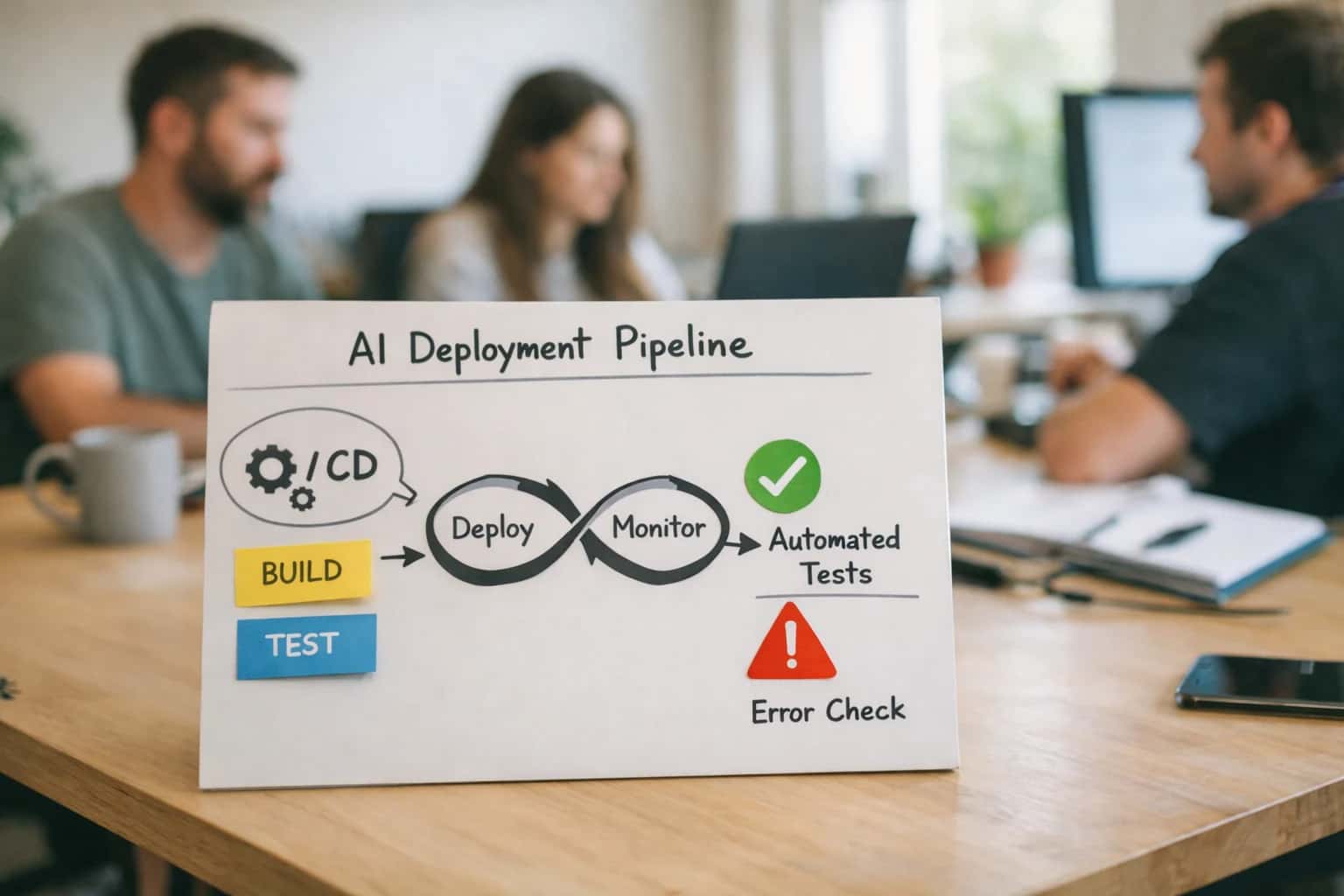
Canary deployments are a stage in a mature CI/CD (Continuous Integration/Continuous Deployment) pipeline, typically following successful integration tests. They are often combined with Feature Flagging:
- The deployment carries the new code, but specific features within it are gated by runtime flags.
- This allows for decoupling deployment from release. The canary validates infrastructure stability, while feature flags control the functional exposure, enabling even finer-grained control and instant kill switches without a code rollback.
This combination represents a defense-in-depth strategy for managing change risk in production.
FAULT-TOLERANT DEPLOYMENT COMPARISON
Canary Deployment vs. Other Strategies
A feature and operational comparison of Canary Deployment against other common release and fault-tolerance strategies, highlighting trade-offs in risk, control, and infrastructure complexity.
| Feature / Metric | Canary Deployment | Blue-Green Deployment | Feature Flagging | Rolling Update |
|---|---|---|---|---|
Primary Risk Mitigation | Gradual exposure to live traffic | Instant, atomic switch between environments | Runtime toggling per user/segment | Incremental replacement of instances |
Rollback Speed | < 1 minute (traffic shift) | < 30 seconds (router re-point) | < 1 second (flag toggle) | 5-15 minutes (rollback deployment) |
Infrastructure Cost | Moderate (requires traffic routing logic) | High (requires 2x full production environments) | Low (requires flag management system) | Low (uses existing auto-scaling groups) |
User Impact During Failure | Limited to canary subset (e.g., 5%) | Potentially all users if green env is bad | Limited to flagged user cohort | Potentially all users as bad version propagates |
Validation Granularity | Real-user monitoring on a subset | Full environment smoke test before cutover | A/B testing and cohort-based analytics | Health checks on new instances |
Requires Advanced Traffic Routing | ||||
Supports Parallel A/B Testing | ||||
Stateful Data Migration Complexity | High (must handle two live versions) | High (must sync data between envs) | Low (single codebase, logic branches) | High (must be backward/forward compatible) |
Typical Use Case | High-risk major version updates | Zero-downtime database migrations | Controlled feature experimentation | Low-risk bug fixes and patches |
CANARY DEPLOYMENT
Frequently Asked Questions
A canary deployment is a critical strategy for reducing risk in software releases. This FAQ addresses its core mechanisms, benefits, and implementation within fault-tolerant systems.
A canary deployment is a release strategy where a new software version is incrementally rolled out to a small, controlled subset of users or infrastructure before a full release. It works by splitting incoming traffic, typically via a load balancer or service mesh, directing a small percentage (e.g., 5%) to the new version (the 'canary') while the majority continues to use the stable version. Key performance and error metrics from the canary group are monitored in real-time. If metrics remain within predefined thresholds, the traffic percentage is gradually increased. If anomalies are detected, traffic is instantly rerouted back to the stable version, effectively rolling back the change with minimal user impact.
Key Components:
- Traffic Splitting: Controlled via routing rules (e.g., weighted routing in a service mesh like Istio or Linkerd).
- Real-time Observability: Requires robust monitoring of latency, error rates, and business metrics.
- Automated Rollback: Triggered by health checks or anomaly detection systems.
Enabling Efficiency, Speed & Accuracy
Intelligent Analysis, Decision & Execution
We build AI systems for teams that need search across company data, workflow automation across tools, or AI features inside products and internal software.
Talk to Us
Search across company data
Give teams answers from docs, tickets, runbooks, and product data with sources and permissions.
Useful when people spend too long searching or get different answers from different systems.
Enterprise searchRAGPermissions
Read more
Automate internal workflows
Use AI to route work, draft outputs, trigger actions, and keep approvals and logs in place.
Useful when repetitive work moves across multiple tools and teams.
AI agentsWorkflow automationGovernance
Read more
Add AI to products and internal tools
Build assistants, guided actions, or decision support into the software your team or customers already use.
Useful when AI needs to be part of the product, not a separate tool.
AI integrationDecision supportModel routing
Read more
About the author
Prasad Kumkar
CEO & MD, Inference Systems
Prasad Kumkar is the CEO & MD of Inference Systems and writes about AI systems architecture, LLM infrastructure, model serving, evaluation, and production deployment. Over 5+ years, he has worked across computer vision models, L5 autonomous vehicle systems, and LLM research, with a focus on taking complex AI ideas into real-world engineering systems.
His work and writing cover AI systems, large language models, AI agents, multimodal systems, autonomous systems, inference optimization, RAG, evaluation, and production AI engineering.
LinkedIn
Limited slotsGet a Free AI Consultation
Partnered with leading AI, data, and software stack.





How We Work
Custom AI workflows for your Business
One-fit-all AI don't work for modern businesses. At Inferensys, we aim to understand your business & custom requirements; which we use to define most efficient agentic workflows, the data, and the tools for your business.
01
Review the use case
We understand the task, the users, and where AI can actually help.
Read more02
Pick the right approach
We define what needs search, automation, or product integration.
Read more03
Build the first useful version
We implement the part that proves the value first.
Read more04
Improve from there
We add the checks and visibility needed to keep it useful.
Read moreThe first call is a practical review of your use case and the right next step.
Talk to Us