The pain point is immense: manual reviews for brand consistency, accessibility (WCAG), and print specifications are slow, inconsistent, and costly. A single overlooked color hex code or missing alt-text can lead to brand dilution, failed accessibility audits, or expensive print re-runs. This manual bottleneck stifles creative velocity, as designers and marketers waste cycles on compliance policing instead of innovation. For more on automating creative workflows, see our insights on AI-Powered Creative Workflow Orchestration.

Use Case
Automated Design Compliance Checking
AI that proactively flags accessibility violations, brand guideline breaches, and print-ready errors in designs before production, cutting rework costs by up to 90%.
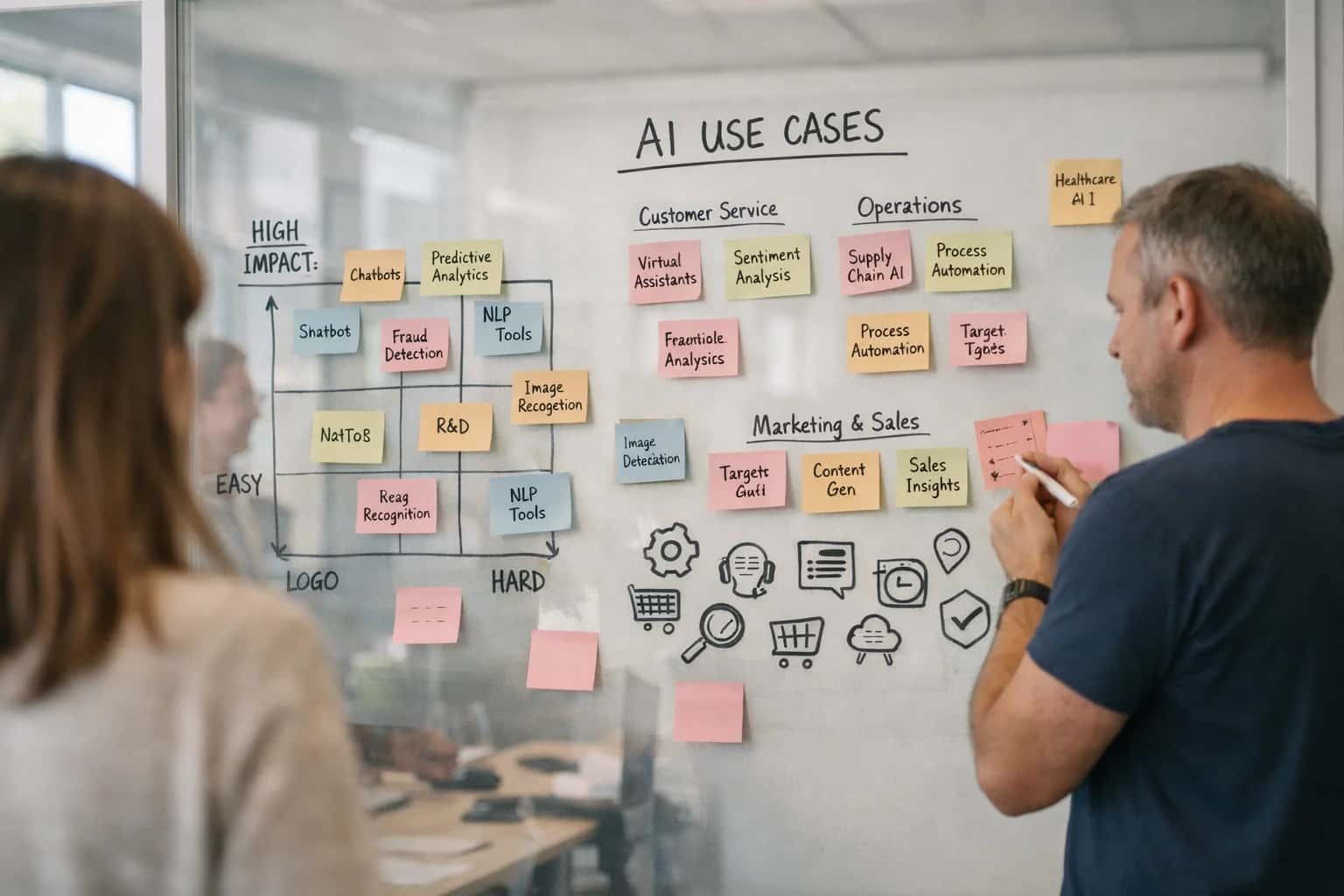
FROM MANUAL AUDITS TO AUTOMATED ASSURANCE
What is Automated Design Compliance Checking Used For?
Automated Design Compliance Checking uses AI to proactively scan creative assets against defined rules, transforming a reactive, error-prone process into a scalable quality assurance system.
The AI fix is a rules engine integrated directly into design tools like Figma or Adobe Creative Cloud. It scans in real-time, flagging violations—incorrect logo usage, low color contrast, bleed errors—with specific remediation guidance. Measurable outcomes include a 70-90% reduction in compliance-related rework, faster time-to-market, and guaranteed brand integrity at scale. This transforms compliance from a cost center into a competitive advantage. Explore how this connects to broader brand governance in Automated Design System Governance.
AUTOMATED DESIGN COMPLIANCE
Common Use Cases: Where AI Compliance Delivers Immediate ROI
Proactively flag accessibility violations, brand guideline breaches, and print-ready errors in designs before they go to production, turning a cost center into a competitive advantage.
02
Brand Guideline Enforcement at Scale
Maintaining visual consistency across global teams and agencies is a constant battle. AI acts as a 24/7 brand guardian, automatically checking designs against your master brand book for correct logo usage, typography, color palettes, and layout rules.
- Real Example: A consumer packaged goods (CPG) company eliminated 90% of pre-print rework by ensuring all packaging mock-ups adhered to exact Pantone codes and logo clearance rules.
- ROI Driver: Protects brand equity, accelerates time-to-market, and reduces wasted spend on non-compliant assets.
03
Pre-Flight Print & Production Checking
A single production error—like incorrect bleed, low-resolution images, or missing fonts—can scrap an entire print run. AI automates the pre-flight checklist, verifying technical specs for any output channel (digital, offset, large-format).
- Real Example: A retail chain avoided $250k in wasted catalogs by automatically detecting RGB images in files set for CMYK printing.
- ROI Driver: Direct cost savings from eliminating physical waste and preventing costly press stoppages.
04
Regulatory & Legal Compliance for Packaging
Packaging design is governed by a dense web of regional regulations (ingredient lists, warning labels, nutritional facts). AI cross-references design elements against a dynamic compliance database, flagging missing mandatory disclosures or incorrect formatting.
- Real Example: A food & beverage manufacturer streamlined entry into 3 new international markets by ensuring all label text, symbols, and layouts met local regulatory standards automatically.
- ROI Driver: Prevents fines, product recalls, and shipment rejections at customs, safeguarding revenue.
06
Marketing Compliance & Legal Review Acceleration
Manual legal review of marketing claims ("#1 rated," "free") and disclaimers is a major bottleneck. AI pre-scans all creative copy and visuals against pre-defined policy rules, flagging high-risk content for human review and auto-approving low-risk items.
- Real Example: An insurance provider cut the average approval time for digital ad campaigns from 5 days to 4 hours.
- ROI Driver: Unlocks campaign agility, allowing marketing to capitalize on real-time opportunities while managing risk.
AUTOMATED DESIGN COMPLIANCE CHECKING
How It Works: The AI Compliance Engine
Manual design reviews are a costly bottleneck. Our AI engine automates the verification of brand, accessibility, and production standards, turning a reactive audit into a proactive safeguard.
The pain point is clear: manual compliance checks for brand guidelines, accessibility standards (like WCAG), and print specifications are slow, inconsistent, and prone to human error. A single overlooked color contrast violation or incorrect logo usage can lead to costly reprints, failed accessibility audits, and brand dilution. This reactive process creates a bottleneck that delays time-to-market and inflates creative production costs, turning design quality assurance into a business risk.
Our AI Compliance Engine acts as an automated gatekeeper, integrated directly into tools like Figma or Adobe Creative Cloud. It proactively scans designs against your defined rule sets—brand palettes, accessibility contrast ratios, bleed margins—flagging violations in real-time. The measurable outcome is a 70% reduction in rework, faster production cycles, and guaranteed adherence to standards, ensuring every asset is market-ready. This is a core component of our Automated Design System Governance and AI-Powered Creative Asset Management solutions.
Enabling Efficiency, Speed & Accuracy
Intelligent Analysis, Decision & Execution
We build AI systems for teams that need search across company data, workflow automation across tools, or AI features inside products and internal software.
Talk to Us
Search across company data
Give teams answers from docs, tickets, runbooks, and product data with sources and permissions.
Useful when people spend too long searching or get different answers from different systems.
Enterprise searchRAGPermissions
Read more
Automate internal workflows
Use AI to route work, draft outputs, trigger actions, and keep approvals and logs in place.
Useful when repetitive work moves across multiple tools and teams.
AI agentsWorkflow automationGovernance
Read more
Add AI to products and internal tools
Build assistants, guided actions, or decision support into the software your team or customers already use.
Useful when AI needs to be part of the product, not a separate tool.
AI integrationDecision supportModel routing
Read moreAUTOMATED DESIGN COMPLIANCE CHECKING
Implementation Roadmap: From Pilot to Scale
Transform design compliance from a costly, manual audit into a proactive, automated safeguard. This roadmap details the tangible business value at each stage of deploying AI for brand, accessibility, and production-ready checks.
01
Phase 1: Pilot - Quantify the Cost of Error
Start by targeting a single, high-cost compliance failure point, such as accessibility violations in digital assets or brand guideline breaches in marketing materials. A focused pilot delivers immediate, measurable ROI:
- Identify Baseline Costs: Calculate current expenses from manual reviews, rework, and potential fines or campaign delays.
- Deploy AI as a 'Spell Check': Integrate a lightweight AI tool into your existing design workflow (e.g., Figma, Adobe Creative Cloud plugin) to flag issues in real-time.
- Real-World Example: A retail brand piloting accessibility checks reduced remediation time for web banners from 4 hours to 15 minutes per asset, catching WCAG 2.1 AA violations before publishing.
02
Phase 2: Integrate - Enforce Brand Governance at Scale
Expand the AI's rule set to encompass your full brand identity system—logos, color palettes, typography, and voice. This phase turns guidelines into enforceable, automated policy.
- Centralize Rule Logic: Move from scattered PDFs to a dynamic, AI-managed brand rulebook that updates across all tools.
- Eliminate Inconsistency: Automatically flag off-brand hex codes, incorrect logo usage, or non-compliant typefaces in thousands of assets.
- ROI Driver: A global financial services firm automated brand checks for their franchise network, cutting approval cycles by 70% and virtually eliminating costly rebranding of non-compliant branch materials.
03
Phase 3: Scale - Automate End-to-End Production Readiness
Connect compliance AI to your final production and delivery pipelines. This ensures every asset is technically perfect before it goes to print, web, or broadcast.
- Pre-Flight for Digital & Print: Automatically check for bleed errors, low-resolution images, incorrect color profiles (CMYK/RGB), and missing fonts.
- Integrate with DAM & PIM: Ensure only compliant, tagged assets are published to your Digital Asset Management or Product Information Management systems.
- Quantifiable Impact: A packaging manufacturer integrated print-ready checks, reducing material waste from errors by 22% and eliminating an average of 3 late-stage change orders per project.
04
Phase 4: Optimize - Predictive Insights & Continuous Improvement
Leverage the data from your compliance AI to move from prevention to strategic optimization. Analyze patterns to improve processes and guide creative strategy.
- Predict Common Failures: Use analytics to identify which design rules are most frequently broken and provide targeted training or template adjustments.
- Benchmark Performance: Measure compliance rates across teams, agencies, and regions to ensure consistent quality and reduce vendor management overhead.
- Business Value: A media company used compliance analytics to renegotiate agency contracts based on objective performance data, achieving a 15% reduction in external creative costs while improving quality SLAs.
05
The CIO's ROI Justification
Automated Design Compliance Checking is not a design tool—it's a risk mitigation and efficiency platform. The investment justification is clear:
- Cost Avoidance: Eliminate fines for accessibility non-compliance (e.g., ADA, WCAG) and the massive rework costs of failed brand campaigns.
- Efficiency Gain: Reduce manual QA and review cycles by 60-80%, freeing creative teams for higher-value work.
- Speed to Market: Accelerate campaign launches and product releases by removing compliance bottlenecks.
- Brand Equity Protection: Ensure every customer touchpoint reinforces brand value consistently, across all channels.
06
Getting Started: Your 90-Day Plan
A successful implementation requires cross-functional alignment. Follow this actionable plan:
- Form a Tiger Team (Week 1-2): Assemble stakeholders from Design, Marketing, Legal, and IT.
- Define KPIs (Week 3-4): Agree on primary metrics: Error Reduction %, Time Saved per Asset, Cost Avoided.
- Select a Pilot Use Case (Week 5-6): Choose one high-volume, high-risk asset type (e.g., social media graphics, product datasheets).
- Run the Pilot & Measure (Week 7-12): Deploy, gather data, and calculate the hard ROI to build the business case for scale. For a deeper dive into operationalizing AI, explore our insights on MLOps, LLMOps, and Production-Scale Lifecycle Management.

About the author
Prasad Kumkar
CEO & MD, Inference Systems
Prasad Kumkar is the CEO & MD of Inference Systems and writes about AI systems architecture, LLM infrastructure, model serving, evaluation, and production deployment. Over 5+ years, he has worked across computer vision models, L5 autonomous vehicle systems, and LLM research, with a focus on taking complex AI ideas into real-world engineering systems.
His work and writing cover AI systems, large language models, AI agents, multimodal systems, autonomous systems, inference optimization, RAG, evaluation, and production AI engineering.
LinkedIn
Limited slotsGet a Free AI Consultation
Partnered with leading AI, data, and software stack.





How We Work
Custom AI workflows for your Business
One-fit-all AI don't work for modern businesses. At Inferensys, we aim to understand your business & custom requirements; which we use to define most efficient agentic workflows, the data, and the tools for your business.
01
Review the use case
We understand the task, the users, and where AI can actually help.
Read more02
Pick the right approach
We define what needs search, automation, or product integration.
Read more03
Build the first useful version
We implement the part that proves the value first.
Read more04
Improve from there
We add the checks and visibility needed to keep it useful.
Read moreThe first call is a practical review of your use case and the right next step.
Talk to Us