Alert correlation is the AI-driven process of grouping related alerts—such as those from the same service or causal chain—into a single, high-fidelity incident. Noise reduction involves suppressing non-actionable alerts, like transient spikes or known maintenance windows, using dynamic thresholds and pattern recognition. Together, these techniques combat alert fatigue, the overwhelming volume that causes critical signals to be missed. This guide will walk you through implementing these systems using tools like Prometheus for metrics and clustering algorithms for intelligent grouping.

Guide
Setting Up Intelligent Alert Correlation and Noise Reduction
A developer guide to deploying AI for alert correlation and noise suppression. Implement clustering algorithms, time-series analysis, and dynamic thresholds to create a prioritized, actionable alert stream.
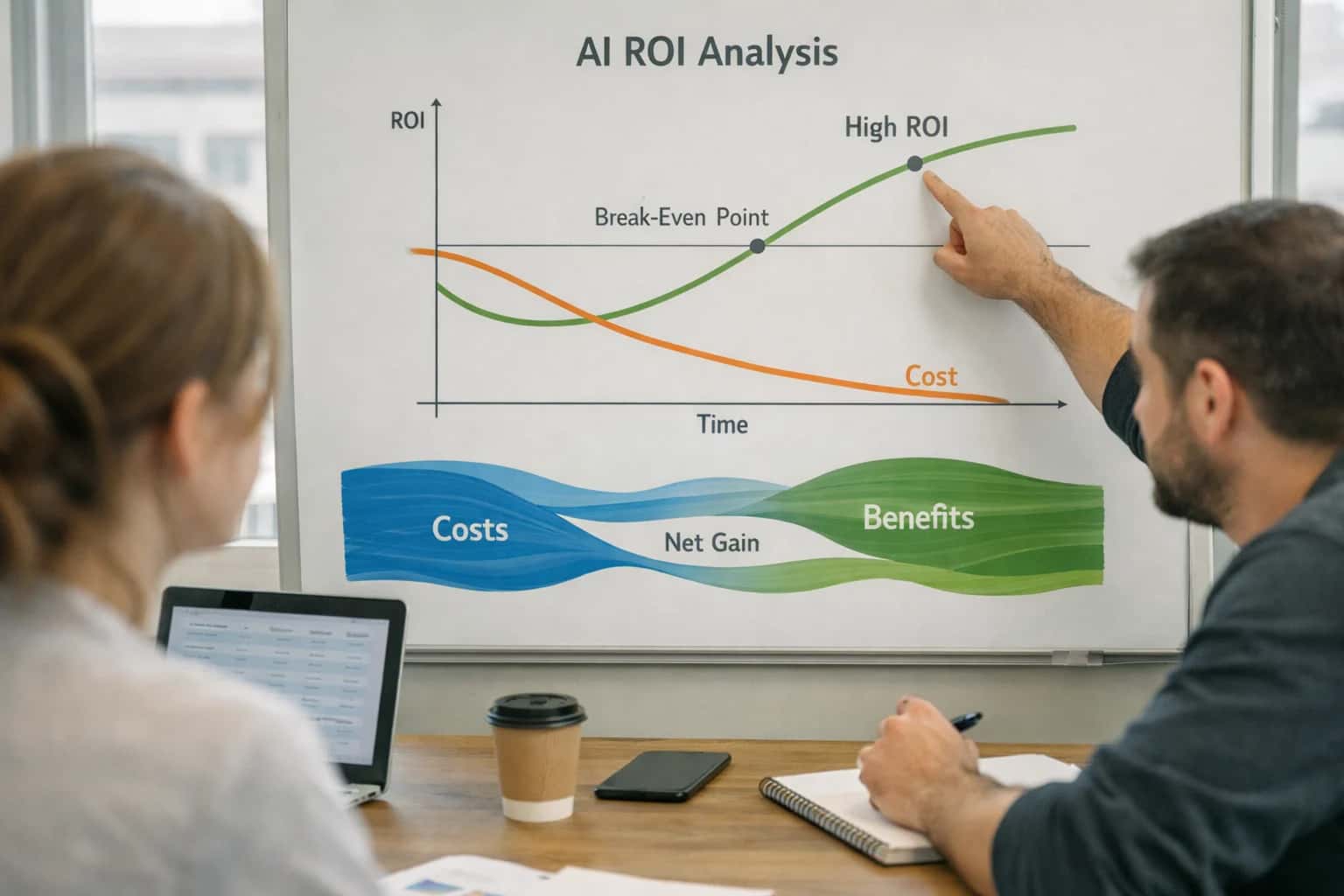
This guide introduces the core principles of using AI to transform chaotic alert streams into a prioritized, actionable signal for IT operators.
You will learn to deploy a practical pipeline: first, ingesting raw alerts; second, applying time-series analysis and clustering (e.g., DBSCAN) to find relationships; and third, outputting a condensed, prioritized event stream to platforms like Grafana or PagerDuty. The outcome is a self-healing IT foundation where operators focus on genuine root causes, not symptom management. This directly supports our pillar on AI-First IT Operations (AIOps) and Self-Healing IT by creating automated, intelligent triage.
FOUNDATIONS
Key Concepts
Intelligent alert correlation reduces noise by grouping related events and suppressing false positives. Master these core concepts to build a system that surfaces genuine incidents.
FOUNDATION
Step 1: Ingest and Structure Alert Data
The first step in building an intelligent alert correlation system is establishing a reliable pipeline to collect and normalize raw telemetry from your entire IT ecosystem.
Alert ingestion is the process of collecting raw notifications from all monitoring sources—Prometheus for metrics, ELK Stack for logs, and APM tools like Datadog for traces. The goal is to funnel this heterogeneous data into a single stream. You must then structure this data by mapping each alert to a common schema with fields for source, timestamp, severity, and a machine-readable description. This normalization is critical for enabling downstream AI models to perform time-series analysis and identify patterns across disparate systems.
Implement this using a message broker like Apache Kafka or a cloud-native service like Amazon Kinesis to create a durable, scalable event bus. For each ingested alert, apply a transformation layer—using a tool like Vector or a custom service—to enrich it with contextual metadata (e.g., service owner, business priority). This structured, enriched data feed becomes the foundational dataset for the next step: applying clustering algorithms to group related alerts. For a deeper dive into data pipelines, see our guide on Architecting a Unified AIOps Platform for Hybrid Multi-Cloud.
CORRELATION METHODS
Algorithm Comparison for Alert Correlation
A comparison of core algorithms used to group related alerts and reduce noise, based on computational efficiency, accuracy, and implementation complexity.
| Algorithm / Metric | Clustering-Based (e.g., DBSCAN) | Graph-Based (e.g., Causal Inference) | Time-Series Correlation (e.g., DTW) |
|---|---|---|---|
Primary Correlation Method | Proximity in feature space (e.g., alert attributes) | Causal relationships & dependency graphs | Temporal pattern matching across metrics |
Best For | Grouping similar, co-occurring alerts from disparate sources | Identifying root cause and downstream impact chains | Correlating alerts with periodic or lagged patterns |
Implementation Complexity | Low to Medium | High | Medium |
Real-Time Processing Latency | < 100 ms per batch |
| ~200-300 ms |
Handles Dynamic Thresholds | |||
Explainability of Output | Low (cluster labels only) | High (clear causal paths) | Medium (temporal alignment shown) |
Integration with RCA | |||
Common Tooling Example | Scikit-learn, Prometheus Alertmanager | causalnex, Neo4j | Prophet, custom DTW in Grafana |
Enabling Efficiency, Speed & Accuracy
Intelligent Analysis, Decision & Execution
We build AI systems for teams that need search across company data, workflow automation across tools, or AI features inside products and internal software.
Talk to Us
Search across company data
Give teams answers from docs, tickets, runbooks, and product data with sources and permissions.
Useful when people spend too long searching or get different answers from different systems.
Enterprise searchRAGPermissions
Read more
Automate internal workflows
Use AI to route work, draft outputs, trigger actions, and keep approvals and logs in place.
Useful when repetitive work moves across multiple tools and teams.
AI agentsWorkflow automationGovernance
Read more
Add AI to products and internal tools
Build assistants, guided actions, or decision support into the software your team or customers already use.
Useful when AI needs to be part of the product, not a separate tool.
AI integrationDecision supportModel routing
Read moreTROUBLESHOOTING GUIDE
Common Mistakes in Alert Correlation & Noise Reduction
Implementing intelligent alert correlation often fails due to subtle configuration errors and flawed assumptions. This guide diagnoses the most common pitfalls developers encounter and provides actionable fixes to ensure your AIOps system delivers a prioritized, actionable alert stream.
Persistent noise usually stems from misaligned time windows or overly broad clustering. Correlation engines analyze alerts within a defined time window; if this window is too wide, unrelated events are grouped, and if it's too narrow, genuine root-cause chains are missed.
How to fix it:
- Analyze incident timelines: Use historical data to find the typical propagation delay between related alerts (e.g., database latency spikes appear 30 seconds before application errors). Set your correlation window slightly larger than this delay.
- Implement multi-tiered windows: Use short windows (e.g., 2 minutes) for infrastructure-level alerts and longer windows (e.g., 10 minutes) for application-level symptom chains.
- Tune clustering sensitivity: Adjust distance metrics in algorithms like DBSCAN. Start strict and loosen gradually.
python# Example: Setting a dynamic time window based on alert type def get_correlation_window(alert): if alert['source'] == 'kubernetes': return timedelta(minutes=2) elif alert['source'] == 'application': return timedelta(minutes=10) else: return timedelta(minutes=5)

About the author
Prasad Kumkar
CEO & MD, Inference Systems
Prasad Kumkar is the CEO & MD of Inference Systems and writes about AI systems architecture, LLM infrastructure, model serving, evaluation, and production deployment. Over 5+ years, he has worked across computer vision models, L5 autonomous vehicle systems, and LLM research, with a focus on taking complex AI ideas into real-world engineering systems.
His work and writing cover AI systems, large language models, AI agents, multimodal systems, autonomous systems, inference optimization, RAG, evaluation, and production AI engineering.
LinkedIn
Limited slotsGet a Free AI Consultation
Partnered with leading AI, data, and software stack.





How We Work
Custom AI workflows for your Business
One-fit-all AI don't work for modern businesses. At Inferensys, we aim to understand your business & custom requirements; which we use to define most efficient agentic workflows, the data, and the tools for your business.
01
Review the use case
We understand the task, the users, and where AI can actually help.
Read more02
Pick the right approach
We define what needs search, automation, or product integration.
Read more03
Build the first useful version
We implement the part that proves the value first.
Read more04
Improve from there
We add the checks and visibility needed to keep it useful.
Read moreThe first call is a practical review of your use case and the right next step.
Talk to Us