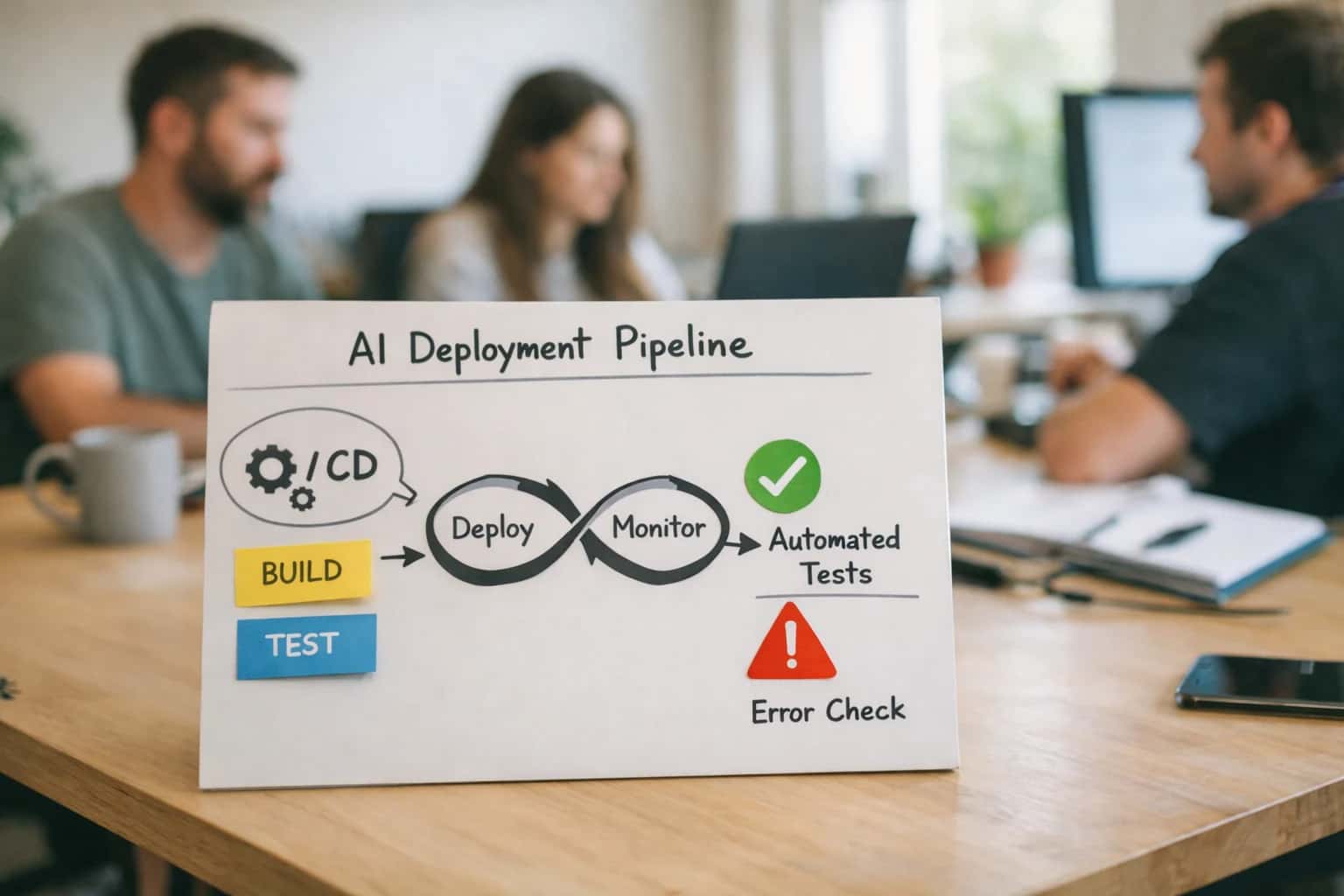
This prompt is designed for release engineering teams that need a structured, human-readable summary of a planned deployment before it proceeds through a CI/CD pipeline gate. The primary job-to-be-done is transforming raw deployment context—such as version diffs, affected services, canary stages, and rollback triggers—into a confirmation-ready summary that a release manager or SRE can review and approve. Use this prompt when the cost of a bad deployment is high, when multiple services are affected, or when compliance frameworks (e.g., SOC 2, HIPAA) require a documented pre-release checkpoint. The ideal user is a platform engineer or release manager integrating this prompt into a deployment harness that blocks promotion until explicit human approval is logged.

Prompt
Deployment Rollout Summary and Confirmation Prompt
When to Use This Prompt
Identifies the ideal conditions, required inputs, and failure modes for the Deployment Rollout Summary and Confirmation Prompt.
The prompt requires concrete, machine-readable inputs to produce a reliable summary. You must supply the [VERSION_DIFF] (e.g., a git log or commit range), a list of [AFFECTED_SERVICES] with their blast radius, the [CANARY_STAGES] with traffic percentages and durations, explicit [ROLLBACK_TRIGGERS] (e.g., error rate > 1%, p99 latency > 500ms), and [MONITORING_LINKS] to relevant dashboards. Without these inputs, the model will generate a vague, untrustworthy summary that provides a false sense of security. The prompt is not a replacement for a canary analysis tool; it is a communication layer that synthesizes the output of those tools for a human decision-maker.
Do not use this prompt for trivial single-service patches with no dependencies or for fully automated environments where human approval is not required. If your deployment is a simple static-site update with instant rollback, this prompt adds unnecessary friction. Similarly, if your system uses automated canary analysis with a strict rollback policy and no human-in-the-loop gate, this prompt is the wrong tool. The most common failure mode is using this prompt with incomplete context, which causes the model to hallucinate a plausible but incorrect summary that masks real deployment risks. Always validate the generated summary against the source data before presenting it for approval.
Use Case Fit
Where this prompt works and where it does not. Use these cards to decide if a deployment rollout summary prompt is the right tool for your release gate.
Good Fit: Structured Release Pipelines
Use when: your CI/CD pipeline already produces a version diff, list of affected services, and canary stage definitions. Guardrail: feed structured pipeline context into the prompt's [DEPLOYMENT_PLAN] variable rather than expecting the model to invent missing details.
Bad Fit: Unstructured Ad-Hoc Deployments
Avoid when: the deployment process is manual, undocumented, or lacks a defined rollback trigger. Guardrail: the prompt requires concrete inputs; if those don't exist, use a human-written summary and gate the automation until the pipeline is instrumented.
Required Inputs
What to watch: missing version diff, canary stages, or rollback triggers will produce a vague summary that fails the eval criteria. Guardrail: validate all [REQUIRED_INPUT] fields are non-empty before calling the model; if any are missing, route to a human to complete the deployment plan first.
Operational Risk: False Confidence
What to watch: a well-written summary can make a risky deployment look routine, causing reviewers to approve without scrutiny. Guardrail: always include a risk_level field in the [OUTPUT_SCHEMA] and flag any deployment touching PII, billing, or auth services for mandatory human approval regardless of summary tone.
Integration Surface: CI/CD Gates
What to watch: the prompt alone doesn't block promotion; it must be wired into a pipeline gate. Guardrail: implement a harness that posts the summary to a review channel, waits for explicit approval, and only then signals the pipeline to proceed. Timeout without approval should default to a safe rollback.
Eval Trap: Missing Monitoring Links
What to watch: summaries that omit observability links leave reviewers blind during canary stages. Guardrail: add an eval check that verifies the output contains at least one dashboard link, one alert reference, and one log query before the summary is presented for approval.
Copy-Ready Prompt Template
A copy-ready prompt that generates a structured deployment summary and confirmation checkpoint before a release proceeds.
This template is designed to be pasted directly into your CI/CD pipeline's approval gate. It instructs the model to act as a release auditor, synthesizing raw deployment metadata into a human-readable summary. The goal is not to make the deployment decision, but to ensure all critical information—version diff, affected services, canary stages, rollback triggers, and monitoring links—is presented clearly and consistently so the on-call engineer can make a fast, informed call.
textYou are a release auditor for a production engineering team. Your task is to generate a concise, structured deployment summary from the provided metadata. Do not approve or deny the deployment. Your output must be a single, self-contained confirmation checkpoint that a human can review in under 60 seconds. ## Deployment Plan [DEPLOYMENT_PLAN_JSON] ## Required Output Sections 1. **Version Diff:** List the services being updated, their current and new versions, and a one-line summary of the change for each. 2. **Affected Services & Blast Radius:** Enumerate all downstream services, jobs, or user-facing features that could be impacted. 3. **Canary & Rollout Stages:** Describe the progressive rollout plan, including stage percentages, bake times, and the gating metric for promotion at each stage. 4. **Rollback Triggers:** List the specific, measurable conditions that will trigger an automatic or manual rollback (e.g., SLO breach, error rate > X%, P99 latency > Y ms). 5. **Monitoring & Runbook Links:** Provide a bulleted list of direct links to the primary dashboard, relevant logs, the runbook, and the incident escalation path. 6. **Risk & Anomaly Flags:** Note any deviations from standard procedure, such as skipped stages, manual migrations, or known risky changes. ## Constraints - Use only the data provided in [DEPLOYMENT_PLAN_JSON]. - If a section's information is missing from the plan, state 'NOT PROVIDED' for that section. - Format the entire output in Markdown with clear headings for each section. - Do not add any conversational preamble or postamble.
To adapt this template, replace the [DEPLOYMENT_PLAN_JSON] placeholder with a structured JSON object from your deployment orchestrator (e.g., Spinnaker, Argo Rollouts, or a custom pipeline). The JSON should contain fields like services, versions, stages, monitoring_urls, and rollback_criteria. If your pipeline uses a different schema, map those fields to the required output sections in the prompt's instructions. For high-risk deployments, add a [RISK_LEVEL] placeholder and a corresponding instruction to adjust the verbosity of the 'Risk & Anomaly Flags' section based on the level.
Prompt Variables
Each placeholder the Deployment Rollout Summary and Confirmation Prompt expects, its purpose, a concrete example, and validation rules the harness should apply before assembling the prompt.
| Placeholder | Purpose | Example | Validation Notes |
|---|---|---|---|
[DEPLOYMENT_ID] | Unique identifier for the deployment run | deploy-2025-03-15-001 | Required. Must match the CI/CD pipeline run ID. Regex: ^[a-zA-Z0-9-]+$ |
[SERVICE_NAME] | Name of the service or application being deployed | checkout-api | Required. Must match a known service in the registry. Harness should validate against the service catalog before prompt assembly. |
[VERSION_DIFF] | Summary of version changes between current and target release | v2.4.1 → v2.5.0 (12 commits, 3 schema changes) | Required. Must be generated from the VCS diff. Harness should verify the commit range is non-empty and the diff is parseable. |
[AFFECTED_SERVICES] | List of downstream or dependent services impacted by this rollout | payment-gateway, order-service, inventory-sync | Required. Must be a non-empty list derived from the dependency graph. Harness should flag if any listed service has a known incident open. |
[CANARY_STAGES] | Description of the progressive traffic shift plan | Stage 1: 5% traffic for 10 min; Stage 2: 25% for 30 min; Stage 3: 100% | Required. Each stage must define a traffic percentage and a bake-time duration. Harness should reject stages with zero bake-time. |
[ROLLBACK_TRIGGERS] | Conditions that will automatically abort and revert the deployment | Error rate > 1%, P99 latency > 500ms, health check failure on 2 consecutive probes | Required. At least one trigger must be defined. Harness should validate that each trigger references a real monitoring metric or probe. |
[MONITORING_LINKS] | URLs to dashboards, logs, and alerts for the rollout window | Required. At least one link must be provided. Harness should verify URLs are reachable and return 2xx before prompt assembly. | |
[APPROVAL_SLACK_CHANNEL] | Slack channel or communication target for human approval requests | #deploy-approvals | Required. Harness must post the generated summary to this channel and block promotion until a designated approver responds with the confirmation keyword. |
Implementation Harness Notes
How to wire the Deployment Rollout Summary prompt into a CI/CD pipeline gate with validation, retry, and human approval routing.
The Deployment Rollout Summary and Confirmation Prompt is designed to sit directly inside a CI/CD pipeline gate, not as a standalone chat interaction. When a release pipeline reaches the promotion stage, the harness should assemble the prompt with live deployment context—version diff, affected services, canary stages, rollback triggers, and monitoring links—and submit it to the model. The output is a structured summary that becomes the human-readable checkpoint before the pipeline proceeds. The harness must treat this prompt as a blocking gate: no deployment artifact moves to the next stage until the summary is generated, validated, and approved.
The harness should implement a three-stage pipeline: assemble, validate, and route. In the assemble stage, pull the deployment plan from the release orchestrator (e.g., Spinnaker, Argo Rollouts, or a custom deploy tool), extract the version diff from the container registry or git tags, and populate the [DEPLOYMENT_PLAN], [VERSION_DIFF], [AFFECTED_SERVICES], [CANARY_STAGES], [ROLLBACK_TRIGGERS], and [MONITORING_LINKS] placeholders. In the validate stage, check the model's output against a schema that requires: a summary field under 300 words, a risk_level enum of low|medium|high, a rollback_plan string, and a requires_approval boolean. If the output fails schema validation or the risk_level is high, force a retry with the error surfaced in the next prompt. After two retries, escalate to a human. In the route stage, if requires_approval is true or the deployment target is a production environment, post the summary to an approval queue (e.g., Slack workflow, PagerDuty incident, or a custom review UI) and block the pipeline until a human responds with approved or rejected. Log every step—prompt version, model, latency, output, validation result, and approval decision—to the deployment audit trail.
Common failure modes to guard against: the model omits a canary stage that exists in the plan, summarizes the version diff incorrectly, or produces a risk_level that contradicts the rollback triggers provided. Add eval assertions that check for the presence of each canary stage name in the output, verify that the version numbers in the summary match the input diff, and flag summaries where risk_level is low but rollback triggers include phrases like 'error rate > 1%' or 'latency p99 > 500ms'. For production deployments, require a second human reviewer if the deployment affects payment, authentication, or data storage services. Do not use this prompt for emergency hotfix pipelines where the approval gate would add unacceptable latency; instead, route those through a separate, time-boxed approval workflow with automatic escalation after 5 minutes.
Expected Output Contract
The JSON schema, field descriptions, and pass/fail validation rules the harness must enforce for the Deployment Rollout Summary and Confirmation Prompt.
| Field or Element | Type or Format | Required | Validation Rule |
|---|---|---|---|
rollout_summary.deployment_id | string | Must match the [DEPLOYMENT_ID] input exactly. Parse check: non-empty, no whitespace-only. | |
rollout_summary.version_diff | object | Must contain 'from_version' and 'to_version' strings. Schema check: both fields present and non-empty. If versions are identical, flag for human review. | |
rollout_summary.affected_services | array of strings | Must be a non-empty array. Each element must be a non-empty string. If the array is empty, the output is invalid. | |
rollout_summary.canary_stages | array of objects | Each object must contain 'stage_name' (string), 'traffic_percentage' (number 0-100), and 'duration_minutes' (number > 0). Schema check: all fields present and within bounds. | |
rollout_summary.rollback_triggers | array of strings | Must contain at least one trigger. Each trigger must be a non-empty string describing a measurable condition. Null or empty array fails validation. | |
rollout_summary.monitoring_links | array of objects | If present, each object must contain 'label' (string) and 'url' (string). URL must start with 'https://'. Null allowed if no links are provided. | |
confirmation_required | boolean | Must be exactly true or false. If true, the 'approval_routing' field must be present and non-null. | |
approval_routing | object | conditional | Required if 'confirmation_required' is true. Must contain 'approvers' (array of strings, non-empty) and 'deadline_iso8601' (string, valid ISO 8601 timestamp). Schema check: both fields present. |
Common Failure Modes
What breaks first when a deployment rollout summary prompt is wired into a CI/CD pipeline, and how to prevent each failure before it reaches production.
Hallucinated Version Diffs
What to watch: The model fabricates a plausible-sounding changelog or version diff when it lacks access to the actual commit history, release notes, or artifact registry. This creates a false sense of verification and can lead to promoting the wrong build. Guardrail: Require the prompt harness to inject the real git log, artifact metadata, or release notes as [CONTEXT] before generation. Add an eval that checks whether every mentioned commit SHA or version tag exists in the source-of-truth system.
Missing Rollback Triggers
What to watch: The summary omits specific, measurable rollback criteria (e.g., error rate threshold, latency p99 increase, CPU saturation) and instead uses vague language like 'rollback if something goes wrong.' This leaves the on-call engineer without a clear decision boundary during an incident. Guardrail: Include a required [ROLLBACK_TRIGGERS] schema field with numeric thresholds and data sources. Validate that the output contains at least one quantified trigger before the pipeline gate proceeds.
Canary Stage Blindness
What to watch: The prompt generates a summary that treats the deployment as a single monolithic step, ignoring canary stages, traffic percentages, or bake times defined in the deployment tool. This misrepresents the actual risk profile and can cause premature promotion. Guardrail: Inject the deployment strategy definition (e.g., Argo Rollouts config, Spinnaker pipeline stages) into the prompt context. Add an eval assertion that the output references each canary stage and its duration before the summary is shown to the approver.
Monitoring Link Rot
What to watch: The model generates plausible-looking but non-existent monitoring dashboard links or alert references, sending the on-call engineer to broken URLs during a critical verification window. Guardrail: Never let the model invent URLs. Require the harness to pass a [MONITORING_LINKS] map of pre-validated dashboard and alert URLs. Validate that every link in the output matches an entry in the input map before the summary is delivered.
Service Dependency Omission
What to watch: The summary lists the primary service being deployed but omits downstream services, shared libraries, or database schema changes that are part of the same rollout. This hides blast radius from the approver and can lead to undetected cascading failures. Guardrail: Require the harness to inject a dependency graph or service map as [AFFECTED_SERVICES]. Add an eval that checks whether the output's affected-services list is a superset of the injected dependency data, flagging any omission for human review.
Confirmation Without Authentication Context
What to watch: The summary is generated and presented for approval, but the approver's identity, role, and authorization scope are not captured or validated. This creates an audit gap where it's unclear who approved the rollout and whether they had the authority to do so. Guardrail: The harness must attach the authenticated user context, role, and approval timestamp from the CI/CD system to the confirmation record. Add a post-approval validation that rejects confirmations from users without the required deployment role.
Evaluation Rubric
Use these criteria to test the Deployment Rollout Summary and Confirmation Prompt before integrating it into a CI/CD pipeline gate. Each row defines a pass standard, a failure signal, and a test method to catch regressions early.
| Criterion | Pass Standard | Failure Signal | Test Method |
|---|---|---|---|
Version Diff Completeness | Output includes a structured diff of the source and target versions for all affected services. | Missing service, empty diff, or placeholder text like 'v1.0 to v2.0' without specifics. | Parse the output for a [SERVICE_DIFF] section. Assert it contains a non-empty list of services with version strings. |
Canary Stage Definition | Output specifies the canary percentage, target instances, and duration for each stage. | Canary stage is missing, percentage is 0 or 100, or duration is null. | Validate the [CANARY_STAGES] array. Assert each stage has 'percentage' (integer > 0 and < 100) and 'duration_minutes' (integer > 0). |
Rollback Trigger Enumeration | Output lists specific, measurable triggers for automatic rollback. | Triggers are vague ('if something goes wrong'), missing thresholds, or an empty list. | Check the [ROLLBACK_TRIGGERS] array. Assert each trigger has a 'metric', 'operator', and 'threshold' field. Confirm the array length is >= 1. |
Monitoring Link Validity | Output includes direct, non-placeholder links to the relevant monitoring dashboards. | Links are missing, use template tokens like '{{dashboard_url}}', or return a 404. | Extract all URLs from the [MONITORING_LINKS] section. Assert each URL matches a valid pattern and does not contain unresolved template tokens. |
Risk and Blast Radius Assessment | Output explicitly states the blast radius and a risk level (e.g., Low, Medium, High) with a justification. | Risk level is missing, justification is generic, or blast radius is not defined. | Parse the [RISK_ASSESSMENT] object. Assert it contains 'risk_level' (one of a predefined enum) and 'blast_radius_services' (a non-empty array of service names). |
Confirmation Gate Instruction | Output ends with a clear, blocking instruction that requires explicit human confirmation before proceeding. | The output implies automatic promotion or the confirmation prompt is missing or ambiguous. | Assert the final message in the output contains a confirmation token like [APPROVAL_REQUIRED] and does not contain language like 'proceeding automatically'. |
Schema Adherence | The entire output is valid JSON matching the defined [OUTPUT_SCHEMA]. | Output is not valid JSON, contains extra fields, or is missing required fields. | Run a JSON schema validator against the model output using the predefined [OUTPUT_SCHEMA]. Assert strict validation passes with no errors. |
Hallucination Check | All service names, version numbers, and links are factually consistent with the provided [DEPLOYMENT_MANIFEST]. | Output mentions a service or version not present in the input context. | Extract all service names and version strings from the output. Assert each is a substring match or exact match within the provided [DEPLOYMENT_MANIFEST] context. |
Enabling Efficiency, Speed & Accuracy
Intelligent Analysis, Decision & Execution
We build AI systems for teams that need search across company data, workflow automation across tools, or AI features inside products and internal software.
Talk to Us
Search across company data
Give teams answers from docs, tickets, runbooks, and product data with sources and permissions.
Useful when people spend too long searching or get different answers from different systems.

Automate internal workflows
Use AI to route work, draft outputs, trigger actions, and keep approvals and logs in place.
Useful when repetitive work moves across multiple tools and teams.

Add AI to products and internal tools
Build assistants, guided actions, or decision support into the software your team or customers already use.
Useful when AI needs to be part of the product, not a separate tool.
Adapt This Prompt
How to adapt
Use the base prompt with a simple CI/CD webhook that posts the summary to a Slack channel for manual review. Replace structured output enforcement with a plain-text request. Skip rollback trigger validation and monitoring link verification.
codeGenerate a deployment summary for [SERVICE_NAME] version [NEW_VERSION] (previous: [OLD_VERSION]). Include: what changed, affected services, canary stages, and rollback plan.
Watch for
- Missing diff between versions—model may hallucinate changes if not provided
- No enforcement of required sections (monitoring links, blast radius)
- Reviewer fatigue if summaries are too verbose or too terse

About the author
Prasad Kumkar
CEO & MD, Inference Systems
Prasad Kumkar is the CEO & MD of Inference Systems and writes about AI systems architecture, LLM infrastructure, model serving, evaluation, and production deployment. Over 5+ years, he has worked across computer vision models, L5 autonomous vehicle systems, and LLM research, with a focus on taking complex AI ideas into real-world engineering systems.
His work and writing cover AI systems, large language models, AI agents, multimodal systems, autonomous systems, inference optimization, RAG, evaluation, and production AI engineering.
Partnered with leading AI, data, and software stack.





How We Work
Custom AI workflows for your Business
One-fit-all AI don't work for modern businesses. At Inferensys, we aim to understand your business & custom requirements; which we use to define most efficient agentic workflows, the data, and the tools for your business.
01
Review the use case
We understand the task, the users, and where AI can actually help.
Read more02
Pick the right approach
We define what needs search, automation, or product integration.
Read more03
Build the first useful version
We implement the part that proves the value first.
Read more04
Improve from there
We add the checks and visibility needed to keep it useful.
Read moreThe first call is a practical review of your use case and the right next step.
Talk to Us