Evaluating the carbon footprint reduction of a pruned model requires establishing a baseline for the original model's energy consumption during training and inference. You must measure key metrics: FLOPs (Floating Point Operations), memory bandwidth, and actual power draw using tools like CodeCarbon or the ML CO2 Impact Calculator. This creates a quantifiable starting point against which the compressed model's efficiency gains can be compared, translating technical compression into environmental impact. For a deeper understanding of the compression techniques themselves, see our guide on How to Choose Between Structured and Unstructured Pruning.

Guide
How to Evaluate the Carbon Footprint Reduction of Pruned Models
A practical guide to quantifying the environmental impact of model compression. Learn to measure baseline emissions, track savings from reduced FLOPs, and translate technical metrics into business-ready sustainability reports.
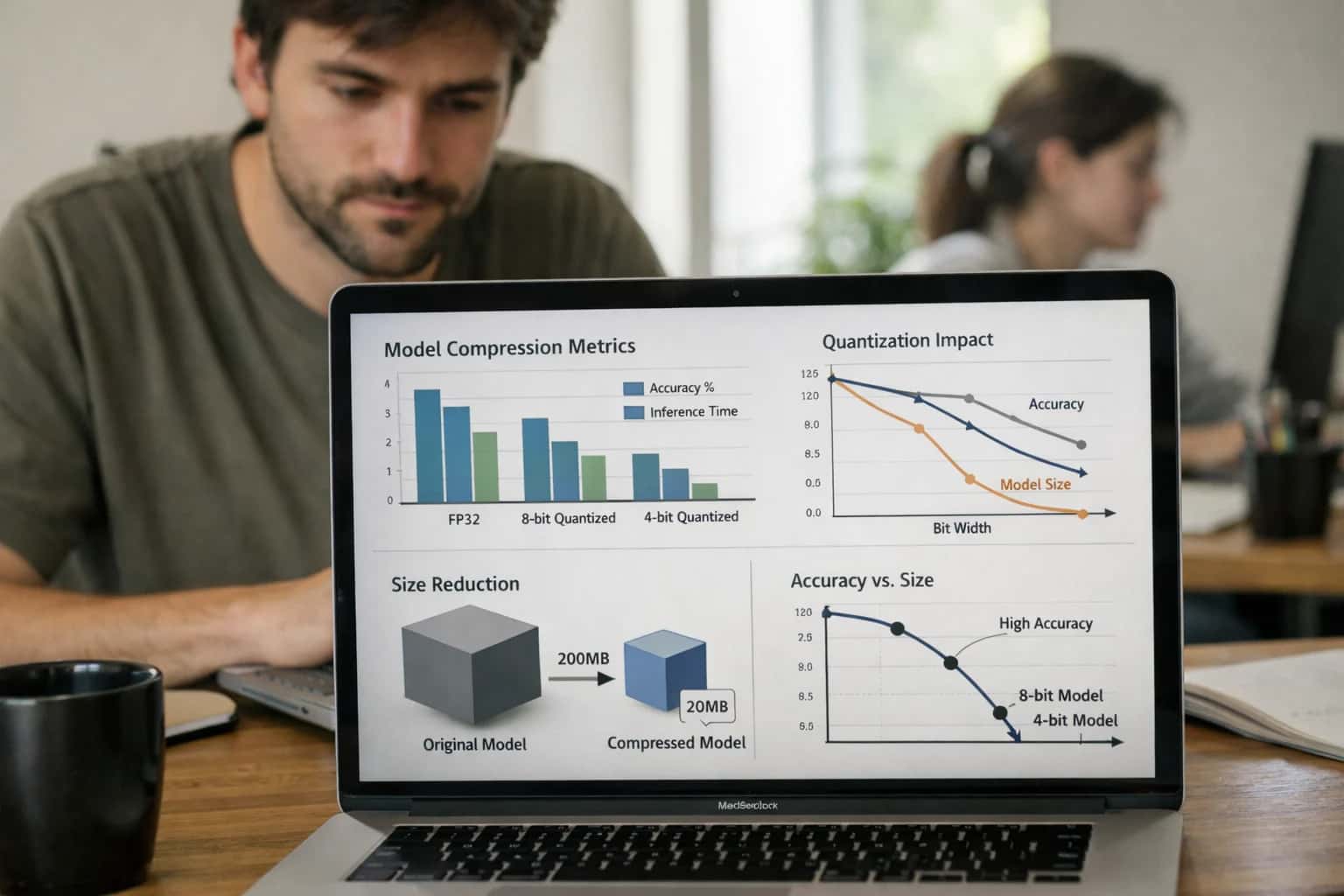
Quantifying the environmental impact of model compression is essential for sustainable AI. This guide provides a practical framework to measure and report the carbon savings achieved through pruning.
To calculate savings, profile the pruned model under identical conditions and compute the delta in energy use and CO2 equivalent (CO2e) emissions. Translate these technical metrics into business-ready reports by correlating reduced FLOPs with lower cloud compute costs and estimated carbon offsets. Integrate this evaluation into your MLOps pipeline to ensure continuous monitoring of efficiency gains, as detailed in our guide on Setting Up a Continuous Evaluation System for Pruned Models. This process turns model pruning from an optimization exercise into a verifiable component of your Green AI strategy.
BEFORE PRUNING
Key Baseline Metrics to Capture
Essential performance, efficiency, and environmental metrics to establish a baseline for your original model before pruning.
| Metric | Description | Measurement Tool | Example Baseline Value |
|---|---|---|---|
Model Size (Parameters) | Total number of trainable weights in the model. | Model configuration / PyTorch summary | 125M |
Model Size (Disk) | Physical storage footprint of the model checkpoint. | File system | ~500 MB (FP16) |
FLOPs per Inference | Floating-point operations required for a single forward pass. |
| 15 GFLOPs |
Inference Latency (p50) | Median time to process a single input on target hardware. | PyTorch Profiler, | 45 ms |
Peak Memory Usage | Maximum GPU/CPU memory consumed during inference. |
| 1.2 GB |
Task Accuracy/F1 Score | Primary performance metric on your validation set. | Scikit-learn, custom evaluation | 92.5% |
Energy per Inference (Joules) | Direct energy consumption for a single prediction. | CodeCarbon, | 0.8 J |
CO2e per 1M Inferences | Estimated carbon dioxide equivalent emissions. | CodeCarbon, ML CO2 Impact Calculator | ~0.4 kg CO2e |
MEASUREMENT
Step 2: Instrument Training with CodeCarbon
To quantify the carbon savings of your pruned model, you must first establish a baseline by measuring the energy consumption of the original training process. This step uses CodeCarbon to track emissions in real-time.
Install CodeCarbon (pip install codecarbon) and integrate its OfflineEmissionsTracker into your training script. This emissions tracker logs energy draw from your GPU/CPU and converts it to CO2 equivalent (CO2e) based on your local grid's carbon intensity. Run your baseline model training with tracking enabled. The output is a detailed report of cumulative energy (kWh), emissions (kgCO2e), and training duration, which serves as your critical environmental baseline for comparison against the pruned model.
For accurate measurement, configure the tracker with your project details and geographic region to use location-specific carbon intensity data. Run the training in a controlled environment to ensure consistent hardware utilization. Save the emissions data (e.g., as a CSV or to a cloud dashboard) for later analysis. This baseline measurement is the prerequisite for calculating the carbon footprint reduction achieved through techniques like model pruning and knowledge distillation, which you will evaluate in the next step.
Enabling Efficiency, Speed & Accuracy
Intelligent Analysis, Decision & Execution
We build AI systems for teams that need search across company data, workflow automation across tools, or AI features inside products and internal software.
Talk to Us
Search across company data
Give teams answers from docs, tickets, runbooks, and product data with sources and permissions.
Useful when people spend too long searching or get different answers from different systems.
Enterprise searchRAGPermissions
Read more
Automate internal workflows
Use AI to route work, draft outputs, trigger actions, and keep approvals and logs in place.
Useful when repetitive work moves across multiple tools and teams.
AI agentsWorkflow automationGovernance
Read more
Add AI to products and internal tools
Build assistants, guided actions, or decision support into the software your team or customers already use.
Useful when AI needs to be part of the product, not a separate tool.
AI integrationDecision supportModel routing
Read moreTROUBLESHOOTING
Common Mistakes in Evaluating Carbon Footprint Reduction
Quantifying the environmental benefits of model pruning is essential for Green AI, but developers often make critical errors that invalidate their results. This section addresses the most frequent pitfalls and provides clear solutions.
This usually stems from measuring the wrong stage of the model lifecycle. The primary carbon savings from pruning occur during inference, not training. If you only measure the one-time training cost of the pruned model, you miss the recurring energy savings from millions of efficient inferences.
Fix: Calculate the total carbon cost using this formula:
pythontotal_co2e = (training_co2e) + (inference_co2e_per_query * estimated_lifetime_queries)
Compare the total for the original (baseline) model versus the pruned model. Use tools like CodeCarbon to profile inference energy on your target hardware. The savings compound over the model's operational lifetime.

About the author
Prasad Kumkar
CEO & MD, Inference Systems
Prasad Kumkar is the CEO & MD of Inference Systems and writes about AI systems architecture, LLM infrastructure, model serving, evaluation, and production deployment. Over 5+ years, he has worked across computer vision models, L5 autonomous vehicle systems, and LLM research, with a focus on taking complex AI ideas into real-world engineering systems.
His work and writing cover AI systems, large language models, AI agents, multimodal systems, autonomous systems, inference optimization, RAG, evaluation, and production AI engineering.
LinkedIn
Limited slotsGet a Free AI Consultation
Partnered with leading AI, data, and software stack.





How We Work
Custom AI workflows for your Business
One-fit-all AI don't work for modern businesses. At Inferensys, we aim to understand your business & custom requirements; which we use to define most efficient agentic workflows, the data, and the tools for your business.
01
Review the use case
We understand the task, the users, and where AI can actually help.
Read more02
Pick the right approach
We define what needs search, automation, or product integration.
Read more03
Build the first useful version
We implement the part that proves the value first.
Read more04
Improve from there
We add the checks and visibility needed to keep it useful.
Read moreThe first call is a practical review of your use case and the right next step.
Talk to Us