Flagger is a Kubernetes operator and Custom Resource Definition (CRD) controller that automates the promotion of canary deployments using progressive delivery patterns. It manages the lifecycle of a release by automatically shifting traffic between application versions based on real-time analysis of predefined Service Level Indicators (SLIs). The operator integrates with service meshes like Istio, Linkerd, and App Mesh for fine-grained traffic routing, and with ingress controllers such as NGINX and Gloo. Its core function is to reduce deployment risk by automating the validation and rollback process.

Glossary
Flagger
Flagger is a Kubernetes operator that automates canary deployments and progressive rollouts by analyzing application metrics and managing traffic routing through service meshes.
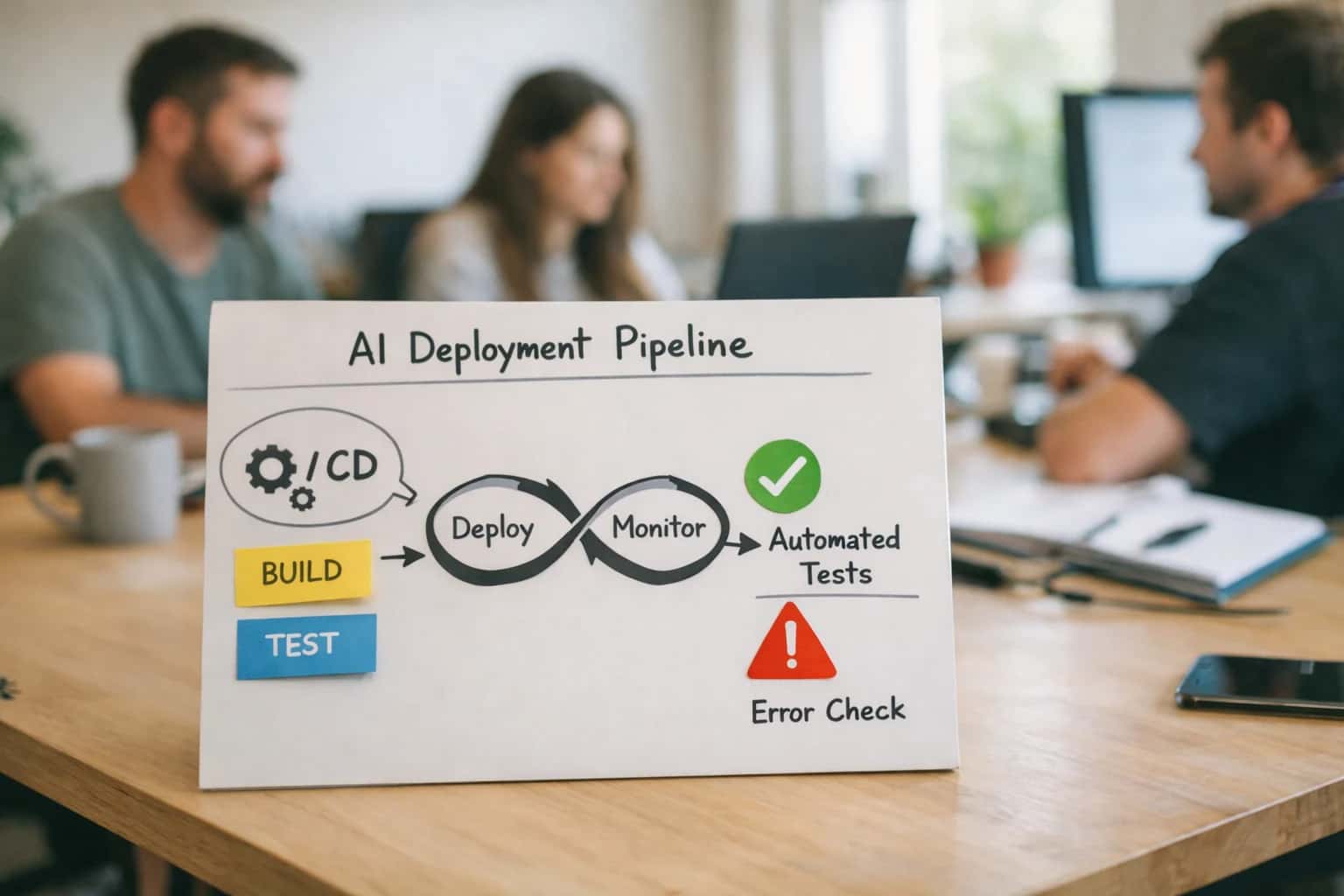
PRODUCTION CANARY ANALYSIS
What is Flagger?
Flagger is a Kubernetes operator that automates the promotion of canary deployments using metrics from providers like Prometheus, Datadog, or Kayenta, and integrates with service meshes like Istio and Linkerd for traffic routing.
The operator performs Automated Canary Analysis (ACA) by continuously querying metrics from providers like Prometheus, Datadog, or Kayenta during the canary phase. It compares the new version's performance—monitoring error rates, request latency, and custom business metrics—against the stable baseline. If all pre-configured thresholds are met, Flagger automatically promotes the canary to receive full production traffic. If metrics breach the error budget, it triggers an automated rollback, minimizing the blast radius of a faulty release. This creates a closed-loop, evaluation-driven deployment system.
KUBERNETES OPERATOR
Key Features of Flagger
Flagger is a progressive delivery tool that automates the release of new application versions using canary analysis and traffic shifting. It acts as a Kubernetes operator, integrating with service meshes and ingress controllers to safely roll out changes.
01
Automated Canary Analysis
Flagger's core function is Automated Canary Analysis (ACA). It runs a canary deployment through a series of iterative phases, gradually shifting traffic from the stable primary version to the new canary. At each step, it queries configured metrics providers (like Prometheus, Datadog, or CloudWatch) to compare key performance indicators (KPIs) such as:
- Request success rate and error percentages
- Request duration (latency percentiles like p99)
- Custom business metrics (e.g., checkout conversion rate) The analysis uses statistical methods to determine if the canary is performing within the defined thresholds. If metrics breach the error threshold, Flagger automatically halts the rollout and can trigger a rollback.
02
Multi-Provider Metrics Integration
Flagger does not have a built-in metrics system. Instead, it acts as a control plane that queries external monitoring backends. This design provides flexibility and allows teams to use their existing observability stack. Supported providers include:
- Prometheus (the most common integration)
- Datadog
- Amazon CloudWatch
- Stackdriver (Google Cloud Monitoring)
- New Relic
- Graphite
- InfluxDB
- OpenTelemetry Flagger uses provider-specific queries to fetch Service Level Indicators (SLIs) like HTTP request count, error count, and duration. These SLIs are used to calculate compliance with the deployment's Service Level Objectives (SLOs).
03
Service Mesh & Ingress Traffic Routing
Flagger delegates the complex task of network traffic management to specialized data planes. It generates the configuration for:
- Service Meshes: Istio, Linkerd, Apache APISIX, Kuma, AWS App Mesh
- Ingress Controllers: NGINX, Gloo, Contour, Skipper, Traefik
- Gateway API: The modern Kubernetes standard for networking
Flagger creates and updates the necessary custom resources (e.g., Istio
VirtualServiceandDestinationRule) to implement weighted traffic splitting. For example, it can route 5% of traffic to the canary and 95% to the primary, then adjust to 10%/90%, and so on, based on the analysis phase.
04
Progressive Delivery Strategies
Beyond simple canaries, Flagger supports multiple advanced deployment patterns defined in a Canary custom resource:
- Canary Release: The standard phased traffic shift with metric analysis.
- A/B Testing: Routes traffic based on HTTP headers (e.g.,
X-API-Version), allowing for session-based testing of new features with a specific user segment. - Blue-Green Deployment: Provides instantaneous traffic switching between two identical environments (blue and green). While it offers fast rollbacks, it does not perform phased metric analysis during the cutover.
- Custom Phases: Engineers can define the exact duration and traffic weight for each step of the rollout (e.g., 5% for 2 minutes, 10% for 5 minutes, 50% for 10 minutes).
05
Automated Rollback & Promotion
Flagger enforces deployment safety through automated gating. The entire process is controlled by the Canary resource's status field. Key automation points:
- Rollback: If the canary analysis fails at any phase (metrics exceed the error threshold), Flagger automatically re-routes all traffic back to the primary version and scales down the failed canary.
- Promotion: If all analysis phases pass successfully, Flagger promotes the canary to be the new primary. This involves:
- Shifting 100% of traffic to the new version.
- Updating the primary deployment's image reference to the canary version.
- Scaling down the old primary pods. This automation removes human error from the decision to roll back or promote, making releases deterministic and based on objective metrics.
06
Kubernetes-Native Operator Pattern
Flagger is implemented as a Kubernetes Operator. This means:
- It extends the Kubernetes API using Custom Resource Definitions (CRDs), primarily the
Canaryresource. - It runs as a controller within the cluster, continuously watching for changes to
Canaryobjects and reconciling the actual state (deployments, services, mesh config) with the desired state. - Configuration is declarative. Users define the desired rollout behavior in a YAML manifest, and Flagger's control loop works to achieve it.
- It integrates natively with the Kubernetes ecosystem, using core primitives like Deployments, Services, and Horizontal Pod Autoscalers (HPA). For example, it can configure an HPA to scale the canary deployment independently during the analysis.
COMPARISON MATRIX
Flagger Integrations and Capabilities
This table compares the core integrations and capabilities of the Flagger Kubernetes operator, detailing its support for various service meshes, traffic management tools, metric providers, and notification systems.
| Integration / Capability | Istio | Linkerd | NGINX Ingress | Gateway API | App Mesh | SMI |
|---|---|---|---|---|---|---|
Service Mesh Integration | ||||||
Traffic Weight Shifting | ||||||
Request Mirroring (Shadow) | ||||||
Header/Payload-Based Routing | ||||||
Primary Metric Provider | Prometheus | Prometheus | Prometheus | Prometheus | CloudWatch | Prometheus |
Alternative Metric Providers | Datadog, New Relic, Stackdriver | Datadog | Datadog | Datadog | Prometheus, Datadog | Datadog |
Built-in Webhook Provider | ||||||
Slack Notifications | ||||||
Microsoft Teams Notifications | ||||||
Datadog Events Integration | ||||||
Automated Rollback on Metric Failure | ||||||
Manual Gating / Approval | ||||||
Canary Analysis with Kayenta | ||||||
Primary Load Testing Tool | Fortio | |||||
Custom Metric Analysis Queries |
PRIMARY USER PERSONAS
Who Uses Flagger?
Flagger is a critical component in modern, cloud-native MLOps and DevOps pipelines. Its primary users are infrastructure and reliability engineers responsible for safe, automated, and metric-driven software releases.
01
MLOps Engineers
MLOps Engineers use Flagger to automate the progressive delivery of new machine learning models. They configure Flagger to:
- Route a percentage of inference traffic to a canary model.
- Analyze model-specific metrics like prediction latency, throughput, and business KPIs (e.g., conversion rate).
- Automatically roll back if the new model exhibits prediction drift, increased hallucination rates, or violates latency Service Level Objectives (SLOs). This role relies on Flagger's integration with Prometheus for custom metrics and service meshes for precise traffic control.
02
Site Reliability Engineers (SREs)
SREs implement Flagger to enforce error budgets and automate blaze-free deployments. Their focus is on system stability and observability:
- They define the canary analysis based on the four golden signals: latency, traffic, errors, and saturation.
- They set up automated rollback triggers that are tied to Service Level Indicators (SLIs) like error rate percentiles.
- They use Flagger to perform blue-green deployments for high-availability services, enabling instantaneous rollback with zero downtime. For SREs, Flagger is a tool to operationalize progressive rollouts and reduce blast radius.
03
Platform Engineering Teams
Platform Engineers embed Flagger as a core service within internal developer platforms and Kubernetes-based PaaS offerings. Their responsibilities include:
- Maintaining and scaling the Flagger operator across multiple clusters.
- Integrating it with the organization's GitOps workflow (e.g., Argo CD) and observability stack (e.g., Datadog, New Relic).
- Providing standardized Rollout Strategy CRDs (Custom Resource Definitions) for application teams to safely self-serve deployments.
- Building canary analysis dashboards that aggregate metrics from control and canary deployments for centralized visibility.
04
DevOps & CI/CD Automation Engineers
These engineers integrate Flagger into continuous delivery pipelines to replace manual gating with automated canary analysis. Their workflows involve:
- Triggering a Flagger-managed canary deployment automatically after a successful CI build and image push.
- Configuring traffic splitting rules that gradually increase load to the new version, from 1% to 100%.
- Using Flagger's webhook support to notify other systems (e.g., Slack, PagerDuty) of the deployment verdict (promote/rollback).
- Employing Flagger for A/B/n testing by routing traffic based on HTTP headers to different service versions.
05
Performance & Quality Assurance Engineers
QA and Performance engineers leverage Flagger's traffic mirroring and shadow deployment capabilities for validation. They use it to:
- Send a copy of live production traffic to a new model version without affecting user responses, enabling dark launch testing.
- Compare performance and correctness metrics between the stable and new versions in a production-like environment.
- Validate that new releases meet performance benchmarks and do not introduce regressions before they are exposed to users.
- This role focuses on pre-release validation using real-world traffic patterns.
06
Technical Leads & Engineering Managers
Technical leaders advocate for and oversee the adoption of Flagger to institutionalize safe deployment practices. Their focus is on process and outcomes:
- Establishing organizational standards for canary metrics and success criteria.
- Reducing mean time to recovery (MTTR) and deployment-related incidents through automated rollback.
- Enabling data-driven decision making for releases via Automated Canary Analysis (ACA) dashboards.
- Managing the champion-challenger model lifecycle, where Flagger automates the live traffic comparison between the incumbent and new candidate services.
FLAGGER
Frequently Asked Questions
Flagger is a core component of modern MLOps and GitOps pipelines, automating the safe rollout of new AI models and application versions. This FAQ addresses its core mechanisms, integration points, and role in evaluation-driven development.
Flagger is a Kubernetes operator that automates the promotion of canary deployments and progressive rollouts for applications and machine learning models. It works by deploying a new version (the canary) alongside the stable version (the baseline), then gradually shifting a controlled percentage of live traffic to the canary. Flagger continuously queries configured metrics providers (like Prometheus, Datadog, or Kayenta) to analyze key performance indicators (error rates, latency, throughput, custom business KPIs). Based on predefined success criteria and statistical analysis, it automatically decides to promote the canary to full production or initiate a rollback.
Its core workflow involves:
- Creating Kubernetes objects for the canary (Deployment, Service, etc.).
- Configuring the service mesh (e.g., Istio, Linkerd) or ingress controller to split traffic.
- Running iterative analysis loops, increasing traffic weight if metrics are healthy.
- Sending notifications (Slack, MS Teams) and finalizing the deployment verdict.
Enabling Efficiency, Speed & Accuracy
Intelligent Analysis, Decision & Execution
We build AI systems for teams that need search across company data, workflow automation across tools, or AI features inside products and internal software.
Talk to Us
Search across company data
Give teams answers from docs, tickets, runbooks, and product data with sources and permissions.
Useful when people spend too long searching or get different answers from different systems.
Enterprise searchRAGPermissions
Read more
Automate internal workflows
Use AI to route work, draft outputs, trigger actions, and keep approvals and logs in place.
Useful when repetitive work moves across multiple tools and teams.
AI agentsWorkflow automationGovernance
Read more
Add AI to products and internal tools
Build assistants, guided actions, or decision support into the software your team or customers already use.
Useful when AI needs to be part of the product, not a separate tool.
AI integrationDecision supportModel routing
Read more
About the author
Prasad Kumkar
CEO & MD, Inference Systems
Prasad Kumkar is the CEO & MD of Inference Systems and writes about AI systems architecture, LLM infrastructure, model serving, evaluation, and production deployment. Over 5+ years, he has worked across computer vision models, L5 autonomous vehicle systems, and LLM research, with a focus on taking complex AI ideas into real-world engineering systems.
His work and writing cover AI systems, large language models, AI agents, multimodal systems, autonomous systems, inference optimization, RAG, evaluation, and production AI engineering.
LinkedIn
Limited slotsGet a Free AI Consultation
Partnered with leading AI, data, and software stack.





How We Work
Custom AI workflows for your Business
One-fit-all AI don't work for modern businesses. At Inferensys, we aim to understand your business & custom requirements; which we use to define most efficient agentic workflows, the data, and the tools for your business.
01
Review the use case
We understand the task, the users, and where AI can actually help.
Read more02
Pick the right approach
We define what needs search, automation, or product integration.
Read more03
Build the first useful version
We implement the part that proves the value first.
Read more04
Improve from there
We add the checks and visibility needed to keep it useful.
Read moreThe first call is a practical review of your use case and the right next step.
Talk to Us