AI integration for Coupa focuses on three primary architectural layers: the user interface for guided buying and approvals, the process automation layer for requisition-to-invoice workflows, and the data intelligence layer for spend and supplier analysis. Key integration points include Coupa's REST APIs for purchase_orders, invoices, and suppliers, its webhook system for event-driven triggers (e.g., invoice.created), and the Coupa Link framework for embedding custom UI components. AI agents act as middleware, consuming these APIs to perform tasks like validating a requisition against policy, extracting data from an uploaded invoice PDF, or enriching a supplier record with third-party risk data before the transaction proceeds to the next approval step.

Integration
AI Integration for Coupa Procurement Operations
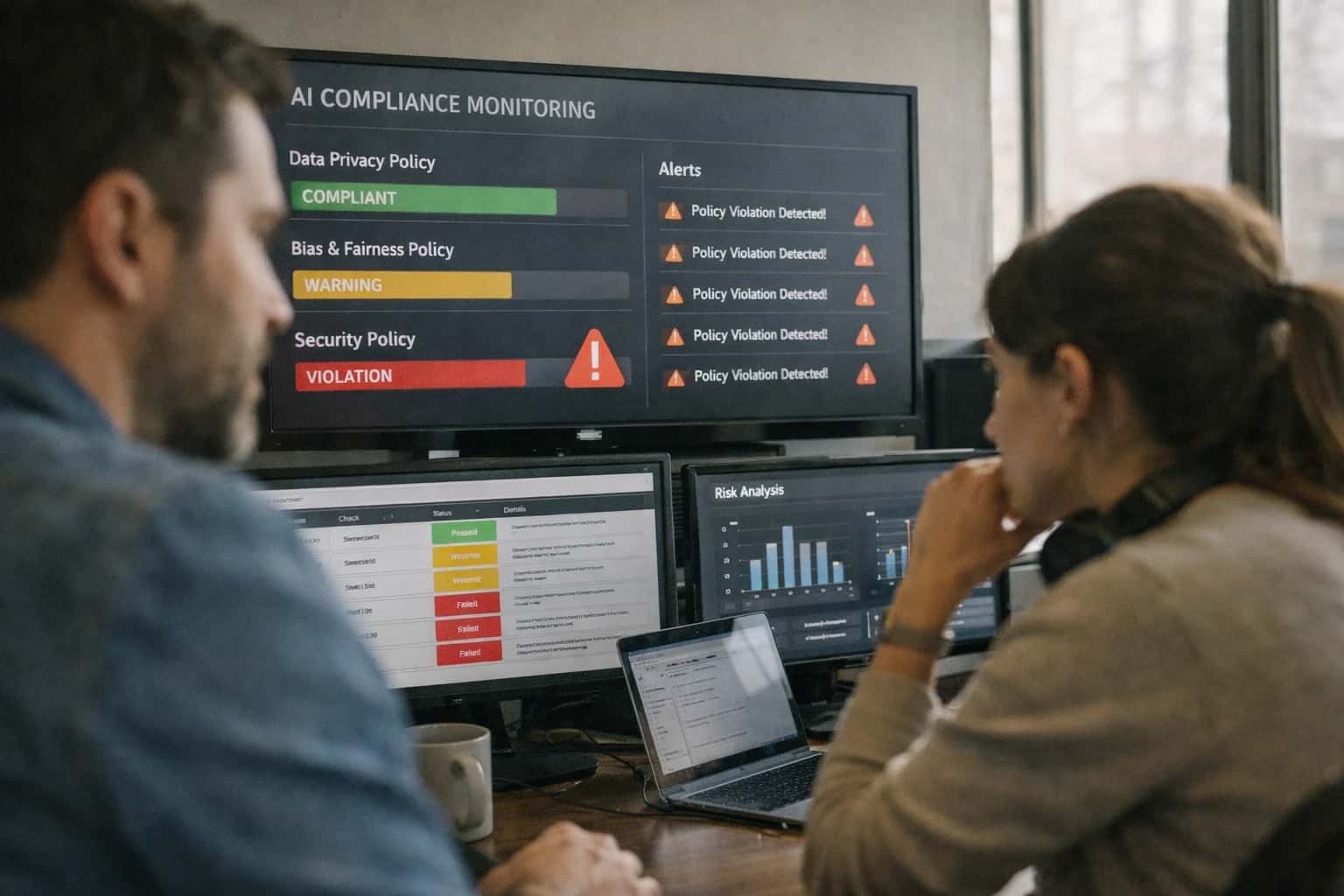
Where AI Fits into Coupa Procurement Workflows
A technical guide to embedding AI agents and workflows into Coupa's core modules to automate manual tasks and enhance decision-making.
For implementation, AI workflows are typically deployed as containerized microservices that subscribe to Coupa webhook events. For example, an invoice.created event can trigger an AI agent that performs OCR, three-way matching against the PO and receipt, and flags discrepancies—posting results back to the invoice as custom fields via the API for human review. Similarly, an agent can monitor the requisition queue, analyzing line items to suggest catalog alternatives or route high-value requests to specific approvers based on historical patterns. This architecture keeps the core Coupa configuration intact while adding an intelligent, event-driven layer that reduces manual triage from hours to minutes.
Rollout requires a phased approach, starting with a single high-volume, rule-based workflow like non-PO invoice classification or expense report audit. Governance is critical: all AI actions should be logged to a separate audit trail, and key decisions (e.g., blocking a payment) should remain in a human-in-the-loop approval queue initially. By leveraging Coupa's existing role-based access controls (RBAC) and approval chains, AI enhancements can be deployed without disrupting procurement operations, providing immediate ROI in cycle time reduction and policy compliance before expanding to more complex use cases like predictive budget forecasting or dynamic supplier risk scoring.
Key Integration Surfaces in Coupa
Intelligent Requisition Processing
Coupa's requisition module is the primary entry point for spend. AI integration here focuses on automating the review and routing of purchase requests before they become POs. Key surfaces include the Requisition API for real-time analysis and the Approval Workflow Engine for dynamic routing.
An AI agent can be triggered via webhook on requisition submission to:
- Validate line items against contracted suppliers and catalog items.
- Enforce policy compliance (e.g., spending limits, required approvals).
- Suggest cost-saving alternatives by analyzing historical spend and supplier catalogs.
- Generate contextual summaries for approvers, highlighting exceptions or policy deviations.
This reduces requisition cycle times from days to hours and ensures policy adherence from the first touchpoint, directly impacting operational efficiency for procurement and finance teams.
High-Value AI Use Cases for Coupa Buyers
Integrating AI into Coupa moves beyond basic automation to create intelligent agents that assist buyers, accelerate cycle times, and enforce policy at scale. These use cases target specific modules and workflows within the Coupa platform.
Intelligent Requisition Review & Routing
An AI agent analyzes incoming purchase requisitions in the Coupa Requisitions module, validating items against the catalog, checking budget availability, and ensuring policy compliance. It can suggest catalog alternatives for maverick spend, flag high-risk suppliers, and automatically route the requisition to the correct approval chain based on amount, category, and delegations of authority.
AI-Powered Invoice Exception Triage
Automates the most manual part of AP in Coupa Invoice Pay. When an invoice fails matching (2-way or 3-way), an AI agent reviews the discrepancy—comparing PO, receipt, and invoice data—and either auto-corrects simple errors (e.g., unit price typos), requests clarification from the supplier via the Coupa Supplier Portal, or escalates complex issues to an AP specialist with a summarized root cause. This drastically reduces the invoice exception queue.
Dynamic Supplier Risk Scoring
Enriches the Coupa Supplier Management module with real-time risk intelligence. An AI agent continuously monitors integrated third-party data feeds (financial news, ESG scores, geopolitical events) and supplier performance metrics within Coupa (on-time delivery, quality). It calculates a dynamic risk score for each active supplier, triggering automated alerts for procurement and triggering review workflows for high-risk vendors before renewal.
Conversational Spend Analytics
Deploys a natural language interface on top of Coupa Analytics and Reporting. Procurement and finance users can ask questions like "Show me tail spend by category last quarter" or "Which suppliers had the most price variance vs. contract?" The AI agent interprets the query, constructs the appropriate API calls to Coupa's data warehouse, and returns a formatted answer with charts or tables, enabling self-service intelligence without building custom reports.
Automated Contract Obligation Tracking
Integrates with Coupa Contract Lifecycle Management (CLM) or linked document repositories. An AI agent extracts key terms, SLAs, pricing clauses, and renewal dates from uploaded supplier contracts. It creates structured obligation records within Coupa and sets up automated workflows to monitor compliance (e.g., checking invoice prices against contracted rates) and sends renewal alerts to category managers well in advance of expiration dates.
Guided Buying Catalog Assistant
Enhances the user experience in Coupa Guided Buying. An AI copilot assists employees during requisitioning by understanding natural language requests (e.g., "need a ergonomic chair for home office"). It searches the approved catalog, suggests compliant items, provides sustainability ratings if available, and guides the user through any required justification forms—increasing catalog adoption and reducing rogue purchases.
Example AI-Powered Procurement Workflows
These concrete workflow examples illustrate how AI agents connect to Coupa's APIs and data model to automate high-effort tasks for buyers, procurement specialists, and AP teams. Each pattern details the trigger, data flow, agent action, and system update.
Trigger: An employee submits a new purchase requisition in Coupa.
Context/Data Pulled: The AI agent, via a webhook or scheduled job, retrieves the requisition details (items, quantities, supplier, total cost) and the requester's department, cost center, and approval history from Coupa's requisitions and users APIs.
Agent Action: The agent performs a multi-step analysis:
- Policy Check: Compares items against the company's approved supplier catalog and contracted pricing.
- Substitution Suggestion: If an item is off-catalog, it searches the Coupa catalog or approved supplier lists for compliant alternatives, using embeddings for semantic similarity.
- Routing Logic: Analyzes the requisition amount, requester role, and item category against the company's approval matrix (stored externally or in a custom Coupa object).
- Risk Flagging: Checks the supplier against an integrated risk database for any new financial or compliance alerts.
System Update/Next Step: The agent updates the Coupa requisition via API:
- Adds an internal comment with its findings (e.g., "Item is off-catalog. Suggested alternative: SKU #ABC123 from contracted supplier XYZ.").
- If a substitution is suggested, it can create a linked "suggestion" record for the requester to review.
- Sets a custom field with the recommended approver list or a risk score.
- The requisition is then routed to the correct approval workflow, either via Coupa's native routing or with a pre-populated approval list.
Human Review Point: The requester can accept or reject substitution suggestions before submission. Approvers see the agent's summary comment for context, speeding up their review.
Implementation Architecture: Connecting AI to Coupa
A practical guide to embedding AI agents into Coupa's core procurement workflows, focusing on API connections, data flows, and governance for production operations.
A robust AI integration for Coupa connects at three primary layers: the Coupa API Gateway, the procurement data model, and the user workflow surfaces. The integration architecture typically involves:
- Event Ingestion: Using Coupa's webhooks (e.g.,
purchase_order.created,invoice.received) or polling its REST APIs to trigger AI workflows. - Context Retrieval: An orchestration layer fetches related records—like the requisition, supplier details, contract terms, and GL codes—via the
CoupaObjectAPI to build a complete context for the AI agent. - Agent Execution: A dedicated service, often built with frameworks like LangChain or CrewAI, processes the context. It might call an LLM for classification, summarization, or validation, and then execute tool calls back to Coupa or external systems.
- Action & Audit: Results are written back to Coupa via API (e.g., updating an invoice's
statusor adding anapprovalcomment) and all agent decisions are logged to a separate audit trail for compliance and explainability.
For a Purchase Requisition Review Agent, the workflow is concrete: 1) A webhook fires on requisition.submitted. 2) The agent service pulls the requisition lines, buyer history, and applicable contracts. 3) An LLM checks for policy violations (e.g., off-catalog items, missing quotes), suggests catalog alternatives, and validates budget codes against the chart of accounts. 4) The agent can either auto-approve low-risk requisitions, add clarifying questions as comments, or route high-value/exception items to the correct approver group—all by updating the requisition record and using Coupa's native approval engine. This reduces buyer back-and-forth and cuts approval cycle time from days to hours for routine purchases.
Rollout requires a phased, use-case-led approach. Start with a single, high-volume workflow like invoice line-item classification to demonstrate value and manage risk. Implement a human-in-the-loop design where the AI agent's classification or exception flag is presented as a recommendation to an AP clerk within the Coupa UI, who makes the final submit. This builds trust and provides labeled data for fine-tuning. Governance is critical: ensure your agent services have strict RBAC mirroring Coupa's roles, maintain a full prompt and decision audit log separate from Coupa, and establish a review cycle for the agent's performance on a sample of transactions to catch model drift or new exception patterns.
Code and Payload Examples
Automating Purchase Requisition Validation
An AI agent can intercept new PurchaseRequisition objects via Coupa's REST API or webhooks to perform policy checks before routing for approval. The agent validates line items against contracts, suggests catalog items, and flags policy violations.
Example Webhook Payload & Processing Logic:
python# Example: Webhook handler for a new requisition import requests def handle_requisition_webhook(payload): req_id = payload['id'] # Fetch full requisition details from Coupa API req_details = get_coupa_requisition(req_id) # Prepare context for LLM validation validation_prompt = f""" Requisition #{req_id} from {req_details['requested_by']}. Lines: {req_details['lines']} Total: {req_details['total']}. Check against policy: catalog-only for IT hardware, require three quotes for services > $10k. Return JSON with 'is_compliant', 'violations', 'suggestions'. """ # Call LLM for analysis llm_response = call_llm(validation_prompt) analysis = json.loads(llm_response) # Update Coupa with analysis results as a comment if not analysis['is_compliant']: post_comment(req_id, f"AI Policy Check: {analysis['violations']}") # Optionally re-route or hold the requisition update_requisition_status(req_id, "on_hold")
This pattern reduces manual review for procurement teams by pre-screening 60-80% of routine requisitions.
Realistic Time Savings and Operational Impact
This table outlines the typical impact of integrating AI agents into core Coupa procurement workflows, focusing on reducing manual effort and cycle times for buyers and procurement specialists.
| Procurement Workflow | Before AI Integration | After AI Integration | Implementation Notes |
|---|---|---|---|
Purchase Requisition Review & Routing | Manual policy checks and approver lookup (15-30 min per req) | Automated policy validation and intelligent routing (2-5 min) | AI agent reviews item, cost center, and history; human final approval required |
Non-Catalog Item Search & Sourcing | Buyer researches suppliers manually via email/web (1-2 hours) | AI suggests pre-qualified suppliers with past performance data (10-15 min) | Integrates with Coupa Supplier Management and external market data |
Requisition-to-PO Creation | Manual data entry and line-item formatting (20-45 min) | Assisted PO drafting with auto-populated fields from catalog/contracts (5-10 min) | Leverages Coupa PunchOut and contract terms; buyer reviews and submits |
Policy Exception Triage | Procurement specialist investigates and escalates exceptions (30-60 min) | AI flags and categorizes exceptions with suggested resolution paths (5 min review) | Routes complex cases to specialists with full context summary |
Supplier Communication for Quote Requests | Manual email drafting, follow-up, and response consolidation (2-3 hours per event) | AI drafts initial RFQ, sends via Coupa, and summarizes responses (30 min oversight) | Operates within Coupa Sourcing workflows; specialist manages negotiation |
Contract Compliance Check at Point of Requisition | Manual review of contract terms and pricing in separate system (15-20 min) | Real-time validation against Coupa Contracts during requisition (<1 min) | AI cross-references item, supplier, and contract library; highlights deviations |
Spend Category Reporting & Analysis | Manual data extraction, Excel manipulation for monthly reports (4-8 hours) | Natural language query for ad-hoc category spend insights (On-demand, <5 min) | AI layer on top of Coupa Analytics; generates summaries and visualizations |
Governance, Security, and Phased Rollout
A pragmatic approach to deploying AI agents in Coupa with proper controls, data security, and incremental value delivery.
A production AI integration for Coupa must operate within the platform's existing security model and approval workflows. This means AI agents should act as a controlled extension of the user, leveraging Coupa's native APIs and respecting its role-based access controls (RBAC). For instance, an agent assisting with purchase requisition review can only access data and initiate actions permitted for the logged-in procurement specialist. All agent activities—such as suggesting catalog items, flagging policy violations, or routing for approvals—are logged in Coupa's audit trail, maintaining a clear chain of custody for compliance and troubleshooting.
Implementation follows a phased, risk-aware rollout. A typical first phase focuses on assistive, non-transactional workflows, such as an AI copilot that helps buyers search the catalog using natural language or summarizes vendor risk reports. This builds user trust and validates the integration without touching core financial transactions. Subsequent phases introduce automation into higher-impact areas like invoice exception triage or spend classification, but these are initially deployed in a human-in-the-loop mode. For example, an AI agent can pre-populate a spend category for review, but a procurement analyst must confirm it before the transaction is updated in Coupa's Spend module.
Governance is embedded through a centralized prompt management and evaluation layer. This ensures all AI interactions—whether analyzing a requisition's Commodity Code or checking a contract's payment terms—use approved, version-controlled instructions that enforce company policy. Coupa's webhook system can trigger these AI workflows, and responses are validated against Coupa's data model before any write-back occurs. This architecture allows for safe experimentation, performance monitoring, and rapid adjustment, ensuring the integration delivers consistent operational lift—reducing manual review from hours to minutes on common tasks—while keeping procurement operations secure and compliant.
Enabling Efficiency, Speed & Accuracy
Intelligent Analysis, Decision & Execution
We build AI systems for teams that need search across company data, workflow automation across tools, or AI features inside products and internal software.
Talk to Us
Search across company data
Give teams answers from docs, tickets, runbooks, and product data with sources and permissions.
Useful when people spend too long searching or get different answers from different systems.

Automate internal workflows
Use AI to route work, draft outputs, trigger actions, and keep approvals and logs in place.
Useful when repetitive work moves across multiple tools and teams.

Add AI to products and internal tools
Build assistants, guided actions, or decision support into the software your team or customers already use.
Useful when AI needs to be part of the product, not a separate tool.
Frequently Asked Questions
Practical questions from procurement and IT leaders planning to embed AI agents and workflows into Coupa's procurement operations.
AI agents integrate with Coupa primarily through its REST APIs and webhooks, acting as an intelligent middleware layer. The typical architecture involves:
- Event Ingestion: Configure Coupa webhooks to send real-time events (e.g.,
purchase_order.created,invoice.received) to your AI agent orchestration platform. - Context Enrichment: The agent uses Coupa's APIs (like
GET /api/purchase_orders/{id}) to pull the full context of the record, including line items, supplier details, and approval history. - Agent Processing: The enriched data is passed to an LLM (like GPT-4 or Claude) with a system prompt tailored for the specific workflow (e.g., "You are a procurement policy expert reviewing a requisition").
- Action & Update: The agent's decision or analysis is executed via Coupa APIs (e.g.,
POST /api/approvalsto route,PUT /api/invoices/{id}to add a validation flag) or triggers a notification to a human in the loop.
Key APIs for Procurement Operations:
- Purchase Requisitions & Orders (
/api/requisitions,/api/purchase_orders) - Invoices & Payments (
/api/invoices,/api/payments) - Suppliers (
/api/suppliers) - Approvals (
/api/approvals) - Custom Objects (for storing AI-generated metadata like
risk_scoreorexception_reason)

About the author
Prasad Kumkar
CEO & MD, Inference Systems
Prasad Kumkar is the CEO & MD of Inference Systems and writes about AI systems architecture, LLM infrastructure, model serving, evaluation, and production deployment. Over 5+ years, he has worked across computer vision models, L5 autonomous vehicle systems, and LLM research, with a focus on taking complex AI ideas into real-world engineering systems.
His work and writing cover AI systems, large language models, AI agents, multimodal systems, autonomous systems, inference optimization, RAG, evaluation, and production AI engineering.
Partnered with leading AI, data, and software stack.





How We Work
Custom AI workflows for your Business
One-fit-all AI don't work for modern businesses. At Inferensys, we aim to understand your business & custom requirements; which we use to define most efficient agentic workflows, the data, and the tools for your business.
01
Review the use case
We understand the task, the users, and where AI can actually help.
Read more02
Pick the right approach
We define what needs search, automation, or product integration.
Read more03
Build the first useful version
We implement the part that proves the value first.
Read more04
Improve from there
We add the checks and visibility needed to keep it useful.
Read moreThe first call is a practical review of your use case and the right next step.
Talk to Us