AI integration for Azure data privacy focuses on three key surfaces: Microsoft Purview's unified data map, Azure Policy for governance enforcement, and the underlying data services like Azure SQL, Synapse, and Data Lake Storage. The primary workflow begins with using AI to augment Purview's automated scans. Instead of relying solely on regex patterns, an integrated AI model can analyze column names, sample data, and contextual metadata to more accurately classify PII, PHI, and financial data—especially within semi-structured logs or free-text fields in Azure Cosmos DB. This enriched classification is then written back to Purview's data map as sensitivity labels, creating a trusted, AI-enhanced inventory.

Integration
AI Integration with Data Privacy for Microsoft Azure
A technical guide to augmenting Microsoft Purview and Azure's native governance with AI for automated sensitive data classification, intelligent compliance reporting, and policy-aware data protection.
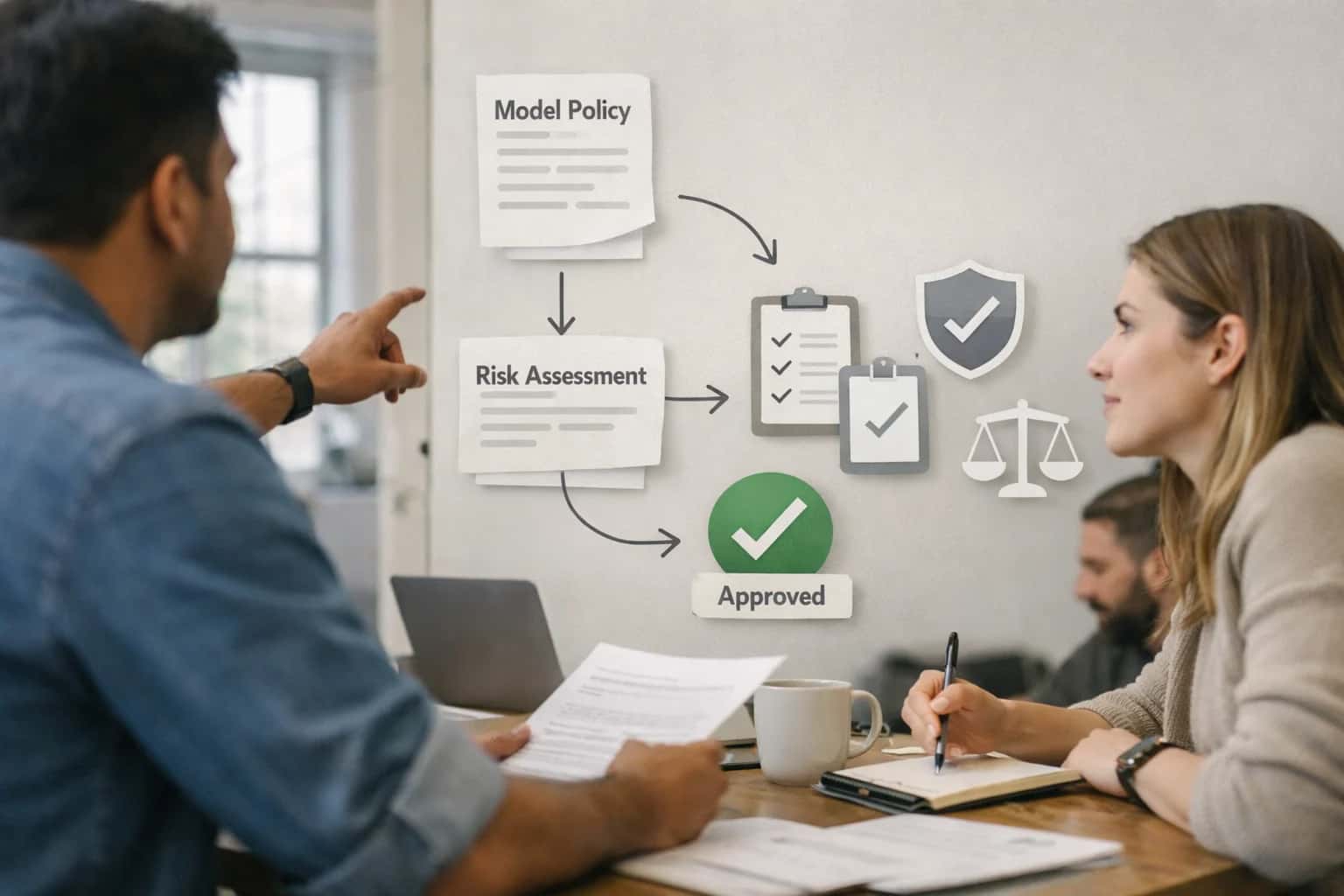
ARCHITECTURE AND ENFORCEMENT
Where AI Fits into Azure's Data Privacy Stack
Integrating AI with Microsoft Purview and Azure's native privacy tools to automate sensitive data discovery, enforce policies, and generate compliance evidence.
The second layer is policy automation. Using Purview's sensitivity labels as triggers, you can configure Azure Policy definitions to enforce actions. For example, an AI-augmented policy could automatically enable Transparent Data Encryption (TDE) on any newly created Azure SQL Database classified as containing 'Highly Confidential' data, or enforce network restrictions on a Synapse workspace housing GDPR-related data. AI can also generate the compliance evidence required for these policies. By querying Purview's REST API and Azure Activity Logs, an AI agent can draft audit-ready reports that explain what data was found, where it resides, which policies were applied, and highlight any policy drift or exceptions for manual review.
For rollout, start with a pilot subscription or a single data landing zone. Implement the AI classification service as an Azure Function or Container App that subscribes to Purview scan completion events via Event Grid. It processes the scan results, calls an LLM (hosted on Azure OpenAI Service) for contextual classification, and uses the Purview API to update labels. Governance is critical: all AI-generated classifications should be routed through a human-in-the-loop approval workflow in Azure Logic Apps for net-new sensitivity types before automated policy enforcement begins. This ensures control while still reducing manual data mapping efforts from weeks to days.
AI-DRIVEN PRIVACY AND GOVERNANCE WORKFLOWS
Key Integration Surfaces in the Azure Data Estate
Automating Governance in the Unified Data Map
Microsoft Purview provides the central metadata system for your Azure estate. AI integration focuses on augmenting its automated scanning and classification engine. Use AI to:
- Enrich automated schema tagging by analyzing column names, sample data, and lineage to suggest more accurate business glossary terms and sensitivity labels (e.g.,
PII_Financial,GDPR_Special_Category). - Generate plain-language compliance reports by querying the Purview graph to summarize data residency, access patterns, and policy violations for specific Azure subscriptions or data products.
- Detect lineage gaps by analyzing pipeline metadata (from Data Factory, Synapse) and suggesting missing connections between source systems and certified data assets in the catalog.
Implementation typically involves calling the Purview REST API (/api/atlas/v2) to push enriched metadata or trigger new scans based on AI-driven findings.
MICROSOFT PURVIEW INTEGRATION PATTERNS
High-Value AI Use Cases for Azure Data Privacy
Integrate AI directly into your Microsoft Azure data estate to automate privacy compliance, enhance data discovery, and enforce governance policies. These patterns connect Microsoft Purview with Azure-native services to operationalize privacy at scale.
01
Automated PII Discovery in Azure Data Lake
Augment Microsoft Purview's built-in scanning with AI to detect complex, unstructured PII (like in free-text notes or PDFs) within Azure Data Lake Storage Gen2. AI models classify data with higher accuracy, generate plain-language summaries of data risk, and automatically tag assets in the Purview Data Map. This moves classification from a periodic batch scan to a continuous, context-aware process.
Batch -> Continuous
Discovery cadence
02
AI-Generated Compliance Reports for Azure Policy
Automate the generation of audit-ready reports for data residency, access reviews, and privacy compliance. AI synthesizes findings from Purview scans, Azure Policy compliance states, and Microsoft Entra ID logs to draft executive summaries and detailed evidence packs. This directly supports frameworks like GDPR and CCPA for data stored in Azure SQL, Synapse, and Cosmos DB.
1 sprint
Report generation time
03
Intelligent Data Subject Access Request (DSAR) Fulfillment
Orchestrate DSAR workflows across the Azure estate. Upon a request in Purview Compliance Manager, AI agents query the Purview Data Map to locate all personal data for a subject across Azure services, draft the response document, and generate implementation tickets in Azure DevOps or ServiceNow for data deletion or correction tasks. This reduces manual investigation and coordination.
Hours -> Minutes
Request triage
04
Context-Aware Access Policy Suggestions
Enhance Purview's access policies by using AI to analyze query patterns, user roles, and data sensitivity tags. The system suggests dynamic masking rules for Azure SQL DB or column-level security for Synapse, and recommends just-in-time access approvals via Microsoft Entra ID. Policies are explained in business terms for auditor review.
Reduce Over-Provisioning
Policy impact
05
Automated Data Lineage Gap Detection & Enrichment
Use AI to analyze Purview's captured lineage for Azure Data Factory pipelines and Synapse notebooks. It identifies critical gaps (e.g., missing sources for key reports), infers probable connections, and generates tickets for data stewards to validate. This ensures reliable impact analysis for privacy-related data changes.
Same day
Gap identification
06
Privacy-Preserving Analytics with Dynamic De-identification
Integrate AI with Purview and Azure Databricks to apply intelligent de-identification for analytics workloads. Based on the user's context and the data's sensitivity classification, AI agents dynamically apply techniques like generalization, pseudonymization, or differential privacy before query execution, enabling safe use of production data in development or analytics environments.
Prod -> Dev Safely
Data utility
INTEGRATING AI WITH MICROSOFT PURVIEW FOR AZURE DATA ESTATES
Example Automated Workflows
These workflows demonstrate how to augment Microsoft Purview's governance capabilities with AI agents, automating critical privacy and compliance tasks across Azure SQL, Synapse, and Data Lake. Each flow is triggered by Purview events or scheduled scans, using AI to generate insights, draft reports, and enforce policies.
Trigger: A new data asset (e.g., an Azure SQL table, Synapse pipeline, or Data Lake Storage folder) is registered in the Microsoft Purview Data Map via automated scanning or manual registration.
AI Agent Action:
- An AI agent, triggered by the Purview webhook for
ScanCompleted, retrieves the asset's schema and a sample of its data. - The agent uses a language model (e.g., GPT-4) to analyze column names, data patterns, and sample values against a library of global PII definitions (names, emails, IDs, financial data).
- It generates a confidence-scored classification (e.g.,
PII - Email Address: 98%).
System Update:
- The agent calls the Purview REST API (
PATCH /v2/entity/{guid}/businessmetadata) to apply the relevant Purview glossary term (e.g.,Sensitive_Personal_Data) and custom attributes (e.g.,pii_confidence_score,detected_category). - If high-confidence PII is found in an untagged location, the workflow can automatically trigger a Purview sensitivity label policy or create a ticket in Azure Boards for review.
Human Review Point: Classifications below a configured confidence threshold (e.g., 75%) are flagged in a dedicated Purview collection for a data steward to review and confirm.
AUTOMATING PII GOVERNANCE FOR AZURE DATA ESTATES
Typical Implementation Architecture
A practical blueprint for integrating AI with Microsoft Purview to automate sensitive data discovery, classification, and compliance reporting across Azure SQL, Synapse, and Data Lake.
The core architecture establishes Microsoft Purview as the central governance plane, augmented by AI agents that interact with its REST APIs and scanning infrastructure. A typical implementation involves deploying an AI orchestration layer—often as an Azure Function or containerized service—that triggers on Purview scan completion events. This service uses Purview's classification results as a seed, then applies fine-tuned language models to perform deeper contextual analysis on flagged data assets in Azure SQL Database, Azure Synapse Analytics, and Azure Data Lake Storage Gen2. The AI layer enriches Purview's metadata with more granular PII subtypes (e.g., distinguishing between a "patient name" and a "beneficiary name" for healthcare compliance) and generates plain-language risk summaries.
For operational workflows, the AI service writes enriched classifications and risk scores back to Purview's Atlas metadata store via API. This powers automated actions: generating Jira or Azure DevOps tickets for data stewards to review high-risk findings, creating dynamic Azure Policy definitions to enforce encryption or access controls on newly discovered sensitive containers, and drafting compliance report sections for standards like GDPR or CCPA. The system is designed for incremental rollout, starting with a single subscription or data domain (e.g., Finance), using Purview's native lineage to trace PIA (Privacy Impact Assessment) data flows, and scaling governance by connecting to related services like /integrations/data-governance-and-privacy-platforms/ai-integration-with-data-privacy-for-financial-services for sector-specific rules.
Governance is baked into the integration through Azure Active Directory-managed identities for the AI service, with all model inferences and metadata writes logged to Purview's audit trail and optionally to a dedicated Azure Cosmos DB for explainability. A human-in-the-loop approval step is configured in Azure Logic Apps for any policy changes or mass reclassification suggestions before they are applied. This architecture ensures AI augments, rather than bypasses, existing Purview roles and retention policies, providing a controlled path to automating what is often a manual, time-intensive process of data privacy mapping and report generation.
AI INTEGRATION WITH MICROSOFT PURVIEW
Code and Payload Patterns
Classifying Azure Data Assets with AI
Integrate AI with Microsoft Purview's scanning engine to enhance the detection and classification of sensitive data across Azure SQL, Synapse, and Data Lake Storage. Use Purview's REST API to trigger scans and post-process results with an AI model that analyzes column names, sample data, and context to suggest or apply sensitivity labels (e.g., MICROSOFT.PERSONAL, MICROSOFT.FINANCIAL).
Example Payload for AI-Enhanced Classification:
json{ "scanId": "scan_12345", "dataSource": "azure_sql_database", "assets": [ { "qualifiedName": "sql://server.database.windows.net/db/schema/customers", "columns": [ { "name": "ssn", "sampleValues": ["123-45-6789", "987-65-4321"], "existingLabel": null } ] } ], "aiSuggestion": { "model": "gpt-4", "task": "classify_pii", "confidenceThreshold": 0.85 } }
The AI service returns classification suggestions, which are then pushed back to Purview via the POST /api/atlas/v2/entity/guid/{guid}/labels endpoint to update the data catalog, automating what is typically a manual, rules-based process.
AI-ENHANCED AZURE DATA GOVERNANCE
Realistic Time Savings and Operational Impact
How integrating AI with Microsoft Purview and Azure privacy tools changes the operational cadence for data governance teams.
| Governance Activity | Manual Process (Before AI) | AI-Augmented Process (After AI) | Key Notes |
|---|---|---|---|
PII Discovery Scan in Azure Data Lake | Days to weeks for manual sampling and rule tuning | Hours for automated classification and validation | AI suggests sensitivity labels; human reviews high-confidence matches |
Generating a Compliance Report for Azure Policy | Manual data aggregation and drafting (2-3 days) | Automated data pull and narrative generation (2-3 hours) | Report drafts from Purview assets; analyst reviews and finalizes |
Mapping Data Lineage for a Critical Azure SQL Table | Manual interview and diagram updates (1 week+) | Automated lineage detection with gap explanation (1 day) | AI identifies missing links and suggests owners for completion |
Responding to a Data Subject Access Request (DSAR) | Manual search across multiple Azure services (3-5 days) | Assisted search with automated data compilation (1 day) | AI locates personal data; legal team reviews before release |
Classifying New Columns in Azure Synapse Pipelines | Reactive, based on schema changes (delayed action) | Proactive, automated tagging suggestions on ingestion | AI applies initial classifications; stewards approve or adjust |
Conducting a Quarterly Access Review for Sensitive Data | Manual entitlement list generation and outreach (2 weeks) | Automated user list and anomaly highlighting (3-4 days) | AI flags unusual access patterns; reviewers focus on exceptions |
Drafting a Data Protection Impact Assessment (DPIA) | Manual questionnaire completion and risk analysis (1 week) | Template auto-population and risk summary generation (2 days) | AI pulls from Purview inventory; privacy officer assesses AI-highlighted risks |
ARCHITECTING FOR POLICY-AWARE AI
Governance, Security, and Phased Rollout
Integrating AI into Azure's data estate requires a security-first approach that respects data sovereignty and enforces privacy policies at runtime.
A production integration uses Microsoft Purview as the central policy engine. AI workflows query Purview's Data Map via its REST API to check the classification (e.g., PII, Financial, GDPR) of data assets like Azure SQL tables, Synapse dedicated SQL pools, or Data Lake Storage Gen2 paths before retrieval. This ensures an LLM agent only accesses data it is authorized to see, and can apply dynamic masking or redaction based on the user's role and purpose. Sensitive data never leaves its governed boundary unless explicitly permitted by Purview's access policies.
Security is enforced through Azure Active Directory (Entra ID) managed identities for service principals, ensuring all AI service calls are authenticated and logged. All prompts, completions, and data retrieval actions are written to Azure Monitor and Log Analytics with full correlation IDs, creating an immutable audit trail for compliance reviews and AI incident response. For high-risk workflows, you can implement a human-in-the-loop approval step using Azure Logic Apps or Power Automate, where a data steward reviews AI-generated outputs—like a compliance report draft—before publication.
A phased rollout mitigates risk. Start with a pilot in a single, well-understood data domain, such as automating PII detection in a non-production Azure SQL database to generate data classification reports for Purview. Use this to validate the policy enforcement, audit logging, and performance. Next, expand to low-risk, high-volume workflows like summarizing Azure Policy compliance states or drafting data retention justification reports. Finally, progress to more complex, cross-service workflows like generating plain-language explanations of data lineage between Purview and Azure Data Factory, ensuring each phase has clear success metrics and rollback procedures.
Enabling Efficiency, Speed & Accuracy
Intelligent Analysis, Decision & Execution
We build AI systems for teams that need search across company data, workflow automation across tools, or AI features inside products and internal software.
Talk to Us
Search across company data
Give teams answers from docs, tickets, runbooks, and product data with sources and permissions.
Useful when people spend too long searching or get different answers from different systems.
Enterprise searchRAGPermissions
Read more
Automate internal workflows
Use AI to route work, draft outputs, trigger actions, and keep approvals and logs in place.
Useful when repetitive work moves across multiple tools and teams.
AI agentsWorkflow automationGovernance
Read more
Add AI to products and internal tools
Build assistants, guided actions, or decision support into the software your team or customers already use.
Useful when AI needs to be part of the product, not a separate tool.
AI integrationDecision supportModel routing
Read moreIMPLEMENTATION AND GOVERNANCE
Frequently Asked Questions
Practical questions for architects and compliance teams planning AI integrations within Microsoft Azure's data and privacy ecosystem.
AI augments Purview's scanning by analyzing column names, sample data, and lineage context to suggest sensitivity labels and retention tags. A typical workflow is:
- Trigger: A new Azure SQL database or Data Lake container is registered in Purview.
- Context Pulled: The AI service (e.g., Azure OpenAI) receives metadata and a sampling of records from the Purview API.
- Model Action: The model analyzes the content, comparing it to patterns for PII (names, addresses, SSNs), PHI, and financial data. It generates a confidence-scored classification suggestion (e.g.,
Label: Confidential - Customer PII). - System Update: This suggestion is posted back to Purview via API, creating a pending classification task for a data steward in the Purview Governance Portal.
- Human Review Point: The steward reviews, adjusts if needed, and approves, applying the label at scale. Over time, the AI's suggestions improve based on steward approvals.
This creates a feedback loop, turning Purview from a manual catalog into an AI-assisted classification engine.

About the author
Prasad Kumkar
CEO & MD, Inference Systems
Prasad Kumkar is the CEO & MD of Inference Systems and writes about AI systems architecture, LLM infrastructure, model serving, evaluation, and production deployment. Over 5+ years, he has worked across computer vision models, L5 autonomous vehicle systems, and LLM research, with a focus on taking complex AI ideas into real-world engineering systems.
His work and writing cover AI systems, large language models, AI agents, multimodal systems, autonomous systems, inference optimization, RAG, evaluation, and production AI engineering.
LinkedIn
Limited slotsGet a Free AI Consultation
Partnered with leading AI, data, and software stack.





How We Work
Custom AI workflows for your Business
One-fit-all AI don't work for modern businesses. At Inferensys, we aim to understand your business & custom requirements; which we use to define most efficient agentic workflows, the data, and the tools for your business.
01
Review the use case
We understand the task, the users, and where AI can actually help.
Read more02
Pick the right approach
We define what needs search, automation, or product integration.
Read more03
Build the first useful version
We implement the part that proves the value first.
Read more04
Improve from there
We add the checks and visibility needed to keep it useful.
Read moreThe first call is a practical review of your use case and the right next step.
Talk to Us