The integration surface spans three critical data planes within the Microsoft ecosystem: Azure Monitor's platform metrics and diagnostic logs (for resource behavior), Azure Monitor's Application Insights and custom logs (for application telemetry), and Microsoft Sentinel's security alerts and hunting tables (for threat context). AI models process this combined stream to detect anomalies that appear normal in isolation but are malicious in concert—like a VM scaling event (ITOps) coinciding with anomalous outbound traffic to a new region (SecOps).

Integration
AI Integration for Microsoft Sentinel Azure Monitor
Bridge ITOps and SecOps by using AI to analyze Azure Monitor metrics and logs alongside Sentinel security data for detecting resource misuse, credential theft, and malicious configuration changes.
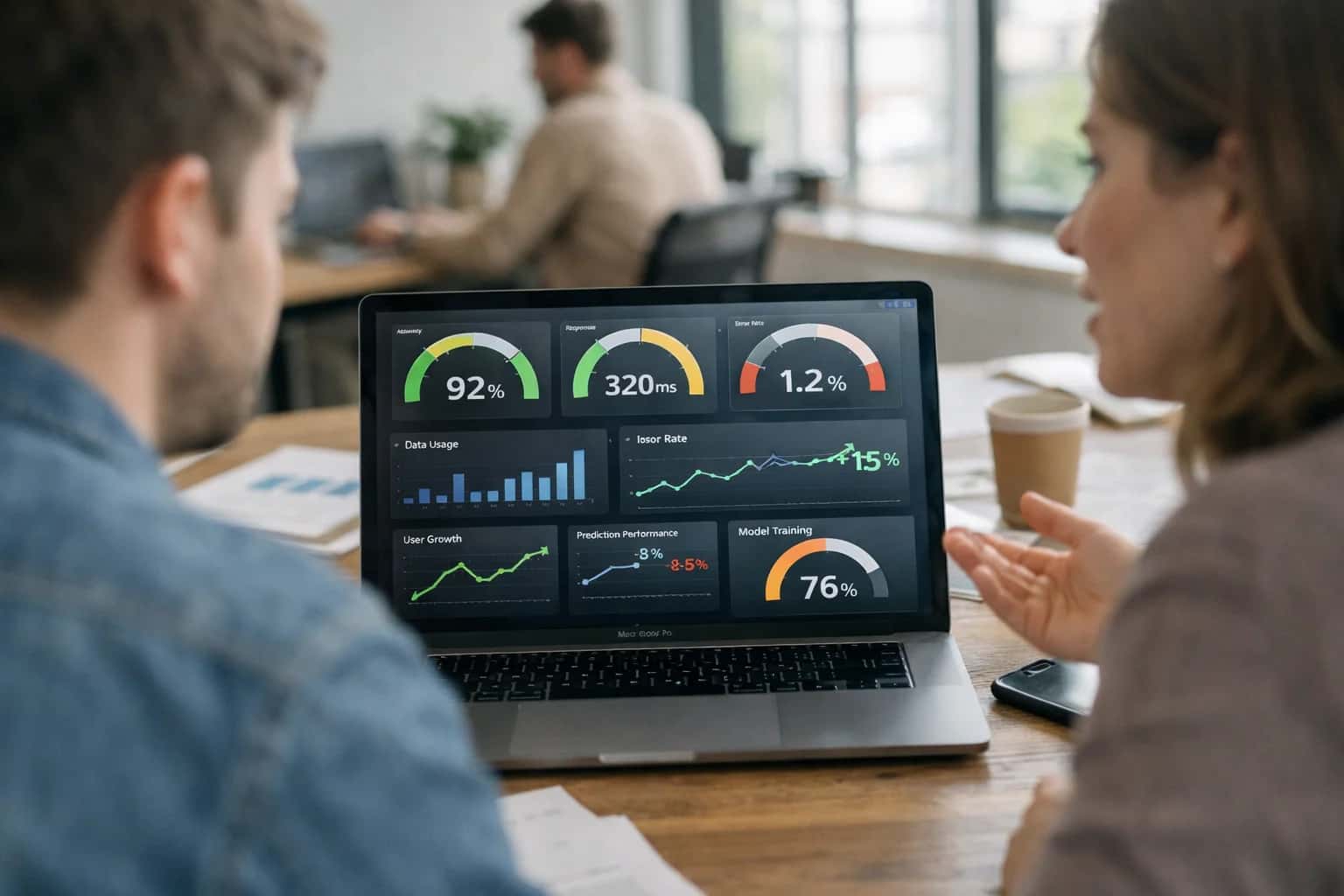
ARCHITECTURE FOR HYBRID TEAMS
Where AI Fits: Bridging ITOps Telemetry with SecOps Context
Integrating AI to analyze Azure Monitor metrics and logs alongside Microsoft Sentinel security data creates a unified detection plane for resource misuse, credential theft, and malicious configuration changes.
Implementation typically involves an Azure Logic App or Azure Function triggered by new Sentinel alerts or scheduled KQL queries. This orchestration layer fetches correlated Azure Monitor data for the preceding 24-72 hours (e.g., AzureMetrics, AzureDiagnostics, AppTraces tables) and passes a normalized payload to an Azure Machine Learning endpoint or Azure OpenAI Service for analysis. The AI evaluates patterns such as:
- Credential access via
SigninLogsfollowed by unusual compute resource provisioning inAzureActivitylogs. - Configuration drift in
AzureResourceInventorypaired with new network security group (NSG) rules allowing broad ingress. - Spikes in
Perfcounters (CPU, memory) on a server that is also generating DNS queries to newly registered domains fromVMConnectionlogs. The output is an enriched Sentinel incident with a narrative explanation and a confidence-scored recommendation—for example, '87% confidence this is a cryptojacking attempt: isolate VM acme-web-02 and revoke contributor role for service principal SPN-abc123.'
Rollout requires tight governance, starting with a read-only, non-disruptive analysis phase for model validation. Key controls include:
- RBAC scoping so the AI service principal only accesses relevant Log Analytics workspaces and Azure Resource Graph data.
- Approval workflows in Sentinel playbooks before any automated containment action is taken.
- Audit logging of all AI inferences and data accesses to a separate, immutable storage account for explainability and compliance. Successful deployments often begin by focusing AI on a single high-value scenario, like detecting Azure Key Vault access patterns that precede resource hijacking, before expanding to broader use cases. This measured approach builds trust with both ITOps and SecOps teams by demonstrating precise, actionable insights without alert fatigue.
BRIDGING ITOPS AND SECOPS
Key Integration Surfaces in Sentinel and Azure Monitor
Correlating Security and Performance Signals
This surface focuses on the Incident and Alert objects in both platforms. AI can analyze the metadata, context, and telemetry from Azure Monitor metric alerts (e.g., unusual VM CPU spikes) alongside Sentinel security incidents (e.g., suspicious sign-ins) to detect multi-stage attacks. For example, a credential theft alert in Sentinel, when correlated with a subsequent anomalous resource creation alert in Azure Monitor, can indicate an attacker provisioning infrastructure for data exfiltration or crypto-mining.
Integration typically involves querying both the SecurityIncident and AzureMetrics tables via Log Analytics workspaces. An AI agent can run scheduled KQL queries to find temporal and entity-based correlations, then create a new enriched incident or add critical context to an existing one, dramatically speeding up mean time to detect (MTTD).
BRIDGING ITOPS AND SECOPS
High-Value Use Cases for AI-Powered Correlation
Integrating AI with Microsoft Sentinel and Azure Monitor enables security and operations teams to move beyond siloed alerts. By correlating security incidents with underlying infrastructure health and configuration drift, AI can identify the root cause of threats that manifest as performance issues, and vice-versa.
01
Detect Credential Thept via Anomalous Resource Spikes
Correlate Sentinel identity alerts (e.g., impossible travel, risky sign-ins) with Azure Monitor metrics for unexpected VM, storage, or database cost/performance spikes. AI models identify when a compromised account is used to spin up crypto-mining resources or exfiltrate data, triggering a unified SecOps/ITOps response.
Batch -> Real-time
Detection speed
02
Prioritize Alerts by Business Impact
Use AI to enrich Sentinel security incidents with real-time Azure Monitor health scores of affected resources. An alert on a developer sandbox VM is deprioritized, while the same alert on a business-critical AKS cluster running payment processing is escalated immediately, based on live performance and dependency data.
Hours -> Minutes
Triage time
03
Uncover Malicious Configuration Drift
Analyze Azure Resource Graph snapshots and Activity logs alongside Sentinel alerts. AI detects subtle, malicious configuration changes—like a storage account firewall rule modification followed by unusual data access patterns—that might be missed when reviewing logs in isolation, flagging them as potential data exfiltration.
04
Automate War Room Context
When a high-severity incident is declared, an AI workflow automatically queries both Sentinel and Azure Monitor to generate a unified narrative. This includes the attack timeline, affected entity relationships, and the current performance status, health history, and recent change tickets for implicated Azure resources, accelerating cross-team collaboration.
1 sprint
Setup time
05
Predict Attack Surfaces from Performance Anomalies
Apply AI to baseline normal performance telemetry (App Service response times, SQL DTU consumption). Use deviations from this baseline as a leading indicator for investigation. A sudden drop in database performance could indicate a ransomware encryption process, triggering a proactive hunt in Sentinel logs before a formal security alert fires.
06
Streamline Compliance with Unified Evidence
For audits requiring proof of security monitoring and operational integrity, AI correlates Sentinel compliance alerts (e.g., missing disk encryption) with Azure Monitor logs showing the resource's configuration history and patch status. This automates evidence collection for controls that span both security and operational governance.
Same day
Evidence assembly
BRIDGING ITOPS AND SECOPS
Example AI-Driven Investigation Workflows
These workflows demonstrate how AI agents can correlate Azure Monitor metrics and logs with Microsoft Sentinel security data to detect and investigate complex threats that span operational performance and security domains.
Trigger: A Microsoft Sentinel analytics rule fires for a Suspicious Azure Active Directory sign-in properties alert.
Context/Data Pulled:
- The AI agent retrieves the associated user principal, source IP, and sign-in location from the Sentinel incident.
- It queries Azure Monitor for the last 7 days of
PerfandAzureDiagnosticslogs from the specific Azure Virtual Machine(s) the user typically accesses. - It pulls baseline CPU/Memory usage patterns for the user's typical working hours from the last 30 days.
Model/Agent Action:
- The agent uses a time-series anomaly detection model to compare the VM's resource utilization at the time of the suspicious sign-in against the user's historical baseline.
- It cross-references the sign-in location with the user's typical geo-location patterns from Entra ID logs.
- The LLM synthesizes this data, generating a hypothesis: "Sign-in from atypical location coincides with abnormal, high CPU usage on primary development VM, suggesting potential credential compromise and resource misuse (e.g., crypto-mining)."
System Update/Next Step:
- The agent enriches the original Sentinel incident with this analysis, attaching a high-confidence risk score.
- It automatically creates a related
Azure Monitor Alertin the same incident group, linking the performance anomaly as corroborating evidence. - A playbook is triggered to temporarily isolate the VM network interface and require step-up authentication for the user account.
Human Review Point: The enriched incident is assigned to the SecOps team with the AI-generated narrative and recommended containment actions. Analysts review the evidence chain before approving the isolation action or escalating for forensics.
BRIDGING ITOPS AND SECOPS
Implementation Architecture: Data Flow and AI Layer
A practical blueprint for integrating AI to correlate Azure Monitor telemetry with Microsoft Sentinel security data.
The integration architecture operates on a pull-and-correlate model. An AI orchestration layer, typically deployed as an Azure Function or Logic App, is configured with managed identities to query two primary data planes: 1) Azure Monitor's metric and log data (via Azure Monitor Data Collector API or Diagnostic Settings to a Log Analytics workspace) for performance anomalies, resource configuration drifts, and failed health checks, and 2) Microsoft Sentinel's incident and hunting tables (via the SecurityIncident and SecurityAlert tables in the connected Log Analytics workspace) for active security investigations and alerts. The AI model's core function is to identify causal or temporal links—for instance, correlating a spike in AzureActivity operations from a new region with a subsequent SecurityAlert for suspicious PowerShell execution on a VM in the same subscription.
In practice, the AI layer enriches Sentinel incidents with relevant ITOps context. When a new SecurityIncident is created, a triggered automation rule calls the AI service, passing entity IDs (e.g., a compromised hostname). The service queries Azure Monitor for that host's recent performance metrics (Perf table), configuration changes (AzureDiagnostics), and any related operational alerts from Application Insights or VM Insights. It returns a structured summary to the incident's comments or custom fields, highlighting findings like "Associated VM showed 90% CPU spike 45 minutes prior to alert, coinciding with a RunCommand log entry from an unfamiliar IP." This moves investigation from siloed data to a unified narrative. For proactive hunting, the process can be reversed: the AI service can periodically scan Azure Monitor logs for high-risk ITOps patterns (e.g., anomalous Microsoft.Compute/virtualMachines/write events) and automatically create Sentinel bookmarks or generate NRT analytics rule alerts.
Rollout requires careful governance. Start with a read-only, analyst-in-the-loop phase where AI-generated summaries are posted as incident comments for validation. Use Azure Key Vault for LLM API keys and enforce Azure RBAC so the integration identity has minimal required permissions (Log Analytics Reader on the workspace, Monitoring Reader on subscriptions). Audit trails are maintained in the same Log Analytics workspace, logging all AI service queries and outputs. The final architecture should treat the AI layer as a stateless enrichment service, not a direct action engine, ensuring SOC analysts retain authority over containment steps while being equipped with the fused context needed to decide faster.
BRIDGING ITOPS AND SECOPS
Code and Payload Examples
Enriching Performance Logs with Security Context
A core integration pattern is querying Azure Monitor Log Analytics for performance anomalies and enriching them with security data from Microsoft Sentinel. This Python example uses the Azure Data Explorer (Kusto) library to run a cross-workspace query, identifying VMs with unusual CPU spikes that also have associated high-risk alerts.
pythonfrom azure.kusto.data import KustoClient, KustoConnectionStringBuilder from azure.kusto.data.helpers import dataframe_from_result_table import pandas as pd # Authenticate using Managed Identity or Service Principal cluster = "https://help.kusto.windows.net" # Your ADX cluster kcsb = KustoConnectionStringBuilder.with_aad_application_key_authentication( cluster, CLIENT_ID, CLIENT_SECRET, TENANT_ID ) client = KustoClient(kcsb) # Cross-workspace KQL query: Find high-CPU VMs with recent Sentinel alerts query = """ let perfLogs = workspace('IT-PERF-WS').Perf | where TimeGenerated > ago(1h) | where CounterName == "% Processor Time" | where CounterValue > 90 | summarize AvgCPU=avg(CounterValue) by Computer, bin(TimeGenerated, 5m); let securityAlerts = workspace('SECURITY-WS').SecurityAlert | where TimeGenerated > ago(24h) | where AlertSeverity in ("High", "Medium") | summarize AlertCount=count(), LatestAlert=max(TimeGenerated) by Computer; perfLogs | join kind=inner (securityAlerts) on Computer | project TimeGenerated, Computer, AvgCPU, AlertCount, LatestAlert | order by AvgCPU desc """ response = client.execute("YourDatabase", query) df = dataframe_from_result_table(response.primary_results[0]) # df now contains enriched records for AI analysis or alert creation
This query surfaces ITOps performance events that have a security correlation, prioritizing investigation of potentially compromised resources under load.
BRIDGING ITOPS AND SECOPS
Realistic Time Savings and Operational Impact
How AI integration between Microsoft Sentinel and Azure Monitor changes key operational workflows for security and infrastructure teams.
| Metric | Before AI | After AI | Notes |
|---|---|---|---|
Mean Time to Detect (MTTD) for resource misuse | Hours to days | Minutes to hours | AI correlates Sentinel alerts with Azure Monitor anomalies (e.g., unusual compute scaling) for earlier detection. |
Credential theft investigation time | Manual log correlation across consoles | Automated timeline of identity + resource events | AI links Entra ID sign-in logs from Sentinel with suspicious resource creation from Azure Monitor. |
Malicious configuration change triage | Manual review of ARM/Azure Policy logs | Prioritized list with risk-scored changes | AI evaluates change context (user, resource criticality, time) to surface high-risk deviations. |
False positive rate for 'noisy' alerts | High, requiring analyst review | Reduced via contextual filtering | AI suppresses alerts where Azure Monitor shows legitimate operational load (e.g., scheduled scaling). |
Cross-team war room coordination | Manual data sharing between SecOps and ITOps | Shared, AI-generated incident narrative | Automated summary includes both security alerts and impacted resource performance metrics. |
Compliance evidence gathering for cloud changes | Manual query and screenshot collection | Automated report generation for audit trails | AI maps Sentinel security events and Azure Monitor configuration logs to control frameworks. |
Pilot deployment timeline | Custom integration build: 6-8 weeks | Focused use case implementation: 2-4 weeks | Leverage pre-built connectors and models for common ITOps-SecOps scenarios. |
ARCHITECTING A CONTROLLED DEPLOYMENT
Governance, Security, and Phased Rollout
Integrating AI across Microsoft Sentinel and Azure Monitor requires a structured approach to security, compliance, and operational change management.
A production-ready architecture for this integration typically involves a dedicated Azure AI Services resource (for models like Azure OpenAI) or a secure API gateway to external LLMs, with all data flows remaining within your Azure tenant. Critical governance controls include:
- Data Isolation & RBAC: Enforcing strict role-based access control (RBAC) on the AI service and the Log Analytics workspaces housing Sentinel and Monitor data. AI prompts and responses should be logged to a separate, auditable workspace.
- Prompt Security & Grounding: Implementing a prompt management layer to validate and sanitize inputs, preventing prompt injection. All AI-generated insights must be grounded in the source log data, with citations back to the original
AzureActivity,SecurityAlert, orPerfrecords to maintain an audit trail. - Approval Workflows: For high-impact actions—like auto-closing a Sentinel incident or creating a suppression rule in Azure Monitor—the system should route a recommendation through a Logic App or Sentinel Automation Rule for analyst approval before execution.
A successful rollout follows a phased, risk-managed path:
- Phase 1: Read-Only Enrichment (Weeks 1-4): Deploy AI agents that analyze correlated Sentinel and Monitor data to generate investigation summaries and hypothesis statements. Outputs are appended to incident comments or workbooks as non-binding analyst aid. This builds trust and gathers feedback without altering system state.
- Phase 2: Assisted Triage & Routing (Weeks 5-8): Introduce AI-driven severity scoring and routing suggestions. For example, an AI model can evaluate if a spike in Azure Monitor
Failed Connectionscoinciding with anomalous SentinelIdentityLogonEventswarrants escalation. These suggestions are presented as actionable options within a Sentinel Automation Rule for analyst review and one-click acceptance. - Phase 3: Conditional Automation (Ongoing): For mature, high-confidence use cases (e.g., auto-suppressing known benign Azure resource health alerts), implement policy-based autonomous actions. Each automated playbook must include circuit-breaker logic, human-in-the-loop escalation paths, and comprehensive logging to
/integrations/security-information-and-event-platforms/ai-integration-for-microsoft-sentinel-soar-automation.
This governance-first approach ensures the AI integration enhances SecOps and ITOps collaboration without introducing unmanaged risk. By treating AI as a new, policy-aware data processor within your Azure environment, you maintain compliance with internal security frameworks and cloud governance standards while accelerating the detection of cross-domain threats like credential theft or malicious configuration changes.
Enabling Efficiency, Speed & Accuracy
Intelligent Analysis, Decision & Execution
We build AI systems for teams that need search across company data, workflow automation across tools, or AI features inside products and internal software.
Talk to Us
Search across company data
Give teams answers from docs, tickets, runbooks, and product data with sources and permissions.
Useful when people spend too long searching or get different answers from different systems.
Enterprise searchRAGPermissions
Read more
Automate internal workflows
Use AI to route work, draft outputs, trigger actions, and keep approvals and logs in place.
Useful when repetitive work moves across multiple tools and teams.
AI agentsWorkflow automationGovernance
Read more
Add AI to products and internal tools
Build assistants, guided actions, or decision support into the software your team or customers already use.
Useful when AI needs to be part of the product, not a separate tool.
AI integrationDecision supportModel routing
Read moreAI INTEGRATION FOR MICROSOFT SENTINEL AZURE MONITOR
Frequently Asked Questions
Common questions about bridging ITOps and SecOps by integrating AI to analyze Azure Monitor metrics and logs alongside Microsoft Sentinel security data.
The integration is built using Azure-native services and APIs to create a secure, governed data pipeline.
Typical Architecture:
- Data Ingestion: AI models consume logs and metrics via Azure Monitor Data Collector API or directly from Log Analytics workspaces (the shared backend for both Sentinel and Monitor).
- Processing & Inference: An Azure Machine Learning endpoint or Azure OpenAI Service deployment runs models. This is often triggered by a Logic App or Azure Function in response to new high-volume metric anomalies or specific log queries.
- Context Enrichment: The AI output (e.g., a risk score, anomaly explanation, or correlated finding) is written back to the Log Analytics workspace as a custom log table or used to enrich a Sentinel incident via the Sentinel Incidents API.
- Orchestration: Azure Logic Apps or Sentinel Automation Rules handle the workflow: trigger on Monitor alert, call AI service, update Sentinel incident or create a new analytic rule finding.
Key APIs/Surfaces:
Azure Monitor REST API(for metrics and activity logs)Log Analytics Query API(for running KQL across Sentinel and Monitor data)Microsoft Sentinel Incidents APIAzure Machine Learning Managed Online EndpointorAzure OpenAI Service

About the author
Prasad Kumkar
CEO & MD, Inference Systems
Prasad Kumkar is the CEO & MD of Inference Systems and writes about AI systems architecture, LLM infrastructure, model serving, evaluation, and production deployment. Over 5+ years, he has worked across computer vision models, L5 autonomous vehicle systems, and LLM research, with a focus on taking complex AI ideas into real-world engineering systems.
His work and writing cover AI systems, large language models, AI agents, multimodal systems, autonomous systems, inference optimization, RAG, evaluation, and production AI engineering.
LinkedIn
Limited slotsGet a Free AI Consultation
Partnered with leading AI, data, and software stack.





How We Work
Custom AI workflows for your Business
One-fit-all AI don't work for modern businesses. At Inferensys, we aim to understand your business & custom requirements; which we use to define most efficient agentic workflows, the data, and the tools for your business.
01
Review the use case
We understand the task, the users, and where AI can actually help.
Read more02
Pick the right approach
We define what needs search, automation, or product integration.
Read more03
Build the first useful version
We implement the part that proves the value first.
Read more04
Improve from there
We add the checks and visibility needed to keep it useful.
Read moreThe first call is a practical review of your use case and the right next step.
Talk to Us