AI integration for POS regulatory reporting connects at three key layers: the transaction data stream, the product master data, and the reporting module. In platforms like Lightspeed Retail or Shopify POS, this typically means ingesting webhooks from the Order or Transaction API, enriching each line item with compliance attributes (e.g., tax jurisdiction, product category, age restriction flags), and then feeding structured summaries into the platform's native reporting engine or a separate compliance system like Avalara or Vertex. The AI's role is to classify ambiguous items, summarize data across periods, and flag exceptions—turning raw sales logs into audit-ready documents.

Integration
AI Integration for POS Regulatory Reporting
Automate the generation of sales tax reports, age-restricted product sales audits, and other compliance documents directly from POS data using AI classification and summarization.
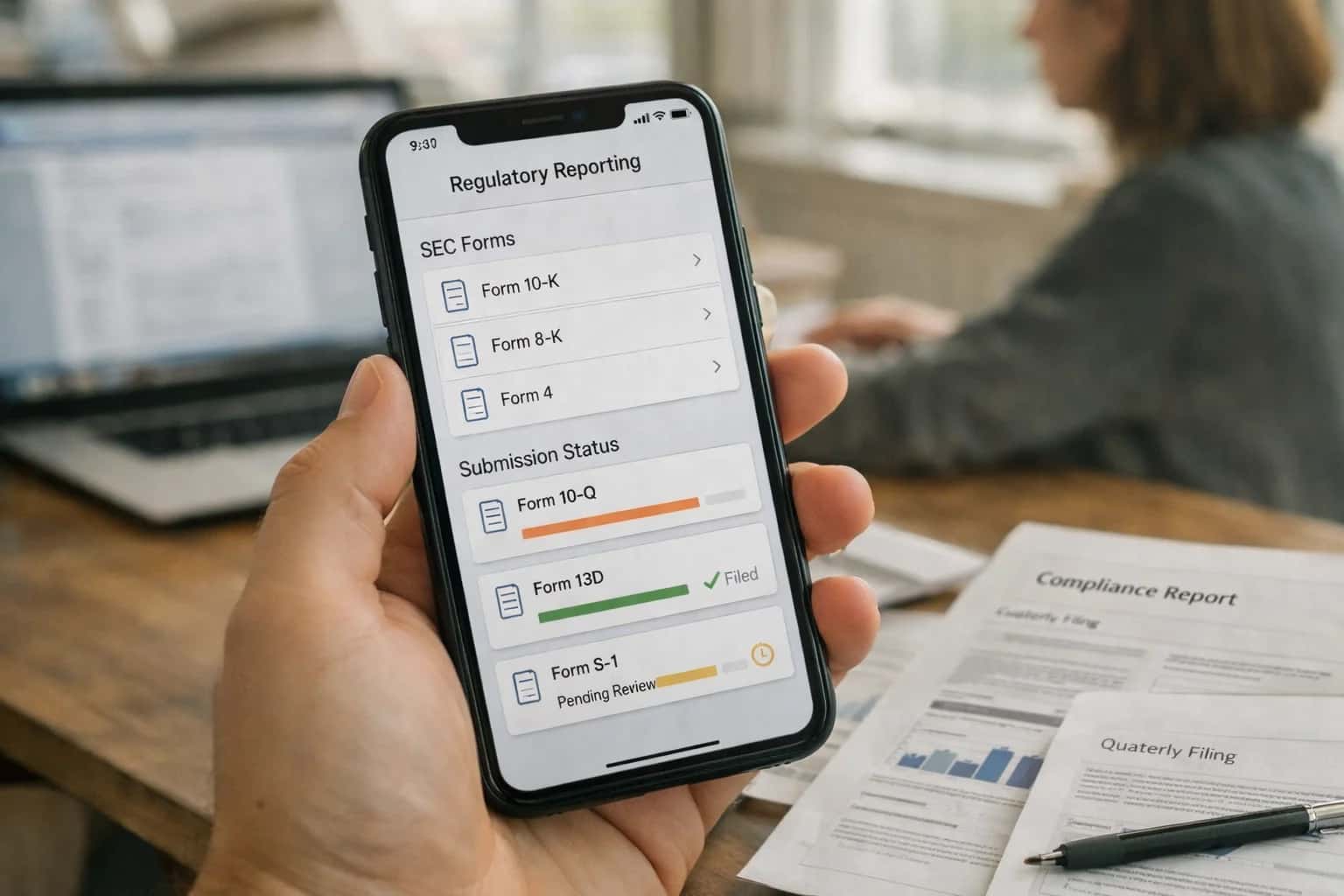
ARCHITECTURE AND ROLLOUT
Where AI Fits into POS Compliance Workflows
A technical blueprint for automating regulatory reporting by connecting AI directly to your POS system's data and workflows.
A production implementation follows a decoupled pattern: a secure middleware service subscribes to POS webhooks, passes transaction payloads to an LLM for classification and summarization, and posts the enriched data back to a dedicated Compliance_Log custom object or external database. For example, an AI agent can review every sale of a product tagged as "tobacco" in the POS item catalog, cross-reference the buyer's birthdate from the loyalty profile (if available), and log the transaction for a 21+ sales audit report. This happens in milliseconds, creating a real-time compliance ledger instead of a monthly manual review.
Rollout should be phased, starting with a single high-risk report like sales tax by jurisdiction or age-restricted product sales. Governance is critical: all AI classifications must be logged with confidence scores and be reviewable in an admin dashboard. Implement a human-in-the-loop step for low-confidence classifications before final report generation. This architecture ensures the POS remains the system of record, while AI handles the complex interpretation, reducing the compliance team's workload from days of spreadsheet manipulation to minutes of exception review.
AUTOMATING REGULATORY REPORTING
POS Data Surfaces for AI Integration
Automating Jurisdictional Tax Calculations
POS systems capture granular transaction data—product SKUs, quantities, prices, and store location—which is the foundation for tax reporting. AI integration surfaces this data to automate the historically manual process of generating sales tax and VAT reports.
Key Integration Points:
- Transaction APIs: Pull line-item details to apply the correct tax rules based on product tax codes and delivery addresses.
- Reporting Modules: Connect AI to built-in tax report generators (e.g., Lightspeed's Tax Report, Square's Sales Tax Reports) to summarize and validate data before filing.
- Webhook Triggers: Initiate AI review upon closing a fiscal period or when a threshold of taxable sales is met.
AI Workflow: An agent ingests the raw transaction export, classifies items into taxable/non-taxable categories using a product master, calculates liabilities per jurisdiction, and drafts a summary memo highlighting anomalies or potential audit risks. This reduces a multi-day reconciliation task to a review of a pre-populated report.
AUTOMATED COMPLIANCE WORKFLOWS
High-Value AI Use Cases for POS Regulatory Reporting
Transform manual, error-prone compliance tasks into automated workflows by integrating AI directly with your POS platform's data and reporting modules. These use cases target the specific surfaces and records where AI can enforce accuracy and accelerate reporting cycles.
01
Automated Sales Tax Report Generation
AI classifies transactions by taxable status and jurisdiction directly from the POS Sales and Tax APIs, automatically populating state and local tax forms. It flags anomalies like mismatched rates or exempt sales without proper documentation, reducing manual review before filing.
Hours -> Minutes
Report preparation
02
Age-Restricted Product Sales Audit
Continuously monitors the Product catalog and Transaction logs for SKUs tagged as age-restricted (e.g., tobacco, alcohol). AI cross-references sales against employee ID or required birthdate fields, generating daily exception reports for manager review to ensure compliance.
Batch -> Real-time
Audit monitoring
03
Dynamic Receipt Compliance
AI acts as a final check before receipt printing, ensuring mandatory disclosures (e.g., surcharges, refund policies, calorie counts for restaurants) are present and correctly formatted based on store location and cart contents. Integrates via POS Receipt API or print stream.
04
Gift Card & Escheatment Reporting
Analyzes GiftCardLedger activity to track dormant balances, predict liability, and automate the generation of unclaimed property (escheatment) reports by state. AI identifies customer contact attempts required before remittance, creating a verifiable audit trail.
1 sprint
Annual process automation
05
WIC/EBT Transaction Validation
For grocers and convenience stores, AI validates cart contents in real-time against WIC/EBT program rules before tender is applied. Post-transaction, it automates the reconciliation and reporting required by state agencies, flagging out-of-compliance items for training.
06
Centralized Chain-Wide Compliance Dashboard
Architects a unified view by ingesting compliance signals from all store POS instances. AI detects regional discrepancies in tax application, age verification logs, or receipt formatting, triggering automated alerts to district managers. Enables proactive governance for multi-location operators. Learn about scaling AI across locations in our guide for POS Chain Store Operations.
POS REGULATORY REPORTING
Example AI-Powered Compliance Workflows
These workflows illustrate how AI agents can automate complex, manual compliance tasks by connecting directly to your POS platform's APIs and data. Each flow is triggered by POS events, uses AI for classification and summarization, and updates systems of record or generates required documents.
Trigger: End of a reporting period (e.g., monthly, quarterly) or a manual request from the finance team.
Workflow:
- Data Pull: An agent queries the POS API for all transactions within the period, extracting line-item details, tax amounts, and location codes.
- AI Classification & Aggregation: The AI model classifies transactions by jurisdiction (state, county, city) based on store location and product taxability rules. It aggregates taxable sales, non-taxable sales, and tax collected per jurisdiction.
- Exception Flagging: The agent flags transactions with missing location data, unclear taxability, or amounts that deviate from expected norms for human review.
- Document Generation: Using the aggregated data, the agent populates pre-formatted tax return templates (e.g., for Avalara or direct state portals) and generates a summary report for internal audit.
- System Update & Next Step: The completed forms and data are pushed to the tax filing platform via its API, or packaged for e-filing. An audit log is created in a compliance system like Workiva.
Human Review Point: A finance manager reviews flagged exceptions and approves the final aggregated totals before filing.
FROM RAW TRANSACTIONS TO AUDIT-READY REPORTS
Implementation Architecture: Data Flow & System Components
A production-ready blueprint for automating tax, age-restriction, and compliance reporting by connecting AI directly to your POS data streams.
The integration architecture connects directly to your POS platform's transaction API (e.g., Lightspeed's Sale endpoint, Shopify's Order API, Square's Payments API) and product catalog to stream raw sales data. A central compliance orchestration service ingests this data, triggering AI agents for specific regulatory tasks. For sales tax, an agent classifies each line item against up-to-date jurisdictional tax codes, applying logic for product type, location, and customer exemptions. For age-restricted sales (e.g., tobacco, alcohol), a separate agent reviews the product SKU and, if required, flags transactions for audit by checking against associated customer verification records or prompting clerk documentation at the time of sale via a POS interface extension.
Processed data flows into a reporting data store, where AI summarization models generate narrative summaries and highlight anomalies—like a store with unusually high tax-exempt sales. Final reports (e.g., ST-100, age verification logs) are auto-generated in required formats (PDF, CSV, EDI) and pushed to a secure portal or delivered via email/webhook to finance or compliance teams. The system maintains a full audit trail, logging every AI classification, override by a human reviewer, and report version for regulator inquiries. This flow turns a manual, error-prone monthly process into a continuous, auditable operation.
Rollout is typically phased, starting with a single jurisdiction or report type in a pilot store group. Governance is critical: we implement human-in-the-loop review steps for the first few cycles and establish RBAC controls so only authorized managers can approve AI-generated reports. The architecture is designed to be platform-agnostic, using the POS API as an abstraction layer, allowing the same compliance logic to be applied across a heterogeneous estate of Lightspeed, Shopify POS, and Square Retail stores from a single control plane.
IMPLEMENTATION PATTERNS
Code & Payload Examples
Automating Tax Report Assembly
This workflow uses AI to classify transactions by tax jurisdiction and summarize totals, pulling raw data from the POS API. A scheduled job fetches transactions, an LLM classifies each line item based on product description and location, and a summarization step creates the final report payload for your tax software.
Example Payload to Tax Platform (Avalara/Sovos):
json{ "report_period": "2024-04", "store_id": "STORE_789", "jurisdiction_summaries": [ { "jurisdiction_code": "CA-STATE", "taxable_sales_total": 45289.75, "tax_collected": 4076.08, "transaction_count": 1247, "ai_confidence_score": 0.97 }, { "jurisdiction_code": "LA-CITY", "taxable_sales_total": 12890.50, "tax_collected": 902.34, "transaction_count": 411, "ai_confidence_score": 0.92 } ], "generation_notes": "AI-classified from 1,658 POS transactions. 12 items flagged for manual review." }
The AI's role is to map thousands of line items to the correct tax codes, a task prone to human error, and generate a structured, auditable summary.
AI FOR COMPLIANCE WORKFLOWS
Realistic Time Savings & Operational Impact
How AI integration transforms manual, error-prone regulatory reporting tasks into automated, auditable workflows directly from your POS data.
| Compliance Workflow | Before AI | After AI | Implementation Notes |
|---|---|---|---|
Sales Tax Report Generation | Manual data export, spreadsheet consolidation, 4-8 hours monthly per jurisdiction | Automated classification & summarization, report draft in <30 minutes | AI classifies taxable vs. non-taxable items, human reviews final figures before filing |
Age-Restricted Sales Audit (e.g., tobacco, alcohol) | Manual review of transaction logs, random sampling, 2-3 hours weekly | Continuous monitoring with flagged exceptions for review, <15 minutes weekly | AI scans for SKUs, flags mismatches between product age-rating and customer data, creates audit trail |
Local Business License & Gross Receipts Reporting | Manual calculation from POS reports, prone to omission errors | Automated period summarization with supporting data extracts, 1 hour vs. 1 day | AI aggregates sales by location/entity, generates formatted summaries for submission |
Product Recall & Lot Traceability Reporting | Manual search through inventory and sales records, hours to days for traceback | Instant querying via natural language, generates affected customer lists in minutes | Connects POS sales data to lot numbers; critical for food, pharmacy, and CPG retail |
End-of-Day Cash & Transaction Reconciliation | Manual count vs. system report comparison, 30-60 minutes daily | AI-assisted anomaly detection, highlights discrepancies for investigation, 10 minutes | Focuses human effort on exceptions rather than routine matching |
Promotional & Discount Compliance Reporting | Manual validation of applied discounts against campaign rules | Automated rule-checking per transaction, generates compliance summary | Ensures loyalty and vendor-funded promotions are executed correctly at POS |
Custom Regulatory Document Drafting (e.g., state-specific forms) | Manual form filling using multiple data sources | AI populates form templates from structured POS data, ready for review | Handles variability in form requirements across states or municipalities |
ARCHITECTING CONTROLLED, AUDITABLE AI FOR REGULATORY WORKFLOWS
Governance, Security & Phased Rollout
Implementing AI for compliance reporting requires a controlled architecture that preserves data integrity, enforces audit trails, and allows for gradual, risk-managed adoption.
A production architecture for POS regulatory AI typically involves a secure middleware layer that sits between your POS platform (e.g., Lightspeed, Shopify POS) and the AI models. This layer handles:
- Secure Data Extraction: Pulling transaction, product, and tax jurisdiction data via POS APIs or from a centralized data warehouse, applying strict role-based access controls (RBAC).
- Contextual Prompt Assembly: Structuring prompts with precise date ranges, store IDs, and product categories to ensure the AI's analysis is scoped and repeatable.
- Audit Logging: Immutably logging every AI-generated output—such as a proposed sales tax summary or age-restricted sales audit—alongside the source data snapshot that produced it. This creates a defensible audit trail for regulators.
Rollout should follow a phased, risk-based approach:
- Phase 1: Assisted Review (Read-Only). AI generates draft reports (e.g., monthly tax liability summaries) but a human finance manager must review, adjust, and manually file. This builds trust in the AI's accuracy and identifies edge cases.
- Phase 2: Conditional Automation. For low-risk, high-volume reports (e.g., weekly age-verification logs for non-alcohol products), AI-generated reports are auto-approved based on confidence scores and sent to a compliance dashboard, with only exceptions flagged for review.
- Phase 3: Integrated Filing. AI directly populates and submits forms to regulatory portals (like Avalara or Vertex), but only after passing automated validation checks and a final human-in-the-loop approval step for the filing period.
Governance is critical. Implement a prompt registry to version-control the instructions used for each report type, ensuring consistency. Establish a change control board (Finance, Legal, IT) to approve any modifications to AI logic affecting compliance outputs. Data must be processed in-region where required, and all AI interactions should be logged to a SIEM or governance platform like Collibra for lineage tracking. This structured approach ensures AI augments—rather than compromises—your regulatory posture.
Enabling Efficiency, Speed & Accuracy
Intelligent Analysis, Decision & Execution
We build AI systems for teams that need search across company data, workflow automation across tools, or AI features inside products and internal software.
Talk to Us
Search across company data
Give teams answers from docs, tickets, runbooks, and product data with sources and permissions.
Useful when people spend too long searching or get different answers from different systems.
Enterprise searchRAGPermissions
Read more
Automate internal workflows
Use AI to route work, draft outputs, trigger actions, and keep approvals and logs in place.
Useful when repetitive work moves across multiple tools and teams.
AI agentsWorkflow automationGovernance
Read more
Add AI to products and internal tools
Build assistants, guided actions, or decision support into the software your team or customers already use.
Useful when AI needs to be part of the product, not a separate tool.
AI integrationDecision supportModel routing
Read morePOS REGULATORY REPORTING
FAQ: Technical & Commercial Questions
Common questions about implementing AI for sales tax, age-restricted sales audits, and other POS compliance workflows.
AI integration typically connects via the POS platform's native APIs or a secure data pipeline. The standard pattern involves:
- Data Extraction: Scheduled or event-driven (webhook) pulls of transaction data, including line items, tax codes, customer data (for age verification), timestamps, and store location.
- Context Enrichment: The raw data is joined with master data (product catalog with regulatory flags, jurisdictional tax rates) from your ERP or PIM system.
- AI Processing Layer: An orchestration service sends enriched transaction batches to AI models for:
- Classification: Verifying or assigning correct tax jurisdictions and product categories (e.g.,
age_restricted: tobacco). - Summarization: Condensing thousands of lines into audit-ready summaries.
- Classification: Verifying or assigning correct tax jurisdictions and product categories (e.g.,
- System Update: Results are written back to a dedicated reporting database or directly into compliance platforms like Avalara or Vertex via their APIs.
Example Payload to AI Service:
json{ "transaction_id": "TX-78910", "store_jurisdiction": "CA-San Francisco", "line_items": [ { "sku": "PROD-555", "description": "Premium Cigar", "quantity": 1, "amount": 49.99 } ] }

About the author
Prasad Kumkar
CEO & MD, Inference Systems
Prasad Kumkar is the CEO & MD of Inference Systems and writes about AI systems architecture, LLM infrastructure, model serving, evaluation, and production deployment. Over 5+ years, he has worked across computer vision models, L5 autonomous vehicle systems, and LLM research, with a focus on taking complex AI ideas into real-world engineering systems.
His work and writing cover AI systems, large language models, AI agents, multimodal systems, autonomous systems, inference optimization, RAG, evaluation, and production AI engineering.
LinkedIn
Limited slotsGet a Free AI Consultation
Partnered with leading AI, data, and software stack.





How We Work
Custom AI workflows for your Business
One-fit-all AI don't work for modern businesses. At Inferensys, we aim to understand your business & custom requirements; which we use to define most efficient agentic workflows, the data, and the tools for your business.
01
Review the use case
We understand the task, the users, and where AI can actually help.
Read more02
Pick the right approach
We define what needs search, automation, or product integration.
Read more03
Build the first useful version
We implement the part that proves the value first.
Read more04
Improve from there
We add the checks and visibility needed to keep it useful.
Read moreThe first call is a practical review of your use case and the right next step.
Talk to Us