AI integration for retail incident reporting connects to the incident module or form object within your retail execution platform. The primary integration points are the platform's webhook for new submissions and its REST API for updating records. When a store manager or associate submits an incident report—covering anything from a slip-and-fall to a security breach—the AI service is triggered. It ingests the unstructured data: the form fields, any attached photos or witness statements, and historical context from the store's audit history. The AI's first job is real-time classification and triage, using natural language processing to categorize the incident type (e.g., Safety - Employee, Security - Theft, Facility - Maintenance), assign a severity score based on predefined rules and past data, and tag it with relevant regulatory codes (OSHA, local safety ordinances).

Integration
AI Integration for Retail Incident Reporting Analysis
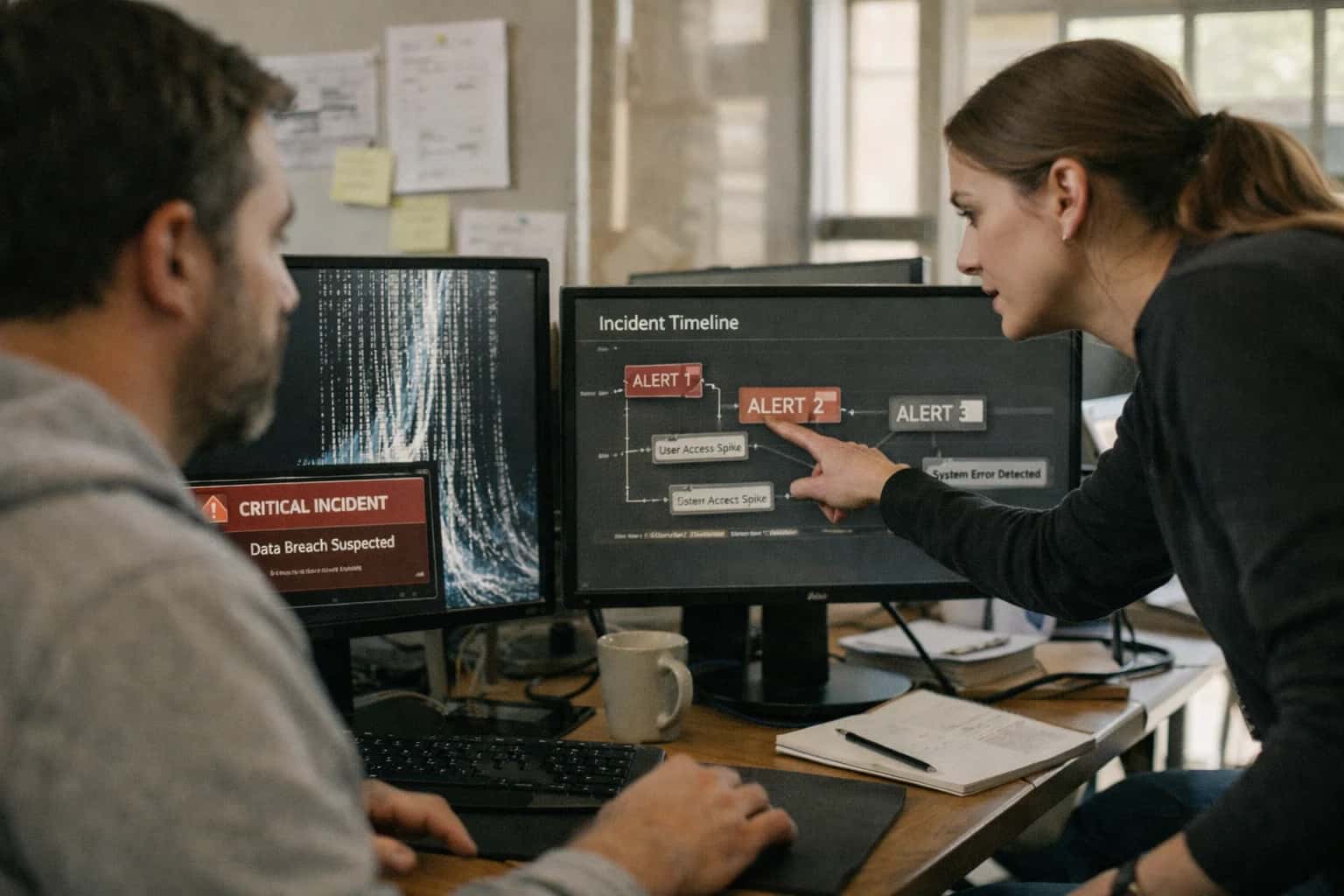
Where AI Fits into Retail Incident Reporting
A practical blueprint for integrating AI into safety and security incident workflows within platforms like Repsly, Zipline, YOOBIC, and Movista.
This automated analysis directly impacts operational response. The AI can auto-route the incident to the correct internal team (Loss Prevention, HR, Facilities) or external vendor based on classification and severity. It can also generate a preliminary summary for the district or regional manager, highlighting key facts, potential liabilities, and required next steps, which is appended to the incident record. For recurring issue patterns—like multiple similar safety reports from the same location—the AI can correlate incidents with past audit findings to suggest a root cause (e.g., wet floor signs not deployed per a previous compliance task) and automatically create a corrective action task in the platform's workflow engine. This moves the process from manual, delayed review to a system where critical incidents are flagged and routed within minutes, not hours.
Rollout requires a phased approach. Start with a pilot on non-critical incident types to tune classification models and gather user feedback on the AI-generated summaries and routing suggestions. Governance is critical: implement a human-in-the-loop approval step for high-severity incidents or any AI-recommended actions before they are executed in the platform. All AI actions must write a clear audit trail back to the incident record, noting the source of classification and the rationale for any automated task creation. This ensures accountability and allows for continuous model improvement based on human overrides. The end goal is a closed-loop system where AI handles the initial heavy lifting of data processing and routing, enabling human experts to focus on investigation, resolution, and strategic prevention—dramatically reducing response times and compliance risk.
Incident Reporting Touchpoints by Platform
AI Integration Points in Audit Workflows
Incident reporting often originates within structured audit or safety checklist modules in platforms like Repsly, YOOBIC, and Movista. AI connects here to analyze free-text notes, photo evidence, and compliance scores submitted by field teams.
Key integration surfaces:
- Audit Submission Webhooks: Trigger AI processing when an audit form is submitted, especially those tagged with 'Incident' or 'Safety' categories.
- Photo & Evidence Analysis: Use computer vision models to scan uploaded images for visible hazards (e.g., blocked exits, spillage) and extract text from safety signage or documents.
- NLP for Note Triage: Apply named entity recognition to field rep notes to automatically categorize incidents (e.g.,
slip_and_fall,theft,equipment_failure) and extract location, time, and involved parties.
This enables automatic severity scoring and routing before a manager manually reviews the report, reducing initial triage time from hours to minutes.
High-Value AI Use Cases for Incident Analysis
Integrate AI directly into platforms like Repsly, Zipline, YOOBIC, and Movista to automate the classification, prioritization, and routing of safety, security, and operational incident reports submitted by store teams, ensuring faster response and consistent compliance.
Automated Incident Triage & Routing
Use NLP to read unstructured incident reports and automatically classify the type (e.g., safety, theft, maintenance), assign a severity score, and route it to the correct internal team (LP, Facilities, HR) or external vendor via the platform's tasking engine.
Regulatory Compliance Flagging
Continuously scan incident descriptions against a library of regulatory keywords (OSHA, food safety codes). AI flags potential reportable incidents and auto-generates draft disclosures or triggers mandatory reporting workflows within the platform.
Predictive Risk Hotspot Identification
Analyze historical incident data, audit scores, and store attributes to build models that predict which locations or times are high-risk. Surface these insights as proactive alerts in manager dashboards within YOOBIC or Repsly to pre-empt issues.
Multi-Modal Evidence Analysis
Process photos or short videos attached to incident reports. Use computer vision to detect specific hazards (wet floors, blocked exits) or corroborate claims, enriching the incident record with AI-generated evidence summaries for investigators.
Automated Root Cause & CAPA Drafting
For recurring incident types, AI analyzes past reports and corrective actions to suggest probable root causes and draft Corrective and Preventive Action (CAPA) plans. These are created as follow-up tasks in Movista or Zipline for manager review and assignment.
Executive Incident Summarization
Automatically generate concise, daily or weekly summaries of incident trends, resolution status, and regional comparisons from raw platform data. Push these summaries to communication tools like Teams or embed them in BI dashboards for retail leadership.
Example AI-Powered Incident Workflows
These workflows demonstrate how AI can be integrated into platforms like Repsly, Zipline, YOOBIC, and Movista to automate the intake, analysis, and routing of safety, security, and operational incident reports submitted by store teams.
Trigger: A store employee submits an incident report via the mobile app, including photos, a description, and a basic form.
Context/Data Pulled: The AI system ingests the full report payload: unstructured text description, selected form fields (e.g., incident type dropdown), attached images, store ID, timestamp, and submitting user.
Model/Agent Action: A multi-modal LLM analyzes the submission:
- Classifies the incident into primary and secondary categories (e.g.,
Slip/Fall,Security - Theft,Equipment Failure,Customer Altercation). - Extracts key entities: people involved, specific location within store (e.g.,
Aisle 7,back stockroom), time of incident, potential witnesses. - Analyzes images for severity clues (e.g., visible hazard, extent of spill).
- Assigns a preliminary severity score (P1-Critical, P2-High, P3-Medium, P4-Low) based on learned patterns from historical data.
System Update/Next Step: The platform's incident record is automatically updated with the AI-generated metadata (categories, entities, severity score). A high-severity (P1/P2) incident triggers an immediate alert to the district manager and safety lead via the platform's notification system.
Human Review Point: The AI's classification and severity score are presented to the store manager or designated reviewer for confirmation or override within the platform UI, creating an audit trail.
Implementation Architecture: Data Flow & Guardrails
A secure, event-driven architecture for analyzing and routing safety and security incident reports within retail execution platforms.
The integration connects to the incident reporting module in platforms like Repsly, YOOBIC, or Movista via their webhook or REST APIs. When a new incident report is submitted (containing photos, free-text descriptions, checklists, and location data), the event triggers an AI processing pipeline. This pipeline first uses computer vision to analyze attached images for hazards (e.g., spills, blocked exits, damaged equipment) and NLP to classify the incident type ("slip and fall," "theft," "equipment failure") from the description, extracting key entities like involved parties and severity indicators.
The classified incident is then evaluated against predefined routing rules and compliance matrices. For example, a high-severity safety incident is automatically prioritized, tagged for OSHA reporting, and routed to the district safety officer and store manager via the platform's native tasking system. A security-related incident might be routed to loss prevention with relevant case details appended. All AI-generated classifications, extracted data, and routing decisions are logged as a tamper-evident audit trail within the incident record itself, creating a clear lineage from initial report to assigned action.
Critical guardrails include a human-in-the-loop approval step for high-severity classifications before automated notifications are sent, ensuring manager oversight. The system is designed for privacy-by-design, automatically redacting PII from free-text fields before AI processing where required. Rollout follows a phased approach: starting with a pilot for non-critical incident types to tune classification models, then expanding to full production with continuous monitoring of AI accuracy and feedback loops from store teams to retrain models quarterly.
Code & Payload Examples
Ingesting and Classifying New Reports
When a store team submits an incident report via a mobile app (e.g., Repsly, YOOBIC), a webhook is sent to your AI service. This listener validates the payload, extracts key details, and uses an LLM to classify the incident type and urgency. The classification determines the initial routing path—for example, sending a slip-and-fall report to the Safety team and a theft report to Loss Prevention.
python# Example: Webhook handler for incident classification from fastapi import FastAPI, Request import json from inference_client import classify_incident app = FastAPI() @app.post("/webhook/incident") async def handle_incident(request: Request): payload = await request.json() # Extract report details from platform-specific payload report_id = payload.get("id") store_number = payload.get("store_code") description = payload.get("notes", "") image_urls = payload.get("photo_attachments", []) # Call LLM for classification and priority scoring classification_result = classify_incident( description=description, image_context=image_urls ) # Result example: {"category": "safety_slip_trip", "priority": "high", "suggested_team": "safety_ops"} # Enrich and forward to internal queue or ticketing system enriched_payload = { "report_id": report_id, "store": store_number, "original_data": payload, "ai_analysis": classification_result } # Publish to internal event bus for further workflow orchestration publish_to_event_bus("incident.classified", enriched_payload) return {"status": "processed", "report_id": report_id}
Realistic Time Savings & Operational Impact
This table illustrates the operational impact of integrating AI into retail incident reporting workflows, showing how AI-assisted triage and routing reduces manual overhead while maintaining necessary human oversight for safety and security incidents.
| Process Step | Before AI | After AI | Key Impact |
|---|---|---|---|
Initial Report Triage & Categorization | Manual review by manager (15-30 min per report) | AI auto-categorizes incident type (Safety, Security, Theft, etc.) in <1 min | Managers focus on high-severity cases; 95% reduction in initial sorting time |
Severity & Priority Scoring | Subjective assessment based on reporter's description | AI scores severity using historical data & NLP on report details | Consistent, data-driven prioritization reduces response time bias |
Regulatory Flag Identification | Manual cross-reference with compliance checklist | AI flags reports requiring OSHA, local safety, or internal policy review | Proactive compliance tracking; reduces missed reporting deadlines |
Corrective Action Routing | Manual email/phone call to appropriate department (Facilities, LP, HR) | AI routes to pre-defined team queue in platform with context & suggested SLA | Ensures right team gets alert faster; eliminates routing errors |
Follow-up Task Generation | Manager manually drafts tasks for investigation or remediation | AI suggests standard task templates (e.g., 'Review CCTV', 'Schedule repair') | Accelerates workflow initiation; ensures consistent process steps |
Executive & Regulatory Reporting | Manual compilation of monthly/quarterly incident summaries | AI generates draft summaries with trends, hotspots, and compliance status | Reduces report preparation from days to hours for EHS & operations leaders |
Root Cause Analysis & Trend Identification | Quarterly manual review to spot patterns | AI continuously analyzes incident data to surface recurring issues & locations | Shifts from reactive to proactive safety management; enables preventative actions |
Governance, Privacy & Phased Rollout
A practical blueprint for implementing AI-powered incident analysis with the necessary controls for retail operations.
Integrating AI into platforms like Repsly, Zipline, YOOBIC, or Movista for incident reporting requires careful handling of sensitive data. The architecture typically involves a secure middleware layer that ingests incident reports via the platform's webhooks or REST APIs. This layer performs initial PII redaction (e.g., masking names, license plates from descriptions) and routes the anonymized content to a private LLM endpoint for classification and summarization. All processing should be logged with a full audit trail, linking the AI-generated output (priority score, category, summary) back to the original incident record ID in the retail execution platform for traceability.
A phased rollout is critical for adoption and risk management. Phase 1 often starts with a 'co-pilot' model: AI suggests a category and priority for new incidents, but a human manager (e.g., a district or loss prevention lead) must review and confirm within the platform's native task interface before any automated routing occurs. Phase 2 introduces automated routing for high-confidence, low-risk incidents (e.g., 'spill cleanup') directly to the store's task queue, while escalating ambiguous or high-severity cases (e.g., 'suspected theft') for human review. Phase 3 expands to predictive analytics, using historical incident data to flag stores with rising risk patterns for proactive audits.
Governance focuses on continuous model evaluation and feedback loops. Establish a weekly review where security and operations leaders audit a sample of AI-classified incidents to check for drift or bias, especially in sensitive categories like safety or theft. Use this feedback to retune prompts or models. Ensure the integration respects regional data residency rules by processing incident data in the appropriate cloud region. Finally, maintain clear rollback procedures; the ability to disable automated routing instantly via a configuration flag in your middleware is essential for maintaining operational control during an incident or if model performance degrades.
Enabling Efficiency, Speed & Accuracy
Intelligent Analysis, Decision & Execution
We build AI systems for teams that need search across company data, workflow automation across tools, or AI features inside products and internal software.
Talk to Us
Search across company data
Give teams answers from docs, tickets, runbooks, and product data with sources and permissions.
Useful when people spend too long searching or get different answers from different systems.

Automate internal workflows
Use AI to route work, draft outputs, trigger actions, and keep approvals and logs in place.
Useful when repetitive work moves across multiple tools and teams.

Add AI to products and internal tools
Build assistants, guided actions, or decision support into the software your team or customers already use.
Useful when AI needs to be part of the product, not a separate tool.
Frequently Asked Questions
Practical questions for retail operations and IT leaders implementing AI to automate the analysis and routing of safety, security, and operational incident reports submitted through platforms like Repsly, Zipline, YOOBIC, and Movista.
AI integrates via the platform's existing APIs and webhooks, typically following this pattern:
- Trigger: A new incident report is submitted via the mobile app or web portal.
- Ingestion: A secure webhook from the platform (e.g., Repsly's webhook API) sends the report payload (text, category, photos, location, submitter) to your AI processing endpoint.
- Processing: An AI agent uses NLP to:
- Classify the incident type (e.g.,
Slip & Fall,Theft,Equipment Failure,Harassment). - Extract entities like involved parties, time, specific assets.
- Assess severity based on description keywords and historical data.
- Summarize the key facts into a concise manager brief.
- Classify the incident type (e.g.,
- Action: The AI system uses the platform's REST API to:
- Update the incident record with AI-generated tags, priority score, and summary.
- Create and assign follow-up tasks to the appropriate regional manager or safety officer.
- Optionally, post an alert to a dedicated channel in Zipline or Teams.
The integration is read-and-write, allowing AI to both analyze incoming data and trigger workflows within the native platform.

About the author
Prasad Kumkar
CEO & MD, Inference Systems
Prasad Kumkar is the CEO & MD of Inference Systems and writes about AI systems architecture, LLM infrastructure, model serving, evaluation, and production deployment. Over 5+ years, he has worked across computer vision models, L5 autonomous vehicle systems, and LLM research, with a focus on taking complex AI ideas into real-world engineering systems.
His work and writing cover AI systems, large language models, AI agents, multimodal systems, autonomous systems, inference optimization, RAG, evaluation, and production AI engineering.
Partnered with leading AI, data, and software stack.





How We Work
Custom AI workflows for your Business
One-fit-all AI don't work for modern businesses. At Inferensys, we aim to understand your business & custom requirements; which we use to define most efficient agentic workflows, the data, and the tools for your business.
01
Review the use case
We understand the task, the users, and where AI can actually help.
Read more02
Pick the right approach
We define what needs search, automation, or product integration.
Read more03
Build the first useful version
We implement the part that proves the value first.
Read more04
Improve from there
We add the checks and visibility needed to keep it useful.
Read moreThe first call is a practical review of your use case and the right next step.
Talk to Us