AI integrates into NationBuilder by connecting to its People database, Website/Donation pages, and Automation Rules engine. The primary surfaces are the REST API for bulk data operations and webhooks for real-time event triggers. Key objects for AI enrichment include person records (with custom fields for scores and tags), donation transactions, event RSVPs, and page interactions. AI workflows typically read from these objects to generate insights and write back enriched data—like predicted donation likelihood or issue sentiment—to drive personalized journeys.

Integration
AI Integration for NationBuilder CRM
A technical blueprint for embedding AI copilots and agents directly into NationBuilder's supporter database and campaign workflows, enabling automated data enrichment, sentiment tracking, and dynamic list building.
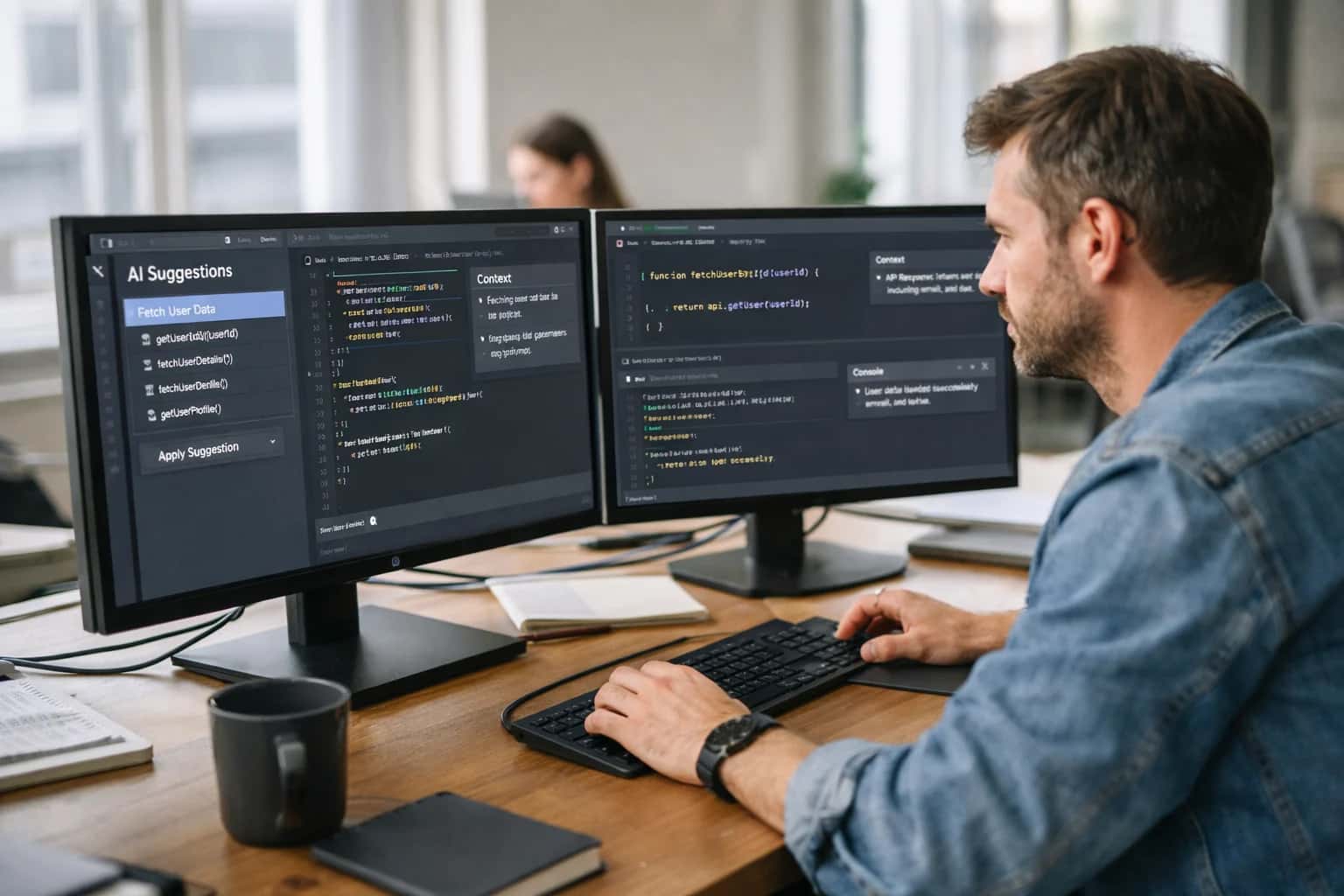
ARCHITECTURE BLUEPRINT
Where AI Fits in the NationBuilder Stack
A practical guide to embedding AI agents and copilots within NationBuilder's supporter database, website, and automation layer.
Implementation involves setting up a middleware service or agent orchestration platform (like /integrations/ai-agent-builder-and-workflow-platforms) that polls the API or listens for webhooks on events like person_created or donation_received. For example, when a new supporter signs up via a website form, an AI agent can instantly analyze their public profile data, append a support_score and key interest_tags to their NationBuilder record, and trigger a personalized welcome email sequence. For fundraising, AI can analyze past donation amounts and frequencies to suggest dynamic ask amounts on donation pages or during call time preparation.
Rollout should start with a single, high-impact workflow—such as automated donor stewardship—using a sandbox NationBuilder site. Governance is critical: all AI-generated content or data updates should be logged in an audit trail, and for sensitive actions like changing supporter scores, consider a human-in-the-loop approval step via NationBuilder's staff permissions. Because NationBuilder often serves as the central hub for a campaign's digital presence, AI integrations must be resilient and respect rate limits to avoid disrupting core voter contact operations. For complex data synchronization or model training, a complementary pattern is to build an [/integrations/data-integration-and-etl-platforms](AI-ready data pipeline) that periodically syncs a snapshot of NationBuilder data to a warehouse for deeper analysis, with insights fed back via the API.
ARCHITECTURE FOR AI COPILOTS
Key Integration Surfaces in NationBuilder
The Core Person Record
The NationBuilder supporter record is the primary entity for AI-driven personalization and automation. Each record contains fields for contact info, tags, custom fields, and a timeline of activities (donations, event attendance, email opens).
AI Integration Points:
- Real-time Enrichment: Use AI to append inferred data points—like issue affinity or engagement score—to custom fields via the API after a new activity is logged.
- Dynamic Segmentation: Move beyond static tags by using AI to analyze the activity timeline and automatically add/remove supporters from dynamic lists based on predicted behavior.
- Profile Summarization: Generate an executive summary of a supporter's history for staff, condensing months of interactions into a few sentences for call time or high-touch outreach.
Implementation typically involves setting up webhooks on key events (e.g., person_created, donation_received) to trigger an AI agent that fetches the full record, processes it, and posts back updates.
NATIONBUILDER CRM INTEGRATION
High-Value AI Use Cases for Campaigns
Practical AI workflows that connect directly to NationBuilder's supporter database, website tools, and automation layer to scale personalized outreach and optimize campaign operations.
01
Automated Supporter Profile Enrichment
AI agents monitor NationBuilder webhooks for new sign-ups, donations, or event RSVPs. They call enrichment APIs to append demographic, interest, and social data, then write enriched profiles back via the NationBuilder API. This turns basic contact records into rich supporter personas for segmentation.
Batch -> Real-time
Data freshness
02
Dynamic Email & SMS Personalization
Integrate an AI layer between NationBuilder's broadcast/automation engine and the send queue. For each recipient, the AI generates personalized message variants, subject lines, and suggested ask amounts based on their full profile, past interactions, and real-time context—increasing open and conversion rates.
1 sprint
Typical POC timeline
03
Intelligent Volunteer Task Matching
An AI copilot analyzes volunteer skills, location, past performance, and availability from NationBuilder records. When new tasks (phone banking, data entry, event staffing) are created, it automatically recommends and assigns the best-matched volunteers, sending personalized asks via NationBuilder's communications tools.
Hours -> Minutes
Assignment speed
04
Real-Time Donor Briefing for Call Time
Before a fundraising call, field staff pull up a donor in NationBuilder. An integrated AI agent synthesizes the donor's giving history, recent website activity, and public data into a concise briefing with suggested talking points and ask amounts. Post-call, the agent can draft notes for the log.
Same day
Prep time reduction
05
AI-Powered Website Lead Triage
Connect AI to NationBuilder's lead capture forms and website activity streams. The AI scores and qualifies new leads in real-time, automatically tagging them, adding to dynamic lists, and triggering personalized follow-up sequences—ensuring hot leads get immediate, relevant contact.
Batch -> Real-time
Response workflow
06
Automated Survey Response Analysis
When survey responses are collected via NationBuilder forms, an AI agent uses NLP to analyze open-text answers for sentiment, key issues, and urgency. It automatically tags supporters, updates their profiles, and alerts staff to trending concerns or high-priority follow-ups.
Hours -> Minutes
Analysis time
NATIONBUILDER CRM INTEGRATION PATTERNS
Example AI-Powered Workflows
These workflows demonstrate how to connect AI agents directly to NationBuilder's supporter database, automations, and digital tools. Each pattern is built using the NationBuilder API, webhooks, and a secure AI orchestration layer.
Trigger: A new person is added to the NationBuilder database via a website signup, event registration, or import.
Workflow:
- A webhook from NationBuilder fires to your AI integration endpoint with the new person's ID and basic fields (email, name, zip code).
- The AI agent calls the NationBuilder API to fetch the full, but sparse,
personrecord. - Using the available data, the agent performs a secure, privacy-compliant external data append to infer likely:
- Issue priorities (e.g., environment, education, healthcare) based on location and demographics.
- Engagement propensity score for different channels (email, SMS, volunteer asks).
- Suggested donor tier based on neighborhood-level wealth indicators.
- The agent writes these inferences back to the person's record using NationBuilder's custom fields or tags via the API.
- The enriched profile immediately triggers existing NationBuilder automation rules (e.g., "Tagged 'High-Propensity-Volunteer' → Add to 'Volunteer Recruitment' email automation").
Human Review Point: Inferences are written to designated ai_suggested_ custom fields. A campaign manager can review the dashboard of newly enriched profiles daily to validate and adjust rules.
HOW AI CONNECTS TO YOUR SUPPORTER DATA
Implementation Architecture & Data Flow
A production-ready AI integration for NationBuilder connects to its API and webhook layers to read supporter activity, write enriched data, and trigger personalized workflows.
The core integration pattern uses NationBuilder's REST API and Webhooks to create a real-time data pipeline. AI agents are typically deployed as a separate microservice that listens for webhook events (e.g., person_created, donation_received, page_viewed). This service processes the incoming JSON payload—containing the person object with fields like first_name, email, tags, and custom_fields—to trigger AI workflows. Common architectural components include:
- Event Queue: Ingests webhooks to handle spikes during email blasts or fundraising events.
- Orchestrator: Routes events to specific AI modules (e.g., data enrichment, sentiment analysis, next-best-action).
- Vector Index: Stores embedded content from a campaign's website blog, emails, and survey responses for RAG-powered supporter support.
- Audit Log: Tracks all AI-generated updates back to the source
person_idfor compliance and rollback.
For write-back operations, the AI service uses the NationBuilder API to update supporter records. High-impact workflows include:
- Automated Profile Enrichment: Calling an external data append service or using LLM extraction on
bioornotefields to inferissues_score,volunteer_capacity, ordonor_affinity, then writing tocustom_fields. - Dynamic List Building: Using a model to score supporters for a new advocacy campaign and automatically adding them to a NationBuilder list via the
lists/:id/peopleendpoint. - Personalized Content Generation: When a
page_viewedwebhook fires for a petition page, the AI generates a personalized email ask based on the supporter's pastdonationhistory andtags, then uses thebroadcastsAPI to send it. - Sentiment Tracking: Analyzing
rsvpcomments or formresponseswith NLP, updating asentiment_last_30_daysfield, and triggering apoint_of_contactchange if sentiment drops.
Governance and rollout require a phased approach. Start with a read-only phase to analyze historical donations and signups to model supporter lifetime value without making live updates. Then, move to a human-in-the-loop phase where AI suggestions for list additions or email content appear in a separate dashboard for campaign manager approval before syncing via API. Finally, fully automated workflows can be enabled for specific, high-volume tasks like tagging new signups from specific acquisition sources. All AI interactions should respect NationBuilder's rate limits and include idempotency keys to prevent duplicate processing from webhook retries. A successful integration turns NationBuilder from a static database into an intelligent system that reacts to supporter behavior in real-time, moving segments and triggering communications that feel individually crafted.
NATIONBUILDER API SURFACES
Code & Payload Examples
Enriching Supporter Records via API
AI can enrich NationBuilder supporter profiles in real-time by calling external data services and writing back via the REST API. A common pattern is to trigger enrichment when a new person is created or when a tag is applied (e.g., needs_enrichment). The AI workflow fetches public data, summarizes sentiment from past interactions, and appends notes or custom fields.
Example Python Payload for Updating a Person:
pythonimport requests # NationBuilder API endpoint for updating a person person_id = 12345 api_token = 'your_nb_token' nation_slug = 'your_nation' url = f'https://{nation_slug}.nationbuilder.com/api/v1/people/{person_id}' headers = { 'Authorization': f'Bearer {api_token}', 'Content-Type': 'application/json', 'Accept': 'application/json' } # Payload with AI-generated enrichment data = { "person": { "custom_fields": { "ai_sentiment_score": 0.85, "top_issue": "Climate Change", "enrichment_source": "AI_Service_2024-05-15" }, "tags": ["ai_enriched", "high_priority"] } } response = requests.put(url, json=data, headers=headers)
This updates the supporter's record with AI-derived insights, making them available for segmentation and personalized outreach within NationBuilder's rules engine.
AI-ENHANCED NATIONBUILDER WORKFLOWS
Realistic Time Savings & Operational Impact
This table compares manual processes against AI-assisted workflows, showing how targeted integrations reduce operational friction and accelerate supporter engagement cycles.
| Metric | Before AI | After AI | Notes |
|---|---|---|---|
New supporter profile enrichment | Manual research: 5-10 mins per lead | Automated enrichment: <30 seconds | Pulls from public data, social, past interactions; updates NationBuilder person record |
Donor segmentation for email blasts | Static lists, quarterly refresh | Dynamic scoring, real-time list updates | AI updates supporter scores based on behavior, auto-adds/removes from segments |
Volunteer task matching & scheduling | Manual coordination, spreadsheets | Assisted matching & predictive scheduling | Matches skills/availability from profiles, predicts no-shows, sends adaptive reminders |
Survey response analysis (open text) | Manual reading & tagging, hours per batch | Automated sentiment & issue tagging, minutes | NLP processes Ecanvasser survey imports, flags urgent issues for field director |
Personalized email draft for major donor | Manual research & drafting: 20-30 mins | Assisted briefing & draft generation: 5 mins | AI drafts using donor history, recent interactions; fundraiser edits & sends |
Event attendance prediction | Best guess based on past events | Model-driven forecast with confidence score | Uses RSVP history, weather, event type to predict turnout for resource planning |
Data hygiene & duplicate resolution | Monthly manual review, high error rate | Continuous automated monitoring & merging | AI scans for dupes, deceased records, address changes; proposes merges for approval |
Fundraising page A/B test analysis | Review after 48-72 hours, manual calculation | Real-time performance dashboards & recommendations | AI monitors conversion, suggests winning variant, can auto-deploy based on rules |
CONTROLLED DEPLOYMENT FOR POLITICAL DATA
Governance, Security & Phased Rollout
A practical framework for deploying AI in NationBuilder with strict data governance, security controls, and a phased rollout to mitigate risk.
Integrating AI with NationBuilder's supporter data requires a security-first architecture. This typically involves a dedicated integration layer that sits between NationBuilder's API and your AI models. Key controls include:
- API Key & OAuth Management: Using NationBuilder's API with scoped permissions, ensuring AI agents only access necessary data objects like
people,donations,events, ortags. - Data Masking & PII Handling: Implementing field-level filtering to exclude sensitive personal identifiers from prompts before sending data to external LLM APIs.
- Audit Logging: Logging all AI-generated actions (e.g., tag additions, note creation, list updates) back to the supporter's timeline for full transparency and compliance review.
- Human-in-the-Loop Gates: Configuring approval steps for high-stakes actions, such as sending a major donor communication or changing a supporter's core status, using NationBuilder's native webhooks to trigger review workflows.
A successful rollout follows a phased, use-case-driven approach to build confidence and demonstrate value:
- Phase 1: Read-Only Intelligence (Weeks 1-2): Deploy agents that analyze data without writing back. Examples include daily supporter sentiment dashboards or automated fundraising report summaries that pull from the
donationsandpeopletables. - Phase 2: Assisted Data Hygiene (Weeks 3-4): Introduce low-risk write operations. An AI agent can suggest and apply
tagsfor data enrichment (e.g., "climate interested") or merge duplicatepersonrecords, with all changes logged and reversible. - Phase 3: Dynamic Workflow Automation (Ongoing): Activate AI-driven actions within key workflows. This could be an agent that listens for new
donationwebhooks and drafts a personalized thank-you email, or one that monitorseventRSVPs and triggers tailored follow-up SMS sequences via NationBuilder's broadcast tools.
Governance is continuous. Establish a cross-functional team (campaign manager, data director, compliance officer) to review AI-generated outputs weekly, refine prompts, and adjust access controls. Start with a single, well-defined pilot—like automating the summarization of volunteer survey_response data—before expanding to more complex orchestration across fundraising, mobilization, and communications modules. For broader architectural patterns, see our guide on AI Integration for Political Campaign CRMs.
Enabling Efficiency, Speed & Accuracy
Intelligent Analysis, Decision & Execution
We build AI systems for teams that need search across company data, workflow automation across tools, or AI features inside products and internal software.
Talk to Us
Search across company data
Give teams answers from docs, tickets, runbooks, and product data with sources and permissions.
Useful when people spend too long searching or get different answers from different systems.
Enterprise searchRAGPermissions
Read more
Automate internal workflows
Use AI to route work, draft outputs, trigger actions, and keep approvals and logs in place.
Useful when repetitive work moves across multiple tools and teams.
AI agentsWorkflow automationGovernance
Read more
Add AI to products and internal tools
Build assistants, guided actions, or decision support into the software your team or customers already use.
Useful when AI needs to be part of the product, not a separate tool.
AI integrationDecision supportModel routing
Read moreIMPLEMENTATION BLUEPRINT
Frequently Asked Questions
Practical questions for technical teams planning an AI integration with NationBuilder's CRM, supporter database, and website ecosystem.
A production integration requires a secure, server-side layer between your AI models and NationBuilder. Here’s the typical architecture:
- Authentication: Use NationBuilder's OAuth 2.0 flow to obtain an access token for server-to-server API calls. Store tokens securely (e.g., in a secrets manager like AWS Secrets Manager or HashiCorp Vault).
- API Gateway/Proxy: Deploy a lightweight API gateway (e.g., using FastAPI, Express.js) that:
- Validates incoming requests from your AI agent.
- Attaches the NationBuilder OAuth token.
- Enforces rate limits (NationBuilder has API call limits).
- Logs all data access for audit trails.
- Data Scoping: Use NationBuilder's permission system (
site_slug, user roles) to ensure the AI agent only accesses data for the intended nation and within the permissions of the service account. - Example Payload for fetching a supporter:
jsonGET /api/v1/sites/{site_slug}/people/{person_id} Authorization: Bearer {access_token}
The proxy handles this call, and returns a cleaned, context-rich JSON object to the AI agent for processing.

About the author
Prasad Kumkar
CEO & MD, Inference Systems
Prasad Kumkar is the CEO & MD of Inference Systems and writes about AI systems architecture, LLM infrastructure, model serving, evaluation, and production deployment. Over 5+ years, he has worked across computer vision models, L5 autonomous vehicle systems, and LLM research, with a focus on taking complex AI ideas into real-world engineering systems.
His work and writing cover AI systems, large language models, AI agents, multimodal systems, autonomous systems, inference optimization, RAG, evaluation, and production AI engineering.
LinkedIn
Limited slotsGet a Free AI Consultation
Partnered with leading AI, data, and software stack.





How We Work
Custom AI workflows for your Business
One-fit-all AI don't work for modern businesses. At Inferensys, we aim to understand your business & custom requirements; which we use to define most efficient agentic workflows, the data, and the tools for your business.
01
Review the use case
We understand the task, the users, and where AI can actually help.
Read more02
Pick the right approach
We define what needs search, automation, or product integration.
Read more03
Build the first useful version
We implement the part that proves the value first.
Read more04
Improve from there
We add the checks and visibility needed to keep it useful.
Read moreThe first call is a practical review of your use case and the right next step.
Talk to Us