
Inferensys

Integration

AI Integration for Workspace ONE Freestyle Orchestrator

Add AI decision points to Freestyle Orchestrator workflows to automate intelligent branching, dynamic resource selection, and automated troubleshooting for endpoint management tasks.
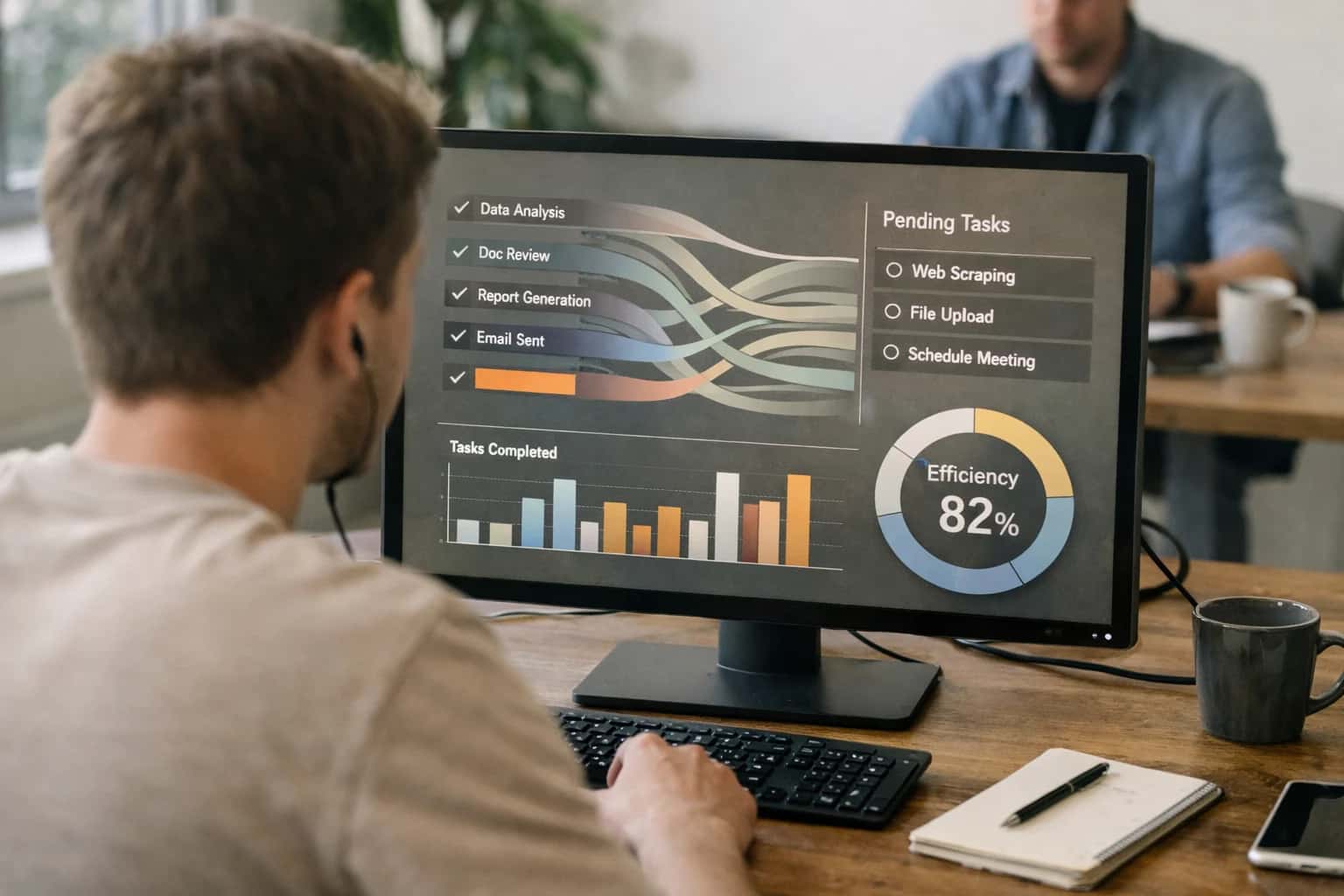
Product manager reviewing autonomous task execution dashboard on laptop, completed tasks visible, casual work session.
ARCHITECTURE AND ROLLOUT

Where AI Fits in Freestyle Orchestrator Workflows

Integrating AI into VMware Workspace ONE Freestyle Orchestrator transforms low-code automation into intelligent, adaptive workflows that can make decisions, predict outcomes, and self-optimize.

AI fits into Freestyle Orchestrator as a decision-making and enrichment layer that sits between workflow triggers and actions. Instead of static if-then logic, you can use AI to dynamically evaluate complex conditions. Key integration points include:

  • Trigger Enrichment: Use AI to analyze the context of a trigger (e.g., a device check-in event, a user help request) and extract intent or priority before the workflow begins.
  • Dynamic Variable Assignment: Replace hardcoded values with AI-generated outputs. For example, an AI model can analyze a device's inventory data (from Workspace ONE UEM) and set a variable like remediation_priority to High, Medium, or Low.
  • Intelligent Branching: Use an AI agent to evaluate multiple data points—like device compliance state, user role, geographic location, and recent support tickets—to decide which workflow path (Approve, Deny, Escalate, Remediate) to execute, moving beyond simple rule-based gates.

A practical implementation wires an AI service (like an LLM API or a custom model endpoint) as a custom connector step within the Orchestrator canvas. The workflow calls the AI with a structured prompt containing relevant device and user context pulled from Workspace ONE's APIs. The AI returns a structured JSON decision or enrichment, which is then parsed and used to control subsequent steps like pushing a configuration profile, executing a shell script via REST API connector, creating a ServiceNow ticket, or sending a notification via Microsoft Teams. This turns workflows like "Automated Compliance Remediation" from a static script execution into an intelligent process that can diagnose the root cause of non-compliance and select the precise corrective action.

Rollout requires a phased, governance-first approach. Start with read-only, advisory workflows where AI suggests actions but requires human approval, logging all AI decisions and rationale to the Orchestrator audit trail. For example, an AI might recommend a specific patch based on threat intelligence, but an admin approves the deployment. Once trust is established, move to supervised automation for low-risk, high-volume tasks like automated app assignment or routine maintenance scripts. Governance controls should include circuit breakers to halt workflows if error rates spike, and regular reviews of AI-driven decisions against expected outcomes. This measured approach ensures you gain the productivity benefits of intelligent automation—reducing manual triage from hours to minutes—while maintaining control over your endpoint estate.

FREESTYLE ORCHESTRATOR AUTOMATION

AI Integration Points in the Workspace ONE Stack

Intelligent Branching and Resource Selection

Freestyle Orchestrator's low-code workflow engine can be enhanced with AI decision nodes that evaluate dynamic conditions to determine the next step. Instead of static IF/THEN logic, an AI model can analyze real-time inputs—like device health scores from Workspace ONE Intelligence, user role from Active Directory, or incident severity from a ServiceNow ticket—to choose the optimal automation path.

For example, a workflow triggered by a high CPU alert could branch differently based on AI analysis of historical patterns: a known software bug triggers an automated patch deployment, while an unknown pattern escalates to a support ticket with enriched diagnostics. This moves automation from reactive scripts to predictive, context-aware operations.

INTELLIGENT WORKFLOW AUTOMATION

High-Value AI Use Cases for Freestyle Orchestrator

Enhance VMware Workspace ONE's low-code automation engine with AI decision points, enabling dynamic workflow branching, intelligent resource selection, and automated troubleshooting for endpoint management tasks.

01

AI-Powered Workflow Branching

Use AI to analyze real-time device context (health, location, user role) to dynamically select the next step in a Freestyle Orchestrator workflow. For example, a 'device onboarding' workflow can branch to intensive security checks for executives or a standard profile for general employees, all without manual intervention.

Static → Dynamic
Workflow logic
02

Automated Root Cause Analysis & Remediation

Integrate AI models that consume device event logs and performance metrics. When an issue is detected (e.g., high CPU), the AI diagnoses the root cause and triggers a targeted Freestyle Orchestrator workflow with the precise remediation script, patch, or configuration change.

Hours -> Minutes
MTTR reduction
03

Intelligent Resource & Script Selection

Move beyond hard-coded script paths. Use AI to evaluate the target device's OS version, installed software, and registry state to dynamically select the optimal script, package, or policy payload from a library, ensuring higher success rates for software deployments and configurations.

Higher Success Rate
Deployment outcomes
04

Predictive Compliance Workflows

Proactively maintain compliance. AI analyzes Workspace ONE Intelligence data to predict devices at risk of falling out of compliance (e.g., pending OS updates, expiring certificates). It then automatically triggers Freestyle Orchestrator workflows to remediate issues before a violation occurs.

Batch → Real-time
Compliance enforcement
05

Context-Aware User Self-Service

Embed an AI assistant in the Intelligent Hub that lets users request actions (e.g., 'install Adobe Creative Cloud'). The AI validates permissions and device compatibility, then orchestrates a behind-the-scenes Freestyle workflow to fulfill the request, reducing IT ticket volume.

80% Deflection
Tier-1 ticket goal
06

AI-Enhanced Approval & Escalation Gates

Add intelligence to workflow approval gates. Instead of a simple manual queue, use AI to analyze the request context, risk, and approver availability. It can auto-approve low-risk items, escalate urgent ones, or route to the correct backup approver, speeding up change execution.

Same day
Approval cycle time
FREESTYLE ORCHESTRATOR AUTOMATIONS

Example AI-Enhanced Workflows

These workflows demonstrate how AI decision points can be embedded within Freestyle Orchestrator to create dynamic, intelligent automations that respond to real-time context, reducing manual intervention for IT operations.

Trigger: A new critical security patch is released for macOS.

AI-Enhanced Logic:

  1. Context Pull: The workflow pulls a list of all managed macOS devices from Workspace ONE UEM via the REST API.
  2. AI Decision Point: An AI agent analyzes each device's:
    • Current patch level and last update success/failure.
    • User's department and role (from HR feed).
    • Device's current location and network bandwidth (from Workspace ONE Intelligence).
    • Historical uptime patterns (e.g., "user typically works 9-5, device idle after 7 PM").
  3. Dynamic Orchestration: Based on the AI's risk/impact assessment, the workflow branches:
    • High-Risk/High-Impact Users (e.g., Executives, Live Presenters): Schedules the update for after-hours with a user notification and option to defer once.
    • Standard Users with Good Connectivity: Proceeds with immediate download and prompts for a restart within 2 hours.
    • Users on Metered/Weak Connections: Pauses the download, notifies the user of the large size, and suggests connecting to corporate Wi-Fi.
    • Devices with Past Update Failures: Flags for IT review and creates a ticket in ServiceNow with the failure history.
  4. System Update: The Orchestrator uses the PATCH /api/mdm/devices/{deviceId}/commands endpoint to push the appropriate update command and policy payloads based on the selected branch.
AI-ENHANCED WORKFLOW ORCHESTRATION

Implementation Architecture: Data Flow & Integration Pattern

Integrating AI with Workspace ONE Freestyle Orchestrator transforms low-code automation into intelligent, context-aware workflows that can make decisions, select resources, and remediate issues autonomously.

The core integration pattern involves an AI decision layer that sits between the Freestyle Orchestrator engine and your data sources. A typical flow starts when a Freestyle workflow reaches a decision point—like determining the root cause of a device enrollment failure or selecting the correct troubleshooting script for a specific macOS version. Instead of a static if/then branch, the workflow calls an AI agent via a REST API webhook. The agent receives the workflow context (e.g., device ID, error codes, inventory data from Workspace ONE UEM) and relevant external signals (threat intelligence, service desk ticket history). It processes this using a reasoning model or a Retrieval-Augmented Generation (RAG) system over your internal knowledge base, then returns a structured JSON decision payload back to Freestyle Orchestrator. This payload dictates the next step: execute Script A, assign the device to Group B, create a ticket in ServiceNow with a specific category, or prompt for human review.

For production, this is implemented as a secure, containerized microservice (often using frameworks like CrewAI or AutoGen) that brokers calls between Freestyle Orchestrator and LLM APIs (OpenAI, Anthropic, or private models). Key technical considerations include:

  • Authentication & RBAC: The AI service must authenticate to the Workspace ONE UEM REST API using OAuth 2.0 client credentials, scoped to read device inventory and execute actions, respecting the same role-based access controls as human admins.
  • Audit Trails: Every AI-generated decision and the context used must be logged to an immutable audit log, linking back to the originating Freestyle workflow run ID for full traceability.
  • Fallback Logic: Workflows must include fallback paths to default human-approved actions if the AI service is unavailable or returns low-confidence scores.
  • Cost & Latency: For high-volume workflows (e.g., automated compliance checks), consider using smaller, faster models for classification and reserving larger models for complex root-cause analysis.

Rollout should follow a phased approach. Start with read-only advisory workflows, where the AI suggests an action in a Slack alert or ticket comment for admin approval. Next, move to supervised automation for low-risk, high-volume tasks—like tagging devices based on predicted department—where the AI action is automatically executed but reported in a daily digest. Finally, implement closed-loop remediation for predefined scenarios, such as automatically pushing a specific configuration profile when an AI model detects a security misconfiguration with high certainty. Governance is critical; establish a regular review cycle where a cross-functional team (IT ops, security, compliance) samples AI-driven workflow outcomes to validate accuracy and adjust prompts or data sources as needed.

AI-ENHANCED ORCHESTRATION

Code & Payload Examples

AI-Driven Decision Points

Use AI to evaluate device context and user input to dynamically select the next Freestyle Orchestrator workflow. This replaces static, linear automation with intelligent branching.

Example Workflow:

  1. A device reports high memory usage via a sensor.
  2. An AI agent analyzes the sensor data, recent crash logs, and installed applications.
  3. Based on the analysis, the agent decides the root cause is likely a specific misbehaving app.
  4. The agent triggers the Remediate-App-Memory-Leak workflow instead of a generic Restart-Device workflow.

Payload to Trigger Workflow:

json
POST /api/freestyle/v1/workflows/{workflowId}/execute
{
  "deviceId": "device-uuid-1234",
  "parameters": {
    "targetApplication": "com.vendor.problemapp",
    "remediationAction": "forceStop"
  },
  "source": "ai_agent_memory_analysis"
}

This enables context-aware remediation, reducing unnecessary device restarts and improving user productivity.

AI-ENHANCED FREESTYLE ORCHESTRATOR WORKFLOWS

Realistic Time Savings & Operational Impact

How adding AI decision points to Workspace ONE Freestyle Orchestrator transforms low-code automation from static to dynamic, reducing manual intervention and accelerating endpoint operations.

WorkflowBefore AIAfter AINotes

Endpoint troubleshooting workflow

Static script library; manual diagnosis by Tier 2

Dynamic script selection; AI-guided root cause analysis

AI analyzes logs to select the precise remediation script from the library

New hire device provisioning

Generic profile based on department; post-setup manual app installs

Personalized app bundle based on role, location, and historical data

AI uses HR feed and past user patterns to predict needed applications

Compliance drift remediation

Scheduled full inventory scans; manual policy review

Event-triggered scans; AI prioritizes high-risk deviations

AI correlates events to predict non-compliance, focusing admin effort

Application update rollout

Phased deployment based on static device groups

Dynamic grouping based on device readiness, user schedule, and network

AI schedules updates to minimize user disruption and bandwidth impact

Security incident response

Manual alert review; scripted response requires admin trigger

Automated triage and conditional script execution

AI evaluates incident severity to auto-run quarantine or data collection scripts

Software license reclamation

Quarterly manual audit of inventory reports

Continuous analysis of app usage telemetry; automated reclamation tickets

AI identifies unused licenses and creates a ServiceNow ticket for review

Help desk ticket routing

Manual categorization based on user description

AI analyzes device context (logs, inventory) to auto-categorize and route

Tickets are enriched with probable cause and sent to the correct queue

ARCHITECTING CONTROLLED AUTOMATION

Governance, Security & Phased Rollout

Integrating AI with Workspace ONE Freestyle Orchestrator requires a deliberate approach to control, audit, and scale.

When connecting AI agents to Freestyle Orchestrator, treat the AI as a privileged decision-making component within your automation fabric. Key governance surfaces include:

  • API Credential Management: Use dedicated service accounts with scoped permissions, managed via Workspace ONE Access, to execute Orchestrator actions.
  • Approval Gates: Design workflows where AI-generated actions (e.g., pushing a new configuration profile, initiating a remote script) are logged to a queue for human-in-the-loop approval before the Orchestrator POST /workflow/execute call is made.
  • Audit Trail Integration: Ensure every AI-initiated action writes a structured log entry, capturing the prompt context, model reasoning, and the resulting Orchestrator API call. These logs should feed into your SIEM or Workspace ONE Intelligence for compliance reporting.

For security, architect a reverse proxy or middleware layer between your AI models and the Workspace ONE UEM API. This layer should:

  • Validate and sanitize all inputs from the AI to prevent injection or malformed JSON payloads.
  • Enforce rate limiting to prevent accidental automation loops.
  • Apply additional RBAC checks, ensuring the AI agent's service account cannot exceed its defined scope (e.g., cannot modify enrollment profiles if only authorized for application management).
  • Encrypt all transient data, including the conversation history used for agent context, especially when handling PII from device inventory.

Roll out in phases, starting with read-only and diagnostic use cases before progressing to write actions:

  1. Phase 1: Observability & Insights: Deploy AI agents that only query Orchestrator and UEM data (e.g., GET /devices, GET /workflow/definitions). Use this to build trust in the AI's analysis and reporting accuracy.
  2. Phase 2: Assisted Remediation: Introduce workflows where the AI suggests specific Orchestrator actions, but an admin manually triggers them from a curated list. This builds familiarity with the AI's decision patterns.
  3. Phase 3: Conditional Automation: Activate autonomous execution for low-risk, high-volume tasks—like tagging devices based on AI-analyzed inventory attributes—within a tightly defined sandbox (e.g., a specific device group).
  4. Phase 4: Broad Orchestration: Expand to complex, multi-step automations (e.g., AI-driven troubleshooting chains) with robust rollback procedures defined in the Orchestrator workflow itself. Continuously monitor success rates and user feedback, using Workspace ONE Intelligence to track the impact on help desk ticket volume and mean time to resolution (MTTR).
AI INTEGRATION FOR FREESTYLE ORCHESTRATOR

Frequently Asked Questions

Practical questions about adding AI decision points, dynamic branching, and intelligent automation to VMware Workspace ONE's low-code workflow engine.

AI models connect to Freestyle Orchestrator via its REST API to read workflow context and return decisions that control branching logic.

Typical Integration Pattern:

  1. Trigger: A Freestyle Orchestrator workflow reaches a decision point (e.g., after gathering device inventory data).
  2. Context Assembly: The workflow uses an HTTP Request action to call an external AI service endpoint, passing relevant payload:
    json
    {
      "device_id": "{{deviceUdid}}",
      "compliance_status": "{{complianceStatus}}",
      "battery_health": 78,
      "last_check_in_days": 2,
      "installed_apps": ["AppA", "AppB"]
    }
  3. AI Decision: The AI service (e.g., a hosted LLM with a classification prompt) analyzes the data and returns a structured decision:
    json
    {
      "recommended_action": "remediate_and_notify",
      "confidence_score": 0.92,
      "branch_key": "high_risk"
    }
  4. Branch Execution: Freestyle Orchestrator uses a Condition action to evaluate the branch_key and route the workflow down the appropriate path (e.g., "Apply Security Profile," "Send Notification," "Escalate to Ticket").

This turns static IF-THEN logic into dynamic, context-aware routing.

Prasad Kumkar

About the author

Prasad Kumkar

CEO & MD, Inference Systems

Prasad Kumkar is the CEO & MD of Inference Systems and writes about AI systems architecture, LLM infrastructure, model serving, evaluation, and production deployment. Over 5+ years, he has worked across computer vision models, L5 autonomous vehicle systems, and LLM research, with a focus on taking complex AI ideas into real-world engineering systems.

His work and writing cover AI systems, large language models, AI agents, multimodal systems, autonomous systems, inference optimization, RAG, evaluation, and production AI engineering.



