The integration point is a middleware service that subscribes to OPERA Cloud or OPERA 5 events—specifically CHECK_IN, CHECK_OUT, ROOM_STATUS_CHANGE, and GUEST_PROFILE_UPDATE—and publishes formatted commands to the smart room system's API (e.g., Infor IHG Concerto, Schneider Electric, or a custom IoT hub). The AI layer sits here to interpret the raw event data and decide how the room should behave. For example, upon receiving a CHECK_IN event with a guest profile ID, the AI service can query OPERA's GUEST_HISTORY and PREFERENCES modules to determine if the guest has a recorded preference for a specific room temperature or lighting scene, then send a personalized SET_SCENE command to the room controller.

Integration
AI Integration for Oracle OPERA Smart Room Controls
A technical integration guide for connecting AI agents and models to Oracle OPERA and IoT room control systems to automate guest personalization, energy management, and operational workflows.
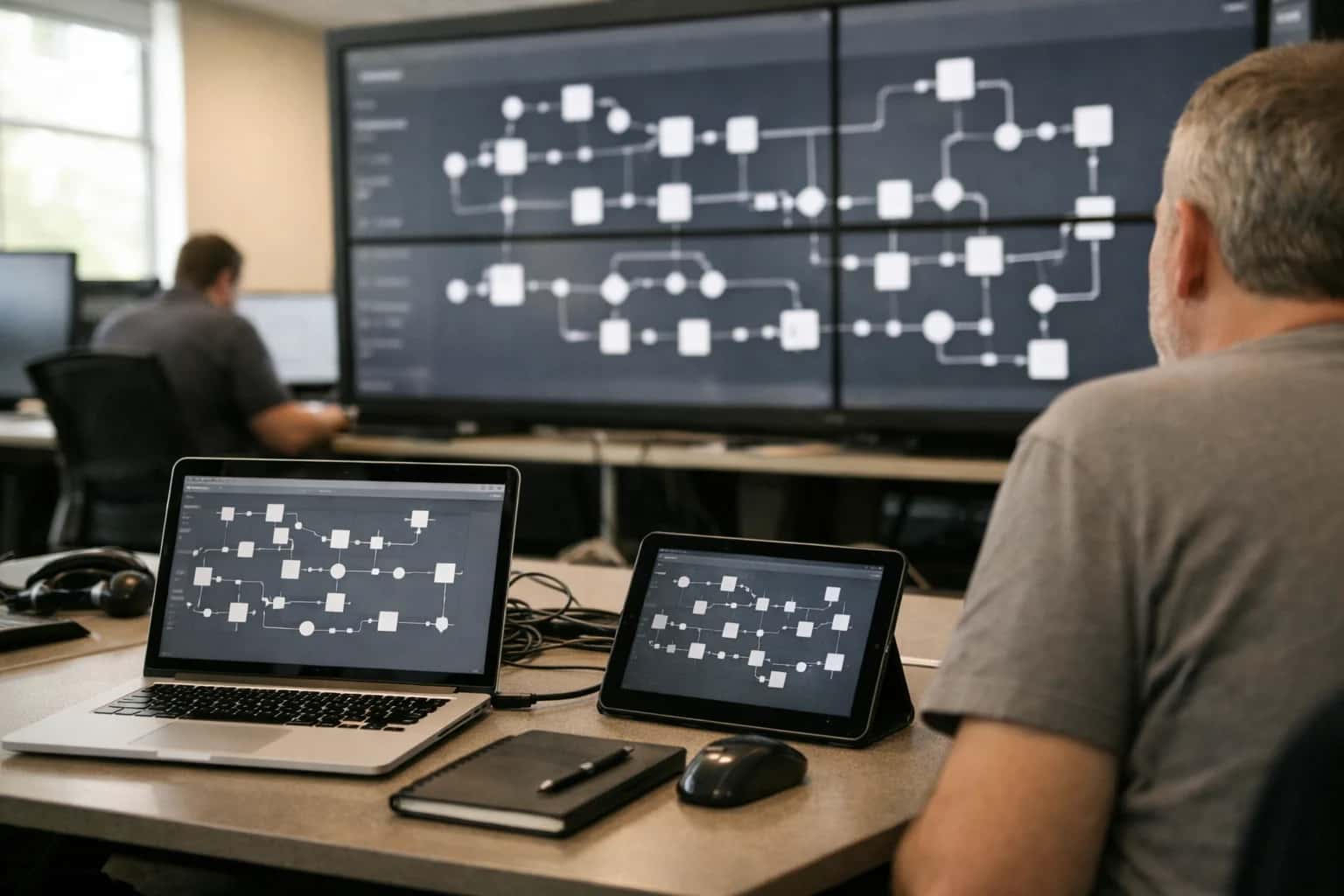
ARCHITECTURE BLUEPRINT
Where AI Fits Between OPERA and Smart Room Systems
A technical guide to deploying AI as an intelligent orchestration layer between Oracle OPERA and IoT-based smart room controls.
High-value workflows are automated through this pattern. Energy-saving modes are triggered not just on CHECK_OUT, but by using an AI model to predict early departure or late check-out based on booking patterns and real-time folio activity, putting rooms into low-power states proactively. Room preparation becomes dynamic: for a guest with a history of late arrivals, the AI can delay HVAC activation to save energy, then use forecasted weather data to precondition the room to an ideal temperature 30 minutes before expected arrival. The system can also orchestrate multi-system sequences, such as upon detecting a ROOM_STATUS_CHANGE to DIRTY, signaling the smart blinds to open fully to assist housekeeping inspection, then closing and locking after the status changes to CLEAN.
Implementation requires careful governance. The AI service must operate with read-only access to OPERA via its OCI-based APIs or direct database links, and command-only access to the room controls, never acting as a pass-through for sensitive guest data. An audit log must record every inference (e.g., "Predicted early departure for Room 101 with 85% confidence") and the resulting command for traceability. Rollout is typically phased: start with rule-based automation for basic occupancy triggers (on/off), then introduce ML models for personalized preferences in a pilot wing, and finally deploy predictive energy optimization across the property after validating accuracy and guest satisfaction.
ARCHITECTURE FOR SMART ROOM ORCHESTRATION
Key Integration Surfaces in OPERA and IoT Ecosystems
The Guest Context Layer
AI-driven room orchestration begins with real-time guest data from OPERA. The primary integration surface is the Guest Profile and Stay API, which provides the essential context for any automated room action.
Key data points to retrieve include:
- Arrival/Departure Times: To trigger pre-arrival preparation and post-departure energy-saving modes.
- Guest Preferences: Stored preferences for temperature, lighting, and amenities (e.g., "prefers room at 72°F").
- Room Assignment & Type: The specific room number and its IoT device mapping.
- Special Requests & Remarks: Notes like "anniversary stay" or "allergies" that can inform ambient settings.
An AI middleware layer consumes this API via webhooks (for stay status changes) or scheduled polls. It translates guest context into a set of desired room states before issuing commands to the IoT control system. This ensures the room is personalized upon entry and efficiently managed throughout the stay.
ORACLE OPERA INTEGRATION PATTERNS
High-Value AI Use Cases for Smart Room Operations
Connecting AI to OPERA's room status and guest profile APIs enables automated, preference-driven room control. These patterns move from reactive manual updates to proactive, energy-efficient, and personalized guest room environments.
01
Automated Room Preparation Based on Guest Profile
An AI agent monitors OPERA for check-in status changes and guest history. Upon arrival trigger, it calls the room control system API to pre-set the room: adjusting thermostat to the guest's preferred temperature (from past stays), opening blinds, and turning on welcome lighting. This creates an instant personalized welcome without front desk intervention.
Manual -> Automated
Workflow change
02
Energy-Saving Occupancy Intelligence
AI correlates OPERA housekeeping status (e.g., Vacant Dirty, Vacant Clean) with motion sensor data from room controls. It identifies unoccupied rooms that are still conditioned and sends automated commands to set back HVAC and turn off non-essential lighting/outlets. Rules respect Out of Order or Show Room flags in OPERA to avoid conflicts.
5-15%
Typical energy reduction
03
VIP & Return Guest Preference Automation
Leverages OPERA's guest history modules and preference codes. An AI workflow scans upcoming reservations for flagged VIPs or returning guests with stored preferences (e.g., 'extra pillows', 'specific room floor'). It automatically dispatches tasks to housekeeping via OPERA's API and pre-configures the room's digital thermostat and lighting scenes before the guest arrives.
Hours -> Minutes
Setup time
04
Dynamic 'Do Not Disturb' & Service Coordination
AI interprets the room's DND status in OPERA and integrates with the in-room control panel. When a guest activates DND via the panel, the AI automatically updates OPERA and blocks housekeeping scheduling. It can also trigger quiet-hour lighting scenes and send a notification to delay automated turndown service, improving guest privacy and operational coordination.
Batch -> Real-time
Status sync
05
Maintenance Alerting from Room System Diagnostics
AI middleware acts as a translator between IoT room control systems (reporting HVAC faults, sensor failures) and OPERA's maintenance/work order modules. It triages incoming alerts, creates prioritized work orders in OPERA with relevant room data, and can even automatically set the room to Out of Order if critical, preventing accidental bookings and speeding repairs.
Same day
Faster resolution
06
Group Block Room Configuration at Scale
For group arrivals, AI analyzes the OPERA group block and rooming list. It batches room control commands to configure all assigned rooms uniformly upon block release—setting a standard welcome message on digital displays, a group-specific thermostat policy, and ensuring all minibars are locked/reset. This ensures consistent group experience and reduces manual room-by-room setup.
1 sprint
Implementation timeline
IMPLEMENTATION PATTERNS
Example AI-Driven Smart Room Workflows
These workflows illustrate how AI middleware connects Oracle OPERA to IoT room control systems, enabling automated, preference-driven room preparation and energy optimization. Each pattern is triggered by OPERA events and results in secure, auditable commands sent to the building management system (BMS) or IoT platform.
Trigger: OPERA CHECK-IN transaction is posted for a guest with a VIP_TIER profile flag or a specific market code.
AI Agent Actions:
- Context Retrieval: The agent calls the OPERA API to fetch the guest's profile, noting stored preferences (e.g.,
PREFERRED_TEMP=72F,LIGHTING_SCENE=WORK,BLACKOUT_BLINDS=TRUE). - Room Assignment Check: It queries OPERA for the assigned room number and links it to the room's IoT device ID in the integration database.
- Command Generation & Safety Check: The agent generates a JSON payload for the BMS/IoT platform. A rules engine validates the commands against property policies (e.g., max/min temperature limits).
- System Update: The validated payload is sent via a secure API call (e.g., MQTT or REST) to the room control system.
Result:
- Thermostat sets to 72°F.
- Lights adjust to the 'Work' scene.
- Motorized blinds close.
- A log entry is written to an audit table linking the OPERA reservation ID, guest ID, commands sent, and timestamp.
Human Review Point: If the guest's preferred temperature is outside the property's policy band (e.g., below 65°F), the system flags the command for manager approval before sending, or defaults to a policy-compliant value and alerts the front desk.
INTEGRATING AI MIDDLEWARE WITH OPERA AND IOT DEVICES
Implementation Architecture: Data Flow and System Layers
A production-ready architecture for connecting AI agents to OPERA's guest data and IoT room control systems to automate guest comfort and energy savings.
The integration operates across three distinct system layers: the Data & Context Layer, the AI Orchestration Layer, and the Action & Control Layer. The Data Layer pulls real-time and historical guest data from OPERA Cloud's Guest Profile, Reservation (RESV), and Folio modules via its REST API, alongside live occupancy and sensor status from the property's IoT platform (e.g., Schneider Electric, Siemens, or a custom BMS). This data is normalized and enriched to create a unified context for each room, including guest preferences, current reservation status, and ambient conditions.
At the core is the AI Orchestration Layer, where stateless inference services and workflow agents process the enriched context. Key workflows include: 1) Automated Room Preparation, where an agent analyzes a guest's profile for preferences (e.g., temperature, lighting scenes) and, upon check-in or an hour before arrival, sends a pre-conditioning command sequence to the room controls via a secure MQTT or HTTPS bridge. 2) Occupancy-Based Energy Modes, where a separate agent monitors room occupancy sensors and reservation status to automatically switch rooms to an energy-saving 'away' mode when unoccupied, reverting to a comfort preset before the guest returns. All agent decisions are logged with the triggering context to an audit trail for compliance and optimization.
Rollout requires a phased approach, starting with a pilot floor or room type. Governance is critical: all AI-driven commands should pass through a rules engine that enforces property policies (e.g., never set temperature below 68°F) and includes a manual override dashboard for staff. The system is designed for resilience—if the AI middleware is unavailable, the underlying IoT and OPERA systems continue to operate independently, preventing guest disruption. This architecture turns static room controls into a responsive, guest-aware system that reduces energy costs and personalizes the stay without adding front-desk workload.
INTEGRATION PATTERNS
Code and Payload Examples
Ingesting OPERA Events
An AI middleware layer must first subscribe to OPERA's event stream to react to room status changes. This Python FastAPI endpoint listens for OPERA webhooks, validates the payload, and enqueues events for processing.
Key events to capture:
room_status_changed(e.g., Vacant Dirty to Occupied Clean)check_in_confirmedcheck_out_processedguest_preference_updated
pythonfrom fastapi import FastAPI, HTTPException, Header from pydantic import BaseModel import json from datetime import datetime app = FastAPI() class OPERAWebhook(BaseModel): event_type: str property_code: str room_number: str new_status: str timestamp: datetime guest_id: str | None = None raw_payload: dict @app.post("/webhooks/opera-room-status") async def handle_opera_webhook( payload: OPERAWebhook, x_opera_signature: str = Header(None) ): # Validate webhook signature if not verify_signature(payload.json(), x_opera_signature): raise HTTPException(status_code=401, detail="Invalid signature") # Enqueue for AI processing ai_queue.enqueue( "process_room_event", payload.dict(), job_timeout="30s" ) return {"status": "queued", "event": payload.event_type}
SMART ROOM CONTROL AUTOMATION
Realistic Operational Impact and Time Savings
This table illustrates the tangible operational improvements achievable by integrating AI with Oracle OPERA to automate smart room control workflows. Impacts are based on typical mid-scale to large hotel deployments.
| Workflow / Metric | Before AI Integration | After AI Integration | Implementation Notes |
|---|---|---|---|
Room Preparation Time | 30-45 minutes manual checklist | 5-10 minutes automated orchestration | AI triggers HVAC, lighting, and amenity setup based on guest profile and ETA from OPERA. |
Energy Consumption Analysis | Monthly manual report review | Real-time dashboards with anomaly alerts | AI correlates occupancy status from OPERA with IoT sensor data to identify waste. |
Guest Comfort Issue Resolution | Guest call → Front desk ticket → Engineering dispatch | Proactive detection & automated adjustment | AI detects abnormal room sensor patterns (e.g., persistent high temp) and auto-corrects or creates prioritized maintenance ticket. |
VIP / Return Guest Room Setup | Manual note review by front desk or housekeeping | Fully automated personalized room state | AI reads preference history from OPERA Guest Profile and pre-sets room controls before arrival. |
Post-Checkout Energy Mode Activation | Reliant on housekeeping reporting clean room | Immediate upon checkout status in OPERA | AI listens for OPERA checkout event to set room to eco-mode, reducing idle energy use by hours. |
Group Block Room Readiness Coordination | Manual coordination via radio/phone for block arrivals | Centralized dashboard with automated batch commands | AI uses OPERA group booking data to schedule and execute room prep for entire blocks, syncing with housekeeping status. |
Maintenance Anomaly Detection | Reactive, based on guest complaints or scheduled checks | Predictive alerts based on IoT sensor drift | AI analyzes historical OPERA occupancy and sensor data to forecast HVAC or device failures before they impact guests. |
OPERATIONALIZING AI FOR PHYSICAL ASSETS
Governance, Security, and Phased Rollout
Integrating AI with OPERA Smart Room Controls requires a security-first, phased approach to manage risk and demonstrate value.
The integration architecture must enforce strict data and command boundaries. AI agents should never directly issue commands to room control systems (e.g., Crestron, Lutron, Siemens). Instead, they generate structured recommendations—like {room: 301, action: set_eco_mode, reason: unoccupied_for_4h}—that are queued for review or automated execution via a secure middleware layer. This layer validates every action against OPERA's ROOM_STATUS (occupied/vacant/dirty), guest opt-in preferences from the GUEST_PROFILE, and property-defined energy policies. All AI-generated actions and overrides by staff are logged to OPERA's AUDIT_TRAIL for compliance, creating a clear chain of custody for room state changes.
Rollout should follow a pilot-and-scale model. Phase 1 targets a single building wing or room type, focusing on non-intrusive, energy-saving automation like adjusting thermostats and lighting based on confirmed VACANT status from OPERA. Phase 2 introduces preference-based automation for returning guests, using GUEST_HISTORY to pre-set room conditions (temperature, lighting scene) upon check-in, but only after explicit guest consent is captured during booking. Phase 3 expands to predictive maintenance, where AI analyzes room control system error logs and OPERA maintenance history to flag devices (e.g., failing smart lock batteries) for preventative service, creating work orders in integrated systems like /integrations/hospitality-property-management-platforms/ai-integration-for-cloudbeds-maintenance-management.
Governance is critical. Establish a cross-functional team (IT, Engineering, Operations, GM) to review AI performance weekly, focusing on false-positive rates for occupancy detection and guest satisfaction scores related to room automation. Implement a kill-switch to immediately revert all rooms to a standard, safe operating mode. This controlled, iterative approach de-risks the integration, builds operational trust, and quantifies ROI through reduced energy consumption and incremental guest satisfaction before enterprise-wide deployment.
Enabling Efficiency, Speed & Accuracy
Intelligent Analysis, Decision & Execution
We build AI systems for teams that need search across company data, workflow automation across tools, or AI features inside products and internal software.
Talk to Us
Search across company data
Give teams answers from docs, tickets, runbooks, and product data with sources and permissions.
Useful when people spend too long searching or get different answers from different systems.
Enterprise searchRAGPermissions
Read more
Automate internal workflows
Use AI to route work, draft outputs, trigger actions, and keep approvals and logs in place.
Useful when repetitive work moves across multiple tools and teams.
AI agentsWorkflow automationGovernance
Read more
Add AI to products and internal tools
Build assistants, guided actions, or decision support into the software your team or customers already use.
Useful when AI needs to be part of the product, not a separate tool.
AI integrationDecision supportModel routing
Read moreORACLE OPERA SMART ROOM CONTROLS
Frequently Asked Questions
Common technical and operational questions about integrating AI agents with Oracle OPERA to automate IoT-based room controls, guest personalization, and energy management.
This workflow uses OPERA's API and a scheduled AI agent to orchestrate room readiness.
- Trigger: A scheduled agent runs every 15 minutes, querying OPERA's arrivals list for guests with check-ins within the next 2 hours.
- Context Pulled: For each arriving guest, the agent retrieves their profile from OPERA, including stored preferences (e.g.,
preferred_room_temperature: 72°F,lighting_preference: 'warm',blinds_open_on_arrival: true). - Agent Action: The AI agent formats these preferences into a specific command payload for the Smart Room Control system's API (e.g., via a middleware layer like MQTT or a REST gateway).
- System Update: The command is sent to the assigned room's IoT controller to pre-set the thermostat, lighting scene, and blind position.
- Human Review Point: The agent logs the action in an OPERA guest history note and can flag any preferences that require manual setup (e.g., 'place a yoga mat in room') for the housekeeping team via OPERA's tasking module.

About the author
Prasad Kumkar
CEO & MD, Inference Systems
Prasad Kumkar is the CEO & MD of Inference Systems and writes about AI systems architecture, LLM infrastructure, model serving, evaluation, and production deployment. Over 5+ years, he has worked across computer vision models, L5 autonomous vehicle systems, and LLM research, with a focus on taking complex AI ideas into real-world engineering systems.
His work and writing cover AI systems, large language models, AI agents, multimodal systems, autonomous systems, inference optimization, RAG, evaluation, and production AI engineering.
LinkedIn
Limited slotsGet a Free AI Consultation
Partnered with leading AI, data, and software stack.





How We Work
Custom AI workflows for your Business
One-fit-all AI don't work for modern businesses. At Inferensys, we aim to understand your business & custom requirements; which we use to define most efficient agentic workflows, the data, and the tools for your business.
01
Review the use case
We understand the task, the users, and where AI can actually help.
Read more02
Pick the right approach
We define what needs search, automation, or product integration.
Read more03
Build the first useful version
We implement the part that proves the value first.
Read more04
Improve from there
We add the checks and visibility needed to keep it useful.
Read moreThe first call is a practical review of your use case and the right next step.
Talk to Us