AI integration for public sector CRM focuses on three core surfaces: the citizen-facing portal (for 311 queries and form intake), the case management backend (for routing, triage, and workflow), and the knowledge management layer (for agent assist and article generation). The goal is to connect AI agents to systems like Tyler Munis, Infor CRM, or custom 311 platforms via their APIs and webhooks, enabling intent classification from natural language, automated case creation in the correct department queue, and real-time retrieval of policy or procedural data to answer citizen questions without human intervention.

Integration
AI Integration with Public Sector Citizen Relationship Management
Architect AI-powered workflows for 311, case management, and constituent services. Automate intent classification, routing, and knowledge generation to improve citizen satisfaction and reduce agent workload.
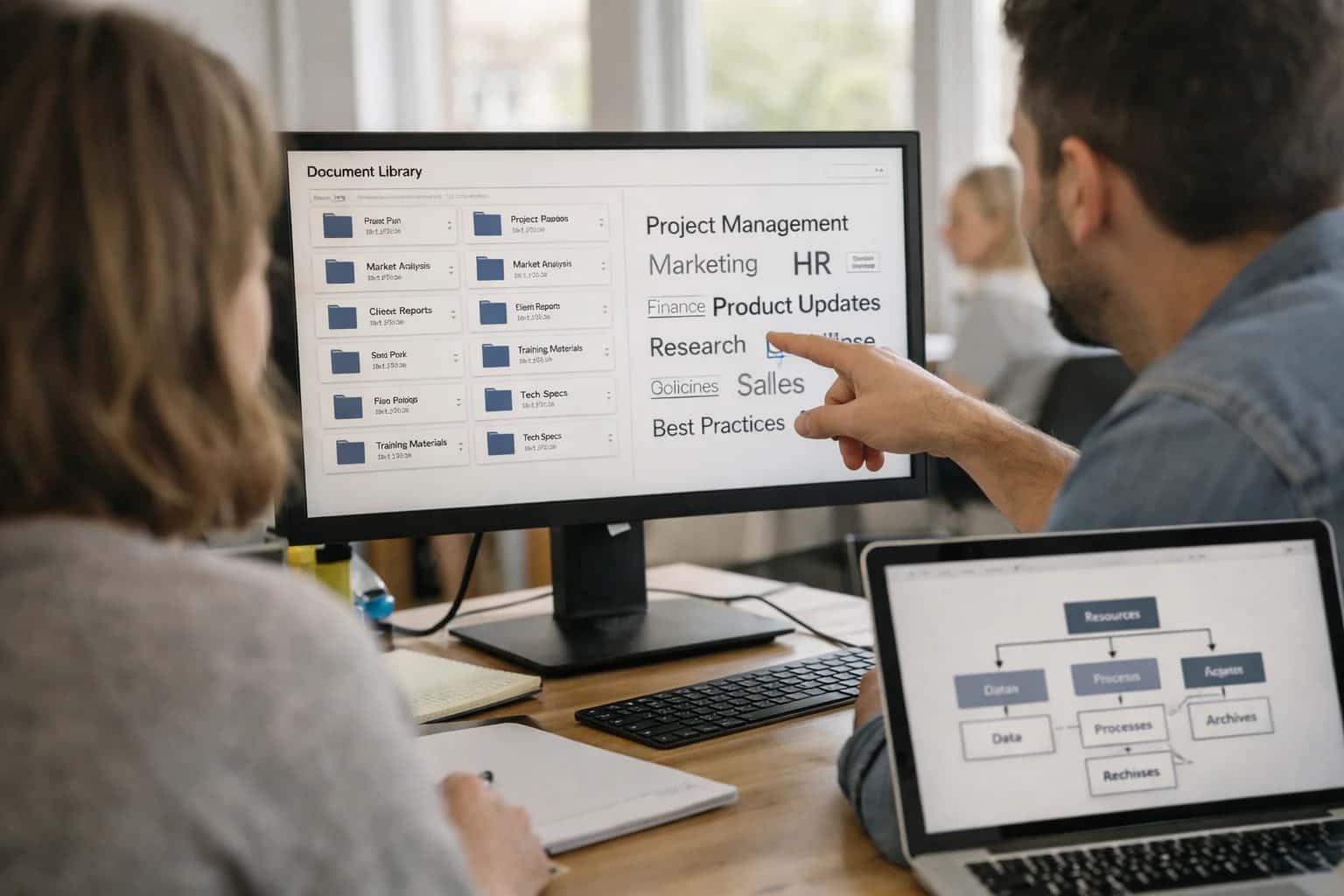
ARCHITECTURE & ROLLOUT
Where AI Fits in Public Sector Constituent Services
A practical blueprint for integrating AI into government CRM and case management systems to automate service delivery.
Implementation typically involves deploying a secure orchestration layer—often on a government cloud—that sits between the AI models and the core systems. This layer handles authentication, data governance, and prompt management. For example, an AI agent can listen to a citizen service request via chat or voice, classify it against a taxonomy of services (e.g., 'pothole repair', 'business license renewal'), check the citizen's record in the CRM for prior interactions, and then either answer directly using a RAG-powered knowledge base or create a work order in the connected asset management system like Infor EAM or Tyler EnerGov. All interactions are logged back to the CRM case object for a full audit trail.
Rollout should be phased, starting with high-volume, low-risk intents like trash schedule lookups or form FAQs. Governance is critical: establish clear human-in-the-loop rules for escalations, especially for benefits eligibility or code enforcement. AI should augment, not replace, caseworkers by handling tier-1 inquiries and summarizing complex cases, freeing staff for nuanced problem-solving. For a sustainable implementation, integrate with existing identity and access management (IAM) systems to ensure data privacy and role-based access control (RBAC) for all AI-generated actions and insights.
CONSTITUENT SERVICE AUTOMATION
AI Integration Surfaces Across Government CRM Platforms
Core Case Management Modules
AI integration for public sector CRM begins with the case management engine. This is the system of record for constituent service requests, covering 311 inquiries, permit applications, code complaints, and social service intakes.
Key integration surfaces include:
- Case Intake APIs: Connect AI chatbots and voice agents to create and classify new cases from natural language, reducing manual data entry for call center staff.
- Case Routing Logic: Use AI to analyze case content, history, and departmental capacity to automatically assign tickets to the correct agent or queue, cutting assignment time from hours to minutes.
- Case Summarization: Integrate with the case notes/updates API to provide real-time summarization for supervisors, highlighting status changes and pending actions.
- Related Record Attachment: Automatically link relevant permits, licenses, property records, or past interactions from other systems to provide agents with full context.
Implementation typically involves webhooks from the AI layer to the CRM's REST API for case creation and updates, plus scheduled jobs to pull case data for training and evaluation.
AI INTEGRATION WITH PUBLIC SECTOR CITIZEN RELATIONSHIP MANAGEMENT
High-Value AI Use Cases for Constituent Services
Deploy AI agents that connect directly to your CRM, case management, and 311 systems to automate intake, triage, and resolution workflows, reducing wait times and improving service delivery.
01
Intelligent 311 Triage & Routing
Deploy an AI chatbot or voice agent on your 311 portal that uses intent classification to understand citizen requests (e.g., pothole, missed trash pickup, noise complaint). The agent validates location, checks for duplicates, and creates a pre-populated service request in your CRM (like Infor CRM or a custom case system) with the correct department and priority, routed via API.
Batch -> Real-time
Request handling
02
Case Summarization for Social Workers
Integrate an AI agent with your social services case management system. It automatically ingests new case notes, emails, and scanned documents via the platform's APIs, generating a concise daily summary of client interactions and flagging critical updates (like missed appointments or risk indicators) for the caseworker's review within the CRM interface.
Hours -> Minutes
Note review
03
Automated Knowledge Base Article Generation
Connect AI to your CRM's case resolution data. After a service request is closed, the system analyzes the resolution notes and agent actions. It then drafts a new FAQ or knowledge base article for common issues (e.g., 'How to apply for a sidewalk cafe permit') and submits it for review within your constituent self-service portal, keeping public information current.
04
Multilingual Constituent Communication
Implement an AI layer that integrates with your CRM's communication modules (email, SMS). For inbound non-English inquiries, it provides real-time translation and sentiment analysis, allowing agents to respond in their native language while the system handles translation. For outbound alerts (e.g., water main breaks), it can generate and send localized, multilingual notifications based on resident preferences stored in the CRM.
05
Predictive Case Escalation
Build an AI model that monitors open case attributes in your CRM—such as age, citizen sentiment from communications, and related service-level agreements. It scores each case for escalation risk and can automatically reassign high-priority cases to senior staff or trigger managerial alerts via the CRM's workflow engine, preventing complaints from falling through the cracks.
Next-day -> Same day
Issue resolution
06
Integrated Permit Application Assistant
Embed an AI copilot within your online permitting portal (like Tyler EnerGov). It guides applicants through complex forms using a conversational interface, validates entries against zoning codes by querying backend systems, and checks for document completeness. Submitted applications are automatically structured and routed within the CRM for review, reducing back-and-forth and incomplete submissions.
PRACTICAL IMPLEMENTATION PATTERNS
Example AI-Powered Constituent Service Workflows
These workflows illustrate how AI agents and copilots connect to public sector CRM and case management systems to automate high-volume tasks, reduce manual triage, and provide 24/7 citizen support.
Trigger: A citizen submits a request via a web form, mobile app, or voice call.
Context Pulled: The AI agent uses the initial query to retrieve relevant data:
- Citizen's address from the CRM to determine service jurisdiction.
- Open cases for the same location/property from the case management system.
- Service-level agreements (SLAs) and department hours for the requested service type.
Agent Action:
- Classifies the request intent (e.g., "Pothole Repair," "Graffiti Removal," "Bulk Pickup").
- Extracts key entities: location, urgency indicators, specific details.
- If the query is non-English, translates it and processes it in the primary language.
- Checks for duplicate open requests.
- Drafts a structured case summary and determines the correct routing department.
System Update: The agent calls the case management API (e.g., Tyler EnerGov, Infor CRM) to:
- Create a new case with the classified type, extracted details, and priority score.
- Auto-populate the citizen's contact information from the CRM.
- Assign the case to the appropriate department queue.
Human Review Point: For high-priority, ambiguous, or legally sensitive requests (e.g., "structural damage," "safety hazard"), the case is flagged for a dispatcher's immediate review before routing.
A BLUEPRINT FOR CITIZEN SERVICE AUTOMATION
Implementation Architecture: Connecting AI to Government Systems
A practical guide to architecting AI agents that integrate with public sector CRM and case management systems for 311, constituent services, and workflow automation.
A production-ready AI integration for public sector CRM connects at three key layers: the citizen interaction layer (web portals, IVR, chatbots), the case management and workflow engine (core CRM objects like Service Request, Case, Citizen Profile), and the knowledge and data layer (policy documents, GIS, asset registries, past resolutions). The goal is to insert AI agents into the intake and triage workflow, using APIs and webhooks from platforms like Tyler EnerGov, Infor CRM, or SAP Public Sector CRM to create, classify, and route cases based on citizen intent extracted from natural language.
Implementation typically follows this pattern: 1) A citizen query arrives via channel (web form, phone, SMS). 2) An AI agent, hosted in a secure cloud environment, calls the CRM's REST API to create a draft Service Request. 3) Using intent classification and entity extraction, the agent populates fields like Request Type, Priority, Location, and Assigned Department. It can also query a RAG-enabled knowledge base of FAQs, ordinances, and service level agreements to provide an immediate answer or estimated timeline. 4) For complex issues requiring human review, the fully-drafted case is pushed into the CRM's workflow queue with all extracted context, saving 3-7 minutes of manual data entry per ticket.
Rollout requires a phased, use-case-driven approach. Start with high-volume, low-risk intents like "bulk pickup schedule" or "parking permit renewal" where answers are factual. Implement strict human-in-the-loop controls for sensitive categories like code enforcement complaints or public health concerns. Governance is critical: all AI-generated actions must write to a dedicated audit log object in the CRM, tracing the prompt, source data, and final recommendation. This architecture, built on secure API integration, allows AI to handle routine inquiries while escalating complex cases—improving citizen satisfaction and allowing staff to focus on high-value work.
PUBLIC SECTOR CRM
Code and Integration Patterns
Automating 311 & Case Creation
AI agents can be integrated at the initial point of citizen contact—via web chat, SMS, or voice—to classify intent, extract relevant details, and create a structured case in the CRM. This requires connecting to the CRM's case/incident API.
Key Integration Points:
- CRM Case/Object API (e.g., Salesforce Service Cloud
Case, Microsoft DynamicsIncident) - Webhook endpoint for AI agent to POST structured data
- CRM validation rules and field mappings for data quality
Example Workflow:
- Citizen submits query via chatbot: "My garbage wasn't picked up on Elm St."
- AI agent classifies intent as
Solid Waste > Missed Collection, extracts address. - Agent calls CRM API to create a case, pre-populating:
Type=Service Request,Subtype=Missed Collection,Location=123 Elm St.,Status=New. - CRM triggers standard internal workflow for dispatch.
This pattern reduces manual data entry for call center staff and ensures consistent, searchable case records from the first touchpoint.
AI-POWERED CITIZEN RELATIONSHIP MANAGEMENT
Realistic Time Savings and Operational Impact
This table illustrates the operational impact of integrating AI agents and copilots with Public Sector CRM platforms like Tyler Technologies, SAP Public Sector, and Infor CRM for Government. Metrics are based on typical 311, case management, and constituent service workflows.
| Metric | Before AI | After AI | Notes |
|---|---|---|---|
Initial Request Triage & Routing | Manual categorization by agent (2-5 min) | AI-powered intent classification & routing (<30 sec) | Reduces agent handle time; human review for complex/escalated cases |
Knowledge Base Article Search | Agent manually searches KB (1-3 min) | AI surfaces relevant article or draft answer in agent console | Copilot suggests; agent approves and personalizes response |
Case Summarization from Notes | Agent writes summary post-interaction (3-8 min) | AI generates draft summary from call transcript/notes | Agent reviews and edits for accuracy before saving to CRM |
Service Request Status Updates | Next-day batch updates or manual calls | Proactive, AI-generated status messages via preferred channel | Triggered by work order system integration; reduces inbound 'status check' calls |
High-Volume, Simple Inquiries (e.g., trash day) | Agent handles each interaction (3-7 min) | AI chatbot resolves 24/7 via web/mobile (<1 min resolution) | Deflects 30-50% of routine volume; escalates seamlessly to live agent |
Cross-Departmental Case Referral | Manual email/phone coordination between departments | AI suggests correct department & pre-fills referral form | Based on case description and historical routing data; requires approval |
Post-Interaction Sentiment & Trend Analysis | Monthly manual report compilation | Real-time dashboard of emerging issues & sentiment shifts | AI analyzes call transcripts and case notes; alerts managers to spikes |
IMPLEMENTING AI IN A REGULATED ENVIRONMENT
Governance, Security, and Phased Rollout
Deploying AI in public sector CRM requires a controlled, audit-ready approach that prioritizes data sovereignty, citizen privacy, and operational stability.
A production AI integration for a public sector CRM like Tyler Munis CRM, Infor CRM, or a custom 311 platform must be built on a secure, multi-tenant orchestration layer. This layer sits outside the core system-of-record, interacting via secure APIs and webhooks. All AI-generated content—such as case summaries, routing recommendations, or draft knowledge articles—should be written to a dedicated audit log before being proposed for insertion into the live CRM. This creates a mandatory human-in-the-loop step for sensitive workflows and a complete trail for FOIA or compliance reviews. Access to AI tools must respect existing Role-Based Access Control (RBAC); for example, a parks department agent's copilot should not have access to police case data.
Start with a tightly scoped pilot, such as intent classification and routing for non-emergency 311 calls. This low-risk workflow uses AI to analyze incoming citizen emails or chat transcripts, suggest a service category (e.g., 'Pothole Repair', 'Graffiti Removal'), and propose the correct department queue—all without autonomous ticket creation. This allows staff to validate and override AI suggestions, building trust and refining the model. The next phase typically automates knowledge base article generation from resolved case notes, creating draft 'how-to' content for citizen self-service portals, which must be reviewed by a subject matter expert before publishing.
A full rollout incorporates AI-assisted case summarization for social services or complex code enforcement cases, pulling data from multiple systems to draft narrative summaries. Crucially, the integration architecture must support an off-ramp to live staff during high-volume periods or for emotionally charged interactions. All data used for inference should remain within the agency's cloud or data center; using external LLM APIs requires a contract with strict data processing terms. Regular model performance reviews against fairness and accuracy metrics are essential, especially for workflows impacting service equity. For a detailed look at connecting AI to core financial systems that often feed CRM data, see our guide on AI Integration for Fund Accounting Software.
Enabling Efficiency, Speed & Accuracy
Intelligent Analysis, Decision & Execution
We build AI systems for teams that need search across company data, workflow automation across tools, or AI features inside products and internal software.
Talk to Us
Search across company data
Give teams answers from docs, tickets, runbooks, and product data with sources and permissions.
Useful when people spend too long searching or get different answers from different systems.
Enterprise searchRAGPermissions
Read more
Automate internal workflows
Use AI to route work, draft outputs, trigger actions, and keep approvals and logs in place.
Useful when repetitive work moves across multiple tools and teams.
AI agentsWorkflow automationGovernance
Read more
Add AI to products and internal tools
Build assistants, guided actions, or decision support into the software your team or customers already use.
Useful when AI needs to be part of the product, not a separate tool.
AI integrationDecision supportModel routing
Read moreIMPLEMENTATION BLUEPRINTS
Frequently Asked Questions
Practical questions and workflow blueprints for integrating AI into public sector CRM and 311 systems. These answers are based on real-world implementation patterns for Tyler, Infor CRM, and custom case management platforms.
The most effective pattern is a front-end AI layer that sits between the citizen and your core CRM/case management system. Here’s the typical flow:
- Trigger: A citizen initiates a query via web chat, SMS, or voice call.
- Context Pull: The AI agent uses the citizen's phone number, address, or session ID to call your CRM's API and retrieve open cases, service history, or account details.
- Agent Action: A language model (like GPT-4) classifies the intent (e.g., "report pothole," "question about trash pickup") and, using a Retrieval-Augmented Generation (RAG) system over your knowledge base, provides an immediate answer or confirms details.
- System Update: If a new case is needed, the AI agent uses a secured API call to your case management system (e.g., Tyler EnerGov, Infor CRM) to create a ticket with all populated fields, attaching the conversation transcript.
- Human Handoff: For complex or sensitive issues, the agent summarizes the conversation and transfers it, with context, to a human agent's queue within the same CRM.
Key Integration Point: Your CRM's REST API for case creation and citizen data lookup is the critical link. The AI layer never stores persistent citizen data independently.

About the author
Prasad Kumkar
CEO & MD, Inference Systems
Prasad Kumkar is the CEO & MD of Inference Systems and writes about AI systems architecture, LLM infrastructure, model serving, evaluation, and production deployment. Over 5+ years, he has worked across computer vision models, L5 autonomous vehicle systems, and LLM research, with a focus on taking complex AI ideas into real-world engineering systems.
His work and writing cover AI systems, large language models, AI agents, multimodal systems, autonomous systems, inference optimization, RAG, evaluation, and production AI engineering.
LinkedIn
Limited slotsGet a Free AI Consultation
Partnered with leading AI, data, and software stack.





How We Work
Custom AI workflows for your Business
One-fit-all AI don't work for modern businesses. At Inferensys, we aim to understand your business & custom requirements; which we use to define most efficient agentic workflows, the data, and the tools for your business.
01
Review the use case
We understand the task, the users, and where AI can actually help.
Read more02
Pick the right approach
We define what needs search, automation, or product integration.
Read more03
Build the first useful version
We implement the part that proves the value first.
Read more04
Improve from there
We add the checks and visibility needed to keep it useful.
Read moreThe first call is a practical review of your use case and the right next step.
Talk to Us