
Inferensys

Integration

AI Integration for Zuper Xero

Automate the creation of Xero bills for purchased parts and subcontractor costs directly from Zuper work orders using AI, eliminating manual data entry and reconciliation delays for field service businesses.
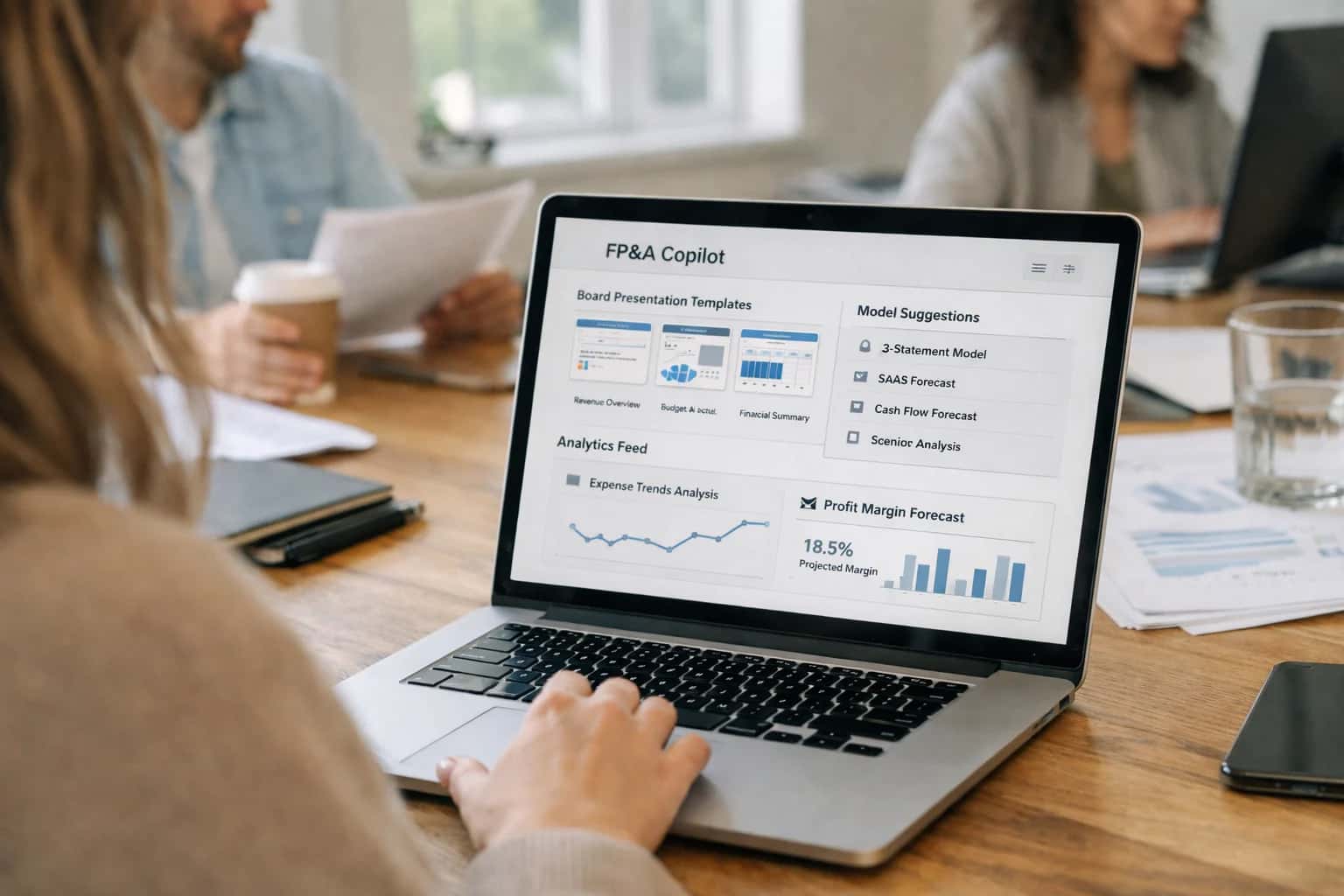
Finance professional using AI FP&A copilot on laptop, board presentation visible on screen, home office work session.
AUTOMATING FIELD SERVICE BILLING

Where AI Fits in the Zuper-Xero Financial Workflow

A technical blueprint for applying AI to the Zuper-Xero integration, automating the creation of bills for purchased parts and subcontractor costs directly from field service work orders.

The core integration between Zuper and Xero typically involves syncing completed work orders, invoices, and payments. AI fits into this workflow by automating the most manual and error-prone step: the creation of accurate, itemized bills in Xero from the granular data captured in Zuper. This focuses on three key data objects:

  • Zuper Work Order Line Items for parts, labor, and subcontractor services.
  • Zuper Purchase Orders for parts procured for a specific job.
  • Zuper Technician Notes and Photos documenting work performed and materials used.

A production implementation wires an AI agent between Zuper's webhooks and Xero's API. When a Zuper work order status changes to Completed or Ready to Bill, the system triggers an AI workflow that:

  1. Extracts and classifies billable items using an LLM to read technician notes and match parts against your catalog.
  2. Validates against purchase orders to ensure costs are captured and margins are maintained.
  3. Structures the Xero bill, applying the correct tax codes, account mappings (e.g., Cost of Goods Sold - Parts, Subcontractor Expenses), and job tracking categories.
  4. Flags discrepancies (e.g., unlogged parts, mismatched quantities) for human review in a queue before posting, ensuring financial control.

The impact is operational: turning a 15-30 minute manual reconciliation and data entry task per job into a same-day, automated process that reduces billing lag and improves cash flow accuracy.

Rollout and governance are critical. Start with a pilot on a single service line or team, using the AI as a co-pilot to generate draft bills for review by your finance team. Key technical considerations include:

  • Idempotent API calls to prevent duplicate bills in Xero if webhooks retry.
  • RBAC and audit trails to track which AI-suggested items were modified or approved by humans.
  • Prompt management to handle regional tax rules and custom service descriptions.
  • Fallback workflows to manual entry if the AI confidence score is low.

This approach moves the integration from a simple data pipe to an intelligent financial operations layer, ensuring the field service data captured in Zuper flows accurately and immediately into your general ledger.

AUTOMATED BILL CREATION WORKFLOW

Key Integration Touchpoints in Zuper and Xero

Automating Line Item Extraction

The core of the Zuper-Xero AI integration begins with the work order. AI agents can be triggered upon work order completion to analyze the parts_used and subcontractor_costs records. Using a pre-trained classification model, the system identifies each item, matches it to the correct Xero AccountCode (e.g., 400 - Parts Sales, 420 - Subcontractor Services), and applies the appropriate tax rate based on customer location and item type.

This replaces manual review and data entry, ensuring every billable component from the field is captured accurately. The AI can also flag non-standard items for human review, creating an audit trail in the process.

json
// Example AI-processed payload for Xero
{
  "work_order_id": "WO-78910",
  "line_items": [
    {
      "description": "AC Compressor Model X-202",
      "quantity": 1,
      "unit_amount": 450.00,
      "account_code": "400",
      "tax_type": "OUTPUT2" // Sales Tax
    },
    {
      "description": "Subcontractor Electrical Diagnostic",
      "quantity": 2,
      "unit_amount": 85.00,
      "account_code": "420",
      "tax_type": "OUTPUT2"
    }
  ]
}
AUTOMATED FINANCIAL OPERATIONS

High-Value AI Use Cases for Zuper-Xero Automation

Integrating AI into the Zuper-Xero sync transforms manual, error-prone billing workflows into intelligent, automated financial operations. These patterns focus on extracting, validating, and structuring field data to create accurate, audit-ready bills in Xero without back-office intervention.

01

Automated Bill Creation from Work Orders

AI parses completed Zuper work orders to identify billable parts and subcontractor costs. It structures line items, applies correct tax codes, and matches vendor records in Xero before automatically creating draft bills for review. Eliminates manual data entry and reduces billing cycle time.

Hours -> Minutes
Billing workflow
02

Intelligent Purchase Order Matching

For jobs using pre-approved purchase orders (POs), AI cross-references Zuper part usage against open POs in Xero. It flags discrepancies, ensures costs are allocated to the correct job and GL account, and automatically closes POs once fulfilled. Ensures cost accountability and simplifies reconciliation.

Batch -> Real-time
Cost tracking
03

Subcontractor Invoice Processing

When a Zuper job uses a subcontractor, AI monitors for completion and triggers the generation of a Xero bill for the subcontractor's approved costs. It can attach the Zuper work order as supporting documentation and route it for approval based on amount and vendor history. Streamlines 1099 contractor management.

Same day
Payment processing
04

Anomaly Detection & Approval Routing

AI acts as a pre-accounting guardrail. It analyzes bills generated from Zuper data against historical patterns—flagging unusual markups, duplicate line items, or mismatched tax rates—and routes exceptions to a manager for review before posting to Xero. Reduces financial errors and audit risk.

05

Cash Flow Forecasting Sync

AI enriches the Zuper-Xero data flow by projecting cash flow impact. It analyzes scheduled Zuper jobs with parts estimates to forecast upcoming accounts payable in Xero, and correlates completed work with sent invoices to predict accounts receivable. Provides real-time visibility into service-driven finances.

1 sprint
Implementation timeline
06

Automated GL Coding & Cost Allocation

Beyond simple sync, AI applies rules and learns from historical data to assign accurate general ledger codes (e.g., Repair Materials, Subcontracted Labor) to each line item from Zuper. It ensures costs are allocated to the correct department, job, or service line in Xero for precise profitability reporting. Eliminates monthly journal entry corrections.

AUTOMATED FINANCIAL OPERATIONS

Example AI-Powered Workflows from Zuper to Xero

These workflows demonstrate how AI agents can automate the creation and management of bills in Xero for parts and subcontractor costs, directly from completed work orders in Zuper. This eliminates manual data entry, reduces errors, and accelerates the billing cycle.

Trigger: A Zuper work order is marked Completed and contains line items for purchased parts.

AI Agent Action:

  1. The agent retrieves the completed work order via Zuper's API, focusing on the parts_used array.
  2. It validates each part against the company's master inventory list (often in a separate database) to confirm correct SKU, description, and unit cost.
  3. The agent structures the data into a Xero-compliant bill payload:
    • Contact: Maps the Zuper job's customer_id to the corresponding Xero Contact.
    • Line Items: Creates a line for each part, pulling the quantity, unit_price, and appropriate Xero account_code (e.g., 500 - Cost of Goods Sold).
    • Reference: Sets the bill's reference field to ZUPR-{work_order_id} for traceability.
  4. The agent posts the draft bill to Xero's API and logs the transaction ID back to the Zuper work order as a custom field.

Human Review Point: For bills exceeding a pre-defined monetary threshold (e.g., $5,000), the agent can be configured to create the bill in Xero as DRAFT and post a notification in a Slack channel for the accounts payable manager to review and approve.

AUTOMATING BILL CREATION FROM FIELD WORK

Implementation Architecture: Data Flow, APIs, and Guardrails

A technical blueprint for connecting AI to the Zuper-Xero integration to automate the creation of bills for purchased parts and subcontractor costs.

The integration architecture centers on intercepting the work order completion event in Zuper. When a technician marks a job as complete and logs parts used or subcontractor services, an AI agent is triggered via webhook. This agent reviews the work order's Line Items, Expenses, and Vendor records. Its primary function is to validate, categorize, and structure this field data into a clean bill payload for Xero, mapping Zuper cost codes to the correct Xero Account and Tracking Category.

Implementation relies on three core APIs: Zuper's REST API to fetch detailed job and expense data, the AI model's tool-calling API (e.g., for classification and data extraction), and Xero's Accounting API to create Bills and Billable Expenses. The AI step acts as a governance layer, checking for anomalies like duplicate vendor entries, missing tax codes, or costs that exceed estimate thresholds. Approved bills are posted to Xero with a clear audit trail linking back to the Zuper work order ID. Failed validations are routed to a human-in-the-loop queue in a tool like Slack or Microsoft Teams for review.

Rollout should be phased, starting with a single service line or region. Key guardrails include implementing idempotency keys on bill creation to prevent duplicates, setting up RBAC in the AI orchestration layer to control who can override AI decisions, and maintaining a vector store of historical bills and Zuper work orders. This store enables the RAG-powered agent to reference past decisions for consistent coding, turning a manual, error-prone reconciliation task into a same-day, auditable financial operation. For related patterns on syncing field service data with accounting platforms, see our guide on AI Integration for Zuper QuickBooks.

AUTOMATING BILL CREATION FROM FIELD SERVICE DATA

Code and Payload Examples for Key Integration Steps

Extracting Billable Details from Zuper Work Orders

The first step is to query completed Zuper work orders for parts and subcontractor costs. Use the Zuper API to fetch work orders with a status of completed and filter for those where invoice_sent is false. The goal is to extract line items for purchased parts and subcontractor services.

Example API Call (Python):

python
import requests

# Fetch completed, unbilled work orders from Zuper
response = requests.get(
    'https://api.zuper.com/v1/work_orders',
    headers={'Authorization': 'Bearer YOUR_ZUPER_API_KEY'},
    params={'status': 'completed', 'invoice_sent': 'false'}
)
work_orders = response.json()['data']

for wo in work_orders:
    # Extract purchased parts
    for part in wo.get('purchased_parts', []):
        item = {
            'description': part['name'],
            'quantity': part['quantity'],
            'unit_price': part['unit_cost'],
            'account_code': '4000-PARTS'  # Your Xero sales account
        }
        # Queue for Xero bill creation
        queue_billable_item(item)

This script retrieves the raw data needed to construct a Xero bill.

AI-ENHANCED BILLING AUTOMATION

Realistic Time Savings and Business Impact

How AI applied to the Zuper-Xero integration transforms manual financial workflows for field service businesses.

MetricBefore AIAfter AINotes

Bill creation for parts

Manual entry from work orders

Auto-generated from completed jobs

Eliminates data entry errors and saves 15-30 minutes per job

Subcontractor cost reconciliation

Cross-reference invoices and POs

AI matches invoices to work orders

Reduces monthly reconciliation from hours to minutes

Invoice approval workflow

Email chains and manual review

AI flags discrepancies for human review

Approval cycle shrinks from days to same-day

Sales tax application

Manual lookup and calculation

AI applies correct rates based on job location

Ensures compliance and prevents costly filing errors

Payment collection follow-up

Manual aging report review

AI prioritizes overdue accounts and drafts reminders

Improves cash flow by accelerating collections

Financial reporting accuracy

Manual data consolidation

AI validates sync and flags mismatches

Provides audit-ready books with less effort

ARCHITECTING A CONTROLLED INTEGRATION

Governance, Security, and Phased Rollout

A secure, governed approach to automating the Zuper-Xero billing workflow with AI.

This integration operates by connecting to Zuper's Work Order and Parts/Expenses APIs and Xero's Bills and Contacts APIs. Governance starts with strict API key and OAuth management, ensuring the AI agent only accesses the specific Zuper work orders marked as 'Ready to Bill' and has read-only access to historical data for context. All prompts and logic are version-controlled, and every generated bill draft is logged with a full audit trail—including the source work order ID, the AI's reasoning for line items, and the user who approved the final submission to Xero.

A phased rollout is critical. Start with a pilot phase targeting a single service category (e.g., HVAC repairs) and a subset of technicians. In this phase, the AI generates bill drafts but requires manual review and approval in a dedicated dashboard before any data is posted to Xero. This allows your accounting team to validate the AI's mapping of Zuper line items (like Purchased Part - Compressor) to the correct Xero account and tax code. Success metrics for the pilot focus on reduction in manual data entry time and error rates, not just speed.

For full production, implement a multi-tiered approval workflow within the integration platform itself. Bills under a certain amount can be auto-posted to Xero as drafts, while larger or more complex bills (e.g., those with subcontractor costs across multiple jobs) can be routed to a supervisor. The system should also include automated reconciliation checks, flagging any discrepancies between the total in Zuper and the posted bill in Xero for follow-up. This controlled, audit-friendly approach turns AI from a black box into a reliable component of your financial operations. For related architectural patterns, see our guide on AI Integration for Zuper Invoicing.

AI INTEGRATION FOR ZUPER XERO

Frequently Asked Questions for Technical Buyers

Practical answers for architects and operations leaders planning to automate the flow of field service costs into Xero using AI.

The agent analyzes completed Zuper work orders to identify billable line items, primarily focusing on two categories:

  1. Purchased Parts: It scans the work order's parts list, cross-references them against your internal catalog or supplier SKUs to confirm they are customer-billable (not warranty or internal use), and extracts the correct unit cost and markup.
  2. Subcontractor Costs: It identifies labor entries or notes tagged to subcontractors, validates the hours or flat-fee agreement, and pulls the agreed-upon rate from a managed vendor list.

The decision logic is governed by configurable rules you set, such as:

  • Billing Rules: "Bill all parts marked 'Customer Pays' with a 30% markup."
  • Validation Rules: "Flag any subcontractor hours over 8 per day for manager review."
  • Mapping Rules: "Map 'HVAC Repair' labor to Xero account code 410 - Service Labor."

The agent uses a combination of rule-based logic and a lightweight LLM call to interpret unstructured notes, ensuring items like "2x ACME Filter Model X" are correctly parsed and priced before bill creation.

Prasad Kumkar

About the author

Prasad Kumkar

CEO & MD, Inference Systems

Prasad Kumkar is the CEO & MD of Inference Systems and writes about AI systems architecture, LLM infrastructure, model serving, evaluation, and production deployment. Over 5+ years, he has worked across computer vision models, L5 autonomous vehicle systems, and LLM research, with a focus on taking complex AI ideas into real-world engineering systems.

His work and writing cover AI systems, large language models, AI agents, multimodal systems, autonomous systems, inference optimization, RAG, evaluation, and production AI engineering.



