Zapier acts as the connective tissue between ServiceTitan's rich operational API and the rest of your software stack. The integration surface is vast, but high-impact workflows typically connect to core ServiceTitan objects like Jobs, Customers, Invoices, and Appointments. AI steps within a Zap can be inserted to interpret, enrich, or decide before data moves to its destination. For example, a new Job record for a complex HVAC repair could trigger a Zap where an AI step analyzes the job description and automatically creates a detailed Trello card with a pre-populated checklist in a "Complex Jobs" board. Another common pattern uses AI to qualify a new Customer record, then decides whether to add them to a high-touch Mailchimp segment or a standard welcome series.

Integration
AI Integration for ServiceTitan Zapier
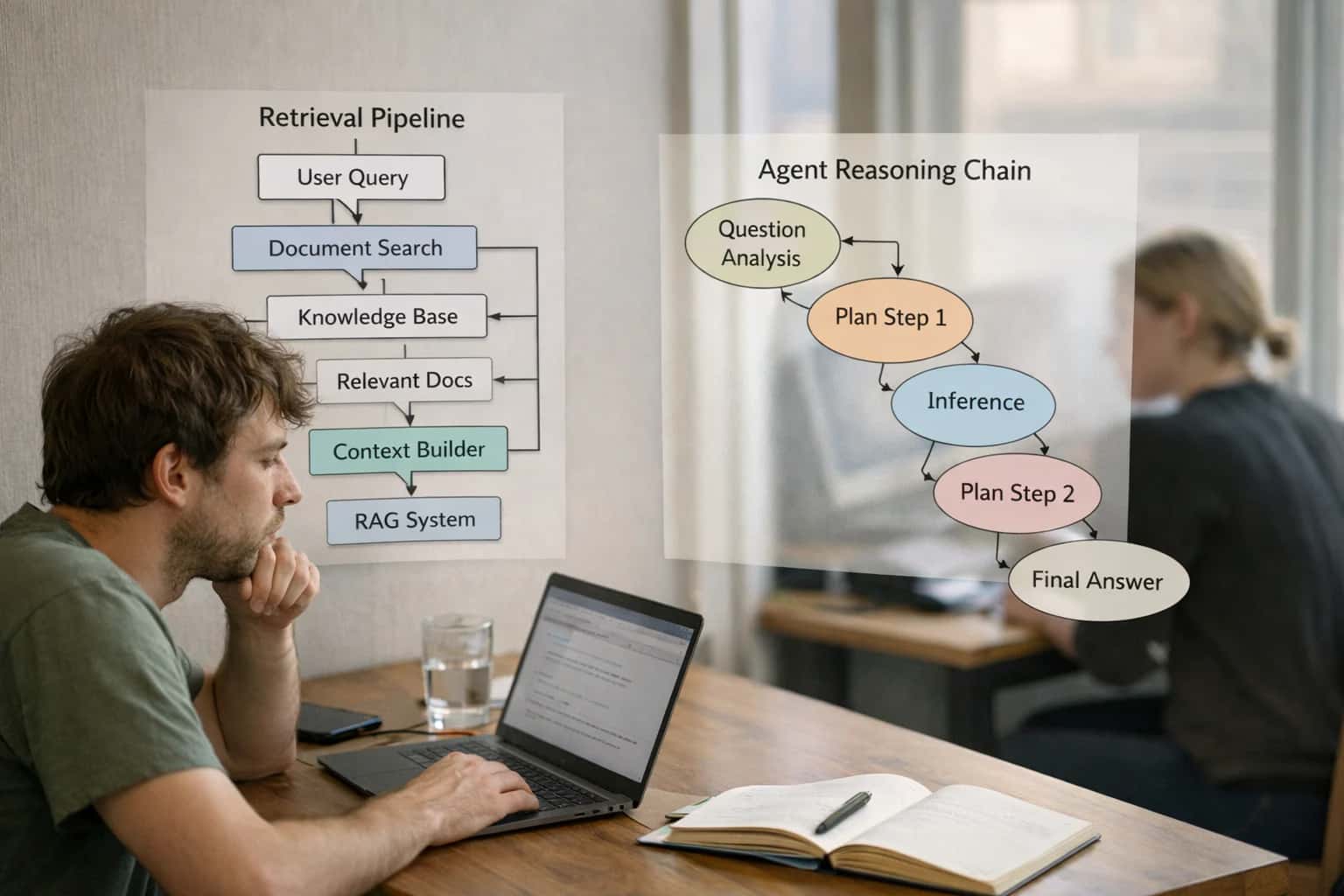
Where AI Fits in ServiceTitan + Zapier Workflows
A technical blueprint for using Zapier's AI features to connect ServiceTitan's operational data to hundreds of other business apps, creating intelligent, end-to-end workflows.
Implementation requires mapping ServiceTitan's webhook events or scheduled polls to Zapier triggers. The AI capabilities—like OpenAI actions in Zapier's interfaces—act as middleware. A practical workflow: ServiceTitan (New Invoice) → Zapier AI (Summarize line items & customer payment history) → QuickBooks (Create Invoice with AI-generated memo). This reduces manual reconciliation and provides context for the accounting team. For governance, you must manage API key security, set up error-handling paths in Zaps for failed AI calls, and implement audit logs to trace automated decisions back to the source ServiceTitan record.
Rollout should start with a single, high-volume, low-risk workflow. A strong candidate is automating post-service follow-up: when a Job status changes to "Complete," a Zap triggers an AI step to generate a personalized thank-you message based on the work performed, then sends it via Twilio SMS or Gmail. This demonstrates immediate value—turning hours of manual work into minutes of automated, intelligent communication—and builds confidence for more complex automations like dynamic pricing updates or intelligent lead routing from your website form into ServiceTitan.
Key ServiceTitan Surfaces for AI-Enhanced Zaps
Automating the Job Lifecycle
Work Orders are the central record in ServiceTitan. AI-enhanced Zaps can trigger from their creation, status changes, or completion to automate downstream tasks in other systems.
Key Triggers & Actions:
- Trigger:
New Work Order CreatedorWork Order Status Changed to 'Complete'. - AI-Enhanced Action: Use a Zapier AI step (like OpenAI or a built-in formatter) to analyze the job description from the trigger. Based on the analysis, you can:
- Create a detailed card in Trello or Asana for complex jobs, auto-populating checklists.
- Generate a summary and post it to a dedicated Slack channel for the operations team.
- Classify the job type and route it to different fulfillment queues.
Example Flow: A new Water Heater Replacement work order triggers a Zap. An AI step reads the notes, identifies it as a Plumbing - Major Appliance job, and automatically creates a corresponding service ticket in your internal IT system for parts ordering.
High-Value AI + Zapier Use Cases for ServiceTitan
Zapier's AI-powered Zaps can connect ServiceTitan to hundreds of other apps, turning manual workflows into intelligent, automated sequences. These cards detail specific patterns for reducing administrative overhead and improving operational visibility.
Automated Complex Job Coordination
When a ServiceTitan work order is tagged as 'Complex' or exceeds a certain estimate threshold, a Zap triggers to create a detailed project card in Trello or Asana. The AI step analyzes the job description to auto-populate checklists, assign subtasks based on technician skill tags, and set due dates. This moves multi-step jobs from email/paper tracking to a managed board.
Intelligent Customer Onboarding & Nurturing
After a job is marked 'Complete' in ServiceTitan, a Zap adds the customer to a segmented list in Mailchimp or HubSpot. An AI step reviews the service history and invoice total to assign a customer tier (e.g., 'High-Value HVAC'). This triggers a personalized email sequence with maintenance tips, warranty info, and a review request, improving retention without manual list management.
Dynamic Inventory Replenishment Alerts
A scheduled Zap monitors ServiceTitan's inventory module for parts falling below a par level. Instead of a generic alert, an AI step in Zapier cross-references upcoming scheduled jobs (via ServiceTitan API) to predict urgent need. It then creates a prioritized purchase request in Procure or Google Sheets, tagging items as 'Needed for Tomorrow' vs. 'Standard Reorder'.
Smart Review & Feedback Aggregation
When a payment is posted in ServiceTitan, a Zap triggers to send a feedback request via Twilio SMS or Email. The AI step analyzes the job notes for keywords (e.g., 'emergency', 'repeat issue') to customize the feedback question. Responses are collected in a Google Sheet or Airtable base, where another AI step categorizes sentiment and flags negative reviews for immediate manager follow-up.
Automated Contractor & Sub-Contractor Dispatch
For work orders requiring a specialty sub-contractor (e.g., 'electrical', 'roofing'), a Zap uses an AI step to parse the job description and select the appropriate partner from a connected directory. It then creates a task in the sub-contractor's platform (e.g., Jobber for SMBs, AccuLynx for trades) via their API, including scope details and SLA requirements, and logs the dispatch back to the ServiceTitan job note.
Lead Scoring & Sales Handoff from Service
When a new 'Lead' is created in ServiceTitan from a non-customer source (e.g., website form), a Zap routes it to a Google Sheet or Salesforce. An AI step enriches the lead by checking the property address against the ServiceTitan customer database for past service. If a match is found, it scores the lead as 'High Intent' and creates a follow-up task in the sales team's Slack or Microsoft Teams channel with the full service history.
Example AI-Enhanced Zapier Workflows
Zapier's AI features allow you to build intelligent automations that connect ServiceTitan's core data to other critical business systems. These workflows reduce manual work, improve data flow, and create smarter customer and technician experiences. Below are practical, production-ready examples.
Trigger: A new customer record is created in ServiceTitan.
AI Action (via Zapier's AI Bot or OpenAI step):
- The workflow pulls the new customer's name, address, and service type from ServiceTitan.
- An AI step analyzes this data and generates a personalized welcome email draft, including relevant service tips based on their property type (e.g., HVAC maintenance tips for a homeowner).
- The AI also suggests a customer segment tag (e.g., "New Residential HVAC") and a likely customer lifetime value tier based on service history of similar properties in the area.
System Updates:
- The drafted email is sent to a human in your marketing team for a quick review/approval via Slack.
- Upon approval, the customer is added to a corresponding "Welcome Series" in Mailchimp or Klaviyo.
- The suggested segment tag and tier are written back to a custom field in the ServiceTitan customer record for future reference.
Human Review Point: The email copy is always reviewed before sending to ensure brand voice and accuracy.
Implementation Architecture: Connecting the Dots
Using Zapier's AI features to create intelligent, multi-step workflows that connect ServiceTitan to hundreds of other business-critical apps.
The integration architecture treats Zapier as a low-code middleware layer that sits between ServiceTitan's webhooks/API and your other SaaS tools. The core pattern involves: 1) A trigger in ServiceTitan (e.g., a Job status change to "Completed"), 2) A Zapier workflow that ingests the job data, 3) An AI step—like OpenAI via Zapier's built-in actions—to analyze, summarize, or decide, and 4) An action in a destination app like Trello, Mailchimp, or Google Sheets. This allows you to automate complex, judgment-based workflows without building custom code for each connection.
For a production rollout, you must map the specific ServiceTitan objects and fields that drive value. High-impact triggers often include: Invoice Created, New Lead Form Submission, Preventive Maintenance Schedule Generated, or Customer Note Added. The AI step can then perform tasks like: classifying a job's complexity to create a corresponding Trello card with checklists, drafting a personalized marketing email based on service history before adding a customer to a Mailchimp segment, or extracting key details from a technician's notes to populate a SmartSheet row for the operations manager.
Governance is managed through Zapier's built-in audit trails and error handling. Each AI-augmented Zap should include a human review path for low-confidence decisions (e.g., a Slack alert to a dispatcher) and be version-controlled as part of your integration catalog. Start by piloting 2-3 high-volume, repetitive workflows—like automated review solicitation or internal job routing—to demonstrate ROI before scaling to more complex, multi-app orchestrations. For a deeper dive into ServiceTitan's core API objects, see our guide on AI Integration for ServiceTitan.
Code and Payload Patterns
Automating Complex Job Creation
Use Zapier's AI-powered formatter or a connected OpenAI action to transform unstructured customer requests from web forms, emails, or SMS into structured ServiceTitan job records. This pattern reduces manual data entry for dispatchers.
Example Zapier AI Step Payload:
json{ "input": "Customer called about a loud noise from their AC unit, model Trane XR14. They're available Thursday afternoon.", "instructions": "Extract: customer name/address from CRM lookup, equipment model, reported symptom, preferred time. Output as JSON." }
The AI parses the text, performs a lookup to find the customer in ServiceTitan via a prior Zap step, and outputs a clean JSON object. A subsequent "Create Job" Zap step uses this payload to populate the ServiceTitan job's description, priority, scheduled date, and linked equipment ID, triggering the standard workflow.
Realistic Time Savings and Operational Impact
How AI steps within Zapier workflows accelerate and improve ServiceTitan data flows, turning manual tasks into assisted, high-value automations.
| Workflow | Manual Zapier Process | AI-Augmented Zapier Process | Impact & Notes |
|---|---|---|---|
Complex Job Intake to Project Board | Manual review of ServiceTitan job notes, then create Trello card | AI summarizes job notes, suggests card title/labels, auto-creates card | Reduces intake review from 10-15 minutes to <2 minutes per job |
New Customer Onboarding to Email List | Filter by customer tag, add to Mailchimp list manually | AI analyzes service type, segments customer, triggers personalized welcome series | Ensures relevant messaging; automates segmentation logic previously done in spreadsheets |
High-Value Invoice to Slack Alert | Zap filters for invoice amount > $X, posts to Slack channel | AI analyzes customer payment history, suggests follow-up action in alert | Contextual alerts help A/R prioritize outreach, reducing days sales outstanding |
Job Completion to Review Solicitation | Zap sends templated email request after job status changes | AI drafts personalized review request based on job details and technician | Increases review rate by tailoring ask; maintains brand voice automatically |
Part Usage Log to Inventory Reorder | Zap logs part usage from work order to Google Sheet | AI predicts reorder need based on rate, checks supplier API, creates purchase request | Moves from reactive tracking to predictive restocking, preventing job delays |
Service Agreement Renewal Workflow | Zap flags contracts expiring in 30 days, creates task in Asana | AI analyzes contract profitability and service history, drafts renewal proposal in task | Equips sales with data-driven proposals, cuts renewal prep from hours to minutes |
Daily Dispatch Summary for Leadership | Manual compilation of key metrics from ServiceTitan reports | AI generates natural language summary from Zapier-polled data, posts to Teams | Provides actionable AM insights in 5 minutes instead of 30+ minute manual report |
Governance, Security, and Phased Rollout
A practical approach to deploying AI-enhanced automations between ServiceTitan and other business systems via Zapier.
Every AI-powered Zap must be built with clear governance boundaries. This starts with defining which ServiceTitan objects and fields the AI can access and modify, such as Jobs, Customers, Invoices, and Appointments. Use Zapier's built-in connection scopes and ServiceTitan's role-based permissions to enforce data access. For AI actions that create or update records, implement a two-step Zap pattern: first, the AI generates a draft payload (e.g., a proposed work order description or invoice line items); second, a human-in-the-loop step via a Slack alert or an approval queue in a tool like Trello reviews and approves the action before it's committed to ServiceTitan. This ensures critical business data remains accurate and auditable.
Security is paramount when connecting AI to your core field service platform. Treat each AI step within a Zap as a potential data processing node. Ensure all AI API calls (e.g., to OpenAI or Anthropic) are made over encrypted connections and that no sensitive PII or financial data is sent to external models without proper anonymization or redaction. For use cases involving customer communications, leverage Zapier's AI features that operate within their secure environment. Maintain a complete audit trail by configuring Zapier to log detailed history for each Zap run, capturing the input, the AI's output, and the final action taken. This log is essential for debugging, compliance, and iterating on prompt effectiveness.
A phased rollout mitigates risk and proves value. Start with a single, high-impact, low-risk workflow. A strong candidate is automated post-service review requests: a Zap triggers when a ServiceTitan job status changes to 'Complete', an AI step personalizes a review message based on job type and technician, and the system sends it via SMS or email. This Phase 1 delivers immediate customer experience value with minimal operational risk. Phase 2 can introduce more complex logic, such as an AI agent that monitors a dedicated email inbox, interprets customer requests for new services, and creates qualified Lead records in ServiceTitan—with all created records tagged for manager review. Phase 3 evolves to predictive actions, like an AI analyzing completed job data to recommend preventive maintenance Campaigns in ServiceTitan, with Zaps creating the campaign drafts for marketing team approval.
This governance-first, phased approach ensures your ServiceTitan-Zapier AI integration scales safely. It transforms Zapier from a simple connector into an intelligent orchestration layer, where AI handles the cognitive load of data interpretation and draft creation, while your team retains oversight and control over all system-of-record updates. For deeper patterns on securing AI workflows, see our guide on /integrations/field-service-management-platforms/ai-integration-for-servicetitan or our framework for /integrations/api-management-and-gateway-platforms for enterprise-grade API security in tool-calling scenarios.
Enabling Efficiency, Speed & Accuracy
Intelligent Analysis, Decision & Execution
We build AI systems for teams that need search across company data, workflow automation across tools, or AI features inside products and internal software.
Talk to Us
Search across company data
Give teams answers from docs, tickets, runbooks, and product data with sources and permissions.
Useful when people spend too long searching or get different answers from different systems.

Automate internal workflows
Use AI to route work, draft outputs, trigger actions, and keep approvals and logs in place.
Useful when repetitive work moves across multiple tools and teams.

Add AI to products and internal tools
Build assistants, guided actions, or decision support into the software your team or customers already use.
Useful when AI needs to be part of the product, not a separate tool.
Frequently Asked Questions
Common questions about using Zapier's AI features to connect ServiceTitan with hundreds of other apps, automating workflows and extending field service operations.
High-impact automations typically connect ServiceTitan's job lifecycle to other core business systems, using AI to add intelligence to the data flow. Key examples include:
- Complex Job → Project Management: When a ServiceTitan job is tagged as "Complex" or exceeds a certain estimate, use an AI step in Zapier to analyze the job description and notes, then automatically create a detailed Trello card or Asana task with subtasks, assigned team members, and deadlines pulled from the work order.
- New Customer → Marketing Nurture: When a new customer is created in ServiceTitan, use an AI step to segment them based on service type (e.g., HVAC, Plumbing) and home value data (if available via another integration), then add them to a targeted Mailchimp list and trigger a personalized welcome email sequence.
- Completed Job → Review & Feedback: After a job status changes to "Complete," use AI to generate a draft Google Review request email that summarizes the service performed (using parts and labor from the invoice). Send this via Gmail or Outlook, and if the customer replies positively, automatically post a sanitized version to your Google Business Profile.
- Low Inventory Alert → Procurement: When inventory for a critical part drops below threshold in ServiceTitan, use an AI step to check multiple supplier APIs (via other Zaps) for best price and availability, then automatically create a purchase order in QuickBooks or send a formatted request to a manager's Slack channel for approval.

About the author
Prasad Kumkar
CEO & MD, Inference Systems
Prasad Kumkar is the CEO & MD of Inference Systems and writes about AI systems architecture, LLM infrastructure, model serving, evaluation, and production deployment. Over 5+ years, he has worked across computer vision models, L5 autonomous vehicle systems, and LLM research, with a focus on taking complex AI ideas into real-world engineering systems.
His work and writing cover AI systems, large language models, AI agents, multimodal systems, autonomous systems, inference optimization, RAG, evaluation, and production AI engineering.
Partnered with leading AI, data, and software stack.





How We Work
Custom AI workflows for your Business
One-fit-all AI don't work for modern businesses. At Inferensys, we aim to understand your business & custom requirements; which we use to define most efficient agentic workflows, the data, and the tools for your business.
01
Review the use case
We understand the task, the users, and where AI can actually help.
Read more02
Pick the right approach
We define what needs search, automation, or product integration.
Read more03
Build the first useful version
We implement the part that proves the value first.
Read more04
Improve from there
We add the checks and visibility needed to keep it useful.
Read moreThe first call is a practical review of your use case and the right next step.
Talk to Us