AI integration for dental financial operations connects the clinical and billing data in your Practice Management System (PMS)—like Dentrix, Eaglesoft, Open Dental, or Curve Dental—directly to your accounting software such as QuickBooks or Xero. The integration focuses on key data objects: daily production reports, completed procedure ledgers, payment batches, and adjusted claims. By processing this data in real-time via secure APIs or scheduled webhooks, an AI layer can automate the creation of accurate journal entries, match revenue to the correct general ledger accounts, and categorize expenses from supplier invoices, eliminating manual data entry and reconciliation delays.

Integration
AI Integration for Dental Practice Management and Accounting Integration
A technical guide to automating financial data flow between dental PMS and accounting software using AI, reducing manual entry, improving accuracy, and accelerating month-end close.
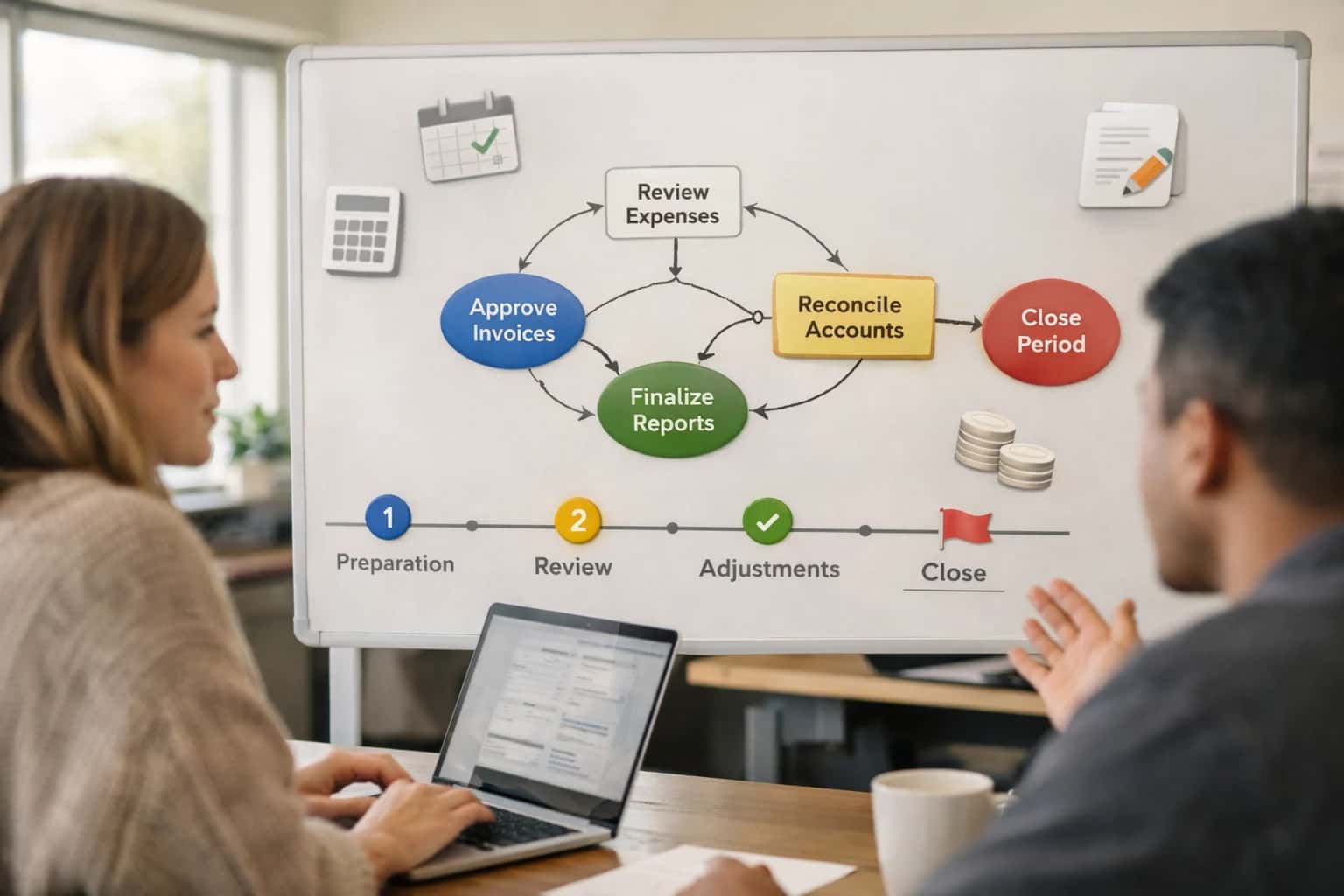
ARCHITECTURE AND ROLLOUT
Where AI Fits in Dental Financial Operations
A blueprint for integrating AI between your dental PMS and accounting software to automate financial workflows.
A production implementation typically involves a cloud-based orchestration service that listens for financial events from the PMS (e.g., a batch closure or a payment posting). It uses intelligent document processing to read Explanation of Benefits (EOB) forms and applies rules to handle write-offs, patient portions, and insurance payments correctly. The resulting structured financial data is then pushed to the accounting platform's API, with a full audit trail. This setup reduces month-end close from days to hours and provides immediate visibility into practice profitability by provider, procedure, or location.
Governance is critical. The AI system should operate with strict role-based access controls, only interacting with de-identified financial aggregates where possible, and all automated entries should be flagged for initial human review. A phased rollout starts with automating revenue recognition for a single high-volume procedure code or a specific location before scaling to full practice financials. This approach de-risks the integration and allows the finance team to build trust in the AI's accuracy, ensuring the system enhances—rather than disrupts—existing compliance and audit workflows.
ARCHITECTURAL BLUEPRINT
Key Integration Surfaces in Dental PMS and Accounting Software
Synchronizing Revenue and Expense Streams
The core integration surface is the daily financial transaction feed from the PMS to the accounting platform. This involves extracting finalized production, patient payments, insurance payments, and adjustments from the PMS's closed day or batch reports. The AI layer's role is to categorize, match, and enrich this data before journal entry creation.
Key data objects include:
- Production Ledger: Procedures completed, by provider and fee schedule.
- Payment Postings: Split between insurance payments, patient cash/check/credit, and pre-payments.
- Adjustments: Write-offs, discounts, and non-payment adjustments.
The AI agent validates totals, maps dental procedure codes (CDT) to general ledger accounts, and flags anomalies like unusually high adjustments or payment mismatches before the data is pushed to QuickBooks or Xero via their respective APIs.
INTELLIGENT DATA FLOW BETWEEN PMS AND ACCOUNTING
High-Value AI Use Cases for Dental Financial Automation
Automate the financial handoff between your dental practice management software (Dentrix, Eaglesoft, Open Dental, Curve) and accounting platforms like QuickBooks or Xero. These AI-driven workflows eliminate manual data entry, reduce errors, and provide real-time visibility into practice financials.
01
Automated Journal Entry Generation
AI monitors daily closing batches in the PMS. It automatically categorizes production, adjustments, and payments (cash, credit, insurance) to map to the correct general ledger accounts in QuickBooks/Xero, generating and posting accurate journal entries without manual spreadsheet work.
Hours -> Minutes
Month-end close
02
Intelligent Payment Reconciliation
AI matches electronic remittance advice (ERA) and patient payment batches from the PMS clearinghouse to deposits in the bank feed. It automatically applies payments to open claims and patient balances, flagging discrepancies (short-pays, over-payments) for review instead of manual line-by-line matching.
Batch -> Real-time
Reconciliation speed
03
Expense Categorization & Coding
AI analyzes vendor invoices and supply purchase orders, using NLP to read line items and assign correct expense categories (e.g., clinical supplies, lab fees, office supplies) and job/provider codes in the accounting system, ensuring accurate overhead tracking and profitability reporting by department.
95%+ Auto-coded
Typical accuracy
04
Revenue Recognition & Deferred Income Tracking
For multi-visit treatment plans and prepayments, AI tracks production as it is completed per the PMS schedule. It automatically calculates and posts earned revenue versus deferred income liability in the accounting system, ensuring GAAP compliance and accurate financial statements.
05
Anomaly Detection in Financial Data
AI continuously compares PMS production reports, deposit totals, and accounting ledger entries. It flags outliers like unusual write-off patterns, missing deposits, or coding errors for immediate investigation, acting as a financial control layer between the practice management and accounting systems.
06
Cash Flow Forecasting & AR Prioritization
AI synthesizes data from the PMS aging report, scheduled production, and upcoming payroll/expenses in the accounting system. It generates a rolling 90-day cash flow forecast and prioritizes the accounts receivable list for collections outreach based on amount, age, and patient payment history.
INTELLIGENT DATA FLOW BETWEEN PMS AND ACCOUNTING
Example AI-Powered Financial Workflows
These workflows illustrate how AI agents can automate the financial data flow between your dental practice management system (Dentrix, Eaglesoft, Open Dental, Curve) and accounting software like QuickBooks or Xero, reducing manual entry, improving accuracy, and accelerating the month-end close.
Trigger: End-of-day batch close in the PMS.
Context Pulled: AI agent queries the PMS API for the day's finalized production, adjustments, and payments, segmented by provider, location, and payment type (cash, credit, insurance).
Agent Action: The agent maps PMS production codes (CDT) and payment categories to the appropriate general ledger accounts in the accounting system. It creates a balanced journal entry, ensuring revenue is recognized correctly (e.g., splitting insurance receivable from cash).
System Update: The journal entry is posted via the QuickBooks/Xero API. A summary log is written back to a custom field or note in the PMS for auditability.
Human Review Point: The agent flags any day where the net deposit in the bank feed differs from the posted journal entry by a configurable threshold (e.g., >$500) for immediate finance team review.
INTELLIGENT FINANCIAL ORCHESTRATION
Implementation Architecture: Data Flow and System Design
A secure, event-driven architecture to automate financial data flow between your dental PMS and accounting software.
The integration is built on a central orchestration service that listens for financial events from your dental PMS—like a completed daily batch, a posted payment, or a finalized adjustment in Dentrix, Eaglesoft, Open Dental, or Curve Dental. Using the PMS's native API or a secure database bridge, the service extracts transaction-level detail: procedure codes, amounts, payment types (insurance, patient cash/credit, care credit), adjustments, and tax data. This raw financial data is normalized into a unified journal-entry model, applying practice-specific rules for revenue recognition (e.g., separating production from collection) and expense categorization.
The normalized data then flows through an AI classification layer. Here, machine learning models, trained on your historical chart of accounts, automatically map each transaction to the correct account in QuickBooks Online, Xero, or Sage Intacct. For example, a "D2750 - Crown - Porcelain" procedure is mapped to your "Crown Production" income account, while the associated lab fee is split to a "Lab Expense" account. The system handles complex splits for insurance payments and patient co-pays, and flags unusual transactions for human review via a dedicated dashboard. Approved journal entries are then pushed to the accounting platform's API on a scheduled or real-time basis, with full audit trails linking every entry back to the source PMS patient and transaction ID.
Rollout follows a phased approach: starting with a read-only sync to validate mapping logic, then progressing to automated posting for closed batches. Governance is maintained through a configuration console where your practice manager or CPA can review mapping rules, set approval thresholds, and monitor sync health. The entire system operates under strict access controls, with no patient health information (PHI) transmitted to the accounting platform—only de-identified financial data. This architecture turns a manual, error-prone daily task into a reliable, closed-loop process, ensuring your books reflect practice activity in near real-time. For related architectural patterns, see our guide on AI Integration for Dental Billing and Claims or our broader framework for Accounting and Finance Platforms.
AI-ENABLED FINANCIAL WORKFLOWS
Code and Payload Examples
Automating Daily Close from PMS to QuickBooks
This workflow listens for a "Day Closed" event from the PMS (e.g., Dentrix, Eaglesoft), aggregates production and payment data, and posts summarized journal entries to the accounting ledger via API.
Key Steps:
- Event Trigger: A webhook from the PMS signals the end-of-day batch is ready.
- Data Retrieval: The AI service fetches daily totals for procedures (production), payments (cash, credit, insurance), and adjustments.
- Categorization: An LLM classifies each procedure code (e.g., D2750 - Crown) into the correct COGS or income account based on practice chart of accounts.
- Payload Construction: The system builds a clean JSON payload for the accounting API.
json// Example Payload to QuickBooks Online API { "JournalEntry": { "TxnDate": "2024-05-15", "Line": [ { "DetailType": "JournalEntryLineDetail", "Amount": "4850.00", "JournalEntryLineDetail": { "PostingType": "Credit", "AccountRef": { "value": "84", "name": "Patient Service Revenue" } } }, { "DetailType": "JournalEntryLineDetail", "Amount": "3200.00", "JournalEntryLineDetail": { "PostingType": "Debit", "AccountRef": { "value": "4", "name": "Accounts Receivable" } } }, { "DetailType": "JournalEntryLineDetail", "Amount": "1650.00", "JournalEntryLineDetail": { "PostingType": "Debit", "AccountRef": { "value": "1", "name": "Bank Account" } } } ] } }
AI-POWERED FINANCIAL AUTOMATION
Realistic Time Savings and Operational Impact
This table illustrates the tangible operational improvements when integrating AI to automate the financial data flow between your Dental PMS and accounting software like QuickBooks or Xero.
| Financial Workflow | Before AI Integration | After AI Integration | Implementation Notes |
|---|---|---|---|
Daily Revenue Reconciliation | Manual export, spreadsheet matching (30-60 min) | Automated sync & posting (5 min) | AI matches PMS production to deposits, flags discrepancies for review |
Expense Categorization | Manual review of vendor invoices & receipts | AI-assisted coding & GL assignment | Uses NLP on memo lines; human approves batch before posting |
Month-End Close Journal Entries | 2-3 hours of manual compilation & entry | Automated accrual & adjustment proposals (20 min review) | AI generates proposed entries based on rules; accountant approves |
Patient Payment Posting | Manual matching of checks/CC batches to patient ledgers | AI-driven payment application & reconciliation | Matches electronic remittances and patient payments, reduces misapplied cash |
Accounts Receivable Aging Review | Weekly manual report generation & prioritization | AI-prioritized collections list with suggested actions | Highlights high-balance, old accounts and suggests contact strategy |
Insurance Claim Payment Variance Analysis | Manual comparison of claim amount vs. payment | Automated EOB parsing & variance flagging | AI reads EOBs, identifies underpayments, and creates follow-up tasks |
Financial Reporting & KPI Dashboards | Static reports pulled manually from separate systems | Dynamic, automated dashboards with natural language query | AI consolidates PMS and accounting data, provides predictive insights on cash flow |
ARCHITECTING A CONTROLLED IMPLEMENTATION
Governance, Security, and Phased Rollout
A practical blueprint for securely integrating AI into your dental practice management and accounting systems, with a focus on data governance and incremental value.
A production AI integration must operate within the strict data governance and security boundaries of your existing systems. For a dental PMS like Dentrix or Eaglesoft connected to QuickBooks or Xero, this means:
- Secure API Gateways & Webhooks: All AI services connect via the PMS's official REST or SOAP APIs and accounting platform webhooks, never directly to the database. Authentication uses OAuth or API keys with role-based access control (RBAC) scoped to specific functions (e.g.,
read:patient_financials,write:journal_entries). - PHI & PII Isolation: Financial data flows are de-identified where possible. When patient data is required (e.g., for payment plan analysis), the AI service operates in a VPC or private cloud, with all data encrypted in transit and at rest, maintaining a full audit trail of access.
- Compliance-Aware Processing: The integration logic embeds business rules for HIPAA, GDPR, and accounting standards (GAAP). For example, automated journal entries generated from PMS production data are first staged in a sandbox ledger for review before posting to the live general ledger.
A successful rollout follows a phased, risk-managed approach, starting with low-risk, high-ROI workflows:
- Phase 1: Automated Transaction Categorization: Deploy AI to classify daily revenue and expense transactions flowing from the PMS to the accounting software. This non-critical workflow validates the data pipeline and provides immediate time savings for bookkeeping without touching live financial reports.
- Phase 2: Intelligent Reconciliation & Anomaly Detection: Expand the AI to match bank deposits to posted production and flag discrepancies (e.g., unapplied cash, unusual write-offs). Implement a human-in-the-loop approval step in the workflow where the office manager reviews and approves AI-suggested matches before the PMS and accounting records are updated.
- Phase 3: Predictive Cash Flow & Revenue Recognition: With trust established, activate advanced forecasting models that use scheduled production and historical collection rates to predict cash flow. Automate complex revenue recognition for multi-visit treatment plans, creating accrual-based journal entries in the accounting platform.
Governance is continuous, not a one-time setup. We architect integrations with:
- Observability & Drift Monitoring: Dashboards track key metrics like categorization accuracy, reconciliation speed, and model confidence scores. Alerts trigger if data patterns drift, indicating a need for model retraining (e.g., a new insurance payer's EOB format).
- Rollback & Manual Override Protocols: Every automated action—from creating a QuickBooks journal entry to updating a patient account balance—is logged with a unique transaction ID and can be manually reversed via a dedicated admin interface without direct database access.
- Phased User Enablement: Rollout is coupled with role-specific training. First, the bookkeeper is enabled on the reconciliation dashboard. Then, the office manager gains access to cash flow forecasts. Finally, the dentist/owner receives high-level financial insights. This controlled access ensures adoption and provides continuous feedback for tuning the AI agents.
Enabling Efficiency, Speed & Accuracy
Intelligent Analysis, Decision & Execution
We build AI systems for teams that need search across company data, workflow automation across tools, or AI features inside products and internal software.
Talk to Us
Search across company data
Give teams answers from docs, tickets, runbooks, and product data with sources and permissions.
Useful when people spend too long searching or get different answers from different systems.
Enterprise searchRAGPermissions
Read more
Automate internal workflows
Use AI to route work, draft outputs, trigger actions, and keep approvals and logs in place.
Useful when repetitive work moves across multiple tools and teams.
AI agentsWorkflow automationGovernance
Read more
Add AI to products and internal tools
Build assistants, guided actions, or decision support into the software your team or customers already use.
Useful when AI needs to be part of the product, not a separate tool.
AI integrationDecision supportModel routing
Read moreAI + ACCOUNTING INTEGRATION
Frequently Asked Questions
Practical questions about connecting AI to your dental practice management and accounting software for automated financial workflows.
This workflow creates a validated, audit-ready journal entry without manual data entry.
- Trigger: A batch of daily production is closed and posted in the PMS (e.g., Dentrix, Eaglesoft).
- Context Pulled: The AI agent queries the PMS API for the day's finalized production, adjustments, and payments, categorized by provider and service type.
- Agent Action: The agent applies pre-configured accounting rules (e.g., mapping CDT codes to specific revenue GL accounts) and generates a proposed journal entry. It can flag anomalies, like unusually high adjustments, for review.
- System Update: Upon approval (which can be automated for standard entries), the agent posts the journal entry via the QuickBooks Online API or a file import to QuickBooks Desktop.
- Human Review Point: The system generates a reconciliation report and can be configured to require manager sign-off for entries over a certain threshold or containing flagged items.

About the author
Prasad Kumkar
CEO & MD, Inference Systems
Prasad Kumkar is the CEO & MD of Inference Systems and writes about AI systems architecture, LLM infrastructure, model serving, evaluation, and production deployment. Over 5+ years, he has worked across computer vision models, L5 autonomous vehicle systems, and LLM research, with a focus on taking complex AI ideas into real-world engineering systems.
His work and writing cover AI systems, large language models, AI agents, multimodal systems, autonomous systems, inference optimization, RAG, evaluation, and production AI engineering.
LinkedIn
Limited slotsGet a Free AI Consultation
Partnered with leading AI, data, and software stack.





How We Work
Custom AI workflows for your Business
One-fit-all AI don't work for modern businesses. At Inferensys, we aim to understand your business & custom requirements; which we use to define most efficient agentic workflows, the data, and the tools for your business.
01
Review the use case
We understand the task, the users, and where AI can actually help.
Read more02
Pick the right approach
We define what needs search, automation, or product integration.
Read more03
Build the first useful version
We implement the part that proves the value first.
Read more04
Improve from there
We add the checks and visibility needed to keep it useful.
Read moreThe first call is a practical review of your use case and the right next step.
Talk to Us