Integrate AI to monitor key events in Campground Master (like maintenance work orders, site availability changes, or compliance flags) and ResNexus (such as new group booking requests, payment failures, or negative review alerts). Instead of a flood of raw system notifications in Slack, an AI agent processes these events, interprets their urgency, and posts a concise, actionable summary to a designated channel like #ops-alerts. For example: "High-priority: Site 12A maintenance request logged for electrical issue. Guest arrival in 4 hours. Recommended action: Assign to technician Jordan, check spare parts inventory."

Integration
Campground Integration with Slack AI
Connect Campground Master operational alerts and ResNexus booking notifications to Slack, using AI to generate intelligent summaries, automate task creation, and reduce staff context-switching.
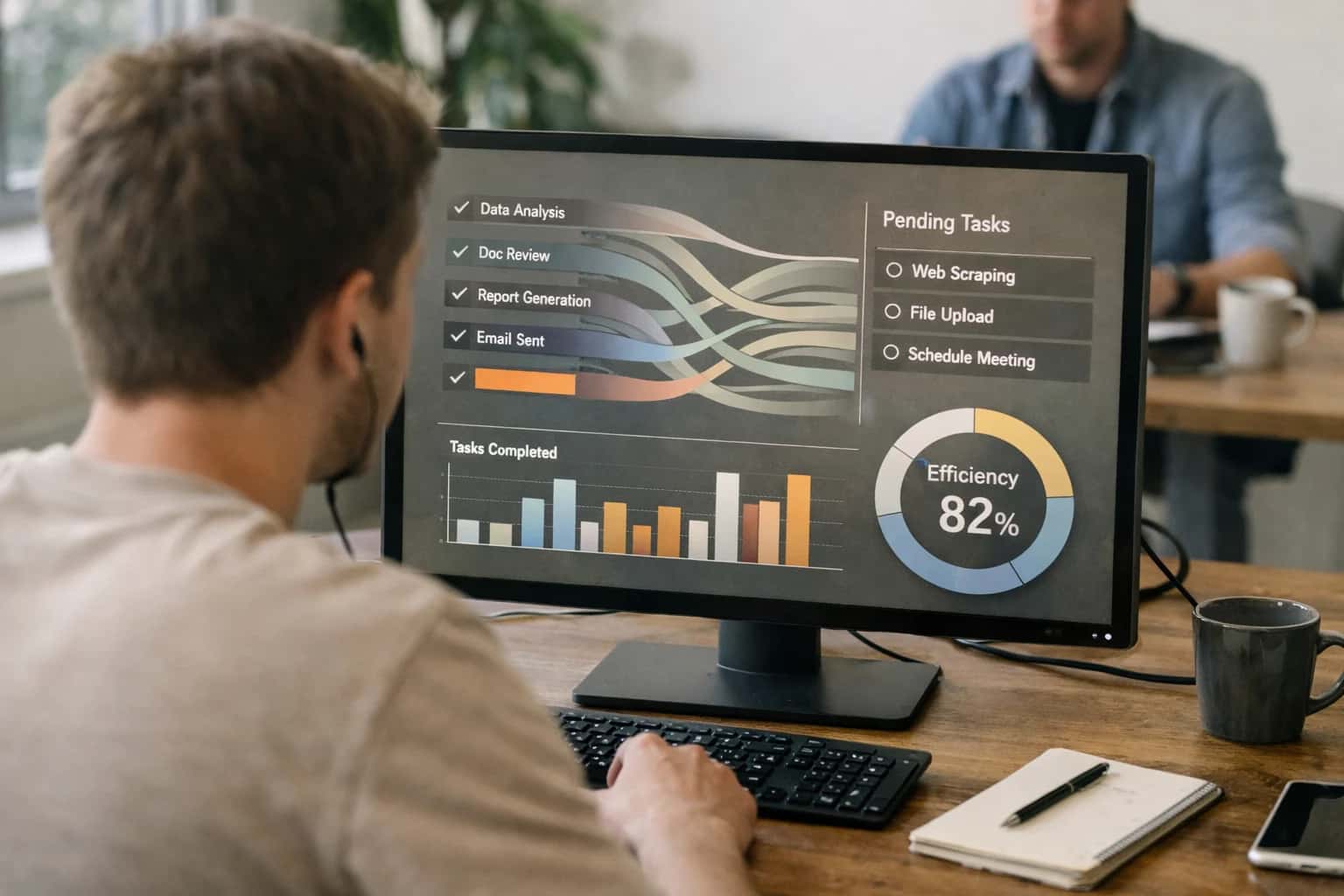
OPERATIONAL ALERTING & TASK AUTOMATION
Bring AI-Powered Intelligence to Your Campground's Slack Workspace
Connect Campground Master and ResNexus to Slack, using AI to summarize alerts, automate task creation, and keep your team coordinated in real-time.
The integration uses Slack's incoming webhooks and the platforms' REST APIs (or webhook outputs) to feed event data to an AI orchestration layer. This layer classifies the event, enriches it with relevant context from the reservation or asset record, and determines the appropriate Slack channel and @mentions. For follow-through, the AI can use Slack's interactive components—like buttons or modals—to allow staff to create a task in Asana or Monday.com directly from the alert, or to update the source system's status without leaving Slack. This closes the loop between alert, triage, and execution.
Roll this out by starting with a single, high-volume alert stream—like ResNexus booking modifications—to tune the AI's summarization and routing logic. Implement governance by logging all AI-generated summaries and actions to an audit trail, and establish a clear human-in-the-loop step for high-stakes alerts (e.g., potential guest safety issues). This turns Slack from a passive notification center into an intelligent command hub for your campground's daily operations.
INTEGRATION SURFACES
Where AI Connects: Campground Platform Event Sources
Core Reservation Event Streams
The primary integration surface for Slack AI is the booking engine API. Platforms like ResNexus and Campspot emit webhook events for key reservation lifecycle changes:
- New Booking Created: Trigger an AI agent to generate a summary for the front desk channel, highlighting guest details, special requests, and estimated revenue.
- Booking Modified/Cancelled: Automatically post an alert to a management channel. The AI can draft a suggested reply for guest communication and update internal task boards.
- Check-in/Check-out: Signal housekeeping and maintenance teams in Slack. An AI can process the folio data to summarize the stay (e.g.,
"Guest Smith in Site A4 checked out, left a 5-star review, folio shows a $45 camp store charge").
These APIs provide the structured data (guest name, site, dates, balance) needed for AI to generate concise, actionable Slack messages, moving beyond raw system alerts to intelligent notifications.
OPERATIONAL INTELLIGENCE
High-Value Use Cases for Campground Slack AI
Connect Slack to your campground management platform (ResNexus, Campground Master, etc.) to turn operational alerts and booking notifications into actionable summaries and automated tasks for your team.
01
Real-Time Booking & Cancellation Alerts
AI monitors the ResNexus booking API for new reservations, modifications, and last-minute cancellations. It posts a structured summary to a designated Slack channel, highlighting key details like site type, length of stay, and special requests. Staff can react to confirm site prep or initiate a waitlist workflow.
Batch -> Real-time
Alert delivery
02
Automated Maintenance Ticket Creation
When a guest reports an issue via a webform or messaging platform integrated with Campground Master, the AI analyzes the request, classifies its urgency (e.g., electrical vs. cosmetic), and creates a formatted work order in the maintenance module. It then posts a link to the new ticket in the #maintenance Slack channel and tags the appropriate manager.
1 sprint
Implementation timeline
03
Daily Occupancy & Revenue Summary
Each morning, an AI agent queries the Staylist or Campspot reporting APIs for the previous day's KPIs. It generates a concise summary of occupancy rate, revenue vs. forecast, and notable guest arrivals/departures, posting it to a leadership Slack channel. This replaces manual report checking.
Hours -> Minutes
Report generation
04
Guest Inquiry Triage & Assignment
Incoming emails to a general inbox (e.g., [email protected]) are routed to the AI. It uses the guest context from ResNexus to determine if the sender is an existing guest with a booking. It then summarizes the inquiry's intent (booking question, complaint, general info) and suggests the best staff member to handle it, posting the thread to Slack for assignment.
Same day
Response time improvement
05
Weather & Operational Risk Alerts
The AI integrates with weather APIs and cross-references the forecast with the Campground Master site inventory and activity schedule. If high winds are predicted for an area with tall trees or heavy rain is forecast during a check-in day, it posts a proactive alert to Slack with recommended actions (e.g., Pre-emptively inspect sites 10-15 or Prepare digital check-in instructions).
06
Staff Shift Coordination & Coverage
By connecting to the staff scheduling module in Campground Master or Staylist, the AI can monitor for upcoming shifts, call-outs, or uncovered hours. It can post reminders to relevant channels, and when a gap is detected, it can suggest available staff based on historical data and prompt a manager to approve a swap—all within a Slack thread.
CAMPSTAFF AUTOMATION
Example AI-Powered Workflows from Alert to Action
These workflows demonstrate how AI transforms raw notifications from Campground Master and ResNexus into intelligent, actionable tasks within Slack, reducing manual triage and accelerating staff response.
Trigger: A new support ticket is created in Campground Master's guest services module or a negative review is posted online, triggering a webhook.
Context Pulled: The AI agent retrieves the guest's reservation ID, site number, previous interaction history, and any attached notes from Campground Master's API.
Agent Action: A small language model (e.g., GPT-4) classifies the issue urgency (e.g., Critical, High, Medium) and summarizes the core problem. It then cross-references the issue type (e.g., noise complaint, utility outage, maintenance request) with a predefined routing matrix.
System Update: The agent creates a formatted task in a designated Slack channel (#campground-ops) using a Slack Block Kit payload.
Example Slack Payload:
json{ "blocks": [ { "type": "header", "text": { "type": "plain_text", "text": "🚨 High Priority: Maintenance Request - Site A12" } }, { "type": "section", "fields": [ { "type": "mrkdwn", "text": "*Guest:* Jane Doe\n*Reservation:* #CM-78910" }, { "type": "mrkdwn", "text": "*Issue:* Water leak reported at faucet.\n*AI Summary:* Guest provided photo, leak is moderate. Site is occupied for 3 more nights." } ] }, { "type": "actions", "elements": [ { "type": "button", "text": { "type": "plain_text", "text": "Acknowledge & Assign" }, "style": "primary", "value": "acknowledge_CM-78910" }, { "type": "button", "text": { "type": "plain_text", "text": "View Full Ticket" }, "url": "https://campgroundmaster.com/tickets/12345" } ] } ] }
Human Review Point: Staff must manually click "Acknowledge & Assign" to take ownership, ensuring accountability. The AI suggests but does not auto-assign.
CONNECTING OPERATIONAL ALERTS TO STAFF COLLABORATION
Implementation Architecture: Data Flow & Integration Points
A technical blueprint for wiring Campground Master and ResNexus to Slack, turning raw notifications into actionable intelligence.
The integration architecture connects two primary data sources to Slack's conversational layer. From Campground Master, we ingest real-time alerts via its webhook API for events like maintenance work order creation, site availability changes, or compliance flag triggers. From ResNexus, we subscribe to booking notification streams for new reservations, modifications, cancellations, and payment failures. These events are normalized and routed through a central AI orchestration service that applies context-aware summarization, determining priority and crafting a concise, actionable message for the appropriate Slack channel.
The core implementation involves three integration points: 1) Event Ingestion using platform-specific webhooks or polling APIs, 2) Context Enrichment where the AI service fetches related guest records, site details, or past work orders to provide full context, and 3) Slack Delivery via the Slack API's chat.postMessage and views.open for interactive modals. For example, a 'High-Priority Maintenance' alert from Campground Master triggers the AI to fetch the site's upcoming reservations from ResNexus, summarize the risk of guest impact, and post to the #operations channel with buttons to Acknowledge, Assign, or View Details—which opens a modal with the full work order and affected bookings.
Rollout should follow a phased governance model. Start with a read-only pilot in a single Slack channel, where AI summarizes alerts but all actions remain manual in the native platforms. After validating accuracy and usefulness, enable interactive commands (e.g., /campground-acknowledge [alert-id]) that write status updates back to Campground Master via its REST API. Implement role-based access control by mapping Slack user groups to permission levels in the campground platforms, ensuring only managers can resolve high-cost items. Audit trails are maintained in both systems; all AI-summarized messages include a deep link back to the source record in ResNexus or Campground Master for full traceability.
CAMPSTAFF NOTIFICATIONS & TASK ORCHESTRATION
Code & Configuration Examples
Setting Up the Slack App Manifest
To receive real-time alerts from Campground Master or ResNexus, you first configure a Slack App with a webhook endpoint. The manifest defines the bot's permissions and the incoming webhook URL your campground platform will POST to.
Key App Manifest Settings:
scopes:incoming-webhook,chat:write,reactions:writeevent_subscriptions: Subscribe tomessage.imfor direct staff queries.slash_commands: Optional/campsummarycommand for manual status checks.
Webhook Payload Structure:
The campground platform sends a JSON payload containing the alert type (e.g., maintenance_urgent, booking_late_cancel), relevant record IDs, and a raw message. The AI service listens on this endpoint, enriches the data, and posts to the designated Slack channel.
SLACK AI FOR CAMPGROUND OPERATIONS
Realistic Time Savings & Operational Impact
How connecting Slack AI to Campground Master and ResNexus transforms manual alert handling into intelligent, actionable workflows for campground staff.
| Operational Workflow | Before AI Integration | After AI Integration | Implementation Notes |
|---|---|---|---|
Critical Alert Triage | Staff monitors multiple dashboards; manual assessment of urgency | AI summarizes and prioritizes alerts in a dedicated Slack channel | Alerts from Campground Master (e.g., site outage, maintenance) and ResNexus (e.g., high-value booking) are ingested via webhook |
Booking Change Notifications | Raw email or platform notification requires manual review and data entry | AI extracts key details (guest, dates, changes) and suggests next steps in a Slack thread | Integration parses ResNexus booking update payloads; human approval required for final action |
Daily Operations Briefing | Manager compiles reports from 2-3 systems each morning | AI-generated summary of overnight alerts, arrivals, departures, and maintenance status posted at 6 AM | Pulls from Campground Master occupancy and work order APIs, ResNexus arrivals report |
Task Creation & Assignment | Manual creation of tickets in a separate system after discussing in Slack | AI suggests a new task in Asana/Monday.com from approved Slack threads; pre-populates details | Uses Slack's workflow builder to trigger external API calls; requires staff to confirm creation |
Guest Inquiry Routing | Front desk staff must check platform to answer status questions | Staff can ask the AI agent in Slack for a guest's check-in time or site number | Agent queries ResNexus guest API via a secure tool-calling layer; audit trail maintained |
Multi-Platform Search | Switching between Campground Master, ResNexus, and email to research an issue | Natural language query in Slack returns consolidated data from connected platforms | RAG system indexes relevant knowledge bases and recent reservations; cites sources |
Shift Handoff Communication | Verbal pass-down or lengthy text notes prone to omission | AI drafts shift summary based on resolved alerts and open tasks from the integrated platforms | Summarizes activity in designated Slack channels for the past 12 hours; editable by outgoing shift |
OPERATIONALIZING AI IN SLACK FOR CAMPGROUND TEAMS
Governance, Security & Phased Rollout
A secure, controlled approach to deploying AI agents that connect Campground Master and ResNexus data to Slack workflows.
This integration connects to two primary data sources: Campground Master's operational alerts API (for maintenance issues, utility alerts, security flags) and ResNexus's booking notification webhooks (for new reservations, modifications, cancellations). The AI agent acts as a middleware layer, ingesting these events, applying business logic (e.g., priority scoring, staff role mapping), and posting structured summaries to designated Slack channels. Access is governed by Slack's existing role-based channel permissions, ensuring only relevant teams (e.g., maintenance, front desk, management) see pertinent alerts. All AI-generated task suggestions or summaries are appended with a source trace (e.g., ResNexus Booking ID: RN-45821) for auditability and manual verification.
A phased rollout is critical for campground operations, which are often seasonal and staffed by mixed technical skill levels. We recommend a three-phase approach:
- Phase 1: Read-Only Summaries (2-4 weeks). The AI posts daily digests of high-priority alerts (e.g.,
3 urgent maintenance tickets created overnight) and booking anomalies (e.g.,Group booking for 20+ sites detected for July 4th) to a single#ai-campground-alertschannel. No automated actions are taken. This builds trust and allows staff to validate the AI's accuracy and relevance. - Phase 2: Interactive Task Creation (4-6 weeks). Once accuracy is confirmed, enable interactive Slack blocks where staff can click a
"Create Task in Campground Master"button directly from the AI summary. This creates a work order or follow-up task in the source system via API, with the AI pre-populating details from the alert. All such actions are logged in a separate audit channel. - Phase 3: Conditional Automation (Ongoing). For fully vetted, low-risk workflows—like auto-acknowledging standard booking confirmations or creating a routine maintenance ticket for a reported burnt-out bulb—the AI can be configured to act automatically, posting a confirmation of the action taken. A weekly review of automated actions by a manager is mandated.
Security is enforced at multiple layers. The integration uses OAuth 2.0 for both Slack and the campground platforms, with scoped permissions (e.g., alerts:read, tasks:write). Guest Personally Identifiable Information (PII) from ResNexus is masked in Slack messages (e.g., Guest [ID: G123]). The AI agent itself does not retain historical data; context is pulled in real-time via API calls. For teams using Slack Enterprise Grid, the integration can be deployed at the org level with custom retention policies applied to AI-generated messages. This controlled, incremental path ensures the AI augments—rather than disrupts—the 24/7, hands-on workflow of campground operations.
Enabling Efficiency, Speed & Accuracy
Intelligent Analysis, Decision & Execution
We build AI systems for teams that need search across company data, workflow automation across tools, or AI features inside products and internal software.
Talk to Us
Search across company data
Give teams answers from docs, tickets, runbooks, and product data with sources and permissions.
Useful when people spend too long searching or get different answers from different systems.
Enterprise searchRAGPermissions
Read more
Automate internal workflows
Use AI to route work, draft outputs, trigger actions, and keep approvals and logs in place.
Useful when repetitive work moves across multiple tools and teams.
AI agentsWorkflow automationGovernance
Read more
Add AI to products and internal tools
Build assistants, guided actions, or decision support into the software your team or customers already use.
Useful when AI needs to be part of the product, not a separate tool.
AI integrationDecision supportModel routing
Read moreSLACK AI INTEGRATION
Frequently Asked Questions
Common questions about connecting Slack AI to Campground Master and ResNexus for operational alerts, booking summaries, and automated task creation.
The integration can securely push structured alerts and summaries from key operational modules. Common data payloads include:
- Reservation Alerts: New bookings, modifications, cancellations, and high-value group inquiries.
- Operational Flags: Maintenance requests created, site status changes (e.g., 'out of service'), and low inventory alerts for supplies.
- Financial Notifications: Failed payment attempts, large refunds processed, or daily revenue summaries.
- Guest Communications: High-priority support tickets or negative review alerts from integrated platforms.
The AI agent in Slack enriches this raw data. For example, a 'new booking' webhook from ResNexus is transformed into a summary that includes guest name, stay dates, site type, balance due, and any special requests—all formatted for a Slack channel.

About the author
Prasad Kumkar
CEO & MD, Inference Systems
Prasad Kumkar is the CEO & MD of Inference Systems and writes about AI systems architecture, LLM infrastructure, model serving, evaluation, and production deployment. Over 5+ years, he has worked across computer vision models, L5 autonomous vehicle systems, and LLM research, with a focus on taking complex AI ideas into real-world engineering systems.
His work and writing cover AI systems, large language models, AI agents, multimodal systems, autonomous systems, inference optimization, RAG, evaluation, and production AI engineering.
LinkedIn
Limited slotsGet a Free AI Consultation
Partnered with leading AI, data, and software stack.





How We Work
Custom AI workflows for your Business
One-fit-all AI don't work for modern businesses. At Inferensys, we aim to understand your business & custom requirements; which we use to define most efficient agentic workflows, the data, and the tools for your business.
01
Review the use case
We understand the task, the users, and where AI can actually help.
Read more02
Pick the right approach
We define what needs search, automation, or product integration.
Read more03
Build the first useful version
We implement the part that proves the value first.
Read more04
Improve from there
We add the checks and visibility needed to keep it useful.
Read moreThe first call is a practical review of your use case and the right next step.
Talk to Us