AI integration connects to WSO2 Identity Server at three primary surfaces: the authentication framework, the policy decision point (PDP), and the identity analytics layer. This allows you to augment standard OAuth 2.0, SAML, and OIDC flows with real-time risk analysis, inject AI-driven logic into XACML policy evaluations via the EntitlementService, and analyze user behavior logs stored in the identity analytics database for anomaly detection. The goal is to move from binary allow/deny decisions to adaptive, risk-weighted authentication and authorization.

Integration
AI Integration with WSO2 Identity Server
Embed AI models directly into WSO2 Identity Server to create intelligent, adaptive authentication flows. This guide covers risk scoring, dynamic policy generation, and automated access reviews using WSO2's extensible IAM framework.
ARCHITECTURE AND ROLLOUT
Where AI Fits into WSO2 Identity Server
Integrating AI into WSO2 Identity Server transforms static IAM policies into dynamic, context-aware security workflows.
Implementation typically involves deploying a lightweight AI service (e.g., a containerized model endpoint) that the WSO2 IS can call via a custom Authenticator, RequestHandler, or EntitlementCallback. For example, during a login flow, the AuthenticationContext (IP, device, time, user attributes) can be sent to an AI model for a risk score. This score can then be used to trigger step-up authentication via WSO2's adaptive authentication scripts, dynamically requiring a biometric check or pushing a notification to the user's verified mobile device. Similarly, for fine-grained authorization, an AI model can analyze the access request context (user role, resource sensitivity, historical patterns) to recommend or dynamically adjust the XACML policy decision.
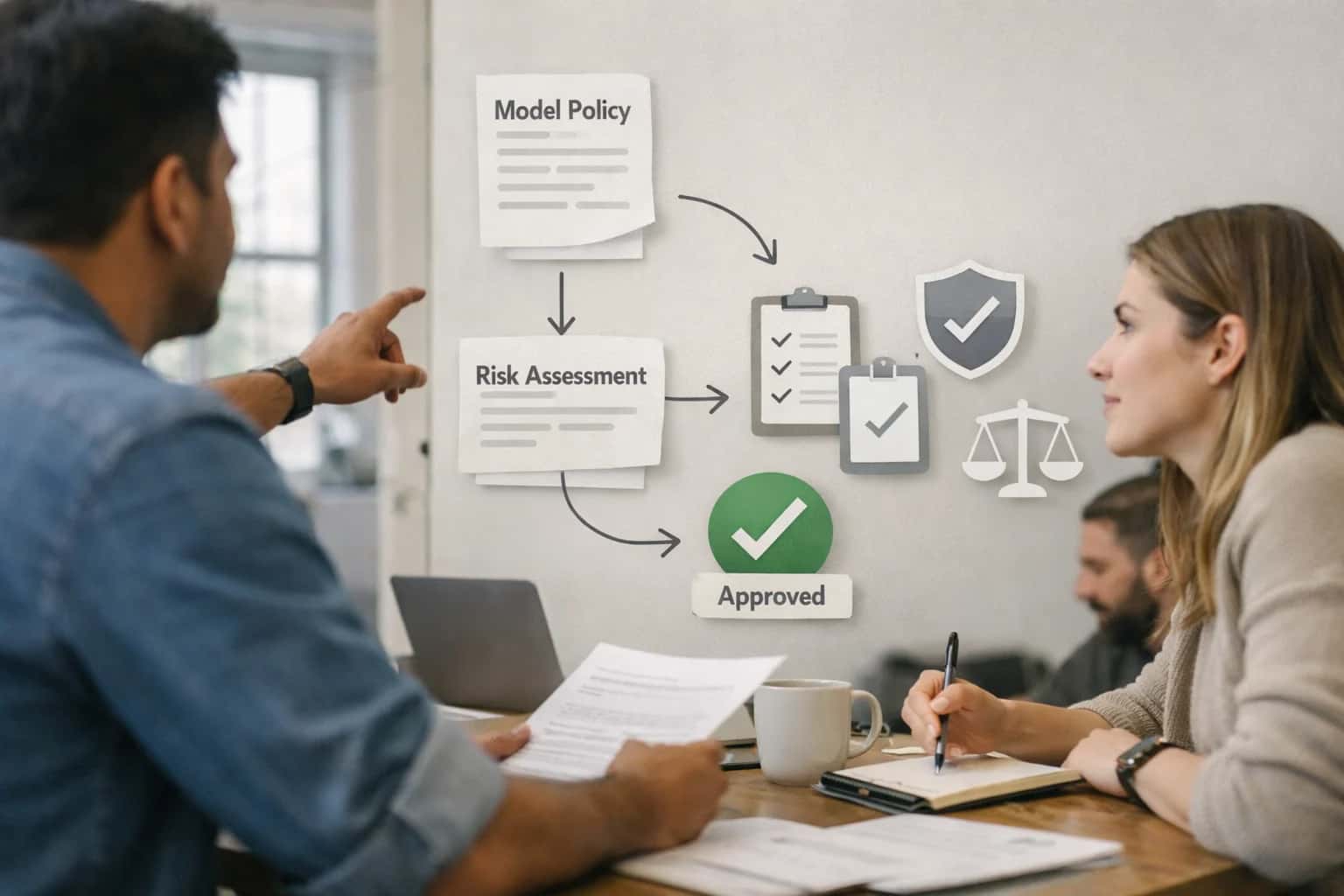
Rollout requires a phased approach, starting with monitoring and logging-only mode where AI recommendations are logged but not enforced. This builds trust in the model's accuracy and establishes a baseline for false positive/negative rates. Governance is critical: all AI-driven decisions must be auditable. Ensure the WSO2 IS audit logs capture the input context sent to the AI model, the returned score/recommendation, and the final enforcement action. This creates a transparent chain of custody for compliance reviews and model retraining. For production stability, implement circuit breakers and fallback to standard policies if the AI service is unavailable.
ARCHITECTURE PATTERNS
Key Integration Touchpoints in WSO2 IS
Inject AI into Login and Step-Up Flows
WSO2 Identity Server's extensible authentication framework allows you to inject AI-powered risk analysis before, during, or after a standard login. This enables adaptive authentication policies that move beyond static rules.
Key Integration Points:
- Custom Authentication Handlers: Deploy a handler that calls an AI service to analyze login context (IP, device, time, user behavior history). Return a risk score to influence the authentication journey.
- Adaptive Authentication Scripts: Use WSO2's JavaScript-based adaptive authentication to call a REST endpoint hosting your risk model. Conditionally trigger step-up MFA (like FIDO2 or biometrics) based on the AI score.
- Post-Authentication Actions: Log risky sessions to WSO2's analytics for further investigation or trigger real-time alerts to a SOC dashboard.
Example Workflow: A user logs in from a new country. The AI handler analyzes the attempt against historical patterns, assigns a medium-risk score, and the adaptive script requires a one-time push notification approval via the WSO2 authenticator app.
INTELLIGENT IDENTITY WORKFLOWS
High-Value AI Use Cases for WSO2 IS
WSO2 Identity Server's extensible policy engine, adaptive authentication framework, and rich APIs create a powerful control plane for AI-augmented identity workflows. These patterns inject intelligence into authentication, authorization, and governance without disrupting your existing IAM foundation.
01
Risk-Based Step-Up Authentication
Inject an AI model into WSO2's adaptive authentication script to analyze login context (location, device, time, behavior) in real-time. The script calls an AI service to score the risk and dynamically trigger additional authentication factors (e.g., push notification, biometric) only when needed, improving security without adding friction for normal logins.
Batch -> Real-time
Risk evaluation
02
AI-Powered Access Review & Certification
Automate the tedious first pass of user access reviews. Connect WSO2 IS's SOAP/REST Admin APIs to an AI agent that analyzes user roles, entitlements, and activity logs. The agent generates a summarized, prioritized list of anomalous or high-risk access assignments for human reviewers, drastically reducing the manual workload of quarterly or annual certifications.
Hours -> Minutes
Review preparation
03
Dynamic OAuth Scope Generation
Move beyond static, pre-defined OAuth scopes. Use WSO2's extension points in the token endpoint to call an LLM that analyzes the application's context and the user's profile at runtime. The AI generates a minimal, contextual set of scopes for the access token, enabling finer-grained, just-in-time authorization and improving the principle of least privilege.
Static -> Contextual
Permission model
04
Anomalous Service Account Detection
Monitor and analyze machine-to-machine (M2M) authentication patterns using the WSO2 IS Analytics Dashboard. Feed OAuth2 client credential grant logs and JWT assertion patterns into an anomaly detection model. The system flags service accounts exhibiting unusual call volumes, off-hours activity, or access to unexpected APIs, enabling proactive investigation of potential compromise.
Reactive -> Proactive
Threat detection
05
Intelligent Just-In-Time (JIT) Provisioning
Enhance federated login workflows (SAML/OIDC) with AI-driven user provisioning. When a new user authenticates via an external IdP, an AI model analyzes their assertion attributes and organizational context to automatically assign them to the correct WSO2 user groups, roles, and provision them to connected applications (via SCIM), reducing IT ticket volume for access requests.
1-2 Days -> Same Session
Access readiness
06
Natural Language Policy Authoring
Allow security administrators to define or modify complex XACML or custom entitlement policies using natural language. An AI agent interprets the request (e.g., "Allow contractors in the EMEA region to access the project wiki only on weekdays"), validates it against existing policies, and generates the corresponding policy XML or script for deployment in WSO2's Policy Administration Point (PAP).
Specialist -> Operator
Skill requirement
IMPLEMENTATION PATTERNS
Example AI-Augmented Authentication and Governance Workflows
These workflows illustrate how to embed AI agents and models into WSO2 Identity Server's authentication and governance pipelines, moving beyond static rules to dynamic, context-aware IAM operations.
Trigger: A user attempts to log in via WSO2's authentication framework.
Context/Data Pulled: The Adaptive Authentication script fetches and passes context to an AI agent:
- Login location (geo-IP)
- Device fingerprint (new vs. known)
- Time of day
- User's role and typical access patterns
- Recent failed login attempts for the account
Model or Agent Action: A lightweight AI model (hosted as a secured API) scores the login attempt for risk (0-100). The model is trained on historical login data and anomaly patterns.
System Update or Next Step:
- Low Risk (<30): Proceed with primary factor (e.g., password).
- Medium Risk (30-70): WSO2 triggers a secondary factor (e.g., push notification via Authenticator app).
- High Risk (>70): Session is routed to a "suspicious activity" flow, requiring admin approval or a customer service call.
Human Review Point: High-risk logins are logged in a dedicated admin queue within WSO2's dashboard with the AI's reasoning (e.g., "unrecognized device from atypical location").
FROM STATIC POLICIES TO INTELLIGENT ACCESS
Implementation Architecture: Connecting AI to WSO2 IS
A practical blueprint for embedding AI-driven risk analysis and dynamic policy generation within WSO2 Identity Server's authentication and authorization flows.
Integrating AI with WSO2 Identity Server (IS) focuses on enhancing its core IAM surfaces: the Authentication Framework, Authorization Policy Decision Point (PDP), and Identity Governance modules. The primary architectural pattern involves intercepting standard flows—like OAuth2 token requests, SAML assertions, or SCIM provisioning events—to inject an AI inference call. For example, during a user login via the Authentication REST API, contextual data (IP, device, time, user role, recent activity) is packaged into a payload and sent to an AI model for real-time risk scoring before the Authenticator returns a success/failure. This allows you to implement adaptive authentication without rebuilding custom authenticators from scratch.
A production implementation typically uses WSO2 IS's extensibility points, such as Custom Event Handlers or Request Path Authentication Scripts, to call an external AI service. The AI service, often deployed as a containerized model behind a secure API (managed by WSO2 API Manager for governance), returns a structured JSON response with a risk score and recommended actions (e.g., {"risk_score": 0.87, "suggested_step_up": "TOTP"}). WSO2 IS's Conditional Authentication scripts then consume this output to dynamically adjust the authentication journey, perhaps invoking a second factor or routing to a manual review queue. For authorization, the Entitlement Engine can be extended to call AI models for complex, context-aware policy decisions, such as granting temporary access to a sensitive financial report based on the user's current project and recent behavior patterns.
Rollout and governance are critical. Start with a shadow mode deployment, where AI inferences are logged and compared against existing security logs without enforcing decisions, to tune model accuracy and avoid false positives. Use WSO2 IS's Audit Logs and Analytics to create a feedback loop, retraining models on actual fraud incidents or false blocks. Key operational considerations include managing latency for real-time login flows (aim for <200ms inference), securing the AI service endpoint with WSO2 IS's own OAuth2 client credentials, and implementing circuit breakers to fail open to standard authentication if the AI service is unavailable. This architecture turns WSO2 IS from a static policy enforcer into an intelligent, adaptive security layer that learns from organizational behavior.
WSO2 IDENTITY SERVER INTEGRATION PATTERNS
Code and Configuration Examples
Injecting AI Risk Scoring into Login Flows
WSO2's adaptive authentication framework allows you to inject custom steps into authentication sequences. A common pattern is to call an AI service to analyze login context (IP, device, time, user behavior) and return a risk score, which then determines if step-up authentication (like MFA) is required.
You would typically implement this as a JavaScript function in the WSO2 Identity Server's authentication script editor. The function makes an HTTP call to your AI inference endpoint, passes the collected context, and evaluates the response to set authentication outcomes.
javascript// Example pseudocode for an Adaptive Auth Script var onLoginRequest = function(context) { var user = context.steps[1].subject.username; var ip = context.request.ip; var device = context.request.headers['User-Agent']; // Call AI risk service var riskPayload = { 'user': user, 'ip_address': ip, 'device_fingerprint': device, 'timestamp': new Date().toISOString() }; var riskResponse = callAIEndpoint('https://ai-service/risk', riskPayload); var riskScore = riskResponse.score; // e.g., 0.85 if (riskScore > 0.7) { // Trigger step-up authentication executeStep(2, { 'authenticator': 'TOTP' }); } else { // Proceed with standard flow executeStep(2, { 'authenticator': 'BasicAuthenticator' }); } };
This pattern moves authentication from static rules to dynamic, context-aware policies.
AI-ENHANCED IAM OPERATIONS
Realistic Operational Impact and Time Savings
This table illustrates the tangible efficiency gains and operational improvements achievable by integrating AI with WSO2 Identity Server, focusing on high-volume, manual IAM workflows.
| IAM Workflow | Before AI | After AI | Implementation Notes |
|---|---|---|---|
User Access Request Review | Manual review of justification forms and ticket queues | AI-assisted risk scoring and policy suggestion | Analyst makes final approval; reduces review time by 60-70% |
Anomalous Login Detection | Rule-based alerts generate high false-positive volume | Behavioral analysis flags truly suspicious sessions | Reduces SOC alert fatigue; focuses investigation on high-risk events |
Access Certification Campaigns | Manual, spreadsheet-driven review for thousands of entitlements | AI pre-sorts entitlements by risk and suggests revocations | Campaign completion time reduced from weeks to days |
Dynamic Authentication Step-up | Static rules (e.g., location-based) for MFA challenges | Context-aware risk engine evaluates device, behavior, and threat intel | Improves security posture without degrading user experience |
JWT/OAuth Token Generation | Static claims based on group membership | AI-augmented claims injection based on session context and risk | Enables finer-grained, adaptive authorization without manual policy updates |
Privileged Access Workflow | Manual ticket creation and justification for admin rights | AI evaluates request context and auto-generates time-bound, scoped justification | Accelerates PAM workflows while enforcing least privilege |
Identity Lifecycle Provisioning | Scripted or manual provisioning based on HR feed | AI suggests role assignments and resource groups based on job title and peer analysis | Reduces help desk tickets for missing access; improves onboarding speed |
ARCHITECTING CONTROLLED AI ACCESS
Governance, Security, and Phased Rollout
Integrating AI with WSO2 Identity Server requires a deliberate approach to maintain security posture and operational control.
An AI-augmented WSO2 Identity Server operates on a principle of least privilege. AI agents and services should be provisioned as distinct OAuth2 clients with scoped permissions (e.g., urn:ietf:params:oauth:grant-type:token-exchange, read:identity). This allows you to audit AI-specific token usage separately from human or system access. Use WSO2's XACML policy engine to embed AI-driven risk scores as attributes in authorization decisions, enabling dynamic step-up authentication or access restrictions without modifying core application logic.
A phased rollout mitigates risk and builds organizational trust. Start with a read-only pilot phase, where AI models analyze login context and user behavior for anomaly detection, generating risk scores that are logged but do not trigger automated actions. Next, move to advisory actions, such as presenting risk-based prompts to administrators in the WSO2 console. Finally, implement conditional automated workflows, like dynamically adjusting session lifetimes or requiring MFA, but only for low-risk, high-confidence scenarios. Each phase should be gated by approval workflows within WSO2's governance model.
Maintain a complete audit trail by leveraging WSO2's identity analytics and logging all AI-influenced decisions—including the input context, the model's risk score or recommendation, and the final authorization outcome. This creates a transparent lineage for compliance reviews and model tuning. For production, consider a canary deployment pattern using WSO2's tenant isolation, rolling out AI-enhanced authentication flows to a subset of users or applications first, monitored by the platform's real-time dashboards for any performance or security anomalies before full deployment.
Enabling Efficiency, Speed & Accuracy
Intelligent Analysis, Decision & Execution
We build AI systems for teams that need search across company data, workflow automation across tools, or AI features inside products and internal software.
Talk to Us
Search across company data
Give teams answers from docs, tickets, runbooks, and product data with sources and permissions.
Useful when people spend too long searching or get different answers from different systems.
Enterprise searchRAGPermissions
Read more
Automate internal workflows
Use AI to route work, draft outputs, trigger actions, and keep approvals and logs in place.
Useful when repetitive work moves across multiple tools and teams.
AI agentsWorkflow automationGovernance
Read more
Add AI to products and internal tools
Build assistants, guided actions, or decision support into the software your team or customers already use.
Useful when AI needs to be part of the product, not a separate tool.
AI integrationDecision supportModel routing
Read moreIMPLEMENTATION AND SECURITY
Frequently Asked Questions
Common technical and architectural questions for integrating AI capabilities with WSO2 Identity Server to enhance authentication, authorization, and identity workflows.
AI models are typically invoked via a custom authentication function or adaptive authentication script within WSO2 IS. The integration pattern follows these steps:
- Trigger: A user login attempt initiates the standard WSO2 authentication flow.
- Context Enrichment: The authentication function calls internal APIs or external systems to gather additional context (e.g., geolocation, device fingerprint, time of day, user role).
- AI Inference: This enriched context is sent as a structured payload to an AI inference endpoint (e.g., a risk scoring model). This call is secured using WSO2's secret manager for API keys or client credentials.
- Policy Decision: The AI response (e.g., a risk score between 0-1) is evaluated by the adaptive script.
- Flow Adjustment: Based on the score, the script can dynamically enforce step-up authentication (like prompting for MFA), allow access, or block the attempt.
Example Code Snippet (Adaptive Script Logic):
javascriptvar riskScore = callAIForRisk(context.user, context.ipAddress, context.timestamp); if (riskScore > 0.7) { executeStep(2); // Enforce second factor }

About the author
Prasad Kumkar
CEO & MD, Inference Systems
Prasad Kumkar is the CEO & MD of Inference Systems and writes about AI systems architecture, LLM infrastructure, model serving, evaluation, and production deployment. Over 5+ years, he has worked across computer vision models, L5 autonomous vehicle systems, and LLM research, with a focus on taking complex AI ideas into real-world engineering systems.
His work and writing cover AI systems, large language models, AI agents, multimodal systems, autonomous systems, inference optimization, RAG, evaluation, and production AI engineering.
LinkedIn
Limited slotsGet a Free AI Consultation
Partnered with leading AI, data, and software stack.





How We Work
Custom AI workflows for your Business
One-fit-all AI don't work for modern businesses. At Inferensys, we aim to understand your business & custom requirements; which we use to define most efficient agentic workflows, the data, and the tools for your business.
01
Review the use case
We understand the task, the users, and where AI can actually help.
Read more02
Pick the right approach
We define what needs search, automation, or product integration.
Read more03
Build the first useful version
We implement the part that proves the value first.
Read more04
Improve from there
We add the checks and visibility needed to keep it useful.
Read moreThe first call is a practical review of your use case and the right next step.
Talk to Us