The Weights & Biases Model Registry serves as the authoritative ledger for your LLM model lineage, sitting between your development pipelines and your production inference services. It's where you register, version, and promote discrete model artifacts: base models (like gpt-4-turbo or claude-3-opus), fine-tuned adapters (LoRA weights), and embedding models (text-embedding-3-small). For engineering teams, this replaces ad-hoc S3 bucket naming or spreadsheet tracking with a governed, API-driven workflow. Key integration surfaces include your CI/CD system (GitHub Actions, Jenkins), your MLOps pipeline (Kubeflow, Airflow), and your model serving platform (SageMaker, vLLM, Triton).

Integration
AI Integration with Weights and Biases Model Registry
Architect production-ready LLM deployment pipelines using W&B Model Registry as a governed source of truth for model versions, stages, and approvals across dev, staging, and production environments.
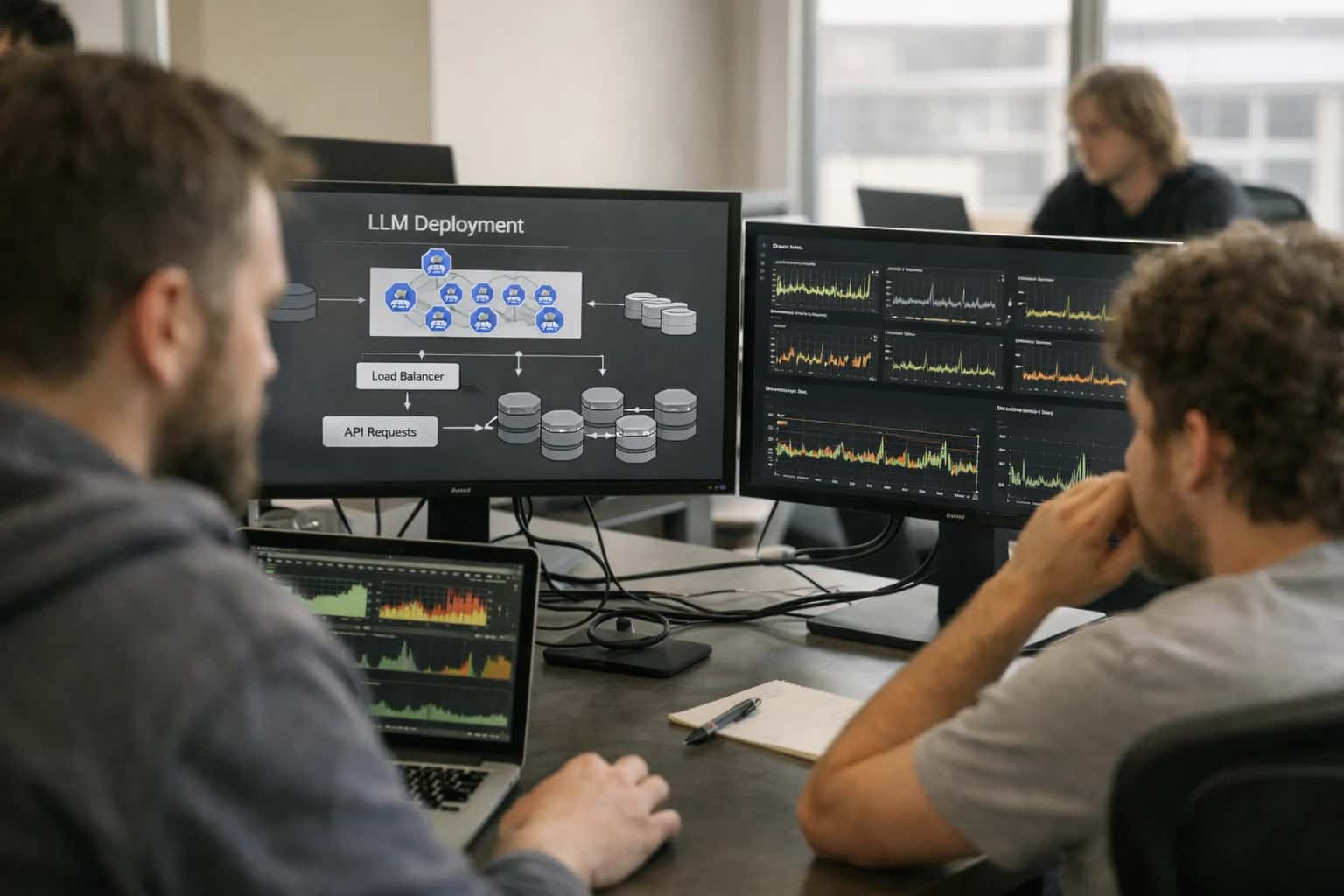
ARCHITECTURE BLUEPRINT
Where W&B Model Registry Fits in Your LLM Production Stack
A practical guide to using Weights & Biases Model Registry as the central source of truth for governing LLM model versions across development, staging, and production.
A typical integration flow starts when a training job completes. The pipeline uses the wandb SDK to log the final model artifact—alongside its hyperparameters, evaluation metrics, and linked training dataset—to a W&B Run. That Run is then registered as a new version in a named Model Registry entity (e.g., support-agent-llm). Promotion through stages (development → staging → production) is gated. You can integrate checks like automated evaluation scores from LangSmith, security scans from Snyk, or manual approvals via Slack. Once a model is aliased as production, your inference services or agent frameworks can pull the correct artifact URI via the W&B API, ensuring all environments use the exact same, approved binary.
This architecture enforces critical governance. Every prediction can be traced back to a specific model version, its training data, and the code commit that generated it—essential for audit trails in regulated sectors. It prevents "model drift by deployment error," where a staging model accidentally gets promoted. For LLMOps teams managing dozens of fine-tunes and prompt variants, the registry provides a single pane of glass. Rollback is a one-click operation to re-alias a previous stable version. Without this centralized control, teams risk inconsistency, compliance gaps, and debugging nightmares when production LLM behavior changes unexpectedly.
LLMOPS GOVERNANCE
Key Integration Surfaces in W&B Model Registry
Model Versioning & Lineage
The W&B Model Registry acts as a centralized source of truth for LLM model versions, from base models (e.g., Llama 3.1, GPT-4) to fine-tuned adapters and embedding models. Integrate your CI/CD pipelines to automatically register new model artifacts upon successful training or evaluation runs. Each registry entry captures full lineage: the training dataset version, code commit, hyperparameters, and evaluation metrics from linked W&B runs. This creates an immutable audit trail, crucial for debugging production issues and answering regulatory inquiries about which data and code produced a specific model prediction. Use registry webhooks to trigger downstream deployment jobs in platforms like SageMaker or vLLM when a model is promoted to a staging or production alias.
PRODUCTION LLM GOVERNANCE
High-Value Use Cases for W&B Model Registry Integration
Integrating Weights & Biases Model Registry into your LLM pipeline creates a single source of truth for model versions, enabling controlled, auditable promotions from development to production. These patterns show where to connect for reliable AI operations.
01
Staged Model Promotion for RAG Pipelines
Govern the lifecycle of embedding models, base LLMs, and fine-tuned adapters used in Retrieval-Augmented Generation systems. Use W&B Model Registry stages (development, staging, production) to enforce validation tests (retrieval accuracy, latency) before promoting a new model version, ensuring RAG performance SLAs are met.
Batch -> Automated
Promotion workflow
02
CI/CD Gate for Fine-Tuned LLMs
Integrate the Model Registry API into your CI/CD pipeline (GitHub Actions, GitLab CI) to automatically register new fine-tuned model artifacts. Configure promotion gates that require passing evaluation scores on a holdout dataset and security scans before the model is aliased as production-ready, preventing untested models from reaching users.
1 sprint
Risk reduction
03
Multi-Model Canary Rollouts
Manage parallel model variants (e.g., GPT-4 vs. Claude-3, quantized vs. full) as distinct, versioned entries in the registry. Use registry metadata and aliases to orchestrate canary deployments, routing a percentage of traffic to a new model while tracking performance and cost metrics in linked W&B experiments for rapid rollback decisions.
Same day
Rollback capability
04
Audit Trail for Regulatory Compliance
For regulated use cases (finance, healthcare), use the Model Registry as an immutable ledger. Every production model prediction can be traced back to the exact registered model version, its training data lineage (via W&B Artifacts), and the approval workflow metadata. Automate evidence collection for frameworks like NIST AI RMF or EU AI Act.
Hours -> Minutes
Evidence assembly
05
Unified Model Catalog for Cross-Team Collaboration
Provide data science, ML engineering, and product teams a centralized catalog of available LLMs. Use W&B Registry's description fields, tags, and linked reports to document model intended use, limitations, and performance characteristics. Integrate with internal platforms (ServiceNow, Jira) to trigger model update requests and change management tickets.
Teams → Catalog
Discovery model
06
Drift Detection & Automated Retraining Triggers
Connect W&B Model Registry with monitoring platforms like Arize AI. When production monitoring detects performance drift or data shift, automatically register a new model version as a candidate in the registry and trigger a retraining pipeline. The registry tracks the lineage from the alert to the new model, closing the MLOps feedback loop.
Proactive → Reactive
Incident response
W&B MODEL REGISTRY INTEGRATION PATTERNS
Example Workflows: From Experiment to Production LLM
These workflows illustrate how to use Weights & Biases Model Registry as a central control point for LLM lifecycle management, connecting experimental fine-tuning to governed production deployments.
Trigger: Data scientist completes a successful fine-tuning experiment for a customer support agent using LoRA on Llama 3.1 and logs the final model to a W&B Run.
Workflow:
- The run artifact (adapter weights, tokenizer config) is automatically registered to the W&B Model Registry under the
llama-3.1-support-agentmodel entity, with thecandidatealias. - A CI/CD pipeline (e.g., GitHub Actions) is triggered via W&B webhook on the new
candidateversion. - The pipeline pulls the adapter, runs a battery of automated evaluations (using LangChain or a custom script) against a held-out test set and a set of adversarial prompts, logging results back to W&B.
- If evaluations pass predefined thresholds for accuracy and safety, the pipeline updates the model version's stage to
stagingvia the W&B API. - A deployment service (e.g., ArgoCD) detects the stage change and deploys the new adapter version to a staging Kubernetes namespace, mounted to a base inference server (vLLM, TGI).
Human Review Point: Before the pipeline auto-promotes to staging, a senior ML engineer can review the evaluation metrics and sample outputs in the W&B run report and manually approve via the UI or a Slack integration.
PRODUCTION MODEL LIFECYCLE
Implementation Architecture: Data Flow and System Boundaries
A governed architecture for promoting LLM models from development to production using W&B Model Registry as the central source of truth.
The integration establishes W&B Model Registry as the system of record for all LLM artifacts, including base models (e.g., meta-llama/Llama-3.2-3B-Instruct), fine-tuned adapters (LoRA weights), embedding models (text-embedding-3-small), and associated metadata like prompts, evaluation scores, and training parameters. In development, data scientists log experiments and register candidate models to the registry with tags like candidate:v1. A CI/CD pipeline, triggered by a Git commit or a manual promotion in W&B, then pulls the model artifact, runs a battery of validation tests (inference latency, safety evaluations, performance on a golden dataset), and—if all gates pass—updates the model's registry stage from development to staging.
For staging and production promotion, the architecture introduces an approval workflow boundary. When a model is promoted to staging, the system automatically creates a ticket in a connected platform like Jira or ServiceNow, requesting review from designated stakeholders (ML lead, security, product owner). The model artifact and its full W&B lineage—linking back to the training data commit, hyperparameters, and evaluation metrics—are attached to the ticket. Upon approval, the pipeline updates the model stage to production and deploys the artifact to the target serving environment (e.g., SageMaker endpoint, vLLM cluster, or as a new version in an OpenAI-compatible API layer). The production endpoint is then configured to reference the W&B model alias production for inference, ensuring runtime consistency.
This flow creates clear system boundaries and audit trails. The Model Registry owns versioning and lineage. The CI/CD system owns the promotion pipeline and testing. The serving infrastructure owns runtime performance and scaling. All model accesses, stage changes, and deployments are logged back to W&B as run metadata, and can be integrated with a governance platform like Credo AI for compliance reporting. This separation allows engineering teams to update serving infrastructure independently of model versions, and lets data scientists iterate in development without impacting production stability, all while maintaining a single, authoritative record of what is deployed where and why.
W&B MODEL REGISTRY INTEGRATION PATTERNS
Code and Payload Examples
Programmatic Model Registration
Use the Weights & Biases Python SDK to register a new fine-tuned LLM version in the Model Registry after a successful training run. This example logs the model artifact, links it to the experiment run, and sets the initial stage.
pythonimport wandb # Initialize a run (or connect to an existing fine-tuning run) run = wandb.init(project="llm-fine-tuning", job_type="registration") # Log the model artifact (e.g., adapter weights from Hugging Face) model_artifact = wandb.Artifact( name="customer-support-llm", type="model", description="Fine-tuned Llama-3 for support ticket classification", metadata={ "framework": "peft", "base_model": "meta-llama/Meta-Llama-3-8B", "dataset_version": "v1.2" } ) # Add the model file(s) model_artifact.add_dir(local_dir="./output/adapter_model") run.log_artifact(model_artifact) # Link the artifact to the Model Registry and set stage model_registry = wandb.public.ModelRegistry( entity=run.entity, project=run.project ) model_registry.link_artifact( model_artifact, "customer-support-llm", "v1.0", stage="staging" # Initial promotion to staging ) run.finish()
This creates a versioned, auditable entry in the registry, ready for CI/CD gating.
WEIGHTS & BIASES MODEL REGISTRY
Operational Impact: Before and After Integration
How integrating the W&B Model Registry into LLM CI/CD pipelines transforms model lifecycle management from a manual, error-prone process to a governed, automated workflow.
| Metric | Before AI Integration | After AI Integration | Notes |
|---|---|---|---|
Model Promotion Workflow | Manual, ticket-based process with email/Slack approvals | Automated, policy-driven stage transitions (dev → staging → prod) | Integrates with Jira/ServiceNow for audit trail; gates based on evaluation scores |
Deployment Lead Time | Days to weeks for manual validation and coordination | Hours to same-day with automated validation and canary analysis | Time from registry promotion to live endpoint serving is dramatically reduced |
Version Discovery & Rollback | Manual log searching; rollback requires re-deployment and coordination | Single pane of glass for model lineage; one-click rollback to previous registry version | Links predictions to exact model version, code commit, and training data for debugging |
Cross-Team Collaboration | Fragmented across shared drives, spreadsheets, and meeting notes | Centralized registry with role-based access, comments, and changelogs | Data science, MLOps, and compliance teams share a single source of truth |
Compliance Evidence Collection | Manual evidence gathering for audits (screenshots, emails) | Automated audit trail generation for model approvals, tests, and deployments | Critical for regulated use cases in finance and healthcare; integrates with Credo AI |
Multi-Model Environment Management | Ad-hoc tracking of base models, fine-tuned adapters, and embedding models | Organized, tagged registry with aliases (e.g., 'production-llm') linking to specific versions | Prevents configuration drift and ensures consistency across development, staging, and production |
Pipeline Integration Complexity | Custom scripts per team; brittle connections to training jobs and serving platforms | Standardized webhooks and SDK integration with Kubeflow/Airflow, SageMaker, and vLLM | Model registry becomes the orchestration hub, reducing custom glue code |
CONTROLLED DEPLOYMENT FOR ENTERPRISE LLMS
Governance, Security, and Phased Rollout
Integrating Weights & Biases Model Registry into your LLM deployment pipeline enforces disciplined governance, secure access, and low-risk, phased rollouts.
The core integration pattern treats the W&B Model Registry as the single source of truth for LLM artifacts. This includes base models (e.g., Llama-3-70B), fine-tuned adapters (LoRA weights), and embedding models (text-embedding-3-large). Each artifact is versioned and linked to its complete lineage: the training data snapshot, hyperparameters, evaluation metrics, and the code commit that produced it. Access is controlled via W&B's RBAC, ensuring only authorized data scientists can promote models, while engineers and QA teams have read-only access to pull approved versions.
A production CI/CD pipeline is triggered by a model stage transition in the registry (e.g., staging → production). This pipeline executes a battery of validation gates before deployment:
- Security Scans: Checking model files for malware or tampering.
- Performance Benchmarks: Running the model against a held-out test suite to verify accuracy, latency, and cost meet SLAs.
- Policy Compliance Checks: Integrating with tools like Credo AI to validate the model against fairness, bias, and data privacy policies.
- Infrastructure Validation: Ensuring the target serving environment (e.g., SageMaker endpoint, vLLM cluster) has sufficient GPU quota and network permissions.
Only after all gates pass is the model deployed, typically using a phased rollout strategy. This might start with a canary release to 5% of internal traffic, monitored for real-time metrics like error rates and latency in Arize AI. If performance is stable, the rollout expands to specific customer segments or use cases before full production. This approach contains risk and allows for rollback to a previous production alias in the W&B registry within minutes if issues arise.
Finally, the integration establishes a closed-loop governance system. Feedback from production monitoring (Arize AI), user reports, and business metrics are fed back into the model registry as linked artifacts or metadata. This creates an auditable trail for why a model was retired and informs the requirements for the next model version, ensuring continuous improvement within a controlled framework.
Enabling Efficiency, Speed & Accuracy
Intelligent Analysis, Decision & Execution
We build AI systems for teams that need search across company data, workflow automation across tools, or AI features inside products and internal software.
Talk to Us
Search across company data
Give teams answers from docs, tickets, runbooks, and product data with sources and permissions.
Useful when people spend too long searching or get different answers from different systems.
Enterprise searchRAGPermissions
Read more
Automate internal workflows
Use AI to route work, draft outputs, trigger actions, and keep approvals and logs in place.
Useful when repetitive work moves across multiple tools and teams.
AI agentsWorkflow automationGovernance
Read more
Add AI to products and internal tools
Build assistants, guided actions, or decision support into the software your team or customers already use.
Useful when AI needs to be part of the product, not a separate tool.
AI integrationDecision supportModel routing
Read moreIMPLEMENTATION AND GOVERNANCE
Frequently Asked Questions
Common technical and operational questions about integrating production LLM pipelines with the Weights & Biases Model Registry for disciplined model lifecycle management.
A well-organized registry is key for managing diverse LLM assets. We recommend creating separate registered model entities for distinct model types and linking them via aliases and metadata.
Typical Structure:
- Base Models: Registered models like
llama-3-70b,gpt-4-turbo. Use metadata tags for provider (e.g.,provider: meta,provider: openai) and context window. - Fine-Tuned Adapters: Create models like
support-agent-lora. Link to the base model via metadata (base_model: llama-3-70b). Store the adapter weights as a W&B Artifact. - Embedding Models: Registered models like
text-embedding-3-large. Tag withtype: embedding. - Prompt Chains: Treat complex prompt templates as versioned assets. Store them as Artifacts and register a model like
rag-prompt-v1to track the prompt version used with a specific base model.
Implementation Pattern:
pythonimport wandb # Link a new fine-tuned adapter version to the registry run = wandb.init(project="llm-fine-tuning", job_type="promotion") # Create/Get the registered model model_registry = wandb.Api().registered_model(f"{entity}/{project}/support-agent-lora") # Create a new model version, linking the adapter artifact new_version = model_registry.create_version( name=f"version-{run.id}", description="Fine-tuned on Q3 support tickets", aliases=["staging"], # Initial promotion stage metadata={ "base_model": "llama-3-70b", "dataset_version": "dataset-artifact:latest", "fine_tune_method": "lora" } ) # Associate the actual model weights artifact new_version.link_artifact(run.use_artifact('adapter-weights:v5'), 'model') run.finish()
This structure allows you to query all production-ready variants of a support-agent regardless of the underlying base model or adapter technique.

About the author
Prasad Kumkar
CEO & MD, Inference Systems
Prasad Kumkar is the CEO & MD of Inference Systems and writes about AI systems architecture, LLM infrastructure, model serving, evaluation, and production deployment. Over 5+ years, he has worked across computer vision models, L5 autonomous vehicle systems, and LLM research, with a focus on taking complex AI ideas into real-world engineering systems.
His work and writing cover AI systems, large language models, AI agents, multimodal systems, autonomous systems, inference optimization, RAG, evaluation, and production AI engineering.
LinkedIn
Limited slotsGet a Free AI Consultation
Partnered with leading AI, data, and software stack.





How We Work
Custom AI workflows for your Business
One-fit-all AI don't work for modern businesses. At Inferensys, we aim to understand your business & custom requirements; which we use to define most efficient agentic workflows, the data, and the tools for your business.
01
Review the use case
We understand the task, the users, and where AI can actually help.
Read more02
Pick the right approach
We define what needs search, automation, or product integration.
Read more03
Build the first useful version
We implement the part that proves the value first.
Read more04
Improve from there
We add the checks and visibility needed to keep it useful.
Read moreThe first call is a practical review of your use case and the right next step.
Talk to Us