A liquid cooling retrofit transforms an existing air-cooled AI rack into a more efficient, higher-density system. The process begins with a facility readiness assessment, evaluating rack power density, available coolant distribution units (CDUs), and floor load capacity. You must then select a retrofit kit—typically direct-to-chip cold plates—compatible with your specific GPU models (e.g., NVIDIA H100, A100) and server chassis. This initial phase establishes the technical and spatial feasibility for the upgrade, ensuring the existing infrastructure can support the new thermal management layer without structural modifications.

Guide
How to Launch a Liquid Cooling Retrofit for Existing AI Infrastructure
A technical, step-by-step guide to upgrading air-cooled AI GPU clusters with liquid cooling systems. Learn to extend hardware life, reduce energy use, and increase compute density without a full hardware refresh.
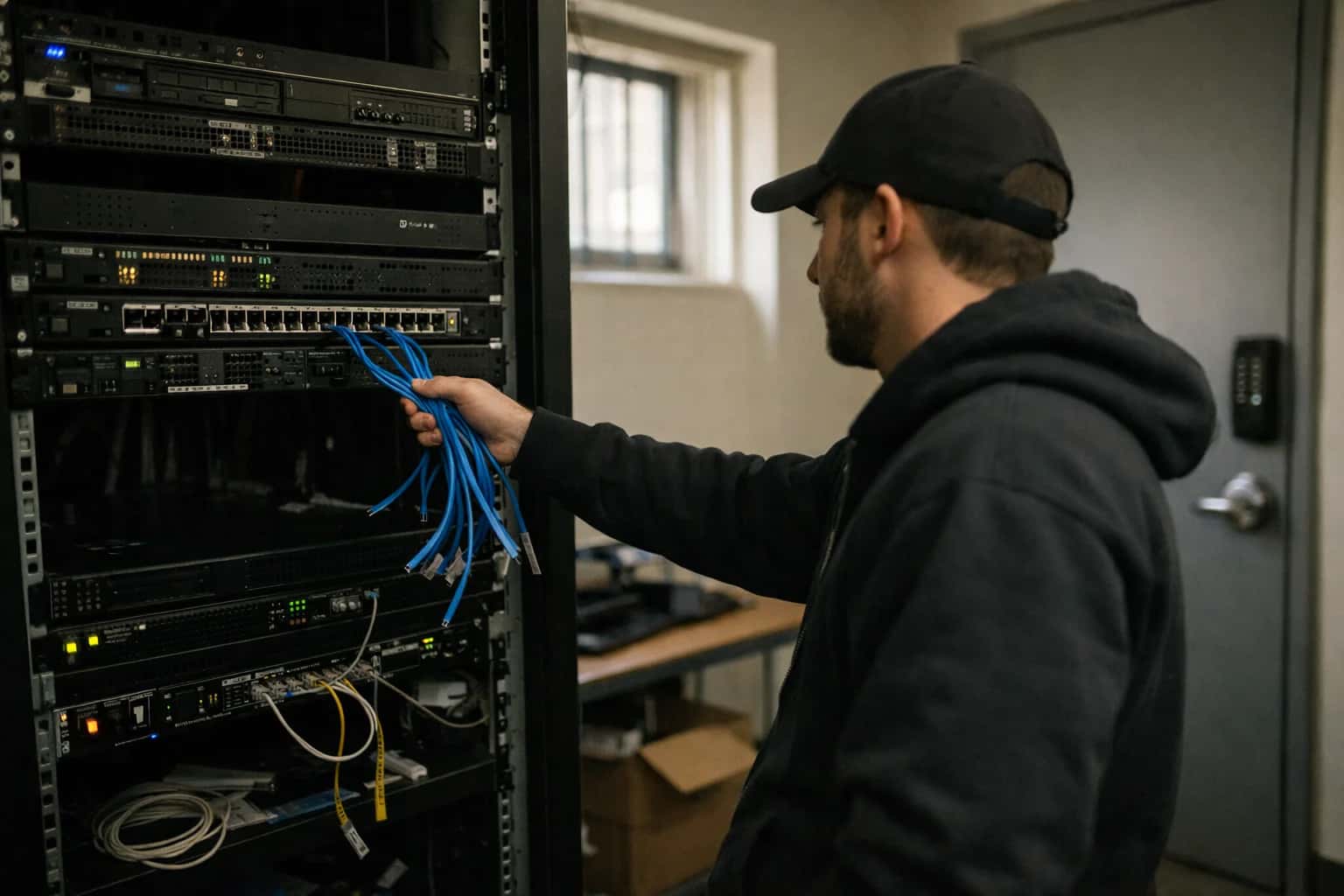
This guide provides a project management and technical framework for upgrading air-cooled AI clusters to liquid cooling, extending hardware life and boosting sustainability without a full refresh.
Execution requires a phased migration plan. Start with a single pilot rack to validate cooling performance and Power Usage Effectiveness (PUE) gains. Integrate the new cooling loop with facility monitoring systems for real-time oversight. Post-deployment, rigorously validate thermal performance under full load and compare energy consumption against baseline air-cooled metrics. This systematic approach minimizes operational risk and provides a clear blueprint for scaling the retrofit across your entire AI cluster, turning a capital preservation project into a major sustainability win. For new builds, see our guide on How to Implement Liquid Cooling in High-Density AI Data Centers.
KIT COMPARISON
Step 1: Select Your Retrofit Cooling Kit
Compare retrofit cooling kits based on technical compatibility, installation complexity, and efficiency gains for your existing AI hardware.
| Key Feature / Metric | Direct-to-Chip (Cold Plate) | Rear-Door Heat Exchanger (RDHx) | In-Rack Immersion (Single-Phase) |
|---|---|---|---|
Cooling Capacity per Rack | 40-60 kW | 20-35 kW | 100+ kW |
Required Rack Modifications | Server-level plate installation | Door replacement | Full server immersion tank |
Facility Piping Connection | CDU (Coolant Distribution Unit) | Building chilled water loop | CDU with dielectric fluid loop |
Typical PUE Improvement | 1.3 to <1.1 | 1.5 to 1.25 | 1.3 to ~1.02 |
Installation Downtime per Rack | 4-8 hours | 2-4 hours | 24-48 hours |
Supports Existing Air-Cooled Servers | |||
Coolant Leak Risk to Electronics | Low (sealed loops) | Medium (in-rack water) | None (dielectric fluid) |
Best For | High-density GPU retrofits | Moderate-density, quick wins | Maximum density, new build-like efficiency |
PREREQUISITE ANALYSIS
Step 2: Conduct Facility and Rack Readiness Assessment
Before selecting a cooling kit, you must audit your physical infrastructure's capacity to support the retrofit. This step prevents costly mid-project failures.
A facility readiness assessment quantifies your data center's capacity to absorb the liquid cooling system's auxiliary loads. You must measure available power headroom at the panel, water pressure and flow rates at potential tie-in points, and floor loading capacity for new chillers or dry coolers. Crucially, assess the facility's ability to handle the waste heat output, which may require integration with external systems, a concept detailed in our guide on How to Integrate Data Center Waste Heat with Urban Heating Systems.
The rack readiness assessment focuses on the server hardware itself. Document the exact GPU and CPU models, their Thermal Design Power (TDP), and the existing server chassis layout to determine physical clearance for cold plates. Verify that server firmware and the Baseboard Management Controller (BMC) support the necessary telemetry for liquid cooling monitoring. This granular hardware data is essential for selecting the correct retrofit kit and planning the phased migration outlined in later steps.
Enabling Efficiency, Speed & Accuracy
Intelligent Analysis, Decision & Execution
We build AI systems for teams that need search across company data, workflow automation across tools, or AI features inside products and internal software.
Talk to Us
Search across company data
Give teams answers from docs, tickets, runbooks, and product data with sources and permissions.
Useful when people spend too long searching or get different answers from different systems.
Enterprise searchRAGPermissions
Read more
Automate internal workflows
Use AI to route work, draft outputs, trigger actions, and keep approvals and logs in place.
Useful when repetitive work moves across multiple tools and teams.
AI agentsWorkflow automationGovernance
Read more
Add AI to products and internal tools
Build assistants, guided actions, or decision support into the software your team or customers already use.
Useful when AI needs to be part of the product, not a separate tool.
AI integrationDecision supportModel routing
Read moreLIQUID COOLING RETROFIT
Common Mistakes
Avoiding these critical errors is the difference between a successful, efficient upgrade and a costly, disruptive failure. This section addresses the most frequent technical and project management pitfalls.
The most common failure point is assuming the existing data center facility can support the new thermal and hydraulic loads. A retrofit adds significant weight, power, and water flow requirements that the original design never considered.
You must conduct a full facility audit before selecting a kit. This includes:
- Structural Load Capacity: Verify the raised floor and slab can support the weight of filled cooling distribution units (CDUs) and coolant.
- Electrical Headroom: Liquid cooling pumps and controls add kW to the rack PDU. Ensure you have spare circuits and capacity.
- Water Supply and Drainage: Confirm access to facility water lines for leak detection and drain ports for maintenance. Not all server rooms have this.
- Heat Rejection Path: Plan how the captured heat will be rejected. Does your existing computer room air handler (CRAH) or dry cooler have the capacity?
Skipping this audit leads to last-minute, expensive facility upgrades that derail the project timeline and budget.

About the author
Prasad Kumkar
CEO & MD, Inference Systems
Prasad Kumkar is the CEO & MD of Inference Systems and writes about AI systems architecture, LLM infrastructure, model serving, evaluation, and production deployment. Over 5+ years, he has worked across computer vision models, L5 autonomous vehicle systems, and LLM research, with a focus on taking complex AI ideas into real-world engineering systems.
His work and writing cover AI systems, large language models, AI agents, multimodal systems, autonomous systems, inference optimization, RAG, evaluation, and production AI engineering.
LinkedIn
Limited slotsGet a Free AI Consultation
Partnered with leading AI, data, and software stack.





How We Work
Custom AI workflows for your Business
One-fit-all AI don't work for modern businesses. At Inferensys, we aim to understand your business & custom requirements; which we use to define most efficient agentic workflows, the data, and the tools for your business.
01
Review the use case
We understand the task, the users, and where AI can actually help.
Read more02
Pick the right approach
We define what needs search, automation, or product integration.
Read more03
Build the first useful version
We implement the part that proves the value first.
Read more04
Improve from there
We add the checks and visibility needed to keep it useful.
Read moreThe first call is a practical review of your use case and the right next step.
Talk to Us