Real-time AI inference energy monitoring is the practice of continuously measuring the power consumption of live model predictions. This is critical because inference, not training, represents the majority of an AI system's lifetime energy cost. By instrumenting endpoints—whether using managed APIs like OpenAI or self-hosted models on vLLM or TGI—you gain visibility into operational efficiency and cost drivers. This data is the foundation for our broader AI Energy Scoring and Standardized Disclosure pillar.

Guide
Setting Up Real-Time AI Inference Energy Monitoring
A developer guide to instrumenting inference endpoints for real-time energy consumption tracking, integrating with observability platforms, and implementing efficiency-aware scaling policies.
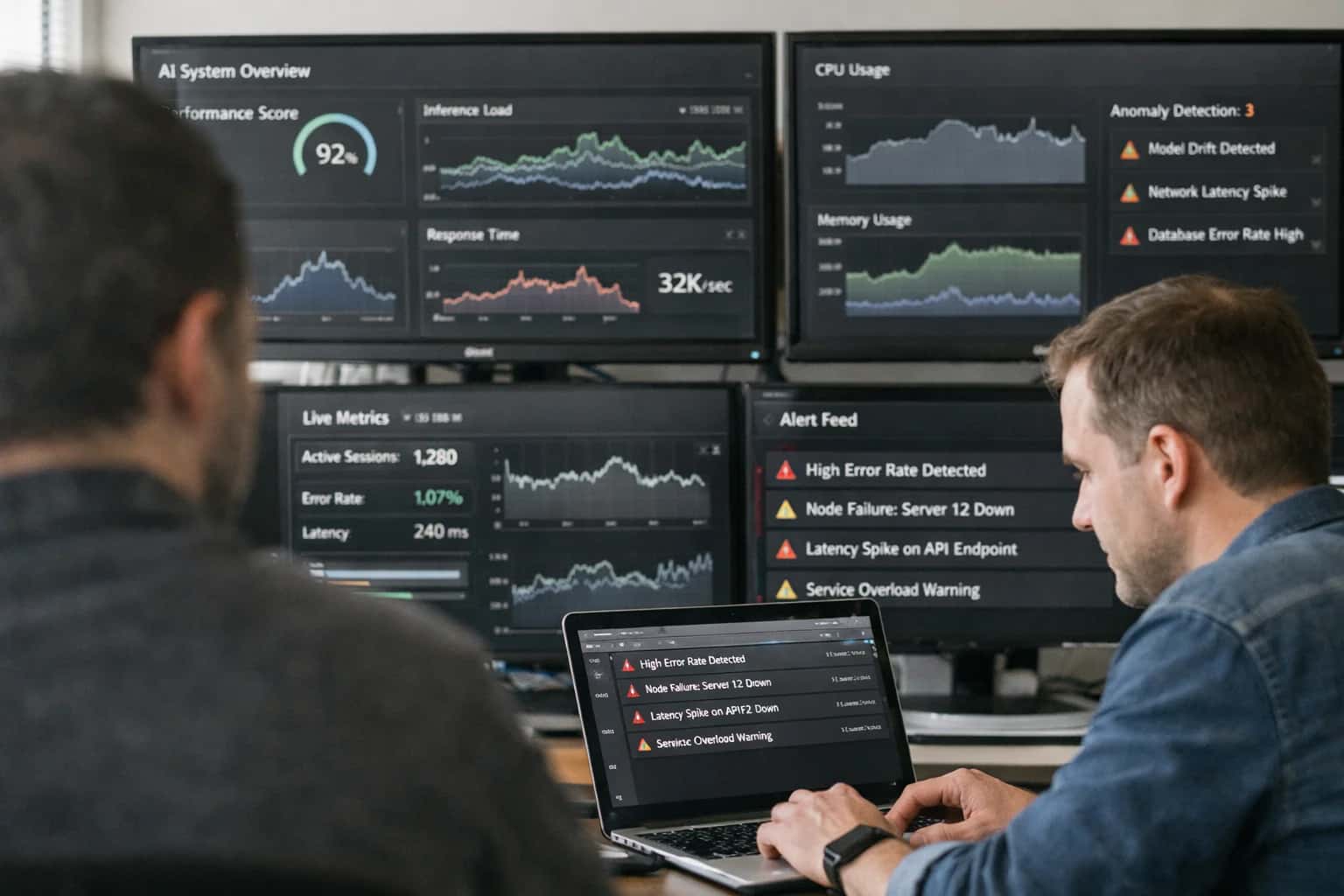
Deployed models are where energy costs accumulate. This guide explains how to instrument your inference endpoints to monitor energy consumption in real-time.
Implementing monitoring involves integrating with inference servers to stream low-level hardware metrics (e.g., GPU power draw) to an observability platform like Prometheus or Datadog. You'll then set up dynamic scaling policies that optimize for both latency and efficiency, turning raw data into actionable intelligence. This process is a core component of a comprehensive AI Lifecycle Energy Monitoring System.
DATA COLLECTION LAYER
Tool Comparison for Inference Energy Monitoring
A comparison of primary tools for collecting real-time energy and performance metrics from AI inference endpoints.
| Metric / Feature | Cloud Provider Native Tools | Open-Source Observability Stack | Specialized AI Efficiency SDKs |
|---|---|---|---|
Granularity of Power Draw | Per-instance (VM/GPU) | Per-process via node exporter | Per-model inference request |
Real-time Metric Streaming | |||
Carbon Intensity Integration | Location-based via API | Manual data source required | Automatic via integrated databases |
Inference-Specific Metrics (e.g., Tokens/sec) | Custom Prometheus exporters needed | ||
Integration Complexity | Low (native to cloud) | High (requires full stack setup) | Medium (SDK import + config) |
Cost for Data Collection | Included in service cost | $0 (self-hosted infrastructure) | Typically $0 (open-source SDKs) |
Vendor Lock-in Risk | High | None | Low to None |
Best For | Teams fully committed to a single cloud | Teams with existing Kubernetes & Prometheus expertise | Teams needing deep, model-level insights for optimization |
Enabling Efficiency, Speed & Accuracy
Intelligent Analysis, Decision & Execution
We build AI systems for teams that need search across company data, workflow automation across tools, or AI features inside products and internal software.
Talk to Us
Search across company data
Give teams answers from docs, tickets, runbooks, and product data with sources and permissions.
Useful when people spend too long searching or get different answers from different systems.
Enterprise searchRAGPermissions
Read more
Automate internal workflows
Use AI to route work, draft outputs, trigger actions, and keep approvals and logs in place.
Useful when repetitive work moves across multiple tools and teams.
AI agentsWorkflow automationGovernance
Read more
Add AI to products and internal tools
Build assistants, guided actions, or decision support into the software your team or customers already use.
Useful when AI needs to be part of the product, not a separate tool.
AI integrationDecision supportModel routing
Read moreTROUBLESHOOTING
Common Mistakes
Implementing real-time energy monitoring for AI inference is critical for cost control and sustainability, but developers often stumble on the same pitfalls. This guide addresses the most frequent errors, from misconfigured metrics to flawed scaling logic, providing clear fixes to ensure your monitoring is accurate and actionable.
This is almost always due to instrumentation at the wrong layer. Monitoring at the virtual machine or container level (e.g., using cAdvisor for CPU) captures the host's total energy, not the portion consumed by your specific model inference.
The Fix: Instrument directly at the inference server level.
- For vLLM or TGI, enable their built-in Prometheus metrics endpoints, which often include GPU utilization and power draw.
- Use low-level libraries like
pynvml(for NVIDIA GPUs) orrocm-smi(for AMD) within your application code to sample power consumption per process. - Ensure your observability agent (e.g., Prometheus Node Exporter) is configured to scrape these custom metrics. A zero value typically means the scrape target is incorrect or the metric isn't being exposed.

About the author
Prasad Kumkar
CEO & MD, Inference Systems
Prasad Kumkar is the CEO & MD of Inference Systems and writes about AI systems architecture, LLM infrastructure, model serving, evaluation, and production deployment. Over 5+ years, he has worked across computer vision models, L5 autonomous vehicle systems, and LLM research, with a focus on taking complex AI ideas into real-world engineering systems.
His work and writing cover AI systems, large language models, AI agents, multimodal systems, autonomous systems, inference optimization, RAG, evaluation, and production AI engineering.
LinkedIn
Limited slotsGet a Free AI Consultation
Partnered with leading AI, data, and software stack.





How We Work
Custom AI workflows for your Business
One-fit-all AI don't work for modern businesses. At Inferensys, we aim to understand your business & custom requirements; which we use to define most efficient agentic workflows, the data, and the tools for your business.
01
Review the use case
We understand the task, the users, and where AI can actually help.
Read more02
Pick the right approach
We define what needs search, automation, or product integration.
Read more03
Build the first useful version
We implement the part that proves the value first.
Read more04
Improve from there
We add the checks and visibility needed to keep it useful.
Read moreThe first call is a practical review of your use case and the right next step.
Talk to Us