Domain randomization is the deliberate injection of variability into a simulation to train policies robust enough for the real world. By randomizing parameters like visual textures, physics properties (e.g., friction, mass), and lighting conditions, you force the learning algorithm to focus on the invariant aspects of a task. This technique is foundational for Embodied AI and Robotic Few-Shot Learning, as it reduces the need for massive real-world data collection. Tools like NVIDIA Isaac Sim or PyBullet provide APIs to automate this randomization process, creating a vast, synthetic training distribution.

Guide
Setting Up a Sim-to-Real Transfer Strategy with Domain Randomization
A practical, code-driven guide to bridging the reality gap. Implement domain randomization, design a gradual reality increase schedule, and validate transfer with task completion and force metrics.
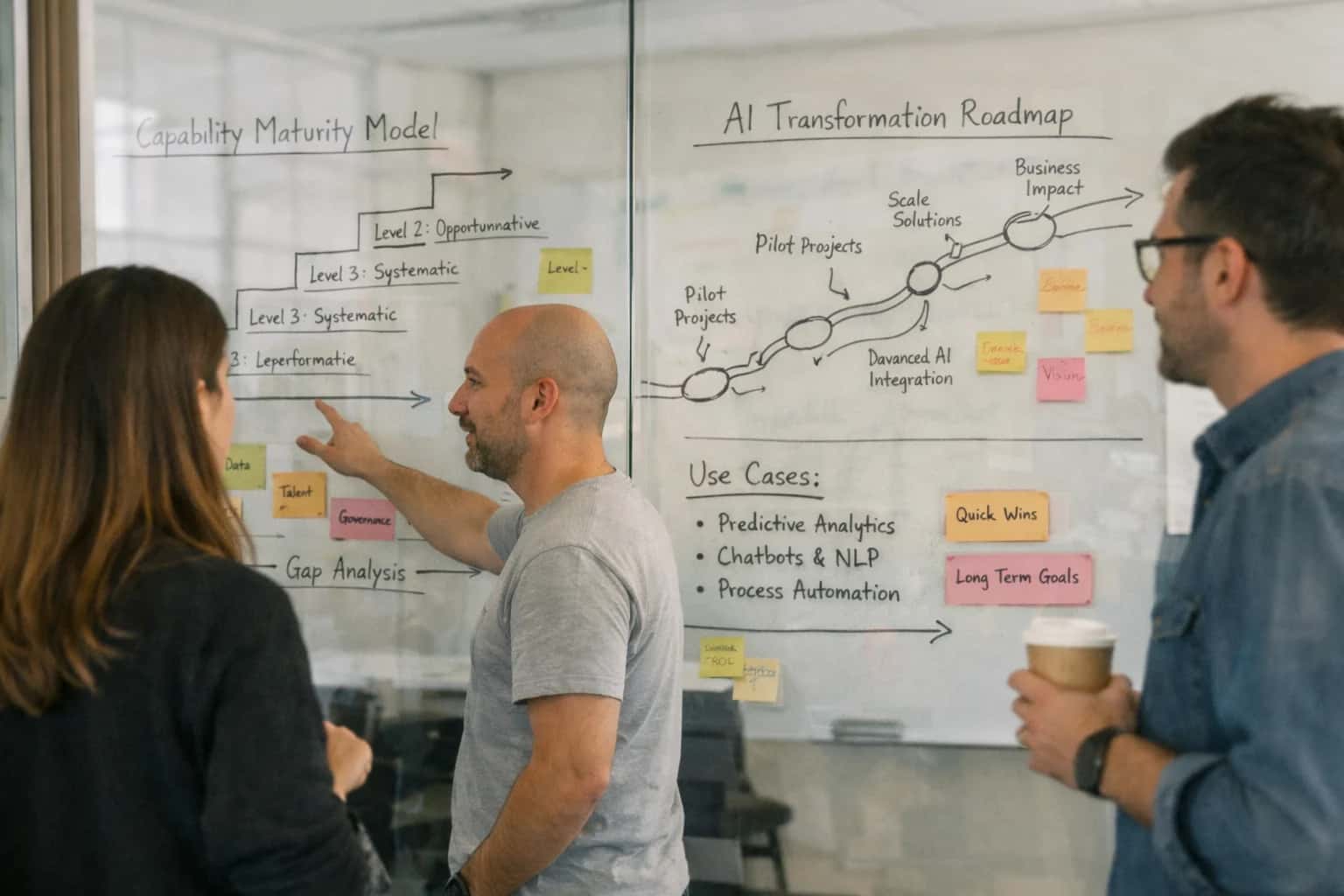
This guide explains how to bridge the reality gap between simulation training and physical robot deployment using domain randomization.
A successful strategy involves designing a gradual reality increase schedule, where randomization ranges are narrowed as training progresses, and validating transfer with concrete metrics. You must measure task completion rate and analyze force signatures to ensure the simulated policy's actions are safe and effective on physical hardware. This systematic approach is critical for reducing costly trial-and-error, directly supporting the deployment of adaptive robots in low-volume manufacturing and logistics. For deeper context on the underlying learning systems, see our guide on How to Architect a Few-Shot Learning Pipeline for Industrial Robots.
IMPLEMENTATION GUIDE
Domain Randomization Parameters: A Practical Reference
A comparison of key parameter categories to randomize in simulation for robust sim-to-real transfer, including typical value ranges and implementation priorities.
| Parameter Category | Low Randomization (Baseline) | Medium Randomization (Recommended) | High Randomization (Stress Test) | Primary Tool/API |
|---|---|---|---|---|
Visual Textures | 5-10 material assets | 50-100 material assets, random hue/saturation | Procedural generation, random noise patterns | USD Material Randomizer (Isaac Sim) |
Lighting Conditions | Fixed intensity & direction | ±30% intensity, 2-3 light sources, random positions | Dynamic shadows, HDRi environment maps, glare effects | Omniverse RTX Renderer |
Object Physics (Mass) | ±5% nominal mass | ±20% nominal mass | ±50% nominal mass, random density distribution | PhysX / PyBullet API |
Object Physics (Friction) | Static/Dynamic: 0.3-0.5 | Static: 0.2-0.7, Dynamic: 0.1-0.6 | Surface-dependent, anisotropic friction models | PhysX Material Library |
Sensor Noise (RGB Camera) | Small Gaussian blur (σ=0.5) | Gaussian noise, motion blur, auto-exposure variance | Lens distortion, chromatic aberration, rolling shutter | Synthetic Data Generation (SDG) tools |
Sensor Noise (Depth Camera) | ±1cm Gaussian noise | Multi-path errors, flying pixels, sparse noise | Sensor-specific failure modes (e.g., IR absorption) | Custom ROS noise nodes |
Actuator Dynamics | ±2% torque constant | ±10% torque constant, backlash, delay | Non-linear saturation, temperature-dependent damping | Motor model plugins |
Environmental Disturbances | None | Random low-force impulses (< 0.5N) | Continuous force fields, vibrating platform | Custom simulation extensions |
Enabling Efficiency, Speed & Accuracy
Intelligent Analysis, Decision & Execution
We build AI systems for teams that need search across company data, workflow automation across tools, or AI features inside products and internal software.
Talk to Us
Search across company data
Give teams answers from docs, tickets, runbooks, and product data with sources and permissions.
Useful when people spend too long searching or get different answers from different systems.
Enterprise searchRAGPermissions
Read more
Automate internal workflows
Use AI to route work, draft outputs, trigger actions, and keep approvals and logs in place.
Useful when repetitive work moves across multiple tools and teams.
AI agentsWorkflow automationGovernance
Read more
Add AI to products and internal tools
Build assistants, guided actions, or decision support into the software your team or customers already use.
Useful when AI needs to be part of the product, not a separate tool.
AI integrationDecision supportModel routing
Read moreTROUBLESHOOTING GUIDE
Common Mistakes in Sim-to-Real with Domain Randomization
Bridging the simulation-to-reality gap is a core challenge in Embodied AI. This guide addresses the most frequent technical pitfalls developers encounter when implementing a domain randomization strategy, providing clear explanations and actionable fixes.
The most common cause is insufficient randomization breadth. You randomized a few obvious parameters like lighting, but the policy overfits to other unchanging simulation artifacts.
Fix this by:
- Randomizing dynamics parameters (mass, friction, motor gains) more aggressively than visual ones.
- Using structured randomization across distinct axes (e.g., separate randomization for object properties, robot properties, and environmental forces).
- Implementing a gradual reality increase schedule, where you start with heavy randomization and slowly reduce the randomization range as the policy converges, anchoring it closer to real-world values.
For a deeper dive on validation, see our guide on Setting Up a Safety and Validation Protocol for Few-Shot Learned Robots.

About the author
Prasad Kumkar
CEO & MD, Inference Systems
Prasad Kumkar is the CEO & MD of Inference Systems and writes about AI systems architecture, LLM infrastructure, model serving, evaluation, and production deployment. Over 5+ years, he has worked across computer vision models, L5 autonomous vehicle systems, and LLM research, with a focus on taking complex AI ideas into real-world engineering systems.
His work and writing cover AI systems, large language models, AI agents, multimodal systems, autonomous systems, inference optimization, RAG, evaluation, and production AI engineering.
LinkedIn
Limited slotsGet a Free AI Consultation
Partnered with leading AI, data, and software stack.





How We Work
Custom AI workflows for your Business
One-fit-all AI don't work for modern businesses. At Inferensys, we aim to understand your business & custom requirements; which we use to define most efficient agentic workflows, the data, and the tools for your business.
01
Review the use case
We understand the task, the users, and where AI can actually help.
Read more02
Pick the right approach
We define what needs search, automation, or product integration.
Read more03
Build the first useful version
We implement the part that proves the value first.
Read more04
Improve from there
We add the checks and visibility needed to keep it useful.
Read moreThe first call is a practical review of your use case and the right next step.
Talk to Us