A modern AI-powered PAM system is built on three core principles: continuous monitoring, just-in-time (JIT) access, and behavioral analytics. Instead of merely storing credentials in a vault, it treats every privileged session as a dynamic event to be analyzed. The system ingests real-time telemetry—keystrokes, commands, data transfer volumes—and uses machine learning models to establish a behavioral baseline for each administrator and service account. This creates the foundation for detecting anomalies that signal malicious lateral movement or data exfiltration, a critical capability highlighted in our guide on How to Build a Real-Time Threat Detection Engine for IAM.

Guide
How to Design an AI-Powered Privileged Access Management (PAM) System
A technical blueprint for building a next-generation PAM solution with AI for monitoring privileged sessions, detecting malicious activity, and implementing just-in-time access provisioning.
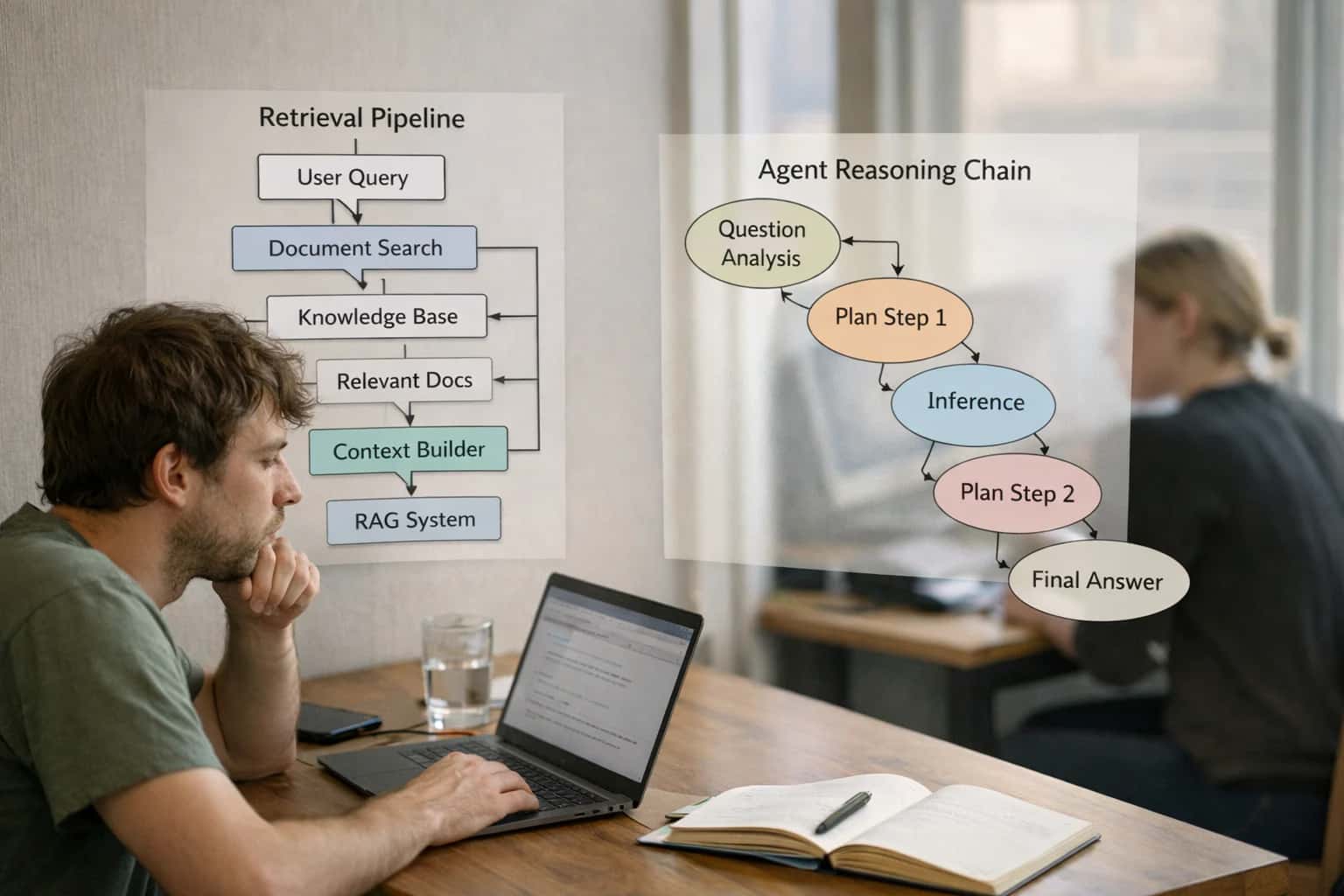
Privileged Access Management (PAM) is the cornerstone of enterprise security, controlling access to the most critical systems and data. This guide details the architecture for a next-generation PAM solution enhanced with AI, moving from static vaults to intelligent, adaptive guardians.
The practical implementation involves architecting a pipeline that connects your PAM vault to an AI inference engine. When a user requests access, the system evaluates context—time, requested resource, threat intelligence—to grant JIT privileges with automatic expiration. During the session, a streaming analytics layer processes behavior, scoring risk in real-time. High-risk actions trigger automated responses, such as session termination or step-up authentication. This dynamic, context-aware control is the evolution of Zero-Trust, as detailed in Launching a Zero-Trust IAM Strategy Powered by AI.
ARCHITECTURAL FOUNDATIONS
Core AI-Powered PAM Concepts
These core concepts form the building blocks for designing a modern Privileged Access Management system enhanced with artificial intelligence for proactive security.
01
Just-in-Time (JIT) Access Provisioning
JIT access eliminates standing privileges by granting temporary, scoped access only when needed. This is the cornerstone of a least-privilege architecture.
- Access Requests: Integrate with ticketing systems (ServiceNow, Jira) to trigger automated, policy-based approvals.
- Ephemeral Credentials: Automatically generate short-lived passwords or SSH keys that expire after the session.
- AI Enhancement: Use AI to analyze the request context—user role, target system sensitivity, time of day—to auto-approve low-risk requests or flag anomalies for review.
02
Privileged Session Monitoring & Behavior Analytics
Continuously record and analyze all privileged session activity (SSH, RDP, database) to establish behavioral baselines and detect malicious intent.
- Session Recording: Capture keystrokes, video, and commands for forensic audit trails.
- Behavioral Baselines: Use unsupervised learning (e.g., Isolation Forests) to model normal activity for each admin and service account.
- Real-Time Detection: Flag deviations like unusual commands (
rm -rf), data exfiltration attempts, or lateral movement patterns indicative of an attack in progress.
03
AI-Powered Anomaly & Threat Detection
Move beyond rule-based alerts to AI models that identify sophisticated, multi-stage attacks that evade signature detection.
- Feature Engineering: Transform session logs, network flows, and command history into features for ML models (e.g., command entropy, session duration, destination rarity).
- Model Selection: Deploy ensemble models combining supervised classifiers (for known TTPs) with anomaly detection for zero-day threats.
- Response Integration: Automatically trigger session termination, isolate the affected asset, or create a high-priority SOC ticket upon high-confidence detection.
04
Dynamic Risk Scoring Engine
A centralized engine that calculates a real-time risk score for every privileged session and access request, enabling adaptive security policies.
- Context Aggregation: Ingest data from IAM, EDR, threat intel, and the session itself (user, device health, geolocation).
- Risk Algorithm: Weigh factors like user reputation, target system value, and current threat landscape to output a score (e.g., 0-100).
- Policy Enforcement: Use the score to dynamically enforce MFA step-up, restrict allowed commands, shorten session timeouts, or require manual approval.
05
Secrets Management & Vaulting
Securely store, rotate, and audit access to all privileged credentials, API keys, and certificates—the 'crown jewels' an AI-PAM system protects.
- Centralized Vault: Use tools like HashiCorp Vault or Azure Key Vault as the system of record for all secrets.
- Automated Rotation: Implement policies for automatic, frequent credential rotation without service disruption.
- AI Integration: Analyze vault access patterns to detect credential misuse or suspicious retrieval attempts, linking them to the broader identity threat landscape.
06
Integration Fabric & API-First Design
An AI-PAM system must seamlessly connect to the broader IT ecosystem to ingest context and enforce decisions. An API-first design is non-negotiable.
- Critical Integrations: Connect to SIEM/SOAR, ITSM, Cloud IAM (AWS IAM, Azure AD), Endpoint Security, and Network Controls.
- Event-Driven Architecture: Use webhooks and message queues (Kafka) for real-time bi-directional communication.
- Orchestration: Enable automated playbooks where a high-risk score from the PAM system triggers an isolation action in the EDR tool.
FOUNDATIONAL DESIGN
Step 1: Define the System Architecture
A robust architecture is the cornerstone of an effective AI-Powered PAM system. This step establishes the core components and data flows that enable intelligent, context-aware security.
Begin by mapping the core architectural components: a secure credential vault, a session proxy and monitoring layer, an AI inference engine, and a policy decision point. The vault stores and brokers privileged credentials, while the proxy captures all session activity—keystrokes, commands, file transfers—as telemetry. This telemetry is the raw fuel for your AI models, enabling real-time analysis of user behavior against established baselines. Design for high availability and low-latency data ingestion to support immediate threat response.
Establish clear data flows between components. Session telemetry must stream continuously to the AI inference engine, which uses models for anomaly detection and threat classification. The engine's risk score feeds the policy decision point to enforce actions like terminating a session or triggering just-in-time (JIT) access workflows. This closed-loop architecture, detailed in our guide on How to Build a Real-Time Threat Detection Engine for IAM, creates a self-defending system. Ensure all components integrate via secure APIs and that all data in transit and at rest is encrypted.
ANOMALY DETECTION & RISK SCORING
AI Model Comparison for PAM Use Cases
This table compares AI model architectures for core PAM functions: detecting malicious privileged session activity and calculating real-time access risk.
| Model Feature / Metric | Behavioral Anomaly Detection (LSTM Autoencoder) | Risk Scoring (Gradient Boosted Trees) | Session Intent Classification (Fine-Tuned SLM) |
|---|---|---|---|
Primary PAM Use Case | Detects deviations from normal user command sequences | Calculates a real-time risk score for JIT access requests | Classifies session intent (e.g., admin, data export, lateral movement) |
Detection Latency | < 100 ms | < 50 ms | 200-500 ms |
Training Data Required | Large volumes of benign session logs (weeks/months) | Labeled datasets of 'high-risk' vs 'low-risk' access events | Small, curated datasets of command sequences with intent labels |
Explainability Output | Highlights anomalous commands in session timeline | Lists top 3 risk-contributing features (e.g., time, resource) | Provides natural language reasoning for classification |
Integrates with IAM Policy Engine | |||
Adapts to New Threats (Online Learning) | |||
Hardware Requirements for Inference | GPU recommended | CPU only | CPU only |
Common Implementation Pitfall | High false positives during user role changes | Requires frequent retraining as IT environment changes | Struggles with novel, unseen command syntax |
Enabling Efficiency, Speed & Accuracy
Intelligent Analysis, Decision & Execution
We build AI systems for teams that need search across company data, workflow automation across tools, or AI features inside products and internal software.
Talk to Us
Search across company data
Give teams answers from docs, tickets, runbooks, and product data with sources and permissions.
Useful when people spend too long searching or get different answers from different systems.
Enterprise searchRAGPermissions
Read more
Automate internal workflows
Use AI to route work, draft outputs, trigger actions, and keep approvals and logs in place.
Useful when repetitive work moves across multiple tools and teams.
AI agentsWorkflow automationGovernance
Read more
Add AI to products and internal tools
Build assistants, guided actions, or decision support into the software your team or customers already use.
Useful when AI needs to be part of the product, not a separate tool.
AI integrationDecision supportModel routing
Read morePAM DESIGN PITFALLS
Common Mistakes
Building an AI-powered PAM system introduces unique technical and architectural challenges. These common mistakes can undermine security, create operational bottlenecks, or cause the AI to fail silently. Avoid these pitfalls to ensure your system is robust, scalable, and truly intelligent.
Excessive false positives indicate poor feature engineering and a lack of contextual understanding. The AI is likely trained on generic anomaly detection instead of privileged session semantics.
Common causes:
- Using network-level metrics (e.g., data transfer volume) without understanding the normal scope of a sysadmin's job.
- Failing to establish separate behavioral baselines for different privileged role types (e.g., database admin vs. network engineer).
- Not incorporating temporal context, like scheduled maintenance windows or approved change tickets.
How to fix it:
- Enrich features with business context. Tag servers by function (prod, HR, R&D) and map commands to intent (e.g.,
SELECT *on a payroll DB is high-risk; the same command on a test DB is low-risk). - Implement role-specific profiling. Build and tune models per role cluster, not per user.
- Integrate with IT Service Management (ITSM). Use change request data to whitelist expected activity, reducing noise. Learn more about building behavioral baselines in our guide on Setting Up AI for Anomalous User Behavior Analytics (UBA).

About the author
Prasad Kumkar
CEO & MD, Inference Systems
Prasad Kumkar is the CEO & MD of Inference Systems and writes about AI systems architecture, LLM infrastructure, model serving, evaluation, and production deployment. Over 5+ years, he has worked across computer vision models, L5 autonomous vehicle systems, and LLM research, with a focus on taking complex AI ideas into real-world engineering systems.
His work and writing cover AI systems, large language models, AI agents, multimodal systems, autonomous systems, inference optimization, RAG, evaluation, and production AI engineering.
LinkedIn
Limited slotsGet a Free AI Consultation
Partnered with leading AI, data, and software stack.





How We Work
Custom AI workflows for your Business
One-fit-all AI don't work for modern businesses. At Inferensys, we aim to understand your business & custom requirements; which we use to define most efficient agentic workflows, the data, and the tools for your business.
01
Review the use case
We understand the task, the users, and where AI can actually help.
Read more02
Pick the right approach
We define what needs search, automation, or product integration.
Read more03
Build the first useful version
We implement the part that proves the value first.
Read more04
Improve from there
We add the checks and visibility needed to keep it useful.
Read moreThe first call is a practical review of your use case and the right next step.
Talk to Us