Measuring your AI's carbon footprint begins with selecting a robust calculation methodology. Frameworks like Green Algorithms or the Machine Learning Emissions Calculator provide the formulas to convert cloud compute usage into CO2 equivalent emissions. You must instrument your training and inference pipelines to capture key data: GPU/CPU hours, memory usage, and the carbon intensity of your cloud provider's energy grid. This data forms the basis for accurate Scope 2 emissions reporting, which covers purchased electricity.

Guide
How to Set Up a Framework for Measuring AI Carbon Footprint
A developer's guide to building a comprehensive carbon accounting system for AI workloads. Learn to select methodologies, instrument pipelines, allocate emissions, and implement a reporting dashboard.
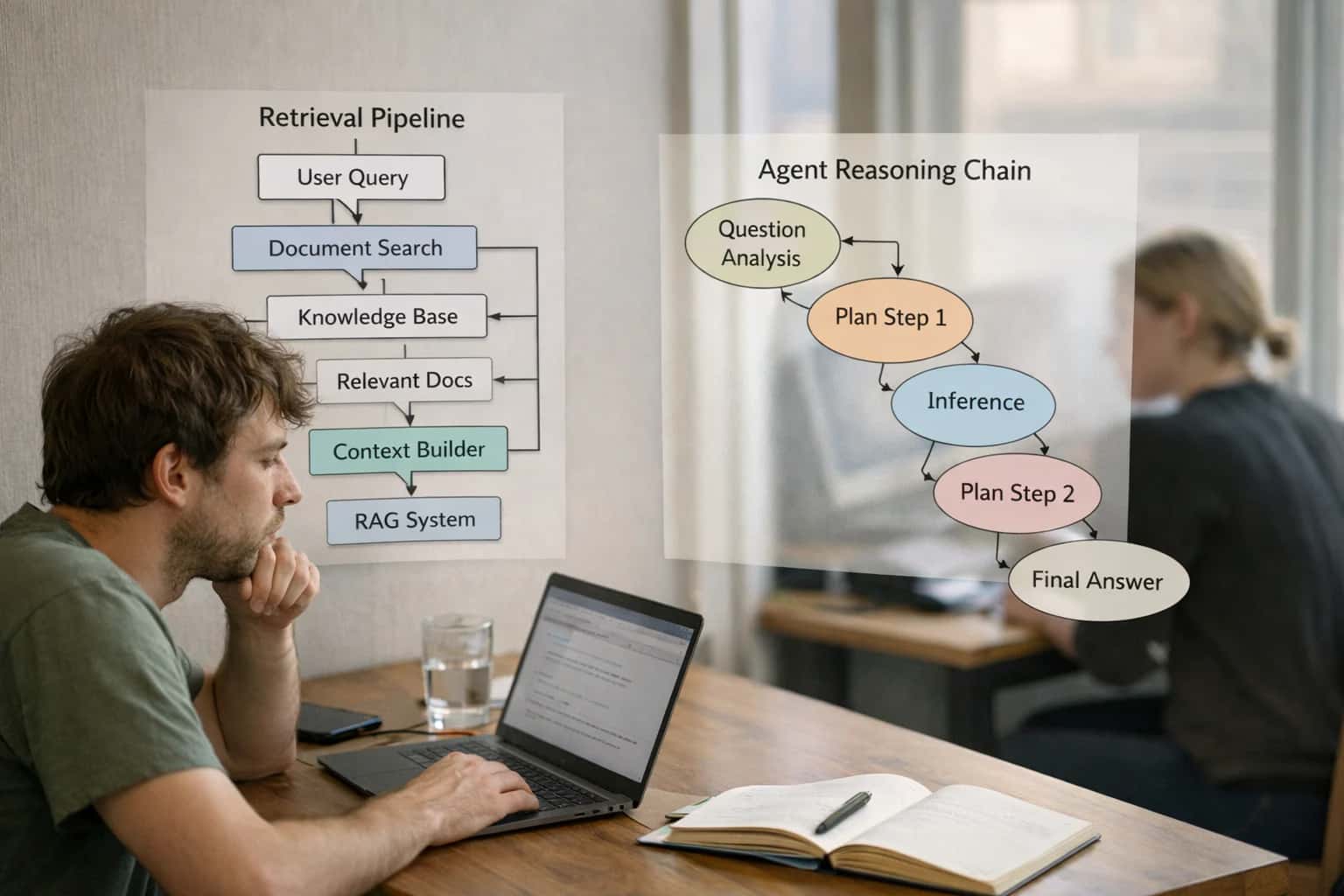
Establishing a carbon accounting system is the foundational step for implementing Green AI. This guide introduces the core methodologies and tools you need to start measuring the environmental impact of your AI workloads.
To operationalize measurement, integrate monitoring libraries like CodeCarbon or Carbontracker directly into your code. These tools automatically log energy consumption data during model runs. The final step is building a centralized reporting dashboard, using tools like Grafana, to visualize emissions per project, team, or model. This dashboard turns raw data into actionable insights, enabling you to set reduction targets and prioritize optimizations, a practice aligned with our guide on How to Establish Green AI Governance and KPIs.
FRAMEWORK FOUNDATIONS
Key Concepts in AI Carbon Accounting
Establishing a robust measurement framework is the first step to reducing your AI's environmental impact. These core concepts provide the building blocks for a practical carbon accounting system.
04
Allocation Models: Project-Based Accounting
Cloud bills show total energy use; you need to allocate emissions to specific models, teams, or business units. Implement an allocation model using:
- Resource tagging on all compute instances (e.g.,
project=chatbot-v2) - Job-level monitoring with tools like CodeCarbon or MLflow
- Pro-rata sharing for shared resources like Kubernetes clusters
This creates accountability and identifies the highest-impact areas for optimization, a core practice in our guide on How to Establish Green AI Governance and KPIs.
05
Building the Reporting Dashboard
Raw data is useless without visualization. Build a central dashboard to track KPIs like Carbon per Inference or Training Emissions per Model Version.
Stack components:
- Data collection: CodeCarbon outputs or cloud provider APIs
- Time-series database: Prometheus or InfluxDB
- Visualization: Grafana dashboards
This provides the single source of truth needed for governance and continuous improvement, as detailed in How to Set Up a Continuous Efficiency Monitoring Dashboard.
06
From Measurement to Action: Carbon Budgets
Measurement's purpose is to drive reduction. Establish carbon budgets for AI projects—a maximum allowable emissions target for a training run or quarterly inference usage.
Implementation steps:
- Set baseline using your framework
- Define reduction targets (e.g., 20% lower carbon per inference in 6 months)
- Integrate budget checks into your MLOps pipeline to flag violations
- Fund optimization work from the savings
This closes the loop, turning accounting from a reporting exercise into a core engineering constraint.
FOUNDATION
Step 1: Select a Carbon Calculation Methodology
The first step in measuring your AI's environmental impact is choosing a standardized framework to convert compute usage into carbon emissions. This decision dictates the accuracy and credibility of your entire measurement system.
A carbon calculation methodology is a set of rules and emission factors that translates your AI's computational resource consumption—primarily electricity—into an equivalent carbon dioxide (CO₂e) footprint. The core principle is that you must measure energy use at the hardware level, then apply a location-based or market-based carbon intensity factor (grams of CO₂e per kWh) for the grid where the computation occurred. Frameworks like the open-source Green Algorithms toolkit provide this structured approach, ensuring your calculations are reproducible and aligned with scientific best practices.
For practical implementation, start by instrumenting a single training job or inference endpoint. Use a library like CodeCarbon, which integrates with PyTorch or TensorFlow to track GPU/CPU power draw and automatically fetches regional grid carbon intensity data. Your output will be a carbon estimate in kg CO₂e, forming the baseline for your reporting dashboard. This initial measurement is critical for setting benchmarks and identifying high-impact optimization targets, as detailed in our guide on How to Set Up a Continuous Efficiency Monitoring Dashboard.
METHODOLOGY & FEATURES
Tool Comparison: Carbon Measurement Libraries
A comparison of popular open-source libraries for measuring the energy consumption and carbon emissions of AI workloads. This table evaluates core features, integration complexity, and reporting capabilities to help you select the right tool for your framework.
| Feature / Metric | CodeCarbon | Carbontracker | Experiment Impact Tracker |
|---|---|---|---|
Core Methodology | Power consumption estimation via CPU/GPU usage & regional grid carbon intensity | Real-time GPU power monitoring via NVIDIA SMI & pynvml | Lifecycle Assessment (LCA) extension for embodied hardware carbon |
Primary Output | CO₂e (kg) per run, visualized in real-time | Estimated energy (kWh) and CO₂e, with training time predictions | Comprehensive LCA report including embodied and operational emissions |
Cloud Provider Integration | Automatic detection for AWS, GCP, Azure; uses cloud-specific carbon data | Manual cloud region configuration required | Limited; primarily designed for on-premise or known hardware |
Ease of Integration | Single decorator or context manager; < 5 lines of code | Requires wrapping training loop; moderate integration effort | High; requires detailed hardware inventory and configuration |
Real-time Dashboard | Built-in live dashboard and CSV/JSON logging | Console output and CSV logging only | No built-in dashboard; generates static reports |
Hardware Support | CPU, GPU (NVIDIA via pynvml), Google TPU (beta) | GPU-focused (NVIDIA via pynvml), limited CPU support | CPU, GPU, and full hardware lifecycle inventory |
Reporting Granularity | Per experiment, per function | Per training job | Per model lifecycle (training hardware, deployment, retirement) |
MLOps Integration | Native plugins for MLflow, Comet, Weights & Biases | Manual logging to experiment trackers | Designed for standalone LCA reporting, not live MLOps |
Enabling Efficiency, Speed & Accuracy
Intelligent Analysis, Decision & Execution
We build AI systems for teams that need search across company data, workflow automation across tools, or AI features inside products and internal software.
Talk to Us
Search across company data
Give teams answers from docs, tickets, runbooks, and product data with sources and permissions.
Useful when people spend too long searching or get different answers from different systems.
Enterprise searchRAGPermissions
Read more
Automate internal workflows
Use AI to route work, draft outputs, trigger actions, and keep approvals and logs in place.
Useful when repetitive work moves across multiple tools and teams.
AI agentsWorkflow automationGovernance
Read more
Add AI to products and internal tools
Build assistants, guided actions, or decision support into the software your team or customers already use.
Useful when AI needs to be part of the product, not a separate tool.
AI integrationDecision supportModel routing
Read moreTROUBLESHOOTING
Common Mistakes in Measuring AI Carbon Footprint
Setting up a carbon accounting framework for AI is complex. These are the most frequent technical and conceptual pitfalls that derail accurate measurement and meaningful action.
Focusing solely on Scope 2 emissions from cloud electricity is the most common and critical mistake. A true carbon footprint includes embodied carbon from hardware manufacturing and end-of-life e-waste. For a complete picture, you must perform a Lifecycle Assessment (LCA). This accounts for the carbon cost of producing the GPUs you rent, constructing the data centers, and eventually disposing of the hardware. Without this, you significantly underestimate your AI's total environmental impact. Learn to integrate LCA databases and frameworks into your reporting for credible ESG disclosure.

About the author
Prasad Kumkar
CEO & MD, Inference Systems
Prasad Kumkar is the CEO & MD of Inference Systems and writes about AI systems architecture, LLM infrastructure, model serving, evaluation, and production deployment. Over 5+ years, he has worked across computer vision models, L5 autonomous vehicle systems, and LLM research, with a focus on taking complex AI ideas into real-world engineering systems.
His work and writing cover AI systems, large language models, AI agents, multimodal systems, autonomous systems, inference optimization, RAG, evaluation, and production AI engineering.
LinkedIn
Limited slotsGet a Free AI Consultation
Partnered with leading AI, data, and software stack.





How We Work
Custom AI workflows for your Business
One-fit-all AI don't work for modern businesses. At Inferensys, we aim to understand your business & custom requirements; which we use to define most efficient agentic workflows, the data, and the tools for your business.
01
Review the use case
We understand the task, the users, and where AI can actually help.
Read more02
Pick the right approach
We define what needs search, automation, or product integration.
Read more03
Build the first useful version
We implement the part that proves the value first.
Read more04
Improve from there
We add the checks and visibility needed to keep it useful.
Read moreThe first call is a practical review of your use case and the right next step.
Talk to Us