Real-time AI content moderation is a governance system that filters and scores text, images, and video as they are generated. Unlike batch processing, it operates on streaming data, making immediate decisions to block, flag, or allow content based on pre-defined policies. This is critical for live chat, social feeds, and any autonomous content generation where harmful output could be published instantly. The core components are moderation APIs, confidence scoring, and a logic router that determines the next action.

Guide
Setting Up Real-Time AI Content Moderation
A developer guide to building a real-time moderation system for AI-generated content. Learn to integrate multiple APIs, set confidence thresholds, and create escalation paths for human review.
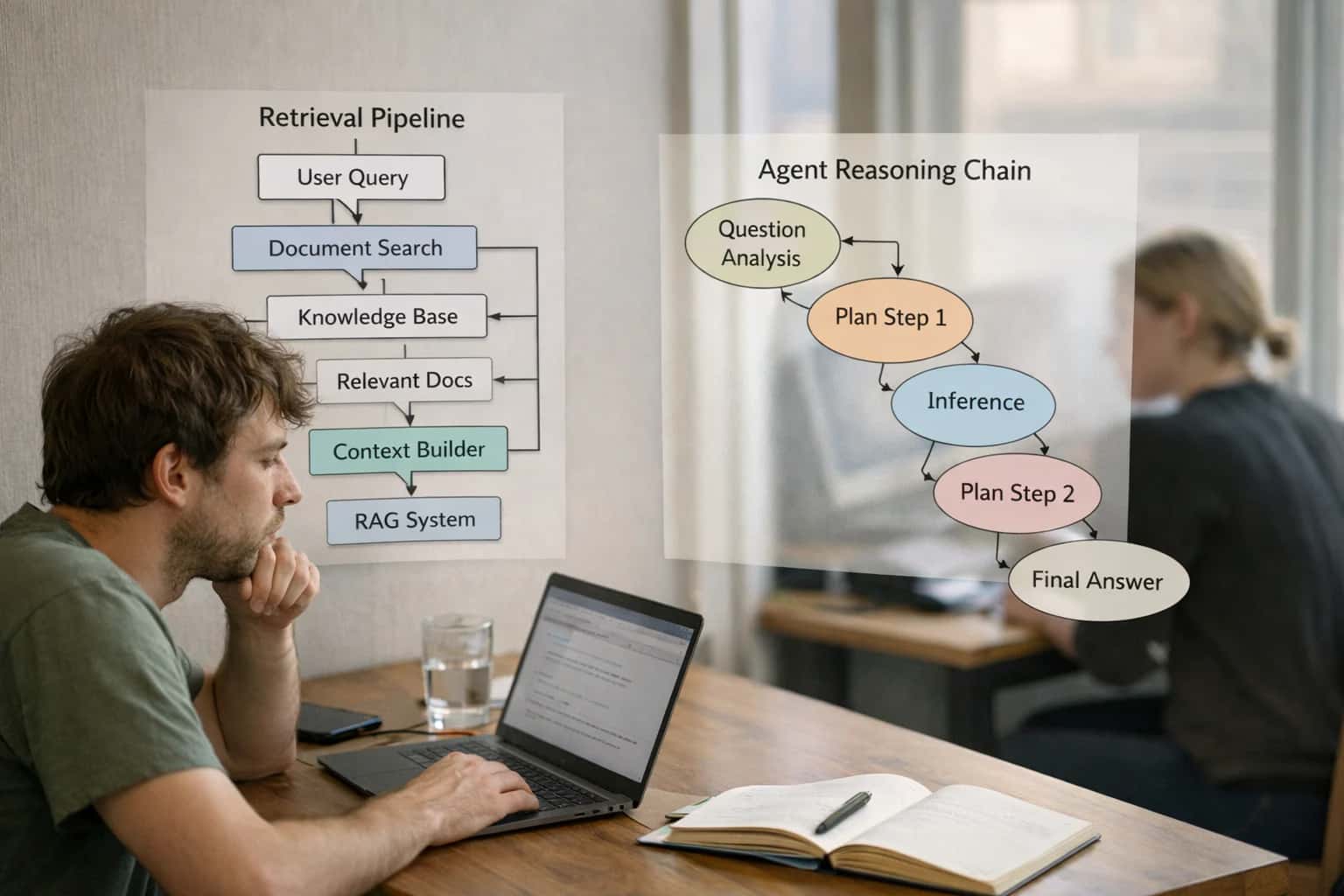
This guide explains how to deploy real-time moderation systems for AI-generated content streams. It covers integrating APIs from OpenAI, Google Gemini, and Perspective API to filter for toxicity, bias, and brand safety violations. You'll learn to configure confidence thresholds and escalation paths for human review.
To implement this, you first integrate APIs like OpenAI's Moderation endpoint or Google's Perspective API into your content pipeline. You then define confidence thresholds for different risk categories (e.g., toxicity >0.85 triggers a block). Content scoring below the threshold is automatically published, while scores above it are routed to a human-in-the-loop review queue. This creates a scalable safety net, allowing high-volume automation while maintaining control, a key principle in our guide on Human-in-the-Loop (HITL) Governance Systems.
REAL-TIME MODERATION
Moderation API Comparison
A feature and performance comparison of leading APIs for filtering AI-generated content streams for toxicity, bias, and brand safety.
| Feature / Metric | OpenAI Moderation API | Google Perspective API | Custom Fine-Tuned Model |
|---|---|---|---|
Toxicity Detection | |||
Bias & Stereotype Detection | |||
Brand Safety Violations | |||
Real-Time Latency | < 100 ms | < 200 ms | 300-500 ms |
Confidence Score Thresholding | |||
Custom Category Training | |||
Cost per 1k Requests | $0.10 | $0.15 | $0.50+ (infra) |
Integration with Human-in-the-Loop (HITL) Governance Systems | Manual | Manual | Native |
IMPLEMENTATION
Step 2: Integrate Moderation APIs
This step connects your application to external AI services that will analyze and score content in real-time for safety and compliance.
Real-time moderation requires integrating specialized APIs that analyze text for violations. You will connect to services like the OpenAI Moderation API, Google's Perspective API, or Azure Content Safety. These tools use pre-trained models to detect categories such as hate speech, self-harm, sexual content, and harassment. Each API returns structured JSON with confidence scores for each category, which your system will use to make automated decisions. For example, a call to openai.Moderation.create() analyzes a user's message and returns a flagged status and per-category scores.
Implementation involves adding API client libraries, handling authentication with secure keys, and designing a robust fallback strategy. You should call multiple APIs in parallel for critical content to cross-verify results and avoid single points of failure. Log all API responses to an audit trail for later analysis and compliance reporting. This setup forms the core detection layer of your Human-in-the-Loop (HITL) Governance Systems, where scores determine if content is approved, rejected, or sent for human review.
Enabling Efficiency, Speed & Accuracy
Intelligent Analysis, Decision & Execution
We build AI systems for teams that need search across company data, workflow automation across tools, or AI features inside products and internal software.
Talk to Us
Search across company data
Give teams answers from docs, tickets, runbooks, and product data with sources and permissions.
Useful when people spend too long searching or get different answers from different systems.
Enterprise searchRAGPermissions
Read more
Automate internal workflows
Use AI to route work, draft outputs, trigger actions, and keep approvals and logs in place.
Useful when repetitive work moves across multiple tools and teams.
AI agentsWorkflow automationGovernance
Read more
Add AI to products and internal tools
Build assistants, guided actions, or decision support into the software your team or customers already use.
Useful when AI needs to be part of the product, not a separate tool.
AI integrationDecision supportModel routing
Read moreTROUBLESHOOTING
Common Mistakes
Deploying real-time AI moderation is complex. These are the most frequent technical pitfalls developers encounter and how to fix them.
High latency in real-time systems is often caused by synchronous API calls and inefficient batching. Calling an external API like Perspective or OpenAI's Moderation endpoint for every single message before sending it creates a blocking bottleneck.
The Fix:
- Implement Asynchronous Processing: Use a message queue (e.g., RabbitMQ, Kafka) to decouple content submission from moderation. Send content to the queue, let a worker process it, and stream the approved content back.
- Smart Batching: For high-volume streams, batch small messages (like chat) and send them as a single API request where the provider supports it, reducing HTTP overhead.
- Edge Caching: Cache common, pre-approved responses or templates to bypass moderation for known-safe content.
Latency over 200ms will degrade user experience. Aim for sub-100ms for true real-time interaction.

About the author
Prasad Kumkar
CEO & MD, Inference Systems
Prasad Kumkar is the CEO & MD of Inference Systems and writes about AI systems architecture, LLM infrastructure, model serving, evaluation, and production deployment. Over 5+ years, he has worked across computer vision models, L5 autonomous vehicle systems, and LLM research, with a focus on taking complex AI ideas into real-world engineering systems.
His work and writing cover AI systems, large language models, AI agents, multimodal systems, autonomous systems, inference optimization, RAG, evaluation, and production AI engineering.
LinkedIn
Limited slotsGet a Free AI Consultation
Partnered with leading AI, data, and software stack.





How We Work
Custom AI workflows for your Business
One-fit-all AI don't work for modern businesses. At Inferensys, we aim to understand your business & custom requirements; which we use to define most efficient agentic workflows, the data, and the tools for your business.
01
Review the use case
We understand the task, the users, and where AI can actually help.
Read more02
Pick the right approach
We define what needs search, automation, or product integration.
Read more03
Build the first useful version
We implement the part that proves the value first.
Read more04
Improve from there
We add the checks and visibility needed to keep it useful.
Read moreThe first call is a practical review of your use case and the right next step.
Talk to Us